

Verdent AI
AIAgentic coding suite that runs multiple parallel agents for code generation, review, and orchestration.
Verdent AI
Agentic coding suite that runs multiple parallel agents for code generation, review, and orchestration.
About Verdent AI
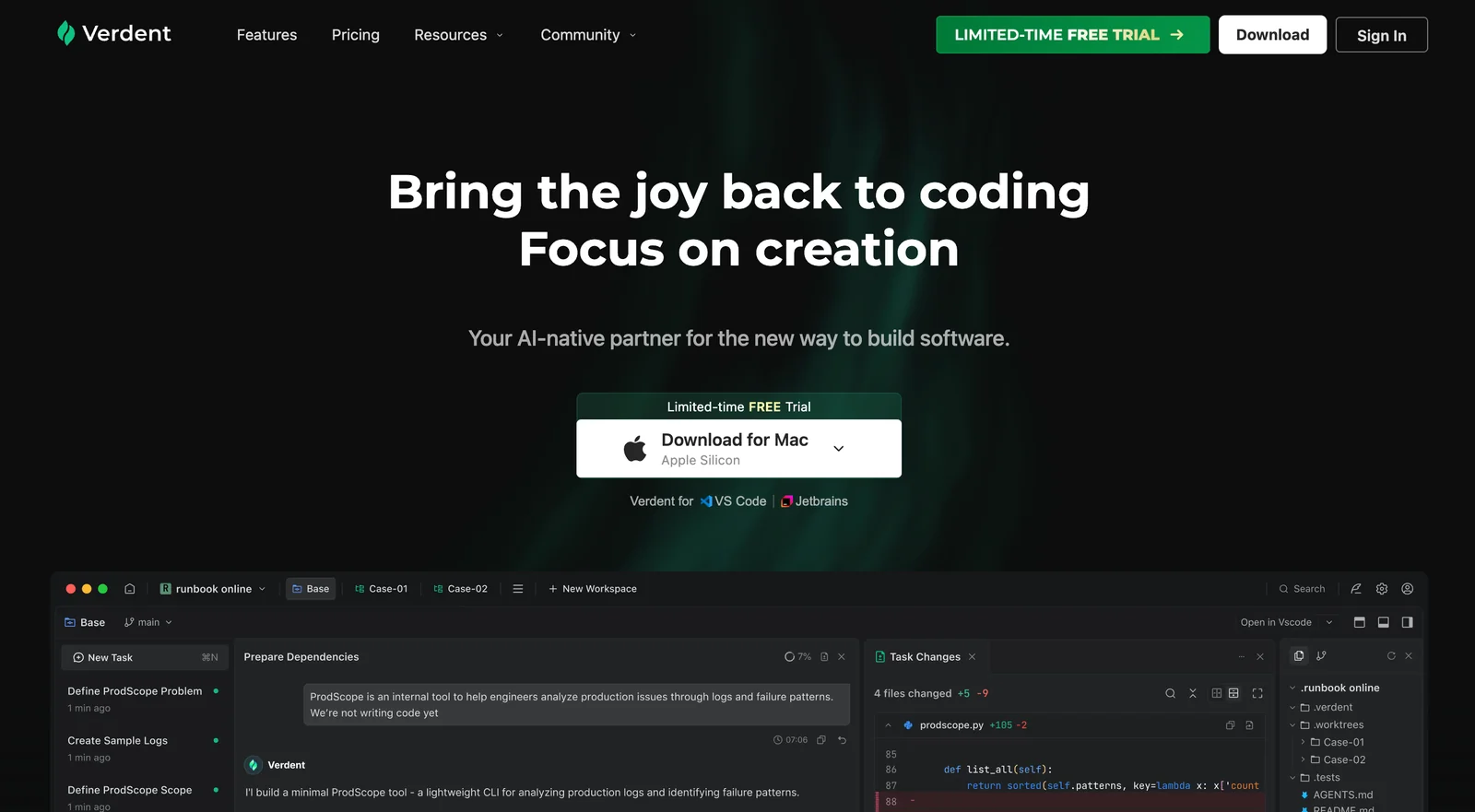
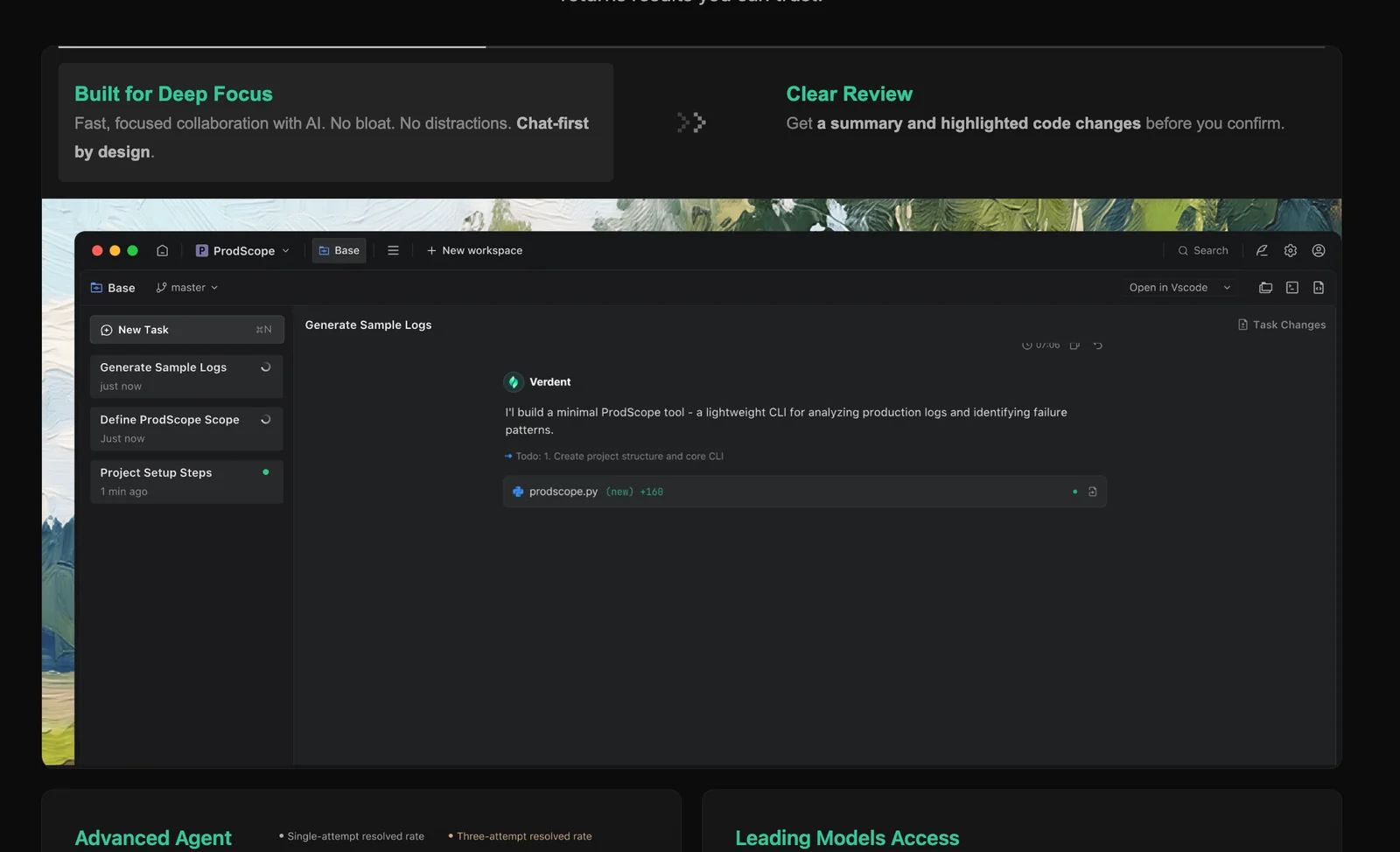
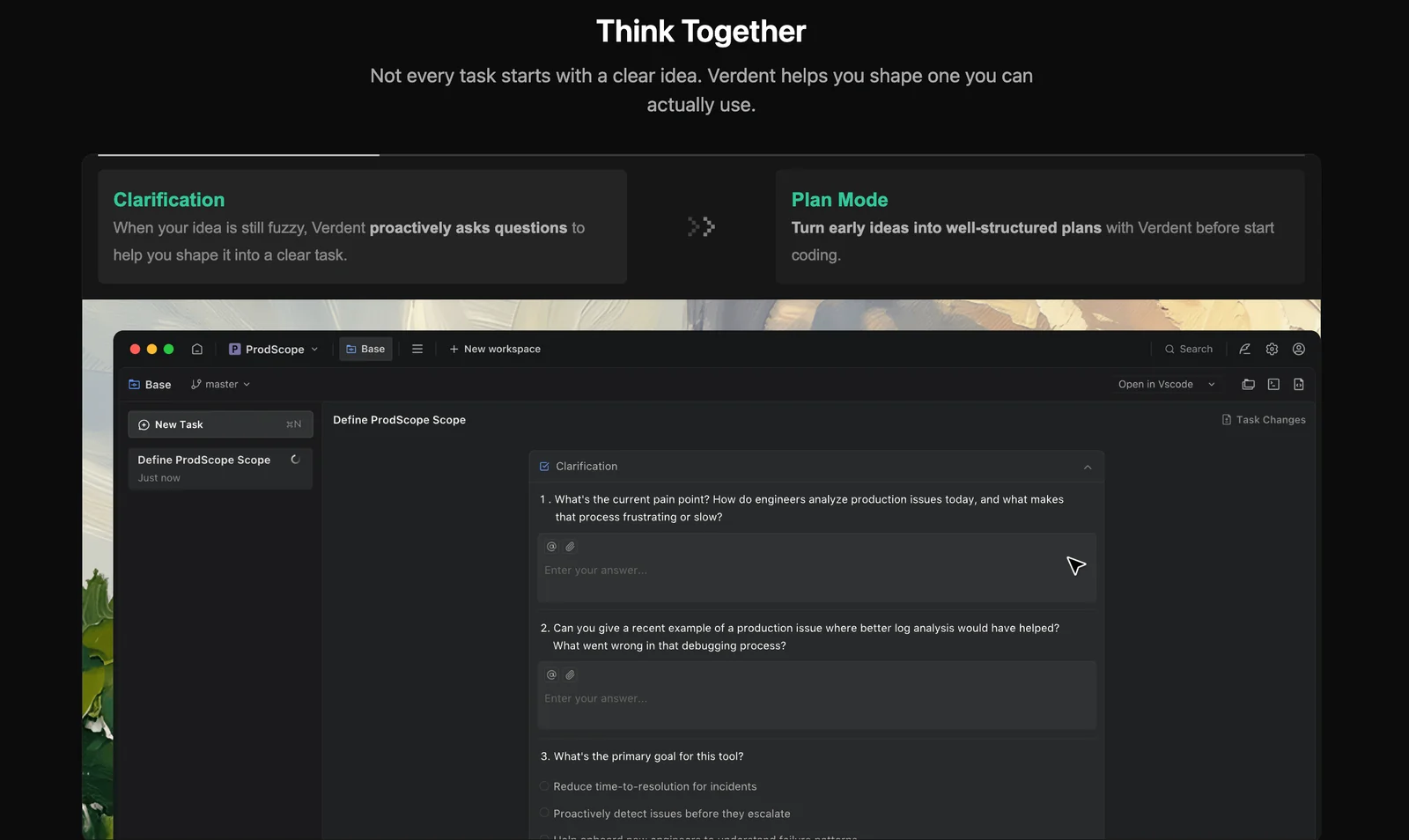
Verdent AI is an agentic coding platform that coordinates multiple parallel AI agents to accelerate software development. It combines multi-agent orchestration, automated AI-driven code review, and integrations with major LLM providers to distribute tasks across specialized agents. Verdent enables concurrent code generation, testing, and review workflows while providing orchestration controls to manage agent collaboration and handoffs, improving developer productivity and reducing iteration time.
Screenshots
Key Features
Use Cases



Frequently asked questions about Verdent AI
What pricing plans does Verdent AI offer?
Verdent AI offers several pricing plans, including a 7-day free trial, a Starter plan for $19/month, a Pro plan at $59/month, a Max plan priced at $179/month, and flexible top-up options for additional credits. Each plan caters to different user needs and budgets.
Key Points
- Free Trial: 7-day no-obligation trial.
- Starter Plan: $19/month for basic features.
- Pro Plan: $59/month for advanced capabilities.
- Max Plan: $179/month for premium access.
- Flexible Top-ups: Additional credits available for purchase.
Detailed Explanation
Verdent AI is designed to cater to a wide range of users, from beginners to advanced professionals. Here's a breakdown of their pricing plans:
-
Free Trial:
- The 7-day free trial allows users to explore the platform's features without any commitment. It’s an excellent way to determine if Verdent AI fits your needs.
-
Starter Plan ($19/month):
- Ideal for individuals or small teams, this plan includes essential features for basic AI tasks like text generation, basic analytics, and limited access to templates. It's perfect for those who need a straightforward tool without advanced functionalities.
-
Pro Plan ($59/month):
- Aimed at more serious users, the Pro plan unlocks advanced features such as enhanced analytics, priority customer support, and access to premium templates. This plan is suitable for businesses looking to leverage AI for marketing and content creation effectively.
-
Max Plan ($179/month):
- The Max plan is tailored for larger organizations that require extensive capabilities. It includes all Pro features, plus additional customization options, team collaboration tools, and dedicated account management. This plan is best for enterprises looking to integrate AI deeply into their operations.
-
Flexible Top-ups:
- For users who occasionally need more than their plan allows, Verdent AI offers flexible top-up options. Users can purchase additional credits when needed, ensuring they never run out of resources during critical projects.
Best Practices / Tips
- Evaluate Your Needs: Before selecting a plan, assess your specific needs and usage patterns to choose the most cost-effective option.
- Utilize the Free Trial: Take full advantage of the free trial to explore features and determine which plan aligns best with your requirements.
- Consider Team Plans: If you're part of a larger team, look into collaborative features offered in higher-tier plans to maximize productivity.
- Monitor Usage: Regularly check your usage against your plan's limits to avoid unexpected charges from top-ups.
Additional Resources
- Verdent AI Pricing Page for the latest plans and features.
- User Guide for tips on maximizing your use of Verdent AI.
- Customer Support for queries related to billing or technical assistance.
How do I get started with Verdent AI?
To get started with Verdent AI, visit their official website and sign up for a free trial. Once registered, you can explore various features and utilize 200 trial credits to experience the platform's capabilities in code generation and review, allowing you to assess how it fits your needs.
Key Points
- Free Trial Access: Sign up for an initial free trial.
- Trial Credits: Utilize 200 credits for testing features.
- Feature Exploration: Familiarize yourself with the platform's tools.
Detailed Explanation
Starting with Verdent AI is straightforward. First, navigate to the Verdent AI website and locate the option to sign up for a free trial. This trial provides you access to the full suite of features designed for code generation and review.
After creating your account, you will be awarded 200 trial credits. This credit system allows you to explore various functionalities, including:
- Code Generation: Generate code snippets in multiple programming languages.
- Code Review: Review existing code for optimizations and best practices.
- Integration Capabilities: Learn about how Verdent AI integrates with popular IDEs and version control systems.
To make the most of your trial, take some time to navigate through the user interface. Familiarize yourself with the dashboard where you can access tools, tutorials, and support resources.
Best Practices / Tips
- Utilize Tutorials: Leverage the available tutorials to understand how to effectively use the platform.
- Experiment Freely: Use your trial credits to test different features without hesitation.
- Feedback Loop: Engage with the community or support for immediate feedback on your experiences.
Avoid common pitfalls such as rushing through the features without proper exploration. Take your time to understand each tool and its applications in your coding projects, ensuring you maximize the benefits of the trial.
Additional Resources
- Verdent AI Documentation
- Getting Started Guide
- Community Forum for user discussions and support.
Is Verdent AI suitable for beginners?
Yes, Verdent AI is suitable for beginners due to its user-friendly design. The platform features an intuitive interface and guided tools that simplify the processes of code generation and orchestration, making it easy for new users to get started without prior programming experience.
Key Points
- User-Friendly Interface: Simplifies navigation for beginners.
- Guided Features: Offers step-by-step assistance throughout the coding process.
- Learning Resources: Provides ample tutorials and documentation for new users.
Detailed Explanation
Verdent AI stands out as an ideal tool for beginners in the field of artificial intelligence and machine learning. Its user-friendly interface minimizes the learning curve, allowing users to focus on coding rather than struggling with complex software navigation.
Interface Highlights
The platform's dashboard is designed with simplicity in mind, utilizing drag-and-drop functionalities that enable users to create workflows easily. Beginners can start by using template-based coding options, which allow them to generate code snippets without needing extensive programming knowledge.
Guided Features
Verdent AI includes guided features that walk users through the entire process of code generation and orchestration. For instance, the built-in tutorials provide step-by-step instructions, turning complex tasks into manageable actions. Users can experiment with various AI models and see real-time results, enhancing the learning experience.
Use Cases
- Code Generation: Beginners can generate Python scripts for simple AI tasks without writing extensive code from scratch.
- Data Processing: Users can easily manipulate datasets through visual tools, making data cleaning and preparation accessible.
- Deployment: The orchestration features enable novices to deploy their models seamlessly, with minimal configuration required.
Best Practices / Tips
- Start with Tutorials: Utilize the available tutorials to familiarize yourself with the platform before diving into your projects.
- Experiment with Templates: Use pre-made templates to understand how different components work together.
- Seek Community Support: Engage with forums and community groups for additional help and best practices.
- Avoid Overcomplicating Projects: Begin with simple tasks and gradually tackle more complex projects as your skills improve.
Additional Resources
By leveraging these resources and following the outlined best practices, beginners can quickly become proficient in using Verdent AI, unlocking the potential of AI technologies.
What are the key features of Verdent AI?
Verdent AI features include parallel agent execution, automated code review, agent orchestration, and provider-agnostic API integrations. These capabilities streamline coding processes, enhance collaboration among developers, and significantly improve efficiency and productivity throughout the software development lifecycle.
Key Points
- Parallel Agent Execution: Enables simultaneous task processing.
- Automated Code Review: Streamlines quality assurance.
- Agent Orchestration: Coordinates various AI agents for complex tasks.
- Provider-Agnostic API Integrations: Ensures compatibility across platforms.
Detailed Explanation
Parallel Agent Execution
Verdent AI's parallel agent execution allows multiple tasks to be processed at once, leading to faster development cycles. This feature is particularly beneficial in large-scale projects where time is critical. For example, a team can deploy various agents to handle different aspects of the code simultaneously, such as testing, deployment, and documentation, thereby reducing bottlenecks.
Automated Code Review
The automated code review system checks for code quality and adherence to best practices, significantly reducing the time developers spend on manual reviews. By integrating continuous integration/continuous deployment (CI/CD) pipelines, Verdent AI allows teams to catch errors early, ensuring a more stable release. This feature can identify common issues like code smells or security vulnerabilities, allowing developers to focus on building new features.
Agent Orchestration
Agent orchestration coordinates various AI agents to work together seamlessly. For instance, one agent can handle data retrieval, while another processes that data and a third visualizes the results. This orchestration optimizes workflows, ensuring that each part of the development process is efficient and aligned with project goals.
Provider-Agnostic API Integrations
Verdent AI's provider-agnostic API integrations allow developers to connect with various services and platforms without being tied to a single provider. This flexibility enables teams to utilize the best tools for their needs and facilitates easier collaboration with third-party services, enhancing overall productivity.
Best Practices / Tips
- Leverage Parallel Processing: Utilize parallel agent execution to maximize efficiency, especially for large projects.
- Integrate Automated Tools Early: Implement automated code reviews in your CI/CD pipeline from the start to catch errors early.
- Optimize Workflows with Orchestration: Regularly review and adjust your agent orchestration to ensure it meets evolving project needs.
- Stay Updated on APIs: Regularly check for updates on API integrations to take advantage of new features and improvements.
Additional Resources
How does Verdent AI compare to other coding tools?
Verdent AI excels compared to other coding tools due to its unique ability to run multiple agents in parallel, automate code reviews, and seamlessly integrate with various model providers. This flexibility and efficiency set it apart, making it a preferred choice for developers seeking advanced AI-assisted coding solutions.
Key Points
- Parallel Agent Operation: Runs multiple coding agents simultaneously.
- Automated Code Reviews: Enhances code quality and efficiency.
- Flexible Integrations: Works with various model providers for customization.
Detailed Explanation
Verdent AI leads the market by offering features that enhance productivity and streamline the coding process.
Parallel Agent Operation
One of Verdent AI's standout features is its capability to run multiple agents in parallel. This means developers can tackle various tasks simultaneously, such as coding, debugging, and testing. For example, while one agent writes code for a new feature, another can simultaneously conduct unit tests, significantly reducing development time.
Automated Code Reviews
Automated code reviews are another critical feature of Verdent AI. This tool analyzes code for errors, adherence to best practices, and potential improvements, providing developers with instant feedback. This feature not only improves code quality but also helps teams maintain consistency across projects, which is often a challenge with other coding tools.
Flexible Integrations
Verdent AI's compatibility with various model providers allows developers to customize their coding environments. Whether integrating with popular libraries or leveraging proprietary models, this flexibility leads to more tailored solutions. This contrasts with many coding tools that may have rigid frameworks, limiting user adaptability.
Best Practices / Tips
- Utilize Parallel Processing: Take full advantage of Verdent AI's parallel agent capabilities by breaking down tasks into smaller, manageable parts.
- Regularly Review Automated Feedback: Incorporate the automated code review feedback into your coding practices to foster continuous improvement.
- Explore Integration Options: Experiment with different model providers to find the best fit for your project needs, maximizing the tool's versatility.
Additional Resources
Explore more AI Ai Agents tools
Browse all Ai Agents tools →Browse by use case: Code Generation · Automation & Productivity
Compare Verdent AI: vs Playad · vs Concierge by Juniors AI · vs Scout by Fini · vs Ruflo