

Unfold
AICreate personalized courses with interactive animations and adaptive learning experiences.
Unfold
Create personalized courses with interactive animations and adaptive learning experiences.
About Unfold
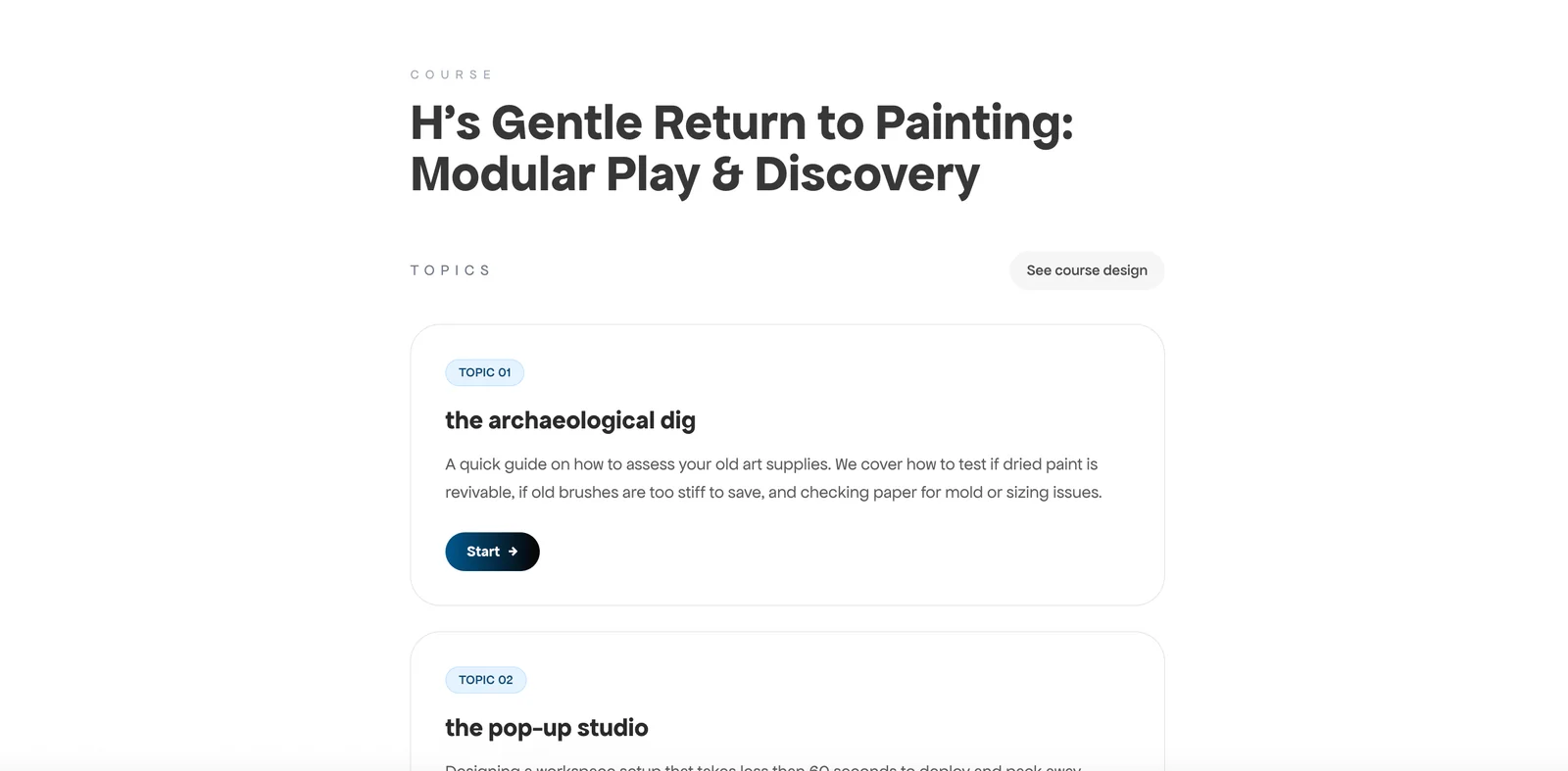
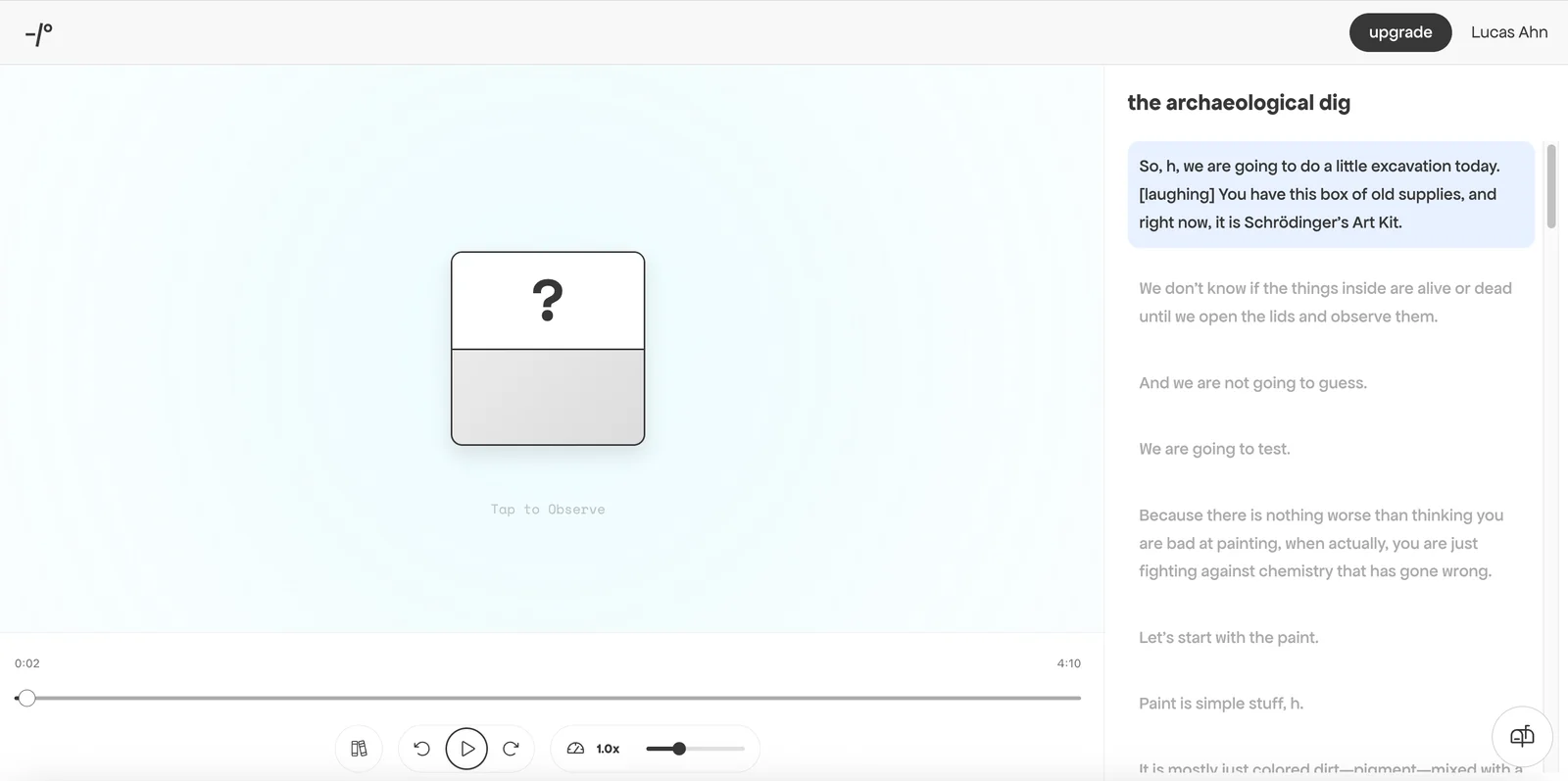
Unfold is a course authoring platform focused on building personalized learning experiences enhanced with interactive animations. It enables creators to assemble lessons that adapt to learners' responses, embed animated and interactive elements to illustrate concepts, and deliver more engaging, visual instruction. The platform's value lies in combining personalization and animation to increase learner engagement and comprehension compared with static course content.
Screenshots

Key Features
Use Cases



Frequently asked questions about Unfold
What is the pricing structure for Unfold?
Unfold offers a flexible freemium pricing structure that includes a free version with basic features and two subscription tiers: Unfold Plus at $4.99 per month or $35.99 per year, and Unfold Pro at $12.99 per month or $99.99 per year, providing advanced features tailored for brands.
Key Points
- Free Version: Access to fundamental features for casual users.
- Unfold Plus: Enhanced tools for social media enthusiasts.
- Unfold Pro: Comprehensive features designed for brands and professionals.
Detailed Explanation
Unfold’s pricing model caters to various user needs.
-
Free Version: This tier allows users to access essential features, perfect for individuals wanting to create simple stories without any cost. It includes basic templates and limited customization options.
-
Unfold Plus: Priced at $4.99 per month or $35.99 per year, this subscription unlocks additional features like premium templates, stickers, and fonts, making it ideal for social media influencers and small businesses looking to enhance their visual storytelling.
-
Unfold Pro: At $12.99 per month or $99.99 per year, this tier provides all the benefits of Unfold Plus, plus advanced features such as analytics, team collaboration tools, and exclusive templates specifically designed for brands. This is particularly beneficial for marketing teams and agencies aiming for professional-grade content.
Use Cases
- Freelancers: Utilize the free version for personal projects or to showcase portfolios.
- Social Media Managers: Opt for Unfold Plus to create engaging posts and stories that resonate with target audiences.
- Brands and Agencies: Leverage Unfold Pro for comprehensive marketing campaigns that require collaboration and detailed analytics.
Best Practices / Tips
- Leverage the Free Version: Start with the free version to understand Unfold’s capabilities before committing to a paid plan.
- Assess Your Needs: Evaluate your content creation requirements to choose the appropriate subscription tier. Consider factors such as frequency of use, type of content, and need for analytics.
- Watch for Promotions: Unfold occasionally runs promotions or discounts for annual subscriptions, which can save you money in the long run.
Additional Resources
By understanding the pricing structure and the features associated with each tier, you can choose the best plan that fits your content creation needs.
What are the key features of Unfold?
Unfold features a powerful personalized course builder, an interactive animation editor, adaptive assessment integration, multimedia support, and easy publishing options, making it an excellent choice for creating tailored learning experiences. These tools enhance engagement and facilitate effective learning outcomes for diverse audiences.
Key Points
- Personalized Course Builder: Tailor courses to meet specific learner needs.
- Interactive Animation Editor: Create dynamic content to enhance engagement.
- Adaptive Assessment Integration: Assess learners' progress with customized evaluations.
Detailed Explanation
Unfold's personalized course builder allows educators to design learning pathways that cater to individual student needs. Teachers can select from a range of templates and content types, enabling them to create unique courses that resonate with their audience. For instance, a language teacher can combine text, audio, and video resources to enhance learning.
The interactive animation editor lets users create visually appealing content that captivates learners. This feature is particularly useful for subjects that benefit from visual representation, such as science or mathematics. For example, educators can illustrate complex concepts like chemical reactions or geometric shapes through animations, making them easier to understand.
Adaptive assessment integration ensures that learners are evaluated based on their unique journey. Unfold allows instructors to design assessments that adapt according to students' performance, providing personalized feedback and resources. This means that if a student struggles with a particular topic, the system can automatically suggest additional materials or exercises focused on that area.
Unfold also supports various multimedia formats, including videos, podcasts, and interactive quizzes. This versatility enables instructors to engage learners through multiple channels, catering to different learning styles. The platform's easy publishing options mean that educators can share their courses seamlessly across various platforms, including mobile devices, ensuring accessibility for all learners.
Best Practices / Tips
- Leverage Templates: Use Unfold’s pre-designed templates to save time and ensure a professional look.
- Engage with Multimedia: Incorporate diverse content types to appeal to various learning preferences.
- Regularly Update Content: Keep courses fresh and relevant by periodically reviewing and updating materials.
- Monitor Analytics: Utilize tracking features to assess learner engagement and performance, adjusting course content as necessary.
Additional Resources
How can I start using Unfold for my courses?
To start using Unfold for your courses, visit the official website and sign up for a free account. You’ll gain immediate access to basic features and can explore advanced functionalities through various paid subscription plans tailored to your needs.
Key Points
- Free Account Setup: Sign up easily on the official website.
- Basic and Advanced Features: Access basic functionalities instantly and explore advanced tools with subscriptions.
- User-Friendly Interface: Unfold offers an intuitive design, ideal for course creation.
Detailed Explanation
Unfold is a powerful tool designed to help educators and course creators design visually appealing course content. To get started:
- Visit the Unfold Website: Open your browser and go to Unfold’s official site.
- Sign Up for a Free Account: Click on the “Sign Up” button. You can register using your email address or social media accounts for convenience.
- Explore Basic Features: After signing up, you can access essential features like templates, drag-and-drop editing, and basic customization options to start creating engaging course materials.
Subscription Plans
- Free Plan: Ideal for beginners wanting to test the platform with limited features.
- Paid Subscriptions: For enhanced functionalities, consider the paid plans starting from $10/month. These plans offer premium templates, advanced analytics, and more customization options.
Best Practices / Tips
- Utilize Templates: Make use of Unfold’s diverse templates to save time and maintain a professional look in your courses.
- Regular Updates: Keep your content fresh by regularly updating your course materials and utilizing new templates offered in subscriptions.
- Engage with Multimedia: Incorporate images, videos, and interactive elements to enhance student engagement and improve learning outcomes.
Additional Resources
- Unfold Help Center for tutorials and FAQs.
- Unfold Blog for tips on course creation and design strategies.
- Explore community forums for additional insights and user experiences.
Can Unfold integrate with other learning management systems (LMS)?
Yes, Unfold can seamlessly integrate with various learning management systems (LMS). It enables users to publish completed courses as shareable links or embeddable modules, significantly enhancing course delivery and user engagement across different platforms.
Key Points
- Seamless Integration: Unfold supports multiple LMS platforms.
- Flexible Sharing Options: Publish courses as shareable links or embedded modules.
- Enhanced Learning Experience: Facilitates interactive and accessible course delivery.
Detailed Explanation
Unfold’s integration capabilities empower educators to enhance their online teaching environments. By allowing the export of completed courses as either shareable links or embeddable modules, Unfold ensures that course content can be easily integrated into popular LMS platforms such as Moodle, Canvas, and Blackboard.
-
Shareable Links: After completing a course in Unfold, users can generate a unique URL. This URL can be shared via email, social media, or directly within an LMS. Students can access the course material without navigating away from their learning platform.
-
Embeddable Modules: Unfold also provides the option to embed course content directly into an LMS. This feature supports a more cohesive learning experience, as learners can engage with the material without switching contexts. For instance, educators can embed quizzes, interactive videos, or assessments directly within their LMS.
-
Use Cases: Many institutions utilize Unfold to complement traditional course delivery methods. For example, a university might use Unfold to create supplementary materials for a blended learning environment, improving engagement and retention rates.
Best Practices / Tips
- Test Integration: Before deploying Unfold content, conduct tests within your LMS to ensure functionality and responsiveness.
- Optimize for Mobile: Since many learners access courses via mobile, ensure that your Unfold content is mobile-friendly and displays correctly on various devices.
- Monitor Engagement: Utilize analytics features to track student engagement with your Unfold modules and links, allowing for continuous improvement of course materials.
Additional Resources
How does Unfold compare to other course creation tools?
Unfold differentiates itself from other course creation tools through its personalized and adaptive learning paths, which cater to individual learner needs. Additionally, its interactive animations and multimedia support enhance user engagement, providing a distinct advantage over traditional static course creation platforms.
Key Points
- Personalized Learning Paths: Tailored experiences for each learner.
- Interactive Animations: Engaging content that enhances comprehension.
- Multimedia Support: Compatibility with various formats for rich learning experiences.
Detailed Explanation
Unfold offers a unique approach to course creation by focusing on personalization and adaptability. Unlike traditional tools that rely on a one-size-fits-all model, Unfold’s adaptive learning paths adjust content based on individual progress and learning preferences. This means that learners receive material that is suited to their pace, enhancing retention and comprehension.
For example, if a student struggles with a specific topic, Unfold can provide additional resources and exercises tailored to that area. This immediate feedback loop encourages continuous improvement and keeps learners motivated.
Moreover, the platform’s interactive animations make lessons more engaging. Instead of static slides, courses can include dynamic visuals that illustrate complex concepts, making them easier to understand. This interactivity not only captures attention but also aids in memory retention.
Unfold's multimedia support is another standout feature. It allows educators to integrate videos, podcasts, quizzes, and other formats into their courses seamlessly. This versatility means that course creators can craft a richer educational experience that caters to different learning styles, enhancing the overall effectiveness of their training programs.
Best Practices / Tips
- Leverage Adaptive Learning: Utilize Unfold’s adaptive features to create different pathways for learners based on their performance.
- Incorporate Multimedia: Use a mix of video, audio, and interactive elements to cater to diverse learning preferences.
- Engage with Interactive Features: Design your courses with interactive quizzes and animations to maintain learner engagement.
Common pitfalls to avoid include overloading courses with too much content or failing to check the compatibility of multimedia elements. Always test your course on various devices to ensure accessibility.
Additional Resources
Explore more AI Ai Services tools
Browse all Ai Services tools →Compare Unfold: vs Context.dev · vs ZeroClick · vs jurniti · vs Cadenya