

Superapp
AICreate native iOS apps from ideas using AI, without writing code.
Superapp
Create native iOS apps from ideas using AI, without writing code.
About Superapp
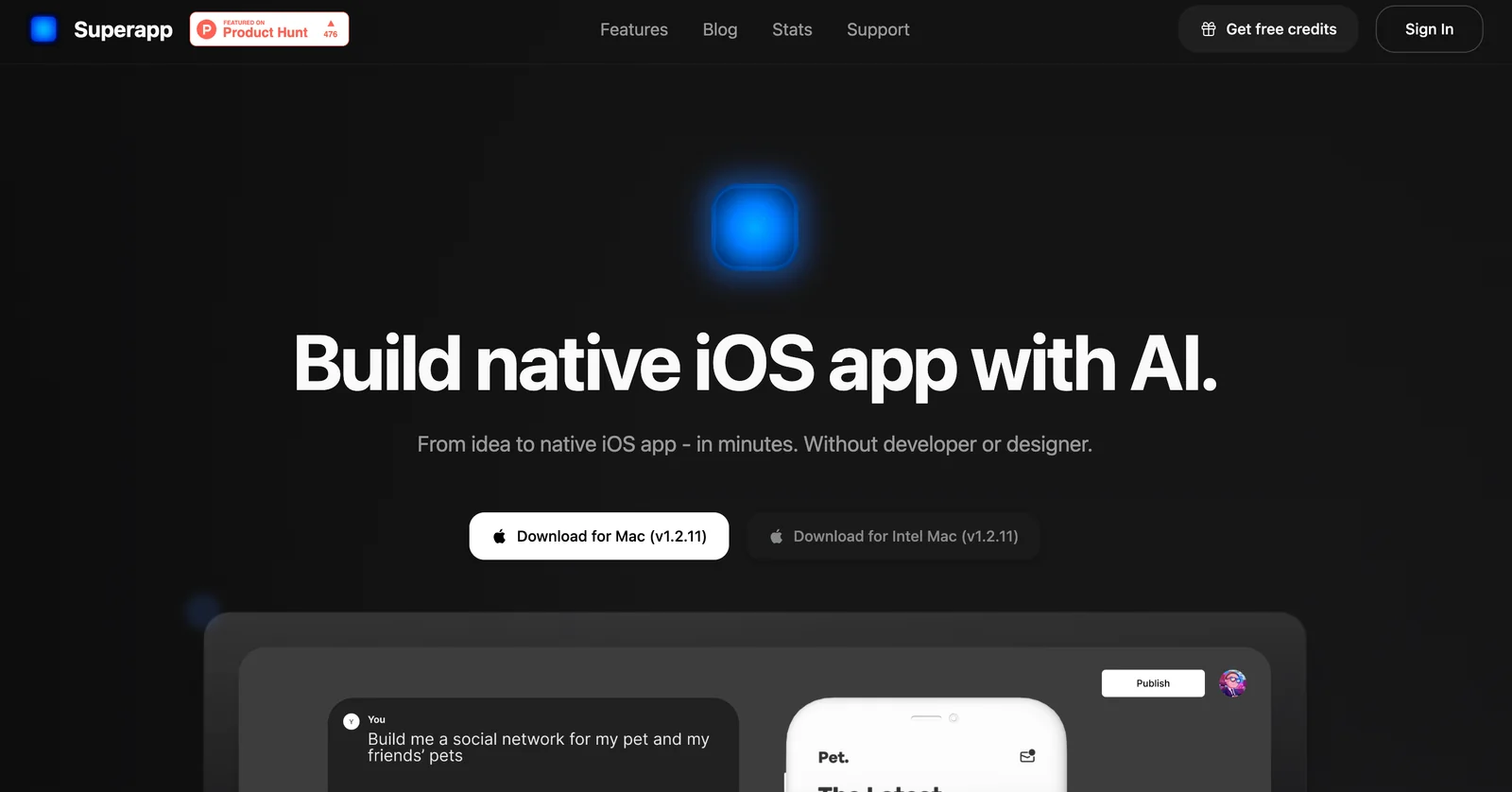
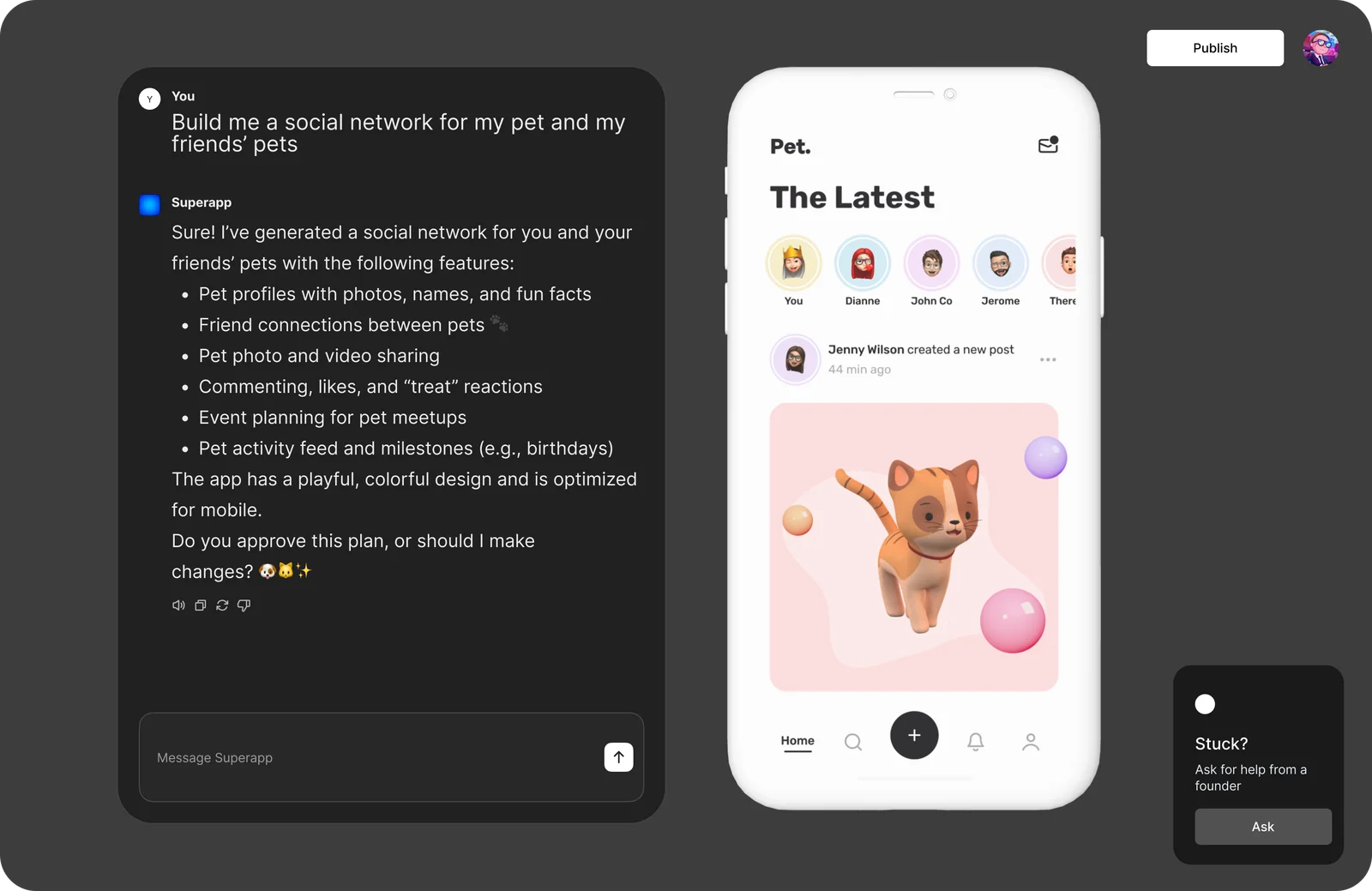
Superapp lets non-developers and product teams turn app ideas into native iOS applications using AI-driven generation and no-code authoring. The platform automates app creation workflows—producing native iOS output and providing visual customization, previews, and publishing assistance—so users can prototype, iterate, and deliver App Store‑ready apps faster than traditional development.
Screenshots
Key Features
Use Cases



Frequently asked questions about Superapp
What is the pricing structure for Superapp?
Superapp offers three pricing plans: a Free plan with 5 starter credits, a Pro plan at $25/month for 50 credits, and a Business plan at $50/month for 100 credits. Users can select a plan based on their specific needs and usage requirements.
Key Points
- Free Plan: 5 starter credits for basic usage.
- Pro Plan: $25/month for 50 credits, suitable for individuals or small teams.
- Business Plan: $50/month for 100 credits, ideal for larger teams or businesses.
Detailed Explanation
Superapp's pricing structure is designed to cater to various user needs, from individual users to larger organizations.
-
Free Plan: This plan is perfect for newcomers wanting to explore the platform. With 5 starter credits, users can test basic features without any financial commitment, making it an excellent choice for those evaluating Superapp's capabilities.
-
Pro Plan: At $25 per month, this plan provides 50 credits, which is suitable for freelancers, small teams, or startups. This plan allows users to access more advanced features and functionalities, enabling them to maximize their productivity and efficiency.
-
Business Plan: For $50 a month, businesses can access 100 credits. This plan is tailored for larger teams needing extensive features and higher usage limits. It’s designed for organizations that rely heavily on Superapp for their daily operations, ensuring they have the resources necessary for optimal performance.
Example Usage
- Freelancers can start with the Free plan to get acquainted with Superapp before investing in the Pro plan.
- Small businesses might find the Pro plan sufficient for their needs, while larger enterprises may need the Business plan to accommodate multiple users and higher demands.
Best Practices / Tips
- Evaluate Your Needs: Before selecting a plan, assess your usage requirements. If you’re just starting, the Free plan is a risk-free option.
- Monitor Usage: Keep track of how many credits you use each month to avoid sudden upgrades that could disrupt your budget.
- Consider Team Size: If you plan to expand your team, opt for the Business plan to ensure you have enough credits for everyone.
Additional Resources
How does Superapp compare to other no-code app builders?
Superapp stands out among no-code app builders by enabling users to create native iOS applications through simple natural-language descriptions. Its unique features, such as an intuitive no-code editor and AI-driven app generation, differentiate it from competitors, making app development accessible even for those without technical skills.
Key Points
- Natural-Language Processing: Superapp allows users to describe their app ideas in plain language.
- User-Friendly No-Code Editor: The platform features a drag-and-drop interface that simplifies app design.
- AI-Driven Features: Superapp leverages artificial intelligence for faster and smarter app generation.
Detailed Explanation
Superapp's innovative approach to app development utilizes natural-language processing (NLP), allowing users to articulate their app requirements without needing to write code. For instance, a user can input "Create a fitness tracker app with a daily goals feature," and Superapp will interpret this request, generating a functional app prototype almost instantly.
The no-code editor is designed for ease of use, featuring a drag-and-drop interface that enables users to customize layouts, add functionalities, and integrate APIs seamlessly. This eliminates the technical barrier often associated with app development, making it accessible to entrepreneurs, small businesses, and non-technical users.
Moreover, Superapp incorporates AI technology to enhance user experience. The platform can suggest features based on current trends or user behavior analytics, ensuring the developed app meets market demands. This combination of AI and no-code tools makes Superapp a powerful solution for businesses looking to innovate quickly.
Best Practices / Tips
- Define Your App Idea Clearly: Before using Superapp, outline your app’s purpose and essential features for more effective results.
- Leverage AI Suggestions: Utilize Superapp's AI-driven recommendations to enhance your app’s functionality and appeal.
- Test and Iterate: After generating your app, conduct thorough testing and gather user feedback to make necessary adjustments.
Additional Resources
How can I start using Superapp to create an iOS app?
To start using Superapp for creating an iOS app, visit the official Superapp website, sign up for an account, select a suitable pricing plan, and follow the intuitive interface to outline your app idea, which Superapp will then transform into a fully functional iOS application.
Key Points
- Sign Up Process: Create an account on the Superapp website.
- Pricing Plans: Choose a pricing plan that fits your needs.
- Guided Interface: Use the platform's guided interface to design your app.
Detailed Explanation
Starting your journey with Superapp is straightforward. Here’s a step-by-step guide to help you create your iOS app:
- Visit the Superapp Website: Go to Superapp.com to access the platform.
- Create an Account: Click on the "Sign Up" button and fill in the required information such as your email address and password. You may also have the option to sign up using social media accounts for convenience.
- Select a Pricing Plan: Superapp offers various pricing tiers, including a free trial and several paid plans. Review the features of each plan to determine which suits your project best. The free trial allows you to explore the platform's capabilities without financial commitment.
- Outline Your App Idea: After signing up, you’ll be guided to input details about your app idea. This typically includes the app's purpose, target audience, and key features. Superapp’s algorithm will then process this information to generate a foundational app structure.
- Customize and Build: Use the intuitive drag-and-drop interface to customize your app further. You can add features like push notifications, in-app purchases, and user authentication. The platform provides templates and design tools to enhance user experience.
Best Practices / Tips
- Research Your Market: Before starting, conduct market research to identify your target audience and their needs. This will help you tailor your app effectively.
- Utilize Templates: Take advantage of Superapp’s pre-designed templates to save time and ensure professional quality.
- Iterate and Test: After building your app, conduct thorough testing to gather user feedback and make necessary adjustments. The testing phase is crucial for a successful app launch.
- Promote Your App: Once your app is ready, plan a marketing strategy that includes app store optimization (ASO) to improve visibility in the App Store.
Additional Resources
Can Superapp integrate with third-party APIs or services?
Yes, Superapp can seamlessly integrate with third-party APIs and services. This capability allows users to enhance their applications' functionality and connect with backend services, such as Supabase, for efficient data management and real-time updates.
Key Points
- Flexible Integration: Superapp supports various third-party APIs.
- Enhanced Functionality: Users can add features that meet specific needs.
- Real-Time Data Management: Integrate with backend systems like Supabase for dynamic data handling.
Detailed Explanation
Superapp’s integration capabilities enable developers to connect their applications with numerous third-party APIs, enhancing the overall functionality. For example, by integrating with payment processors like Stripe or PayPal, users can easily implement secure payment options directly within their apps.
Use Cases
- Social Media Integration: Connect with platforms like Facebook or Twitter to enable user authentication or sharing features, enhancing user engagement.
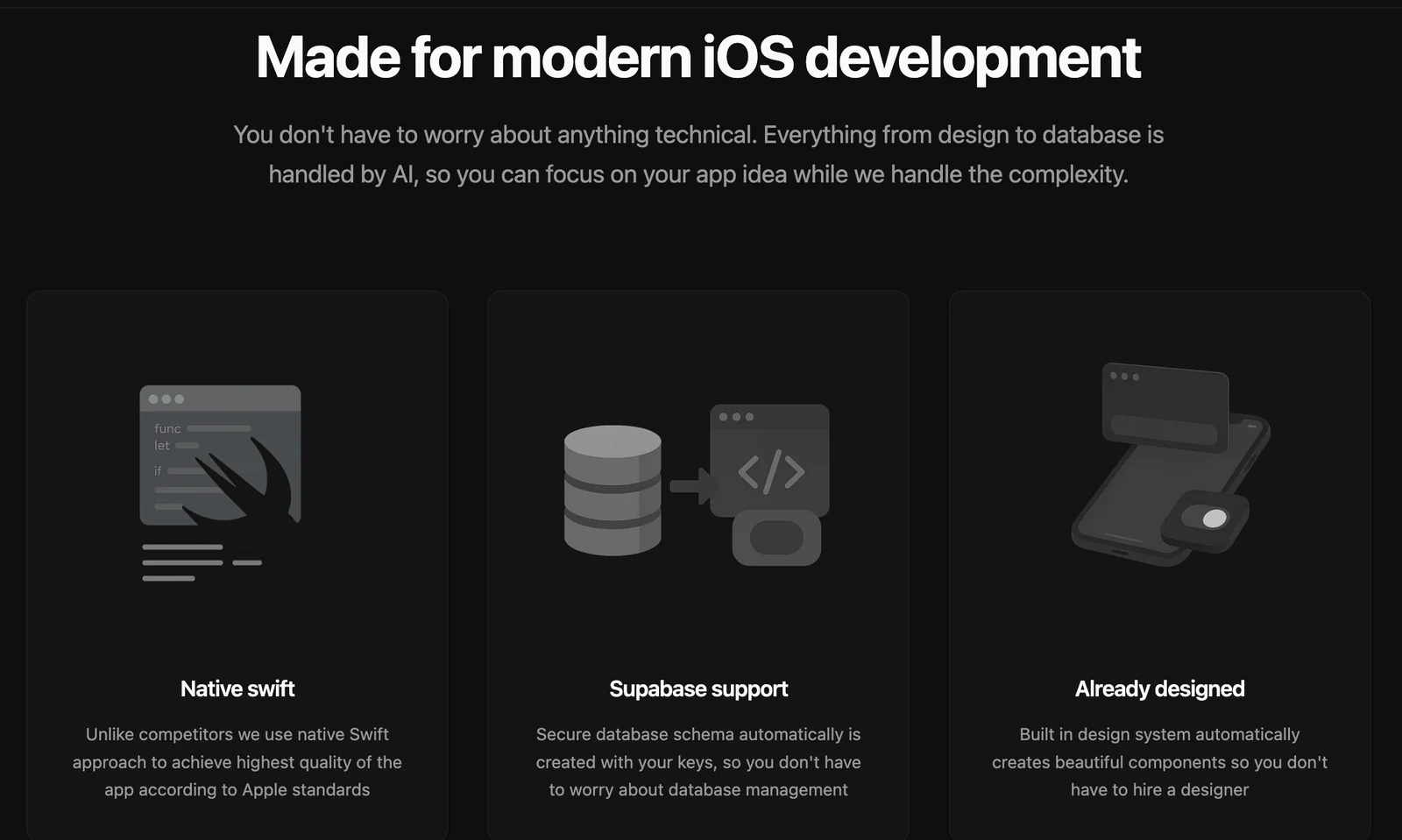
- Data Storage Solutions: By integrating with services like Supabase, developers can manage databases more effectively, allowing for real-time data updates and retrieval.
- Analytics Tools: Integrate with analytics services such as Google Analytics to track user behavior and app performance, providing valuable insights for optimization.
Step-by-Step Guidance for API Integration
- Identify Required APIs: Determine which functionalities you want to add and find suitable APIs.
- Read Documentation: Review the API documentation for endpoints, authentication, and data formats.
- Set Up Authentication: Ensure you handle API authentication securely, using tokens or keys as required.
- Implement API Calls: Write the code to connect your Superapp with the API, handling requests and responses appropriately.
- Test Integrations: Thoroughly test the integration in a safe environment to catch any issues before going live.
Best Practices / Tips
- Choose Reliable APIs: Opt for well-documented and maintained APIs to ensure stability and support.
- Limit API Calls: Minimize the number of API calls to avoid latency issues and potential cost overruns.
- Monitor Performance: Use tools to monitor API performance and make adjustments as necessary to optimize the user experience.
- Keep Security in Mind: Always utilize HTTPS for API calls and securely manage your API keys or tokens.
Additional Resources
What support options are available for Superapp users?
Superapp offers a robust support system for users, including a comprehensive knowledge base on its official website, dedicated email support for inquiries, and various resources designed to assist users in app creation and troubleshooting. These options ensure users receive timely assistance tailored to their needs.
Key Points
- Knowledge Base: Extensive library of articles and tutorials.
- Email Support: Direct assistance for personalized inquiries.
- Guided Resources: Step-by-step guidance for app creation and troubleshooting.
Detailed Explanation
Superapp provides a multi-faceted support system to enhance user experience.
-
Knowledge Base: The knowledge base is an invaluable resource, featuring articles, FAQs, and video tutorials that cover a wide range of topics. Users can find information about app features, best practices, and troubleshooting tips. This self-service option is ideal for users who prefer to solve issues independently.
-
Email Support: For personalized assistance, users can reach out via email. The support team typically responds within 24-48 hours, addressing specific inquiries related to app functionality, account issues, or technical challenges. This method ensures that users get tailored help based on their unique situations.
-
Guided Resources: Superapp also offers guided resources, including webinars and interactive tutorials, which are great for users at any skill level. These resources help users navigate app creation, integrate various features, and troubleshoot common problems effectively.
Best Practices / Tips
- Utilize the Knowledge Base First: Before reaching out for email support, explore the knowledge base. Many common questions are answered there, saving you time.
- Be Specific in Your Emails: When contacting support, include detailed information about your issue, such as screenshots or error messages. This helps the support team assist you more efficiently.
- Regularly Check for Updates: Superapp frequently updates its resources and knowledge base. Regularly checking for new articles or tutorials can keep you informed about new features and best practices.
Additional Resources
Explore more AI Ai Agents tools
Browse all Ai Agents tools →Browse by use case: Code Generation · Automation & Productivity
Compare Superapp: vs Mycel · vs Proto-Mind · vs Ami · vs Duvi