

Superagent
AIOpen SourceFreeOpen-source AI security platform that provides runtime protection for agents, prevents data leaks, and offers hosted compliance trust centers.
Superagent
Open-source AI security platform that provides runtime protection for agents, prevents data leaks, and offers hosted compliance trust centers.
About Superagent
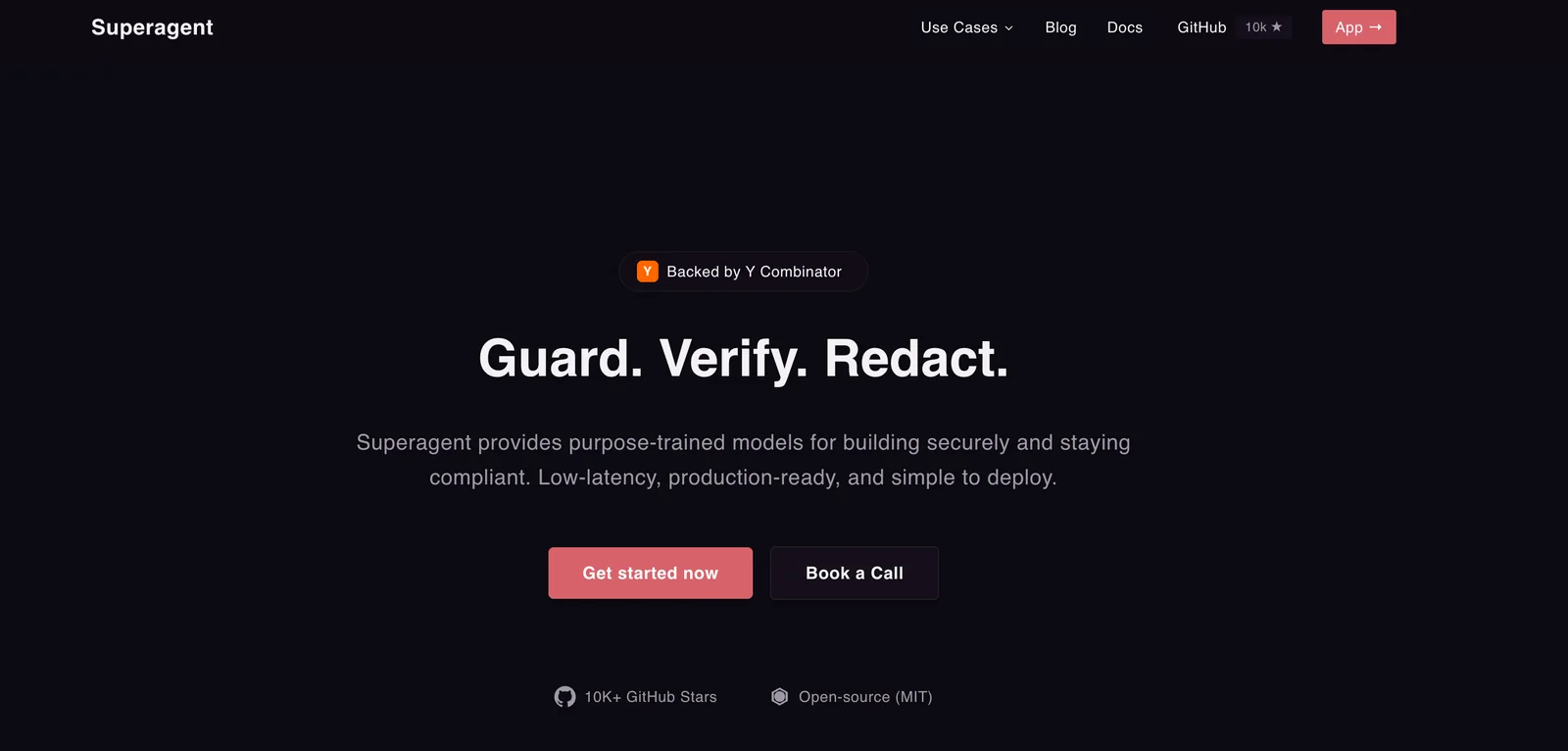
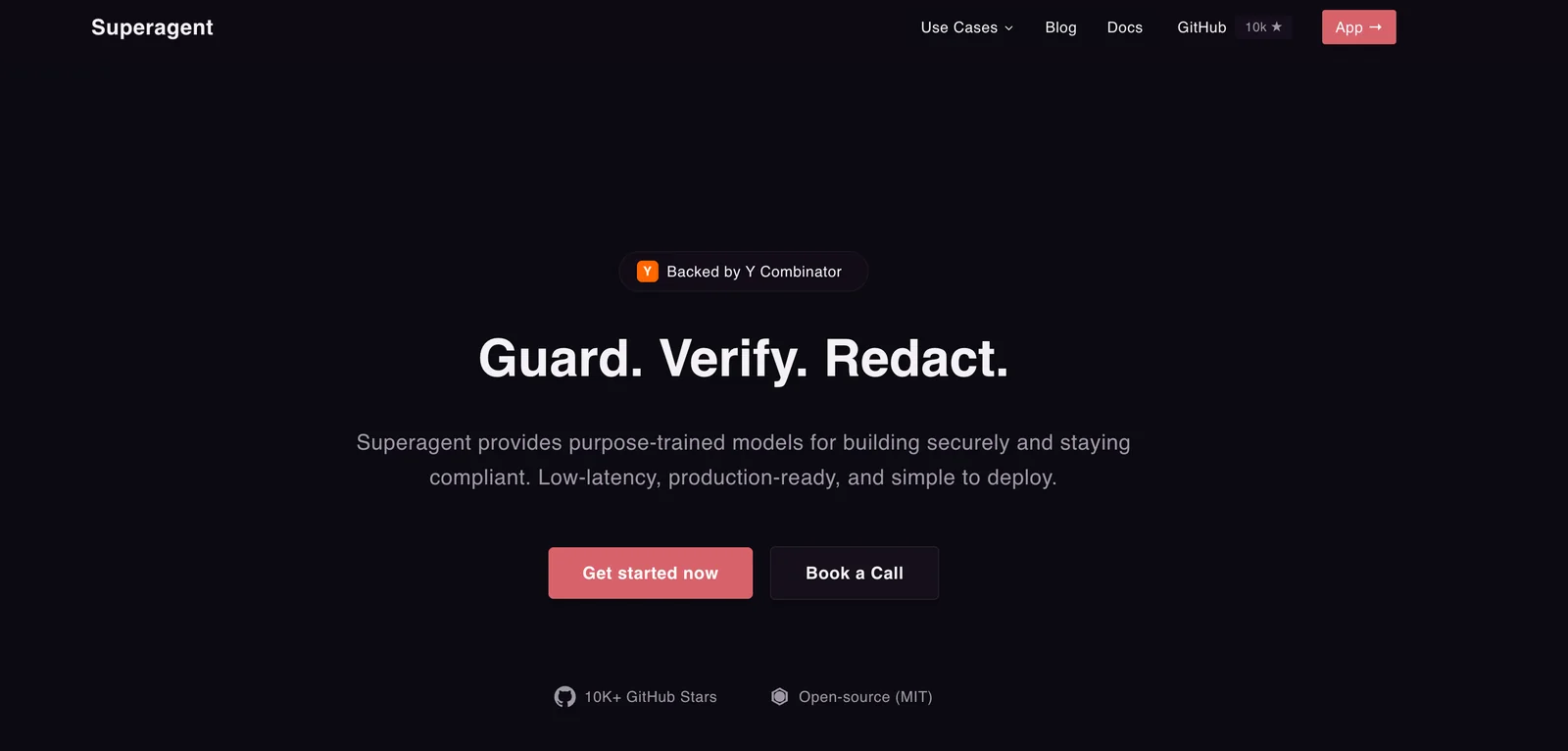
Superagent is an open-source AI security platform that delivers runtime protection for AI agents and copilots by inspecting prompts, validating tool calls, and blocking threats in real time. It provides developer-facing SDKs, high-performance proxies, CLI and Docker deployment options to integrate into agent workflows, plus observability and redaction features to prevent sensitive data leaks. For enterprise customers, Superagent offers hosted trust centers and compliance artifacts to prove security posture to buyers and procurement teams. The project is MIT-licensed and Y Combinator–backed, designed to let teams innovate with agents while reducing operational and compliance risk.
Screenshots
Key Features
Use Cases



Frequently asked questions about Superagent
Is Superagent free or paid?
Superagent offers a free self-hosted version that allows users to run the platform locally, maintaining full control over their data. Additionally, there are cloud-based options available, which are priced based on usage, starting at $10 for every million input tokens processed.
Key Points
- Free Self-Hosted Version: Users can run Superagent locally.
- Cloud Options Available: Pricing starts at $10 per million tokens.
- Data Control: Self-hosted version provides complete data management.
Detailed Explanation
Superagent is a versatile AI tool primarily designed for handling conversational agents. The free self-hosted version allows users to install and manage the software on their own servers. This setup is ideal for businesses that prioritize data privacy and wish to avoid cloud storage constraints. Users can customize their deployments to better fit their unique operational requirements.
For those who prefer a cloud solution, Superagent provides a flexible pricing model that is particularly beneficial for businesses with varying usage patterns. The cloud option starts at $10 per million input tokens, making it an economical choice for startups or smaller businesses. This pay-as-you-go model allows users to scale their usage based on demand, ensuring cost-effectiveness.
Best Practices / Tips
- Evaluate Your Needs: Determine whether a self-hosted or cloud solution aligns better with your business model, especially concerning data privacy and scalability.
- Monitor Token Usage: Keep track of your input token usage if opting for the cloud service, as costs can accumulate quickly with higher usage.
- Optimize Deployments: If using the self-hosted version, ensure that your server configuration is optimized for performance to avoid latency issues during high traffic.
Additional Resources
What are the key features of Superagent?
Superagent offers essential features such as runtime protection, prompt inspection, tool call firewalls, data redaction, and hosted compliance trust centers. These features collectively ensure robust security and compliance for AI agents, safeguarding sensitive data and enhancing operational integrity.
Key Points
- Runtime Protection: Safeguards against real-time threats.
- Prompt Inspection: Analyzes data and responses for compliance.
- Tool Call Firewalls: Controls access to external tools and APIs.
Detailed Explanation
Runtime Protection
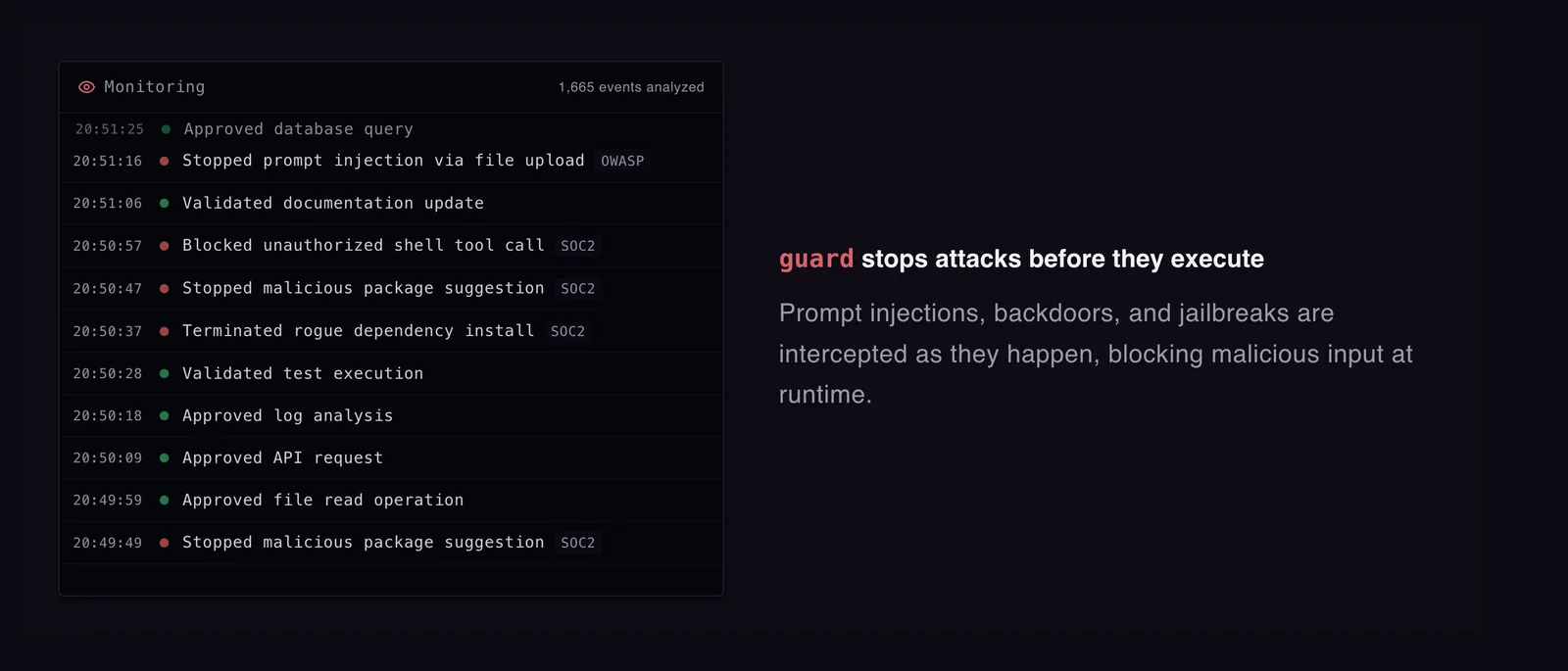
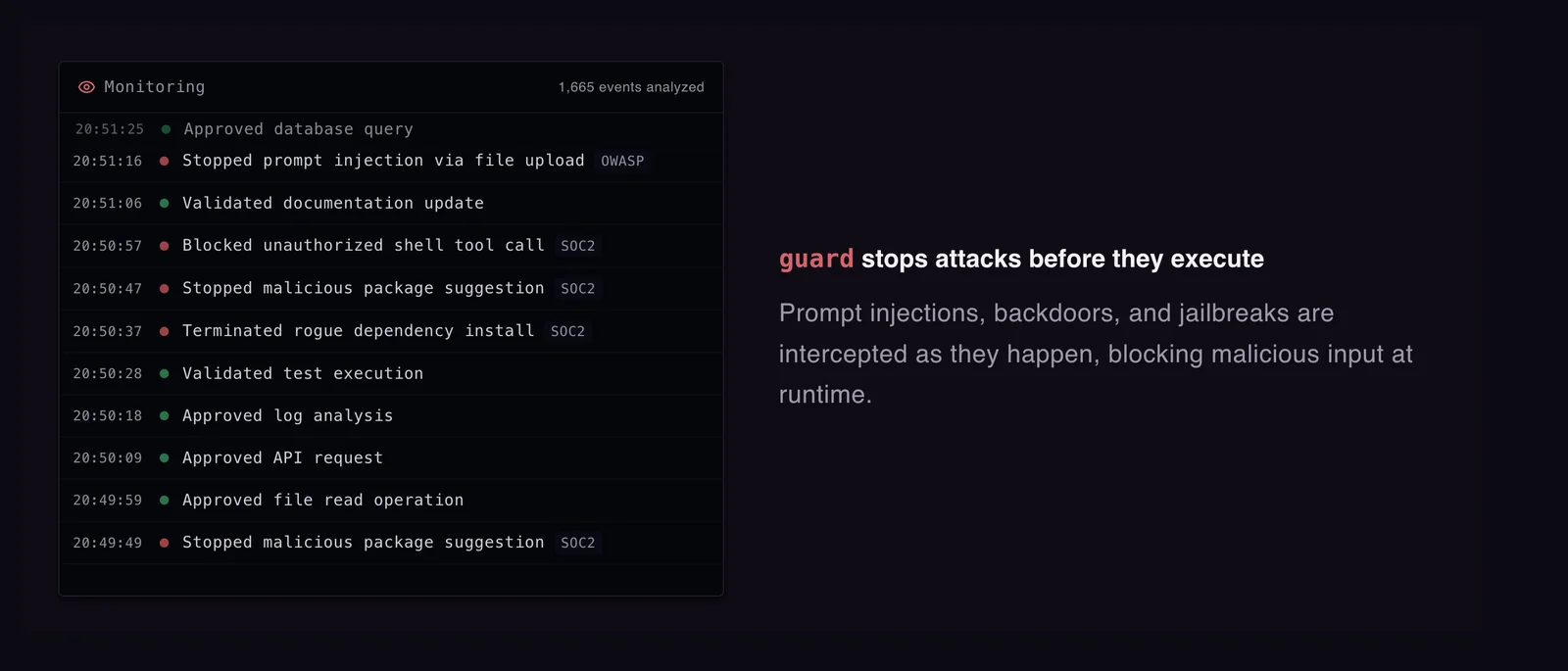
Superagent's runtime protection continuously monitors the AI's operations, identifying and mitigating threats in real-time. This feature is crucial for maintaining the integrity of sensitive data during execution. For example, if an unauthorized access attempt is detected, the system can autonomously take corrective actions to prevent data breaches.
Prompt Inspection
The prompt inspection feature reviews incoming and outgoing data for compliance with regulatory standards. This ensures that all interactions are secure and that sensitive information is not inadvertently shared. For instance, if an AI agent processes user data, prompt inspection can automatically flag any data that should be redacted before being sent to third parties.
Tool Call Firewalls
Superagent includes tool call firewalls that regulate which external applications and APIs the AI can access. This built-in security measure prevents unauthorized tool use, protecting the system from potential vulnerabilities. For example, if an AI requires access to third-party services, the firewall ensures that only approved applications are utilized, minimizing risk.
Data Redaction
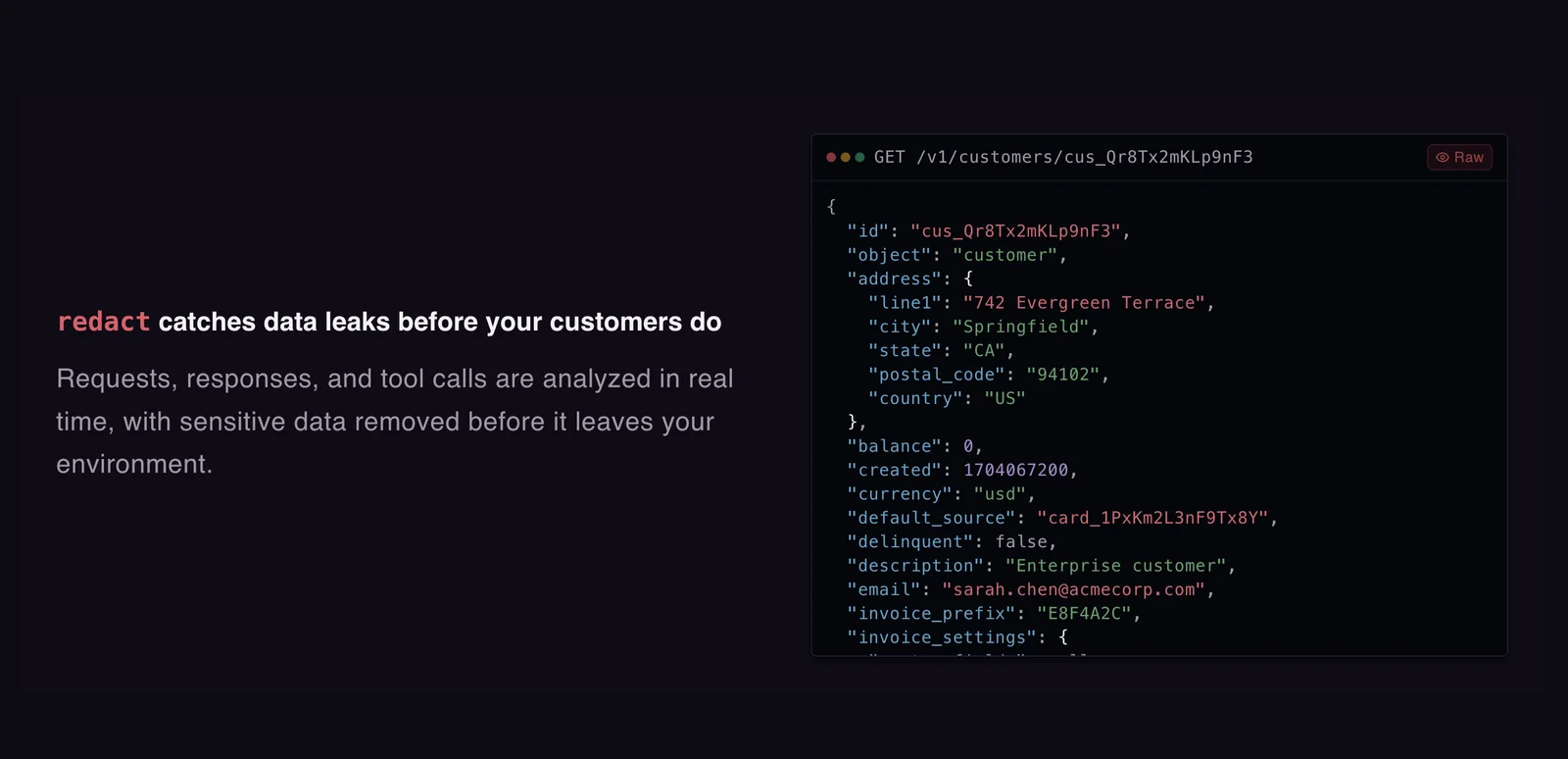
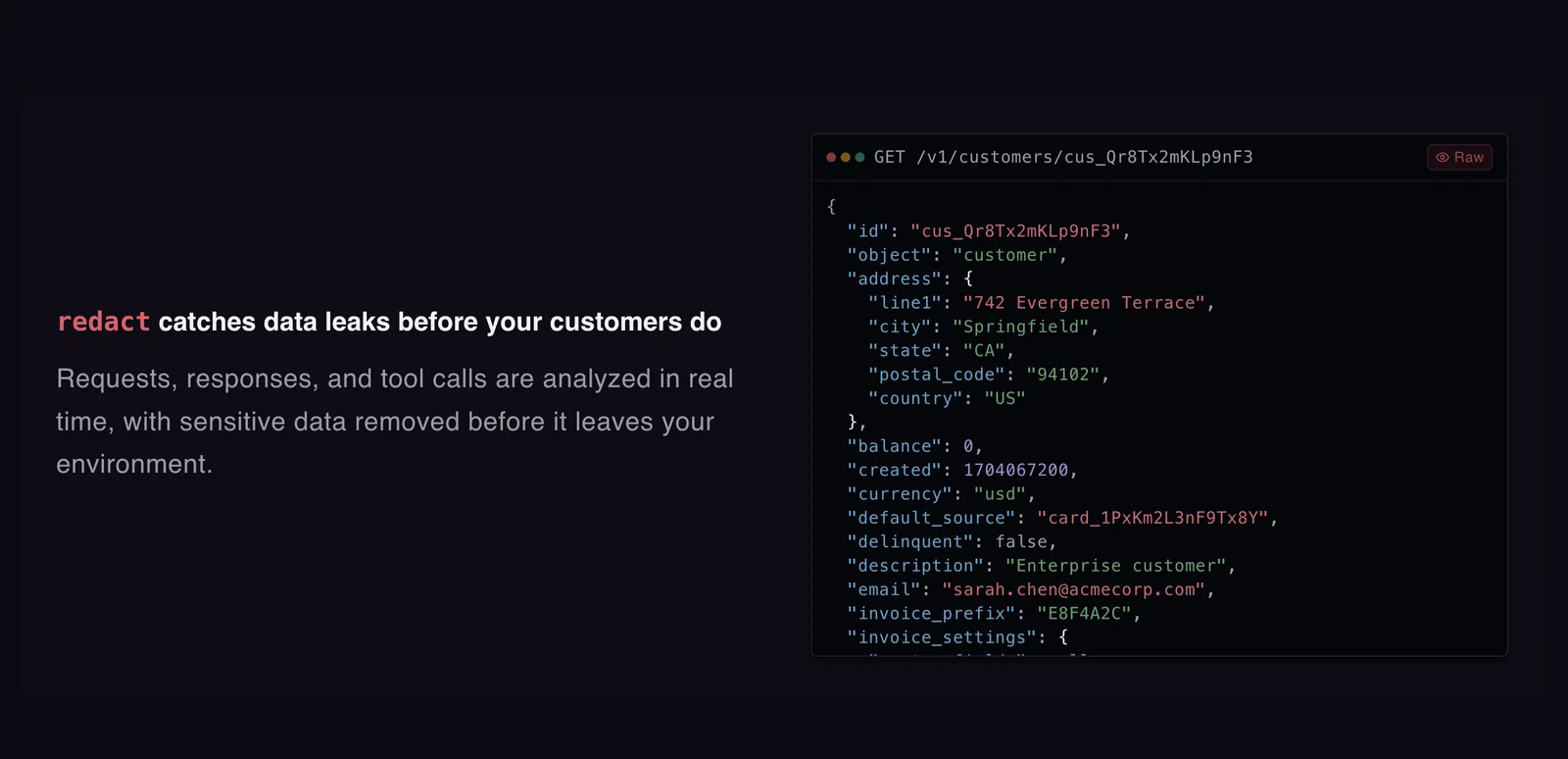
Data redaction is another vital feature of Superagent, allowing sensitive information to be masked or removed before sharing or storage. This is essential for compliance with data protection regulations like GDPR and HIPAA. For instance, if an AI must share a report containing personal data, redaction ensures that identifiers are concealed.
Hosted Compliance Trust Centers
Superagent provides hosted compliance trust centers that serve as central hubs for managing compliance documentation and audits. These centers simplify the process of demonstrating regulatory adherence to stakeholders and clients, enhancing trust and transparency.
Best Practices / Tips
- Regularly Update Security Protocols: Always keep your Superagent configuration up to date to benefit from the latest security patches and features.
- Conduct Regular Audits: Use the hosted compliance trust centers to perform routine audits of your AI operations ensuring that compliance standards are consistently met.
- Train Your Team: Ensure that all users of Superagent understand how to use its security features effectively to minimize risks.
Additional Resources
How do I get started with Superagent?
To get started with Superagent, visit the official website and choose between self-hosting the open-source version or utilizing cloud options for enhanced runtime protection. Follow the provided documentation for a seamless setup experience tailored to your needs.
Key Points
- Choose between self-hosting or cloud options.
- Access comprehensive documentation for setup guidance.
- Explore community support and resources for troubleshooting.
Detailed Explanation
Superagent is an advanced tool designed for API management and security. To begin, navigate to the Superagent official website. Here, you can select your preferred deployment method.
Self-Hosting
If you opt for the self-hosted version, download the latest release from the GitHub repository. The installation process typically involves setting up a server environment, such as Node.js, and configuring your local database. The official documentation provides step-by-step instructions, ensuring you can deploy Superagent smoothly.
Cloud Options
For users who prefer cloud solutions, Superagent offers various plans, suitable for different business needs. Cloud hosting allows for automatic updates, scalability, and enhanced security features. Review the pricing options, which usually range from free tiers for small projects to premium plans for enterprise-level applications.
Documentation
The documentation covers everything from installation to advanced configuration settings. It's essential to familiarize yourself with key concepts, such as API endpoints and security protocols, to maximize the tool’s capabilities.
Best Practices / Tips
- Read the Documentation Thoroughly: Before starting, make sure to read the documentation to understand the tool's features and limitations.
- Start with a Test Environment: If you're new, consider setting up a testing environment before deploying Superagent in production.
- Stay Updated: Regularly check for updates and patches to ensure optimal performance and security.
- Engage with Community Support: Leverage forums and community groups for troubleshooting and best practice sharing.
Additional Resources
With these resources and practices, you can effectively set up and optimize your use of Superagent for your API management needs.
What are the technical requirements for using Superagent?
Superagent requires a compatible environment for running Docker and supports integration with several programming languages, including TypeScript, Python, and Rust. Additionally, a stable internet connection and sufficient system resources are essential for optimal performance and seamless operation.
Key Points
- Docker Compatibility: Superagent operates within Docker containers.
- Supported Languages: It integrates with TypeScript, Python, and Rust.
- System Requirements: Adequate system resources and internet connectivity are crucial.
Detailed Explanation
To effectively use Superagent, you must ensure your environment is compatible with Docker, as it facilitates the deployment and management of applications. Here are the essential technical requirements:
-
Docker Installation: Ensure you have Docker installed on your machine. You can download it from the official Docker website. Follow installation instructions for Windows, macOS, or Linux based on your operating system.
-
Programming Language Support:
- TypeScript: Ideal for developers looking for type safety and modern JavaScript features. Use npm to install the Superagent library.
- Python: Allows for straightforward integration through pip. Simply run
pip install superagent. - Rust: For Rust developers, Superagent can be used with the Cargo package manager, enabling robust performance in systems programming.
-
System Resources: Ensure your machine has sufficient RAM (at least 8 GB recommended) and CPU power to handle Docker containers efficiently. A stable internet connection is also necessary for downloading dependencies and accessing APIs.
Use Cases
- Microservices: Deploy Superagent in a microservices architecture to handle HTTP requests between services efficiently.
- API Development: Leverage Superagent's capabilities in building and testing APIs across different programming environments.
Best Practices / Tips
- Regular Updates: Keep your Docker and programming libraries updated to avoid security vulnerabilities and compatibility issues.
- Resource Monitoring: Use tools like Docker Desktop to monitor resource usage and prevent performance bottlenecks.
- Documentation: Always refer to the Superagent documentation for the latest features and best practices.
Additional Resources
How does Superagent compare to other AI security tools?
Superagent outshines other AI security tools due to its open-source model, extensive community support, and the ability to self-host for free. With features like real-time data protection and customizable solutions, it serves as a formidable contender in the ever-evolving landscape of AI security.
Key Points
- Open-source model: Superagent allows developers to modify and enhance its features.
- Community support: A robust community contributes to ongoing improvements and troubleshooting.
- Real-time data protection: Offers immediate threat detection and response capabilities.
Detailed Explanation
Superagent’s open-source model differentiates it from proprietary competitors. This means users have the freedom to modify the software based on their specific needs, making it highly adaptable. For instance, organizations can tailor functionalities such as data encryption, user authentication, and threat detection algorithms to better fit their security landscape.
The active community surrounding Superagent is another significant advantage. Users can access forums, documentation, and collaborative projects, which facilitate knowledge sharing and troubleshooting. This community-driven approach often leads to faster updates and feature enhancements compared to closed-source alternatives.
Superagent excels in providing real-time data protection. This feature ensures that threats are detected and neutralized as soon as they arise, minimizing potential damage. For example, if a suspicious activity is detected within a network, Superagent can automatically isolate affected systems and alert administrators, allowing for a swift response.
Best Practices / Tips
- Maximize customization: Take advantage of Superagent's open-source nature to tailor the security features to your organization’s unique requirements.
- Engage with the community: Join forums and discussion groups to stay updated on the latest features and best practices.
- Regular updates: Keep your Superagent installation updated to leverage the latest security enhancements and bug fixes.
Additional Resources
Explore more AI Ai Tools tools
Browse all Ai Tools tools →Browse by use case: Code Generation
Compare Superagent: vs Humanizer · vs Worktrunk · vs Mise · vs BiBimba