
Solvea
AINo-code platform to build AI receptionists quickly for multichannel voice, chat, and messaging customer handling.
Solvea
No-code platform to build AI receptionists quickly for multichannel voice, chat, and messaging customer handling.
About Solvea
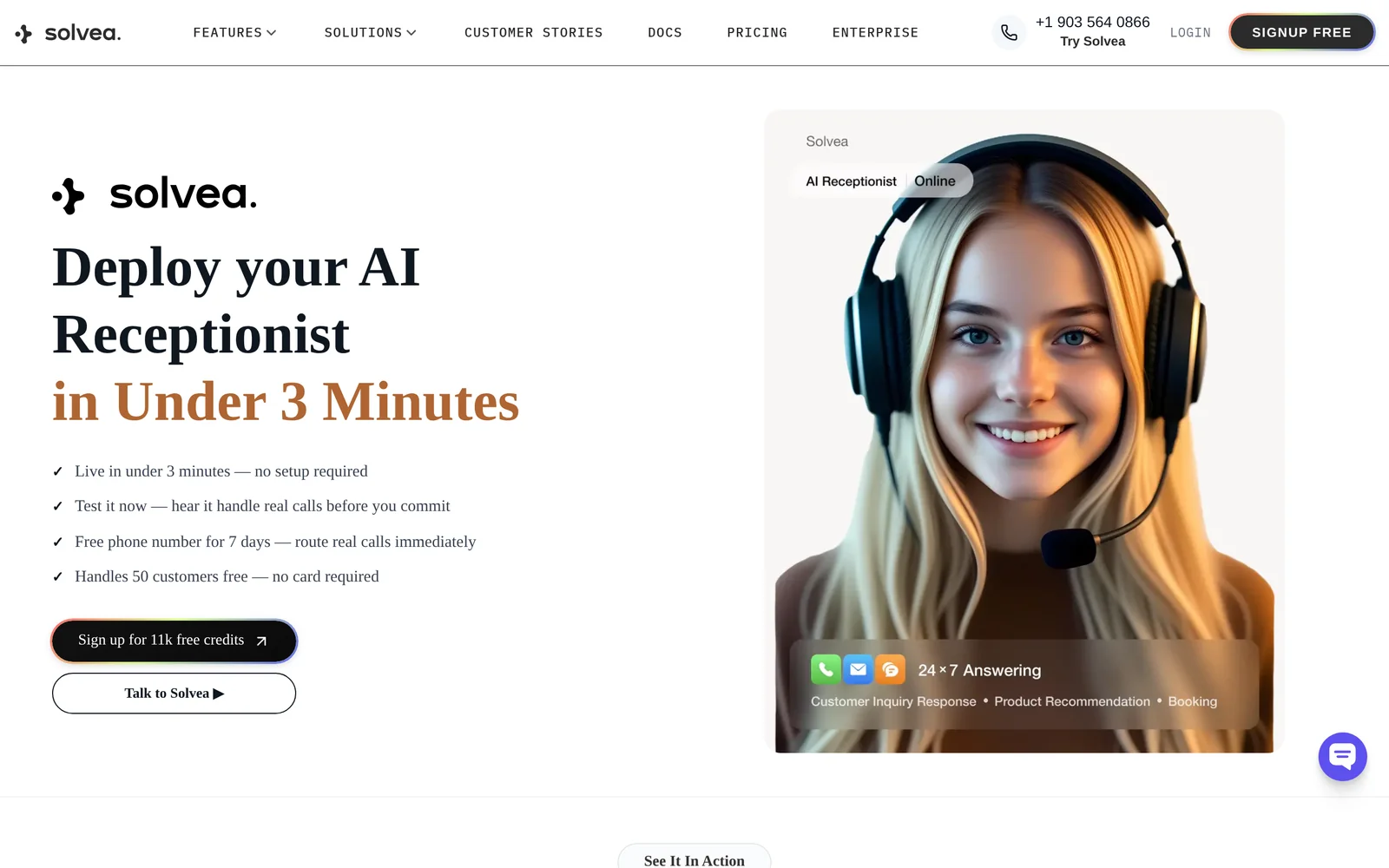
Solvea is a no-code, AI-powered receptionist platform that lets businesses build and deploy virtual receptionists without deep engineering resources. The platform focuses on handling inbound voice, chat, and messaging interactions, capturing leads, booking appointments, and routing conversations to human agents when needed. Solvea emphasizes fast setup via templates and visual flow design, plus multichannel orchestration so a single receptionist configuration can serve phone, web chat, and messaging channels. Its value comes from reducing the time and technical barrier to deploy automated front-desk and customer triage experiences.
Screenshots
Key Features
Use Cases


Frequently asked questions about Solvea
What is Solvea?
Solvea is a no-code platform designed for quickly building AI receptionists that efficiently handle customer interactions across multiple channels, including voice, chat, and messaging. This innovative tool empowers businesses to enhance customer service without any programming knowledge.
Key Points
- No-Code Development: Users can create AI receptionists without coding.
- Multichannel Support: Interfaces with voice, chat, and messaging platforms.
- Quick Deployment: Accelerates the setup process for customer handling solutions.
Detailed Explanation
Solvea is a powerful no-code platform that simplifies the process of creating AI receptionists. Businesses can utilize this tool to automate customer service tasks, reducing the burden on human agents while ensuring high-quality interactions.
Use Cases
- Customer Service Automation: Companies can deploy AI receptionists to manage inquiries via chatbots on websites or through messaging apps like WhatsApp and Facebook Messenger.
- Voice Integration: Solvea allows integration with voice platforms, enabling businesses to provide 24/7 customer support via automated phone systems.
- Scalability: As customer demands grow, Solvea’s platform can easily scale to handle increased traffic without a significant rise in costs.
Step-by-Step Guidance
- Sign Up: Create an account on the Solvea platform.
- Choose a Template: Select from pre-built templates tailored for various industries.
- Customize Responses: Use the intuitive interface to modify the AI receptionist’s responses to match your business tone.
- Integrate Channels: Link the AI receptionist to your desired communication channels.
- Test and Launch: Run tests to ensure smooth operation before going live.
Best Practices / Tips
- Define Clear Objectives: Understand what you want to achieve with your AI receptionist, whether it’s reducing response time or improving customer satisfaction.
- Monitor Performance: Regularly check analytics to see how the AI is performing and adjust responses based on customer interactions.
- User Feedback: Collect feedback from users to refine the AI’s responses and improve customer experience.
Additional Resources
How does Solvea work?
Solvea operates by integrating advanced AI technologies to streamline daily workflows for users. By automating repetitive tasks, analyzing data, and offering intelligent insights, Solvea enhances productivity and efficiency across various applications, making it an essential tool for both individuals and businesses.
Key Points
- AI Integration: Combines multiple AI capabilities for seamless functionality.
- Workflow Automation: Reduces manual tasks, saving time and resources.
- Data Insights: Provides valuable analytics to inform decision-making.
Detailed Explanation
Solvea utilizes machine learning, natural language processing, and data analytics to transform everyday tasks. Users can automate mundane activities such as scheduling, data entry, and report generation, which allows them to focus on more strategic initiatives. For instance, in a marketing context, Solvea can analyze customer data to identify trends and suggest targeted campaigns.
Use Cases:
- Project Management: Automate task assignments and track project progress.
- Customer Support: Use AI chatbots for instant response to inquiries, improving customer satisfaction.
- Data Analysis: Generate reports based on real-time data, enhancing decision-making speed.
By employing a user-friendly interface, Solvea makes it accessible for non-technical users to leverage AI without extensive training.
Best Practices / Tips
- Identify Repetitive Tasks: Start by pinpointing areas where automation can save time.
- Set Clear Goals: Define what you want to achieve with Solvea to maximize its benefits.
- Regularly Update: Stay informed about new features and integrations to enhance your workflows continually.
Common Pitfalls to Avoid:
- Over-automation: Avoid automating every task; some processes require human oversight.
- Neglecting Training: Ensure team members are trained to use Solvea effectively for optimal results.
Additional Resources
What are the main features of Solvea?
Solvea offers robust AI capabilities, including natural language processing, predictive analytics, and machine learning integration. These features empower businesses to automate processes, enhance decision-making, and improve customer interactions, making Solvea a versatile tool for various industries.
Key Points
- Natural Language Processing (NLP): Enables understanding and generation of human language.
- Predictive Analytics: Provides insights based on data trends and patterns.
- Machine Learning Integration: Enhances system capabilities by learning from data.
Detailed Explanation
Natural Language Processing (NLP)
Solvea's NLP capabilities allow users to analyze and generate text with human-like understanding. This feature is critical for chatbots, sentiment analysis, and customer support automation. For example, businesses can deploy chatbots that comprehend customer inquiries in real-time, significantly improving response times and user satisfaction.
Predictive Analytics
With predictive analytics, Solvea analyzes historical data to forecast future trends. Companies can leverage this feature for inventory management, sales forecasting, and risk assessment. For instance, a retail business might use Solvea to predict seasonal sales fluctuations, allowing for more effective stock management.
Machine Learning Integration
Solvea’s machine learning integration enables systems to improve over time by adapting to new data. This feature is particularly useful in industries such as finance, where algorithms can detect fraudulent transactions by learning from past incidents. By continuously refining their models, businesses can enhance their operational efficiency and security.
Best Practices / Tips
- Leverage NLP for Customer Engagement: Implement chatbots to handle FAQs, allowing human agents to focus on complex queries.
- Utilize Predictive Analytics for Strategic Planning: Analyze past data to make informed decisions about future business strategies.
- Regularly Update Machine Learning Models: Ensure your algorithms are trained on the latest data to maintain accuracy and effectiveness.
Additional Resources
Who is Solvea for?
Solvea is designed for individuals and businesses looking to streamline their daily AI workflows. It is particularly beneficial for content creators, marketers, data analysts, and anyone interested in enhancing productivity through artificial intelligence tools.
Key Points
- Target Audience: Individuals, businesses, and professionals.
- Use Cases: Content creation, marketing automation, data analysis.
- Accessibility: User-friendly interface suitable for all skill levels.
Detailed Explanation
Solvea caters to a diverse audience by facilitating efficient AI integration into everyday tasks. Whether you're a content creator needing to generate ideas or a marketer aiming to automate campaigns, Solvea offers tailored solutions. For example, writers can use Solvea to brainstorm topics or refine drafts, while marketers can leverage its capabilities for targeted ad placements and performance tracking.
Businesses can also benefit from Solvea by utilizing AI for data analysis. Imagine a small business owner analyzing customer feedback or sales trends effortlessly through AI-driven insights. This tool allows users to extract valuable information quickly, saving time and enhancing decision-making.
Moreover, Solvea is designed with a user-friendly interface that requires no advanced technical skills, making it accessible for everyone, from beginners to seasoned professionals. Its integration with popular platforms further enhances its appeal, allowing seamless incorporation into existing workflows.
Best Practices / Tips
- Identify Your Needs: Before using Solvea, clarify what specific tasks you want to automate or improve.
- Experiment with Features: Take advantage of Solvea’s various tools, such as its content generation and analytics functions, to find what works best for you.
- Stay Updated: Regularly check for updates and new features to maximize your use of Solvea.
Common pitfalls include underestimating the learning curve. While Solvea is user-friendly, utilizing its advanced features may require some experimentation.
Additional Resources
How much does Solvea cost?
Solvea offers a free tier that allows users to access basic features, while paid plans start at $29 per month for advanced functionalities. Pricing varies based on the features and support options selected, catering to both individual users and teams.
Key Points
- Free Tier: Basic features available at no cost.
- Paid Plans: Start at $29 per month for advanced tools.
- Flexible Pricing: Options vary based on user needs and team sizes.
Detailed Explanation
Solvea provides a flexible pricing structure that accommodates different user needs. The free tier is ideal for individuals or small teams looking to explore the platform without financial commitment. This tier includes essential features like basic AI tools, limited integrations, and community support.
For those seeking more comprehensive capabilities, Solvea's paid plans commence at $29 per month. These plans unlock advanced features such as enhanced analytics, priority customer support, and additional integrations with other software tools. Larger teams or enterprises can benefit from customized pricing options tailored to their specific requirements, which may include dedicated support and advanced API access.
For example, a small marketing team may opt for the standard plan to utilize Solvea’s powerful data analysis tools, while a larger organization could negotiate a premium package that provides multiple user licenses and customized training sessions.
Best Practices / Tips
- Evaluate Your Needs: Before choosing a plan, assess your specific requirements and how Solvea’s features align with them.
- Start with Free Tier: Utilize the free tier to familiarize yourself with Solvea’s functionalities and determine if you need to upgrade.
- Compare Plans: Review the features included in each paid plan to find the best value for your budget.
- Look for Promotions: Occasionally, Solvea may offer promotional discounts for new users or annual subscriptions, so keep an eye out for these opportunities.
Additional Resources
How do I get started with Solvea?
To get started with Solvea, visit their website at solvea.cx and sign up for an account. Once registered, you can explore the platform’s features and customize solutions to meet your needs, enhancing productivity and collaboration within your team.
Key Points
- Easy Sign-Up Process: Register quickly on the Solvea website.
- User-Friendly Interface: Navigate the platform with ease after signing up.
- Customizable Solutions: Tailor features to fit your team's specific requirements.
Detailed Explanation
To begin your journey with Solvea, first, head to solvea.cx. You'll find a straightforward sign-up form that requires basic information such as your name, email address, and a password. After completing the sign-up process, you will receive a confirmation email. Click the link in the email to activate your account.
Once logged in, explore the user-friendly dashboard. Here, you can customize your workspace by selecting tools and features relevant to your projects. For instance, if you are part of a marketing team, you can utilize Solvea’s analytics tools to track campaign performance and adjust strategies as needed.
Additionally, Solvea provides resources such as tutorials and webinars to help you maximize the platform’s potential. These resources are invaluable for new users, offering insights on best practices and advanced features.
Best Practices / Tips
- Take Advantage of Tutorials: Engage with the tutorials available on the Solvea website to familiarize yourself with the platform efficiently.
- Customize Your Dashboard: Tailor your workspace to include only the tools you use regularly, which enhances productivity.
- Collaborate with Your Team: Use Solvea’s collaboration features to share projects and gather feedback in real-time, ensuring everyone is on the same page.
Additional Resources
By following these steps and utilizing the available resources, you’ll be well on your way to effectively using Solvea to improve collaboration and productivity in your projects.
Explore more AI Ai Services tools
Browse all Ai Services tools →Browse by use case: Chatbots & Assistants · Voice & Audio · Automation & Productivity
Compare Solvea: vs BAND for Developers · vs NitroStack · vs GBrain · vs MentionBird