

Sendbird
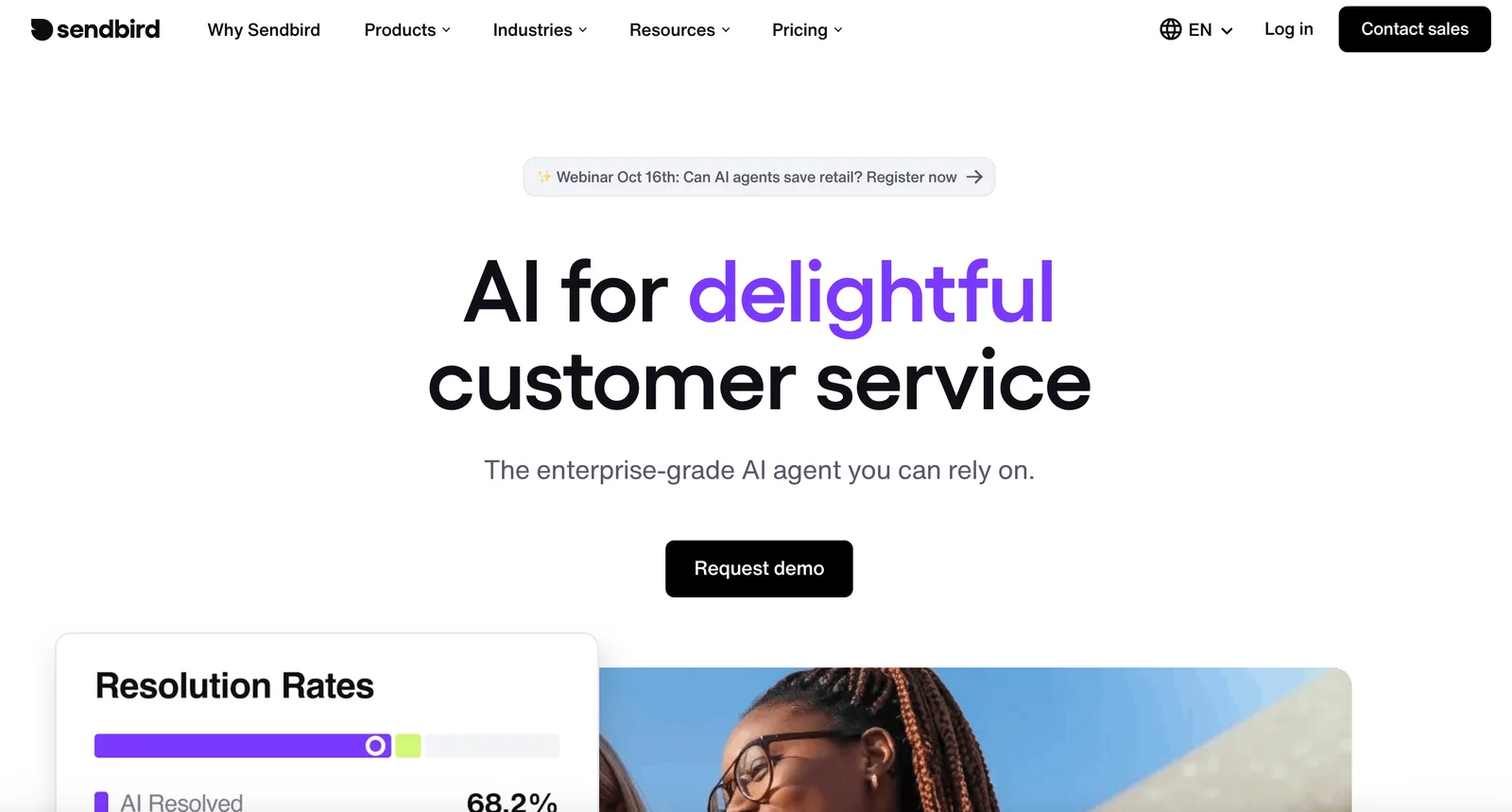
AIEnterprise-grade omnichannel AI customer service agent that understands intent, maintains context, and integrates with existing systems.
Sendbird
Enterprise-grade omnichannel AI customer service agent that understands intent, maintains context, and integrates with existing systems.
About Sendbird
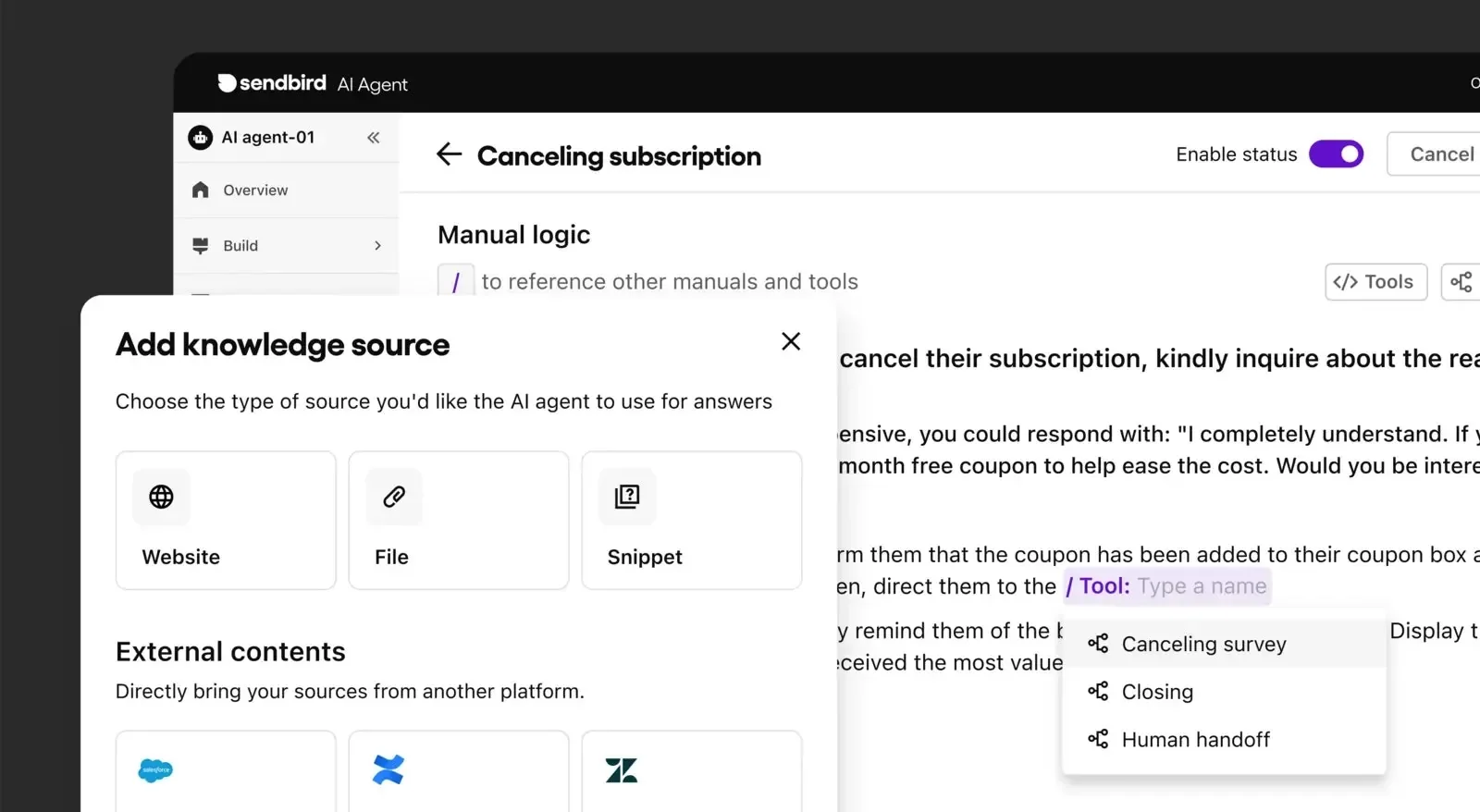
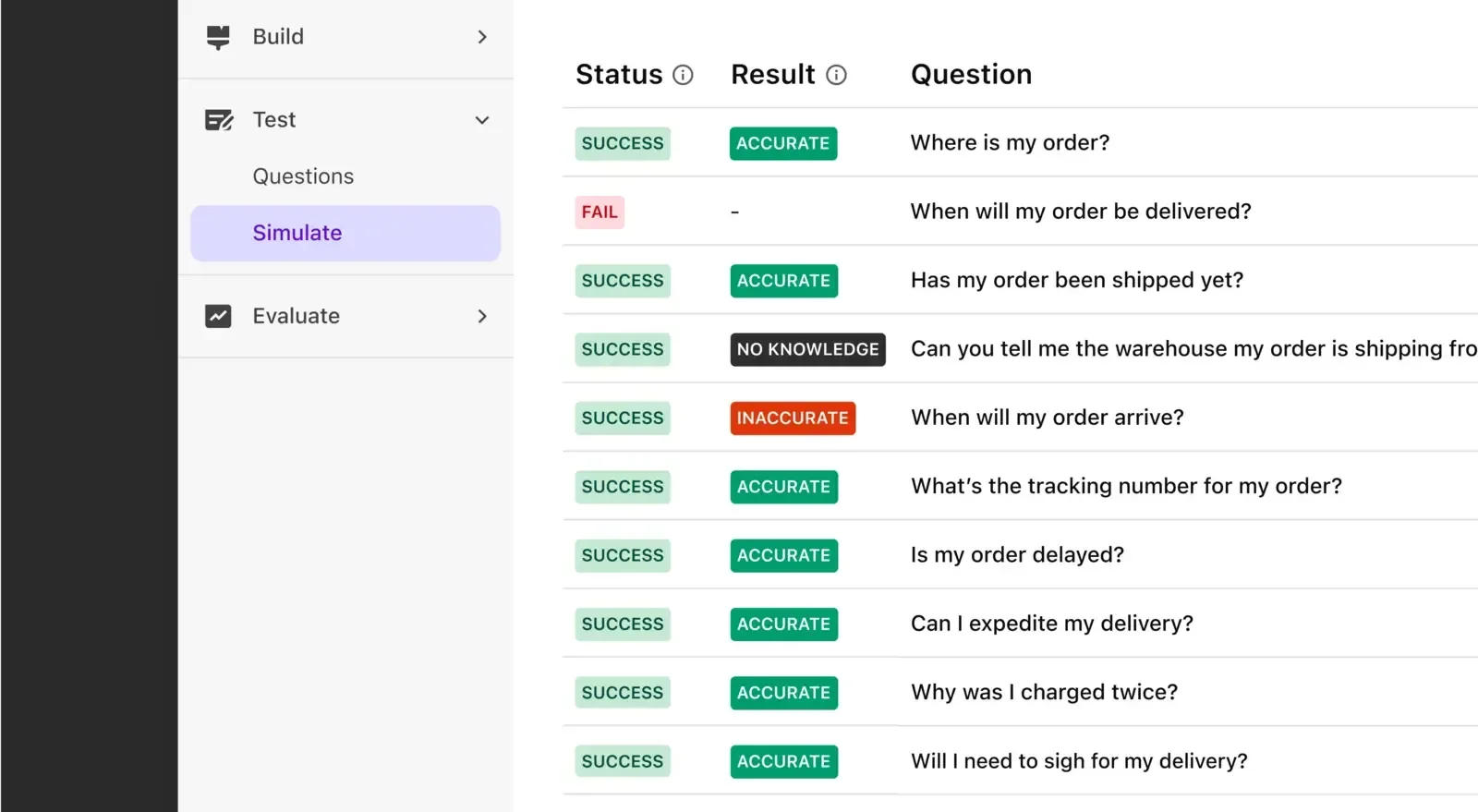
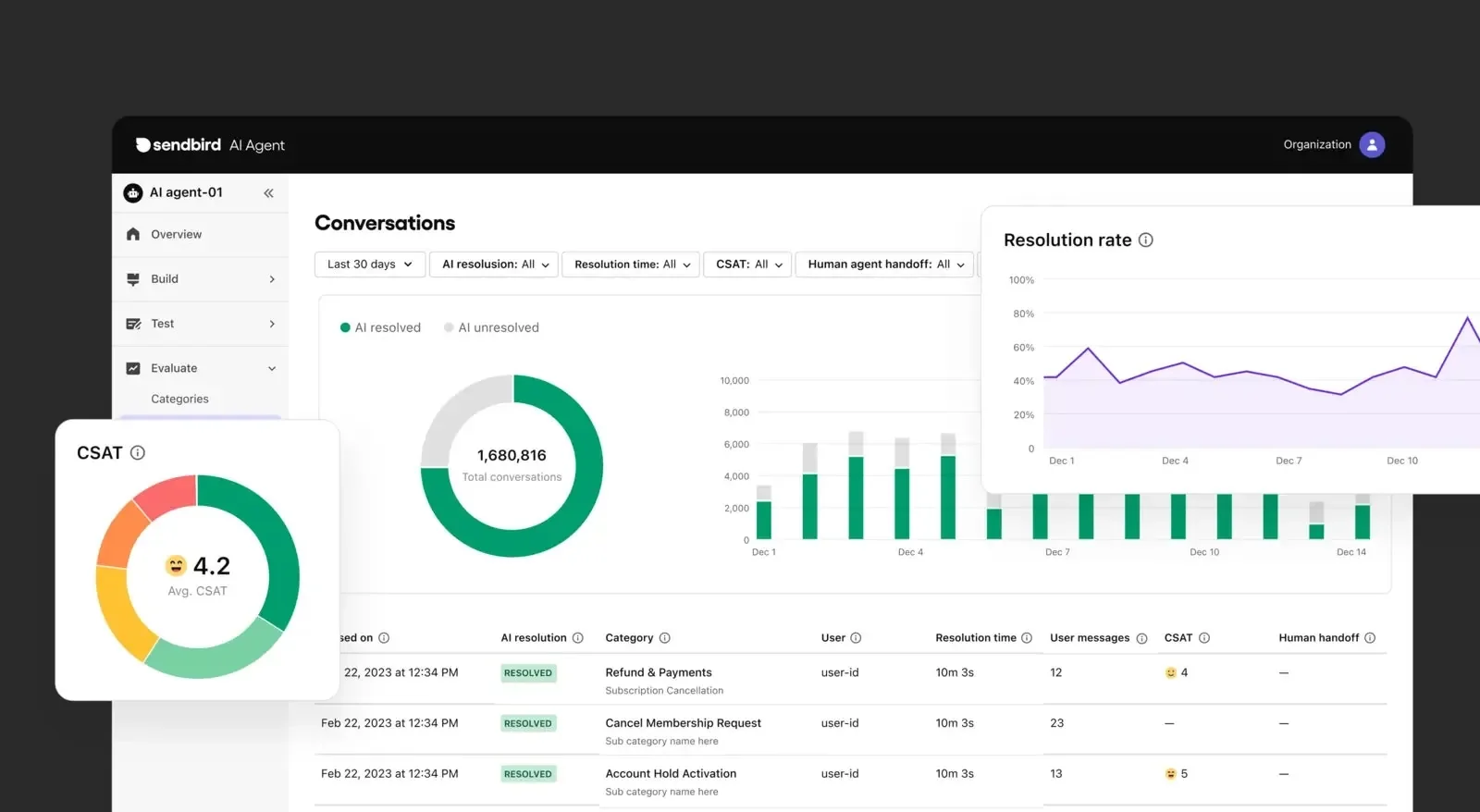
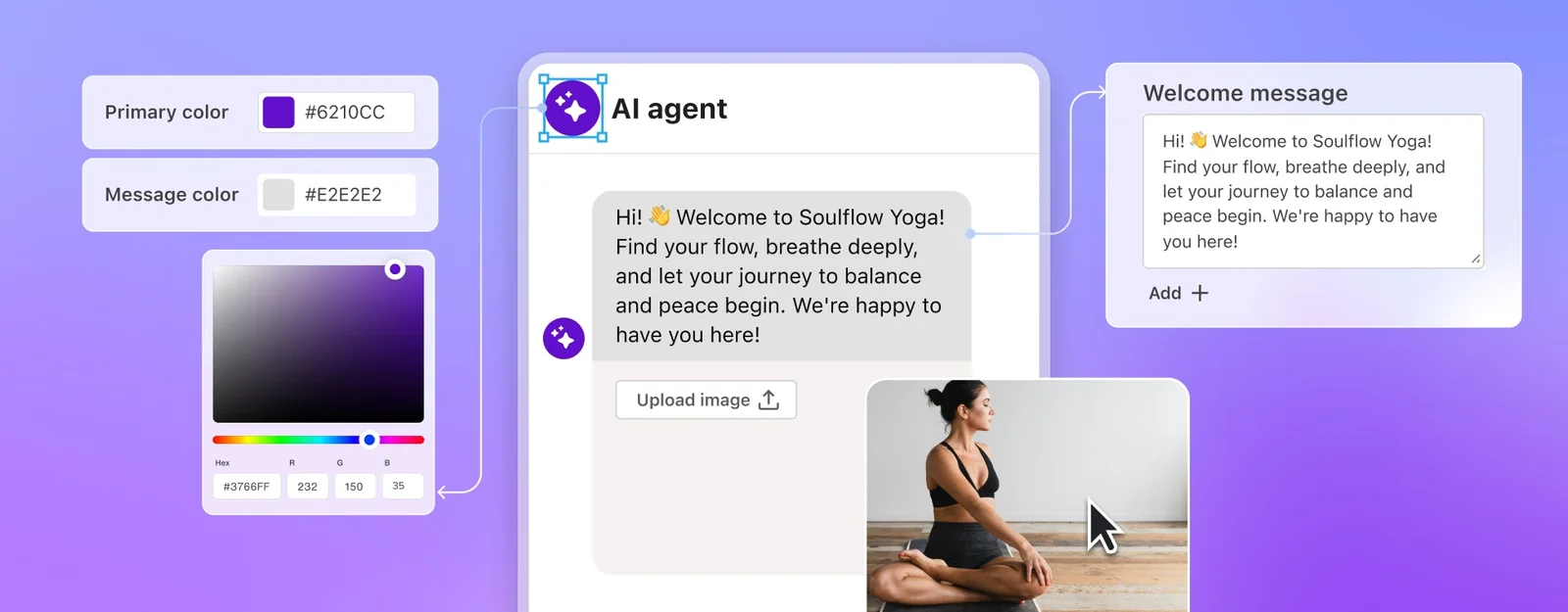
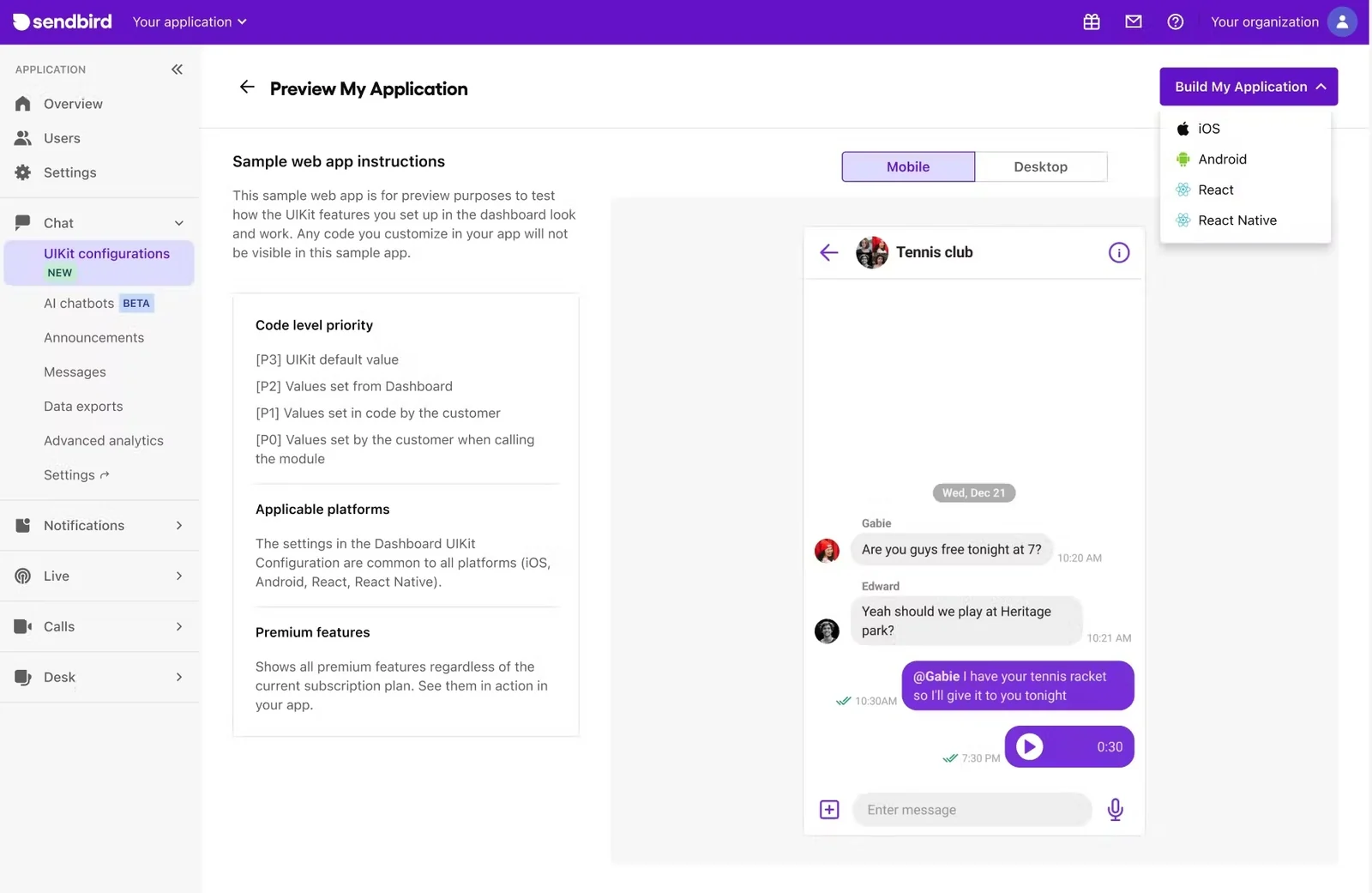
Sendbird provides an enterprise-grade omnichannel AI agent and communication platform that powers human-like customer conversations across chat, SMS, email, WhatsApp, web and social channels. The AI agent maintains context across channels, understands intent, takes actions, proactively engages customers, and escalates to human agents when needed. It integrates with support and knowledge systems (Salesforce, Zendesk, Notion, Google Drive) so agents can be trained on existing content and deliver unified customer insights. Combined with Sendbird's Chat APIs and SDKs for mobile and web, the platform enables scalable, real-time messaging and unified analytics for customer support and engagement.
Screenshots
Key Features
Use Cases



Frequently asked questions about Sendbird
What are the pricing options for Sendbird?
Sendbird offers a range of pricing plans designed to accommodate various business needs: a free Developer plan, a Starter plan priced at approximately $399/month, a Pro plan ranging from $800 to $1,000/month, and custom Enterprise plans. For precise details, it's best to contact their sales team directly.
Key Points
- Free Developer Plan: Ideal for testing and development.
- Starter Plan: Costs around $399/month, suitable for small to medium businesses.
- Pro Plan: Ranges from $800 to $1,000/month, designed for larger enterprises with advanced needs.
Detailed Explanation
Sendbird's pricing structure is tailored to different user requirements:
-
Free Developer Plan: This plan allows developers to integrate Sendbird’s messaging features without any cost. It includes essential functionalities, making it perfect for initial testing, prototypes, or small projects.
-
Starter Plan: Priced at approximately $399/month, the Starter plan is suited for startups or small businesses that need more features than the Developer plan provides. It typically includes advanced messaging features, higher user limits, and essential analytics tools to track engagement.
-
Pro Plan: This plan, which costs between $800 and $1,000/month, is tailored for larger organizations that require comprehensive features such as advanced security options, customization capabilities, and extensive user support. This plan is ideal for businesses that expect significant user engagement and need robust messaging solutions.
-
Enterprise Plans: For organizations with unique needs or large-scale requirements, Sendbird offers custom Enterprise plans. These are tailored solutions that can include dedicated support, advanced compliance features, and API access for extensive customization. Pricing for these plans varies based on specific requirements and scale, so direct consultation with their sales team is recommended.
Best Practices / Tips
- Evaluate Your Needs: Before choosing a plan, assess your business size, expected user engagement, and specific feature requirements.
- Start with the Free Plan: If you’re new to Sendbird, begin with the Free Developer plan to explore its features and functionalities.
- Contact Sales for Custom Plans: If your business requirements are unique, reach out to Sendbird's sales team to discuss custom Enterprise solutions that can better fit your needs.
Additional Resources
By following these guidelines, you can ensure that you select the right Sendbird pricing plan that aligns with your business goals and messaging needs.
What features does Sendbird provide for AI customer support?
Sendbird offers a range of AI customer support features, including omnichannel support, contextual understanding for personalized interactions, proactive engagement strategies, and seamless integrations with popular systems like Salesforce and Zendesk. These capabilities significantly enhance customer service efficiency and elevate user experiences across various platforms.
Key Points
- Omnichannel Support: Engage customers across multiple platforms.
- Contextual Understanding: Deliver personalized, relevant interactions.
- Proactive Engagement: Anticipate customer needs for improved service.
Detailed Explanation
Sendbird's AI-powered customer support features are designed to streamline communication and enhance user satisfaction.
-
Omnichannel Support: Sendbird allows businesses to interact with customers through various channels, including SMS, email, social media, and in-app messaging. This ensures a unified customer experience, wherein users can switch between channels without losing context. For example, a customer can initiate a chat on a website and continue the conversation via mobile app seamlessly.
-
Contextual Understanding: Leveraging AI, Sendbird analyzes previous interactions to provide agents with insights into customer behavior and preferences. This contextual understanding allows support teams to craft tailored responses, improving the likelihood of first-contact resolution. For instance, if a customer frequently inquires about shipping policies, the AI can flag this, prompting agents to provide proactive information.
-
Proactive Engagement: Sendbird empowers businesses to reach out to customers with timely notifications and assistance based on their behaviors. For example, if a user has abandoned their cart, Sendbird can automatically send a follow-up message, increasing the chances of conversion. This proactive approach not only enhances customer satisfaction but also drives sales.
-
Seamless Integrations: Sendbird integrates effortlessly with major CRM and support platforms like Salesforce and Zendesk. This integration allows teams to manage customer interactions within their existing workflows, reducing the need for multiple tools and systems. With comprehensive APIs, businesses can customize their operations further to suit specific needs.
Best Practices / Tips
- Utilize Analytics: Regularly review the analytics provided by Sendbird to understand customer engagement trends and areas for improvement.
- Train Your Team: Ensure your support team is trained to use AI insights effectively, turning data into actionable outcomes.
- Monitor Response Times: Keep an eye on response times to improve efficiency and customer satisfaction continually.
- Test Integrations: Regularly test the integration with your CRM systems to ensure smooth operations and data flow.
Additional Resources
How do I get started with Sendbird?
To get started with Sendbird, sign up for a free Developer plan to access essential features, or request a free trial for premium options. Follow the setup guides for seamless integration with your applications and enhance your user engagement through chat, voice, and video functionalities.
Key Points
- Access a free Developer plan for basic features.
- Request a free trial for premium capabilities.
- Follow setup guides for easy integration.
Detailed Explanation
-
Sign Up: Visit the Sendbird website and choose the option to sign up for a free Developer plan. This provides you with access to core features like chat messaging. Alternatively, you can request a free trial for paid plans, which include advanced functionalities such as voice calls and video conferencing.
-
Integration: Once you've signed up, follow the detailed setup guides provided in the Sendbird documentation. These guides are tailored for various platforms, including web, iOS, and Android. For instance, if you’re developing a mobile application, you can find SDKs that help you integrate Sendbird's features into your app quickly.
-
Development: After integration, start developing your chat functionalities. Utilize Sendbird’s APIs to customize user experiences, such as implementing real-time messaging, notifications, or user management. The platform also supports extensive customization options, allowing you to tailor the user interface to match your brand.
-
Testing and Launch: Before going live, conduct thorough testing to ensure all features function correctly. Use Sendbird’s sandbox environment to simulate user interactions and troubleshoot any issues. Once testing is complete, you can launch your application with confidence.
Best Practices / Tips
- Explore Documentation: Familiarize yourself with Sendbird's comprehensive documentation and tutorials to maximize your use of the platform.
- Utilize Support: Don’t hesitate to reach out to Sendbird’s support team if you encounter any challenges during integration or development.
- Monitor Performance: Use analytics tools provided by Sendbird to monitor user engagement and performance metrics. This data can help you refine your chat experience.
Additional Resources
How can I integrate Sendbird with other applications?
Sendbird can be integrated with other applications using its Chat APIs and SDKs available for platforms like iOS, Android, and Web. For detailed integration instructions, refer to the official Sendbird documentation, which provides comprehensive guides tailored for different programming environments.
Key Points
- Compatibility: Supports iOS, Android, and Web platforms.
- APIs and SDKs: Provides robust tools for developers.
- Comprehensive Documentation: Includes examples and best practices.
Detailed Explanation
Integrating Sendbird with your application is straightforward due to its well-designed APIs and SDKs. Here’s a step-by-step guide to get you started:
-
Choose Your Platform: Determine whether you’re developing for iOS, Android, or Web. Each platform has specific SDKs that are optimized for performance and functionality.
-
Obtain API Keys: Sign up for a Sendbird account and create an application to obtain your API keys. These keys are essential for authenticating your requests.
-
Install the SDK: Depending on your platform:
- iOS: Use CocoaPods or Swift Package Manager to integrate the Sendbird SDK.
- Android: Add the SDK dependencies in your
build.gradlefile. - Web: Include the Sendbird JavaScript SDK via npm or a direct CDN link.
-
Initialize the SDK: In your application code, initialize the Sendbird SDK using your API keys. This step is crucial for establishing a connection to the Sendbird server.
-
Implement Chat Features: Use the Sendbird APIs to integrate chat functionalities such as messaging, user management, and channel creation. For example, you can use the
sendMessageAPI to allow users to send messages within the chat. -
Test the Integration: Ensure all functionalities work as intended. Sendbird provides a test environment to help you troubleshoot any issues that arise.
Best Practices / Tips
- Read the Documentation: Always refer to the official Sendbird documentation for the latest updates and best practices.
- Use Webhooks: Implement webhooks for real-time notifications and updates within your application.
- Optimize User Experience: Consider user interface design and user experience for a smooth chat functionality. Ensure that the chat window is responsive and user-friendly.
- Monitor Performance: Use Sendbird’s dashboard to monitor chat performance and user engagement metrics.
Additional Resources
- Sendbird Official Documentation
- Guides for iOS SDK Integration
- Android SDK Integration Guide
- Web SDK Documentation
By following these steps and best practices, you can efficiently integrate Sendbird into your application, enhancing your users' communication experience.
How does Sendbird compare to other AI customer service tools?
Sendbird excels as an AI customer service tool due to its omnichannel capabilities, contextual understanding, and robust integrations tailored for enterprise needs. Compared to competitors, it offers a more comprehensive solution that enhances customer interactions across various platforms, making it a preferred choice for businesses aiming for superior customer engagement.
Key Points
- Omnichannel Support: Provides seamless communication across multiple platforms.
- Contextual Understanding: Enhances customer interaction by understanding user context.
- Robust Integrations: Easily integrates with various enterprise systems and tools.
Detailed Explanation
Sendbird's omnichannel capabilities allow businesses to interact with customers through various channels, including SMS, email, chat, and social media, all from a single platform. This integration not only streamlines communications but also ensures customers receive consistent support, regardless of the channel they choose.
In terms of contextual understanding, Sendbird analyzes user interactions to provide personalized responses. For instance, if a customer previously inquired about an order status, the system can automatically reference this in future conversations, enhancing the overall customer experience. This level of personalization is a significant advantage over many competitors, which may lack such depth in contextual awareness.
Robust integrations are another highlight of Sendbird. The tool can easily connect with CRM systems, analytics tools, and other essential software. This interoperability is crucial for enterprises that rely on multiple tools for customer service management. For example, integrating Sendbird with Salesforce can allow customer service agents to access customer data directly, optimizing response times and improving service quality.
Best Practices / Tips
- Utilize Omnichannel Features: Ensure your team is trained to use all available channels effectively to provide seamless customer support.
- Leverage Contextual Insights: Regularly analyze user data to enhance the contextual understanding capabilities, tailoring interactions based on customer history.
- Integrate Wisely: Choose integrations that align with your existing systems to maximize efficiency and reduce operational friction.
Additional Resources
Explore more AI Ai Agents tools
Browse all Ai Agents tools →Browse by use case: Chatbots & Assistants · Automation & Productivity
Compare Sendbird: vs Proto-Mind · vs Ami · vs Duvi · vs AskDeck