

Seedance 1.5 Pro
AINext-gen video generator that converts text or images into high-quality cinematic videos with one-click creation.
Seedance 1.5 Pro
Next-gen video generator that converts text or images into high-quality cinematic videos with one-click creation.
About Seedance 1.5 Pro
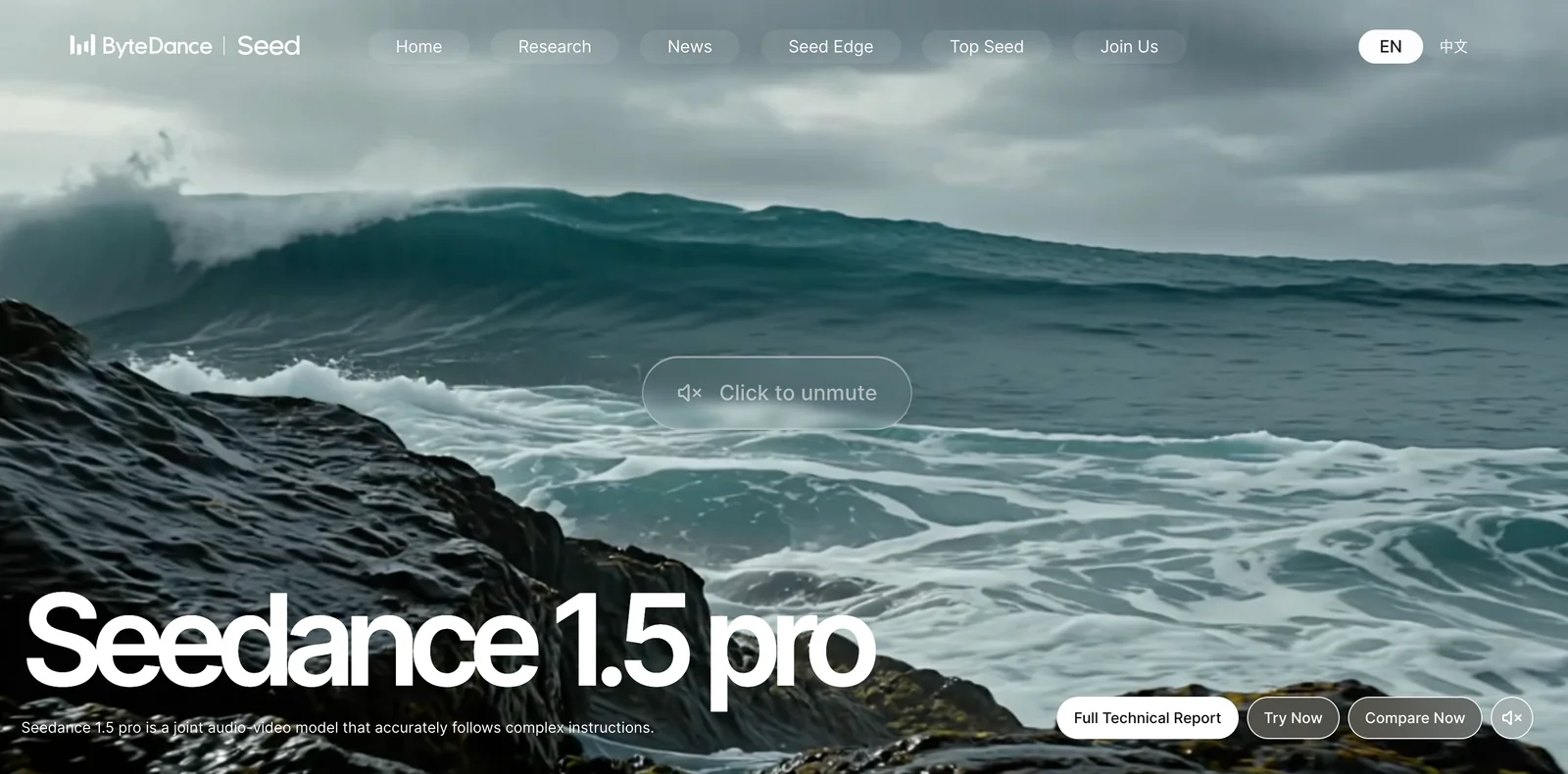
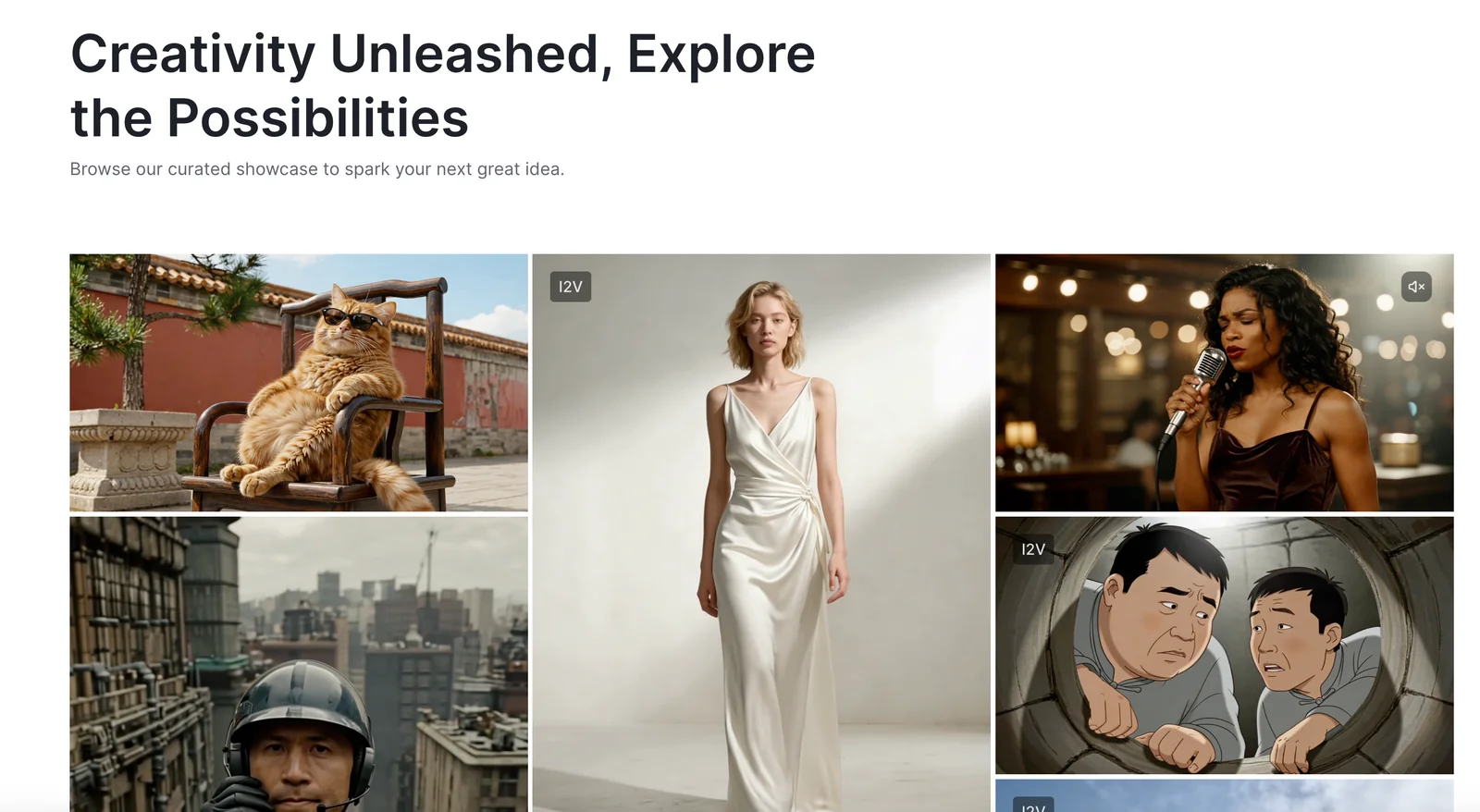
Seedance 1.5 Pro, developed by ByteDance, is a web-accessible video generation tool that transforms text prompts or static images into high-quality, cinematic video sequences. It emphasizes rapid, one-click creation of polished motion content and is positioned as a next-generation solution for producing cinematic scenes from minimal input. The product is available in variants including Seedance 1.5 Pro and Seedance Pro and offers a free trial to let users evaluate its capabilities.
Screenshots
Key Features
Use Cases



Frequently asked questions about Seedance 1.5 Pro
What are the different pricing options for Seedance 1.5?
Seedance 1.5 offers a freemium model, featuring a free trial for users. Additionally, it has custom-priced Pro and Enterprise plans tailored to specific business needs. For exact pricing details, users should contact Seedance sales directly, as the official site does not disclose specific rates.
Key Points
- Freemium Model: Seedance 1.5 includes a free trial.
- Custom Pricing: Pro and Enterprise plans are available at variable costs.
- Contact Sales: Exact pricing is not listed online; users must reach out for quotes.
Detailed Explanation
Seedance 1.5 is designed to accommodate various user needs through its flexible pricing structure.
-
Freemium Model: The free trial allows users to test the platform’s features before committing to a subscription. This is ideal for businesses looking to assess the tool's effectiveness without initial investment.
-
Custom Pricing Plans:
- Pro Plan: Tailored for small to medium-sized businesses, this plan usually includes advanced features such as analytics, integrations with third-party apps, and priority support.
- Enterprise Plan: Designed for larger organizations, this plan offers extensive customization options, dedicated account management, enhanced security features, and comprehensive training sessions.
-
Contacting Sales: Since the specifics of the Pro and Enterprise plans are not listed on the website, potential users are encouraged to fill out a contact form or call the sales team. This ensures that businesses receive personalized quotes based on their unique requirements.
Best Practices / Tips
- Evaluate Needs: Before reaching out for a quote, assess your team’s specific needs and how they align with Seedance features.
- Utilize the Free Trial: Take full advantage of the free trial period to explore all functionalities and determine the best plan for your organization.
- Ask Questions: When contacting sales, prepare a list of questions regarding features, support, and potential discounts for long-term commitments.
Additional Resources
How does Seedance 1.5's video generation feature work?
Seedance 1.5's video generation feature transforms text or images into high-quality cinematic videos effortlessly using a one-click interface. Users can create dynamic visuals simply by entering written prompts or uploading static images, making video creation accessible to everyone, regardless of their technical skills.
Key Points
- User-Friendly Interface: Seedance 1.5 features an intuitive one-click system.
- Text and Image Input: Users can generate videos from both text prompts and images.
- High-Quality Output: The tool produces cinematic-quality videos suitable for various applications.
Detailed Explanation
Seedance 1.5 leverages advanced artificial intelligence algorithms to analyze the inputs provided by users. When a user inputs a text prompt, the AI decodes the context and themes present in the text, translating them into a visually engaging narrative. For instance, if a user types "A serene beach at sunset," the tool will generate a video that captures that scene with appropriate colors, movements, and soundscapes.
Similarly, when users upload images, Seedance 1.5 uses image recognition technology to enhance and animate those visuals. For example, if a user uploads a still image of a forest, the tool can create a video that includes subtle movements like swaying trees or flowing water, bringing the image to life.
This feature is particularly useful for content creators, marketers, and educators looking to engage their audiences with compelling visuals. The seamless integration of AI ensures that even those with no video editing experience can produce high-quality content in minutes.
Best Practices / Tips
- Be Descriptive: Use detailed and vivid language in your text prompts to guide the AI effectively. For example, instead of "a dog," try "a playful golden retriever running in a sunny park."
- High-Quality Images: When using images, ensure they are high resolution to achieve the best results in the final video.
- Experiment: Don’t hesitate to try different prompts and images to understand how the AI interprets various inputs, allowing you to fine-tune your approach for optimal results.
Additional Resources
What is the process to start using Seedance 1.5?
To start using Seedance 1.5, visit the official website and sign up for a free trial. After registration, you can create videos by either entering text prompts or uploading images directly through the user-friendly web interface.
Key Points
- Free trial available for new users.
- User-friendly interface for video creation.
- Options to use text prompts or image uploads.
Detailed Explanation
Starting with Seedance 1.5 is straightforward. First, navigate to the official Seedance website and locate the "Free Trial" button. Click it to initiate the registration process. You will need to provide basic information such as your name, email address, and a password to create an account.
Once registered, log in to your dashboard where you will find a simple and intuitive interface designed for ease of use. Here are the steps to create your first video:
-
Choose Your Input Method: You can either type out text prompts or upload images. For text prompts, consider using specific phrases or keywords that encapsulate your vision for the video.
-
Customize Your Video: After inputting your prompts or uploading images, you can adjust settings such as video length, style, and format. This allows for a personalized touch that aligns with your creative objectives.
-
Preview and Edit: Before finalizing your video, make sure to preview it. Use the editing tools provided to make necessary adjustments to ensure the final product meets your expectations.
-
Export and Share: Once satisfied with your creation, export the video. You can download it directly or share it across various platforms such as social media or your website.
Best Practices / Tips
- Use Clear Prompts: When entering text prompts, clarity is key. Use descriptive language to help the AI generate better results.
- Explore Image Uploads: Take advantage of the image upload feature by using high-quality images that resonate with your video’s theme.
- Utilize Templates: Seedance 1.5 may offer various templates. Explore these options to streamline your video creation process and save time.
- Keep It Short and Engaging: Aim for short videos that capture attention quickly, ideally between 30 seconds to 2 minutes, depending on the platform.
Additional Resources
- Visit the Seedance Help Center for tutorials and FAQs.
- Check out community forums to connect with other users for tips and inspiration.
- Explore video marketing strategies to maximize the impact of your Seedance creations.
Are there any technical requirements for using Seedance 1.5?
Seedance 1.5 functions through a web-based interface, eliminating the need for local installation. Users must have a compatible web browser, such as Chrome or Firefox, and a stable internet connection to effectively utilize its video generation features.
Key Points
- Web-based platform requires no installation.
- Compatible browsers include Chrome, Firefox, and Safari.
- A stable internet connection is essential for optimal performance.
Detailed Explanation
Seedance 1.5 is designed to streamline video generation processes, making it accessible to users without requiring complex setup. Here are the technical requirements:
-
Web Browser Compatibility: Seedance 1.5 is optimized for modern web browsers. The most recommended options include:
- Google Chrome: Offers the best performance and compatibility with advanced features.
- Mozilla Firefox: A solid alternative for users who prefer an open-source option.
- Safari: Works well for Apple users, but ensure it’s updated to the latest version.
-
Stable Internet Connection: A reliable internet connection is crucial to access and utilize all features of Seedance 1.5. A minimum speed of 5 Mbps is recommended to ensure smooth functionality, especially when generating high-resolution videos.
-
System Requirements: While Seedance 1.5 operates in the cloud, users should also consider the following:
- Device Specifications: While there are no strict hardware requirements, using a device with at least 4GB of RAM can improve performance.
- Updates: Regularly updating your browser ensures that you benefit from the latest security patches and enhancements, reducing the risk of errors during video creation.
Best Practices / Tips
- Use Updated Browsers: Always ensure your browser is updated to the latest version for the best compatibility and security.
- Check Internet Speed: Before starting a project, test your internet speed to ensure it meets the minimum requirements for a smooth experience.
- Clear Cache: Periodically clear your browser's cache and cookies to prevent loading issues and to enhance performance.
- Device Maintenance: Keep your device free of unnecessary programs that may slow down performance while using Seedance 1.5.
Additional Resources
What makes Seedance 1.5 unique compared to other video generation tools?
Seedance 1.5 is unique due to its one-click cinematic video creation, allowing users to easily convert text and images into engaging videos. Its high-quality output and user-friendly interface make it an ideal tool for marketers and social media content creators seeking to enhance their visual storytelling.
Key Points
- One-Click Video Creation: Simplifies the video-making process.
- High-Quality Output: Delivers professional-grade videos.
- Versatile Content Input: Supports both text and images for diverse projects.
Detailed Explanation
Seedance 1.5 differentiates itself in the crowded video generation landscape with its innovative one-click cinematic feature. This tool allows users to produce visually stunning videos without requiring extensive technical skills or prior experience in video editing. By simply entering text or uploading images, users can create dynamic videos tailored for various platforms, including social media, blogs, and marketing campaigns.
The platform's high-quality output is another significant advantage. Videos generated by Seedance 1.5 are designed to maintain clarity and professionalism, making them suitable for business presentations or promotional materials. The software utilizes advanced algorithms to ensure that the final product meets high-quality standards, which is essential for engaging audiences effectively.
Seedance 1.5 also supports a wide array of content inputs. Users can leverage both text and images to create content that resonates with their target audience. This versatility is particularly beneficial for marketers who need to adapt their messaging quickly across different formats.
Use Cases
- Social Media Marketing: Create eye-catching snippets for platforms like Instagram and TikTok.
- Content Marketing: Transform blog posts into informative videos to reach a broader audience.
- Corporate Training: Develop instructional videos using existing training materials.
Best Practices / Tips
- Utilize Templates: Explore the available templates within Seedance 1.5 to save time and ensure a professional look.
- Optimize for Platforms: Customize video dimensions and formats based on the requirements of the social media platforms you are targeting.
- Experiment with Styles: Try different cinematic styles and transitions to find what resonates best with your audience.
Additional Resources
By leveraging Seedance 1.5, users can streamline their video creation process while ensuring high-quality outputs that captivate viewers and enhance their marketing efforts.
Explore more AI Ai Models tools
Browse all Ai Models tools →Browse by use case: Video Generation · Automation & Productivity
Compare Seedance 1.5 Pro: vs Mouse-1 · vs Milliseconds.ai · vs SWE-2 · vs Desert Ant Labs