

Project Genie
AIFreeAn experimental Google Labs project exploring generative assistant prototypes and interactive AI demos.
Project Genie
An experimental Google Labs project exploring generative assistant prototypes and interactive AI demos.
About Project Genie
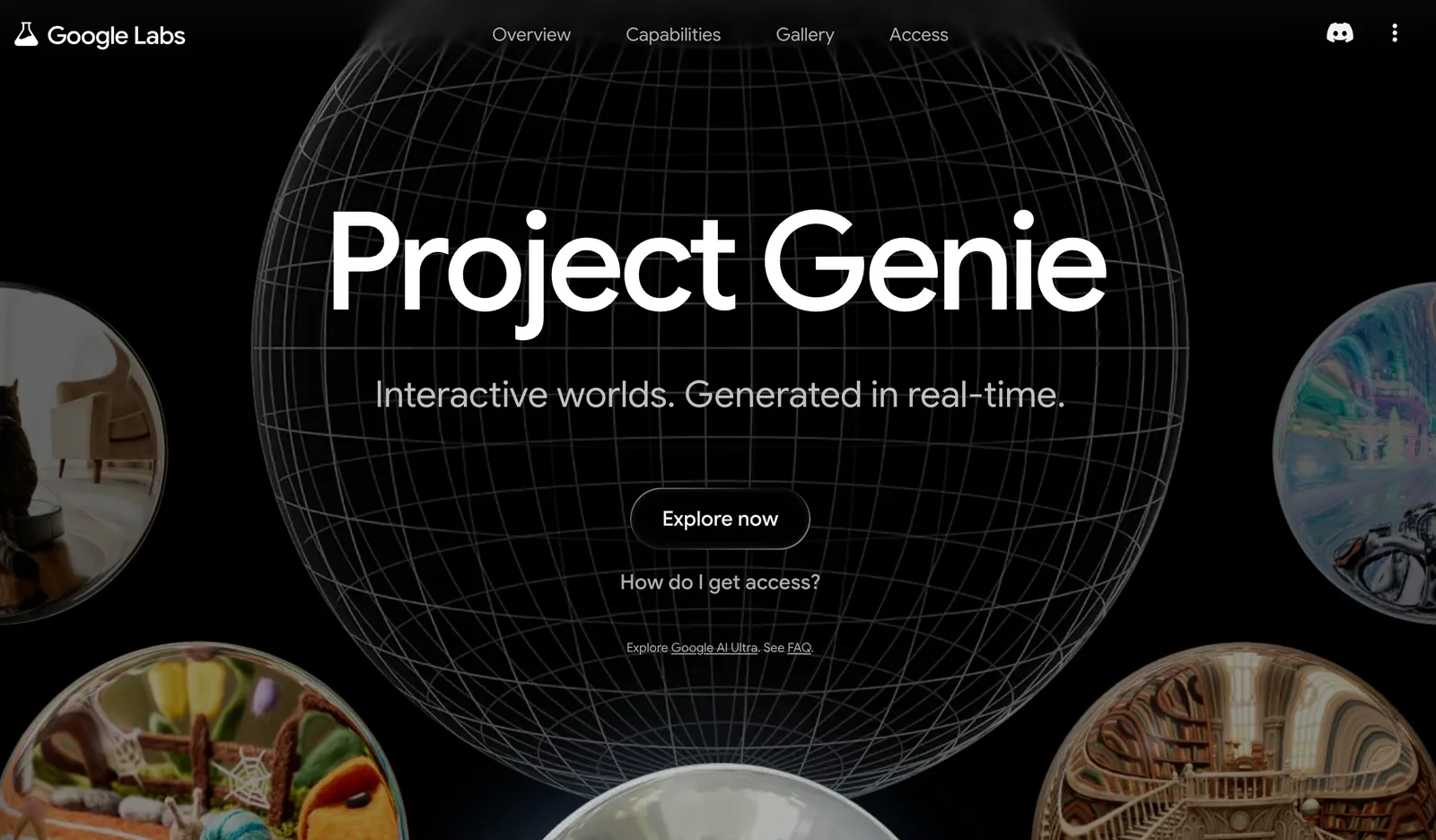
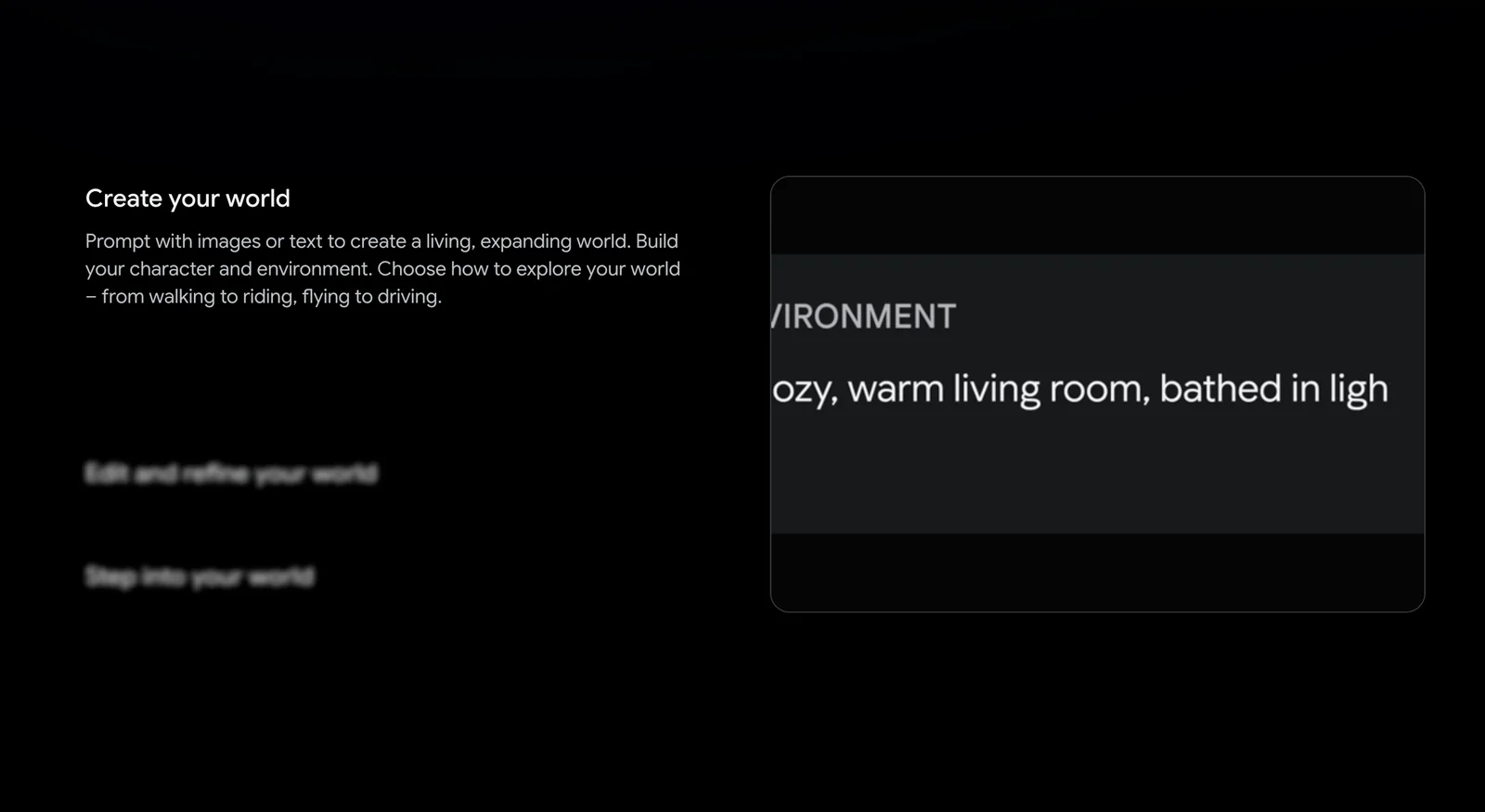
Project Genie is an experimental AI tool hosted on Google Labs that showcases prototype assistant behaviors, interactive demos, and research-oriented features. It is presented as a platform for exploring new generative and conversational interactions, collecting user feedback, and iterating on UI and safety controls. As a Labs experiment, Project Genie emphasizes rapid prototyping and responsible deployment practices rather than being positioned as a production product.
Screenshots


Key Features
Use Cases



Frequently asked questions about Project Genie
What are the pricing options for Project Genie?
Project Genie offers multiple pricing options: a free access tier for public experiments, a subscription to Google AI Ultra at $249.99, which unlocks enhanced features, and an invite-only free access for Trusted Testers. Each option caters to different user needs and engagement levels.
Key Points
- Free Tier: Access public experiments without any cost.
- Subscription Cost: Google AI Ultra subscription available for $249.99 per month.
- Trusted Testers: Exclusive, invite-only free access for select users.
Detailed Explanation
Free Access Tier
Project Genie provides a free access tier for users interested in experimenting with its public features. This option is ideal for individuals or organizations looking to explore the capabilities of Project Genie without any financial commitment. Users can participate in public experiments, offering a hands-on approach to evaluating the platform.
Google AI Ultra Subscription
For those seeking advanced features, the Google AI Ultra subscription is priced at $249.99 per month. This tier unlocks several premium functionalities that enhance project management and AI capabilities, making it suitable for businesses or serious users who require more robust tools. Features may include:
- Enhanced Data Analytics: Access to deeper insights and analytics tools.
- Priority Support: Faster response times for technical assistance.
- Advanced Experimentation Tools: Tools for running complex AI models and experiments.
Trusted Tester Program
The Trusted Tester program allows select users to access Project Genie for free on an invite-only basis. This program is designed for early adopters and tech enthusiasts who can provide feedback on new features. To become a Trusted Tester, users typically need to sign up for notifications and wait for an invitation.
Best Practices / Tips
- Evaluate Your Needs: Before choosing a pricing option, assess your specific needs and project requirements. If you only need basic features, the free tier may suffice.
- Stay Updated: Follow Project Genie’s official channels to get updates on new features and potential changes in pricing.
- Join the Community: Engaging with the Project Genie community can provide insights into optimizing your use of the platform and may offer access to exclusive content or trials.
Additional Resources
What key features does Project Genie provide?
Project Genie offers key features such as a web-based interactive demo, prototype assistant flows, user feedback collection, and responsible deployment controls. These functionalities enable users to effectively test assistant behaviors, gather insights for improvements, and ensure ethical deployment of AI technology.
Key Points
- Web-based Interactive Demo: Allows users to engage with prototypes in real-time.
- Prototype Assistant Flows: Streamlines the creation and testing of assistant interactions.
- User Feedback Collection: Facilitates gathering user insights for continuous improvement.
Detailed Explanation
Project Genie is designed to enhance the development of AI assistants through several innovative features:
-
Web-based Interactive Demo: This feature provides users with a hands-on experience of the AI assistant in a simulated environment. Users can interact with the prototype in real-time, which helps in understanding the assistant's functionalities and identifying areas for enhancement.
-
Prototype Assistant Flows: Project Genie simplifies the process of designing and testing assistant flows. Users can create various interaction pathways that the AI can follow, allowing for extensive testing of user scenarios. This helps in ensuring that the assistant can handle different user requests effectively.
-
User Feedback Collection: Gathering feedback is crucial for the iterative improvement of AI assistants. Project Genie includes tools for collecting user feedback during the demo and testing phases. This data is invaluable as it informs developers about user preferences and potential pain points, leading to more refined and user-friendly assistants.
-
Responsible Deployment Controls: Ensuring ethical deployment is paramount in AI development. Project Genie offers features that help users implement responsible controls, such as data privacy measures and adherence to ethical guidelines. This ensures that AI assistants are deployed in a manner that respects user privacy and complies with regulations.
Best Practices / Tips
- Engage Users Early: Involve users in the testing phase to gather authentic feedback that can drive enhancements.
- Iterate Based on Feedback: Use the insights collected to make data-driven decisions for improving assistant flows.
- Focus on Ethical Considerations: Always prioritize responsible deployment to build user trust and comply with regulations.
Additional Resources
How do I get started with Project Genie?
To get started with Project Genie, visit the official website and access the demo directly in your web browser. You can interact with the prototype assistant, explore its features, and provide feedback based on your experience to help improve the tool.
Key Points
- Access the demo via the official website.
- Interact with the prototype assistant to understand its functionalities.
- Provide feedback to enhance future versions of Project Genie.
Detailed Explanation
To begin using Project Genie, follow these steps:
-
Visit the Official Website: Navigate to the Project Genie website. The homepage typically features a prominent link to access the demo.
-
Launch the Demo: Click on the demo link. The prototype is designed to run directly in your web browser, so no downloads or installations are necessary. This makes it easy to get started immediately.
-
Explore Features: Once the demo is live, you will find various functionalities of the prototype assistant. Take your time to explore different features such as task management, scheduling, and data analysis.
-
Interact with the Prototype: Engage with the assistant by inputting sample data or asking questions. This hands-on experience will help you understand how Project Genie can assist you in real-world applications.
-
Provide Feedback: After using the demo, share your thoughts with the development team. Constructive feedback is vital for improving Project Genie, ensuring it meets user needs effectively.
Best Practices / Tips
- Utilize Support Resources: If you encounter any issues while accessing the demo, check the help section on the website or contact customer support for assistance.
- Take Notes: As you interact with the prototype, jot down any features that could be improved or any bugs you encounter. This will help in providing detailed feedback.
- Engage with Community: Join forums or community discussions related to Project Genie to share insights and learn from other users’ experiences.
Additional Resources
Do I need technical skills to use Project Genie?
No, you do not need technical skills to use Project Genie. It is designed to be user-friendly, catering to beginners. By following the prompts in the interactive demo, users can easily explore its features without any prior technical knowledge.
Key Points
- User-Friendly Interface: Project Genie is intuitive, allowing easy navigation.
- Interactive Demo: A guided demo helps users familiarize themselves with features.
- No Prior Knowledge Required: The platform accommodates users of all experience levels.
Detailed Explanation
Project Genie is built with simplicity in mind, making it ideal for users who may not have a technical background. The platform features an intuitive user interface, allowing anyone to navigate without confusion.
How to Get Started:
- Create an Account: Sign up for a free trial or basic plan on Project Genie’s website.
- Access the Interactive Demo: Once logged in, the demo will guide you step-by-step through the platform’s functionalities.
- Explore Features: Test various features like project management, task assignment, and reporting without needing to write code or understand complex technical terms.
Use Cases:
- Small Business Owners: Easily manage projects and tasks without hiring a technical team.
- Students: Organize group projects and collaborate effectively without technical expertise.
- Freelancers: Use Project Genie to track assignments and deadlines with ease.
Best Practices / Tips
- Take Advantage of the Demo: Spend time in the interactive demo to familiarize yourself with all features.
- Utilize Help Resources: Access tutorials and FAQs offered by Project Genie to resolve any queries.
- Practice Regularly: Regular usage will enhance your familiarity and comfort with the platform.
Additional Resources
- Project Genie Official Documentation
- User Community Forum
- Beginner’s Guide to Project Management Tools
By following these steps and utilizing the resources, you will quickly become proficient in using Project Genie, regardless of your technical background.
How does Project Genie compare to other AI tools?
Project Genie stands out among AI tools by concentrating on generative assistant prototypes and leveraging user feedback for rapid development. Unlike many commercial AI solutions, its experimental approach fosters continuous improvement, making it particularly adaptable to user needs and preferences.
Key Points
- Focus on Generative Prototypes: Project Genie prioritizes creating innovative AI models.
- User Feedback Integration: User input significantly influences its development process.
- Rapid Iteration Cycle: The tool allows for quick adjustments based on testing and feedback.
Detailed Explanation
Project Genie differentiates itself from other AI tools by its commitment to generative prototypes. This means it actively develops and tests new models, unlike more static commercial solutions. For instance, while traditional AI tools may offer predefined functionalities, Project Genie encourages experimentation, leading to unique features tailored to user requirements.
The emphasis on user feedback is also pivotal. Users can directly influence the development of features, allowing for a more personalized experience. This approach ensures that the tool evolves according to real-world applications, making it more relevant and effective. For example, if users find a particular feature lacking, the development team can swiftly implement changes, keeping the tool aligned with user expectations.
Moreover, Project Genie operates on a rapid iteration cycle, which is crucial for keeping up with the fast-paced AI landscape. This agility enables developers to test new ideas quickly, gather insights, and refine their models without extensive delays. Consequently, businesses using Project Genie can benefit from cutting-edge capabilities that are frequently updated.
Best Practices / Tips
- Engage with User Feedback: Actively participate in feedback sessions to influence tool updates.
- Experiment with Prototypes: Take advantage of the experimental nature of Project Genie to explore innovative applications.
- Stay Updated: Regularly check for the latest updates and features, as the rapid iteration means that new capabilities may be released frequently.
Additional Resources
Explore more AI Ai Models tools
Browse all Ai Models tools →Browse by use case: Chatbots & Assistants
Compare Project Genie: vs Mouse-1 · vs Milliseconds.ai · vs SWE-2 · vs Desert Ant Labs