
Okara
AIEncrypted private AI chat with 20–30+ open-source and proprietary models, persistent shared memory, and secure workspaces for professional use.
Okara
Encrypted private AI chat with 20–30+ open-source and proprietary models, persistent shared memory, and secure workspaces for professional use.
About Okara
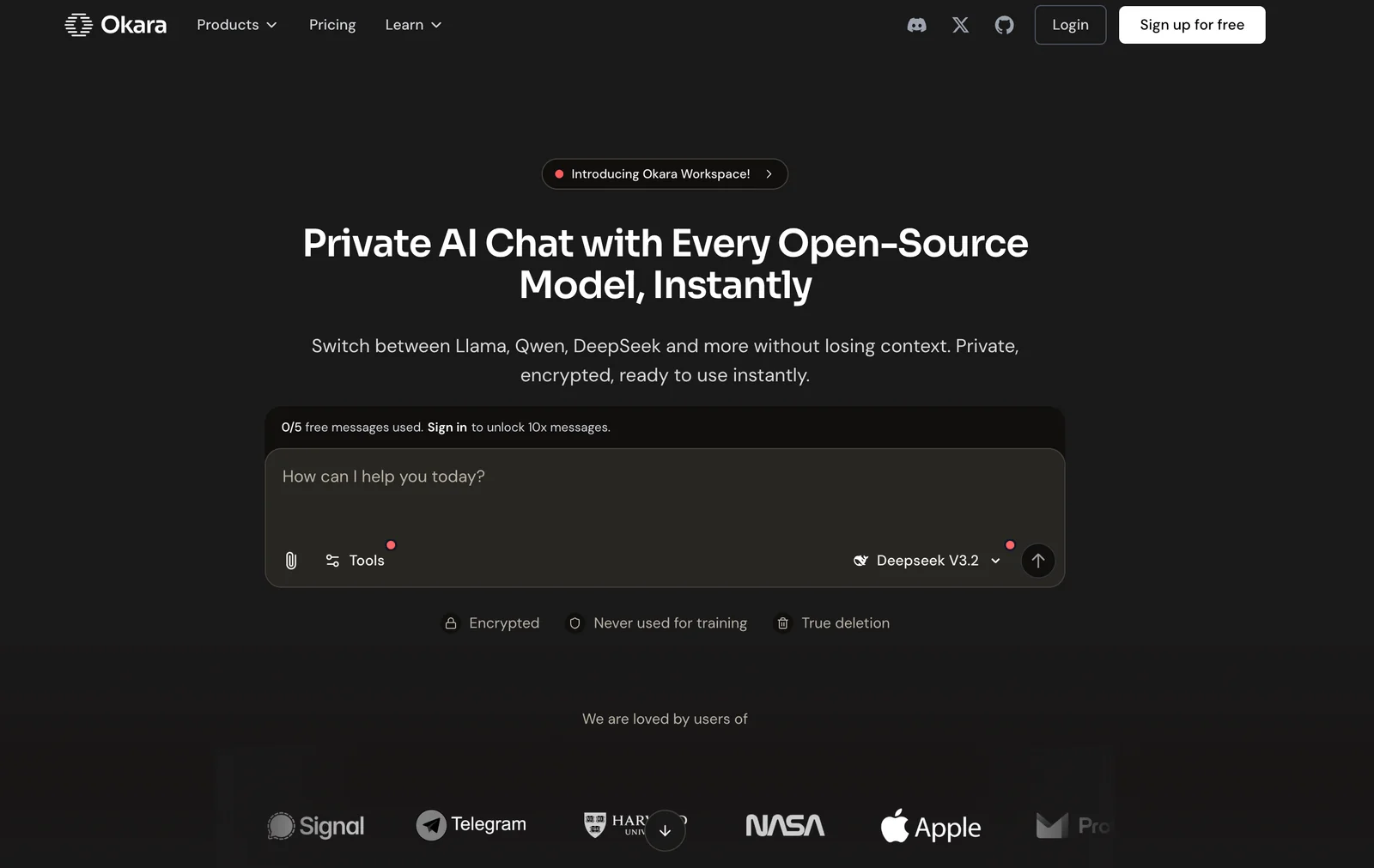
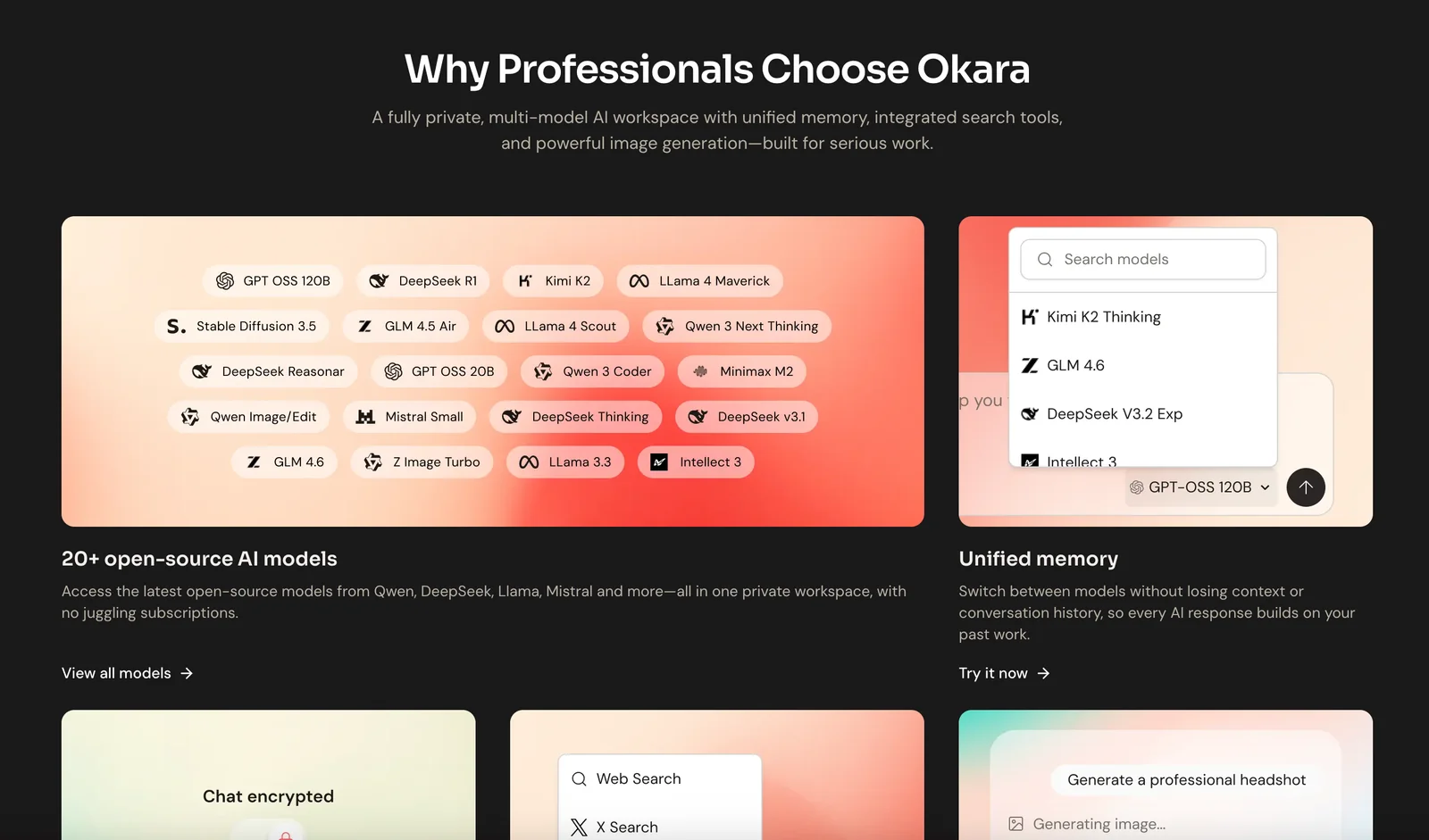
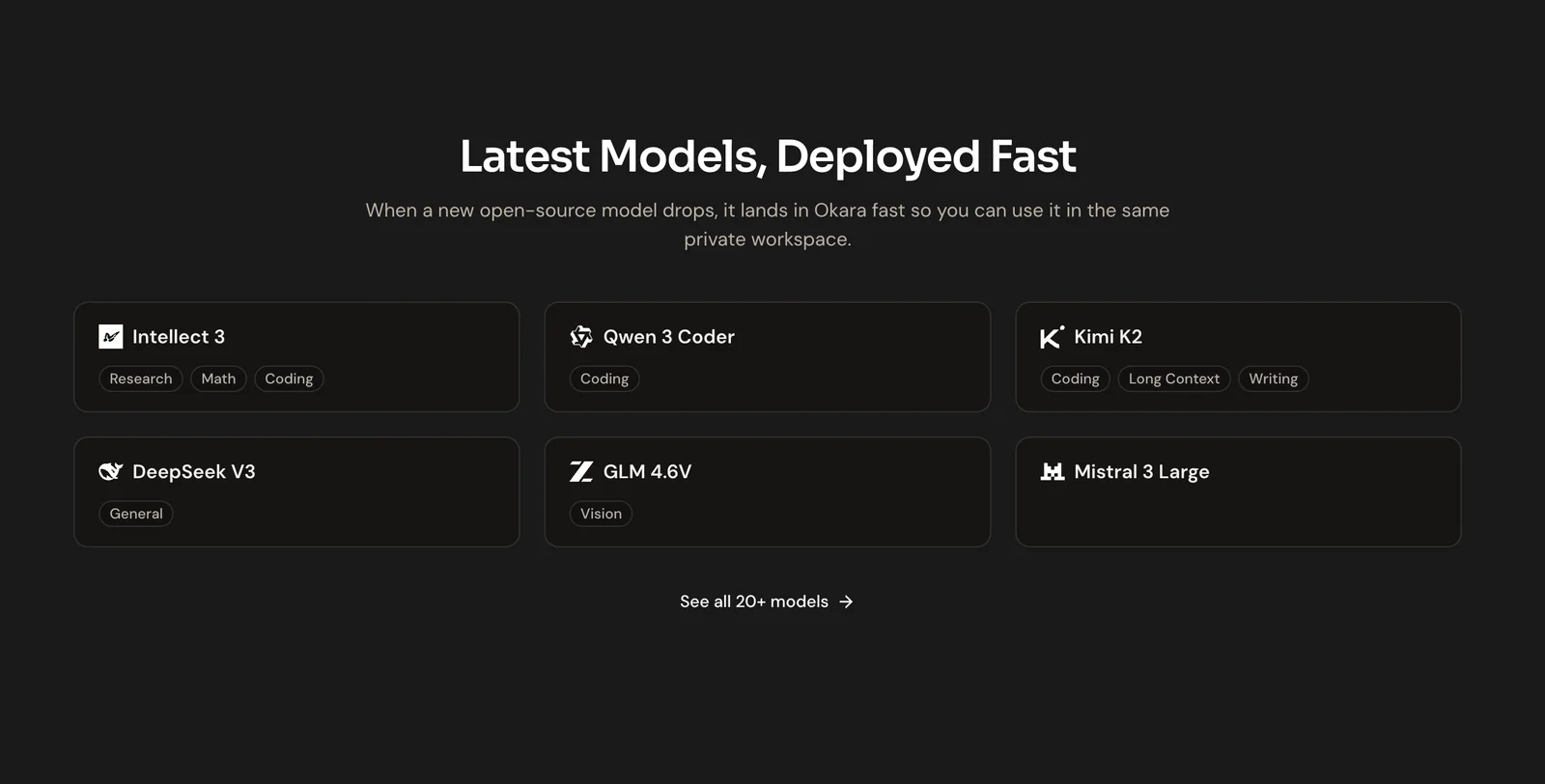
Okara is a privacy-first AI chat platform that lets individuals and teams interact with a large selection of open-source and proprietary models while keeping data encrypted and context persistent. It provides selectable model access (Llama, Qwen, DeepSeek, Kimi, OpenAI, Claude, Gemini, etc.) without requiring users to manage infrastructure. Okara emphasizes encrypted shared memory and secure workspaces so sensitive workflows—finance, government, research, and regulated teams—can use powerful models without exposing data. The platform also offers tiered model access and collaboration features to match organizational needs.
Screenshots
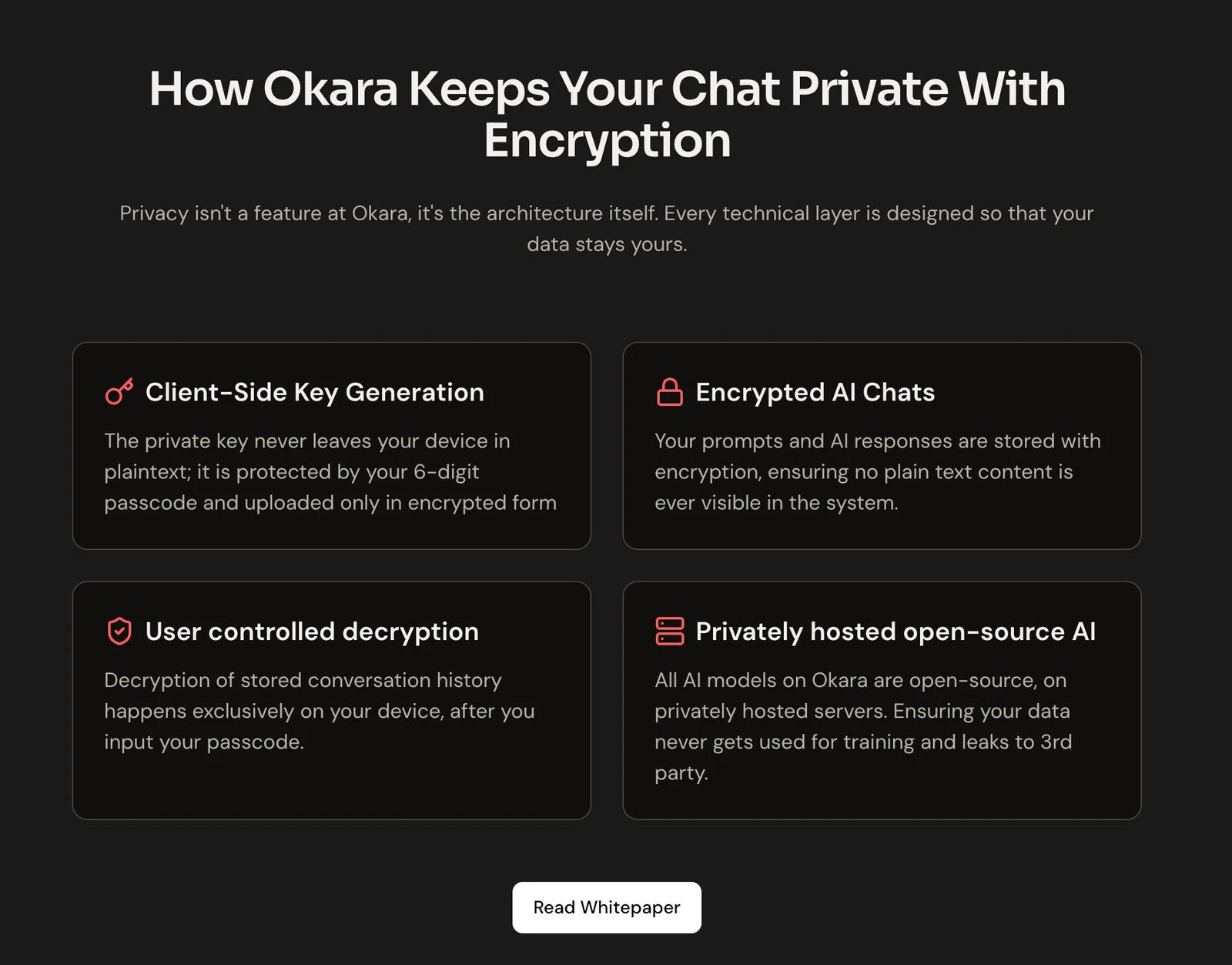
Key Features
Use Cases



Frequently asked questions about Okara
What is the pricing structure for Okara?
Okara utilizes a freemium pricing model with three distinct tiers: the Free plan at $0 offers limited access to core models; the Pro plan at $15 per month provides full access to premium features and models; and the Founding User plan, a one-time fee of $500, grants lifetime access to Pro features.
Key Points
- Free Plan: Limited access to core features at no cost.
- Pro Plan: Unlocks premium features for $15 per month.
- Founding User Plan: One-time fee of $500 for lifetime Pro access.
Detailed Explanation
Okara's pricing structure is designed to accommodate various user needs, making it accessible for both casual users and professionals.
-
Free Plan ($0): This tier is perfect for individuals who want to explore Okara's capabilities without any financial commitment. Users can access essential features, allowing them to understand the platform's value before upgrading.
-
Pro Plan ($15/month): Ideal for users who require advanced functionalities. Subscribers gain access to premium models, enhanced support, and additional tools that make it suitable for businesses and serious developers. This plan is billed monthly and is easy to upgrade or downgrade based on user needs.
-
Founding User Plan ($500 one-time): This unique offering is aimed at early adopters who want to secure lifetime access to Pro features. It is a cost-effective solution for users who anticipate long-term use of the platform. This plan is especially beneficial for startups and businesses looking for a long-term investment in their AI solutions.
Best Practices / Tips
- Start with the Free Plan: If you're new to Okara, begin with the free plan to familiarize yourself with its capabilities.
- Evaluate Needs: Before upgrading to the Pro plan, assess your specific requirements and whether the premium features align with your projects.
- Consider the Lifetime Option: If you plan to use Okara extensively, the Founding User plan can save you money in the long run.
Additional Resources
By understanding these pricing tiers, you can make an informed decision that best fits your needs and budget, maximizing the benefits of using Okara’s AI tools.
What are the key features of Okara's AI models?
Okara's AI models offer multi-model support with over 20 open-source and proprietary models, encrypted shared memory for persistent context, secure workspaces for sensitive data management, and prebuilt solutions tailored for regulated industries, ensuring both flexibility and compliance in AI applications.
Key Points
- Multi-Model Support: Access to 20+ models for diverse applications.
- Encrypted Shared Memory: Enhances data security and context retention.
- Secure Workspaces: Protects sensitive data in regulated environments.
Detailed Explanation
Okara's AI models stand out due to their multi-model support, which includes a wide range of over 20 open-source and proprietary models. This variety allows businesses to select the most suitable model for their specific use cases, whether it’s natural language processing, image recognition, or predictive analytics.
The encrypted shared memory feature is crucial for organizations dealing with sensitive information. This functionality enables persistent context, meaning that AI models can retain relevant information across sessions without compromising data security. For example, in a customer service application, the model can remember past interactions, providing a personalized experience while keeping customer data encrypted.
Moreover, Okara provides secure workspaces designed specifically for sensitive data management, which is essential for industries such as healthcare, finance, or legal services. These workspaces ensure that data remains compliant with regulations like GDPR or HIPAA, offering peace of mind for businesses handling sensitive information.
Additionally, Okara comes with prebuilt solutions for regulated industries, streamlining the deployment of AI applications in environments with strict compliance requirements. This means businesses can leverage advanced AI capabilities without extensive development time or resources.
Best Practices / Tips
- Evaluate Model Needs: Before selecting a model, assess your specific business needs to choose the most effective one.
- Leverage Encryption: Always utilize encrypted shared memory for applications involving sensitive data to ensure compliance and security.
- Regularly Update Models: Stay informed about updates to both open-source and proprietary models to take advantage of new features and improvements.
Additional Resources
How can I start using Okara effectively?
To start using Okara effectively, sign up for a free account on their website. Next, explore the core models and basic features, familiarize yourself with the user interface, and make use of the persistent shared memory to enhance context retention during interactions.
Key Points
- Free Account Setup: Create an account to access Okara's features.
- Explore Core Models: Understand the primary functionalities available.
- Utilize Shared Memory: Enhance interactions with persistent context retention.
Detailed Explanation
To effectively use Okara, begin by visiting the Okara website and signing up for a free account. This process is straightforward—just provide basic information like your email and set a password. Once registered, log in to explore the platform's intuitive interface.
Explore Core Models
Okara offers a variety of AI models tailored for different use cases, such as language processing, data analysis, and customer support automation. Familiarize yourself with these models by navigating to the "Models" section of the dashboard. You can test each one to see which best meets your needs. For example, if you are interested in automating customer queries, try the customer support model to understand its capabilities.
Utilize Shared Memory
One of Okara's standout features is its persistent shared memory, which enables the AI to retain context throughout your interactions. This functionality allows for a more natural conversation flow. To leverage this feature, ensure that you enable shared memory settings in your account options. This will allow you to build on previous discussions, making your interactions more coherent and personalized.
Best Practices / Tips
- Take Advantage of Tutorials: Okara provides tutorials and guides that can help you understand how to effectively utilize various features. Make sure to check these resources.
- Experiment with Settings: Don't hesitate to tweak settings and preferences to optimize your experience. Test different configurations for shared memory to see what works best for your use case.
- Engage with the Community: Join forums or online groups where Okara users share tips and best practices. Engaging with the community can provide insights and solutions to common problems.
Additional Resources
- Okara Documentation: Comprehensive guides and tutorials.
- Okara Community Forum: Connect with other users for support and tips.
- Getting Started with Okara: Step-by-step guide for new users.
Can Okara integrate with other software or APIs?
Yes, Okara can integrate with various software and APIs, facilitating seamless collaboration and data sharing within secure workspaces. For specific API integration options and details, it’s best to verify directly on Okara's official website.
Key Points
- Okara supports integration with multiple software platforms.
- It prioritizes security and privacy during data sharing.
- Verify specific API capabilities on the official website for the latest information.
Detailed Explanation
Okara offers robust integration capabilities, allowing users to connect with various applications and services. This enables teams to streamline workflows, enhance productivity, and maintain data security. Some common software integrations include project management tools, communication platforms, and customer relationship management (CRM) systems.
For example, if your team uses a popular project management tool like Trello or Asana, integrating Okara can help synchronize tasks and updates, ensuring that all team members have real-time access to project status. Users can also connect Okara with APIs from platforms such as Slack for communication, or Salesforce for managing customer interactions.
To check for specific API integrations, visit the Okara official website. Typically, they provide detailed documentation on available integrations, including setup guides and usage instructions.
Best Practices / Tips
- Research Compatibility: Before initiating integration, confirm that the software you want to connect with is compatible with Okara.
- Follow Documentation: Ensure to follow the official integration guides closely to avoid errors during setup.
- Test Integrations: After setting up, conduct tests to confirm that data flows correctly between Okara and the integrated software.
- Stay Updated: Regularly check for updates on Okara's official site to learn about new integration features or changes to existing ones.
Additional Resources
How does Okara compare to other AI chat tools?
Okara distinguishes itself from other AI chat tools by prioritizing encrypted private chats, multi-model access, and persistent shared memory. These features make it particularly suitable for sensitive environments, setting it apart from many standard chat tools that often do not provide the same level of security and functionality.
Key Points
- Encrypted Private Chats: Ensures secure communication.
- Multi-Model Access: Supports various AI models for diverse tasks.
- Persistent Shared Memory: Retains context for ongoing conversations.
Detailed Explanation
Okara excels in areas where traditional chat tools may fall short, especially in secure communication.
-
Encrypted Private Chats:
- Okara employs end-to-end encryption, meaning only the sender and recipient can access the messages. This feature is critical for industries such as healthcare, finance, and legal, where confidentiality is paramount.
- Example: A healthcare provider using Okara can discuss patient information without fear of data breaches.
-
Multi-Model Access:
- Unlike many chat tools that rely on a single AI model, Okara allows users to access multiple models tailored for different tasks, such as language translation, data analysis, or customer support.
- Use Case: A user can switch between models as needed, enhancing productivity and providing tailored responses.
-
Persistent Shared Memory:
- Okara’s persistent shared memory feature allows it to remember past interactions and context, enabling more meaningful and relevant conversations over time.
- For instance, if a user frequently discusses specific topics, Okara can tailor its responses based on previous conversations, improving user experience.
Best Practices / Tips
- Utilize Encryption: Always ensure that sensitive conversations are conducted in encrypted chats to maintain privacy.
- Explore Multi-Model Features: Familiarize yourself with the different AI models available in Okara to optimize your specific tasks and workflows.
- Leverage Shared Memory: Engage in consistent conversations to maximize the benefit of persistent shared memory, leading to enhanced interaction quality.
Additional Resources
Explore more AI Ai Services tools
Browse all Ai Services tools →Browse by use case: Chatbots & Assistants
Compare Okara: vs Context.dev · vs ZeroClick · vs jurniti · vs Cadenya