

Monica
AIBrowser and app-based chat assistant that leverages GPT-4o, Claude 3.7, Gemini 1.5 and OpenAI o1 to enhance chat, search, writing, and coding.
Monica
Browser and app-based chat assistant that leverages GPT-4o, Claude 3.7, Gemini 1.5 and OpenAI o1 to enhance chat, search, writing, and coding.
About Monica
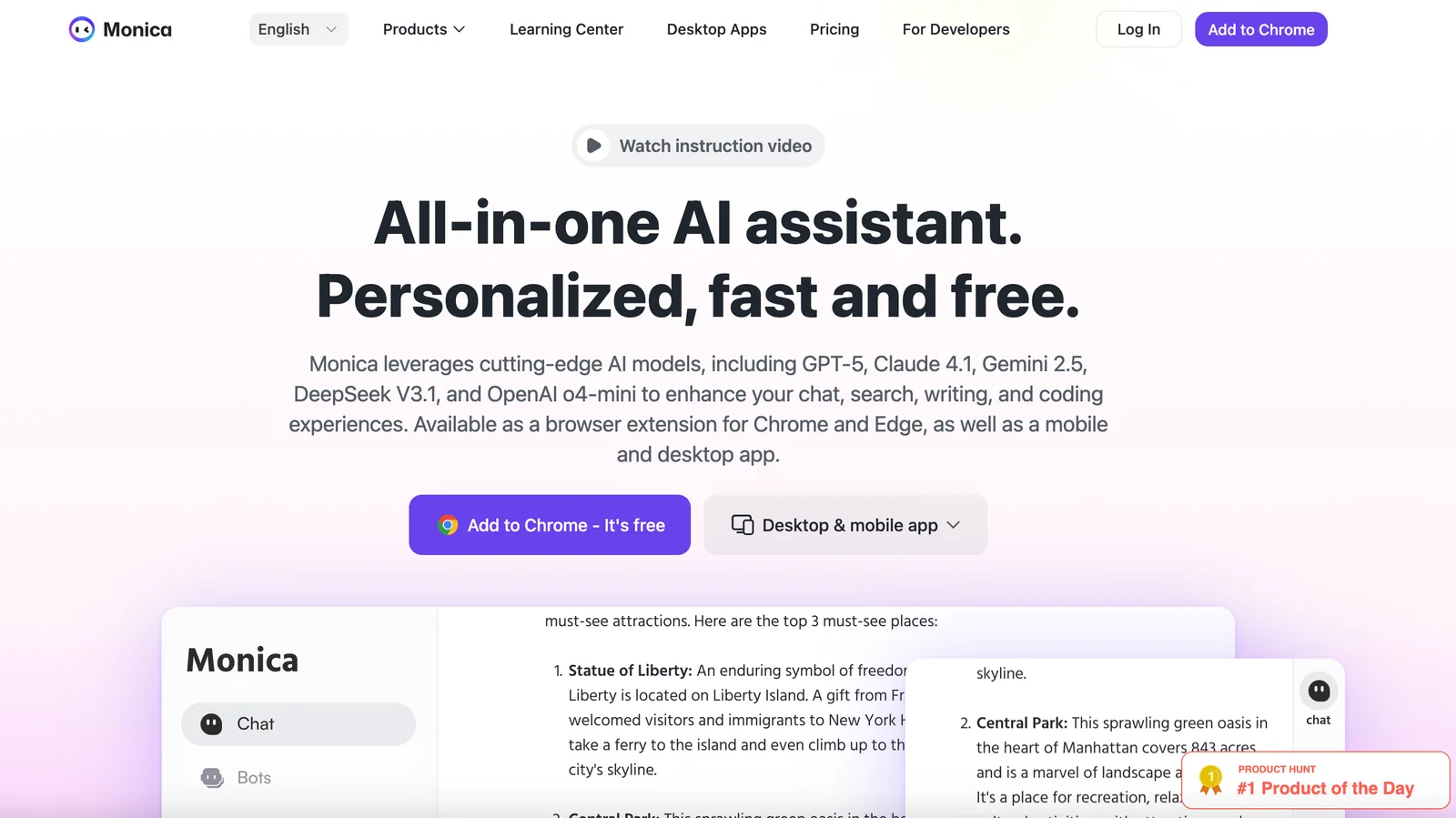
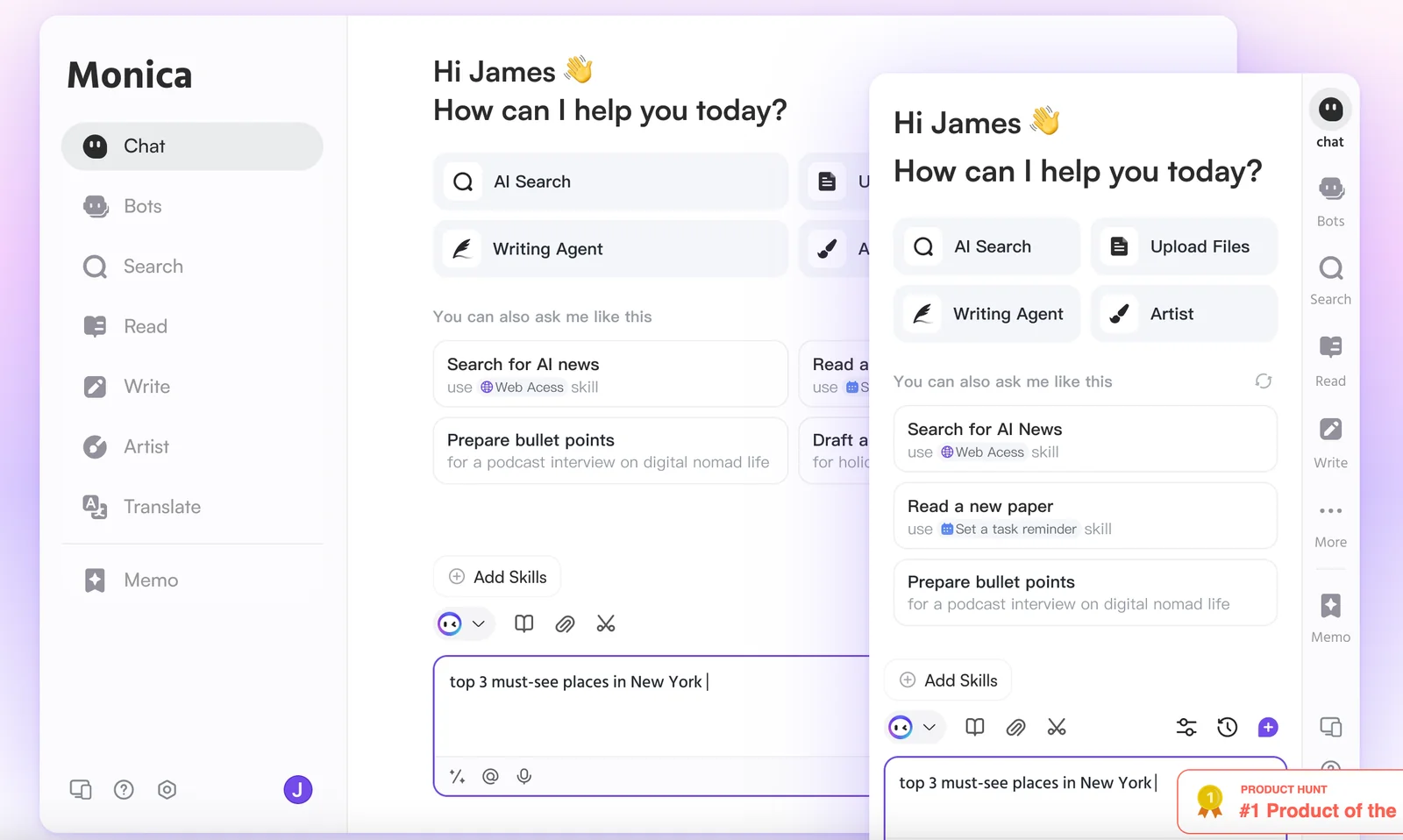
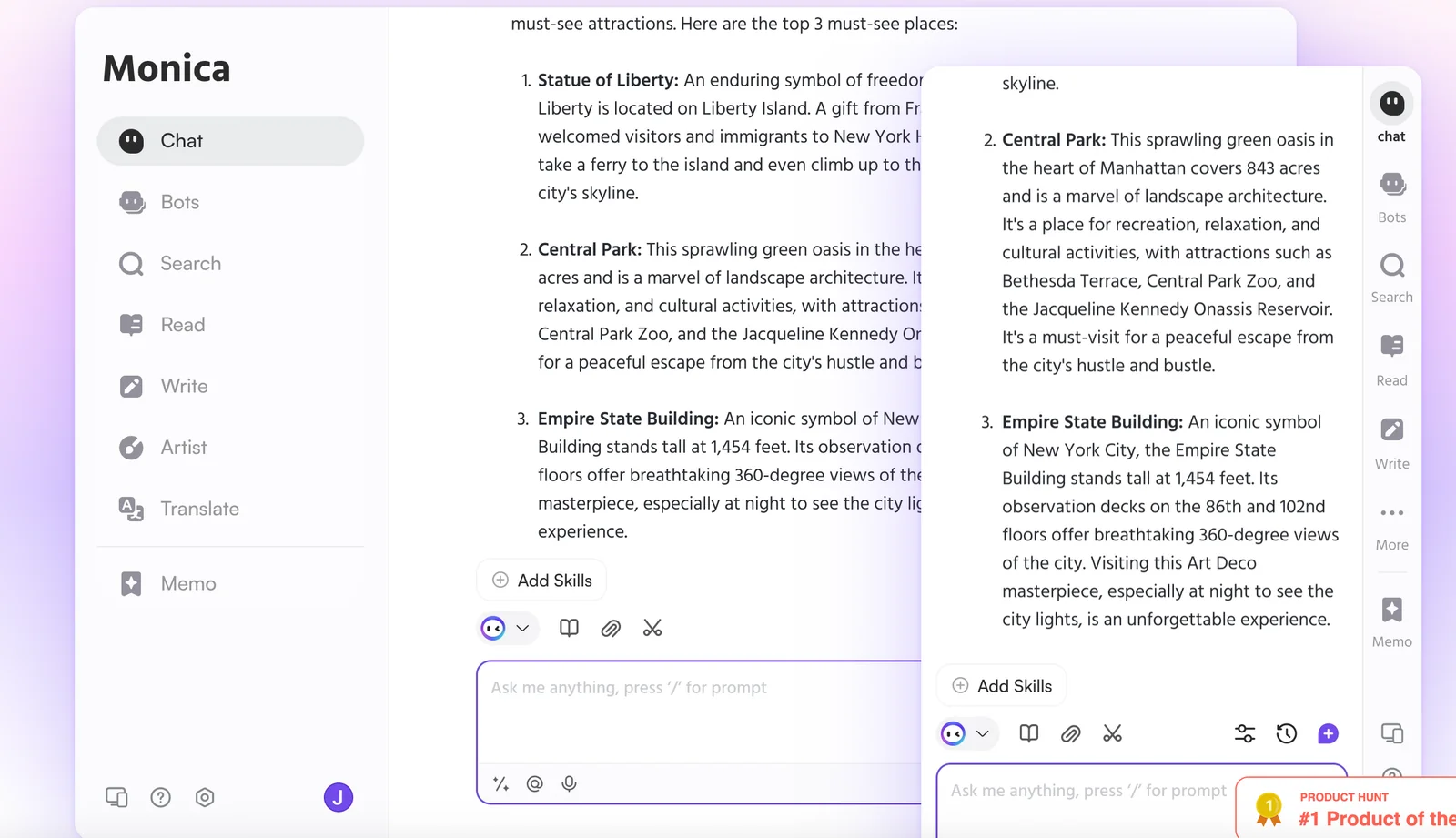
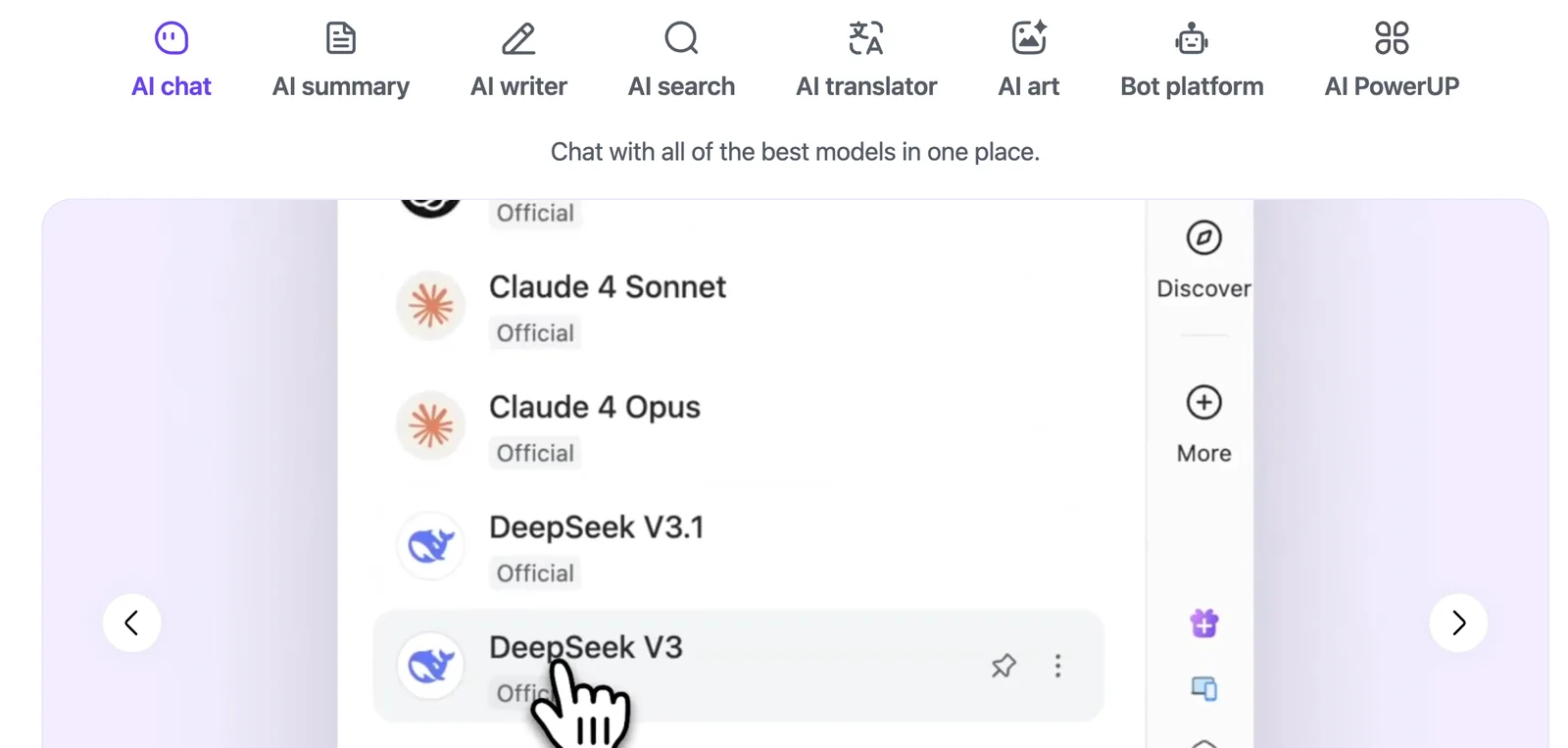
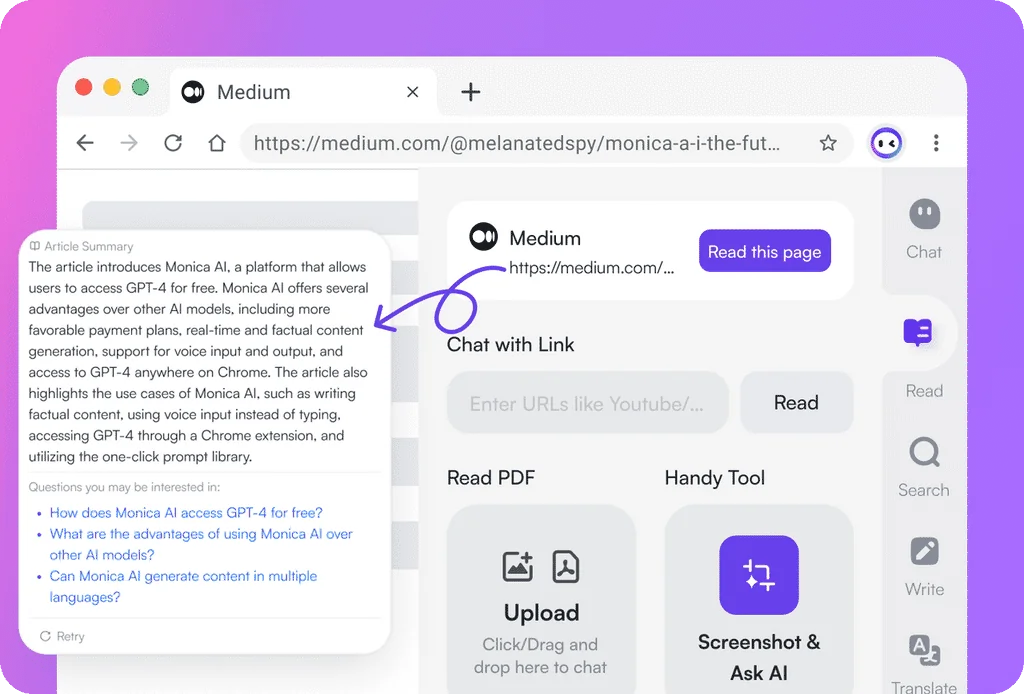
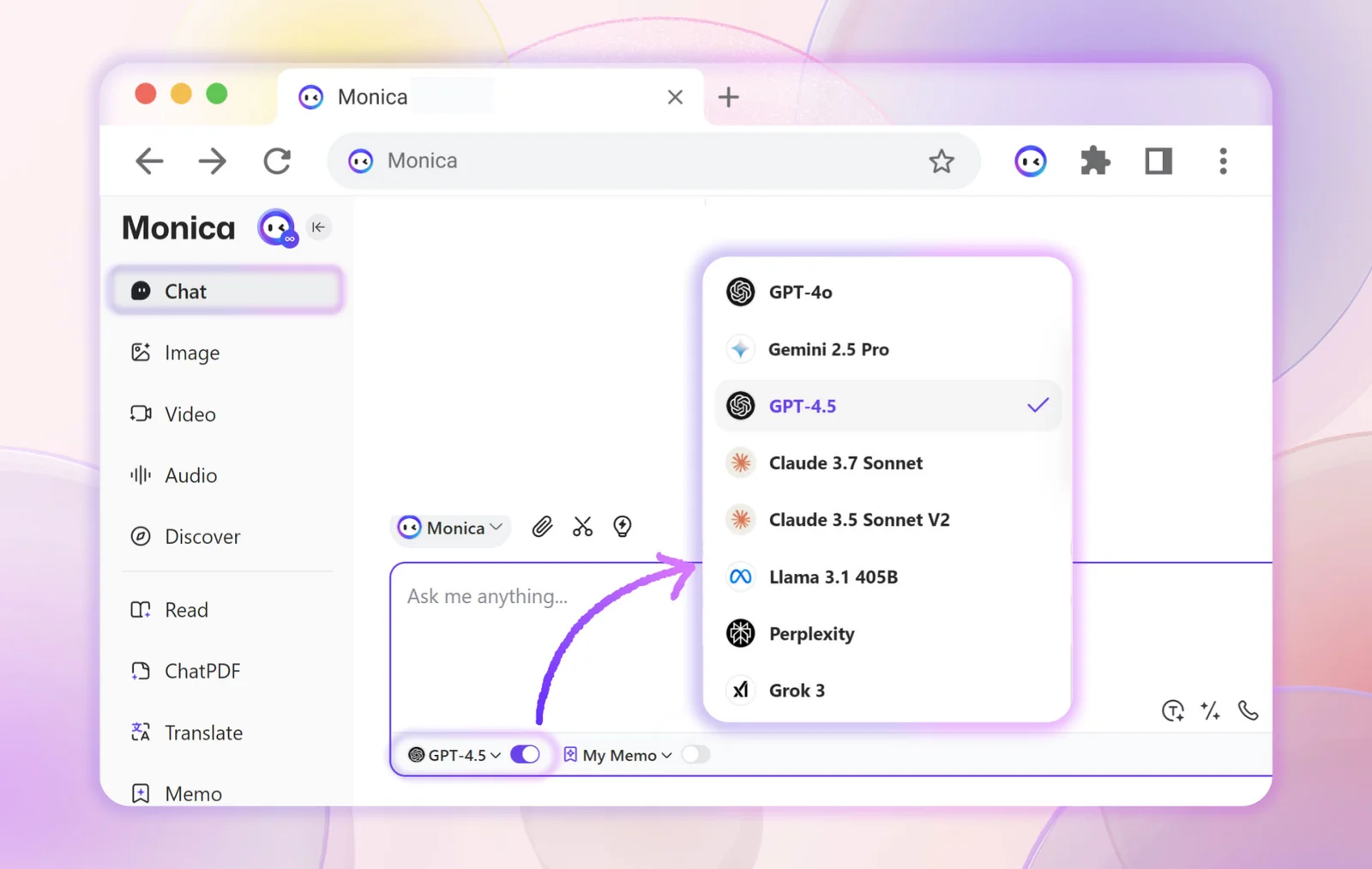
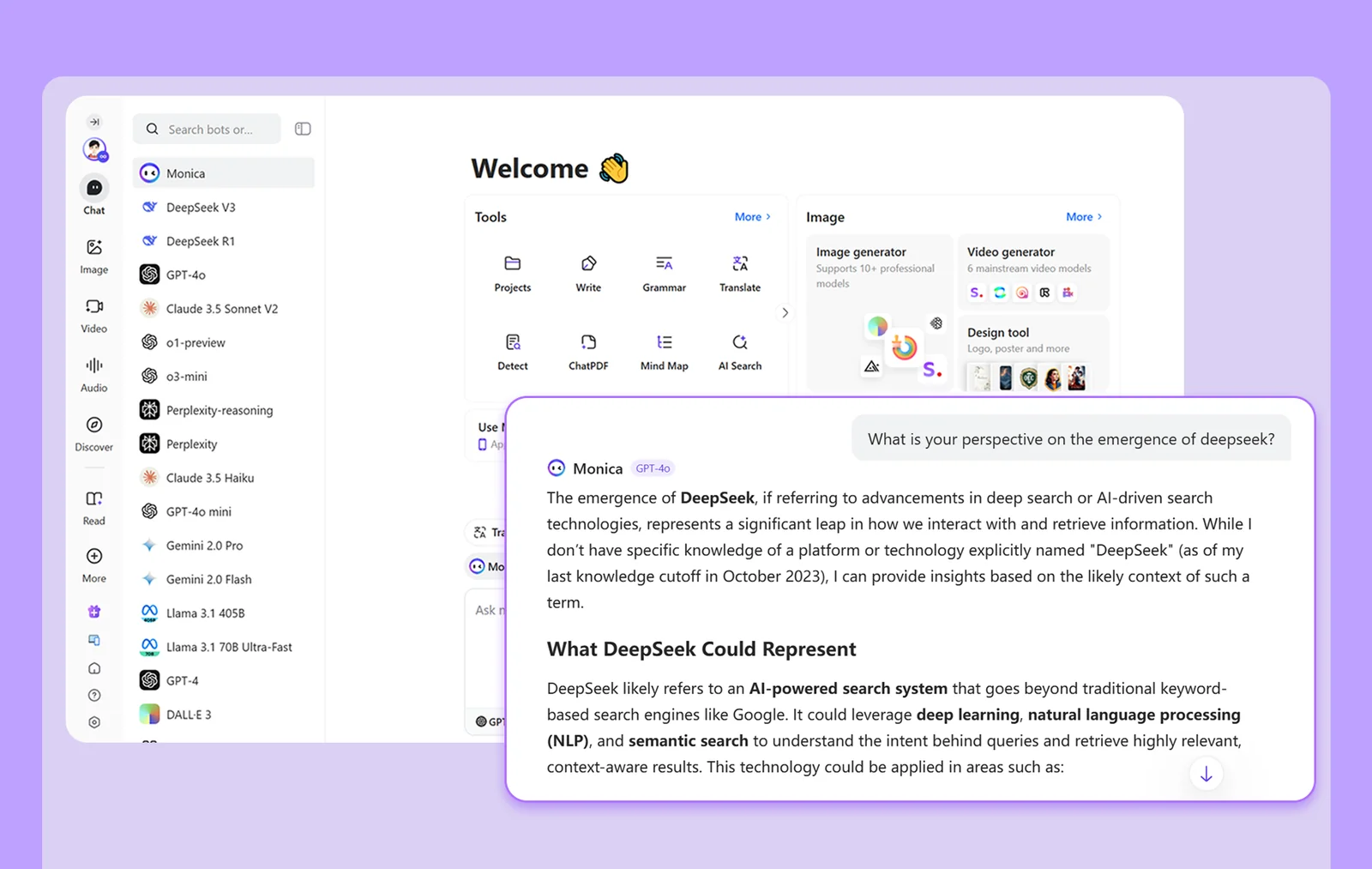
Monica is a chat-focused assistant available as a Chrome/Edge browser extension and as mobile and desktop apps. It integrates multiple cutting-edge large language models (GPT-4o, Claude 3.7, Gemini 1.5, OpenAI o1) to provide enhanced conversational search, writing support, and coding assistance. Monica aims to augment web browsing and productivity workflows by offering model selection, contextual responses within the browser, and cross-platform access to conversations and tools.
Screenshots
Key Features
Use Cases



Frequently asked questions about Monica
What are the pricing options for Monica?
Monica offers a freemium model with three pricing tiers: Free ($0), Pro ($8.30/month), and Unlimited ($16.60/month). Each tier includes distinct features and usage limits, allowing users to choose the best plan based on their individual needs and preferences for personal relationship management.
Key Points
- Free Tier: Basic features ideal for personal use.
- Pro Tier: Advanced features for enhanced functionality.
- Unlimited Tier: Comprehensive features for power users.
Detailed Explanation
Monica's pricing structure caters to a wide range of users, from those who need basic relationship management tools to those requiring extensive functionalities.
-
Free Tier ($0): This entry-level option is perfect for individuals looking to manage personal connections without any cost. Users can access essential features, including contact management and reminders, making it suitable for casual users.
-
Pro Tier ($8.30/month): Geared towards users who want more functionality, the Pro tier includes features like advanced analytics, priority support, and the ability to manage multiple relationships more effectively. This tier is ideal for small business owners or individuals managing numerous personal relationships.
-
Unlimited Tier ($16.60/month): This premium option is designed for power users who need comprehensive management tools. It includes all Pro features plus unlimited contacts, custom fields, and enhanced data analytics. Ideal for professionals in networking or sales, this tier ensures no relationship goes unmanaged.
Best Practices / Tips
- Evaluate Your Needs: Before selecting a tier, assess how you plan to use Monica. The Free tier may be sufficient for personal use, while the Unlimited tier is better for extensive relationship management.
- Utilize Free Trials: If available, take advantage of any free trials to explore premium features before committing to a paid plan.
- Stay Updated on Features: Keep an eye on Monica's updates for any new features or pricing changes that could enhance your experience.
Additional Resources
How do I use Monica for writing assistance?
To use Monica for writing assistance, input your text into the chat interface and request specific suggestions for drafting, editing, or refining your content. The AI will analyze your input and provide real-time feedback, enhancing your writing quality and clarity.
Key Points
- User-Friendly Interface: Monica's chat interface is intuitive and easy to navigate.
- Real-Time Feedback: Receive immediate suggestions for enhancing your writing.
- Versatile Assistance: Monica can help with drafting, editing, and content refinement.
Detailed Explanation
Monica is an AI-driven writing assistant designed to streamline your writing process. Here's how to effectively use Monica:
-
Access the Interface: Start by logging into the Monica platform. You can use it on both desktop and mobile devices for convenience.
-
Input Your Text: Copy and paste or type your draft directly into the chat interface. It's beneficial to provide as much context as possible for more tailored suggestions.
-
Request Specific Help: Ask Monica for specific types of assistance, such as:
- Drafting Ideas: "Can you help me come up with an introduction for my essay on climate change?"
- Editing: "Please suggest improvements for clarity and conciseness in this paragraph."
- Refining Tone: "How can I adjust the tone of this email to sound more professional?"
-
Review Suggestions: Monica will analyze your text and provide feedback. This may include grammar corrections, style suggestions, and structural improvements.
-
Iterate: You can refine your requests based on the feedback provided. For example, if you receive a suggestion that doesn’t quite fit, you can ask for alternative phrasing or additional options.
Use Cases
- Academic Writing: Students can use Monica to improve research papers or essays.
- Professional Emails: Enhance clarity and professionalism in workplace communications.
- Creative Writing: Authors can get help with plot development or character dialogue.
Best Practices / Tips
- Be Specific: The more detailed your request, the better Monica’s suggestions will be. Instead of asking for general help, specify the type of content or style you’re aiming for.
- Iterate Often: Don’t hesitate to ask follow-up questions or request alternative suggestions to refine your text further.
- Proofread Separately: While Monica provides excellent assistance, always give your final draft a personal review to ensure it meets your voice and style.
Additional Resources
What are the key features of Monica?
Monica offers key features such as multi-model support, seamless browser extension integration, cross-platform applications, enhanced writing assistance, and coding help. These functionalities collectively empower users to optimize their chat, search, and productivity tasks effectively, making Monica a versatile tool for various needs.
Key Points
- Multi-Model Support: Utilize different AI models for diverse tasks.
- Browser Extension Integration: Access features directly from your browser.
- Cross-Platform Applications: Use Monica on various devices seamlessly.
- Enhanced Writing Assistance: Improve writing quality with AI support.
- Coding Help: Get assistance with programming tasks and debugging.
Detailed Explanation
Monica's multi-model support allows users to select from various AI models tailored for specific tasks. For instance, you can choose a model optimized for creative writing when drafting content or another focused on technical writing for documentation.
The browser extension integration is a game-changer, enabling you to access Monica's features without switching applications. This functionality streamlines your workflow, allowing you to perform tasks directly in your browser, such as summarizing articles, generating ideas, or even coding snippets.
With cross-platform applications, Monica ensures that your work is consistent across all devices. Whether you're on a desktop, tablet, or smartphone, you can access your projects and continue working without interruptions.
The enhanced writing assistance feature provides suggestions and corrections, helping users create clear and effective written content. For example, if you’re drafting an email or a report, Monica can suggest improvements in tone, clarity, and structure.
Finally, the coding help feature is particularly beneficial for developers. Monica can assist with code snippets, debugging, and even learning new programming languages, making it an invaluable resource for both novice and experienced coders.
Best Practices / Tips
- Explore Multi-Model Options: Experiment with different models to find the best fit for your specific task.
- Utilize the Browser Extension: Install the browser extension for quick access to Monica’s functionalities without disrupting your workflow.
- Leverage Cross-Platform Syncing: Always sign in to your account on multiple devices to maintain access to your work.
- Regularly Update the App: Keep your application updated to benefit from the latest features and improvements.
- Incorporate Feedback: Use the writing assistance feature to gather feedback and continuously improve your writing skills.
Additional Resources
How does Monica compare to other AI chat assistants?
Monica distinguishes itself from other AI chat assistants by utilizing multiple advanced AI models, including GPT-4o and Claude 3.7. Its key features, such as contextual search augmentation and sophisticated writing assistance, provide users with capabilities that are often not found in competing tools.
Key Points
- Integration of Multiple AI Models: Utilizes GPT-4o and Claude 3.7.
- Contextual Search Augmentation: Offers improved search capabilities.
- Advanced Writing Assistance: Enhances content creation and editing.
Detailed Explanation
Monica's integration of diverse AI models like GPT-4o and Claude 3.7 allows it to deliver superior performance in natural language processing and understanding. This multi-model approach means that Monica can draw on the strengths of each model, providing users with richer, more accurate responses.
Integration of Multiple AI Models
By leveraging both GPT-4o and Claude 3.7, Monica can tackle a wider range of queries. For instance, GPT-4o excels in creative writing and conversational tasks, while Claude 3.7 is designed for more structured data and analytical queries. This combination ensures that users receive responses that are not only contextually relevant but also nuanced.
Contextual Search Augmentation
Monica's contextual search augmentation feature enhances its ability to retrieve relevant information based on user intent. Unlike traditional chat assistants, which may provide generic responses, Monica analyzes the context of the conversation to deliver tailored answers. For example, if a user asks about "best practices for SEO," Monica can provide insights that consider the user's prior questions and the specific aspects of SEO they are interested in.
Advanced Writing Assistance
The advanced writing assistance feature in Monica allows users to create high-quality content efficiently. This includes grammar checks, style suggestions, and even content structuring. Writers can benefit from this feature by improving their drafts in real-time, making Monica a valuable tool for bloggers, marketers, and professionals who produce written content regularly.
Best Practices / Tips
- Leverage Multi-Model Capabilities: Use Monica for various tasks by taking advantage of its integrated models. For instance, switch between creative writing and data analysis based on your needs.
- Utilize Contextual Search: Always phrase your questions clearly to benefit from Monica’s contextual search features. Providing specific details can yield more relevant responses.
- Explore Writing Features: Take full advantage of the advanced writing assistance tools for proofreading and enhancing your documents. This can save time and improve the quality of your content.
Additional Resources
- Monica Official Documentation
- Comparative Analysis of AI Chat Assistants
- Best Practices for Using AI Writing Tools
By understanding and utilizing these features, users can maximize their experience with Monica, making it a standout choice among AI chat assistants.
Does Monica have an API for integration?
Currently, Monica does not provide a public API for integration. However, users can access its robust AI capabilities through both web and mobile app interfaces, which offer valuable features for chat and coding assistance.
Key Points
- Monica lacks a public API for integration.
- Offers user-friendly web and app interfaces.
- Provides strong AI functionalities for chat and coding tasks.
Detailed Explanation
Monica is designed to be an intuitive platform that focuses on enhancing user experience through its web and mobile interfaces. While it does not offer a public API, users benefit from its AI-driven tools that assist in various tasks, including chat responses and coding help.
For instance, users can interact with Monica via its chat interface, where they can ask questions and receive instant, AI-generated responses. This can be particularly useful for developers seeking quick coding solutions or for users looking to brainstorm ideas. The app also allows for seamless integration of AI into everyday tasks, making it a powerful tool for productivity.
Although there is no API available, developers and users can utilize the existing features to achieve their goals effectively. For businesses and developers looking for integration, exploring alternative automation tools or AI platforms that offer APIs might be beneficial.
Best Practices / Tips
- Explore Features: Familiarize yourself with all features of Monica to maximize its utility.
- Utilize the Community: Engage with user forums and communities to share experiences and discover new ways to use Monica's capabilities.
- Stay Updated: Regularly check Monica’s official website or announcement channels for any updates regarding potential API releases or new features.
Additional Resources
Explore more AI Ai Agents tools
Browse all Ai Agents tools →Browse by use case: Code Generation · Chatbots & Assistants
Compare Monica: vs Playad · vs Concierge by Juniors AI · vs Scout by Fini · vs Ruflo