

Meta AI
AIA conversational assistant and image-generation tool by Meta, powered by Meta's Llama large language models.
Meta AI
A conversational assistant and image-generation tool by Meta, powered by Meta's Llama large language models.
About Meta AI
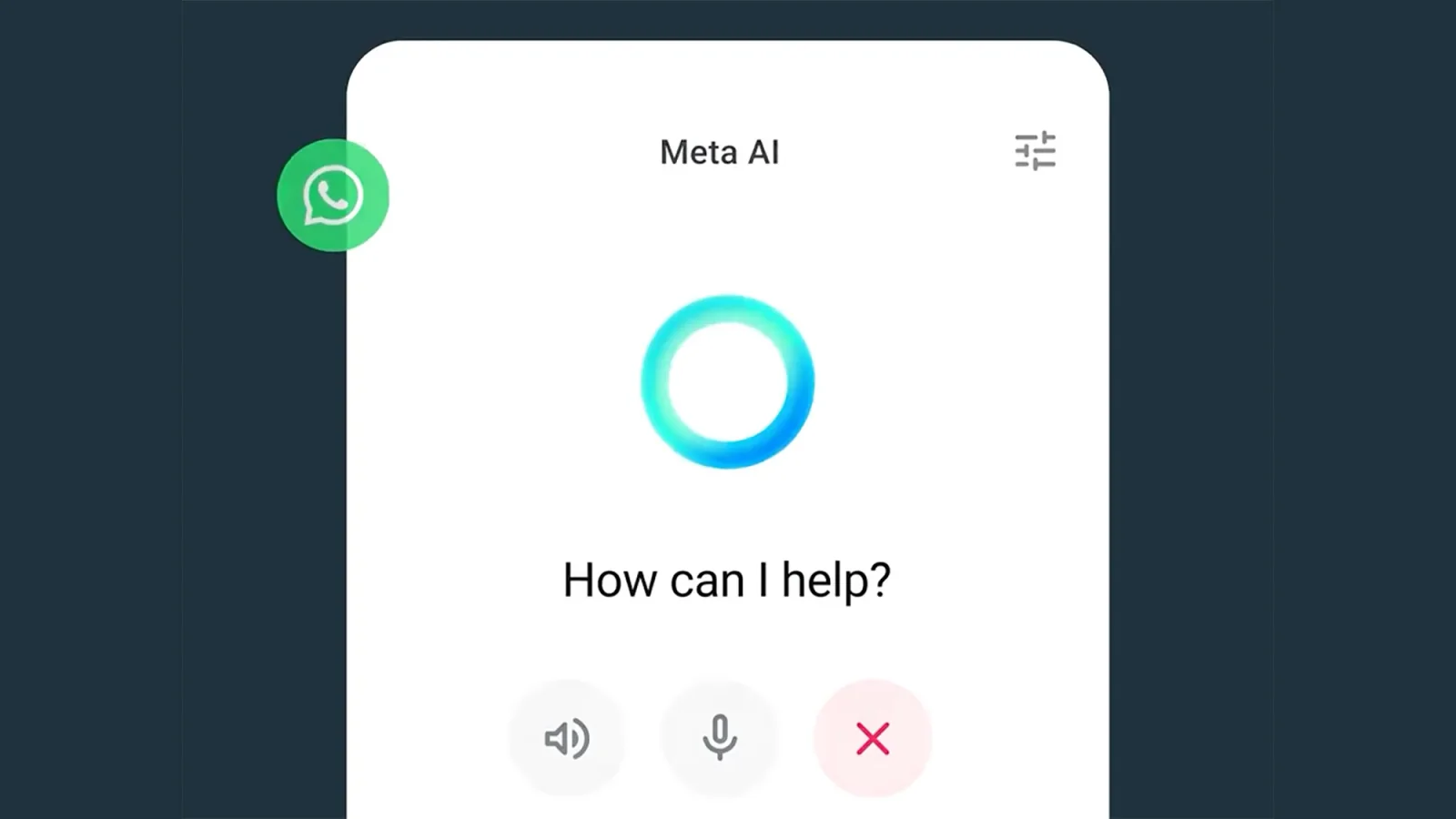
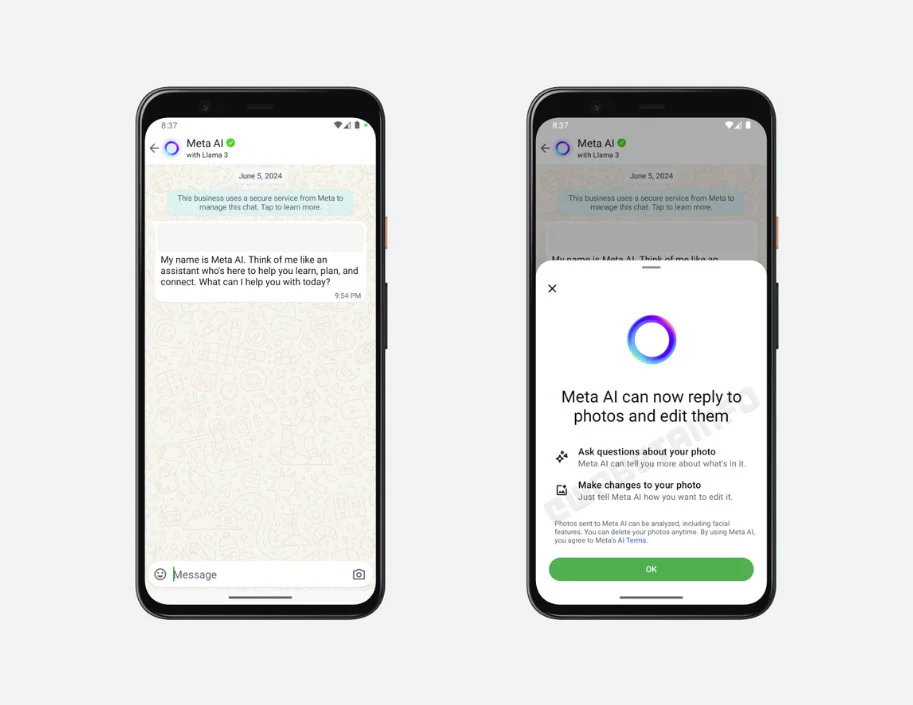
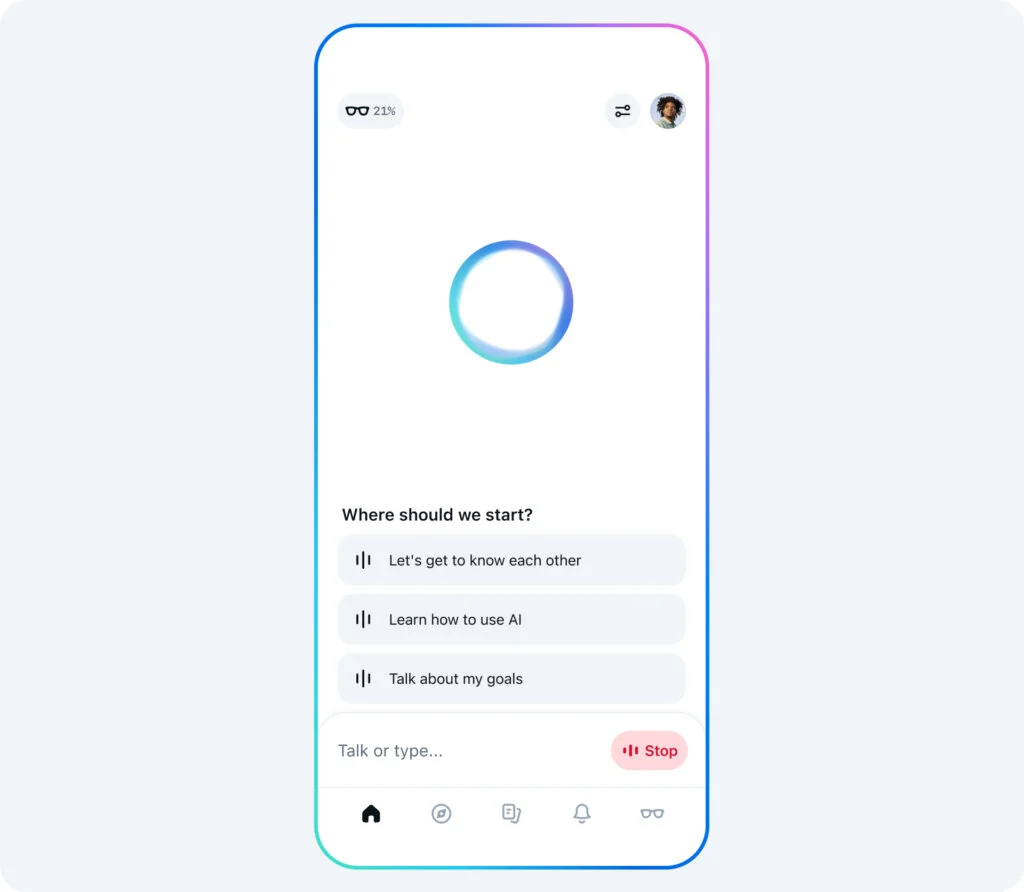
Meta AI is a conversational assistant and generative-image tool offered by Meta that helps users get tasks done, answer questions, and create AI-generated images for free. It is built on Meta's latest Llama family of large language models and is positioned to provide conversational responses, knowledge retrieval, and image generation within a single experience. The service emphasizes easy user access to generative capabilities (including free image creation) and leverages Meta's research in large language models and multimodal systems to deliver helpful, contextual outputs. Reports indicate Meta may expand distribution with a standalone app and optional paid tiers, while the underlying models and policies tie into Meta's broader Llama model ecosystem.
Screenshots
Key Features
Use Cases



Frequently asked questions about Meta AI
What is the pricing structure for Meta AI?
Meta AI employs a freemium pricing model, allowing users to access basic features like the conversational assistant and AI-generated image creation for free. For advanced capabilities, a subscription is available, typically costing around $30 per month, providing enhanced tools and features for users.
Key Points
- Meta AI offers a freemium model with free basic features.
- Advanced features are available through a subscription.
- The subscription fee is approximately $30 per month.
Detailed Explanation
Meta AI provides a flexible pricing structure designed to cater to a wide range of users, from casual users to professionals seeking advanced functionalities.
-
Freemium Model: Users can start by accessing the conversational assistant and AI-generated image creation without any cost. This approach allows individuals and small businesses to experiment with the platform before committing financially.
-
Subscription Details: For those looking for more robust features, such as enhanced AI capabilities, personalized support, and additional tools, Meta AI offers a subscription plan. The subscription fee is around $30 per month, which is competitive compared to similar AI services.
-
Use Cases: Individuals using the free version might utilize the conversational assistant for basic customer service inquiries or personal projects. In contrast, businesses that subscribe may leverage advanced features for marketing campaigns, data analytics, or complex content creation.
Overall, the pricing structure is designed to be accessible while also providing options for users who require more sophisticated tools and features.
Best Practices / Tips
- Start Free: Begin with the free version to understand your needs before upgrading.
- Evaluate Needs: Assess whether advanced features justify the $30 monthly cost for your use case.
- Stay Updated: Follow Meta AI’s official channels for any changes in pricing or subscription features.
Additional Resources
What are the main features of Meta AI?
Meta AI offers a conversational assistant, free image generation, and leverages Meta's Llama models for high-quality text generation. It enables multimodal outputs, allowing users to produce both text and images seamlessly, enhancing creativity and productivity across various applications.
Key Points
- Conversational Assistant: Engages users through natural language processing.
- Free Image Generation: Users can create unique images without cost.
- Llama Models: Utilizes advanced models for superior text generation.
Detailed Explanation
Meta AI stands out in the realm of artificial intelligence by integrating a variety of innovative features.
-
Conversational Assistant: This feature acts like a virtual companion, allowing users to interact through natural language. It can answer questions, provide recommendations, and assist with tasks, making it ideal for customer support or personal use.
-
Free Image Generation: Users can generate high-quality images without any associated costs. This feature can be particularly beneficial for content creators, marketers, and designers looking for unique visuals. For instance, a marketer could create promotional graphics quickly, enhancing the speed of content production.
-
Llama Models: Meta AI employs its Llama models, which are designed for high-quality text generation. These models excel in understanding context, producing coherent and contextually relevant content. For example, writers can use Meta AI to draft articles or brainstorm ideas, significantly boosting their productivity.
-
Multimodal Outputs: The ability to generate both text and images allows users to create comprehensive content. For example, educators can develop interactive teaching materials that include both written descriptions and illustrative images, making learning more engaging.
Best Practices / Tips
- Experiment with Prompts: To get the best results from the conversational assistant, try varying your prompts. Specific and detailed questions yield more precise answers.
- Utilize Image Generation Strategically: Use the free image generation feature for marketing campaigns or social media posts to save on graphic design costs.
- Leverage Llama Models for Content Creation: Writers should utilize the Llama models for drafting, editing, or even generating new ideas, as they can produce high-quality text with minimal input.
Additional Resources
How do I get started with Meta AI?
To start using Meta AI, visit the official website at Meta AI. You can access the assistant directly through your web browser and begin engaging with its features immediately, including personalized recommendations and AI-driven insights tailored to your needs.
Key Points
- Accessing Meta AI: Visit the official website to get started.
- User-Friendly Interface: Engage with various features directly through your browser.
- Personalization: Benefit from tailored AI insights and recommendations.
Detailed Explanation
Getting started with Meta AI is a straightforward process. Here’s how you can do it:
-
Visit the Website: Navigate to Meta AI. This is your starting point for accessing all features.
-
Create an Account: If required, set up an account. This usually involves providing your email address and creating a password. Ensure your password is strong for security.
-
Explore Features: After logging in, familiarize yourself with the dashboard. Key features may include:
- Personalized Recommendations: Use Meta AI to receive suggestions based on your preferences and previous interactions.
- Natural Language Processing: Engage in conversations and queries using natural language for seamless interactions.
- AI-Driven Insights: Access analytical tools that provide insights into trends and data relevant to your interests or business.
-
Utilize Tutorials: Many platforms, including Meta AI, offer tutorials or walkthroughs. These can guide you through the functionalities and help you maximize your experience.
-
Join the Community: Participate in forums or community groups to share tips and gain insights from experienced users. This can enhance your learning curve and provide additional support.
Best Practices / Tips
- Stay Updated: Regularly check for updates or new features on the Meta AI platform to make the most of your experience.
- Engage Actively: The more you interact with the AI, the better it understands your preferences, leading to improved recommendations.
- Experiment with Features: Don’t hesitate to try out various functionalities, as this can uncover hidden capabilities that may be beneficial to you.
Additional Resources
Does Meta AI have an API for integration?
Yes, Meta AI offers an API for integration through its AI Studio, enabling developers to easily incorporate Llama models into their applications. For further information, you can visit Meta's official website, where detailed documentation and resources are available.
Key Points
- Access to Llama models via AI Studio.
- Easy integration for developers.
- Comprehensive documentation available.
Detailed Explanation
Meta AI’s API allows developers to leverage advanced machine learning models, specifically the Llama models, for a variety of applications, such as natural language processing, chatbots, and automated content generation. The AI Studio provides a user-friendly interface for accessing these models, making it easier for developers to integrate AI capabilities into their existing systems.
Examples and Use Cases
- Chatbots: Developers can use Llama models to create intelligent chatbots that understand and respond to user queries in a conversational manner.
- Content Creation: The API can assist in generating high-quality content automatically, reducing the time and effort needed for manual writing.
- Data Analysis: Businesses can utilize the API for processing and analyzing large datasets, extracting insights efficiently.
The API is designed to accommodate various programming languages, ensuring flexibility and ease of use across different development environments.
Best Practices / Tips
- Start with the Documentation: Familiarize yourself with the official Meta AI documentation to understand the API capabilities and limitations.
- Test in a Controlled Environment: Before full deployment, test the API in a sandbox to evaluate performance and integration issues.
- Monitor Usage: Keep track of API usage to avoid unexpected costs and ensure optimal performance.
- Stay Updated: Regularly check for updates or changes to the API features, which may enhance functionality or improve efficiency.
Additional Resources
How does Meta AI compare to other AI tools?
Meta AI distinguishes itself from other AI tools by seamlessly integrating conversational capabilities and image generation within a single platform. Unlike many competitors, it provides free access to essential features and is powered by Meta's advanced Llama models, ensuring robust performance and versatility.
Key Points
- Integration of Features: Combines conversational AI and image generation.
- Free Access: Basic features available at no cost.
- Advanced Technology: Utilizes Meta's Llama models for enhanced performance.
Detailed Explanation
Meta AI is a cutting-edge tool that merges the functionalities of conversational AI and image generation, making it a versatile option for various applications.
-
Conversational Capabilities: Meta AI can engage users in natural dialogue, making it suitable for customer service, virtual assistants, and interactive storytelling. For instance, businesses can deploy Meta AI to handle customer inquiries on websites, improving response times and user satisfaction.
-
Image Generation: With its image generation feature, users can create original visuals from text prompts. This capability is beneficial for marketers, designers, and content creators looking to generate unique images quickly. For example, a social media manager could use Meta AI to craft custom graphics for campaigns effortlessly.
-
Free Access Model: One of the most attractive aspects of Meta AI is its free access to basic features. This allows individuals and small businesses to experiment with AI without financial commitment, unlike many other AI tools that require subscriptions or pay-per-use fees.
-
Llama Models: Backed by Meta's advanced Llama models, Meta AI exhibits superior understanding and generation capabilities compared to many alternatives. These models enhance the AI's ability to interpret context and generate relevant, coherent responses.
Best Practices / Tips
- Maximize Free Features: Take advantage of the free access to explore all available functions. Test both conversational and image generation features to find the best use cases for your needs.
- Stay Updated: Follow Meta's official announcements for updates on feature enhancements or new tools, as the AI landscape is rapidly evolving.
- Experiment with Use Cases: Don't hesitate to experiment with different applications, such as marketing, education, or entertainment, to discover unique ways Meta AI can benefit your projects.
Additional Resources
By leveraging these features and resources, users can optimize their experience with Meta AI and stay ahead in the competitive AI landscape.
Explore more AI Ai Models tools
Browse all Ai Models tools →Browse by use case: Image Generation · Chatbots & Assistants
Compare Meta AI: vs Mouse-1 · vs Milliseconds.ai · vs SWE-2 · vs Desert Ant Labs