

MailToDock
AIOne-click conversion of Gmail emails into Google Tasks using AI to create manageable tasks from your inbox.
MailToDock
One-click conversion of Gmail emails into Google Tasks using AI to create manageable tasks from your inbox.
About MailToDock
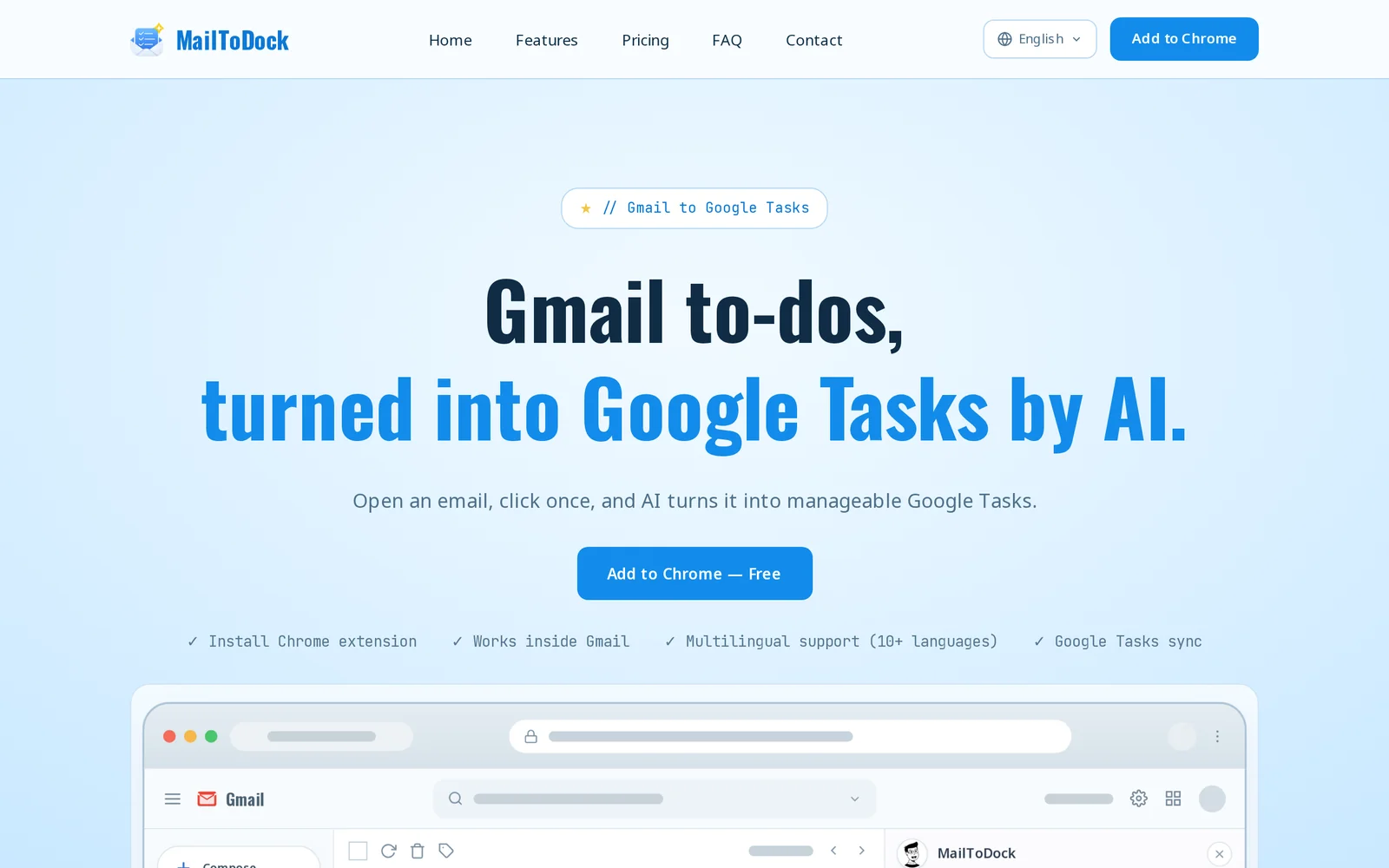
MailToDock converts Gmail emails into Google Tasks with a single click, using AI to identify actionable content and create tasks that keep work moving without leaving the inbox. It integrates directly with Gmail and Google Tasks to streamline inbox-driven workflows, reducing context switching and helping users track and manage email-driven work. The tool emphasizes simplicity and speed by turning messages into trackable tasks in seconds.
Screenshots
Key Features
Use Cases



Frequently asked questions about MailToDock
What is MailToDock?
MailToDock is an AI-powered tool that transforms Gmail emails into manageable Google Tasks with just one click. This innovative solution streamlines your workflow by allowing you to generate tasks directly from your inbox, enhancing productivity and organization.
Key Points
- AI Integration: Automates task creation from emails.
- Streamlined Workflow: Keeps your tasks organized within Google Tasks.
- User-Friendly: One-click functionality for quick task generation.
Detailed Explanation
MailToDock leverages artificial intelligence to simplify the process of task management. By integrating directly with Gmail, it allows users to convert emails into tasks seamlessly. For instance, if you receive an email requesting a project update, you can instantly create a Google Task titled "Update project status" with a due date and any relevant notes.
How It Works:
- Install MailToDock: Begin by adding MailToDock to your Gmail account through the Chrome Web Store or the MailToDock website.
- Select an Email: Open the email you want to convert into a task.
- Generate Task: Click the MailToDock icon, and it will automatically create a task in Google Tasks based on the email content.
- Manage Your Tasks: Use Google Tasks to prioritize, set deadlines, and track your progress on these tasks.
This integration not only saves time but also minimizes the risk of overlooking important tasks buried in your inbox.
Best Practices / Tips
- Review Tasks Regularly: Check your Google Tasks daily to ensure you're on top of your responsibilities.
- Use Labels: Organize tasks by labeling them according to projects or urgency for better visibility.
- Set Reminders: Utilize Google Tasks' reminder feature to get notifications for upcoming deadlines.
- Avoid Overloading: Don't create too many tasks at once; focus on manageable workloads to maintain productivity.
Additional Resources
By incorporating MailToDock into your workflow, you can significantly enhance your email management and task organization, leading to improved efficiency and productivity in your daily tasks.
How does MailToDock work?
MailToDock is an AI-driven tool designed to streamline users' daily workflows by automating tasks related to email management, organization, and productivity. By leveraging advanced artificial intelligence technologies, MailToDock enhances user efficiency, allowing for more effective email handling and task prioritization.
Key Points
- AI-Powered Automation: Automates email responses and task management.
- Workflow Integration: Seamlessly integrates with popular email platforms.
- User-Centric Design: Focuses on enhancing user productivity through intuitive features.
Detailed Explanation
MailToDock operates by harnessing the power of artificial intelligence to simplify email workflows. It can automatically categorize incoming emails based on priority, allowing users to focus on critical tasks first. For instance, if you receive a high volume of emails daily, MailToDock can analyze the content and sender to prioritize important messages, reducing the time spent sifting through your inbox.
Key Features
-
Automated Responses: Users can set up templates for common inquiries, and MailToDock will automatically respond based on context. This feature is particularly useful for customer service teams or busy professionals.
-
Task Management: The tool can create tasks directly from emails, ensuring that important actions are tracked within your workflow. For example, if you receive an email requesting a report by next week, MailToDock can create a task in your preferred project management tool.
-
Integration with Email Platforms: MailToDock works with major email providers like Gmail and Outlook, making it easy to integrate into existing workflows without needing to switch platforms.
Best Practices / Tips
- Customize Templates: Take time to create personalized response templates to improve engagement with your contacts while saving time.
- Regularly Update Your Preferences: As your email habits change, ensure that MailToDock’s settings are adjusted accordingly to maintain optimal performance.
- Monitor Performance Metrics: Utilize the analytics provided by MailToDock to track how much time you save and adjust your usage for maximum efficiency.
Additional Resources
What are the main features of MailToDock?
MailToDock features robust AI capabilities designed to enhance email management and productivity. Key functionalities include intelligent email sorting, automated responses, integration with productivity tools, and advanced analytics, enabling users to streamline communication and improve workflow efficiency.
Key Points
- Intelligent Email Sorting: Automatically categorizes emails based on importance and urgency.
- Automated Responses: Generates quick replies using AI, saving time on routine communications.
- Integration with Productivity Tools: Seamlessly connects with calendars, task managers, and CRM systems.
Detailed Explanation
MailToDock stands out with its core AI functionalities that transform how users interact with their email.
-
Intelligent Email Sorting: This feature employs machine learning algorithms to analyze incoming emails, categorizing them into folders like "Important," "Promotions," and "Social." For example, urgent emails from clients can be prioritized, ensuring you never miss critical communications.
-
Automated Responses: Utilizing natural language processing, MailToDock can generate context-aware replies. If a colleague asks for a report, the tool can suggest an appropriate response, reducing the time spent on writing repetitive replies.
-
Integration with Productivity Tools: MailToDock integrates with various applications such as Google Calendar, Asana, and Slack, allowing users to manage tasks and schedules directly from their inbox. For instance, if you receive an email about a meeting, the tool can automatically add it to your calendar.
-
Advanced Analytics: The platform provides insights into email habits, helping users identify peak communication times and response rates. This can enhance overall engagement and inform strategies for better email management.
Best Practices / Tips
- Customize Filters: Take advantage of MailToDock’s sorting features by customizing filters to suit your workflow, making sure important emails are always prioritized.
- Leverage Automated Responses: Use the automated response feature thoughtfully to maintain engagement while saving time, especially during busy periods.
- Integrate Fully: Ensure you connect MailToDock with all relevant productivity tools to maximize efficiency and minimize manual task switching.
Additional Resources
Who is MailToDock for?
MailToDock is designed for individuals and organizations looking to streamline their daily AI workflows. It caters to professionals in various fields, including marketing, project management, content creation, and customer service, who want to enhance productivity through automation and AI-driven solutions.
Key Points
- Target Audience: Professionals across multiple industries.
- Workflow Improvement: Facilitates automation of repetitive tasks.
- Versatile Applications: Useful for marketing, project management, and customer service.
Detailed Explanation
MailToDock is an innovative tool that leverages artificial intelligence to optimize daily workflows. It is particularly beneficial for:
-
Marketing Professionals: Automate email campaigns, analyze engagement metrics, and generate personalized content quickly, allowing marketers to focus on strategy rather than repetitive tasks.
-
Project Managers: Utilize MailToDock to streamline communication with team members. The tool can automatically generate reports, assign tasks, and track project progress, improving overall efficiency.
-
Content Creators: Enhance content development by using AI to brainstorm ideas, create outlines, and even draft articles. MailToDock helps reduce the time spent on mundane writing tasks.
-
Customer Service Agents: Automate responses to frequently asked questions, allowing agents to focus on complex customer issues and improve response times.
By integrating MailToDock into your workflow, you can enhance productivity, reduce errors, and save valuable time.
Best Practices / Tips
- Start Small: Begin by automating simple tasks to familiarize yourself with MailToDock’s capabilities before moving on to more complex workflows.
- Regularly Review Automation: Periodically check the effectiveness of your automated tasks to ensure they are still meeting your needs and making necessary adjustments.
- Train Your Team: Ensure that all team members are trained on how to use MailToDock effectively to maximize its benefits across your organization.
Additional Resources
How much does MailToDock cost?
MailToDock offers a range of pricing plans that cater to different user needs. For the most accurate and up-to-date pricing information, visit the official MailToDock website, where you can find details on subscription tiers and any available discounts or promotions.
Key Points
- MailToDock provides various subscription plans.
- Pricing is transparent and available on their official website.
- Discounts may be offered for annual subscriptions.
Detailed Explanation
MailToDock's pricing structure includes several tiers designed for individuals, teams, and enterprises. Typically, pricing varies based on features, user limits, and support levels. For example, individuals might find a basic plan that includes essential tools for managing emails and tasks, while businesses could opt for advanced plans with enhanced collaboration features.
- Individual Plan: This could start at around $10 per month, offering core functionalities such as email management and task automation.
- Team Plan: Aimed at small to medium-sized businesses, this plan might be priced around $30 per month for up to 5 users, including additional collaborative tools.
- Enterprise Solutions: Custom pricing is usually available for larger organizations, which can include tailored features, dedicated support, and enhanced security measures.
To ensure you’re making an informed decision, it’s crucial to review what each plan includes, such as the number of integrations, storage limits, and customer support options available.
Best Practices / Tips
- Compare Plans: Review the features of each plan closely to determine what best fits your needs. Consider the number of users and required functionalities.
- Check for Promotions: Regularly check the official website for discounts or seasonal promotions that can reduce your overall cost.
- Trial Periods: Take advantage of free trials, if available, to test the service before committing to a subscription.
Additional Resources
By exploring these resources, you can gain a better understanding of MailToDock's offerings and make a well-informed decision on the pricing plan that best suits your needs.
How do I get started with MailToDock?
To get started with MailToDock, visit MailToDock's sign-up page. Create an account to explore its features, which enhance email management by integrating various tools and services seamlessly.
Key Points
- Easy Sign-Up Process: Register quickly using your email.
- User-Friendly Interface: Navigate effortlessly through the dashboard.
- Integration Capabilities: Connect MailToDock with other applications for enhanced functionality.
Detailed Explanation
MailToDock is a powerful tool designed to streamline your email management. To get started, simply follow these steps:
- Visit the Sign-Up Page: Go to MailToDock's website and click on the "Sign Up" button.
- Create Your Account: Enter your email address and set a strong password. You may also have the option to sign up using social media accounts for convenience.
- Explore Features: Once registered, take a tour of the platform. Key features include:
- Unified Inbox: Manage multiple email accounts in one place.
- Task Management: Convert emails into tasks for better productivity.
- Customizable Settings: Adjust notifications and preferences according to your workflow.
Use Cases
- Freelancers: Manage client communications more effectively.
- Small Businesses: Streamline team collaboration through shared inboxes.
- Students: Organize academic emails and deadlines efficiently.
Best Practices / Tips
- Utilize Integrations: Connect MailToDock with tools like Google Calendar and Slack to enhance productivity.
- Keep Your Inbox Organized: Regularly archive old emails and categorize tasks to maintain focus.
- Regularly Check for Updates: Stay informed about new features and improvements by following MailToDock’s blog or social media channels.
Additional Resources
- MailToDock Documentation for detailed guides and FAQs.
- User Community Forum for support and sharing best practices.
- Follow MailToDock on Twitter for updates and tips.
Explore more AI Ai Tools tools
Browse all Ai Tools tools →Browse by use case: Automation & Productivity
Compare MailToDock: vs Humanizer · vs Worktrunk · vs Mise · vs BiBimba