
Loki.Build
AIAI website builder that creates high-quality landing pages fast with no code, built-in SEO and hosting.
Loki.Build
AI website builder that creates high-quality landing pages fast with no code, built-in SEO and hosting.
About Loki.Build
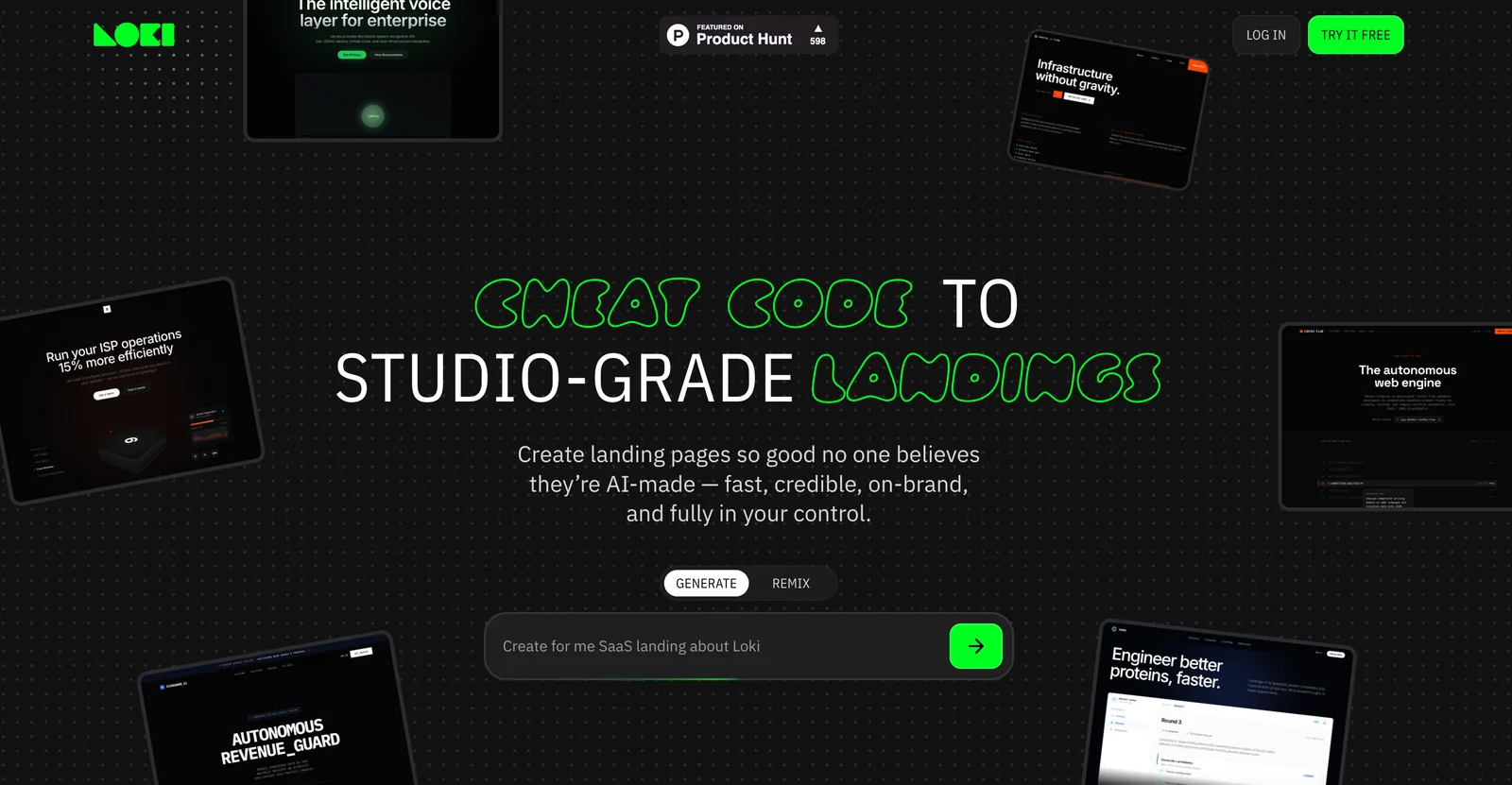
Loki.Build is an AI-powered website builder focused on fast creation of high-quality landing pages without coding. It uses generative workflows to produce on-brand layouts, copy, and visual structure in seconds, while offering built-in SEO tools, managed hosting, and controls for customization and ownership. The platform targets marketers, founders, and small teams who need credible, production-ready landing pages quickly and with minimal technical overhead.
Screenshots
Key Features
Use Cases



Frequently asked questions about Loki.Build
What are the pricing options for Loki.Build?
Loki.Build offers a freemium pricing model, allowing users to create and publish basic landing pages for free. For advanced features, including custom domains and priority support, users can choose between Pro and Enterprise plans tailored to their needs.
Key Points
- Freemium Model: Basic features available for free.
- Pro and Enterprise Plans: Advanced options with additional benefits.
- Custom Domains and Support: Enhanced features for professional use.
Detailed Explanation
Loki.Build's pricing structure is designed to accommodate various user needs. The freemium model allows anyone to create and publish basic landing pages without any financial commitment. This tier is ideal for individuals or small businesses just starting out or those who want to test the platform.
For users seeking more advanced functionalities, Loki.Build offers Pro and Enterprise plans. The Pro plan typically includes features such as custom domain integration, advanced analytics, and priority customer support. This plan is perfect for small to medium-sized businesses looking to enhance their online presence with professional-grade tools.
The Enterprise plan is tailored for larger organizations or those with specific needs, offering customized solutions, dedicated account management, and additional security features. Pricing for these plans can vary based on the number of users and specific requirements, so contacting Loki.Build directly for a quote is recommended.
For example, if a digital marketing agency requires multiple custom domains and enhanced support for client projects, the Pro plan would be a suitable choice. Conversely, a large corporation needing tailored solutions and dedicated support would benefit more from the Enterprise plan.
Best Practices / Tips
- Start with the Free Tier: If you're new to Loki.Build, begin with the free tier to familiarize yourself with the platform before committing to a paid plan.
- Evaluate Your Needs: Assess which features you need before upgrading. If custom domains or priority support are essential, consider the Pro plan.
- Contact Sales for Custom Needs: For businesses with specific requirements, reach out to Loki.Build’s sales team to discuss custom Enterprise solutions.
Additional Resources
How can I maximize the SEO features of Loki.Build?
To maximize SEO with Loki.Build, utilize its built-in SEO tools to optimize metadata, structure, and on-page signals effectively. Regularly update content and leverage AI-generated landing pages to maintain fresh, relevant content that attracts users and improves search rankings.
Key Points
- Optimize Metadata: Use title tags and meta descriptions effectively.
- Enhance On-Page Signals: Focus on headers, alt tags, and keyword placement.
- Leverage AI Capabilities: Utilize AI to generate content and landing pages.
Detailed Explanation
Loki.Build offers robust SEO tools designed to enhance your website's visibility. Start by optimizing your metadata—this includes creating compelling title tags and meta descriptions that incorporate relevant keywords. For example, if your site focuses on eco-friendly products, your title might be "Eco-Friendly Products | Sustainable Living Solutions."
Next, enhance your on-page signals. This involves ensuring headers (H1, H2) are structured appropriately and that alt tags for images are descriptive. Include long-tail keywords naturally in your content, which can help drive targeted traffic. Tools like Loki.Build can analyze your content and suggest improvements based on SEO best practices.
Utilizing Loki.Build's AI landing generation feature is a game-changer. This tool can automatically create landing pages tailored to specific keywords or topics, ensuring that content remains fresh and relevant. Regularly updating these pages can significantly improve user engagement and click-through rates.
Best Practices / Tips
- Keyword Research: Invest time in keyword research using tools like Google Keyword Planner to identify high-traffic search terms.
- Content Quality: Focus on creating high-quality, engaging content that answers user queries effectively.
- Mobile Optimization: Ensure your site is mobile-friendly as this impacts SEO rankings.
- Monitor Performance: Use tools like Google Analytics to track performance and adjust strategies accordingly.
- Avoid Keyword Stuffing: While keywords are essential, overusing them can harm your rankings. Aim for a natural flow.
Additional Resources
How do I start using Loki.Build to create landing pages?
To start using Loki.Build for creating landing pages, visit their official website and sign up for a free account. After registration, you can quickly generate landing pages using their intuitive no-code editor and AI-driven features, allowing you to launch your projects in just a few minutes.
Key Points
- Easy Sign-Up: Register for a free account on the Loki.Build website.
- No-Code Editor: Utilize the user-friendly no-code editor to design landing pages effortlessly.
- AI Features: Leverage AI tools to enhance your landing page content and functionality.
Detailed Explanation
To get started with Loki.Build, follow these steps:
- Visit the Website: Go to Loki.Build and explore the features.
- Create an Account: Click on the “Sign Up” button and fill in the required details. A free tier is available, making it accessible for beginners.
- Choose a Template: After logging in, browse through various customizable templates that suit your business needs.
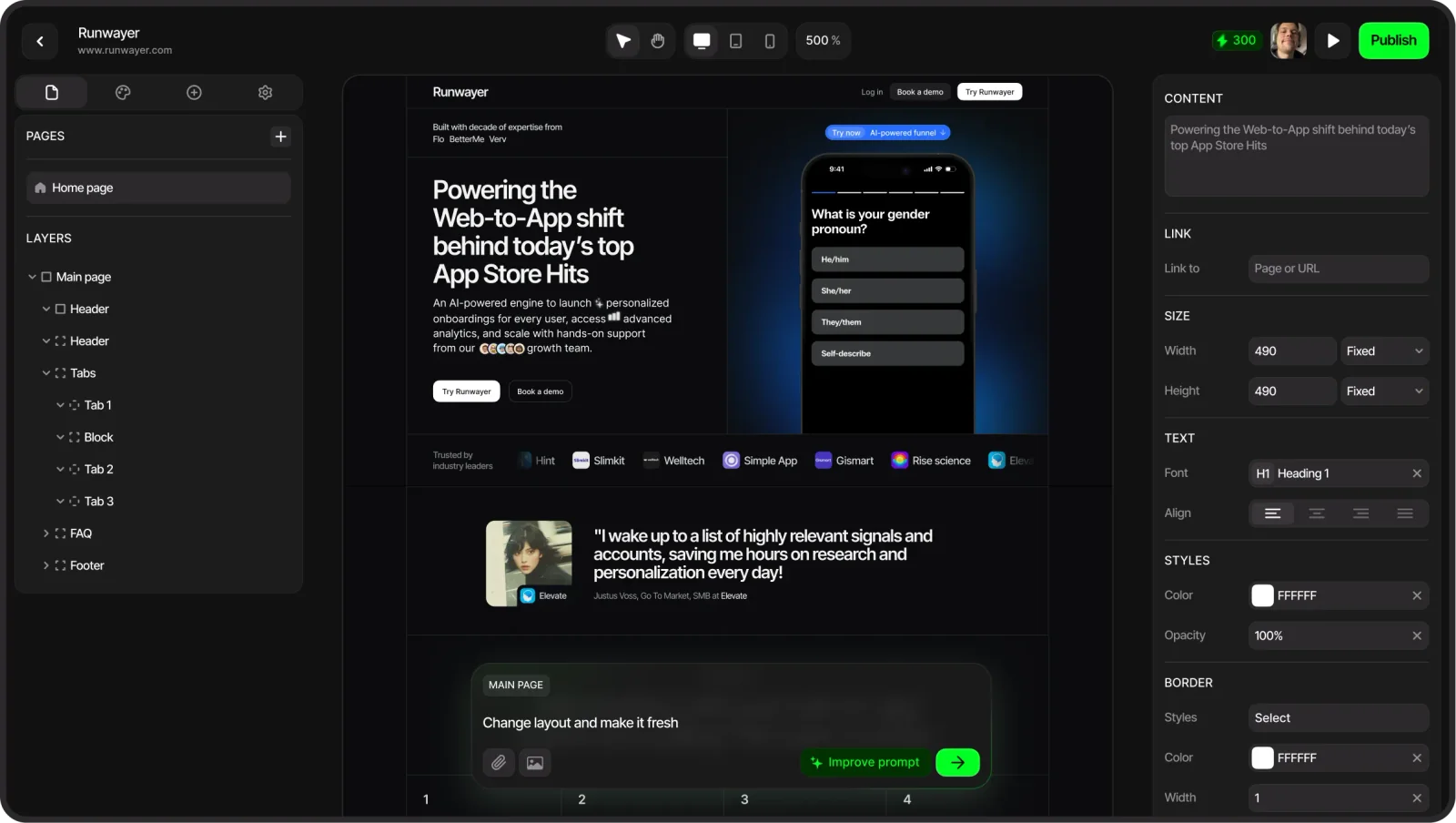
- Use the No-Code Editor: Access the no-code editor to modify elements like text, images, and buttons. You can drag and drop components to create a layout that resonates with your brand.
- Incorporate AI Tools: Utilize the AI features to generate content suggestions, optimize headlines, and enhance your call-to-action (CTA) buttons. These tools help in creating engaging, conversion-focused pages.
- Preview and Publish: Once satisfied with your design, preview your landing page to ensure everything looks perfect. Finally, hit the publish button to make it live.
By following these steps, you can efficiently create landing pages tailored to your audience in no time.
Best Practices / Tips
- Start Simple: Begin with a simple layout to familiarize yourself with the platform’s features.
- Focus on CTAs: Ensure your CTAs are clear and compelling to drive conversions.
- A/B Testing: Use A/B testing features to compare different versions of your landing pages to determine which performs better.
- Mobile Optimization: Verify that your landing pages are mobile-friendly, as a significant portion of traffic comes from mobile users.
- Analytics Tracking: Integrate analytics tools to monitor performance metrics and optimize based on user behavior.
Additional Resources
- Loki.Build Documentation
- Loki Build Blog for tips and updates
- YouTube Tutorials for visual guidance and walkthroughs
What technical requirements do I need to use Loki.Build?
Loki.Build is a user-friendly, cloud-based platform that requires no specific technical skills. To start using it, all you need is a modern web browser and a stable internet connection to access its intuitive no-code editor for building landing pages.
Key Points
- No coding skills required: Loki.Build is designed for users of all skill levels.
- Cloud-based access: Use it from any device with a web browser.
- Stable internet connection: Ensure a seamless experience while building and editing.
Detailed Explanation
Loki.Build is tailored to empower users, regardless of their technical background, to create stunning landing pages quickly and efficiently. The platform operates entirely in the cloud, which means you can access it from anywhere using any device with a modern web browser such as Google Chrome, Firefox, or Safari. This flexibility enables users to work on their projects from home, the office, or even while on the go.
To get started, simply visit the Loki.Build website, sign up for an account, and log in. The no-code editor is designed to be intuitive, allowing you to drag and drop elements to create your landing pages. You can customize layouts, incorporate images, and integrate various marketing tools without any prior design or coding experience.
Example Use Case
For a small business owner looking to promote a new product, Loki.Build makes it possible to create a professional landing page in minutes. With templates available, the user can select a design, modify text, and publish the page without needing help from a developer.
Best Practices / Tips
- Choose the right browser: For the best experience, use the latest version of a popular web browser.
- Stable internet connection: A consistent connection helps prevent interruptions while working on your landing pages.
- Utilize templates: Start with pre-designed templates to save time and ensure a polished look.
- Preview your work: Use the preview feature to see how your landing page appears on different devices before publishing.
Additional Resources
How does Loki.Build compare to other website builders?
Loki.Build stands out among website builders due to its AI-driven landing page generation, a user-friendly no-code editor, and integrated SEO tools. These features enable users to create high-quality pages quickly, without any coding skills, unlike many alternatives that may not offer such comprehensive capabilities.
Key Points
- AI-Driven Features: Automates the creation of landing pages tailored to user needs.
- No-Code Editor: Allows users to design websites without technical skills, making it accessible for everyone.
- Integrated SEO Tools: Provides built-in optimization features to enhance visibility in search engines.
Detailed Explanation
Loki.Build leverages artificial intelligence to streamline the website creation process. Users can generate landing pages customized to their goals with just a few clicks. This feature is exceptionally beneficial for small business owners and marketers who require rapid deployment of high-converting pages.
In comparison, many traditional website builders, such as Wix and Squarespace, offer templates but often lack the AI-driven capabilities that expedite the design process. While they provide robust customization options, the time required to create a landing page is significantly longer, which may hinder quick marketing efforts.
The no-code editor of Loki.Build is designed for those without technical backgrounds. Users can drag and drop elements, customize layouts, and integrate multimedia content seamlessly. This contrasts sharply with platforms like WordPress, which require a steeper learning curve and may involve coding for more advanced customizations.
Moreover, integrated SEO tools in Loki.Build help users optimize their pages for search engines effectively. Features such as keyword suggestions, meta tag management, and performance tracking are readily available. This is a significant advantage over some competitors, which often require third-party plugins or additional tools to achieve similar functionality.
Best Practices / Tips
- Utilize AI Features: Take full advantage of the AI-driven page generation to save time and enhance creativity.
- Optimize for SEO: Regularly use the integrated SEO tools to keep your content fresh and relevant.
- Experiment with Templates: Explore various templates offered by Loki.Build to find the best fit for your brand, ensuring a professional appearance.
Additional Resources
Explore more AI Ai Agents tools
Browse all Ai Agents tools →Browse by use case: Automation & Productivity
Compare Loki.Build: vs Playad · vs Concierge by Juniors AI · vs Scout by Fini · vs Ruflo