

Kombai
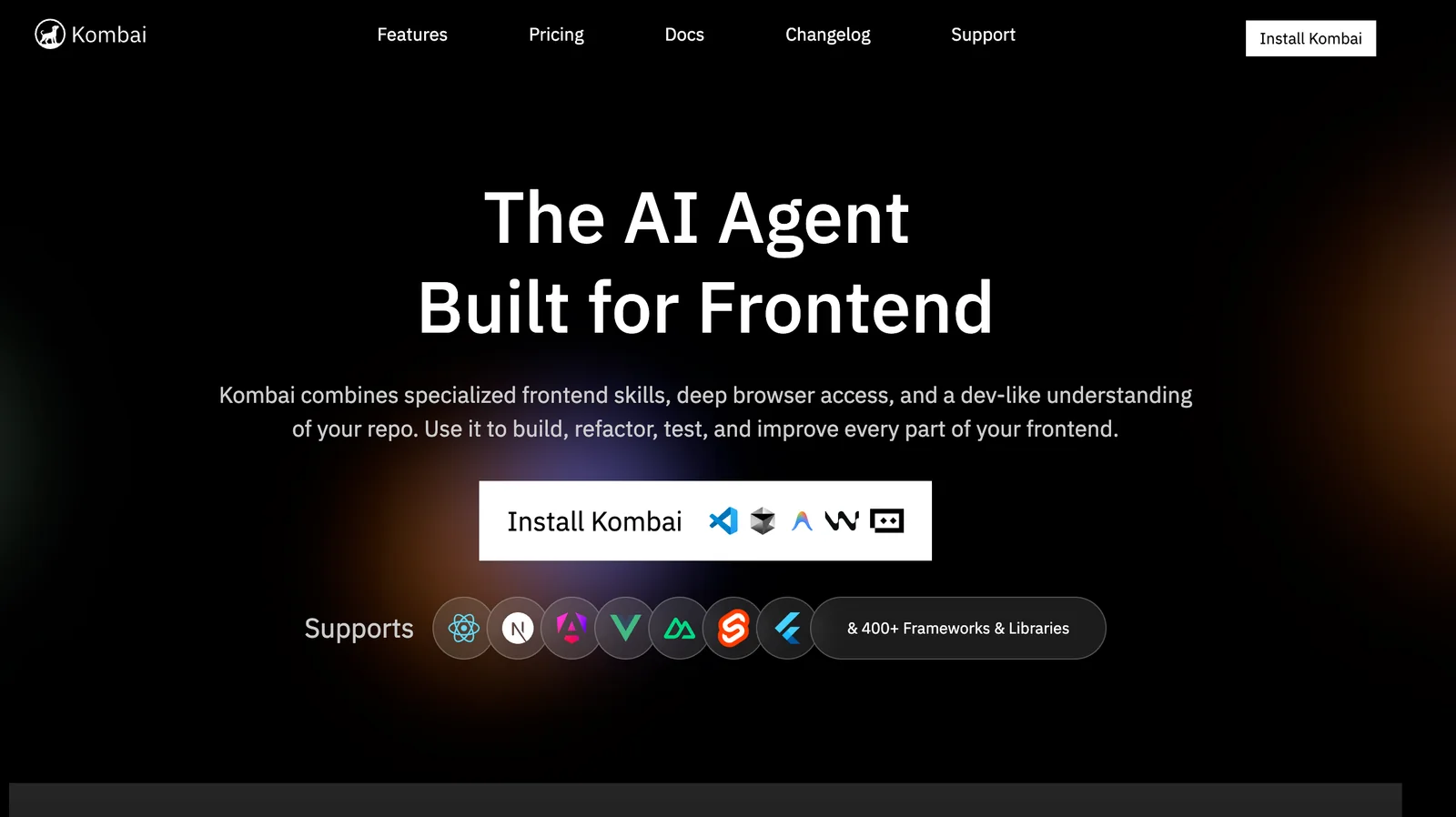
AIAn AI agent for frontend development that builds, refactors, tests, and improves frontend apps with deep browser and repo access.
Kombai
An AI agent for frontend development that builds, refactors, tests, and improves frontend apps with deep browser and repo access.
About Kombai
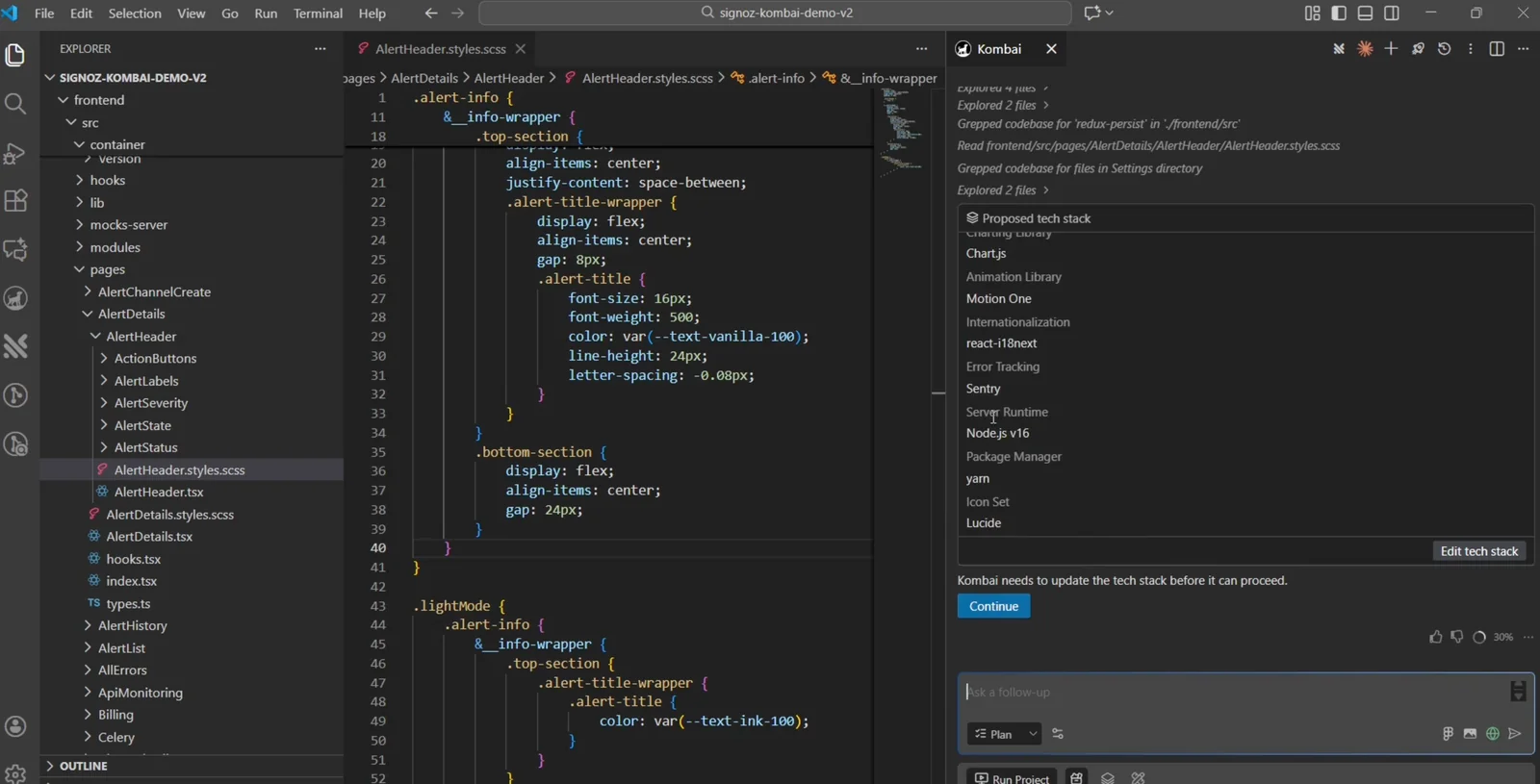
Kombai is an AI agent focused on frontend development that combines specialized frontend knowledge, deep browser access, and repository-level editing to build, refactor, test, and improve web frontends. It can generate production-ready React/TypeScript code and integrate with common toolchains (Vite, Antd, Tailwind), connect to CMS sources like DatoCMS, and perform multi-threaded workflows across a codebase. Kombai automates feature addition, UI refactors, and test creation while producing commits and artifacts to integrate directly into developer repositories, accelerating frontend delivery and iterative improvements.
Screenshots
Key Features
Use Cases



Frequently asked questions about Kombai
What are the main features of Kombai for frontend development?
Kombai is a powerful tool for frontend development, featuring specialized skills in modern frameworks, deep browser access for real-time page interactions, automated code refactoring, test generation, and production-ready output. These capabilities make Kombai an ideal choice for frontend developers looking for efficiency and flexibility.
Key Points
- Modern Framework Support: Kombai specializes in popular frontend frameworks like React, Angular, and Vue.js.
- Live Page Interaction: Offers deep browser access for real-time interactions, enhancing development and debugging.
- Automation Features: Includes automated refactoring and test generation to streamline the development process.
Detailed Explanation
Kombai stands out in the frontend development landscape due to its robust feature set:
-
Support for Modern Frameworks: Kombai is designed to work seamlessly with leading frameworks such as React, Angular, and Vue.js. This support allows developers to leverage the latest technologies, ensuring their applications are built with current best practices.
-
Deep Browser Access: One of Kombai’s remarkable features is its ability to access the browser deeply, enabling developers to interact with live web pages. This functionality is essential for real-time debugging and adjustments, making the development process smoother and more intuitive.
-
Automated Refactoring and Test Generation: Kombai automates complex tasks, such as code refactoring and unit test generation. This not only saves time but also enhances code quality by ensuring that every change is accompanied by adequate testing. For instance, a developer can refactor a component, and Kombai will automatically generate corresponding tests to maintain functionality.
-
Production-Ready Output: The tool ensures that the final output is optimized for production, minimizing the need for manual adjustments before deployment. This feature is critical for maintaining high performance and reliability in live applications.
Best Practices / Tips
- Leverage Framework Features: Make the most of Kombai's support for modern frameworks by familiarizing yourself with their specific features and best practices.
- Utilize Live Interaction: Take advantage of the deep browser access to troubleshoot and test components as you develop, rather than waiting until the end of the development cycle.
- Regularly Update: Keep Kombai updated to benefit from the latest features and improvements, ensuring your development process remains efficient.
Additional Resources
How does Kombai's pricing compare to other frontend development tools?
Kombai's pricing is competitive, offering a free tier with limited credits, while its paid plans start at $20/month for 2,000 credits. This pricing structure is advantageous when compared to other frontend development tools, which often charge higher amounts for similar features and capabilities.
Key Points
- Free Tier Availability: Kombai provides a risk-free way to try its features.
- Competitive Pricing: Paid plans begin at $20/month, offering excellent value.
- Feature Comparison: Combines essential tools for frontend development at a lower cost.
Detailed Explanation
Kombai's pricing strategy includes a free tier that allows users to explore its features without commitment. This tier is particularly beneficial for freelancers or small teams just starting in frontend development. The paid plans, beginning at $20/month for 2,000 credits, are designed to cater to varying levels of usage and provide access to more advanced features.
When compared to other frontend development tools like Figma, Sketch, or Adobe XD, Kombai stands out due to its affordability. For instance, Figma's basic plan starts at $12/month, but it may lack certain features included in Kombai's plans. In contrast, successful projects using Kombai often showcase how its robust capabilities can streamline the development process while keeping costs low.
Additionally, Kombai supports integration with popular frameworks and libraries, enhancing its functionality. Users can easily manage their projects, collaborate in real-time, and leverage templates that save time and effort.
Best Practices / Tips
- Start with Free Tier: Utilize the free tier to familiarize yourself with Kombai’s interface and tools before committing to a paid plan.
- Monitor Credit Usage: Keep an eye on how many credits you’re using to avoid unexpected charges.
- Explore Integrations: Take advantage of Kombai's integration options to maximize productivity and streamline your workflow.
Additional Resources
What is the best way to start using Kombai for my projects?
To start using Kombai for your projects, visit their official website and sign up for a free account. This allows you to explore Kombai’s features and functionalities. Once you feel comfortable, you can upgrade to a paid plan for enhanced capabilities and support.
Key Points
- Sign up for a free account on the Kombai website.
- Explore features and functionalities before upgrading.
- Consider the benefits of a paid plan for extensive usage and support.
Detailed Explanation
Kombai is an innovative tool designed to streamline project management and enhance collaboration. To begin your journey:
- Visit the Kombai Website: Go to Kombai's official website for the latest information and updates.
- Create a Free Account: Click on the "Sign Up" button and provide the necessary details, such as your email address and a secure password. The free account allows you to access basic features, which is ideal for testing the platform.
- Explore Features: Familiarize yourself with Kombai’s core functionalities. These may include project tracking, collaborative tools, and reporting features. Utilize tutorials and user guides available on the website to maximize your understanding.
- Upgrade When Ready: If you find Kombai beneficial and require advanced features, consider upgrading to a paid plan. Pricing typically starts at $15 per month for the basic plan, which unlocks additional tools and customer support.
Best Practices / Tips
- Take Advantage of Tutorials: Use the resources available on the Kombai website, such as video tutorials and FAQs, to help you navigate the platform effectively.
- Engage with the Community: Join forums or social media groups related to Kombai to gain insights and tips from other users.
- Monitor Performance: Regularly assess how Kombai is meeting your project needs. Utilize feedback mechanisms to identify areas for improvement.
- Avoid Overloading: Start with a few projects to avoid feeling overwhelmed. Gradually integrate more complex tasks as you become comfortable with the platform.
Additional Resources
- Kombai Documentation - Access comprehensive guides and FAQs.
- Kombai Community Forum - Engage with other users and share experiences.
- Kombai Blog - Stay updated on new features, tips, and industry insights.
Is Kombai compatible with popular frameworks like React and TypeScript?
Yes, Kombai is fully compatible with popular frameworks like React and TypeScript. This integration allows developers to leverage Kombai’s features seamlessly within modern frontend stacks, enhancing productivity and ensuring a smooth development experience.
Key Points
- Framework Compatibility: Kombai supports React, TypeScript, and other popular libraries.
- Enhanced Development: It simplifies the integration of AI tools in frontend applications.
- Developer-Friendly: Offers extensive documentation and community support.
Detailed Explanation
Kombai is designed to streamline the development process for applications built with React and TypeScript. By providing a robust API and seamless integration capabilities, Kombai allows developers to utilize its features without disrupting their existing workflows. For instance, a React project can easily incorporate Kombai to automate repetitive tasks, manage state, or enhance UI components with AI-driven functionalities.
Use Case Example:
Imagine a React application that requires real-time data fetching and state management. By integrating Kombai, developers can implement AI algorithms that optimize data handling and user interactions. The combination of React's reactive features and Kombai's intelligent processing can significantly improve application performance and responsiveness.
Best Practices / Tips
- Start Small: Begin with small components to integrate Kombai into your React application. Test functionalities incrementally to ensure stability.
- Leverage TypeScript: Utilize TypeScript's type-checking features to catch errors early when integrating Kombai, enhancing code reliability.
- Stay Updated: Regularly check Kombai's documentation for updates and best practices to make the most of its features.
Additional Resources
By following these guidelines, developers can maximize the benefits of Kombai within their React and TypeScript projects, ensuring a smooth and efficient development experience.
Why should I choose Kombai over other AI frontend tools?
Kombai is an exceptional choice for AI frontend tools due to its advanced browser access, automated code enhancements, and capability to produce production-ready output. These features streamline the frontend development process, making it more efficient and user-friendly compared to other alternatives.
Key Points
- Deep Browser Access: Kombai provides extensive access to browser capabilities, enhancing development efficiency.
- Automated Code Improvements: It automatically refines code, reducing manual errors and improving quality.
- Production-Ready Output: Kombai delivers ready-to-deploy code, saving time in the development lifecycle.
Detailed Explanation
Kombai distinguishes itself in the crowded field of AI frontend tools with several innovative features.
-
Deep Browser Access: Kombai uses advanced web scraping and API interaction techniques, giving developers the ability to analyze and manipulate website elements in real-time. This capability enables developers to test and preview changes instantly, which is crucial for rapid prototyping and iterative development. For example, if a developer is working on a complex UI component, Kombai can interact with existing elements on a web page, allowing for dynamic adjustments without the need for a full-page reload.
-
Automated Code Improvements: The tool leverages machine learning algorithms to analyze the codebase and suggest optimizations. This can include refactoring suggestions, syntax corrections, and even performance enhancements. For instance, if a developer writes a function that could be simplified, Kombai will highlight this and present an optimized version, thus improving code readability and maintainability.
-
Production-Ready Output: One of the standout features of Kombai is its ability to automatically generate code that is ready for production. This means that developers can focus on building features and functionality without worrying about the underlying code structure. The output adheres to best practices and is optimized for performance, which is particularly beneficial for teams under tight deadlines.
Best Practices / Tips
- Utilize Browser Access: Make the most of Kombai's deep browser access to speed up testing and prototyping. Regularly use this feature to ensure that your developments align with user expectations.
- Leverage Automated Suggestions: Always review the automated code improvement suggestions provided by Kombai. Implementing these can significantly reduce technical debt and enhance code quality over time.
- Test Output Thoroughly: Even though Kombai provides production-ready code, it's essential to conduct thorough testing to catch any edge cases that automated tools might miss.
Additional Resources
Explore more AI Ai Agents tools
Browse all Ai Agents tools →Browse by use case: Code Generation · Automation & Productivity
Compare Kombai: vs Playad · vs Concierge by Juniors AI · vs Scout by Fini · vs Ruflo