

Kodey.ai
AIPlatform to create autonomous, collaborative AI agent teams that automate complex workflows and coding tasks without coding.
Kodey.ai
Platform to create autonomous, collaborative AI agent teams that automate complex workflows and coding tasks without coding.
About Kodey.ai
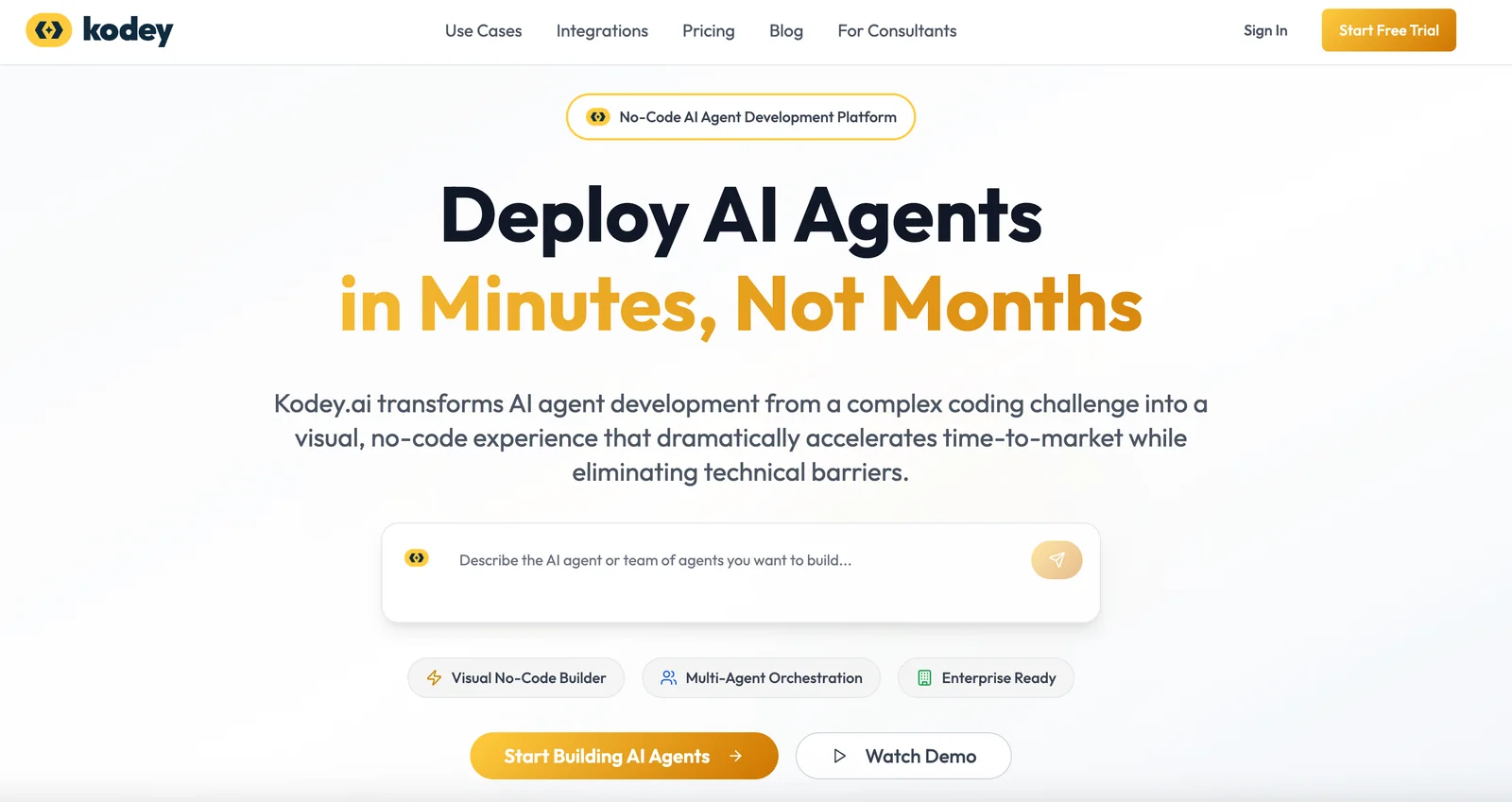
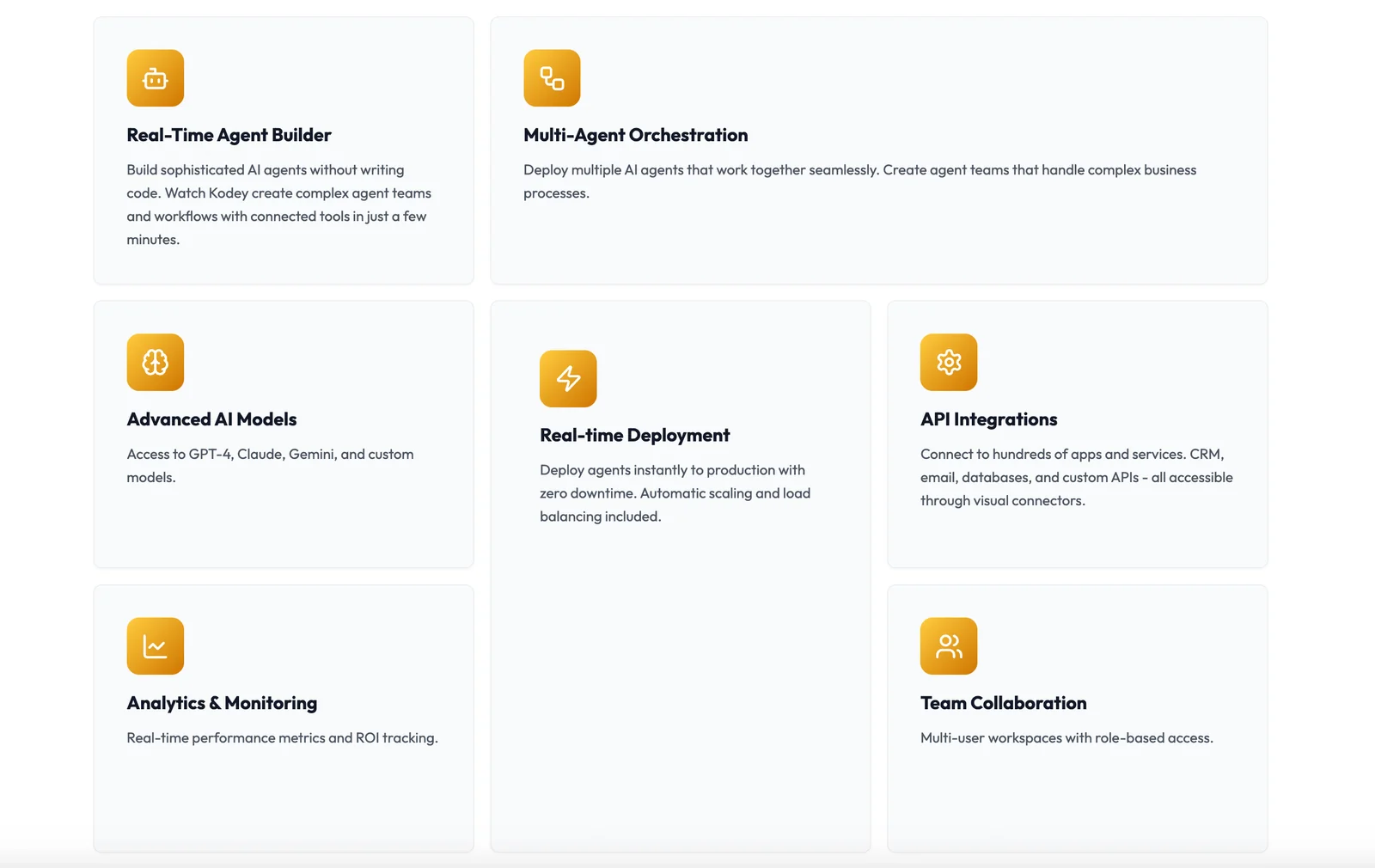
Kodey.ai enables organizations to build, orchestrate, and deploy autonomous agent teams that collaborate to automate complex business and development workflows. The platform provides prebuilt samples and SDKs (including LangChain examples and MCP integrations) to connect agents to code repositories, cloud services, and apps. Kodey emphasizes no-code agent orchestration for business users while offering developer-facing tooling (samples, VS Code integrations, and serverless templates) so teams can extend, customize, and run agentic workflows at scale.
Screenshots
Key Features
Use Cases



Frequently asked questions about Kodey.ai
What are the pricing options for Kodey.ai?
Kodey.ai features a custom pricing model specifically designed to meet enterprise needs. For detailed pricing information and potential trial options, interested parties should reach out directly to their sales team for tailored solutions and insights.
Key Points
- Kodey.ai employs a custom pricing strategy.
- Pricing is tailored to enterprise requirements.
- Direct contact with the sales team is necessary for detailed quotes.
Detailed Explanation
Kodey.ai's pricing model is not a one-size-fits-all solution, which allows it to cater specifically to enterprises with unique requirements. This means that businesses can potentially negotiate the pricing structure based on their size, usage, and specific needs.
-
Custom Solutions: Organizations can expect Kodey.ai to develop a pricing plan that reflects their operational scale, the complexity of tasks, and the volume of AI usage. For example, a large tech firm might require extensive integration support, while a startup may only need basic functionalities.
-
Trial Options: While specific pricing details are not publicly available, contacting the sales team may also unveil trial options. Businesses interested in testing Kodey.ai's capabilities can inquire about limited-time trials or pilot programs that may be available to assess the tool's fit before committing financially.
-
Direct Communication: Engaging with Kodey.ai's sales representatives ensures that prospective users receive the most accurate and relevant information tailored to their circumstances. This direct line of communication can facilitate a deeper understanding of the tool's features and pricing flexibility.
Best Practices / Tips
-
Prepare Your Questions: Before reaching out to the sales team, compile a list of questions regarding pricing tiers, functionalities, and any additional fees that may apply. This will help you understand the full scope of the investment.
-
Assess Your Needs: Clearly define what your organization requires from Kodey.ai. This could include AI capabilities, support levels, or specific integrations. Understanding your needs will help the sales team provide a more accurate quote.
-
Explore Alternatives: While Kodey.ai may be an excellent fit, it’s wise to compare it with other AI tools in the market. This can help you make an informed decision based on features, pricing, and support.
Additional Resources
This comprehensive approach ensures that businesses are well-informed about Kodey.ai's pricing options, enabling them to make a strategic decision that aligns with their operational goals.
How does Kodey.ai facilitate no-code automation?
Kodey.ai streamlines no-code automation by providing a user-friendly interface that allows individuals without coding skills to design agent workflows effortlessly. Users can automate complex tasks, integrate various applications, and optimize processes, significantly enhancing productivity and efficiency in their workflows.
Key Points
- User-friendly no-code interface
- Automation of complex tasks
- Integration with multiple applications
Detailed Explanation
Kodey.ai offers a no-code platform that empowers users to build and manage automated workflows without any programming expertise. Through its intuitive drag-and-drop interface, users can create agent workflows that manage tasks ranging from data entry to customer interactions.
How It Works
-
Workflow Creation: Users begin by selecting a template or starting from scratch. The interface allows them to visually map out each step of the workflow.
-
Integration: Kodey.ai supports integration with popular applications like Google Sheets, Slack, and CRM systems, making it easy to pull in data and trigger actions across platforms.
-
Automation: Once the workflow is set up, users can automate repetitive tasks, such as sending notifications, updating records, or generating reports, saving valuable time and reducing errors.
Use Cases
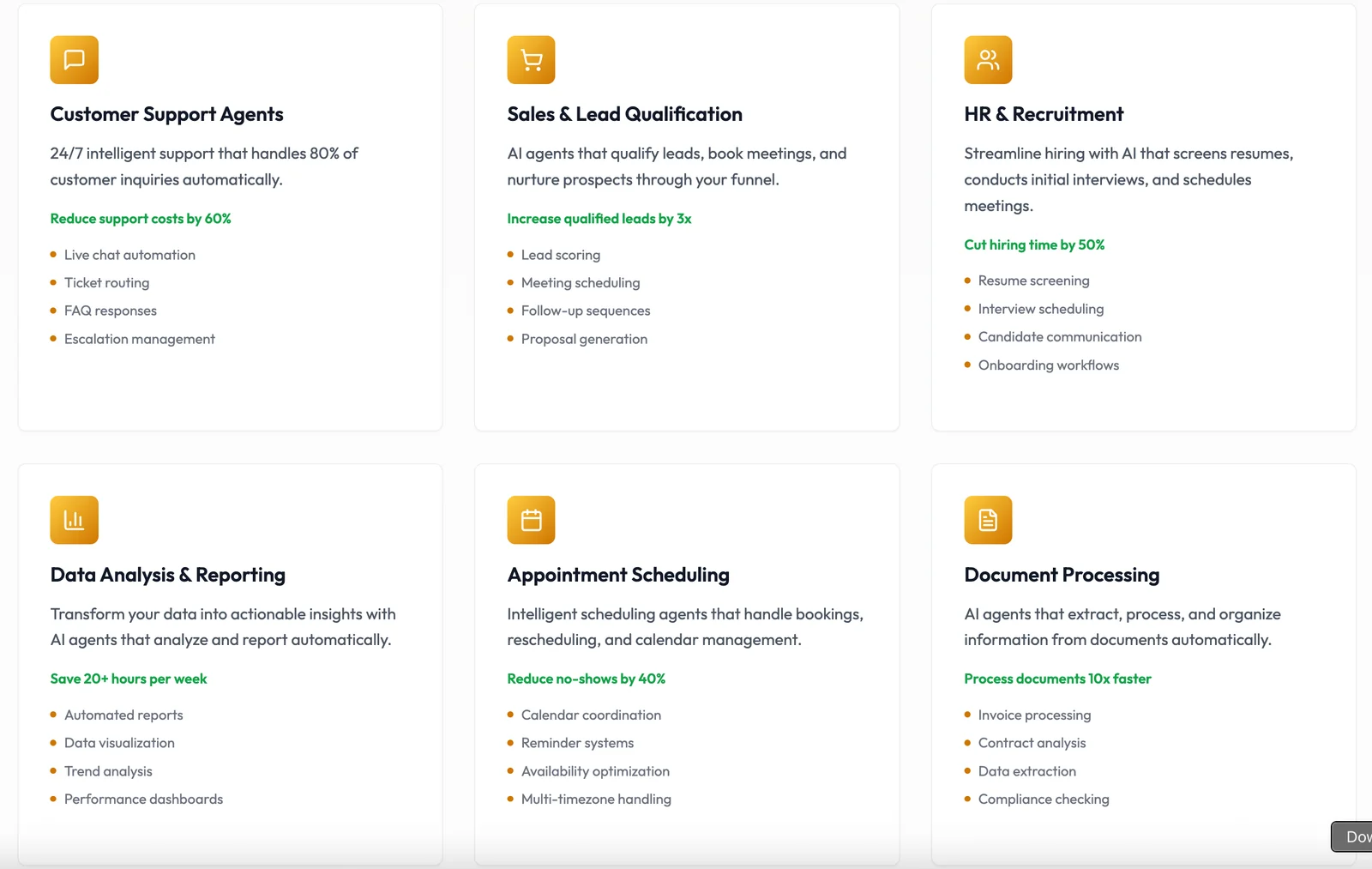
- Customer Support: Automate responses to common inquiries, freeing up support staff to handle more complex issues.
- Data Management: Automatically sync and update data across different systems, ensuring consistency and accuracy.
- Marketing Campaigns: Streamline the process of sending emails, managing contacts, and tracking responses without manual input.
Best Practices / Tips
- Start Simple: Begin with straightforward workflows to familiarize yourself with the interface before tackling more complex automations.
- Utilize Templates: Leverage pre-built templates available in Kodey.ai to save time and ensure best practices are followed.
- Test Workflows: Regularly test your workflows to ensure they function as intended and make adjustments as needed.
Additional Resources
How can I start using Kodey.ai for workflow automation?
To start using Kodey.ai for workflow automation, visit their official website, where you can explore its extensive features. You can also contact their sales team for personalized onboarding assistance and tailored plan details that suit your business needs.
Key Points
- Explore Features: Understand the capabilities of Kodey.ai.
- Contact Sales: Get personalized onboarding support.
- Choose a Plan: Select a plan that fits your organization's requirements.
Detailed Explanation
To effectively utilize Kodey.ai for automating your workflows, follow these steps:
-
Visit the Official Website: Navigate to Kodey.ai. The website provides a comprehensive overview of the platform’s features, such as task automation, integration with popular apps, and AI-driven insights.
-
Explore Core Features:
- Task Automation: Automate repetitive tasks to save time and reduce errors.
- Integration: Kodey.ai seamlessly integrates with tools like Slack, Trello, and Google Workspace, making it easier to centralize your workflows.
- Analytics: Utilize built-in analytics to monitor workflow efficiency and identify areas for improvement.
-
Contact Sales: If you require specific functionalities or have unique business needs, reach out to the Kodey.ai sales team. They can provide personalized onboarding assistance and help you choose the most suitable plan based on your requirements.
-
Select a Plan: Kodey.ai offers various pricing tiers, including a free trial for new users. Assess your needs and choose a plan that aligns with your budget and necessary features.
Best Practices / Tips
- Start with a Free Trial: Take advantage of the free trial to familiarize yourself with Kodey.ai’s interface and capabilities without financial commitment.
- Define Your Workflow Goals: Before automation, clearly outline what tasks you aim to automate to streamline the process effectively.
- Utilize Customer Support: Don’t hesitate to reach out to Kodey.ai’s customer support for any inquiries or issues during the onboarding phase.
- Monitor and Optimize: After implementation, regularly review your automated workflows to ensure they are functioning efficiently and make adjustments as necessary.
Additional Resources
- Kodey.ai Official Documentation for detailed guides.
- Webinars and Tutorials to learn from experts.
- Community Forum for user discussions and tips.
What integrations does Kodey.ai support?
Kodey.ai supports a range of integrations, including specialized Model Context Protocol (MCP) implementations for Salesforce, enabling seamless data exchange. It also offers developer SDKs for extending agent functionalities, allowing users to customize and enhance their AI experiences across various platforms.
Key Points
- Salesforce Integration: Leverage specialized MCP for enhanced data management.
- Developer SDKs: Customize and extend functionalities tailored to specific needs.
- Multi-Platform Support: Integrate with various applications to streamline workflows.
Detailed Explanation
Kodey.ai's integration capabilities are designed to enhance user experience and operational efficiency. The Model Context Protocol (MCP) for Salesforce allows businesses to utilize AI-driven insights directly within their CRM. This integration enables teams to manage customer interactions more effectively by providing contextual information based on past data interactions.
Use Cases:
- Customer Support: By integrating Kodey.ai with Salesforce, customer support agents can access previous customer interactions, helping them provide tailored solutions quickly.
- Sales Automation: Sales teams can automate lead scoring and follow-ups based on AI recommendations, improving conversion rates significantly.
- Data Analysis: Businesses can analyze trends and customer behavior through integrated data, leading to better strategic decisions.
The developer SDKs provided by Kodey.ai allow technical teams to extend the functionalities of the AI agents. This means that organizations can create custom workflows and features that align with their specific operational needs. For instance, a company can build a tailored chatbot that integrates real-time data from multiple sources, enhancing customer engagement.
Best Practices / Tips
- Evaluate Integration Needs: Before implementing Kodey.ai, assess your organization's specific needs to determine which integrations will provide the most value.
- Leverage Documentation: Utilize Kodey.ai’s detailed documentation for guidance on integrating with Salesforce and using the SDKs effectively.
- Iterate on Custom Solutions: Continuously refine your custom functionalities based on user feedback to ensure optimal performance and user satisfaction.
Additional Resources
- Kodey.ai Documentation - Access detailed guides and API references.
- Salesforce Integration Guide - Step-by-step instructions for integrating Kodey.ai with Salesforce.
- Developer SDKs Overview - Learn about available SDKs and how to use them to extend Kodey.ai functionalities.
What makes Kodey.ai different from other AI workflow automation tools?
Kodey.ai differentiates itself from other AI workflow automation tools by enabling the creation of autonomous AI agent teams that manage intricate multi-step workflows. Its powerful no-code agent builder empowers non-developers, making it accessible for businesses of all sizes.
Key Points
- Autonomous AI Agent Teams: Teams that can independently manage complex tasks.
- No-Code Agent Builder: User-friendly interface for non-developers.
- Integration Capabilities: Seamless connections with existing tools and platforms.
Detailed Explanation
Kodey.ai revolutionizes workflow automation through its unique features:
-
Autonomous AI Agent Teams: Unlike traditional tools, Kodey.ai allows users to create teams of AI agents that can operate independently. These teams can handle complex tasks that require coordination among various agents. For example, a marketing campaign can be executed through a series of agents that manage email outreach, social media posts, and performance tracking without constant human intervention.
-
No-Code Agent Builder: Kodey.ai’s no-code platform is designed for users without technical expertise. This feature allows businesses to create customized agents using a drag-and-drop interface. Users can easily define workflows, set triggers, and map out processes without writing a single line of code. This inclusivity means that teams can quickly adapt and scale their automation efforts, responding to changing business needs.
-
Integration Capabilities: Kodey.ai seamlessly integrates with popular tools like Slack, Google Workspace, and CRM systems. This ensures that workflows can connect with existing processes, enhancing productivity without requiring a complete overhaul of current systems. For instance, an agent can pull data from your CRM and generate reports, automatically notifying team members in Slack.
Best Practices / Tips
- Start Small: Begin with simple workflows to familiarize yourself with the platform before scaling up.
- Leverage Templates: Use pre-built templates available in Kodey.ai to save time and streamline the process.
- Regularly Review Workflows: Monitor the performance of your AI agents and adjust workflows as needed to ensure optimal efficiency.
Additional Resources
Explore more AI Ai Agents tools
Browse all Ai Agents tools →Browse by use case: Code Generation · Automation & Productivity
Compare Kodey.ai: vs Playad · vs Concierge by Juniors AI · vs Scout by Fini · vs Ruflo