

Kardy
AICreate and send multimedia group greeting cards that multiple people can sign, comment on, and personalize.
Kardy
Create and send multimedia group greeting cards that multiple people can sign, comment on, and personalize.
About Kardy
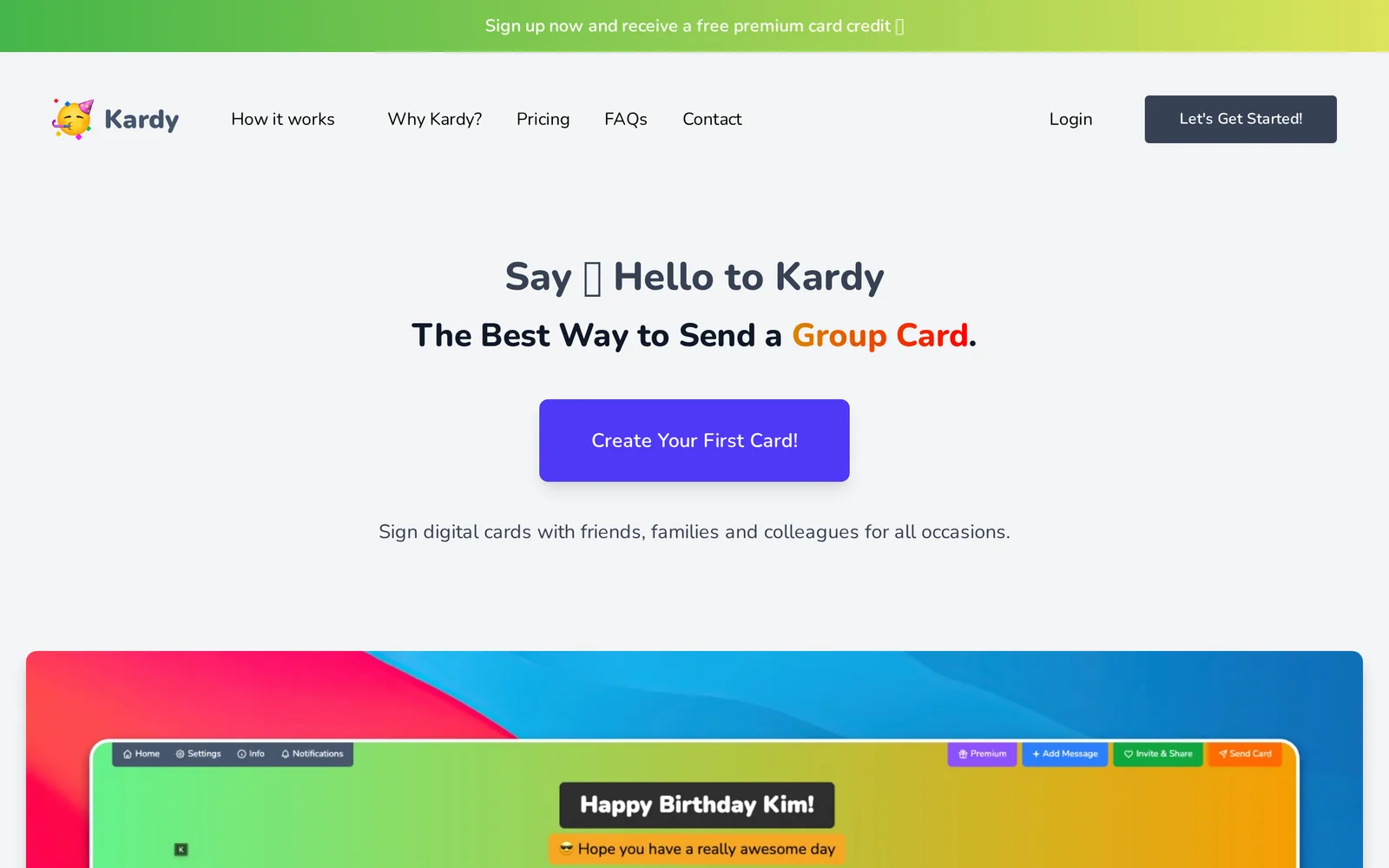
Kardy is a web-based platform for creating digital group greeting cards that can be signed by multiple people. Users can add photos, GIFs, videos, and emojis to cards, invite friends, family, or colleagues to sign, and leave private messages or comments. The service supports account sign-in via GitHub, GitLab, X, or email and focuses on making group cards easy to create, share, and deliver online.
Screenshots
Key Features
Use Cases



Frequently asked questions about Kardy
What is Kardy?
Kardy is an innovative platform that allows users to create and send multimedia group greeting cards that can be signed, commented on, and personalized by multiple people. It's ideal for celebrating occasions like birthdays, weddings, and team milestones, enhancing the traditional greeting card experience with interactive features.
Key Points
- Multimedia Integration: Supports images, videos, and audio.
- Collaborative Signing: Multiple users can contribute personalized messages.
- User-Friendly Interface: Easy to navigate for all ages.
Detailed Explanation
Kardy revolutionizes the way we send greetings by combining technology with heartfelt messages. Users can choose from a variety of templates tailored for different occasions, such as birthdays, anniversaries, or holidays.
How to Use Kardy:
- Creating a Card: Start by selecting a template that suits the occasion. Kardy offers diverse designs, ensuring there's something for everyone.
- Adding Multimedia: Upload images, videos, or audio clips to enhance your message. This can include personal photos or a voice message that adds a special touch.
- Inviting Contributors: Share the card link with friends or family, allowing them to sign and leave personalized comments. This collaborative feature enriches the experience, making it more interactive and engaging.
- Finalizing and Sending: Once everyone has added their messages, review the card and send it out digitally. Recipients will appreciate the thoughtful, collective effort behind the card.
Kardy not only enhances the traditional greeting card experience but also saves time and effort in organizing group greetings.
Best Practices / Tips
- Choose the Right Template: Select a design that resonates with the occasion and the recipient to make the card more meaningful.
- Encourage Participation: Send reminders to contributors to ensure everyone has the chance to sign the card before the deadline.
- Personal Touch: Incorporate unique elements like inside jokes or shared memories to make the card more special.
- Check Compatibility: Ensure multimedia elements are compatible across devices to avoid issues when recipients view the card.
Additional Resources
How does Kardy work?
Kardy works by integrating advanced AI technologies to streamline daily workflows, enabling users to automate tasks, enhance productivity, and optimize decision-making processes. With its user-friendly interface, Kardy simplifies complex operations, making AI accessible for various applications across multiple industries.
Key Points
- AI Integration: Combines multiple AI technologies for seamless automation.
- User-Friendly Interface: Designed for easy navigation and quick adoption.
- Versatile Applications: Suitable for diverse industries and tasks.
Detailed Explanation
Kardy harnesses cutting-edge artificial intelligence capabilities, such as natural language processing, machine learning, and data analytics, to assist users in their daily operations. Users can leverage Kardy for a variety of tasks, including:
- Task Automation: Automate repetitive tasks like scheduling, data entry, and email management to save time and reduce errors.
- Data Analysis: Utilize AI algorithms to analyze large datasets, providing actionable insights that help in decision-making.
- Content Creation: Generate high-quality content for marketing, social media, and reports with minimal effort, enhancing creativity and consistency.
For example, a marketing team can use Kardy to automate social media posting schedules, analyze engagement metrics, and create targeted campaigns based on data-driven insights. This not only boosts productivity but also improves overall campaign effectiveness.
Best Practices / Tips
- Start Small: Begin with automating simple tasks before scaling to more complex workflows.
- Regular Updates: Keep Kardy updated to leverage the latest AI features and improvements.
- User Training: Invest time in training users to maximize the benefits of Kardy’s capabilities.
Common pitfalls to avoid include neglecting to customize Kardy settings for specific use cases and underutilizing its analytics features, which can lead to missed opportunities for optimization.
Additional Resources
What are the main features of Kardy?
Kardy's main features include advanced AI capabilities for data analysis, intuitive user interface for ease of use, and customizable reporting tools that enhance decision-making. These features are designed to streamline workflows and improve productivity across various industries.
Key Points
- Advanced AI Capabilities: Leverage machine learning for insights.
- User-Friendly Interface: Designed for easy navigation and accessibility.
- Customizable Reporting Tools: Tailor reports to specific business needs.
Detailed Explanation
Kardy integrates sophisticated AI capabilities that allow users to perform advanced data analysis effortlessly. For example, its machine learning algorithms can detect patterns and trends, enabling businesses to make data-driven decisions quickly. The intuitive user interface simplifies operations, making it accessible to users of all technical backgrounds. This means that even those without extensive technical knowledge can utilize Kardy effectively.
Additionally, Kardy’s customizable reporting tools are a standout feature. Users can create tailored reports that focus on key performance indicators (KPIs) relevant to their specific industry or business goals. For instance, a marketing team can generate reports that highlight campaign performance metrics, while a finance team can focus on budget tracking and forecasting.
Best Practices / Tips
- Utilize Tutorials: Take advantage of Kardy’s tutorials to familiarize yourself with its features.
- Set up Alerts: Use alert features to stay informed about significant changes in your data.
- Regular Updates: Keep your software updated to leverage the latest features and security enhancements.
- Feedback Loop: Regularly gather feedback from team members to improve how Kardy is used within your organization.
Additional Resources
By exploring these resources, you can maximize the effectiveness of Kardy in your operations and stay updated on best practices and new features.
Who is Kardy for?
Kardy is designed for anyone looking to enhance their daily workflows with artificial intelligence, including professionals in marketing, content creation, data analysis, and project management. It streamlines routine tasks, making AI accessible for individuals and teams seeking efficiency and innovation in their work processes.
Key Points
- Target Users: Professionals, freelancers, and teams in various industries.
- Functionality: Enhances productivity through AI-driven tools and workflows.
- Accessibility: User-friendly interface suitable for all skill levels.
Detailed Explanation
Kardy is an AI tool that caters to a wide array of users who want to integrate artificial intelligence into their daily routines. It's particularly beneficial for:
-
Marketing Professionals: Kardy can automate social media posting, analyze audience engagement, and generate content ideas, allowing marketers to focus on strategy rather than execution.
-
Content Creators: Writers and bloggers can use Kardy to generate topic suggestions, improve SEO, and even create drafts, significantly speeding up the content production process.
-
Data Analysts: By automating data collection and analysis, Kardy helps analysts draw insights quickly, enabling informed decision-making without the tedious manual work.
-
Project Managers: Kardy aids in task management, scheduling, and resource allocation, ensuring that projects stay on track and within budget.
For instance, a marketing team could implement Kardy to automate their email campaigns, providing personalized content based on user behavior, thus enhancing engagement rates and conversion metrics.
Best Practices / Tips
- Start Small: Begin by integrating Kardy into one aspect of your workflow, such as content generation, to see how it fits your needs.
- Utilize Templates: Take advantage of pre-built templates for common tasks; this can save time and ensure consistency in output.
- Monitor Performance: Regularly assess how Kardy impacts your productivity and adjust settings to optimize its features for your specific workflow.
- Stay Updated: Keep an eye on new features and updates from Kardy to leverage the latest advancements in AI technology.
Additional Resources
How much does Kardy cost?
Kardy offers a free tier that provides basic functionalities, while its paid plans start at $9.99 per month, unlocking advanced features and tools. Users can choose from different subscription levels depending on their needs and usage requirements, making it accessible for both casual and professional users.
Key Points
- Free Tier: Access to basic features at no cost.
- Paid Plans: Starting at $9.99 per month for advanced functionalities.
- Flexible Options: Different plans cater to various user needs.
Detailed Explanation
Kardy is designed to cater to a diverse audience with its pricing structure. The free tier includes essential features such as basic project management tools, limited task tracking, and access to community support. This is ideal for individuals or small teams just getting started with project management.
For those seeking more robust functionalities, paid plans begin at $9.99 per month. These plans offer advanced features including:
- Enhanced Analytics: Gain in-depth insights into project performance.
- Collaboration Tools: Real-time collaboration features for teams.
- Custom Integrations: Ability to integrate with other software tools like Slack or Google Drive.
Kardy also provides a business plan for larger teams, which typically includes additional perks such as dedicated support and enhanced security features. Depending on your team's size and specific requirements, you can choose the plan that best fits your needs.
Best Practices / Tips
- Evaluate Your Needs: Before committing to a paid plan, assess which features are most important for your workflow.
- Take Advantage of the Free Tier: Use the free version thoroughly to understand how Kardy fits your project management style.
- Consider Annual Billing: Some users save money by opting for annual billing instead of monthly subscriptions, as discounts are often available.
Additional Resources
How do I get started with Kardy?
To get started with Kardy, simply visit Kardy's website and sign up for an account. After signing up, you can explore its features, which include project management, team collaboration, and task tracking.
Key Points
- Easy Signup: Quick registration process.
- Feature Exploration: Discover tools for collaboration and project management.
- User-Friendly Interface: Intuitive design for seamless navigation.
Detailed Explanation
Kardy is designed to enhance productivity and team collaboration through its diverse suite of tools. To begin, go to Kardy's website. Here’s how to make the most of your initial experience:
-
Sign Up:
- Click on the "Sign Up" button prominently displayed on the homepage.
- Fill in your details, including your email, password, and any other required information.
- Verify your email address to activate your account.
-
Explore Features:
- Once logged in, familiarize yourself with the dashboard. Kardy offers several features like task management, project timelines, and team communication tools.
- Use the tutorial guides available within the app to get a walkthrough of essential functions.
-
Create a Project:
- Start by creating a new project using the "New Project" button.
- Add team members by inviting them via email, allowing for real-time collaboration on tasks.
- Set deadlines and assign tasks to streamline workflow.
-
Utilize Collaboration Tools:
- Take advantage of Kardy’s chat feature for instant communication with team members.
- Use file sharing to keep all project documents in one place, ensuring easy access for everyone involved.
Best Practices / Tips
- Regularly Update Tasks: Keep your project status updated to enhance team visibility.
- Utilize Templates: Start with project templates available within Kardy to save time.
- Engage with Your Team: Encourage team members to use the commenting feature for feedback on tasks.
Additional Resources
- Kardy Help Center: For FAQs and user guides.
- Kardy Blog: Insights on productivity and effective project management.
- Kardy Support: Contact support for any technical issues or inquiries.
Explore more AI Ai Tools tools
Browse all Ai Tools tools →Compare Kardy: vs Humanizer · vs Worktrunk · vs Mise · vs BiBimba