

Intuned
AICode-first browser automation platform with an AI agent that builds and maintains deterministic, production-ready automation code.
Intuned
Code-first browser automation platform with an AI agent that builds and maintains deterministic, production-ready automation code.
About Intuned
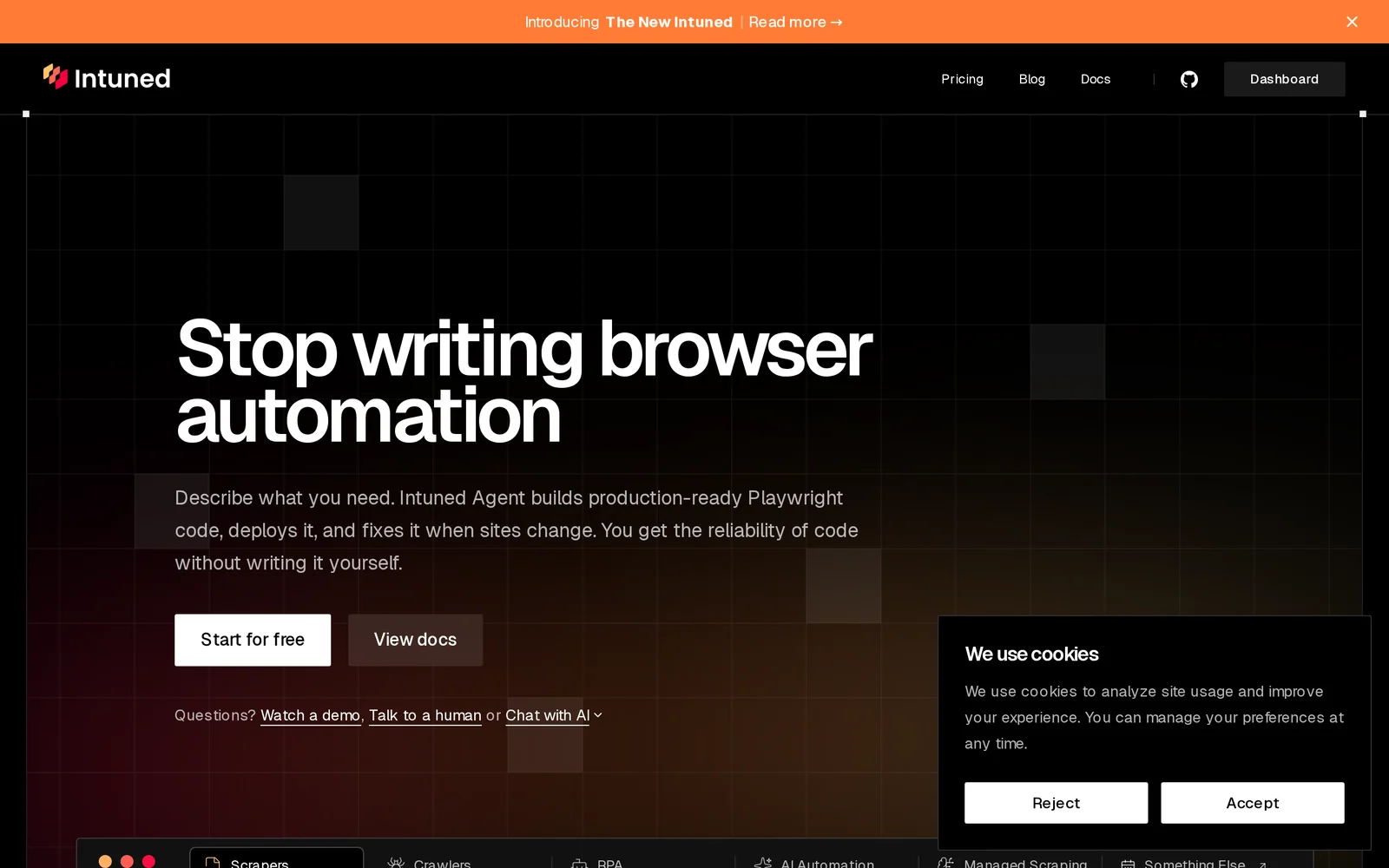
Intuned is a code-first browser automation platform that uses an AI agent to build and maintain browser automations as deterministic, production-ready code. The platform focuses on producing editable, versionable code artifacts rather than opaque recordings or visual flows, enabling developers to treat automations as first-class code. Its AI agent generates automation code from user intent and maintains those scripts over time, reducing manual upkeep when web interfaces change and ensuring reliable, repeatable execution in production environments.
Screenshots
Key Features
Use Cases



Frequently asked questions about Intuned
What is Intuned?
Intuned is a code-first browser automation platform that utilizes an AI agent to create and manage automated tasks as deterministic, production-ready code. This innovative tool streamlines the automation process, ensuring reliability and efficiency for developers and businesses alike.
Key Points
- AI-Driven Automation: Intuned employs an AI agent to enhance automation creation.
- Code-First Approach: Focuses on generating maintainable, production-ready code.
- User-Friendly Interface: Designed for both technical and non-technical users.
Detailed Explanation
Intuned stands out in the realm of automation tools by integrating advanced AI capabilities. Its code-first methodology means that every automation task is written in a programming language, making it easier for developers to understand, modify, and maintain.
Features and Functionality
- AI Agent: The AI agent learns from user interactions, enabling it to suggest optimizations and automate repetitive tasks intelligently. This not only saves time but also enhances the overall productivity of teams.
- Deterministic Code: The automation code generated by Intuned is deterministic, meaning it produces consistent results regardless of the environment. This reliability is crucial for production environments where errors can lead to significant downtime or data loss.
- Cross-Browser Support: Intuned supports multiple browsers, ensuring that your automation scripts work seamlessly across various platforms.
Use Cases
- Web Testing: Automate the testing of web applications to ensure functionality across different browsers.
- Data Scraping: Efficiently gather data from websites for analysis or reporting.
- Task Automation: Streamline repetitive tasks like form filling or data entry, freeing up valuable time for more complex projects.
Best Practices / Tips
- Start Small: Begin with simple automations to familiarize yourself with the platform's capabilities before scaling up.
- Regular Updates: Keep your automation scripts updated to take advantage of new features and improvements from Intuned.
- Monitor Performance: Regularly check the performance of your automations to identify any areas for optimization or troubleshooting.
Additional Resources
- Intuned Official Documentation - Comprehensive guides and tutorials.
- Intuned Community Forum - Connect with other users and share best practices.
- Web Automation Best Practices - Explore strategies for effective automation.
How does Intuned work?
Intuned works by integrating advanced artificial intelligence capabilities to streamline daily workflows for users. By automating routine tasks, providing intelligent insights, and enhancing decision-making processes, Intuned empowers individuals and teams to work more efficiently and effectively in various business environments.
Key Points
- AI-Powered Automation: Intuned automates repetitive tasks, saving time and reducing human error.
- Smart Insights: It analyzes data to offer actionable insights, helping users make informed decisions.
- User-Friendly Interface: Intuned features an intuitive design, making it accessible for users of all technical levels.
Detailed Explanation
Intuned leverages several AI technologies to improve productivity and workflow management. The platform combines machine learning, natural language processing, and data analytics to provide a comprehensive solution for various business needs.
-
AI-Powered Automation: Users can automate routine tasks such as data entry, email sorting, and scheduling. For example, Intuned can automatically organize emails based on priority, allowing users to focus on more critical tasks.
-
Smart Insights: By processing large datasets, Intuned delivers insights tailored to specific business objectives. For instance, a marketing team can utilize Intuned to analyze customer behavior and preferences, enabling them to craft targeted campaigns that yield higher conversion rates.
-
User-Friendly Interface: Intuned is designed for ease of use, featuring a drag-and-drop interface and customizable dashboards. This allows users, regardless of their technical expertise, to create workflows that suit their specific needs.
Best Practices / Tips
- Start Small: Begin with automating one or two processes to understand how Intuned can benefit your workflow before scaling up.
- Regularly Update Your Workflows: As your business evolves, revisit and optimize your workflows to ensure they remain relevant and efficient.
- Engage with Support Resources: Utilize Intuned’s customer support and community forums for troubleshooting and best practice sharing.
Additional Resources
What are the main features of Intuned?
Intuned offers several key features including powerful AI-driven analytics, seamless integration capabilities, and an intuitive user interface. These functionalities enable businesses to optimize their operations, enhance decision-making, and drive performance improvements effectively.
Key Points
- AI-Driven Analytics: Provides insightful data analysis.
- Integration Capabilities: Easily connects with other tools.
- User-Friendly Interface: Ensures a smooth user experience.
Detailed Explanation
Intuned is designed to empower organizations with advanced functionalities that leverage artificial intelligence.
-
AI-Driven Analytics: The platform’s analytics tools utilize machine learning algorithms to analyze large datasets, delivering actionable insights. For instance, users can track performance metrics and identify trends in real-time, allowing for data-driven decision-making. This feature is particularly beneficial for businesses aiming to enhance marketing strategies or optimize product offerings.
-
Integration Capabilities: Intuned offers seamless integration with various third-party applications such as CRM systems, project management tools, and data visualization platforms. This interoperability ensures that businesses can centralize their operations while maintaining flexibility. By integrating with tools like Salesforce or HubSpot, teams can synchronize data effortlessly, streamlining workflows.
-
User-Friendly Interface: With an intuitive design, Intuned prioritizes user experience. The dashboard is customizable, enabling users to arrange widgets according to their preferences. This flexibility allows team members to access relevant information quickly, improving overall productivity. Additionally, built-in tutorials and support resources help new users acclimate swiftly.
Best Practices / Tips
- Regular Training: Ensure that team members are trained on using Intuned’s features effectively to maximize the platform's potential.
- Custom Dashboards: Customize your dashboard to highlight the most critical metrics for your business, making information easily accessible.
- Integrate Wisely: Choose integrations that align with your business needs to avoid unnecessary complexity and ensure a smoother workflow.
Additional Resources
Who is Intuned for?
Intuned is designed for individuals and teams seeking to streamline their daily AI workflows. It caters to professionals, entrepreneurs, educators, and anyone eager to enhance productivity, creativity, and efficiency through artificial intelligence tools.
Key Points
- Ideal for professionals across various industries.
- Supports entrepreneurs and startups in task automation.
- Beneficial for educators and students in learning applications.
Detailed Explanation
Intuned is an innovative solution that enhances day-to-day workflows through AI integration. It's particularly useful for:
-
Professionals: Whether you're in marketing, finance, or project management, Intuned helps automate repetitive tasks, analyze data, and generate insights, enabling you to focus on strategic decision-making.
-
Entrepreneurs: Startups often juggle multiple roles. Intuned facilitates task management, customer relationship management, and content creation, allowing entrepreneurs to allocate resources more effectively and scale their operations.
-
Educators and Students: Intuned can assist in lesson planning, grading, and research. For students, it offers tools for writing, studying, and collaboration, enhancing the overall learning experience.
Examples of Use Cases
- Marketing Teams: Automate social media postings and analyze engagement metrics to optimize campaigns.
- Small Businesses: Use AI-driven analytics to understand customer behavior and tailor services accordingly.
- Educational Institutions: Implement Intuned to streamline administrative tasks and improve student engagement through interactive learning tools.
Best Practices / Tips
- Identify Key Tasks: Start by identifying repetitive tasks within your workflow that can be automated.
- Explore Integrations: Leverage Intuned’s compatibility with other tools (like Slack, Google Workspace) to create a seamless workflow.
- Regular Training: Keep yourself and your team updated on new features and functionalities of Intuned to maximize its potential.
Additional Resources
How much does Intuned cost?
Intuned pricing varies based on the plan selected, typically ranging from $19 to $99 per month per user. For the most accurate and up-to-date pricing information, it’s best to visit the official Intuned website, as they often provide promotional offers and detailed plan comparisons.
Key Points
- Intuned offers several subscription tiers.
- Monthly pricing ranges from $19 to $99 per user.
- Pricing may vary based on features and promotional offers.
Detailed Explanation
Intuned provides various pricing plans tailored to different organizational needs. Their subscription tiers usually include:
- Basic Plan: Starting at around $19/month, this plan is ideal for small teams needing essential features like standard reporting and integrations.
- Pro Plan: Typically priced at $49/month, this plan includes advanced analytics, additional integrations, and enhanced customer support.
- Enterprise Plan: For larger organizations, the cost is usually $99/month per user, offering complete access to all features, custom onboarding, and priority support.
Additional Features
- Free Trial: Intuned often provides a free trial period, allowing potential customers to explore features before committing.
- Discounts: Annual subscriptions may offer significant savings compared to monthly billing, making it a cost-effective option for businesses planning long-term use.
Best Practices / Tips
- Evaluate Needs: Before selecting a plan, assess your team’s requirements. The Basic plan may suffice for smaller teams, while larger organizations might benefit from the Enterprise plan's comprehensive features.
- Watch for Promotions: Keep an eye on seasonal promotions or discounts offered on the Intuned website. Signing up for newsletters can also provide notifications about special deals.
- Utilize Free Trials: Leverage free trials to test features and ensure the platform meets your business needs before making a financial commitment.
Additional Resources
- Intuned Official Pricing Page - Direct link for the latest pricing details and plan comparisons.
- Intuned Features Overview - Explore features available in each plan to make informed decisions.
- Customer Support - Access support resources for assistance with plan selection or technical queries.
How do I get started with Intuned?
To get started with Intuned, visit Intuned's official website to sign up for an account. After signing up, you can explore the platform's features, tutorials, and community resources to maximize your experience.
Key Points
- Sign Up Process: Create an account easily on the Intuned platform.
- Explore Features: Familiarize yourself with Intuned's tools and functionalities.
- Community Support: Engage with the user community for tips and best practices.
Detailed Explanation
To begin using Intuned, follow these steps:
-
Visit the Website: Navigate to Intuned's homepage and click on the 'Sign Up' button. You might need to provide your email address and create a password.
-
Account Verification: After signing up, check your email for a verification link. Clicking this link will activate your account.
-
Onboarding Process: Once logged in, you'll be guided through an onboarding process. This includes a tutorial that highlights key features such as project management, team collaboration, and data analytics tools.
-
Explore Tutorials: Intuned offers various tutorials and documentation. These resources can help you understand how to leverage the platform effectively for your projects.
-
Join the Community: Engage with other users through forums and social media groups. Sharing experiences and solutions can enhance your understanding and usage of Intuned.
Best Practices / Tips
- Complete Your Profile: Make sure to fill out your user profile. This helps in personalizing your experience and connecting with others.
- Utilize Templates: Intuned provides templates for various tasks. Using these can save you time and streamline your workflow.
- Regular Check-ins: Regularly check for updates and new features. Intuned frequently adds enhancements that can improve your project management capabilities.
- Feedback and Support: Don’t hesitate to provide feedback or seek support if you encounter issues. The Intuned team is responsive and values user input.
Additional Resources
By following these steps and utilizing available resources, you can effectively get started with Intuned and optimize its features for your needs.
Explore more AI Ai Agents tools
Browse all Ai Agents tools →Browse by use case: Code Generation · Automation & Productivity
Compare Intuned: vs Playad · vs Concierge by Juniors AI · vs Scout by Fini · vs Ruflo