
HunyuanVideo 1.5
AIOpen SourceFreeLightweight video foundation model from Tencent for high-quality text-to-video and image-to-video generation with strong motion consistency.
HunyuanVideo 1.5
Lightweight video foundation model from Tencent for high-quality text-to-video and image-to-video generation with strong motion consistency.
About HunyuanVideo 1.5
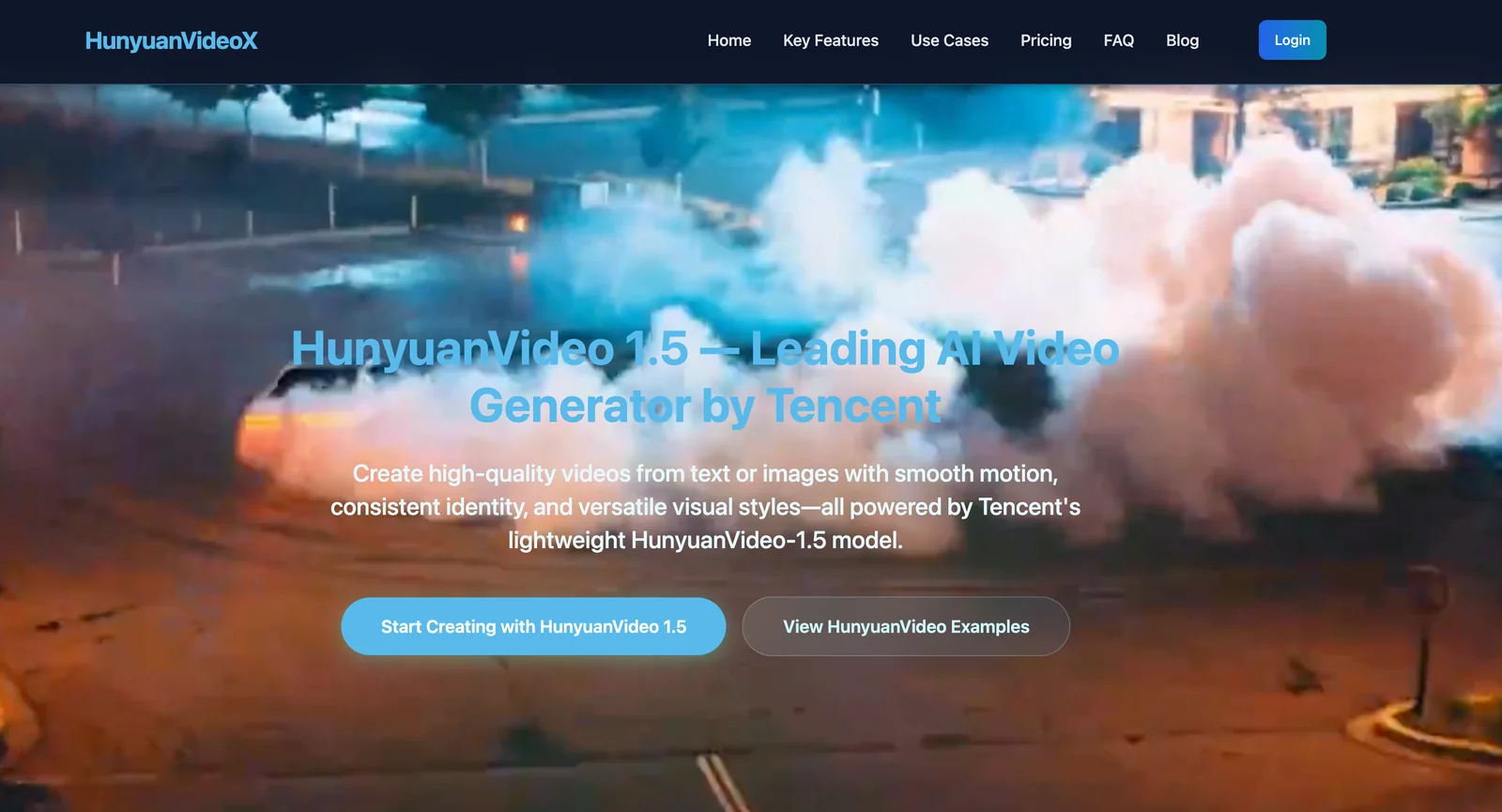
HunyuanVideo 1.5 is a lightweight video foundation model developed by Tencent for text-to-video and image-to-video generation. It produces high visual quality and improved temporal/motion consistency through image-video joint training, curated datasets, and efficient training/inference infrastructure. The model is released open-source (code and checkpoints available on GitHub) and powers specialized variants such as audio-driven human animation (HunyuanVideo-Avatar), image-to-video (I2V), and customizable generation architectures (HunyuanCustom). Third-party sources report a roughly 13B-parameter scale for the model, emphasizing an emphasis on efficiency and competitive quality versus leading closed-source video generators.
Screenshots

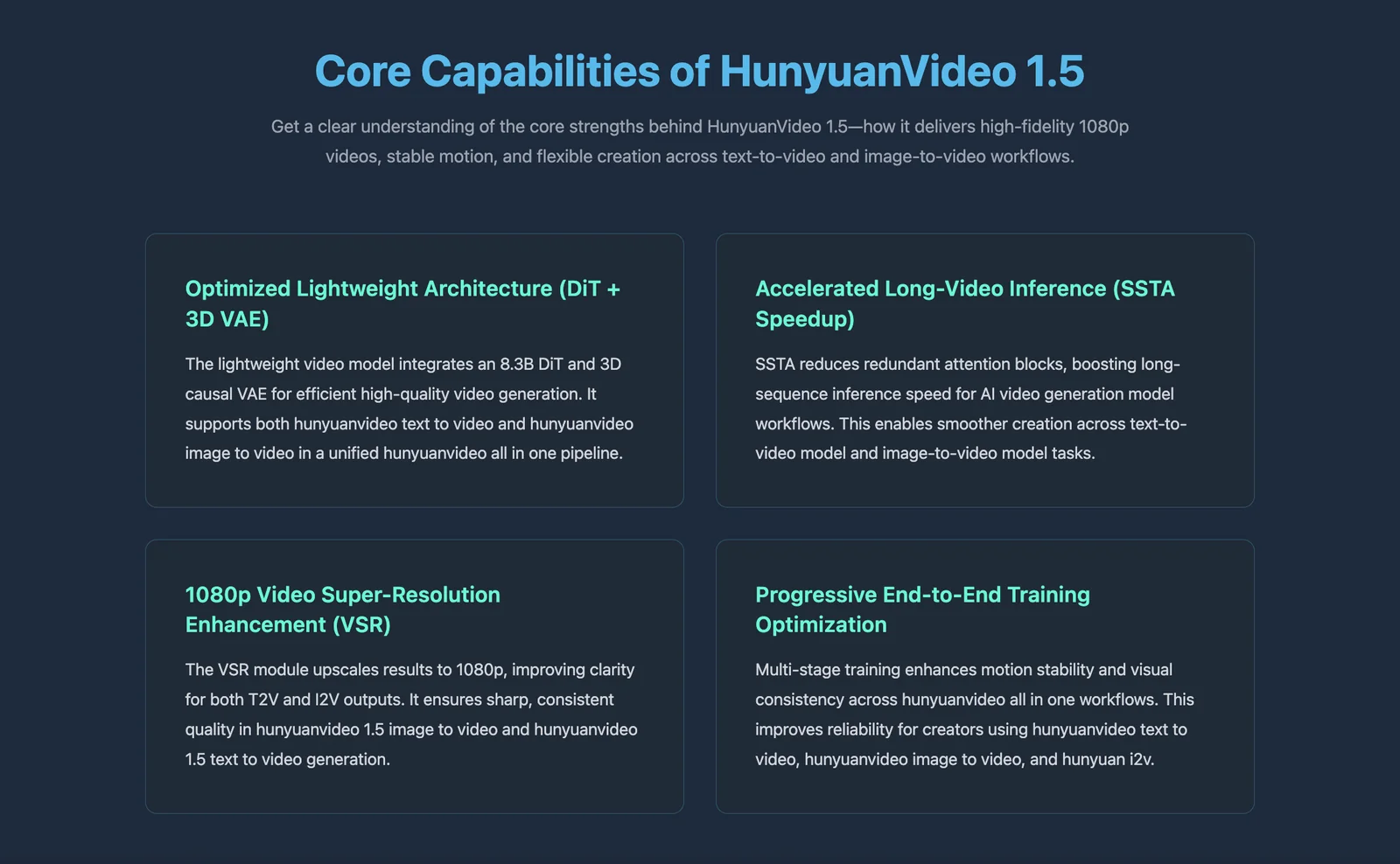
Key Features
Use Cases



Frequently asked questions about HunyuanVideo 1.5
What is the pricing structure for HunyuanVideo 1.5?
HunyuanVideo 1.5 is completely free to use as it is open-source. Users can download the model code and pretrained checkpoints at no cost from the GitHub repository. However, running the model locally requires adequate GPU resources for optimal performance.
Key Points
- HunyuanVideo 1.5 is an open-source tool.
- It can be downloaded for free from GitHub.
- Local execution requires sufficient GPU capabilities.
Detailed Explanation
HunyuanVideo 1.5 offers a robust solution for video processing and generation, leveraging advanced AI techniques. As an open-source project, it enables developers, researchers, and hobbyists to access powerful tools without financial barriers. Users can find the model code and pretrained checkpoints available for download on its GitHub repository.
To run HunyuanVideo 1.5 locally, users must ensure they have appropriate hardware. Recommended specifications include:
- GPU: A modern NVIDIA graphics card with CUDA support, ideally with at least 8GB of VRAM.
- RAM: At least 16GB of system memory for smooth operation.
- Storage: Sufficient SSD space for model and dataset storage.
For users unfamiliar with setting up AI models, the GitHub repository often includes a README file with installation instructions, dependencies, and examples. Community forums and documentation can also provide additional support.
Best Practices / Tips
- Hardware Check: Before downloading, verify your system's GPU and RAM specifications to ensure compatibility.
- Environment Setup: Use virtual environments (like Anaconda) to manage dependencies and avoid conflicts.
- Stay Updated: Regularly check the GitHub repository for updates or new versions, as open-source projects frequently evolve.
- Documentation: Familiarize yourself with the documentation to understand model parameters and tuning options for better results.
Additional Resources
What are the key features of HunyuanVideo 1.5?
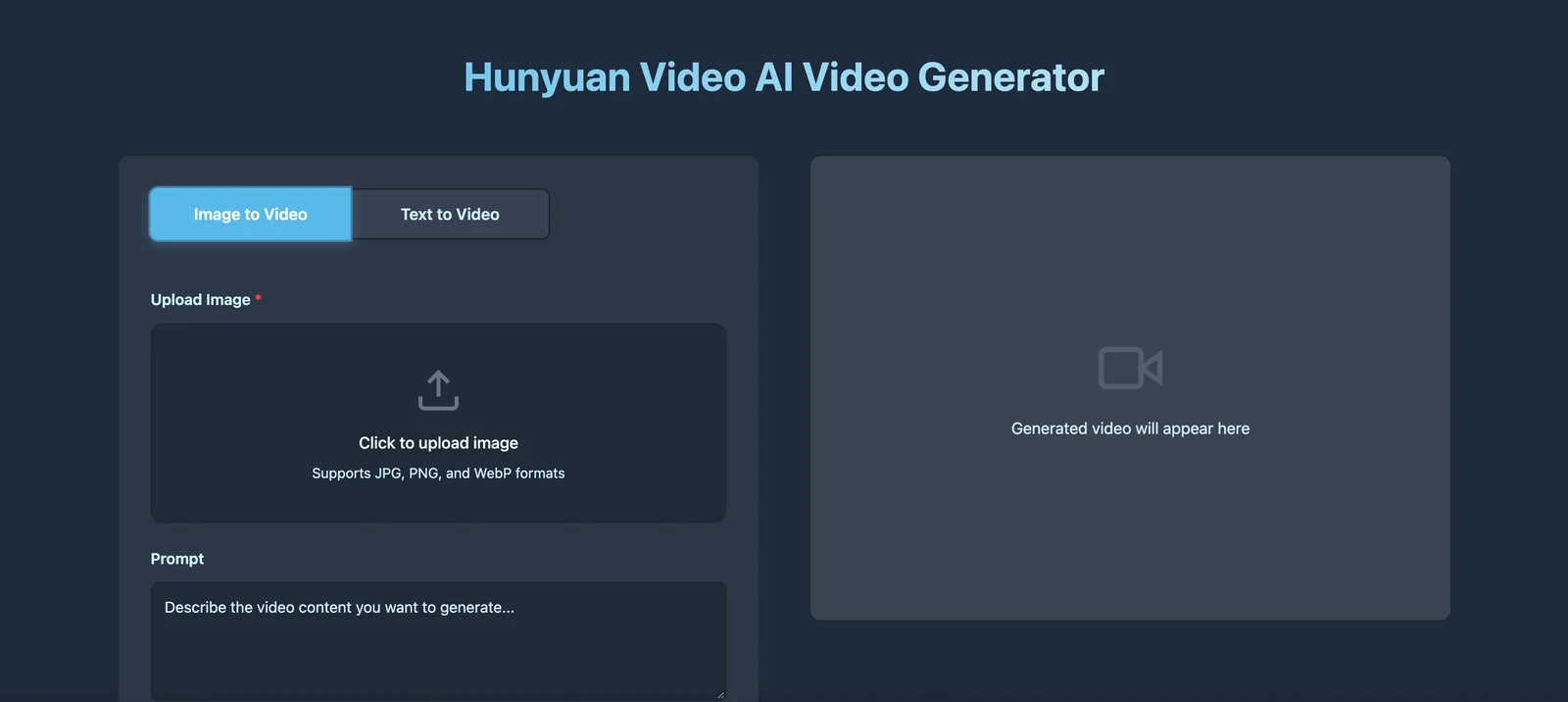
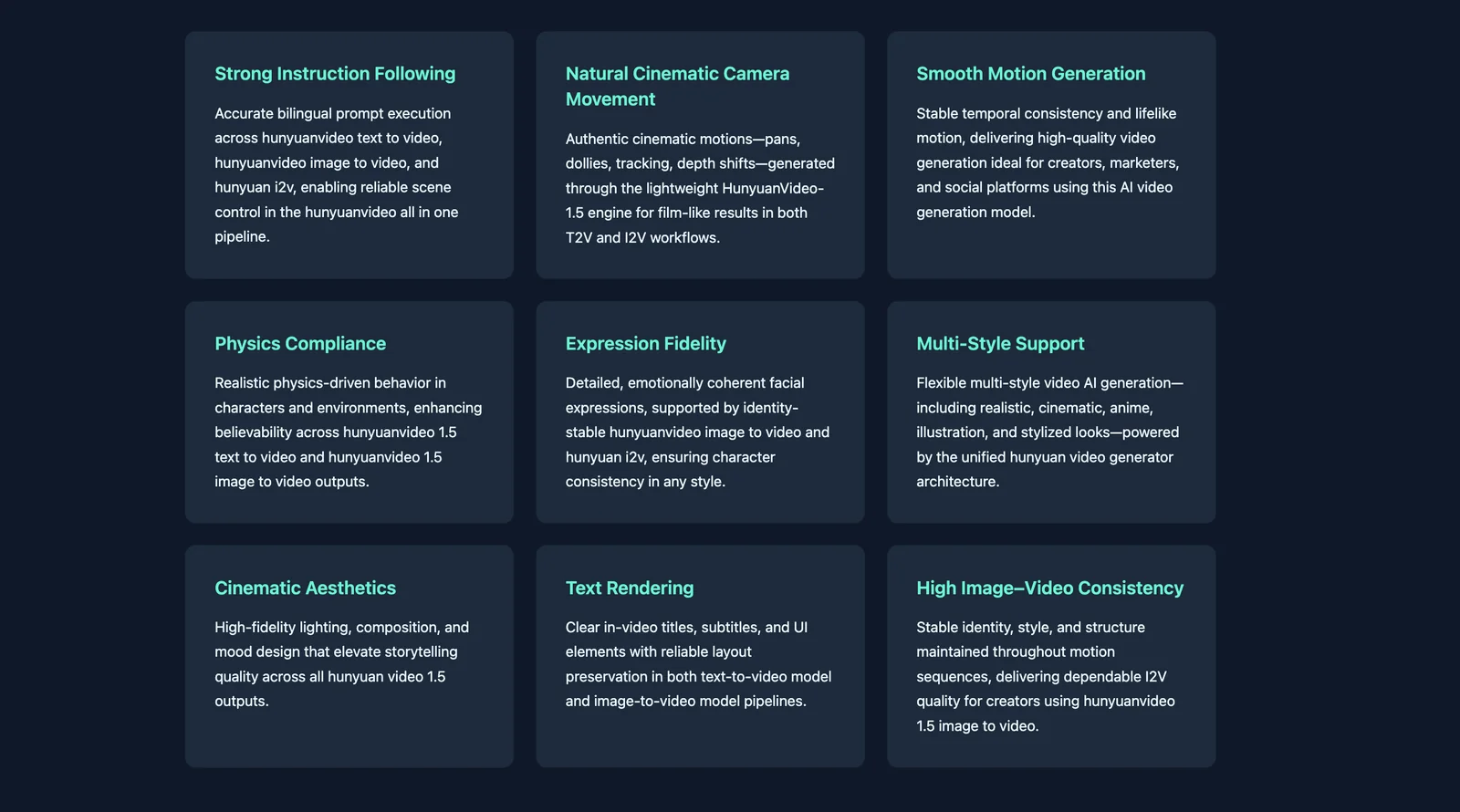
HunyuanVideo 1.5 features advanced text-to-video generation, image-to-video capabilities, and a lightweight architecture for efficient performance. It also includes specialized model variants for audio-driven animations and customizable video generation, making it versatile for various creative applications in content creation and marketing.
Key Points
- Text-to-Video Generation: Create engaging videos from scripts or textual content.
- Image-to-Video Capabilities: Transform static images into dynamic video presentations.
- Lightweight Architecture: Optimized for fast processing and efficient inference.
Detailed Explanation
HunyuanVideo 1.5 stands out with its robust features designed for diverse content creation needs.
1. Text-to-Video Generation
This feature allows users to input scripts or narratives, automatically generating videos that visually represent the text. For example, marketers can utilize this feature to quickly produce promotional videos from written content, streamlining their workflow.
2. Image-to-Video Capabilities
With the image-to-video function, users can convert still images into engaging videos. This is particularly useful for creating slideshows or dynamic presentations from a series of images, making it an excellent tool for educators and content creators looking to enhance visual storytelling.
3. Lightweight Architecture
The lightweight design of HunyuanVideo 1.5 ensures that it runs efficiently on various devices, allowing for quick rendering without requiring high-end hardware. This feature is crucial for users who need to generate videos on the go or in resource-constrained environments.
4. Model Variants for Audio-Driven Animations
The introduction of model variants tailored for audio-driven animations enhances the platform's capability to synchronize visuals with audio content. This is beneficial for creating animated explainer videos or educational materials where timing and synchronization are key.
5. Custom Video Generation
HunyuanVideo 1.5 offers custom video generation options, enabling users to tailor their videos to specific themes and styles. This level of customization meets the unique needs of various industries, from entertainment to corporate training.
Best Practices / Tips
- Experiment with Different Inputs: Try various scripts and images to see how the tool interprets them, ensuring you maximize the creative potential.
- Optimize for Performance: Use lower-resolution images initially to speed up the rendering process, and upgrade to higher resolutions for final outputs.
- Incorporate Feedback: Utilize viewer feedback to refine video outputs, enhancing engagement and overall impact.
Additional Resources
How can I start using HunyuanVideo 1.5 for video generation?
To start using HunyuanVideo 1.5 for video generation, download the model from the official GitHub repository, set up a local environment with the required GPU resources, and consult the provided inference scripts to generate videos from text or images efficiently.
Key Points
- Download the model from GitHub.
- Set up a compatible local environment.
- Use inference scripts for video generation.
Detailed Explanation
HunyuanVideo 1.5 is an advanced AI tool designed for generating videos from textual descriptions or images. Here’s how you can get started:
-
Download the Model: Access the HunyuanVideo 1.5 model from its GitHub repository. Ensure to check the release notes for any specific version requirements.
-
Set Up Your Environment:
- Ensure you have a compatible GPU. HunyuanVideo 1.5 requires a CUDA-enabled GPU with at least 8GB of VRAM for optimal performance.
- Install necessary libraries such as PyTorch and TensorFlow. You can find installation instructions in the repository’s README file.
- Create a virtual environment to manage dependencies effectively.
-
Refer to Inference Scripts: After setting up your environment, explore the provided inference scripts. These scripts guide you through the process of inputting text prompts or images to generate videos. Follow the usage examples to understand how to customize outputs based on your requirements.
For instance, if you want to generate a video depicting a sunset over a mountain range, you can input descriptive text, and HunyuanVideo will create a corresponding video.
Best Practices / Tips
- Check System Requirements: Before installation, verify that your system meets the recommended hardware specifications to avoid performance issues.
- Experiment with Input: Try different text prompts and images to see how they affect video outputs. This experimentation can lead to more refined and creative results.
- Stay Updated: Regularly check the GitHub repository for updates and community contributions that can enhance your use of HunyuanVideo.
Additional Resources
By following these steps, you can effectively utilize HunyuanVideo 1.5 for your video generation projects, tapping into the potential of AI to create engaging visual content.
What are the technical requirements to run HunyuanVideo 1.5 locally?
Running HunyuanVideo 1.5 locally requires a GPU with at least 24GB of VRAM for optimal performance, alongside a compatible software environment that meets the model’s dependencies. Ensure your system is equipped with the necessary drivers and libraries to support the application.
Key Points
- GPU Requirement: Minimum 24GB VRAM
- Software Environment: Compatible libraries and dependencies
- System Specifications: Recommended CPU and RAM configurations
Detailed Explanation
To run HunyuanVideo 1.5 efficiently, you need to meet specific technical requirements:
-
GPU Requirement: HunyuanVideo 1.5 is designed to leverage the power of high-performance GPUs. A minimum of 24GB VRAM is essential for processing large video files without lag. For best results, consider using GPUs like the NVIDIA RTX 3090 or the A100, which excel in AI workloads.
-
Software Environment: Setting up the correct software environment is crucial. Ensure that you have the following:
- Operating System: Windows 10 or a Linux distribution such as Ubuntu 20.04 or later.
- Drivers: Install the latest NVIDIA CUDA Toolkit and cuDNN to support deep learning operations effectively.
- Dependencies: Use Python 3.8 or higher, along with libraries such as TensorFlow or PyTorch, depending on the model's framework.
-
System Specifications: Beyond the GPU, your system should have a robust CPU—ideally, an AMD Ryzen 7 or Intel i7—and at least 32GB of RAM. This hardware combination ensures smooth multitasking and prevents bottlenecks during video processing.
Best Practices / Tips
- Regular Updates: Keep your GPU drivers and libraries updated to ensure compatibility and performance enhancements.
- Monitor Performance: Use tools like GPU-Z or NVIDIA's SMI to monitor VRAM usage while running HunyuanVideo 1.5 to avoid crashes or slowdowns.
- Optimize Settings: Adjust the batch size and resolution settings within the application based on your hardware capabilities to maintain optimal performance.
Additional Resources
How does HunyuanVideo 1.5 compare to other video generation tools?
HunyuanVideo 1.5 outperforms many video generation tools due to its open-source model, superior motion consistency, and lightweight architecture. Unlike closed-source alternatives that often charge per video, HunyuanVideo 1.5 provides a more cost-effective solution, allowing users to generate high-quality videos without additional fees.
Key Points
- Open-Source Advantage: HunyuanVideo 1.5 is open-source, offering flexibility and customization.
- Motion Consistency: It excels in creating coherent motion across frames, enhancing video quality.
- Cost-Effective: Unlike many closed-source tools, it doesn’t charge per video generation.
Detailed Explanation
HunyuanVideo 1.5 is designed to meet the growing demand for high-quality video content while remaining accessible to a wider audience. Its open-source nature allows developers to modify and adapt the software to their unique needs, making it ideal for businesses and individual creators alike.
Motion Consistency
One of the most notable features of HunyuanVideo 1.5 is its advanced motion consistency. This technology ensures that movement within the video appears fluid and natural, which is critical for maintaining viewer engagement. For example, in a video showcasing a product in action, smooth transitions and coherent motion can significantly enhance the viewer's experience compared to other tools that may produce choppy or disjointed animations.
Lightweight Architecture
The lightweight architecture of HunyuanVideo 1.5 means it can run efficiently on various devices without requiring extensive computational resources. This is particularly beneficial for users with limited hardware capabilities, allowing them to still produce high-quality videos without investing in expensive equipment.
Cost Comparison
In terms of cost, HunyuanVideo 1.5 stands out among its competitors. While many closed-source video generation tools charge users on a per-video basis—often ranging from $10 to $50 or more—HunyuanVideo 1.5 allows unlimited video generation at no additional cost. This makes it an attractive option for businesses needing to produce large volumes of video content.
Best Practices / Tips
- Explore Customization: Take advantage of the open-source nature by customizing the software to better fit your workflow.
- Optimize Video Settings: Adjust the resolution and frame rates to match your target platform, whether it be social media or a website.
- Test Motion Settings: Experiment with different motion settings to find the most appealing look for your videos.
Additional Resources
Explore more AI Ai Models tools
Browse all Ai Models tools →Browse by use case: Image Generation · Video Generation
Compare HunyuanVideo 1.5: vs Mouse-1 · vs Milliseconds.ai · vs SWE-2 · vs Desert Ant Labs