

Graphis
AIFeaturedAll-in-one AI workspace that helps designers, marketers, and creators manage AI-driven content projects and collaboration.
Graphis
All-in-one AI workspace that helps designers, marketers, and creators manage AI-driven content projects and collaboration.
About Graphis
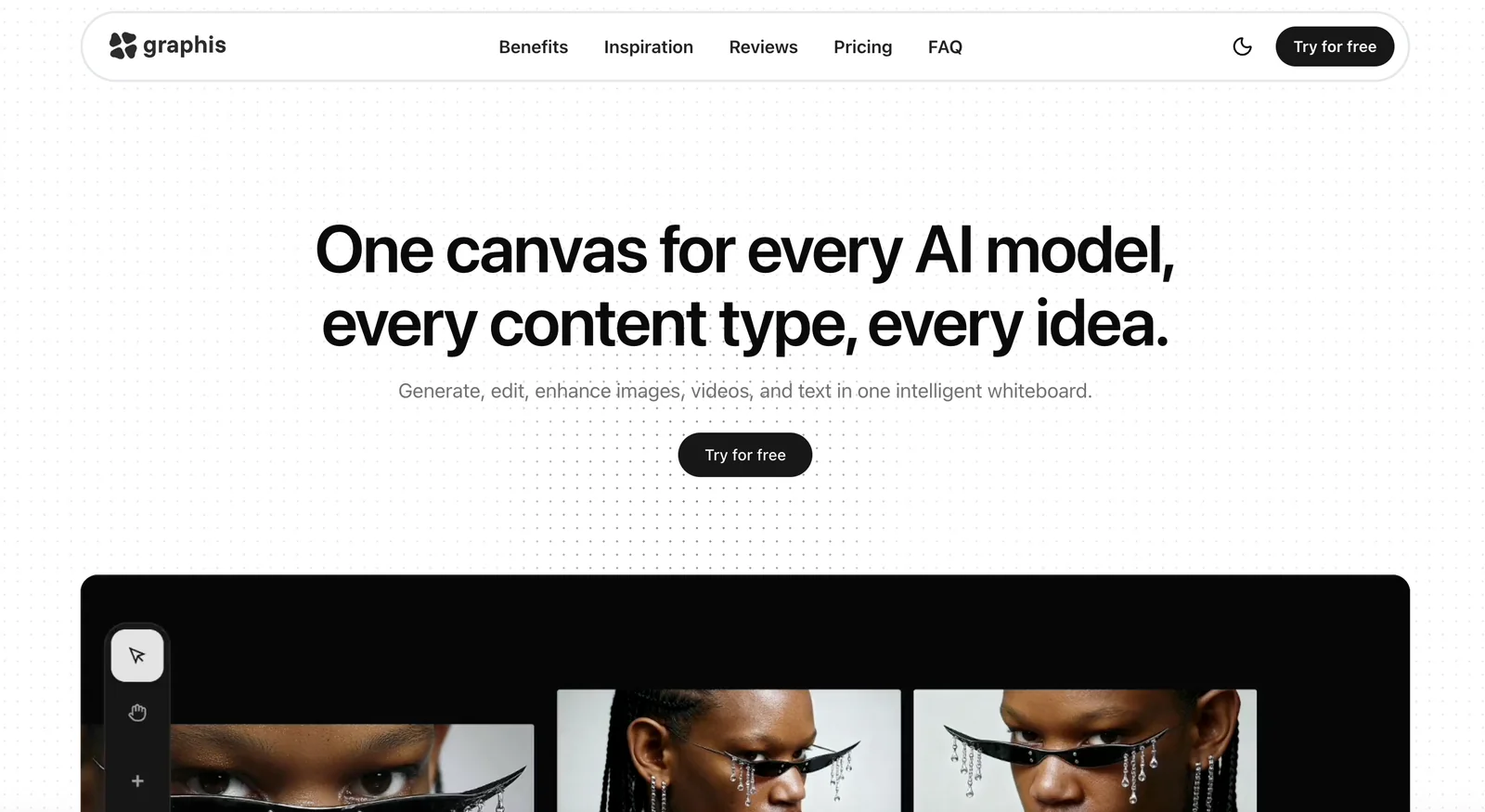
Graphis is a creative workspace designed for designers, marketers, creators, and agencies to integrate artificial intelligence into daily content workflows. It provides a centralized platform to plan, run, and manage AI content projects, enabling teams to collaborate, store assets, and iterate on AI-generated outputs. Built by creatives for creatives, Graphis aims to combine project management, team collaboration, and AI content production in a single environment to streamline creative pipelines and improve consistency across campaigns.
Screenshots

Key Features
Use Cases


Frequently asked questions about Graphis
What is the pricing structure for Graphis?
Graphis offers a freemium pricing model featuring a free tier with essential tools. Paid plans begin at $8.33 per month for the Basic version and $29.16 per month for the Standard version. Custom pricing is available for enterprises, making it flexible for different user needs. Visit their official site for detailed pricing information.
Key Points
- Freemium model includes a free tier with core features.
- Paid plans start at $8.33/month for Basic and $29.16/month for Standard.
- Custom enterprise options are available for larger organizations.
Detailed Explanation
Graphis is designed to cater to both individual users and enterprises, providing a scalable solution for design needs. The freemium model allows users to explore core features without any cost, making it an attractive option for those just starting in graphic design or looking to test the platform before committing financially.
The Basic plan at $8.33/month includes essential features suitable for freelancers and small teams. This plan typically provides access to basic design tools, templates, and a limited library of resources.
On the other hand, the Standard plan at $29.16/month offers advanced functionalities, including expanded access to premium templates, additional collaboration tools, and enhanced customer support. This plan is ideal for growing teams and design professionals who require more comprehensive resources.
For larger organizations, Graphis provides custom enterprise pricing that can be tailored to specific needs, such as bulk user accounts, dedicated support, and additional features that may not be available in standard plans. Organizations interested in this option should contact Graphis directly for a personalized quote and consultation.
Best Practices / Tips
- Evaluate Your Needs: Before choosing a plan, assess your design requirements to determine if the free tier suffices or if you need a paid plan.
- Utilize Free Trials: If available, take advantage of free trials for paid plans to explore features before committing financially.
- Stay Updated: Regularly check Graphis’s official website for any changes to pricing or new features that may enhance your experience.
Additional Resources
What features does Graphis provide for content management?
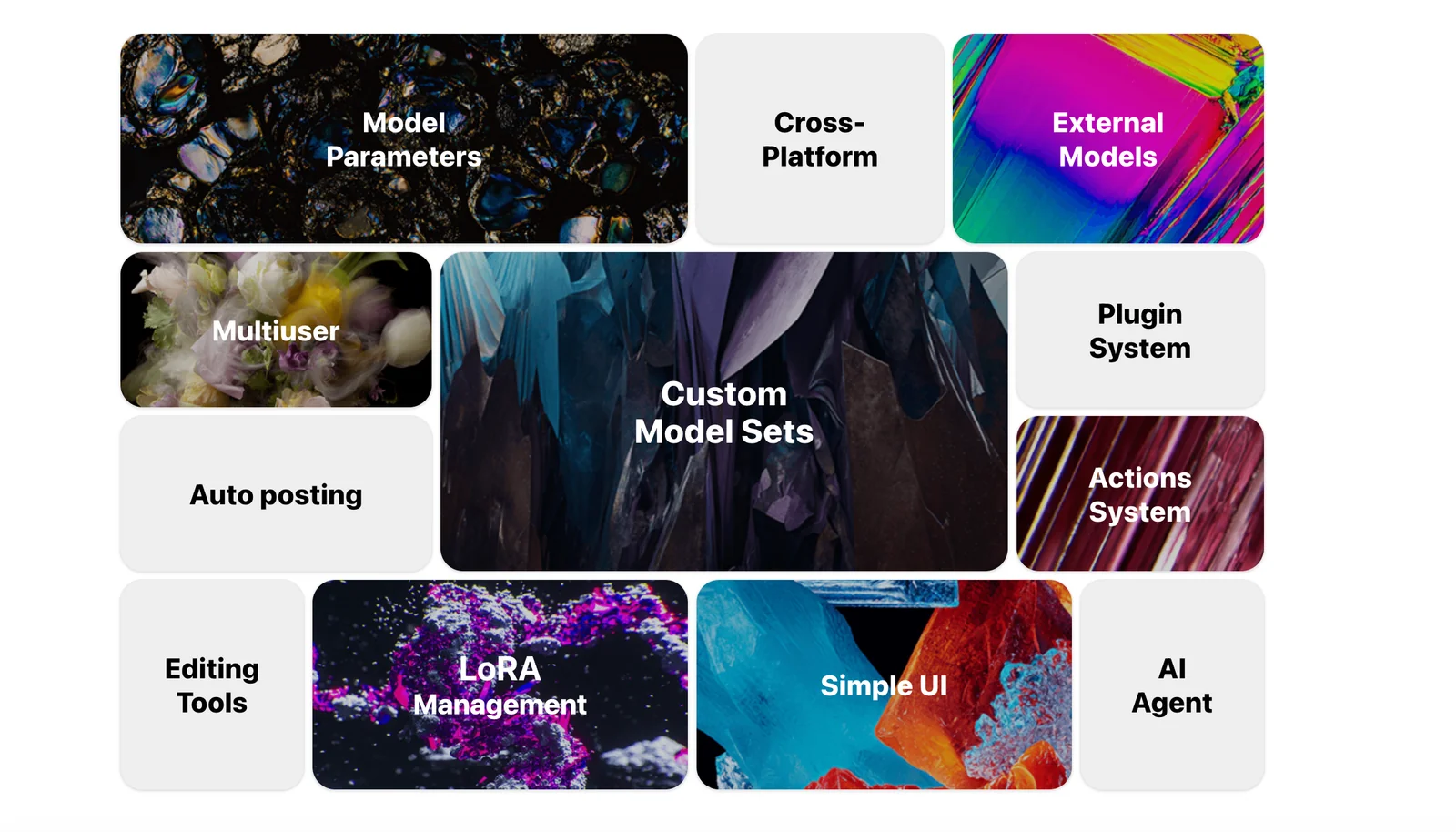
Graphis offers a robust suite of features for content management, including AI-driven project management, collaborative tools for teams, streamlined creative workflows, and support for multiple user roles. These elements are crafted to significantly boost productivity for both designers and marketers in a cohesive digital environment.
Key Points
- AI-Powered Project Management: Automates task assignments and progress tracking.
- Team Collaboration Tools: Facilitates real-time communication and file sharing.
- Creative Workflow Consolidation: Integrates various stages of content creation.
Detailed Explanation
Graphis enhances content management through several innovative features:
AI-Powered Project Management
Graphis utilizes artificial intelligence to streamline the project management process. With its AI capabilities, it can automatically assign tasks based on team members' skills and availability, ensuring optimal productivity. For example, if a designer is proficient in graphic design, the AI will allocate relevant tasks to them, minimizing bottlenecks.
Team Collaboration Tools
The platform includes advanced collaboration tools that enable seamless communication among team members. Features such as real-time chat, commenting systems, and file sharing allow for effective brainstorming and feedback loops. This is particularly beneficial for remote teams, as it fosters a sense of unity and enhances project visibility.
Creative Workflow Consolidation
Graphis helps consolidate various creative workflows into a single platform. It integrates tasks from brainstorming to execution, allowing teams to visualize project timelines and deadlines easily. For instance, users can create a visual content calendar that tracks all marketing campaigns, ensuring that everyone is on the same page regarding deliverables.
Best Practices / Tips
- Leverage AI Features: Regularly use the AI project management tools to optimize your workflow and reduce manual tasks.
- Encourage Team Interaction: Promote the use of collaboration tools to enhance communication among team members, which can lead to more innovative ideas.
- Utilize Templates: Take advantage of any available templates for content planning and project tracking to save time and maintain consistency.
Additional Resources
How do I get started using Graphis for my projects?
To get started with Graphis for your projects, visit the official website and sign up for an account. The freemium tier provides access to essential features, including image and text generation and editing directly on the canvas, allowing you to bring your creative ideas to life easily.
Key Points
- Sign up on the official Graphis website.
- Utilize the freemium tier for core features.
- Explore image and text generation and editing capabilities.
Detailed Explanation
Graphis is a versatile design tool that empowers users to create stunning visuals effortlessly. To begin, follow these steps:
-
Sign Up: Go to the Graphis website and create a free account by providing your email address and a password. You’ll receive a confirmation email to verify your account.
-
Explore the Freemium Tier: Once logged in, you’ll have access to the freemium tier, which includes essential features. Familiarize yourself with the user interface, which is intuitive and user-friendly.
-
Start Creating: Use the canvas to generate and edit images and text. You can choose from a variety of templates or start from scratch. The drag-and-drop functionality simplifies the design process.
-
Utilize Tools and Features: Experiment with features like layering, color selection, and typography options. The platform also offers AI-driven suggestions to enhance your design work.
-
Save and Share Your Projects: After completing your design, save your project in various formats, including PNG and JPEG. Share your creations directly to social media or download them for offline use.
Best Practices / Tips
- Take Advantage of Tutorials: Graphis offers a range of tutorials to help you master the platform quickly. Don't hesitate to check these resources for tips and tricks.
- Experiment with Features: Utilize different design tools and filters to see what works best for your project. Experimentation can lead to unique and unexpected results.
- Stay Updated: Regularly check for updates and new features in Graphis. This ensures you’re utilizing the latest tools available for your projects.
Additional Resources
Does Graphis support API integration for developers?
Graphis does not publicly provide information about API integration or technical requirements on its website. For developers interested in integrating with Graphis or seeking custom solutions, it is recommended to contact their support team directly for detailed inquiries.
Key Points
- Graphis does not list API support on its website.
- Developers should reach out to support for integration questions.
- Custom solutions may be available on request.
Detailed Explanation
Graphis is primarily a platform for creative professionals, but it currently lacks publicly available documentation regarding API integration. This absence can be challenging for developers looking to connect their applications or services with Graphis. If you require API access or specific functionalities, the most effective approach is to contact Graphis support directly.
When reaching out, provide detailed information about your intended use case, including:
- Purpose of Integration: Clearly define what you hope to achieve with the API integration. Are you looking to automate tasks, pull data, or enhance user experiences?
- Technical Requirements: Share the technical specs of your project, including programming languages and frameworks in use.
- Timeline and Resources: Indicate your project timeline and any resources you can allocate for the integration process.
By presenting a clear and concise inquiry, you increase the likelihood of receiving a prompt and informative response.
Best Practices / Tips
- Be Specific: When contacting support, specificity is key. Mention particular API functionalities you are interested in, such as data retrieval or user account management.
- Follow Up: If you don’t receive a response within a week, consider following up to ensure your inquiry is being addressed.
- Explore Alternatives: If integration isn’t possible, consider alternative tools or platforms that offer the necessary API support for your project.
Additional Resources
How does Graphis compare to other AI tools for designers?
Graphis is a unique AI tool for designers, offering an all-in-one workspace that enhances project management and team collaboration. Unlike many other AI design tools, Graphis integrates these features seamlessly, making it particularly advantageous for creative teams looking for efficiency and streamlined communication.
Key Points
- All-in-One Workspace: Graphis combines design tools with project management features.
- Team Collaboration: Facilitates real-time collaboration among team members.
- User-Friendly Interface: Designed specifically for creatives, ensuring ease of use.
Detailed Explanation
Graphis distinguishes itself from other AI design tools by providing an integrated workspace tailored for creative professionals. Here are some of its standout features:
-
Project Management Tools: Graphis includes built-in project management functionalities, allowing designers to track progress, set deadlines, and allocate resources efficiently. This is particularly beneficial for teams that juggle multiple projects simultaneously. For example, a design agency can manage client projects, monitor timelines, and update stakeholders all from one platform.
-
Real-Time Collaboration: One of the key advantages of Graphis is its focus on collaboration. Teams can work together in real-time, sharing feedback, making edits, and brainstorming ideas directly within the platform. This feature enhances productivity and helps maintain a clear line of communication among team members, reducing the need for external communication tools.
-
Customizable Templates and Assets: Graphis offers a library of customizable templates and design assets that cater to various creative needs. Designers can easily adapt these resources for different projects, saving time and ensuring consistency across their work.
-
Integration with Other Tools: Graphis supports integration with popular design software and tools, making it easier for users to incorporate it into their existing workflows. This integration capability allows designers to leverage the best features of multiple tools without losing efficiency.
Best Practices / Tips
- Explore All Features: Take time to familiarize yourself with Graphis’ project management tools and collaboration features. This will help you maximize its potential.
- Utilize Templates: Use available templates to kickstart projects and maintain consistency across different design elements.
- Encourage Team Collaboration: Foster a collaborative environment by encouraging team members to use the platform for sharing feedback and ideas.
Additional Resources
By leveraging Graphis, design teams can enhance productivity, streamline workflows, and foster better collaboration, setting it apart from other AI tools in the market.
Explore more AI Ai Services tools
Browse all Ai Services tools →Browse by use case: Image Generation · Video Generation
Compare Graphis: vs BAND for Developers · vs NitroStack · vs GBrain · vs MentionBird