
Gradient Bang
AIA multiplayer space-trading game universe where every entity (ships, NPCs, systems) is driven by LLM-powered AI agents.
Gradient Bang
A multiplayer space-trading game universe where every entity (ships, NPCs, systems) is driven by LLM-powered AI agents.
About Gradient Bang
Gradient Bang is an online multiplayer universe in which gameplay systems, ships, NPCs, and services are implemented as LLM-driven AI agents. Players explore, trade, battle, and collaborate with human players and autonomous language-model agents; the project includes content pipelines (e.g., a `/newspaper` system) that generate visual and textual assets, orchestration tooling for multi-agent tasks, and developer tooling for local deployment and testing. The project is open-source and designed for extensibility: it supports multiple LLM providers, a Supabase-backed runtime, configurable environment variables for gameplay tuning, and benchmarking and context-inspection tools to analyze multi-agent behavior and LLM context dumps.
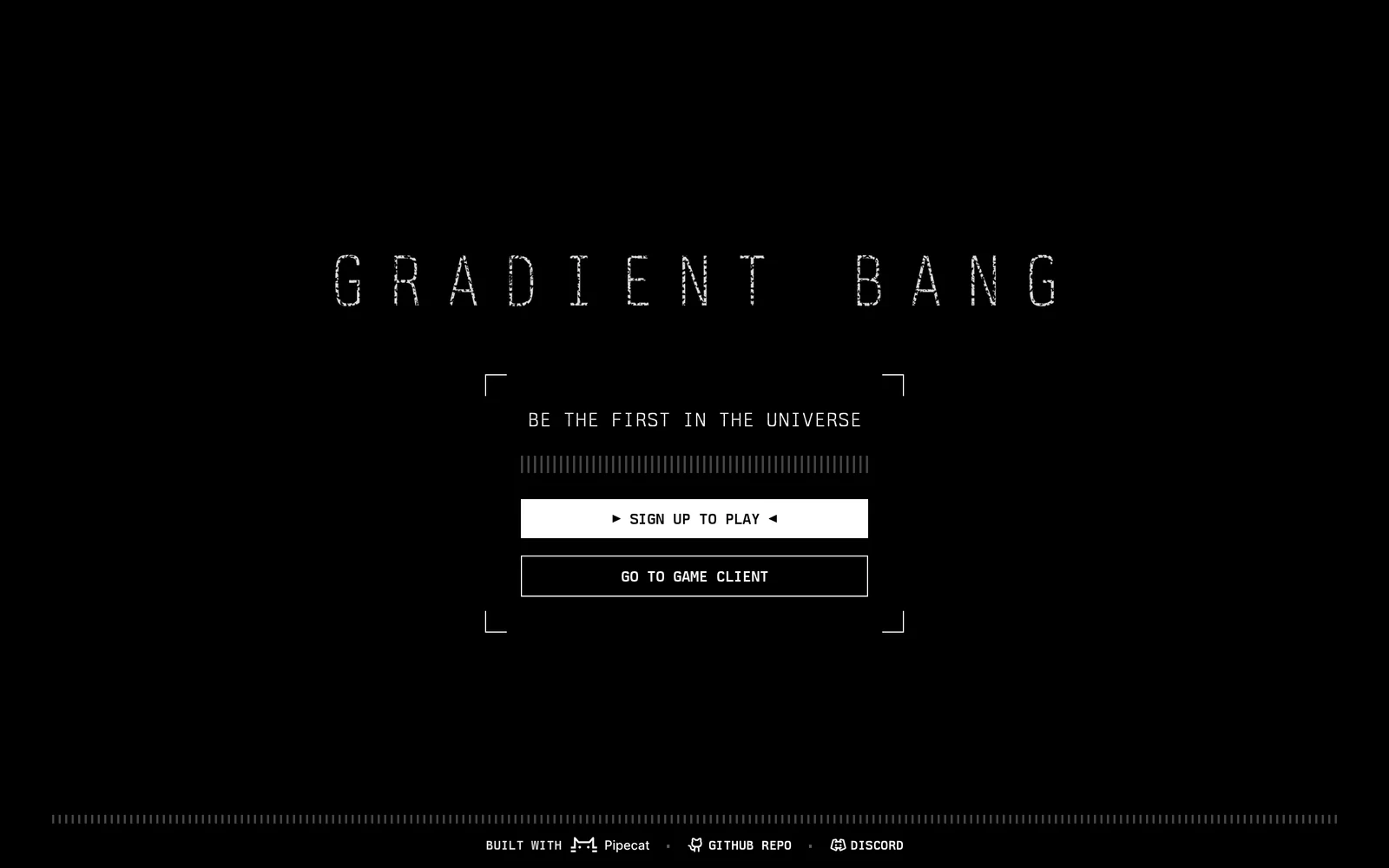
Screenshots
Key Features
Use Cases



Frequently asked questions about Gradient Bang
What is Gradient Bang?
Gradient Bang is an innovative multiplayer space-trading game universe where every entity, including ships, non-playable characters (NPCs), and systems, is powered by large language model (LLM) AI agents. This unique integration creates a dynamic, immersive gaming experience featuring intelligent interactions and trade mechanics.
Key Points
- AI-Driven Entities: All game components, from ships to NPCs, utilize LLM technology for enhanced realism.
- Dynamic Gameplay: Players experience an evolving universe influenced by AI decision-making.
- Multiplayer Interaction: Engage with other players in a shared space environment, fostering collaboration and competition.
Detailed Explanation
Gradient Bang leverages advanced AI technology to create a multiplayer space-trading environment where interactions are both intelligent and spontaneous. Each ship and NPC is equipped with LLM-powered agents that respond to player actions and adapt to changes in the game universe. This results in a rich gameplay experience characterized by:
-
Intelligent NPCs: Non-playable characters in Gradient Bang aren't just static; they possess unique personalities and decision-making capabilities, allowing for meaningful interactions. For example, an NPC trader may change their inventory based on market trends influenced by player activities.
-
Evolving Trade Systems: The space-trading economy is fluid and responsive. Prices for goods fluctuate based on supply and demand, driven by AI analytics. Players can exploit these changes for profit, simulating real-world trading strategies.
-
Collaborative and Competitive Play: Players can form alliances or rivalries, with AI agents influencing group dynamics and competition. This adds depth to player interactions, making each session unique.
Best Practices / Tips
- Engage with NPCs: Regular interaction with NPCs can yield valuable information about market trends and special items.
- Monitor Economic Changes: Stay informed about how player actions affect the in-game economy. This knowledge can help you capitalize on trading opportunities.
- Experiment with Strategies: Don't hesitate to try different trading approaches. The AI's adaptability means that what works today may change tomorrow.
Additional Resources
By diving into Gradient Bang, players not only explore a vast universe but also engage with a sophisticated AI ecosystem that enhances every aspect of gameplay, making it a truly unique gaming experience.
How does Gradient Bang work?
Gradient Bang operates by leveraging advanced AI technologies to streamline and enhance everyday workflows for users. By integrating various AI functionalities, it simplifies tasks such as data analysis, content generation, and project management, making it an essential tool for productivity and efficiency.
Key Points
- AI Integration: Combines multiple AI technologies for seamless workflow.
- User-Friendly: Designed for ease of use, catering to both novice and advanced users.
- Versatile Applications: Supports a wide range of tasks, from data handling to content creation.
Detailed Explanation
Gradient Bang utilizes core AI capabilities such as natural language processing (NLP), machine learning, and automation to optimize daily tasks. For example, it can assist users in generating reports by analyzing data trends and summarizing insights in real-time. This capability is particularly beneficial for professionals in fields like marketing, finance, and project management, where data-driven decisions are crucial.
Use Cases
- Content Generation: Users can create high-quality content effortlessly by inputting keywords or topics, and Gradient Bang will generate relevant text, saving time and effort.
- Data Analysis: By inputting datasets, the tool can identify patterns and generate visualizations, helping users make informed decisions quickly.
- Task Automation: Routine tasks such as scheduling meetings or sending reminders can be automated, freeing up time for more critical work.
Best Practices / Tips
- Define Clear Goals: Before using Gradient Bang, outline specific objectives to maximize the tool’s potential.
- Leverage Templates: Utilize pre-existing templates for common tasks to speed up your workflow.
- Stay Updated: Regularly check for updates and new features to take full advantage of improvements in AI technology.
Additional Resources
- Gradient Bang Official Documentation
- AI Workflow Optimization Techniques
- User Community Forum for tips and support from other users.
What are the main features of Gradient Bang?
Gradient Bang offers advanced AI capabilities, including natural language processing, machine learning, and data analysis. These features empower users to automate tasks, enhance decision-making, and generate insights, making it a powerful tool for businesses and developers looking to leverage AI efficiently.
Key Points
- Natural Language Processing (NLP): Understand and generate human-like text.
- Machine Learning: Build predictive models that improve over time.
- Data Analysis: Transform raw data into actionable insights.
Detailed Explanation
Gradient Bang's core features enable businesses to harness the power of AI effectively.
Natural Language Processing (NLP)
NLP allows Gradient Bang to interpret and generate text in a way that mimics human understanding. This feature can be utilized for chatbots, content creation, and sentiment analysis. For example, a customer service bot powered by Gradient Bang can respond to inquiries in real-time, improving user engagement and satisfaction.
Machine Learning
Gradient Bang's machine learning capabilities enable users to develop models that predict outcomes based on historical data. This is particularly useful in industries like finance and healthcare, where forecasting trends can lead to more informed strategic decisions. For instance, a retail business can use machine learning algorithms to predict customer buying behavior, optimizing inventory management.
Data Analysis
With robust data analysis tools, Gradient Bang helps users sift through large volumes of data to uncover trends and insights. The platform can visualize data, making it easier to interpret complex information. Businesses can use these insights for marketing strategies, operational improvements, and more.
Best Practices / Tips
- Start Small: Begin with a specific use case to understand how Gradient Bang can work for your needs.
- Engage Users: Utilize NLP for interactive applications, such as customer support or virtual assistants, to enhance user experience.
- Monitor Performance: Regularly assess the output of machine learning models to ensure accuracy and relevance.
Additional Resources
Who is Gradient Bang for?
Gradient Bang is ideal for professionals, small business owners, content creators, and anyone seeking to streamline their daily AI workflows. It enhances productivity by integrating artificial intelligence into everyday tasks, making it accessible for users with varying levels of technical expertise.
Key Points
- Target Audience: Professionals, entrepreneurs, and creatives.
- Use Cases: Automating repetitive tasks, generating content, and data analysis.
- Accessibility: Designed for users with different technical backgrounds.
Detailed Explanation
Gradient Bang is a versatile AI tool that caters to a wide range of users. Professionals can benefit from it by automating tedious tasks such as data entry, scheduling, and reporting. For small business owners, Gradient Bang can help in creating marketing content, managing customer interactions, and analyzing sales data.
Content creators also find Gradient Bang valuable for generating blog posts, social media updates, and even video scripts. The intuitive interface allows users with minimal technical skills to harness the power of AI effectively. For instance, a small business owner can use Gradient Bang to generate engaging email newsletters, saving time and enhancing communication with clients.
Use Case Example:
A freelance writer can utilize Gradient Bang to brainstorm article ideas and draft content quickly. By entering keywords or topics, the tool can suggest outlines and relevant resources, making the writing process smoother and more efficient.
Best Practices / Tips
- Start Small: If you're new to AI tools, begin with simple tasks like generating text summaries or creating social media posts.
- Experiment: Take time to explore different features and functionalities within Gradient Bang to discover what works best for your needs.
- Integrate Gradually: Incorporate AI into your workflows step by step to avoid overwhelming yourself and to gauge effectiveness.
Common Pitfalls to Avoid:
- Over-reliance on AI: While Gradient Bang is powerful, ensure you maintain a personal touch in your work to resonate with your audience.
- Neglecting Updates: Stay informed about updates and new features to maximize the tool's potential.
Additional Resources
By understanding who Gradient Bang is for and how it can be utilized, users can significantly enhance their productivity and streamline their daily operations.
How much does Gradient Bang cost?
Gradient Bang is completely free to use, providing users with access to a variety of features without any cost. This makes it an attractive option for individuals and businesses looking for powerful tools to enhance their projects without financial commitment.
Key Points
- No Cost: Gradient Bang is entirely free to use.
- Accessible Features: Users benefit from a range of functionalities at no charge.
- User-Friendly: Ideal for individuals and businesses without a budget for paid tools.
Detailed Explanation
Gradient Bang offers a suite of AI-driven tools designed to assist users in various tasks, from graphic design to content creation. As a free platform, Gradient Bang allows users to access its features without any subscription fees or hidden costs. This inclusivity makes it a popular choice for freelancers, startups, and hobbyists who need powerful tools without the financial burden.
For instance, users can create stunning visuals, generate unique content, or automate repetitive tasks all within Gradient Bang's interface. The platform is designed to be user-friendly, enabling both novices and experienced users to leverage its capabilities effectively.
Moreover, being free does not mean the platform lacks quality. Regular updates and an active community contribute to continuous improvement, ensuring that users always have access to the latest features and tools.
Best Practices / Tips
- Explore All Features: Take the time to explore all functionalities offered by Gradient Bang to maximize its potential.
- Utilize Community Resources: Engage with the user community for tips, tutorials, and support.
- Stay Updated: Regularly check for updates as new features may be added that can enhance your experience.
Additional Resources
By leveraging Gradient Bang's free offerings, you can save costs while enhancing your creative projects, making it an invaluable tool in your toolkit.
How do I get started with Gradient Bang?
To get started with Gradient Bang, visit Gradient Bang's official website to sign up for an account. After registering, you can explore various features and tools that Gradient Bang offers to enhance your projects, streamline workflows, and utilize AI effectively.
Key Points
- Registration: Create an account on the official website.
- Feature Exploration: Familiarize yourself with the tools available.
- Community Engagement: Join forums or user groups for support and tips.
Detailed Explanation
Gradient Bang is an innovative platform designed to leverage artificial intelligence for various applications. To begin, follow these steps:
- Visit the Website: Go to Gradient Bang's official website.
- Sign Up: Click on the "Sign Up" button. Fill in the required information, such as your email address and password. Verify your email to activate your account.
- Explore Features: Once logged in, navigate through the dashboard. Key features include:
- Project Management Tools: Organize tasks, set deadlines, and track progress with intuitive interfaces.
- AI Tools: Access a suite of AI applications tailored to your needs, including data analysis, content generation, and predictive modeling.
- Tutorials and Resources: Make use of available tutorials and resources to maximize your use of the platform. These can be found in the help section of the website.
By utilizing these features, you can effectively integrate Gradient Bang into your workflow, enhancing productivity and creativity.
Best Practices / Tips
- Start with Tutorials: Familiarize yourself with tutorials and user guides to better understand the platform's capabilities.
- Join the Community: Engage with other users in forums or social media groups to share experiences and tips.
- Experiment with Features: Take advantage of trial periods or demos to explore various tools without commitment.
- Regularly Update Your Skills: Stay informed about new updates or features released by Gradient Bang to keep your skills sharp.
Additional Resources
- Official Gradient Bang Documentation
- Gradient Bang Community Forum
- YouTube Tutorials on Gradient Bang
By following these guidelines, you can effectively start your journey with Gradient Bang and harness its full potential in your projects.
Explore more AI Ai Agents tools
Browse all Ai Agents tools →Compare Gradient Bang: vs Mycel · vs Proto-Mind · vs Ami · vs Duvi