

Google Workspace Studio
AIA Workspace platform to design, manage, and share AI agents that automate tasks and workflows using Gemini 3.
Google Workspace Studio
A Workspace platform to design, manage, and share AI agents that automate tasks and workflows using Gemini 3.
About Google Workspace Studio
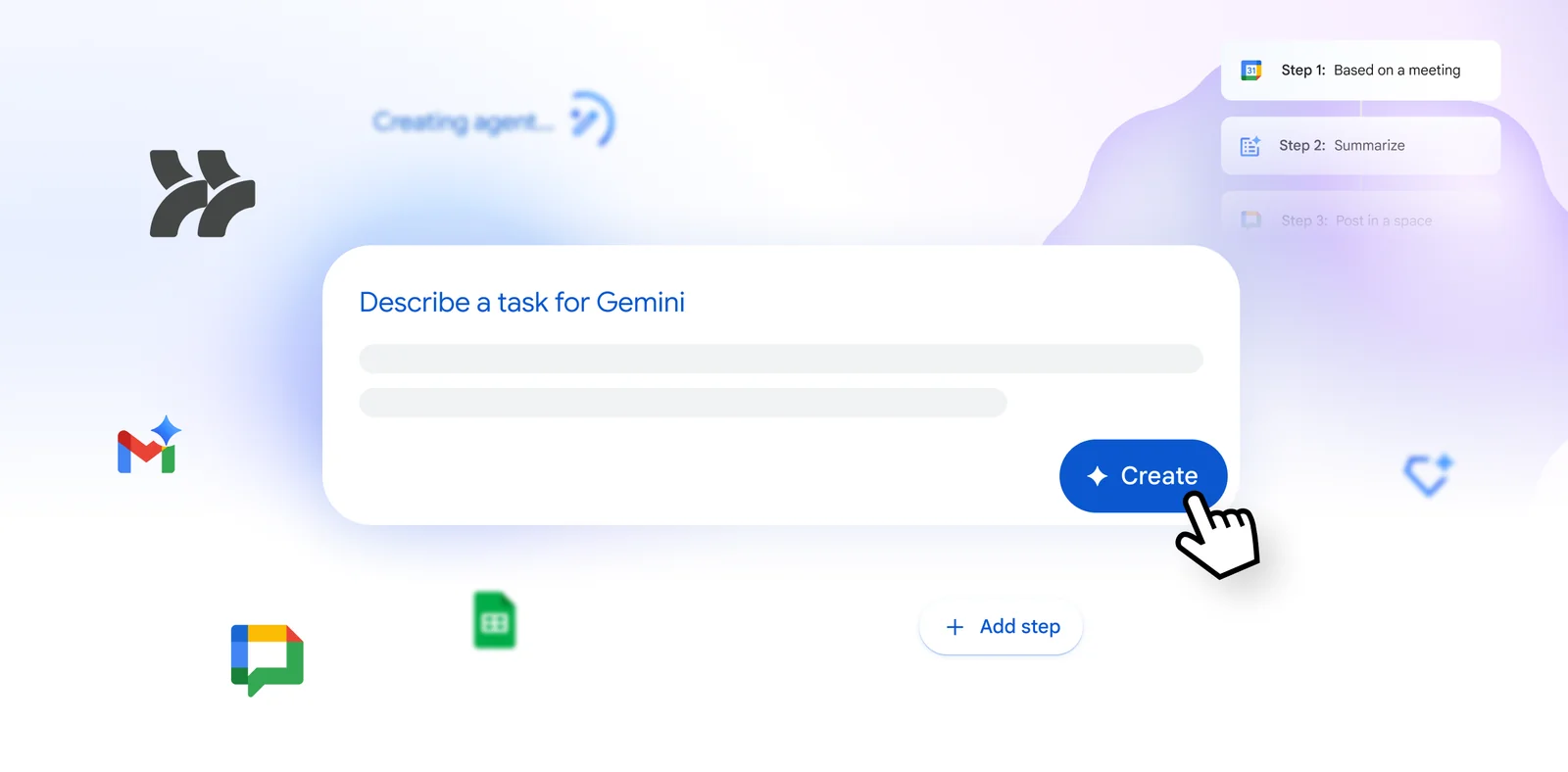
Google Workspace Studio is a tool within Google Workspace for creating, managing, and sharing AI agents that automate everyday work and complex workflows using Google's Gemini 3 model. It enables organizations and teams to define agent behavior, orchestrate multi-step processes, and deploy agents to act on or between Workspace apps. By combining Workspace integration with Gemini 3 capabilities, Studio aims to reduce repetitive work, accelerate content and data tasks, and make automation accessible across teams.
Screenshots
Key Features
Use Cases



Frequently asked questions about Google Workspace Studio
What are the pricing options for Google Workspace Studio?
Google Workspace Studio offers a freemium model with pricing tiers ranging from $6 to $22 per month, determined by the selected Google Workspace plan. Each tier provides varying features, such as different storage limits and integrations with Gemini, catering to diverse business needs.
Key Points
- Pricing Tiers: Ranges from $6 to $22 per month.
- Feature Variability: Different plans offer unique capabilities.
- Storage and Integrations: Options include varying storage limits and Gemini integrations.
Detailed Explanation
Google Workspace Studio provides a flexible pricing structure to accommodate various user needs. The freemium model allows businesses to choose plans that fit their budget and requirements.
-
Pricing Breakdown:
- Basic Plan ($6/month): Ideal for individuals or small teams, offering essential tools such as Gmail, Google Drive, and Google Docs.
- Business Plan ($12/month): Adds advanced features like enhanced security, more storage, and Google Meet capabilities.
- Enterprise Plan ($22/month): Tailored for larger organizations, this plan includes unlimited storage, advanced administrative controls, and priority support.
-
Feature Comparison: Each tier varies in terms of:
- Storage: Basic plans typically offer 30 GB per user, while higher tiers provide unlimited storage.
- Integrations: The integration with Gemini enhances collaborative capabilities, facilitating better team communication and project management.
-
Use Cases:
- Small businesses may find the Basic Plan sufficient for day-to-day operations.
- Medium to large organizations often benefit from the Business or Enterprise options for enhanced security and collaboration.
Best Practices / Tips
- Assess Your Needs: Evaluate the size of your team and specific feature requirements before selecting a plan.
- Trial Period: Take advantage of any trial offerings to test features before committing to a subscription.
- Monitor Usage: Regularly review storage and feature usage to determine if you need to upgrade or can downgrade.
Additional Resources
How does Google Workspace Studio automate workflows?
Google Workspace Studio automates workflows by enabling users to build AI agents that execute tasks seamlessly across various Workspace applications. Utilizing the advanced Gemini 3 model, these agents enhance decision-making and natural language processing, streamlining operations and improving productivity in collaborative environments.
Key Points
- AI Agents: Create custom AI agents tailored to specific tasks.
- Gemini 3 Model: Leverages advanced AI for better decision-making.
- Cross-Application Integration: Works seamlessly with Google Workspace tools.
Detailed Explanation
Google Workspace Studio transforms how teams automate their workflows by allowing the creation of specialized AI agents. These agents can manage tasks like data entry, scheduling, and email drafting, directly within Google Workspace applications such as Google Docs, Sheets, and Gmail.
Steps to Automate Workflows with Google Workspace Studio:
- Define Your Workflow: Identify repetitive tasks that can be automated, such as sending follow-up emails or updating spreadsheets.
- Create an AI Agent:
- Access Google Workspace Studio.
- Use a user-friendly interface to design your AI agent.
- Implement the Gemini 3 model for enhanced processing capabilities.
- Integrate Across Applications: Configure your AI agent to interact with various Google Workspace apps, ensuring it can pull data from Sheets for reports or send reminders via Calendar.
- Test and Optimize: After deployment, monitor the agent’s performance and refine its capabilities based on feedback and results.
Use Case Example:
Imagine a marketing team regularly compiling monthly performance reports. By using Google Workspace Studio, they can create an AI agent that automatically gathers data from Google Analytics, compiles it into a Google Sheet, and generates a summary in Google Docs. This not only saves time but also reduces the risk of human error.
Best Practices / Tips
- Start Small: Begin with simple tasks that require minimal setup to gain familiarity with the tool.
- Monitor Performance: Regularly review how well your AI agents are performing and make adjustments to improve efficiency.
- Collaborate: Get input from your team to identify workflows that could benefit most from automation.
Additional Resources
How can I get started with Google Workspace Studio?
To get started with Google Workspace Studio, sign up for a Google Workspace plan, navigate to the Studio platform, and leverage the intuitive agent design tools to create and configure workflows tailored to your organization’s unique requirements.
Key Points
- Sign up for a suitable Google Workspace plan.
- Access Google Workspace Studio from your dashboard.
- Utilize design tools for custom workflow configurations.
Detailed Explanation
Google Workspace Studio is an innovative platform designed to help organizations streamline their workflows and enhance productivity. Here’s how to get started:
-
Sign Up for Google Workspace: Choose a plan that suits your organization's size and needs. Google offers various plans, including Business Starter, Business Standard, and Business Plus, starting from $6 per user, per month. Each plan comes with different features that enhance collaboration and productivity.
-
Access Google Workspace Studio: Once you have signed up, log in to your Google Workspace account. From the Google Admin console, you can access Google Workspace Studio. It’s often found under the "Apps" section.
-
Explore Agent Design Tools: After accessing the Studio, familiarize yourself with the agent design tools available. These tools allow you to create automated workflows using a user-friendly interface. You can drag and drop components to build processes that meet your organizational needs.
-
Create Custom Workflows: Start by defining the workflows you want to automate. Use the templates provided in Studio or build your own from scratch. Consider aspects like user roles, data input, and end-user interfaces in your design.
-
Testing and Deployment: Once your workflows are configured, test them to ensure they function as expected. Google Workspace Studio allows you to simulate different scenarios to validate your workflows. After testing, you can deploy your workflows for everyday use.
Best Practices / Tips
- Start Small: If you're new to Google Workspace Studio, begin with simple workflows. Gradually increase complexity as you become familiar with the platform.
- Utilize Templates: Leverage pre-built templates to save time and ensure best practices are followed.
- Engage Your Team: Involve team members in the design process. Their insights can help tailor workflows to meet actual needs.
- Regular Updates: Keep your workflows updated based on feedback and changing organizational needs to ensure maximum efficiency.
Additional Resources
- Google Workspace Studio Overview
- Official Google Workspace Help Center
- Google Workspace Pricing Plans
By following these steps and utilizing the provided resources, you can effectively harness the power of Google Workspace Studio to enhance your organization's productivity.
What are the technical requirements for using Google Workspace Studio?
Google Workspace Studio requires a compatible Google Workspace plan with Gemini access and solid internet connectivity. It integrates seamlessly with other Workspace applications like Docs, Sheets, and Gmail, enhancing collaborative capabilities for team projects and content creation.
Key Points
- Compatible Google Workspace Plan: Ensure you have a plan that includes Gemini.
- Seamless Integration: Works with Docs, Sheets, Gmail, and more.
- Internet Connectivity: A stable internet connection is essential for optimal performance.
Detailed Explanation
Google Workspace Studio is designed for users who want to leverage AI tools to enhance productivity within the Google ecosystem. To get started, you need a compatible Google Workspace plan that grants access to the Gemini AI features. This integration allows users to utilize AI tools directly alongside traditional Workspace applications, such as Google Docs, Google Sheets, and Gmail.
Example Use Cases
- Content Creation: Use AI-assisted features in Google Docs for drafting and editing documents.
- Data Management: Leverage AI tools in Google Sheets to analyze data trends and automate repetitive tasks.
- Email Assistance: Utilize AI capabilities in Gmail to streamline responses and manage communication effectively.
Best Practices / Tips
- Choose the Right Plan: Ensure your Google Workspace plan supports Gemini access; consider upgrading if necessary.
- Stay Updated: Regularly check for updates on new features within Google Workspace Studio to maximize your productivity.
- Optimize Internet Speed: A high-speed internet connection enhances the performance of Google Workspace Studio and its AI tools, preventing lag during collaborative efforts.
Additional Resources
What sets Google Workspace Studio apart from other AI automation tools?
Google Workspace Studio distinguishes itself from other AI automation tools through its seamless integration within the Google Workspace ecosystem. This allows for cross-application automation and leverages advanced AI capabilities powered by Gemini 3, significantly enhancing user productivity, collaboration, and workflow efficiency.
Key Points
- Seamless Integration: Direct compatibility with Google Workspace apps.
- Advanced AI Capabilities: Powered by Gemini 3 for smarter automation.
- Enhanced Productivity: Streamlined workflows and collaboration tools.
Detailed Explanation
Google Workspace Studio is designed to optimize users' experiences within the Google Workspace suite, which includes popular applications like Gmail, Google Docs, and Google Sheets. Its ability to integrate across these platforms allows users to automate repetitive tasks effectively. For instance, you can set up an automation that triggers an email in Gmail based on data changes in Google Sheets, saving time and reducing manual effort.
The advanced AI capabilities provided by Gemini 3 enable more intelligent automation processes. For example, it can analyze user behavior and suggest automation workflows that best fit individual needs. Users can create custom workflows using simple drag-and-drop features, making it accessible even for those without technical expertise.
Additionally, Google Workspace Studio offers templates and pre-built automation scenarios that users can customize, which significantly speeds up the deployment of automated tasks. With AI-driven insights, users can maximize their productivity by focusing on high-value tasks while routine activities are handled automatically.
Best Practices / Tips
- Start Small: Begin with simple automation tasks to familiarize yourself with the platform.
- Utilize Templates: Take advantage of built-in templates to save time.
- Leverage AI Suggestions: Trust the AI to recommend optimizations based on your usage patterns.
- Monitor Performance: Regularly review automated workflows to ensure they align with changing business needs.
Additional Resources
Explore more AI Ai Tools tools
Browse all Ai Tools tools →Browse by use case: Automation & Productivity
Compare Google Workspace Studio: vs Humanizer · vs Worktrunk · vs Mise · vs BiBimba