

Google Labs
AIFreeGoogle's hub for discovering, trying, and learning about experimental AI tools, demos, and research from Google.
Google Labs
Google's hub for discovering, trying, and learning about experimental AI tools, demos, and research from Google.
About Google Labs
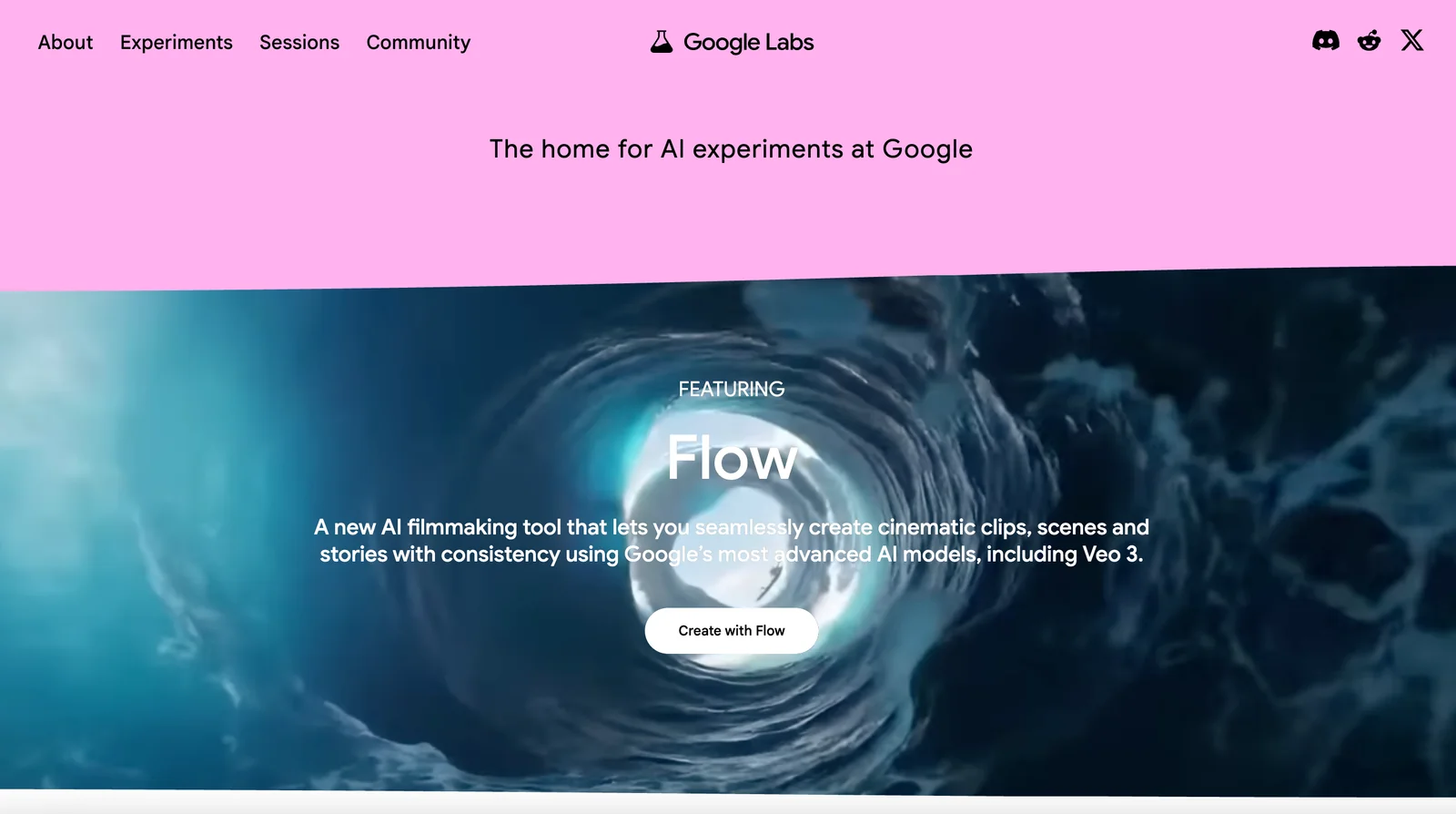
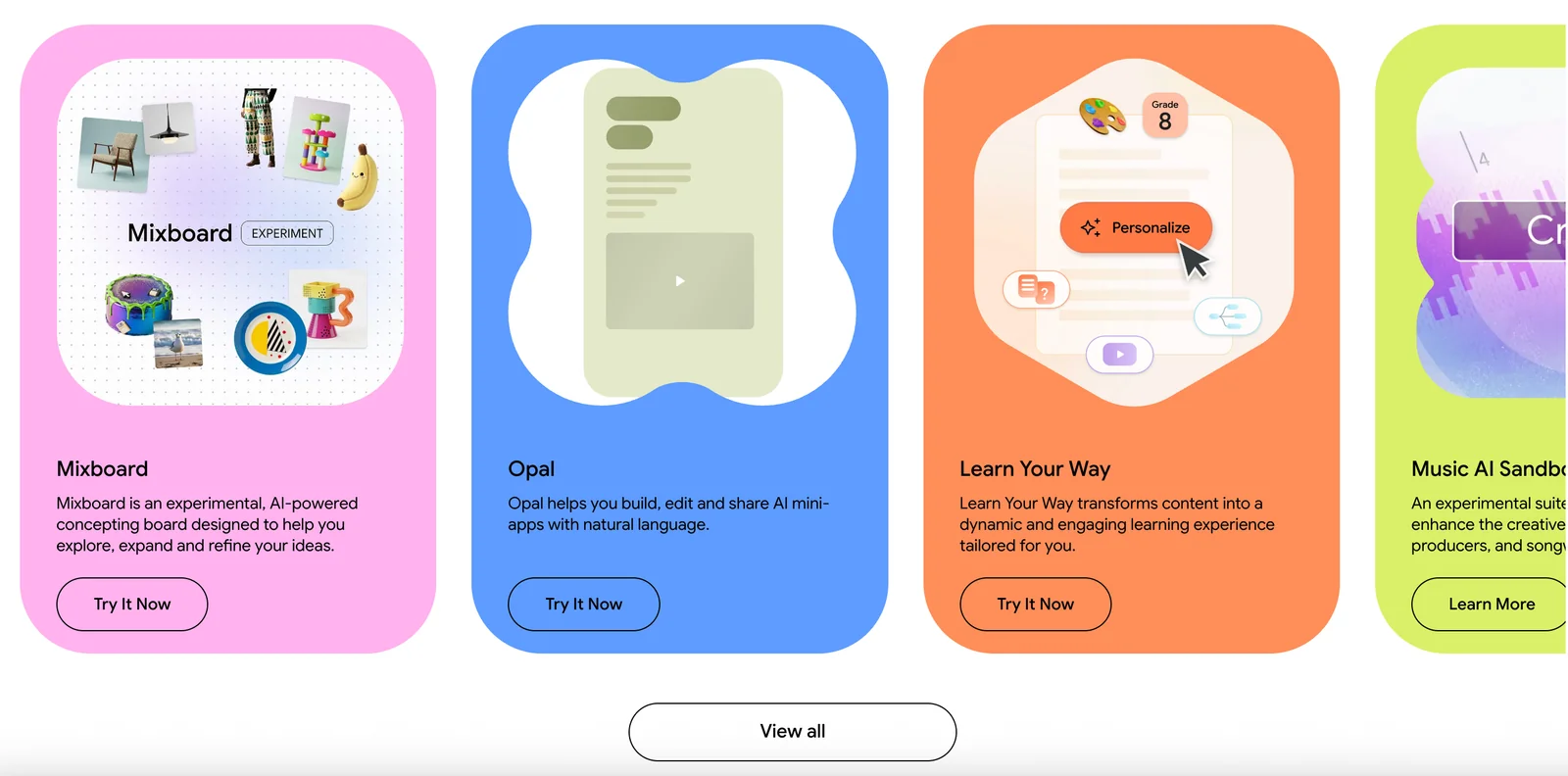
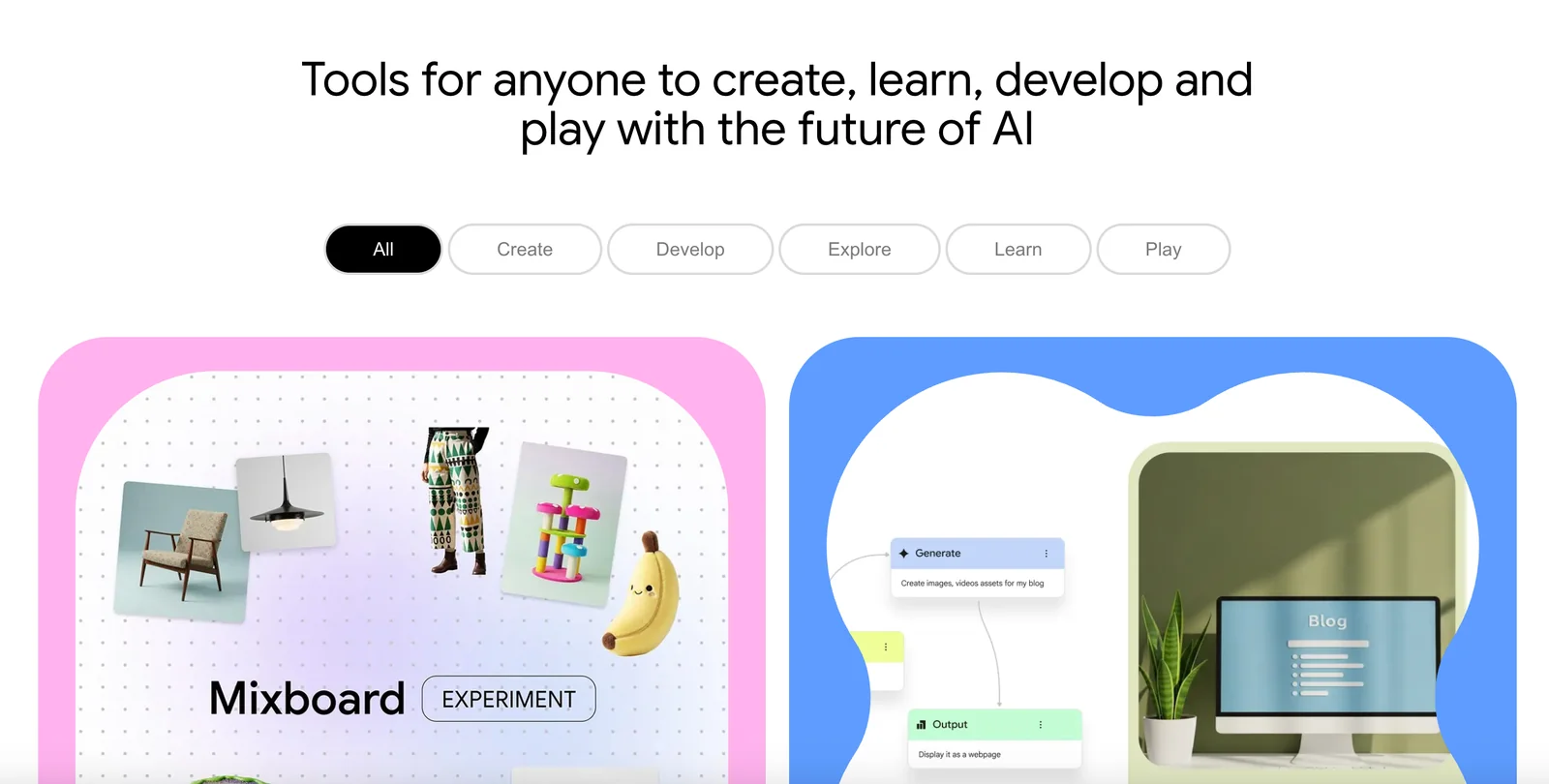
Google Labs is a public-facing portal that showcases Google's latest AI experiments, prototype tools, and research demos. It aggregates interactive demos, links to code and repositories, and contextual information so users can explore new capabilities and follow responsible AI practices. Google Labs functions as a discovery and feedback channel — enabling the public, developers, and researchers to try experiments, learn about underlying technology, and find resources or source code for hands-on exploration.
Screenshots
Key Features
Use Cases



Frequently asked questions about Google Labs
Is Google Labs free to use?
Yes, Google Labs is free to use. It provides public access to a variety of AI experiments and demos, allowing users to explore innovative technologies at no cost. This initiative encourages experimentation and engagement with cutting-edge AI tools.
Key Points
- No Cost: All features and experiments are available for free.
- User Engagement: Designed for public interaction with AI technology.
- Diverse Experiments: Includes a range of AI applications across different fields.
Detailed Explanation
Google Labs serves as a platform for users to explore various artificial intelligence experiments and demos. By offering free access, Google encourages individuals, developers, and researchers to interact with and provide feedback on emerging AI technologies. This initiative is particularly beneficial for students and tech enthusiasts who wish to learn about AI applications in real-time.
For example, users can try out AI-based tools for natural language processing, image recognition, and machine learning algorithms. Each experiment is designed to showcase a specific capability of AI, allowing users to see firsthand how these technologies can be applied in various scenarios, such as language translation or predictive text features.
To access Google Labs, simply visit the official website, where you can browse through available projects and start interacting with them immediately. No registration is required, making it easy for anyone to dive into the world of AI.
Best Practices / Tips
- Experiment Regularly: Make it a habit to check for new experiments, as Google frequently updates Google Labs with fresh content.
- Provide Feedback: Engage with the experiments and leave feedback to help improve future iterations of the tools.
- Share Insights: Discuss your experiences with others, either in forums or social media, to foster community knowledge.
Additional Resources
What are the main features of Google Labs?
Google Labs offers a platform for exploring innovative AI projects through an experiment gallery, interactive web demos, direct developer links, and responsible AI guidance. These features make it an essential resource for developers, researchers, and enthusiasts eager to engage with cutting-edge AI technologies.
Key Points
- Experiment Gallery: A collection of AI projects available for exploration.
- Interactive Demos: Hands-on experience with new AI tools and technologies.
- Developer Resources: Links to documentation and community support for further learning.
Detailed Explanation
Google Labs serves as a testbed for experimental AI applications, providing users with an opportunity to engage directly with innovative technologies.
-
Experiment Gallery: The heart of Google Labs, this gallery showcases a variety of AI experiments. Users can discover projects ranging from natural language processing tools to image recognition systems. These experiments allow users to see the capabilities of AI in action.
-
Interactive Demos: Google Labs features web-based demos that enable users to test AI applications without any coding experience. For example, a user can interact with a machine learning model that translates languages in real-time or one that generates images based on text prompts.
-
Developer Resources: Google Labs includes links to essential documentation, tutorials, and forums. These resources support developers looking to implement or build upon the technologies showcased in the experiments. For instance, a developer might find a direct link to an API that powers one of the demos, facilitating further exploration.
-
Responsible AI Guidance: An increasingly important aspect of AI development is ensuring ethical practices. Google Labs includes guidelines and resources on responsible AI use, addressing concerns about bias, transparency, and accountability in AI applications.
Best Practices / Tips
- Explore Regularly: Google Labs frequently updates its gallery with new experiments. Regular visits can keep you informed about the latest AI advancements.
- Engage with the Community: Utilize the developer links to join discussions, share insights, and ask questions about the experiments.
- Test and Experiment: Take advantage of the interactive demos to familiarize yourself with AI tools before integrating them into projects.
- Stay Informed on Ethics: Always consider the responsible use of AI technologies and refer to the provided guidance to mitigate potential risks.
Additional Resources
How can I start using Google Labs?
To start using Google Labs, visit the official website at https://labs.google/, where you can explore various AI experiments and demos directly in your browser. You can engage with innovative tools that showcase the latest advancements in artificial intelligence.
Key Points
- Access to cutting-edge AI experiments
- No installation required; browser-based
- User-friendly interface for exploration
Detailed Explanation
Google Labs is a platform where users can experiment with innovative AI tools and features developed by Google. To begin, simply navigate to Google Labs and browse through a diverse range of experiments, including machine learning demos, interactive visualizations, and natural language processing tools.
How to Get Started
- Visit the Website: Go to https://labs.google/.
- Explore Experiments: Scroll through the available projects. Each experiment includes a brief description, showcasing its purpose and functionality.
- Engage with Demos: Click on an experiment to launch it in your browser. Most tools require no downloads or installations.
- Provide Feedback: Many projects allow you to submit feedback, helping Google improve future developments.
Examples of popular Google Labs experiments include:
- Google Quick, Draw!: A game where an AI tries to guess what you’re drawing in real-time.
- Talk to Books: An AI tool that helps you find passages from books that relate to your queries.
Best Practices / Tips
- Explore Regularly: Google frequently updates Labs with new projects; check back often to see new tools.
- Engage with the Community: Join discussions on forums or social media groups that focus on Google Labs for tips and insights.
- Experiment Freely: Don’t hesitate to try out multiple tools to find the ones that best suit your needs.
Common Pitfalls to Avoid
- Ignoring Feedback Options: Providing feedback can help improve tools and shape future projects.
- Overlooking Browser Compatibility: Ensure you are using an updated browser for optimal performance.
- Skipping Instructions: Many experiments come with guidelines; read them to fully understand the tool's capabilities.
Additional Resources
- Google AI Blog: Stay updated on the latest AI developments from Google.
- Google Developers: Explore more technical documentation and resources related to Google tools and APIs.
- Google Labs Archive: Review previous projects and experiments that have shaped current technologies.
By following these steps and tips, you can easily start your journey with Google Labs and discover the fascinating world of AI experiments.
Does Google Labs offer an API for developers?
Currently, Google Labs does not offer a specific API for developers. However, it provides links to various GitHub repositories and developer resources, allowing for integration and experimentation with available tools and technologies.
Key Points
- Google Labs lacks a dedicated API for developers.
- It offers links to relevant GitHub repositories.
- Developers can find various resources for integration and experimentation.
Detailed Explanation
Google Labs is known for its innovative projects and experimental tools, yet it does not currently provide a dedicated API that developers can use to integrate its functionalities directly into their applications. Instead, Google Labs serves as a platform linking to numerous GitHub repositories where developers can explore open-source projects. These repositories often contain sample code, documentation, and community contributions, making them valuable resources for developers looking to leverage Google Labs' technologies.
For instance, a developer interested in machine learning can explore repositories related to TensorFlow, a popular open-source library maintained by Google. They can also find projects that utilize other Google technologies, such as Google Cloud services or Firebase, allowing for a hands-on approach to learning and experimentation.
Additionally, developers can join community forums or discussions linked through Google Labs, enabling them to share insights, ask questions, and collaborate on projects. This collaborative environment fosters innovation and encourages developers to experiment with new ideas.
Best Practices / Tips
- Explore GitHub: Regularly check the GitHub repositories linked from Google Labs to find the latest tools and updates.
- Engage with Communities: Participate in forums and discussions related to Google Labs projects to gain insights and share knowledge.
- Experimentation: Use the resources provided to create prototypes. Experimenting with various tools can lead to innovative applications and solutions.
Additional Resources
How does Google Labs compare to other AI tools?
Google Labs distinguishes itself from other AI tools by offering free access to a diverse range of experimental AI tools and demos, enabling hands-on interaction for users. In contrast, many competing platforms charge for similar features or provide limited user engagement opportunities.
Key Points
- Free Access: Google Labs provides no-cost trials of AI tools.
- Hands-On Interaction: Users can experiment with tools in real-time.
- Variety of Tools: Offers a broader selection of experimental features compared to competitors.
Detailed Explanation
Google Labs is a platform where users can access and test various AI tools without incurring any costs. This is a significant advantage over many other AI platforms, which often require subscriptions or one-time fees for access to their features. For instance, platforms like OpenAI’s GPT-3 may offer limited free trials, but full access typically comes at a price.
Hands-On Experience
The interactive nature of Google Labs allows users to engage actively with the tools, providing an invaluable experience for developers, businesses, and hobbyists alike. Users can experiment with demos that showcase capabilities such as natural language processing, image recognition, and more, helping them better understand how these tools can be applied in real-world scenarios.
Variety of Tools
Google Labs features a wide range of experimental AI tools, including:
- AI-Powered Search Enhancements: Tools that improve search relevance and user experience.
- Language Translation Demos: Showcasing real-time translation capabilities.
- Image and Video Processing Tools: Demonstrating the power of AI in media and content creation.
This variety allows users to explore different applications of AI technology, which is often not available in other platforms that focus on specific niches.
Best Practices / Tips
- Experiment Freely: Take full advantage of the free access to try out as many tools as possible.
- Stay Updated: Google Labs frequently updates its tools; regularly check for new features or improvements.
- Share Feedback: Providing feedback on your experience can help improve the tools and may influence future developments.
Additional Resources
- Google Labs Official Page
- Google AI Blog
- OpenAI's GPT-3 Pricing for comparison on costs and features.
Explore more AI Ai Models tools
Browse all Ai Models tools →Browse by use case: Image Generation · Video Generation · Code Generation
Compare Google Labs: vs Mouse-1 · vs Milliseconds.ai · vs SWE-2 · vs Desert Ant Labs