

Github Copilot
AIAn AI-powered coding assistant that suggests code, completes functions, and offers chat-driven coding help across editors and GitHub.
Github Copilot
An AI-powered coding assistant that suggests code, completes functions, and offers chat-driven coding help across editors and GitHub.
About Github Copilot
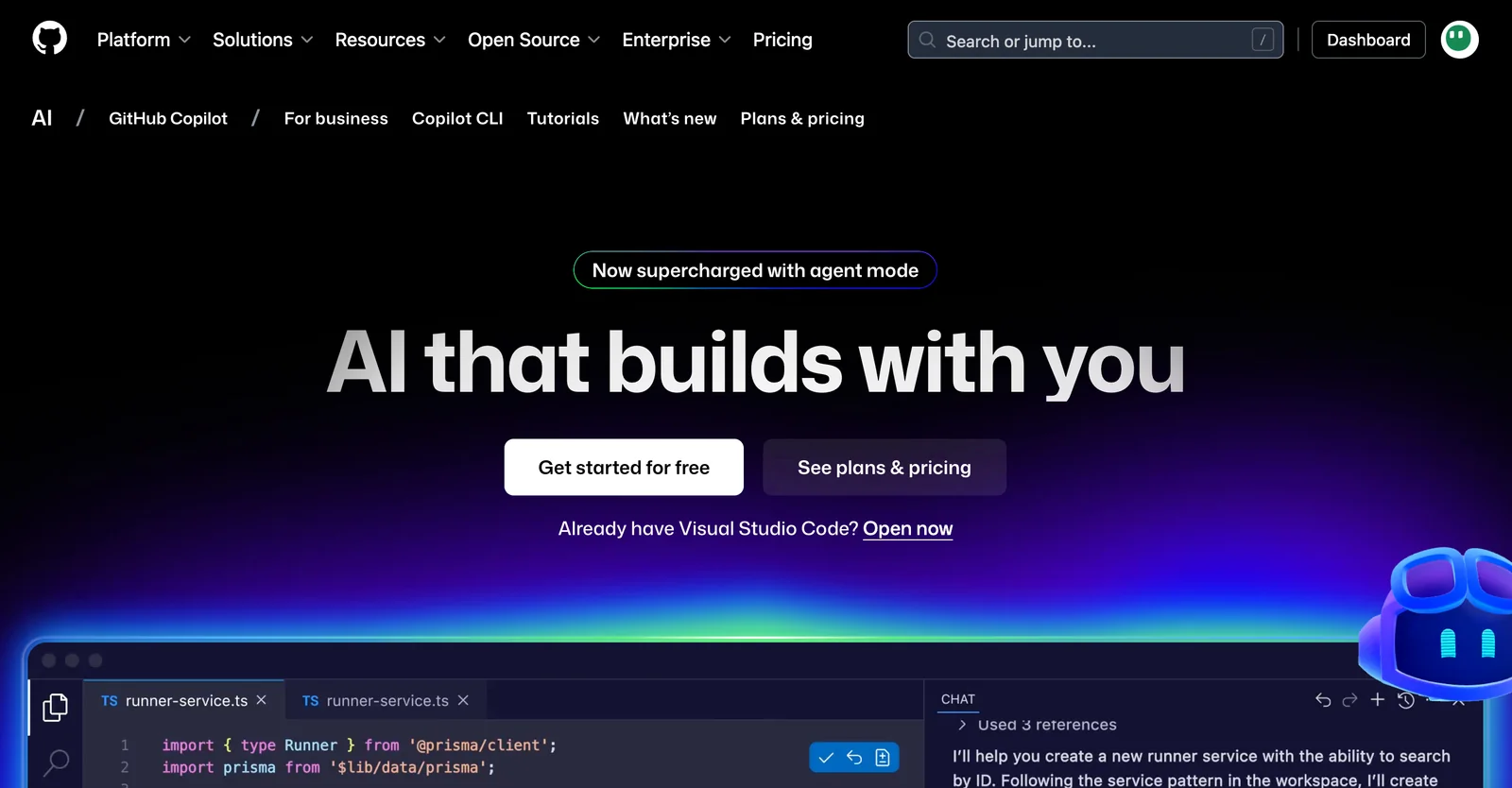
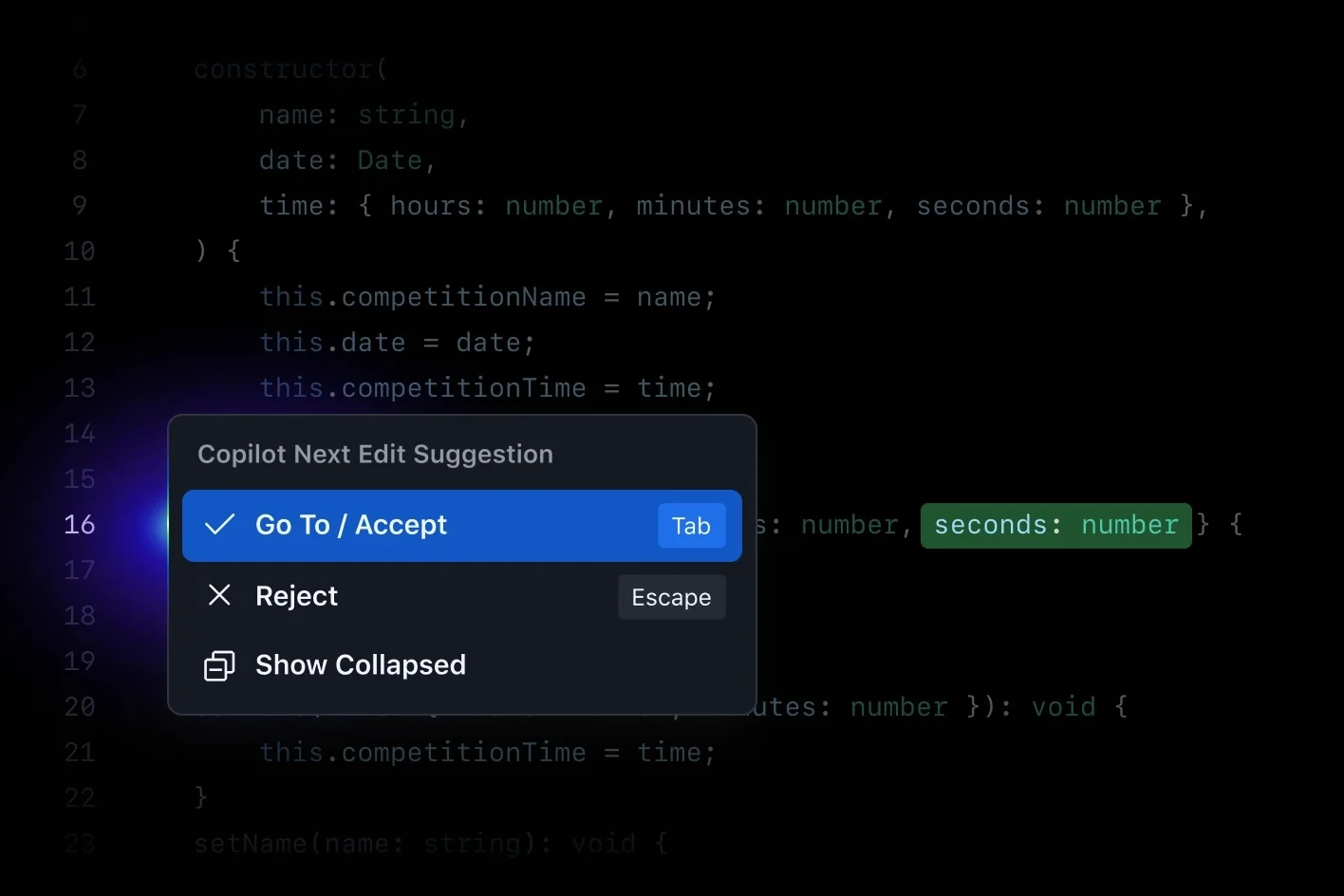
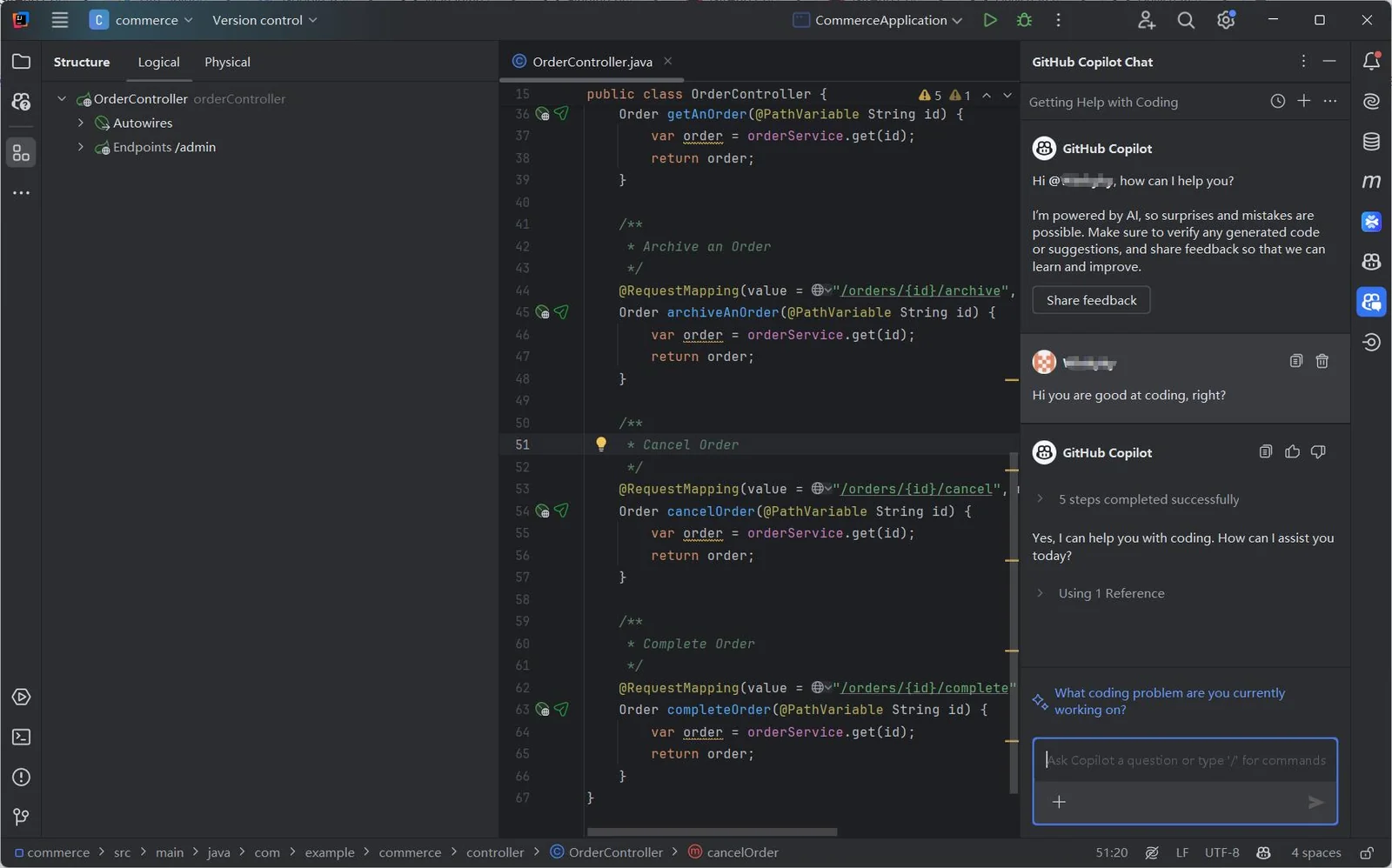
GitHub Copilot is an AI pair programmer that provides context-aware code completions, whole-line and whole-function suggestions, and a chat interface across IDEs, the GitHub website, mobile, and the command line. It leverages your repository context and public code signals to generate code, propose tests, assist with debugging, and automate routine coding tasks. Copilot includes features for governance and safety—such as public-code match detection, vulnerable-code filters, and enterprise controls—and supports extensions to integrate external tools into Copilot Chat. It is designed to accelerate developer productivity, reduce repetitive work, and scale code review and authoring workflows for individuals and organizations.
Screenshots
Key Features
Use Cases



Frequently asked questions about Github Copilot
What are the pricing options for GitHub Copilot?
GitHub Copilot offers three main pricing options: Individual at $10 per month, Business at $19 per user per month, and Enterprise with custom pricing tailored to organizational needs. Additionally, students and maintainers of open-source projects can use it for free, making it accessible for various users.
Key Points
- Individual Plan: $10/month for personal use.
- Business Plan: $19/user/month, ideal for teams.
- Enterprise Plan: Custom pricing for larger organizations.
Detailed Explanation
GitHub Copilot provides an AI-powered code completion tool that assists developers in writing code faster and more efficiently. Here’s a breakdown of the pricing plans:
-
Individual Plan:
- Priced at $10 per month, this plan is designed for solo developers who want to enhance their coding experience. It provides access to all features of GitHub Copilot, including suggestions for various programming languages and frameworks.
-
Business Plan:
- At $19 per user per month, this plan is tailored for development teams. It includes additional features such as team management, centralized billing, and enhanced security measures, making it suitable for collaborative projects.
-
Enterprise Plan:
- The Enterprise Plan offers custom pricing based on the size and needs of the organization. It typically includes advanced security features, compliance support, and dedicated support for large teams, ensuring that enterprises can effectively integrate GitHub Copilot into their workflows.
-
Free Access:
- Students and maintainers of open-source projects can access GitHub Copilot at no cost. This initiative encourages learning and community contributions, allowing budding developers to leverage advanced coding assistance without financial barriers.
Best Practices / Tips
- Choose the Right Plan: Assess your needs carefully before selecting a plan. Individual developers should opt for the Individual Plan, while teams should consider the Business Plan for added collaboration features.
- Leverage Free Access: If you are a student or an open-source maintainer, take advantage of the free access to maximize your learning and contribution opportunities.
- Stay Updated: Regularly check GitHub’s pricing page for any changes or promotions that might benefit you.
Additional Resources
- GitHub Copilot Pricing - Official pricing details.
- GitHub Copilot Documentation - Comprehensive guide and usage tips.
- GitHub Education - Information on free access for students.
How do I use GitHub Copilot effectively?
To use GitHub Copilot effectively, install it on your preferred IDE, such as Visual Studio Code, and start coding. Utilize prompts for code suggestions and interact with Copilot Chat for real-time assistance on coding challenges, enhancing your productivity and learning experience.
Key Points
- Installation: Set up GitHub Copilot in your IDE.
- Code Suggestions: Use prompts to receive coding assistance.
- Interactivity: Engage with Copilot Chat for questions and clarification.
Detailed Explanation
GitHub Copilot is an AI-powered code completion tool that integrates seamlessly into your development environment. To start using it effectively, follow these steps:
-
Installation:
- Install GitHub Copilot in Visual Studio Code or another supported IDE.
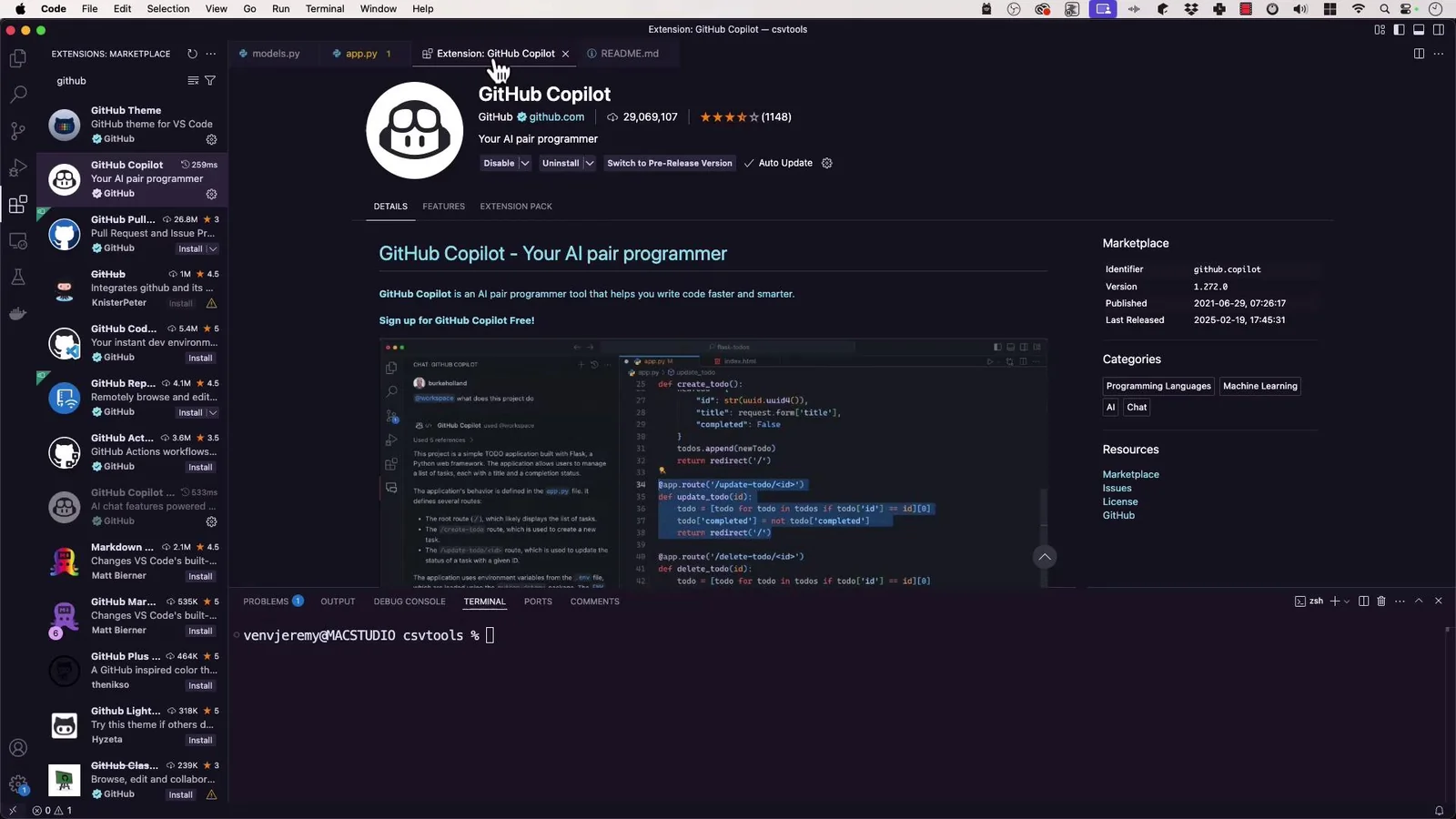
- Navigate to the Extensions Marketplace in your IDE and search for "GitHub Copilot."
- Click “Install” and authenticate with your GitHub account.
-
Starting to Code:
- Once installed, begin typing code. GitHub Copilot analyzes your context and suggests entire lines or blocks of code.
- For example, if you start a function, Copilot can suggest the entire function body based on its understanding of similar code patterns.
-
Using Prompts:
- Be specific with your prompts to optimize Copilot's suggestions. For instance, instead of typing "create a function," you might write, "create a function that calculates the Fibonacci sequence."
- This specificity enhances the quality of the suggestions you receive.
-
Interactive Assistance:
- Use Copilot Chat for a more conversational approach. Ask questions like, “How do I implement error handling in Python?”
- Copilot Chat provides explanations, examples, and code snippets tailored to your questions.
Best Practices / Tips
- Be Specific in Prompts: The more detailed your request, the better the suggestions. Aim for clarity in your coding queries.
- Iterate on Suggestions: Review and modify the suggestions provided by Copilot to ensure they meet your specific needs.
- Stay Updated: Regularly check for updates to GitHub Copilot, as new features and enhancements can improve its functionality.
- Learn from Suggestions: Analyze the code generated by Copilot to learn new coding techniques and best practices, turning it into a learning tool.
Additional Resources
By following these guidelines, you’ll maximize your effectiveness with GitHub Copilot, enhancing your coding experience and productivity.
What features does GitHub Copilot offer?
GitHub Copilot offers advanced features like contextual code completion, interactive Copilot Chat for real-time assistance, and seamless IDE integrations. It supports multiple programming languages, automates code reviews, and enhances overall coding efficiency, making it a powerful tool for developers of all skill levels.
Key Points
- Contextual Code Completion: Suggests relevant code snippets based on the context.
- Copilot Chat: Provides interactive assistance and answers coding queries.
- IDE Integrations: Works with popular development environments like Visual Studio Code.
Detailed Explanation
GitHub Copilot leverages AI to assist developers by offering several key features:
-
Contextual Code Completion: This feature analyzes your current code and suggests completions or entire code blocks. For instance, if you are working on a Python function, GitHub Copilot can suggest the code needed to implement that function based on its understanding of your project context.
-
Copilot Chat: This interactive feature allows developers to ask questions and receive immediate feedback. You can inquire about coding practices or request explanations for specific code snippets. For example, asking "How do I implement a binary search in Python?" will yield an instant code example along with an explanation.
-
IDE Integrations: GitHub Copilot seamlessly integrates with popular IDEs, such as Visual Studio Code, JetBrains IDEs, and more. This means you can access all its features directly within your coding environment without switching applications, enhancing your workflow significantly.
-
Support for Multiple Programming Languages: It supports languages like JavaScript, Python, TypeScript, Ruby, Go, and more. This versatility allows developers across various domains to benefit from its capabilities.
-
Automated Code Reviews: GitHub Copilot can assist in reviewing code, identifying potential issues, and suggesting improvements. This is especially useful for teams looking to maintain high code quality and consistency.
Best Practices / Tips
- Customize Suggestions: Tailor the suggestions by commenting on your intended functionality before coding. For example, writing
# Function to calculate factorialcan guide Copilot to generate a suitable function for you. - Review Suggestions Carefully: Always review AI-generated code for correctness and security vulnerabilities. While Copilot is powerful, it may not always produce optimal or secure code.
- Integrate with Version Control: Use GitHub Copilot alongside GitHub’s version control features to track changes and collaborate effectively with team members.
- Stay Updated: Regularly check for updates and new features released by GitHub, as the tool is continuously evolving.
Additional Resources
How does GitHub Copilot compare to other coding assistants?
GitHub Copilot stands out among coding assistants due to its advanced contextual suggestions and seamless integration with various IDEs. While it offers significant advantages, such as real-time code recommendations, it may struggle with complex queries compared to competitors like Tabnine and Kite, which can provide more tailored responses.
Key Points
- Contextual Suggestions: GitHub Copilot utilizes AI to analyze code context effectively, providing relevant suggestions.
- IDE Integration: It integrates smoothly with popular Integrated Development Environments (IDEs) like Visual Studio Code, enhancing developer productivity.
- Limitations: Copilot may not handle intricate coding queries as well as some specialized coding assistants.
Detailed Explanation
GitHub Copilot is powered by OpenAI's Codex, which allows it to understand and generate code in real-time. This tool excels in providing context-aware suggestions, making it easier for developers to write code faster. For example, when writing a function to handle user authentication, Copilot can suggest not only the function's structure but also the specific libraries needed based on the context provided.
In contrast, coding assistants like Tabnine employ different algorithms that can sometimes yield more precise results for complex tasks. For instance, Tabnine might better recognize domain-specific patterns in large codebases, which can be crucial for large projects with intricate business logic. Additionally, Kite offers features like code completions and documentation lookups, allowing developers to access resources without leaving their coding environment.
Best Practices / Tips
- Leverage Context: To maximize GitHub Copilot's effectiveness, provide detailed comments and context within your code. This helps Copilot generate more accurate suggestions.
- Combine Tools: Consider using multiple coding assistants in tandem. For example, use GitHub Copilot for quick code generation and Tabnine for complex query handling.
- Review Suggestions: Always review the code suggestions provided by Copilot. The AI might produce code that is syntactically correct but not optimal or secure.
Additional Resources
Does GitHub Copilot have an API for integration?
Currently, GitHub Copilot does not offer a public API for direct integration. However, it provides seamless integration with various popular IDEs and command-line interfaces, enhancing the coding experience through features like code suggestions and autocompletion.
Key Points
- GitHub Copilot lacks a public API.
- It integrates with popular IDEs like Visual Studio Code and JetBrains.
- Offers features such as code suggestions and contextual assistance.
Detailed Explanation
GitHub Copilot, an AI-powered coding assistant developed by GitHub and OpenAI, is designed to augment the coding process by providing context-aware code suggestions. While it does not have a public API for custom integrations, it supports a variety of popular Integrated Development Environments (IDEs) such as Visual Studio Code, JetBrains IDEs, and Neovim.
Integration with IDEs
-
Visual Studio Code: GitHub Copilot is available as an extension, allowing developers to receive code suggestions directly in their coding environment. As you type, it analyzes the context and offers relevant completions.
-
JetBrains IDEs: Similar functionality is offered in JetBrains products like IntelliJ IDEA and PyCharm. The integration enhances productivity by providing on-the-fly code suggestions.
-
Command-Line Interfaces: While GitHub Copilot’s primary functionality is rooted in IDEs, developers can use it alongside command-line tools for quick code snippets and enhancements.
Code Suggestions and Autocompletion
GitHub Copilot leverages machine learning to understand code context, offering suggestions that range from single lines to complete functions. This capability significantly reduces the time spent on writing boilerplate code, allowing developers to focus on more complex tasks.
Best Practices / Tips
- Utilize Shortcuts: Make use of keyboard shortcuts within your IDE to quickly accept or reject suggestions from GitHub Copilot.
- Review Suggestions: Always review the suggested code for correctness and security, as AI-generated code may not always be optimal or safe.
- Stay Updated: Regularly check for updates from GitHub, as new features and integrations may be announced that could enhance your workflow.
Additional Resources
Explore more AI Ai Agents tools
Browse all Ai Agents tools →Browse by use case: Code Generation · Chatbots & Assistants · Automation & Productivity
Compare Github Copilot: vs Mycel · vs Proto-Mind · vs Ami · vs Duvi