

Fuser
AIA creative workspace that unifies models and media on one canvas to design, iterate, and ship content.
Fuser
A creative workspace that unifies models and media on one canvas to design, iterate, and ship content.
About Fuser
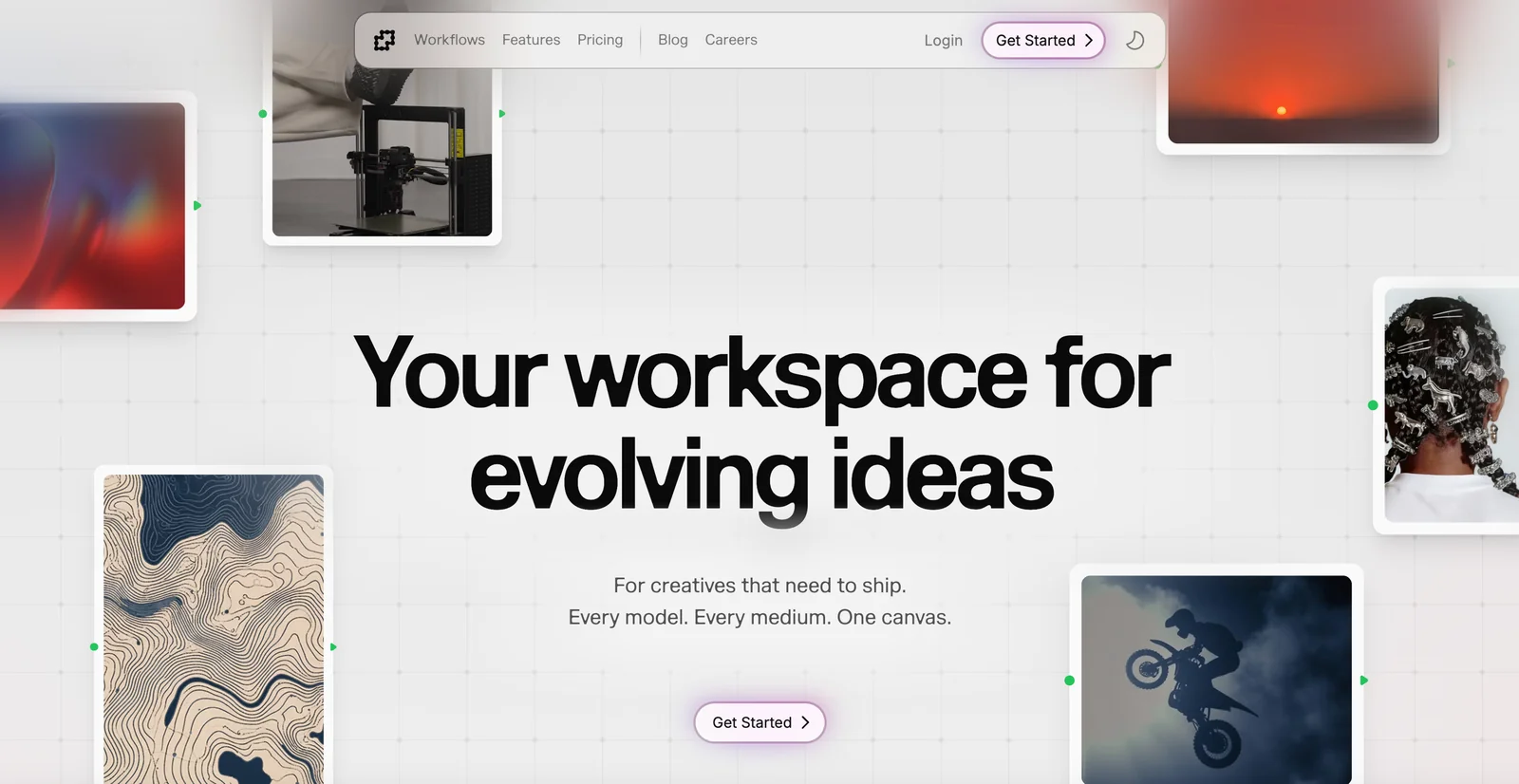
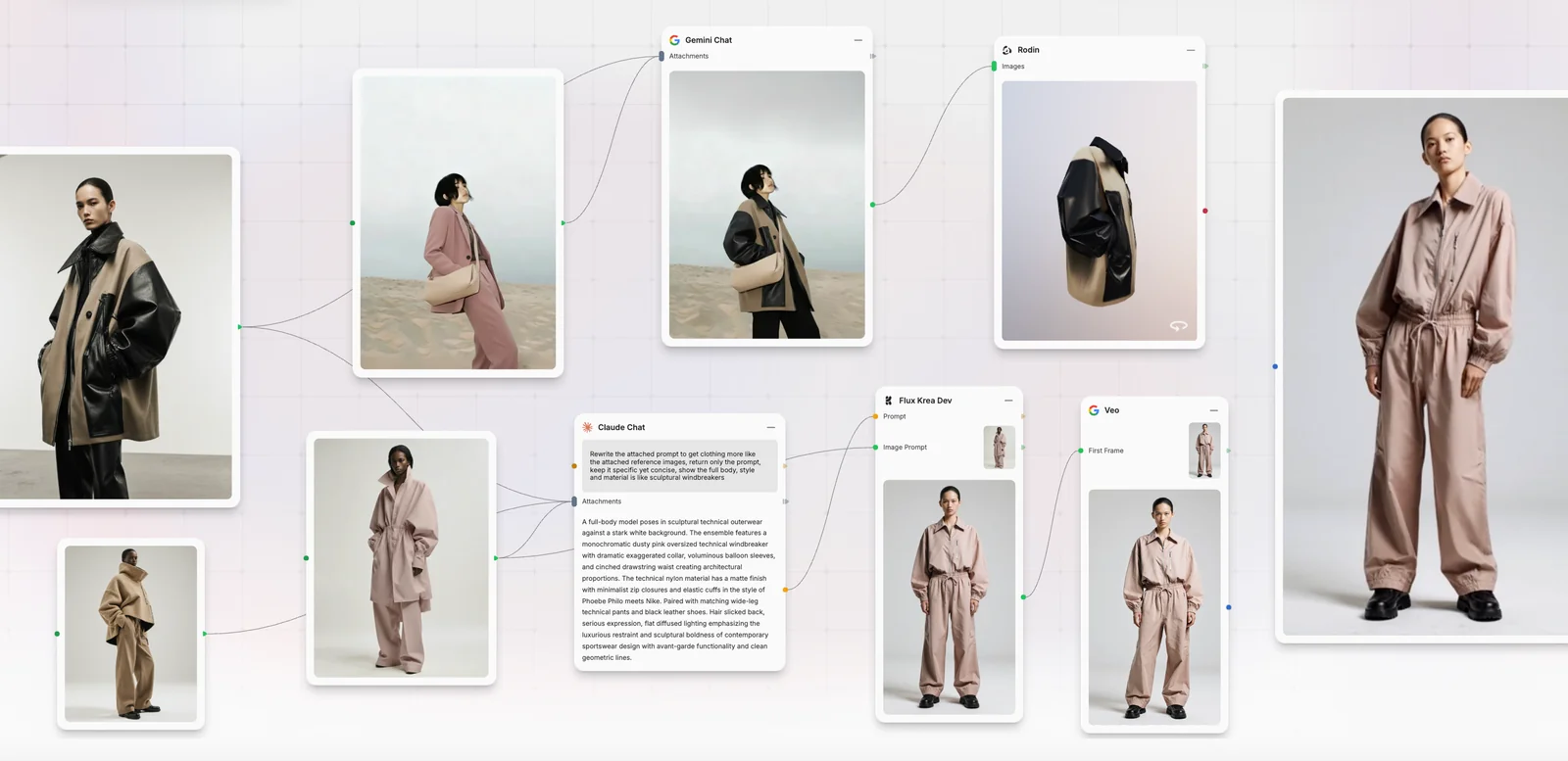
Fuser is a creative workspace focused on unifying multiple generative models and media types into a single canvas to accelerate content creation and production. It positions itself as a place to experiment with every model and medium, combine outputs, and move projects from ideation to shipped assets. The platform emphasizes a unified, multimodal environment that reduces context-switching between tools and enables collaborative iteration across visual, audio, and text workflows.
Screenshots
Key Features
Use Cases



Frequently asked questions about Fuser
What is the pricing structure for Fuser?
Fuser employs a FREEMIUM pricing model, which includes a free trial, pay-as-you-go credits, monthly and annual subscriptions, and one-time purchase options. Specific subscription rates are not publicly listed, so users are encouraged to visit the official Fuser website for the most accurate and up-to-date pricing information.
Key Points
- FREEMIUM Model: Offers free trial and various paid options.
- Flexible Payment: Includes pay-as-you-go, monthly, and annual subscriptions.
- Official Pricing: Exact rates are not disclosed publicly.
Detailed Explanation
Fuser’s pricing structure is designed to cater to a wide range of users, from casual players to serious music creators. The FREEMIUM model allows new users to explore the platform without commitment through a free trial. This trial typically offers limited access to features, enabling users to test the software before investing.
For ongoing use, Fuser provides pay-as-you-go credits, which can be ideal for users who prefer flexibility and do not want to commit to a subscription. This option allows users to purchase credits for specific features or content on an as-needed basis.
Additionally, there are monthly and annual subscription plans available. While specific rates are not published, these subscriptions generally offer a cost-effective way for regular users to access more extensive features and content. Subscribing annually often provides a discount compared to monthly payments, which can be a significant saving for dedicated users.
Finally, Fuser also features one-time purchase options for specific content or features, allowing users to buy what they need without a subscription. This is particularly useful for those who may only want to access certain features occasionally.
Best Practices / Tips
- Utilize the Free Trial: Make the most of the free trial to determine if Fuser meets your needs before purchasing.
- Consider Subscription Options: If you plan to use Fuser regularly, evaluate whether a monthly or annual subscription will save you money in the long run.
- Stay Informed: Regularly check the official website for any promotions, discounts, or changes in pricing structure to ensure you get the best deal.
Additional Resources
- Fuser Official Pricing Page - For the most accurate and up-to-date pricing details.
- Fuser FAQ - To find answers to common questions and learn more about features and updates.
What are the key features of Fuser?
Fuser offers a unified multimodal canvas for integrating various media types, side-by-side model comparisons, collaborative editing, and robust experiment tracking. These features are designed to streamline creative workflows, making it easier for users to innovate and collaborate effectively.
Key Points
- Unified Multimodal Canvas: Seamlessly combines various media types.
- Model Integration: Facilitates side-by-side comparisons for enhanced analysis.
- Collaborative Editing: Supports teamwork and real-time collaboration.
Detailed Explanation
Fuser's unified multimodal canvas allows users to blend images, audio, and text, creating a rich multimedia experience. This feature is particularly valuable for designers, marketers, and content creators who need to present information dynamically. For instance, a marketing team could use the canvas to create promotional materials that incorporate video, graphics, and sound, all in one platform.
The model integration feature enables users to compare different AI models side by side. This is especially useful for data scientists and AI developers who want to evaluate model performance efficiently. For example, a user can run two machine learning models on the same dataset and visually analyze their differences in accuracy or processing speed, leading to more informed decisions.
Collaborative editing capabilities mean that multiple users can work on a project simultaneously. This is essential for teams spread across different locations, allowing them to brainstorm, share feedback, and iterate quickly. Imagine a design team refining a user interface in real-time, adjusting elements based on live input, which enhances creativity and productivity.
Additionally, Fuser includes experiment tracking tools that log changes and iterations, making it easier to revert to previous versions or evaluate the impact of specific modifications. This feature is crucial for professionals who need to maintain a clear record of their creative processes.
Best Practices / Tips
- Leverage the Unified Canvas: Experiment with different media types to discover unique combinations that resonate with your audience.
- Utilize Model Integration: Take advantage of side-by-side comparisons to select the best model for your project needs.
- Encourage Team Collaboration: Regularly schedule collaborative sessions to maximize the potential of the editing features and inspire creativity.
Additional Resources
How can I get started with Fuser?
To get started with Fuser, visit the official website and sign up for a free account. You'll gain access to various templates and basic tools, along with potential starter credits to kick off your creative projects in music and sound design.
Key Points
- Sign Up for a Free Account: Create an account on the Fuser website.
- Explore Available Templates: Access a range of creative templates.
- Utilize Starter Credits: Take advantage of any starter credits offered.
Detailed Explanation
Fuser is an innovative music mixing tool that empowers users to create and share their own music mixes. To kick off your Fuser journey:
-
Visit the Official Website: Go to Fuser's website where you can find all information about the software.
-
Create Your Account: Click on the "Sign Up" button. You'll need to provide your email and create a password. Alternatively, you can sign up using social media accounts for faster access.
-
Explore the Dashboard: After signing in, familiarize yourself with the user-friendly dashboard. You will find a variety of templates designed for different types of music mixing.
-
Access Tutorials and Community: Fuser offers tutorials that guide you through the basics of music mixing. Engaging with the community can provide tips and inspiration.
-
Start Using Credits: If you receive starter credits, use them wisely to unlock premium features or additional content that enhances your music mixing experience.
Best Practices / Tips
- Experiment with Templates: Try out various templates to discover different styles and genres of music mixing. This will help you understand the software better and enhance your creativity.
- Join the Fuser Community: Engage with other users through forums or social media platforms to share your creations and learn from others.
- Regularly Check for Updates: Fuser frequently updates its features and content. Keep your application updated to access the latest tools and enhancements.
Additional Resources
- Fuser Official Documentation – Comprehensive guides and FAQs.
- Fuser Tutorials on YouTube – Visual guides to mastering the software.
- Fuser Community Forum – Connect with fellow users for tips and tricks.
Can Fuser integrate with other AI models?
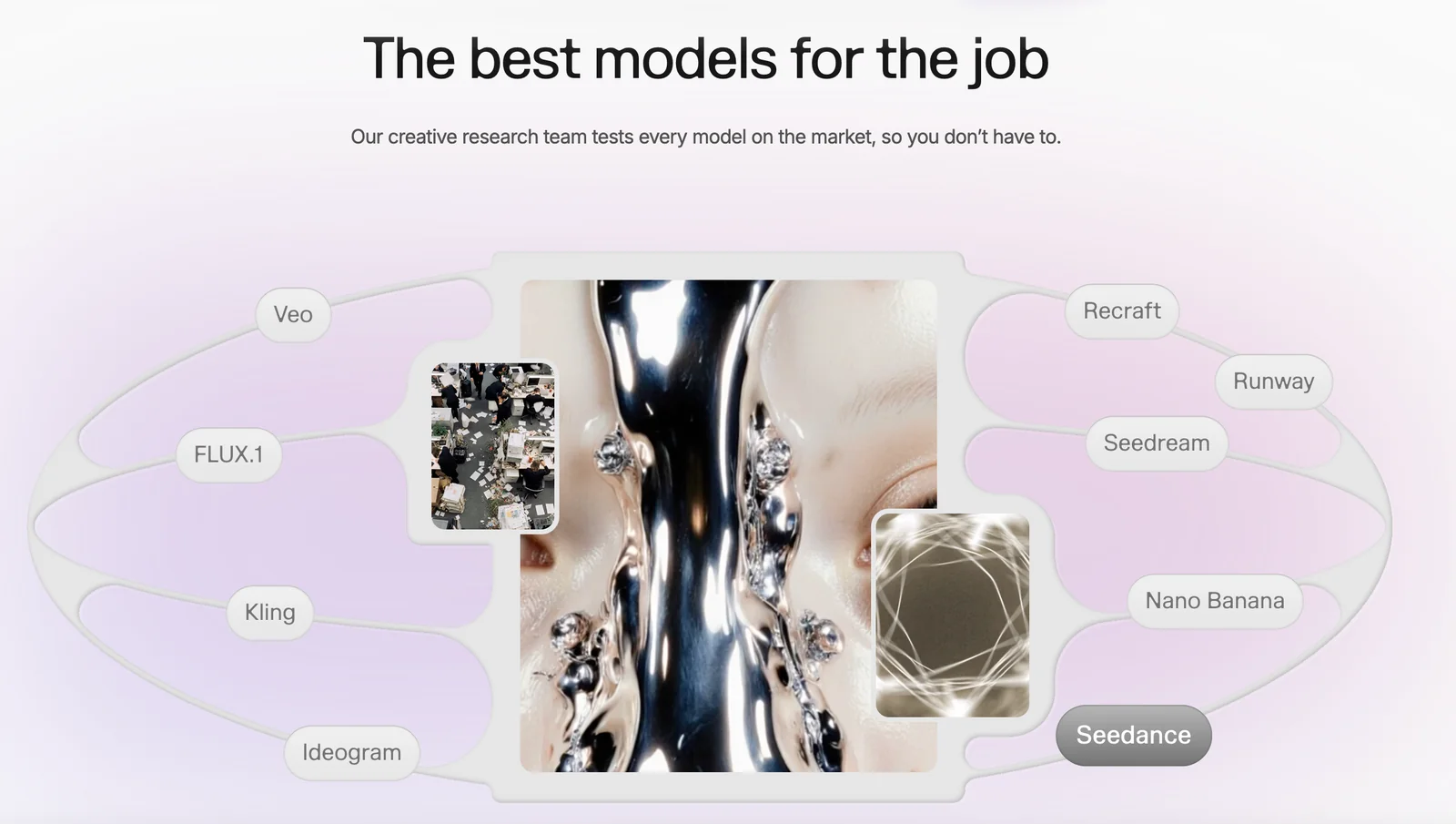
Yes, Fuser can integrate with various AI models, enabling users to experiment with different generative outputs side-by-side within the same workspace. This feature not only enhances creativity but also streamlines the workflow by allowing seamless interaction between models.
Key Points
- Multiple Integration Options: Fuser supports various generative AI models.
- Enhanced Creativity: Users can explore diverse outputs simultaneously.
- Streamlined Workflow: Keep all experimentation within a single platform.
Detailed Explanation
Fuser's ability to integrate with multiple AI models makes it a powerful tool for creators and developers. Users can link models such as GPT-3, DALL-E, and others to explore different outputs. For instance, a graphic designer can generate images using DALL-E while simultaneously drafting text prompts with GPT-3. This side-by-side experimentation allows for more dynamic and creative workflows, ultimately leading to innovative projects.
Use Cases
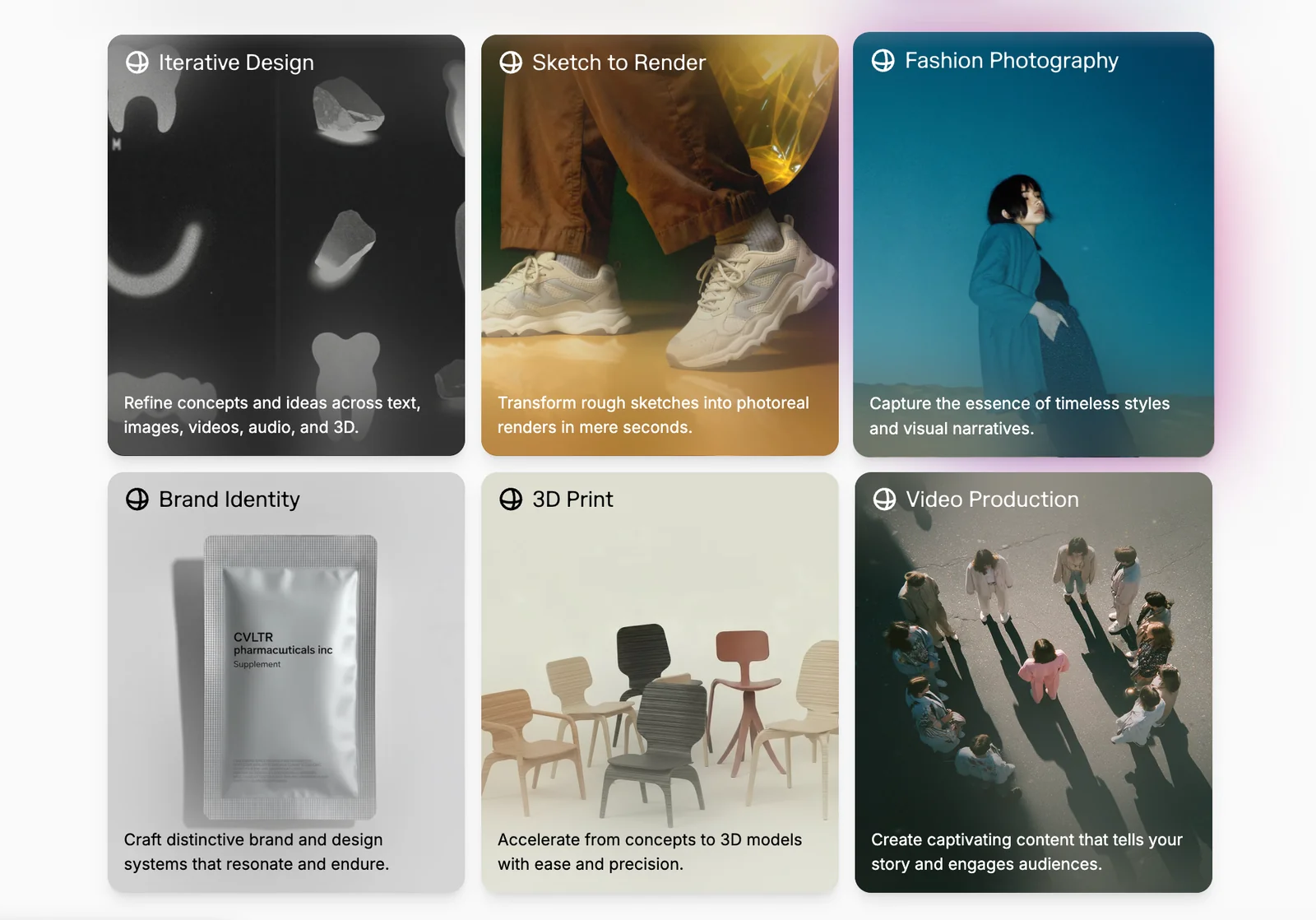
- Content Creation: Writers can use Fuser to generate articles while visualizing accompanying images, creating a cohesive content strategy.
- Product Design: Designers can iterate on product concepts using different AI models to visualize and describe their ideas in real time.
- Marketing Campaigns: Marketers can develop campaign visuals alongside ad copy, ensuring alignment in messaging and aesthetics.
Best Practices / Tips
- Experiment with Different Models: Try various AI models to find the one that best fits your project needs. Each model has unique strengths.
- Plan Your Workflow: Define your goals before starting. Knowing what you want to achieve can help you select the right models for integration.
- Stay Updated: AI technology evolves rapidly. Keep an eye on Fuser’s updates and new model integrations to maximize your creative potential.
- Utilize Tutorials: Take advantage of available tutorials to understand how to effectively use integrations and features.
Additional Resources
How does Fuser compare to other creative tools?
Fuser distinguishes itself from other creative tools through its integrated canvas that supports multimodal content creation, robust collaborative editing features, and extensive asset management capabilities. This versatility makes it particularly appealing for teams over traditional, siloed tools that often lack these comprehensive functionalities.
Key Points
- Unified Canvas: Fuser offers a single platform for various content types.
- Collaborative Editing: Real-time collaboration enhances teamwork and productivity.
- Asset Management: Advanced features streamline organization and retrieval of creative assets.
Detailed Explanation
Fuser’s unified canvas allows users to create, edit, and manage diverse content types—such as video, audio, and graphics—within one interface. This eliminates the need to switch between multiple applications, enhancing workflow efficiency. For example, a marketing team can develop a campaign by seamlessly integrating video ads, social media posts, and promotional graphics without disrupting their creative process.
The collaborative editing features of Fuser enable multiple team members to work on projects simultaneously. This is particularly beneficial for remote teams, as it fosters real-time feedback and quick adjustments, reducing project turnaround times. With version control and comment features, teams can keep track of changes and maintain clear communication, minimizing the risk of miscommunication.
Fuser's asset management capabilities are also noteworthy. Users can easily categorize, tag, and search for creative assets, ensuring they can quickly find the elements they need for new projects. This is especially advantageous for larger teams or agencies that handle a high volume of content. For instance, a design team can access a library of pre-approved graphics and templates, speeding up the design process.
Best Practices / Tips
- Leverage Collaboration: Encourage team members to take advantage of Fuser’s real-time editing features to enhance creativity and reduce bottlenecks.
- Organize Assets: Regularly update and categorize your asset library to ensure easy access and efficient workflow.
- Explore Tutorials: Familiarize yourself with Fuser’s features through official tutorials or online courses to maximize your use of the tool.
Additional Resources
Explore more AI Ai Agents tools
Browse all Ai Agents tools →Compare Fuser: vs Playad · vs Concierge by Juniors AI · vs Scout by Fini · vs Ruflo