

Fellow 5.0
AIAI meeting assistant that transcribes, summarizes, and extracts insights from meetings with human-level accuracy.
Fellow 5.0
AI meeting assistant that transcribes, summarizes, and extracts insights from meetings with human-level accuracy.
About Fellow 5.0
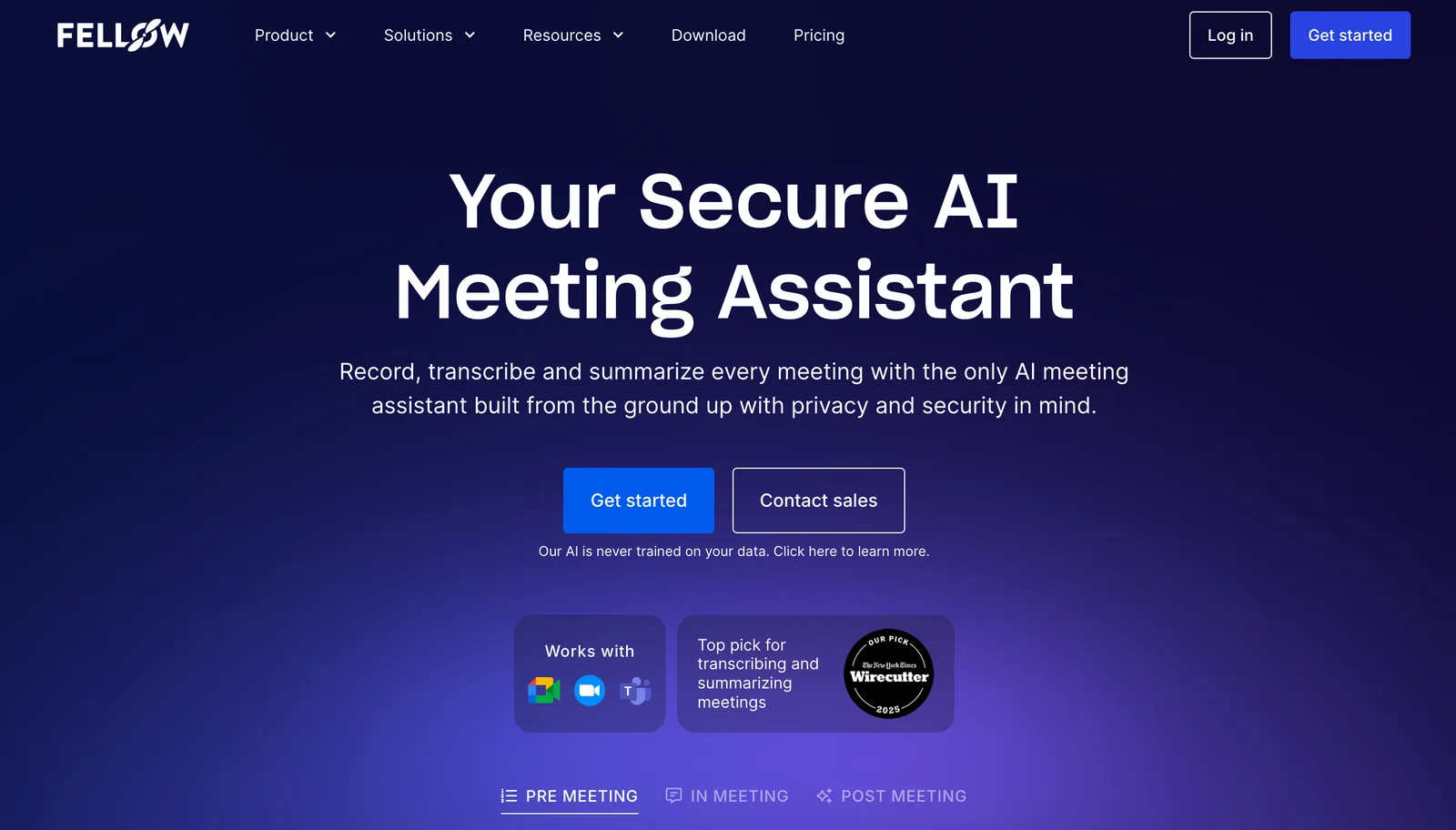
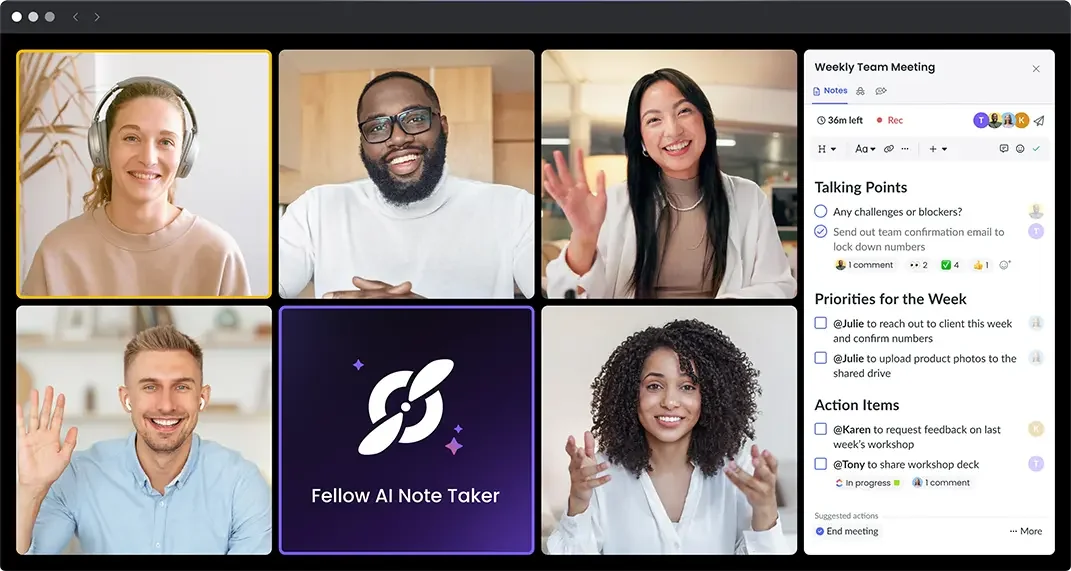
Fellow 5.0 is an AI meeting assistant and notetaker that automates creation of meeting notes by transcribing audio, producing concise summaries, and surfacing key insights. It focuses on reducing administrative overhead from meetings by delivering actionable outputs such as decisions and action items with human-level accuracy. The tool is intended to centralize meeting information, improve follow-up and accountability, and speed information retrieval from past meetings.
Screenshots
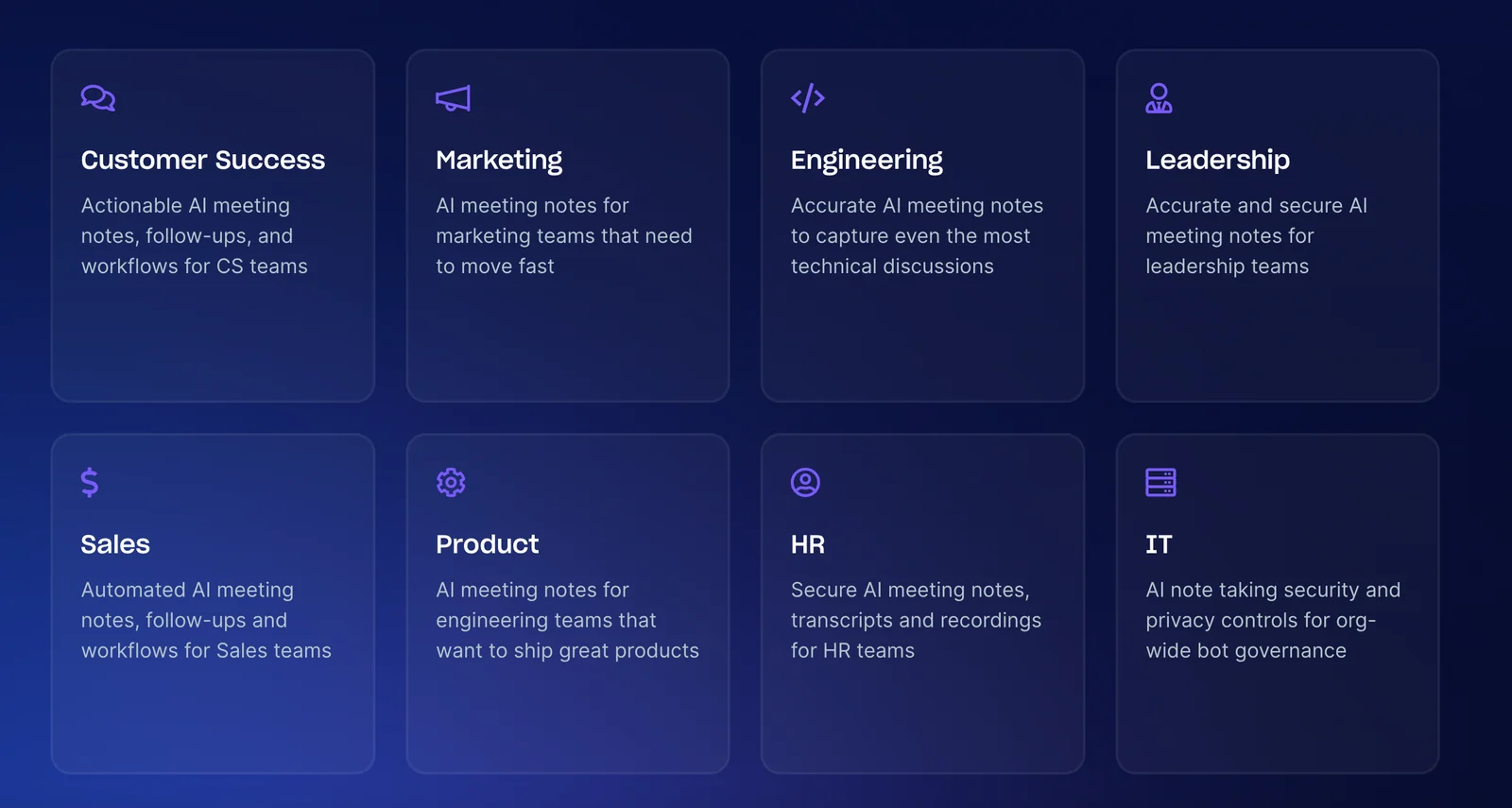
Key Features
Use Cases



Frequently asked questions about Fellow 5.0
What is the pricing structure for Fellow 5.0?
Fellow 5.0 features a freemium pricing model with several tiers: Free ($0), Team ($7/month), Business ($15/month), Solo ($19/month), and Enterprise ($25/month). Each plan is tailored to meet the diverse needs of individuals, teams, and larger organizations, offering varying features and functionalities.
Key Points
- Freemium Model: Offers a free tier alongside paid plans.
- Multiple Tiers: Plans cater to different user needs and budgets.
- Feature Variability: Each tier unlocks specific functionalities.
Detailed Explanation
Fellow 5.0's pricing structure is designed to accommodate a wide range of users, from individuals to large enterprises. The Free tier allows users to experience basic features without any cost, making it ideal for freelancers or those just starting with productivity tools.
The Team plan at $7/month is perfect for small groups looking to collaborate effectively. It offers features that enhance team communication and task management, such as shared notes and project timelines.
For more advanced needs, the Business plan at $15/month includes additional functionalities like priority support and advanced integrations with other software tools. This plan is suited for growing businesses that require more robust project management capabilities.
The Solo plan at $19/month caters to individual professionals who need comprehensive tools for personal productivity. It includes exclusive features that help streamline workflows and improve efficiency.
Lastly, the Enterprise plan is priced at $25/month and is tailored for larger organizations that require extensive features, including user management, advanced security options, and dedicated support. This tier is ideal for companies with complex needs and a large team.
Best Practices / Tips
- Assess Your Needs: Evaluate which features you truly need before choosing a plan to avoid overspending.
- Start with the Free Plan: If you’re new to Fellow 5.0, begin with the free version to familiarize yourself with the interface and capabilities.
- Consider Long-Term Plans: If you anticipate growth, consider subscribing to a plan that allows scalability without frequent changes.
Additional Resources
This structured approach ensures you fully understand the pricing tiers of Fellow 5.0, enabling you to choose the best option for your individual or organizational needs.
What are the key features of Fellow 5.0?
Fellow 5.0 offers key features such as automated meeting transcription, summarization, insights extraction, centralized note organization, and customizable AI recaps. These functionalities enhance productivity by significantly streamlining the process of documenting and managing meeting outcomes.
Key Points
- Automated Meeting Transcription: Converts spoken dialogue into text, saving time.
- Summarization: Provides concise overviews of meeting discussions for quick reference.
- Insights Extraction: Highlights key takeaways and action points for better follow-up.
Detailed Explanation
Fellow 5.0 is designed to improve meeting efficiency and documentation through its innovative features.
-
Automated Meeting Transcription: This feature captures the entirety of meeting discussions in real-time, transforming spoken words into written text. This ensures that no critical information is lost and allows participants to focus on the conversation rather than taking notes.
-
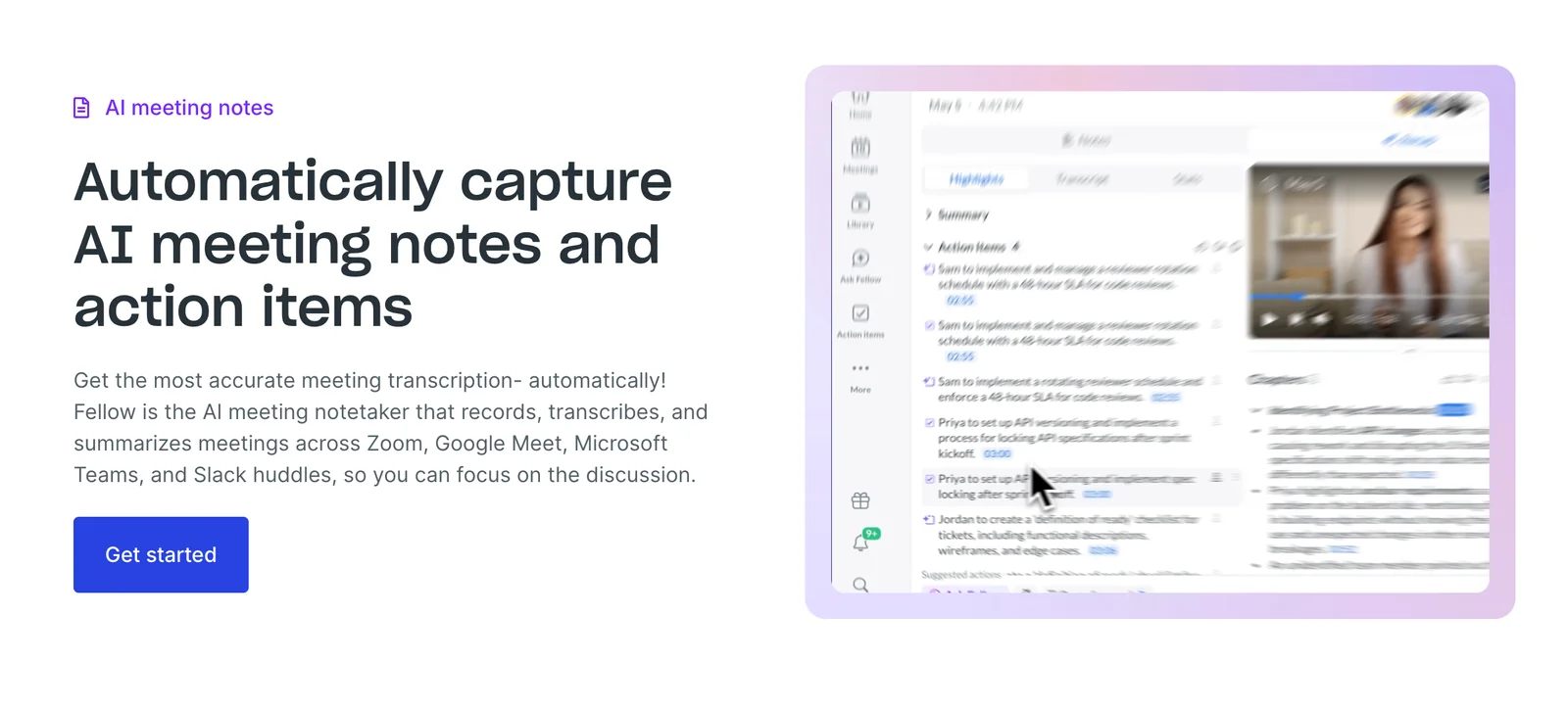
Summarization: After a meeting concludes, Fellow 5.0 automatically generates summaries that distill the main points discussed. This is particularly useful for team members who may have missed the meeting or need a quick refresher before the next session.
-
Insights Extraction: This feature intelligently identifies and highlights essential insights, decisions, and action items from the meeting. It allows teams to quickly understand what was discussed and what needs to be implemented, enhancing accountability and follow-up.
-
Centralized Note Organization: Fellow 5.0 provides a platform where all meeting notes and transcripts are organized in one place. This eliminates the hassle of searching through multiple documents or tools for meeting information.
-
Customizable AI Recaps: Users can tailor the AI-generated recaps based on their preferences. This ensures that the recaps are relevant to the specific needs of different teams or projects.
Best Practices / Tips
- Regularly Review Transcriptions: Ensure accuracy by reviewing automated transcripts for any discrepancies before finalizing meeting notes.
- Utilize Summaries for Action Items: Use the generated summaries to create actionable task lists, assigning responsibilities to team members for better follow-through.
- Leverage Insights for Strategy: Regularly analyze insights extracted from meetings to inform strategic decisions and improve future meetings.
Additional Resources
How do I get started with Fellow 5.0?
To get started with Fellow 5.0, visit the official website at fellow.ai, sign up for a free account, and familiarize yourself with its intuitive meeting note-taking features. The onboarding process is designed for ease of use, enabling users to quickly enhance their collaborative meeting experience.
Key Points
- Easy Registration: Sign up for a free account on the official website.
- User-Friendly Interface: Explore the straightforward features designed for efficient note-taking.
- Comprehensive Onboarding: Utilize built-in tutorials to maximize your usage of Fellow 5.0.
Detailed Explanation
To begin using Fellow 5.0, follow these steps:
- Visit the Website: Go to fellow.ai to access the platform.
- Create an Account: Click on the "Sign Up" button and complete the registration process. You can use your email or sign up via Google or Microsoft accounts.
- Explore Features: After signing in, take a tour of the dashboard. Key functionalities include:
- Meeting Agenda Creation: Easily set agendas for your meetings.
- Real-time Collaboration: Share notes and action items with team members during meetings.
- Integrations: Connect Fellow with tools like Zoom, Slack, and Google Calendar to streamline your workflow.
Fellow 5.0 also offers templates for different types of meetings, making it easier to get started without having to create agendas from scratch.
Best Practices / Tips
- Utilize Templates: Use pre-built templates for recurring meetings to save time and ensure consistency.
- Invite Team Members: Collaborate with your team by inviting them to join Fellow and share notes to enhance productivity.
- Set Action Items: Always assign action items during meetings to ensure accountability and follow-up.
Avoid common pitfalls such as neglecting to update the agenda or failing to review notes post-meeting, as this can hinder effectiveness.
Additional Resources
- Fellow 5.0 User Guide for an in-depth look at features.
- Fellow Blog for tips on effective meeting strategies.
- YouTube Tutorials for visual learners who prefer step-by-step video guides.
Can Fellow 5.0 integrate with other tools?
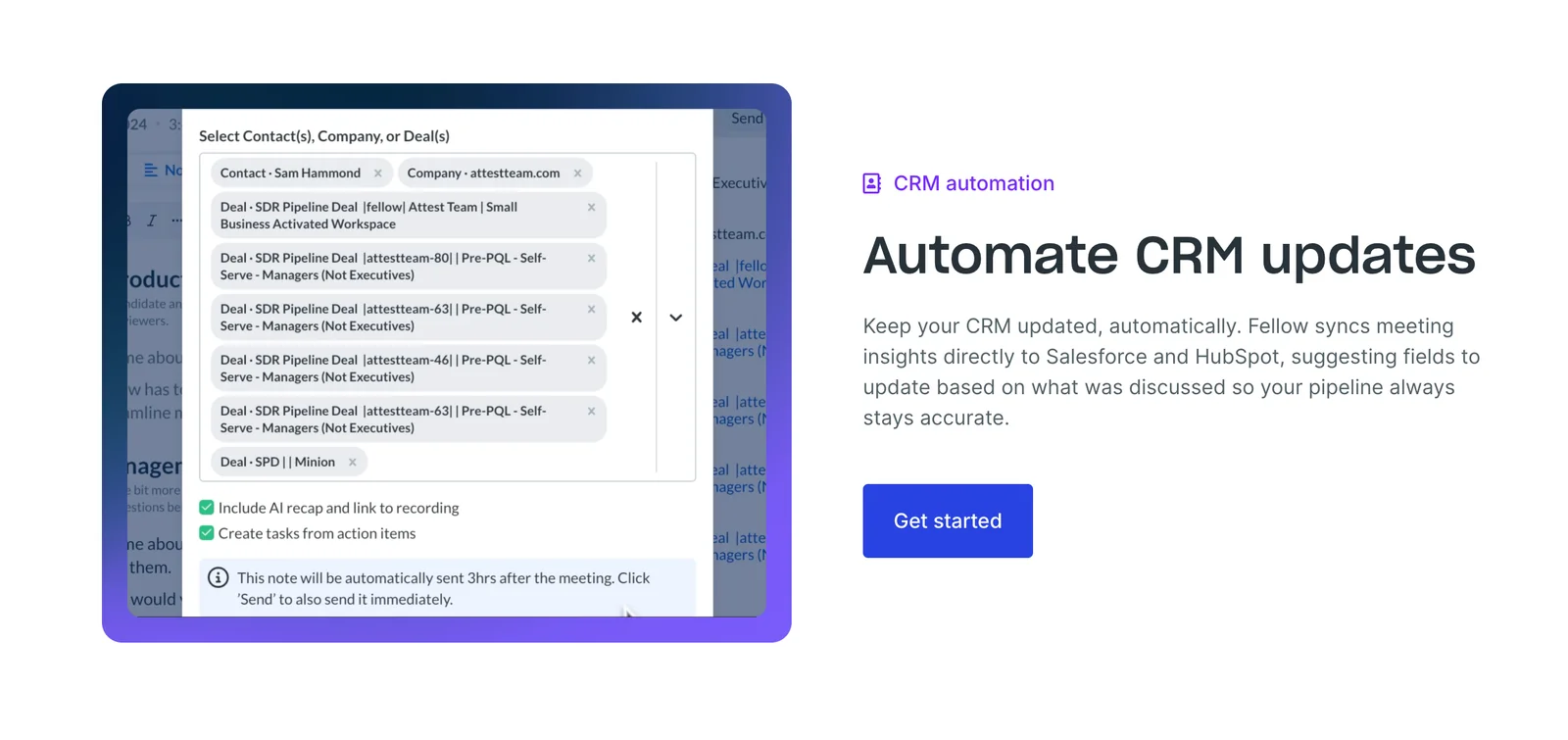
Yes, Fellow 5.0 can integrate with various tools via native integrations and webhooks, enhancing automation and collaboration. This feature allows users to connect with popular productivity applications like Slack, Trello, and Asana, streamlining workflow processes and improving team efficiency.
Key Points
- Native Integrations: Connects with popular productivity tools.
- Webhooks Support: Automates workflows by sending real-time data.
- Enhanced Collaboration: Facilitates seamless team communication and task management.
Detailed Explanation
Fellow 5.0 offers robust integration capabilities, allowing users to link their meeting management platform with other essential tools. For instance, you can easily integrate Fellow with:
- Slack: Automatically share meeting notes or action items in specific channels, keeping your team updated in real time.
- Trello: Create cards directly from Fellow discussions, ensuring that tasks discussed during meetings are tracked and assigned efficiently.
- Asana: Convert meeting takeaways into actionable tasks, helping teams prioritize and manage workloads effectively.
To set up these integrations, navigate to the integrations section in Fellow 5.0, select your preferred tool, and follow the prompts to connect your accounts. This setup not only saves time but also minimizes manual data entry, reducing the potential for errors.
Best Practices / Tips
- Utilize Webhooks: Set up webhooks for automatic notifications of key meeting outcomes to your team’s project management tools.
- Regularly Review Integrations: Ensure your integrations are functioning correctly and are aligned with your current workflow needs.
- Train Your Team: Provide training on how to utilize these integrations effectively to maximize their benefits.
Additional Resources
How does Fellow 5.0 compare to other AI meeting assistants?
Fellow 5.0 excels as an AI meeting assistant due to its human-level accuracy in transcription and summarization, centralized note organization, and a versatile freemium model. It also features extensive integrations and a flexible pricing structure that caters to different user needs, setting it apart from its competitors.
Key Points
- Human-Level Accuracy: Fellow 5.0 offers transcription and summarization that closely resembles human performance.
- Centralized Note Organization: All notes and summaries are organized in one place for easy access and collaboration.
- Flexible Pricing Model: A robust freemium model allows users to choose plans that suit their requirements.
Detailed Explanation
Fellow 5.0 distinguishes itself in the crowded market of AI meeting assistants by leveraging advanced natural language processing (NLP) technologies. Its transcription capabilities are designed to provide near-perfect accuracy, making it ideal for businesses that require reliable documentation from meetings, brainstorming sessions, or interviews.
For example, if a team conducts a meeting discussing project milestones, Fellow 5.0 can transcribe the entire discussion, summarize key points, and distribute these notes to relevant stakeholders. This functionality not only saves time but also enhances productivity by ensuring that all team members are on the same page.
Moreover, Fellow 5.0’s note organization feature allows users to categorize and tag notes efficiently, making retrieval straightforward. This is particularly beneficial for teams that handle multiple projects concurrently, as it prevents information overload and fosters better collaboration.
In terms of pricing, Fellow 5.0 provides a freemium model that allows users to access basic features for free while offering premium features at competitive prices. This flexibility makes it accessible to startups and large enterprises alike, enabling them to scale their usage according to their growth.
Best Practices / Tips
- Maximize Integrations: Take advantage of Fellow 5.0's extensive integrations with tools like Slack, Zoom, and Google Drive to streamline workflows.
- Use Tags and Categories: Organize your notes with tags and categories to enhance searchability and improve team collaboration.
- Leverage the Freemium Model: Start with the free version to assess its fit for your team before committing to a paid plan.
Additional Resources
Explore more AI Ai Services tools
Browse all Ai Services tools →Compare Fellow 5.0: vs Context.dev · vs ZeroClick · vs jurniti · vs Cadenya