

Extra Thursday
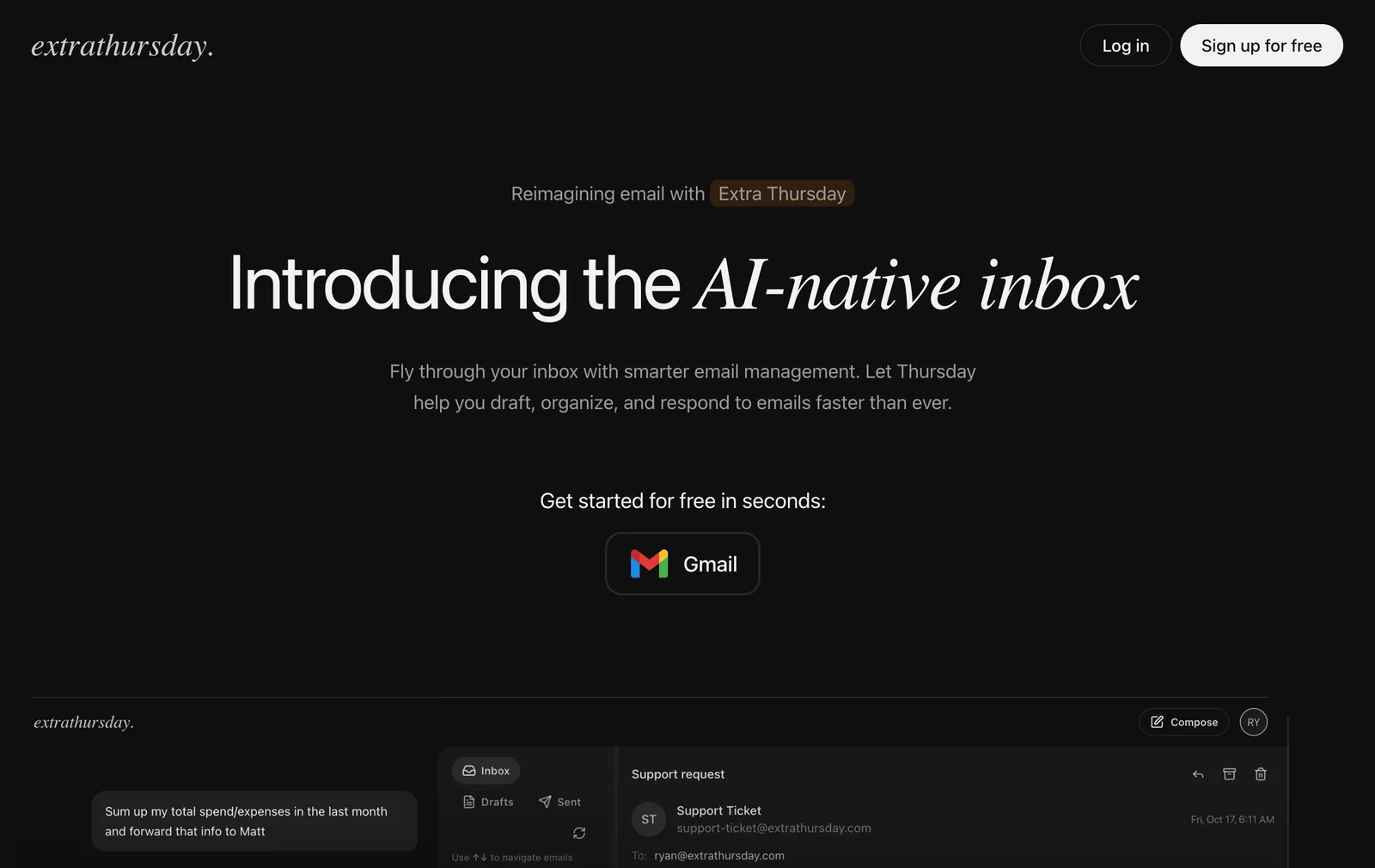
AIAI-native Gmail assistant that drafts, generates, and auto-replies to emails using ChatGPT and Gemini for faster inbox triage.
Extra Thursday
AI-native Gmail assistant that drafts, generates, and auto-replies to emails using ChatGPT and Gemini for faster inbox triage.
About Extra Thursday
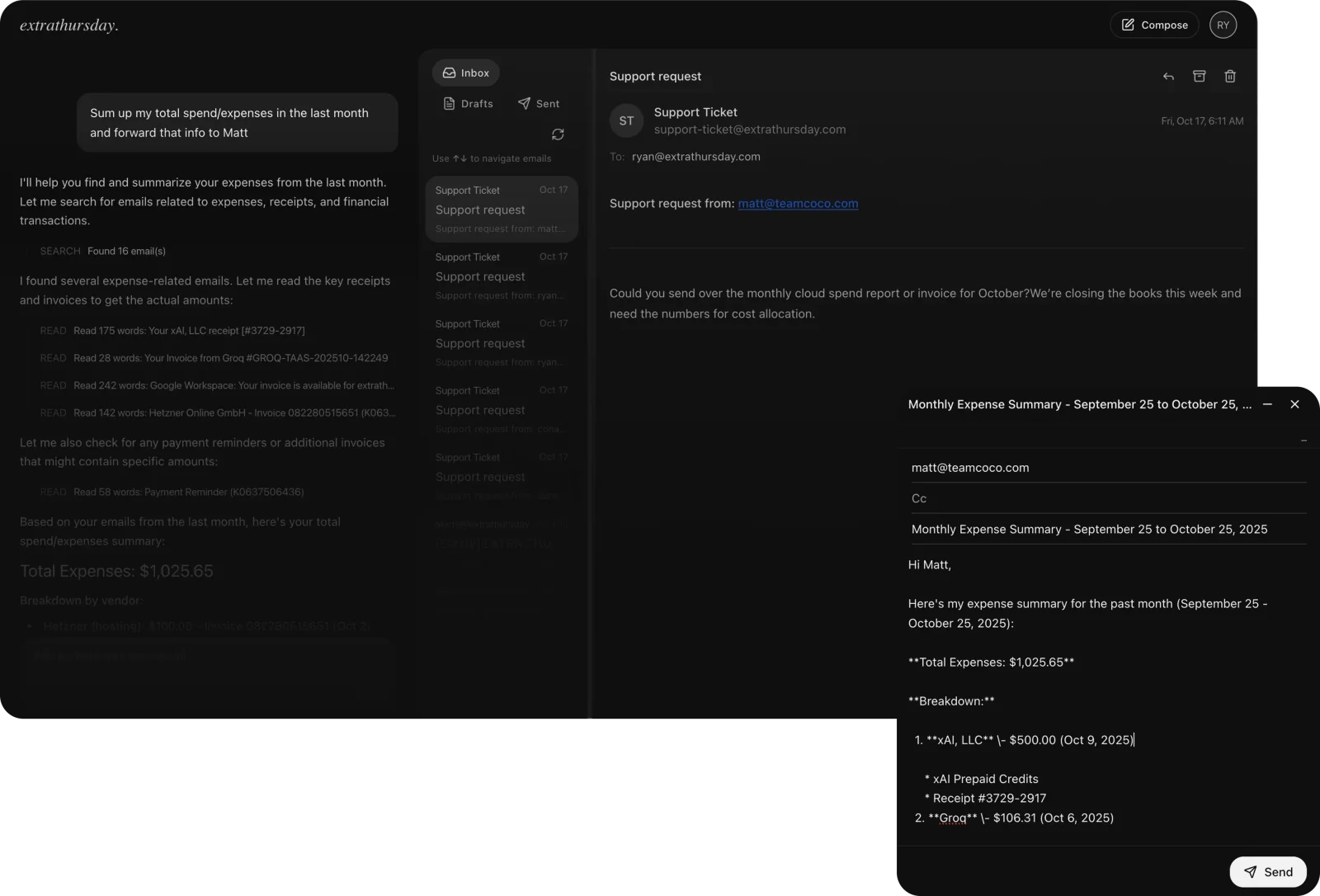
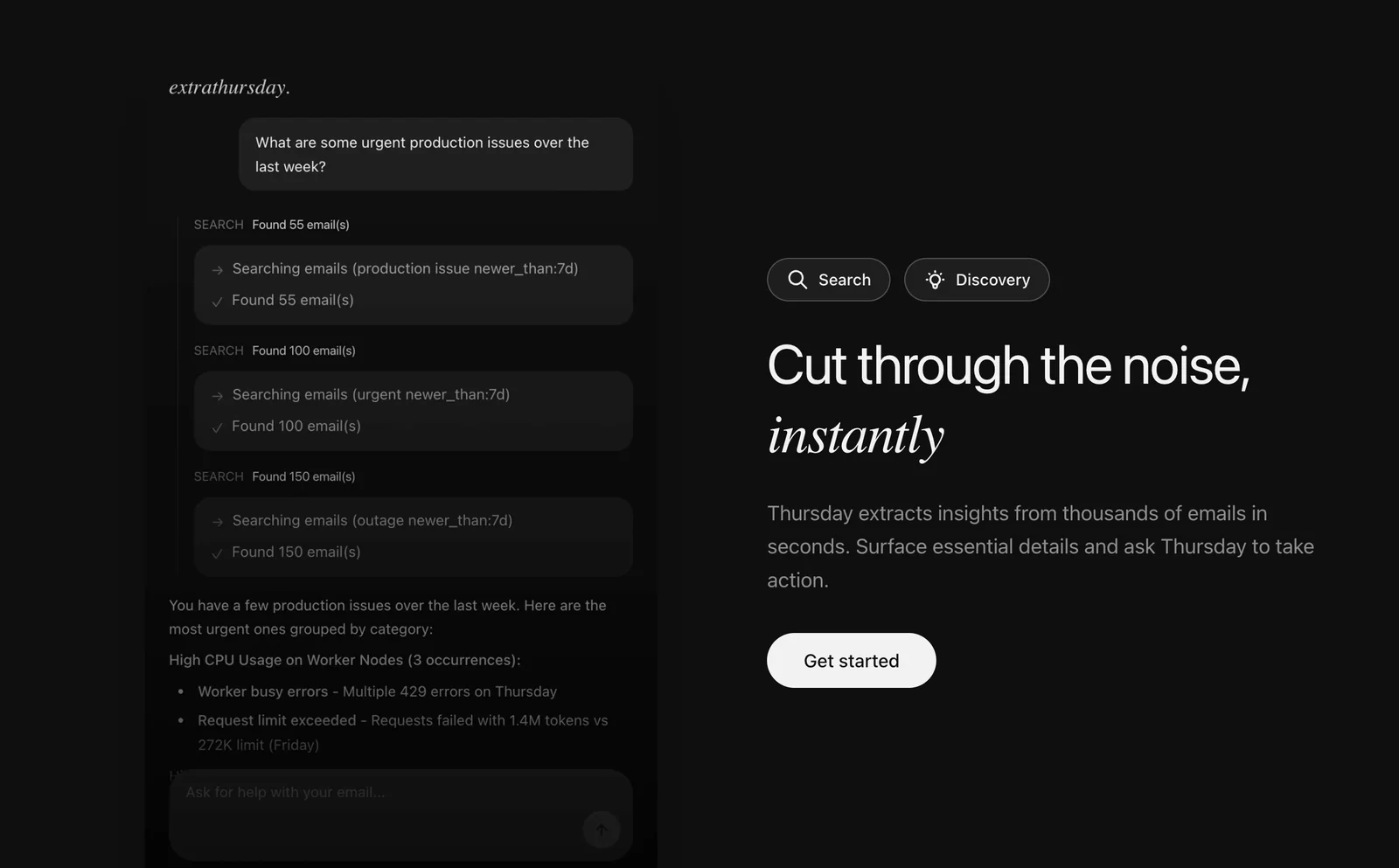
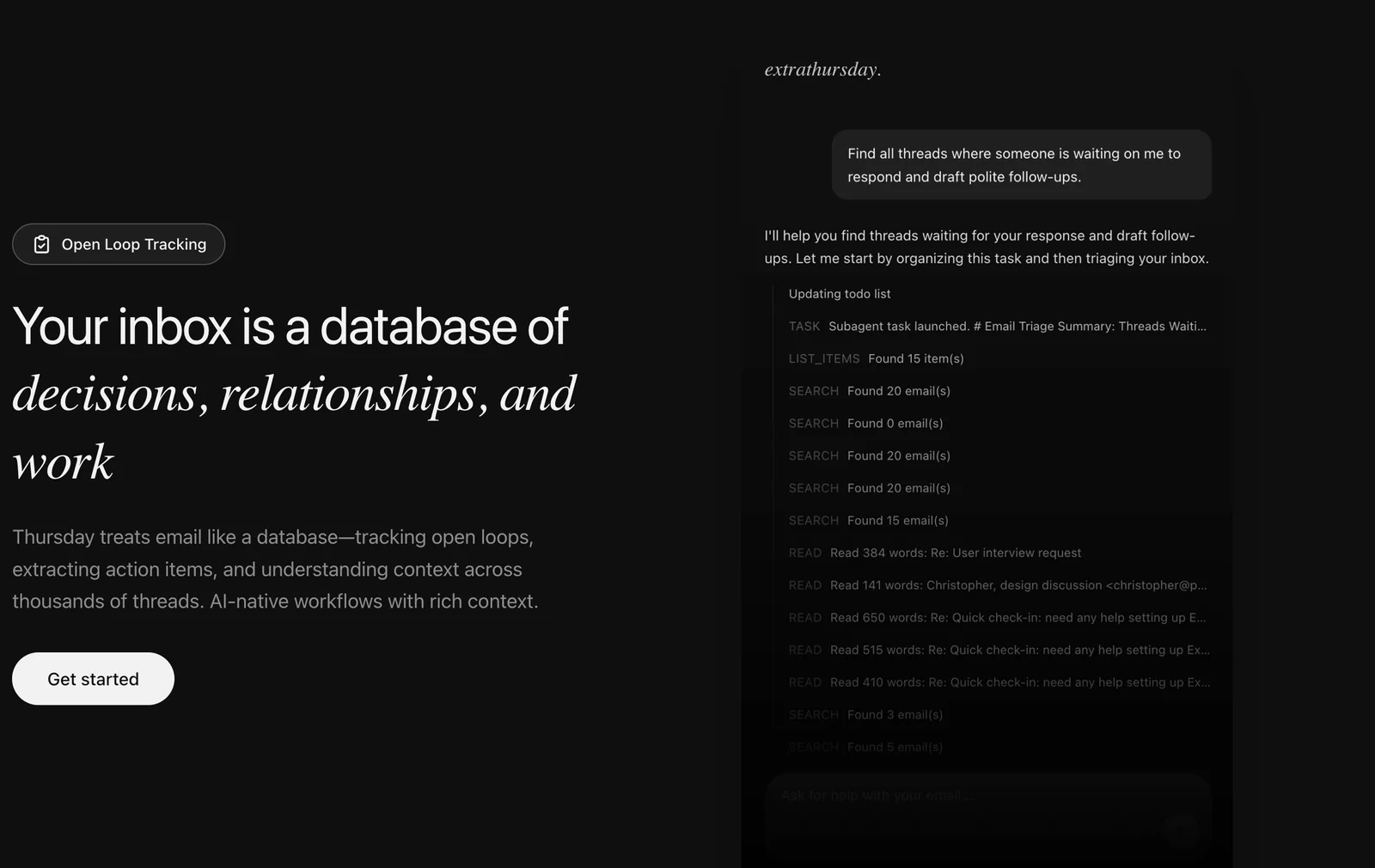
Extra Thursday is an AI-driven email assistant for Gmail that treats your inbox like a searchable database, extracting insights, action items, and contextual threads across thousands of messages. It generates professional email drafts and one-click auto-replies in your voice (from technical responses to polite follow-ups) using models such as ChatGPT and Gemini. The tool performs triage and search across email history, tracks open loops, surfaces essential details, and enables AI-native workflows and daily planning to help users manage high-volume inboxes more efficiently.
Screenshots
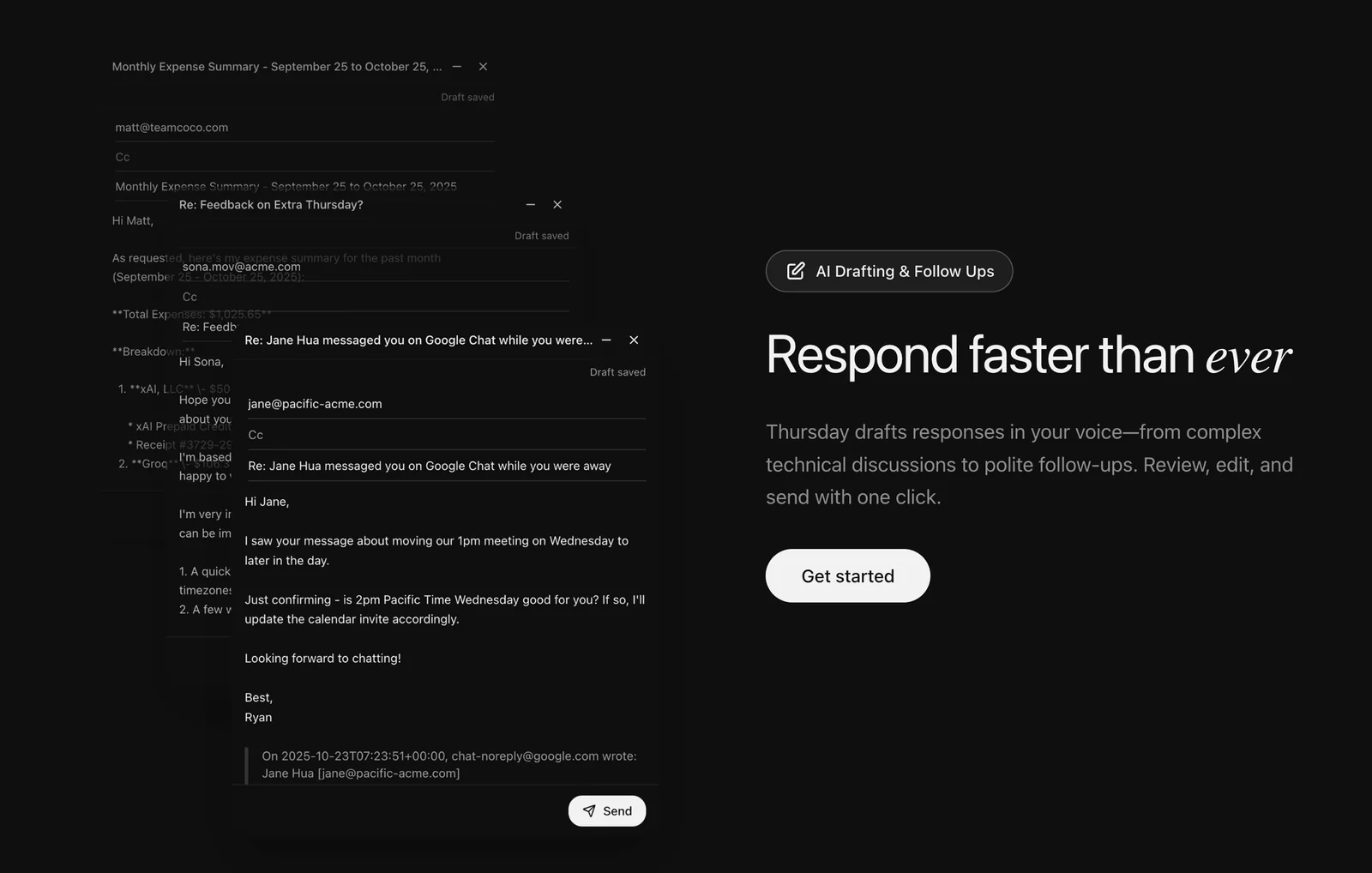
Key Features
Use Cases



Frequently asked questions about Extra Thursday
What is the pricing structure for Extra Thursday?
Extra Thursday employs a freemium pricing structure. Users can access core features like Gmail integration and AI draft generation for free. For $20 per month, the Plus+ plan enhances the experience with increased usage limits and priority support, catering to more demanding users.
Key Points
- Freemium Model: Access to basic features at no cost.
- Plus+ Plan: Paid subscription at $20/month for advanced options.
- User Benefits: Enhanced support and usage limits for paid users.
Detailed Explanation
Extra Thursday offers a unique pricing strategy designed to accommodate users with varying needs. The freemium model allows individuals and small teams to utilize essential features without any financial commitment. This includes seamless Gmail integration and AI draft generation, which streamlines workflow and enhances productivity.
For users who require additional capabilities, the Plus+ plan is available for $20 per month. This subscription includes increased usage limits, allowing for more extensive interactions with the platform. Additionally, users on the Plus+ plan receive priority support, meaning their queries and issues are addressed more quickly, ensuring minimal disruption to their workflow.
Use Cases:
- Freemium Users: Ideal for freelancers or small teams who need basic tools for drafting emails.
- Plus+ Users: Suitable for businesses or power users who need higher limits and faster support.
Best Practices / Tips
- Evaluate Your Needs: Before committing to the Plus+ plan, assess whether the freemium features meet your requirements.
- Utilize Free Trials: If available, take advantage of any trial periods for the Plus+ plan to gauge its value.
- Monitor Usage: Keep track of how often you hit the limits on the free plan to determine if an upgrade is necessary.
Additional Resources
What are the key features of Extra Thursday?
Extra Thursday offers key features like AI-generated email drafts, configurable auto-replies, advanced inbox search and triage, action-item extraction, and voice personalization for maintaining user tone in emails. These tools enhance productivity and streamline communication, making email management more efficient.
Key Points
- AI Email Draft Generation
- Configurable Auto-Replies
- Advanced Inbox Search and Triage
Detailed Explanation
Extra Thursday stands out with its AI email draft generation, which utilizes advanced algorithms to create contextually relevant email responses in seconds. This feature is particularly beneficial for busy professionals who need to respond quickly without sacrificing quality.
Configurable auto-replies allow users to set tailored responses for various scenarios, such as out-of-office messages or customer inquiries, ensuring that communication remains consistent even when the user is unavailable. This functionality can save time and improve customer satisfaction.
The advanced inbox search and triage feature enables users to efficiently locate emails based on keywords, dates, or sender. This is especially useful for professionals managing high volumes of email, as it minimizes the time spent searching for specific messages.
Additionally, the action-item extraction feature identifies tasks within emails, helping users prioritize their responsibilities. This capability is invaluable for project managers or team leaders who need to keep track of multiple tasks simultaneously.
Lastly, voice personalization ensures that the generated emails reflect the user's unique tone and style, making automated messages feel more personal and authentic. This feature is particularly useful for maintaining brand voice in business communications.
Best Practices / Tips
- Maximize AI Use: Regularly utilize AI email draft generation to save time and maintain a consistent writing style.
- Customize Auto-Replies: Tailor your auto-replies to fit different situations, making sure to include important contact information or alternative resources.
- Leverage Inbox Triage: Use advanced search features to categorize and prioritize emails, focusing on high-impact messages first to improve productivity.
- Monitor Action Items: Regularly review extracted action items to ensure you stay on top of your tasks and deadlines.
Additional Resources
How do I get started with Extra Thursday?
To get started with Extra Thursday, visit the official website and sign up for a free plan. The onboarding process is straightforward, enabling quick integration with Gmail and allowing you to leverage AI-driven email features immediately, streamlining your email management effectively.
Key Points
- Sign Up for Free: Start with a no-cost plan to explore features.
- Quick Onboarding: The process is designed for efficiency.
- Gmail Integration: Seamlessly connect your Gmail account for enhanced functionality.
Detailed Explanation
Extra Thursday provides an intuitive platform that enhances your email experience through AI-driven features. To begin, simply navigate to the Extra Thursday website and create an account by selecting the free plan option.
Step-by-Step Onboarding:
- Visit the Website: Go to the official Extra Thursday site.
- Sign Up: Click on the "Sign Up" button and fill out the necessary information, including your name and email address.
- Choose Your Plan: Select the free plan to start without any commitment.
- Connect Your Gmail: Follow the prompts to integrate your Gmail account seamlessly. This step is crucial as it allows Extra Thursday to analyze your email data and provide tailored recommendations.
- Explore Features: Once integrated, familiarize yourself with the dashboard, where you can access various AI-driven features such as automated responses, smart email sorting, and productivity analytics.
Use Cases:
- Email Management: Automatically organize and prioritize emails to improve your workflow.
- Smart Replies: Utilize AI-generated responses to save time on email replies.
- Insights and Analytics: Gain insights into your email habits and performance to optimize your communication strategy.
Best Practices / Tips
- Utilize All Features: Explore all functionalities provided in the free plan to maximize your experience.
- Regularly Check Integrations: Ensure that your Gmail integration remains active for uninterrupted service.
- Feedback Loop: Provide feedback to Extra Thursday for continuous improvement of their AI features.
- Stay Updated: Keep an eye on product updates and new features that may enhance your email management capabilities.
Additional Resources
- Extra Thursday Documentation - Comprehensive guides on using the platform.
- Customer Support - Get help and answers to your queries.
- Blog and Updates - Stay informed about the latest features and best practices.
Can Extra Thursday integrate with other applications?
Currently, Extra Thursday primarily integrates with Gmail, enhancing its functionality. As of now, there are no public details regarding compatibility with other email platforms or APIs, meaning users should expect a focused experience within the Gmail environment.
Key Points
- Extra Thursday is built specifically for Gmail integration.
- There is no current compatibility with other email platforms.
- The focus is on enhancing Gmail's features and user experience.
Detailed Explanation
Extra Thursday is an innovative tool designed to streamline workflows and improve productivity within Gmail. By integrating seamlessly with Gmail, it offers features such as advanced email organization, scheduling, and reminders. This allows users to manage their emails more efficiently and effectively.
While Extra Thursday excels in its Gmail integration, users looking for compatibility with other email platforms like Outlook or Yahoo Mail will find that such functionality is not currently available. The developers have focused on creating a robust tool that maximizes Gmail's capabilities, ensuring users gain the most from their Gmail experience.
For example, if you frequently use Gmail for business communications, Extra Thursday can help you categorize emails, set follow-up reminders, and prioritize tasks—all within the familiar Gmail interface. However, if your organization uses multiple email systems, you may need to consider alternative solutions or integrations.
Best Practices / Tips
- Focus on Gmail: If you primarily use Gmail, leveraging Extra Thursday can significantly enhance your productivity.
- Stay Updated: Keep an eye on Extra Thursday’s updates or announcements for potential future integrations with other platforms.
- Utilize Built-in Features: Make the most of Gmail’s existing features alongside Extra Thursday, such as labels and filters, to optimize your email management workflow.
Additional Resources
How does Extra Thursday compare to other email management tools?
Extra Thursday distinguishes itself from other email management tools by offering advanced AI features like draft generation and auto-replies powered by ChatGPT and Gemini. It prioritizes rapid inbox triage and personalized email drafting, making it ideal for busy professionals seeking efficiency and customization.
Key Points
- AI-Powered Features: Utilizes ChatGPT and Gemini for smart email management.
- Speed and Efficiency: Emphasizes rapid inbox triage to save time.
- Personalization: Tailors email drafts based on user preferences and context.
Detailed Explanation
Extra Thursday utilizes cutting-edge artificial intelligence technologies, specifically ChatGPT and Gemini, to enhance the way users manage their emails. Unlike many traditional email tools that rely on basic automation, Extra Thursday focuses on generating contextually relevant drafts and auto-replies that feel personal and engaging.
For example, when you receive an email that requests a meeting, Extra Thursday can automatically draft a response suggesting available times based on your calendar. This not only saves time but ensures that the reply is tailored to the recipient's inquiry.
Furthermore, the tool allows users to prioritize emails effectively, enabling quick triage of their inbox. This means you can address urgent emails first while less important ones can be scheduled for later. The speed of this process is a critical advantage, particularly for professionals who receive high volumes of emails daily.
Best Practices / Tips
- Customize Settings: Tailor the AI settings to better reflect your communication style. This will enhance the personalization of auto-generated drafts.
- Regularly Review Drafts: Even with AI assistance, always review drafts before sending. This ensures that the tone and content match your intent.
- Utilize Filters and Labels: Make use of filtering options to categorize emails effectively. This helps maintain organization and speeds up inbox triage.
Additional Resources
Explore more AI Ai Services tools
Browse all Ai Services tools →Browse by use case: Automation & Productivity
Compare Extra Thursday: vs Context.dev · vs ZeroClick · vs jurniti · vs Cadenya