

E2B
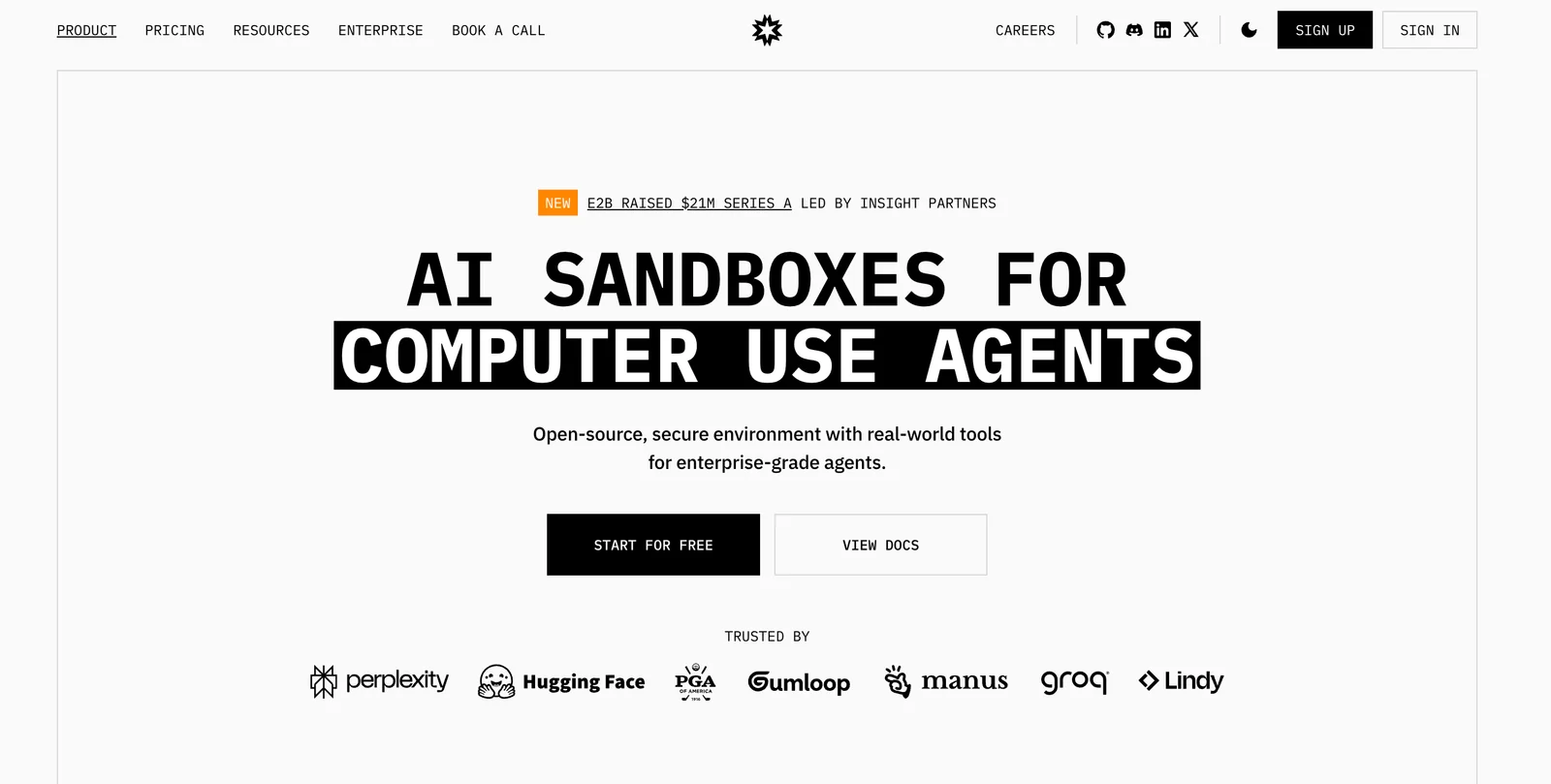
AIOpen SourceOpen-source cloud platform that gives AI agents secure, isolated sandboxes and real-world tools via SDKs and managed sandboxes.
E2B
Open-source cloud platform that gives AI agents secure, isolated sandboxes and real-world tools via SDKs and managed sandboxes.
About E2B
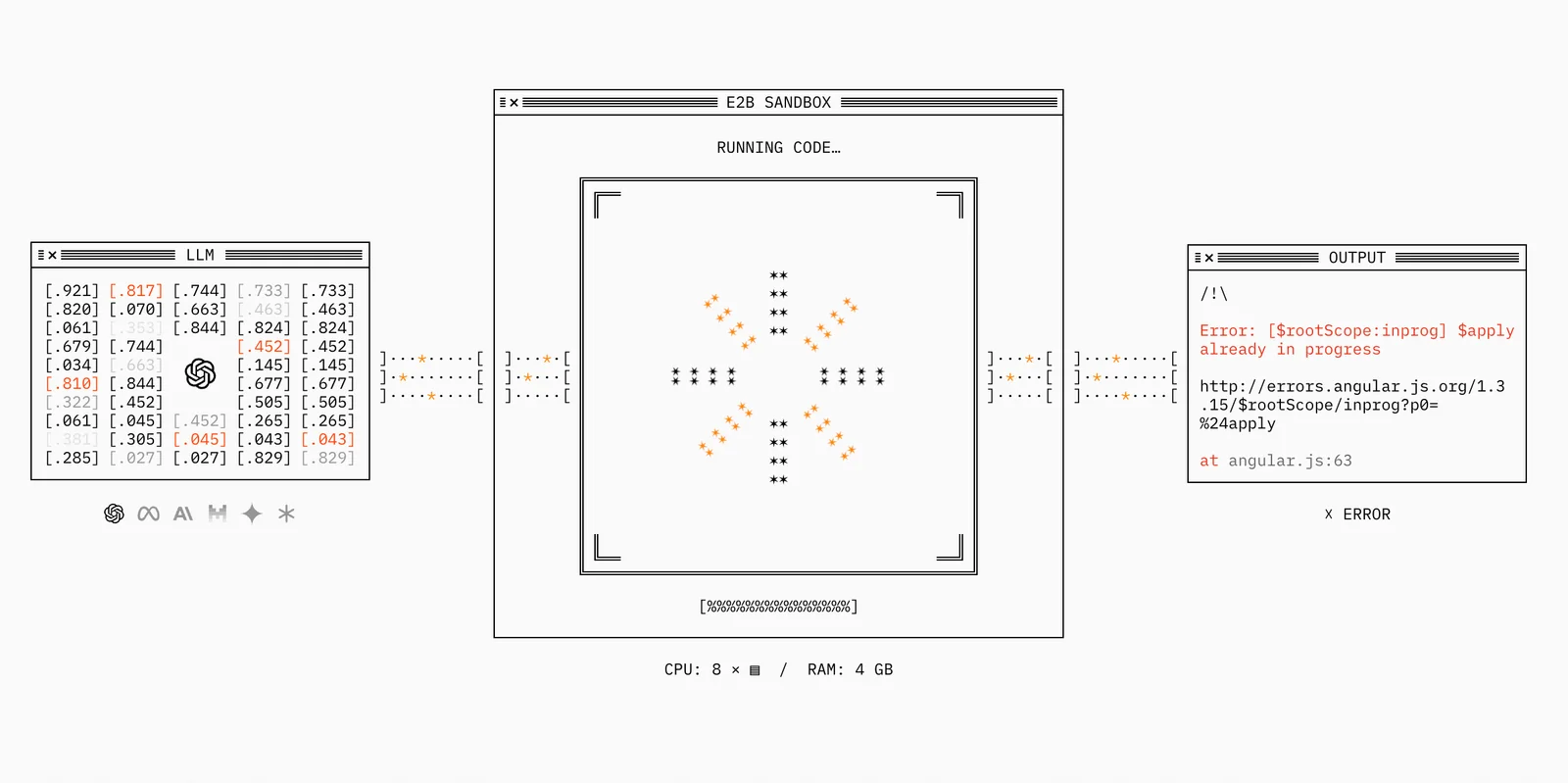
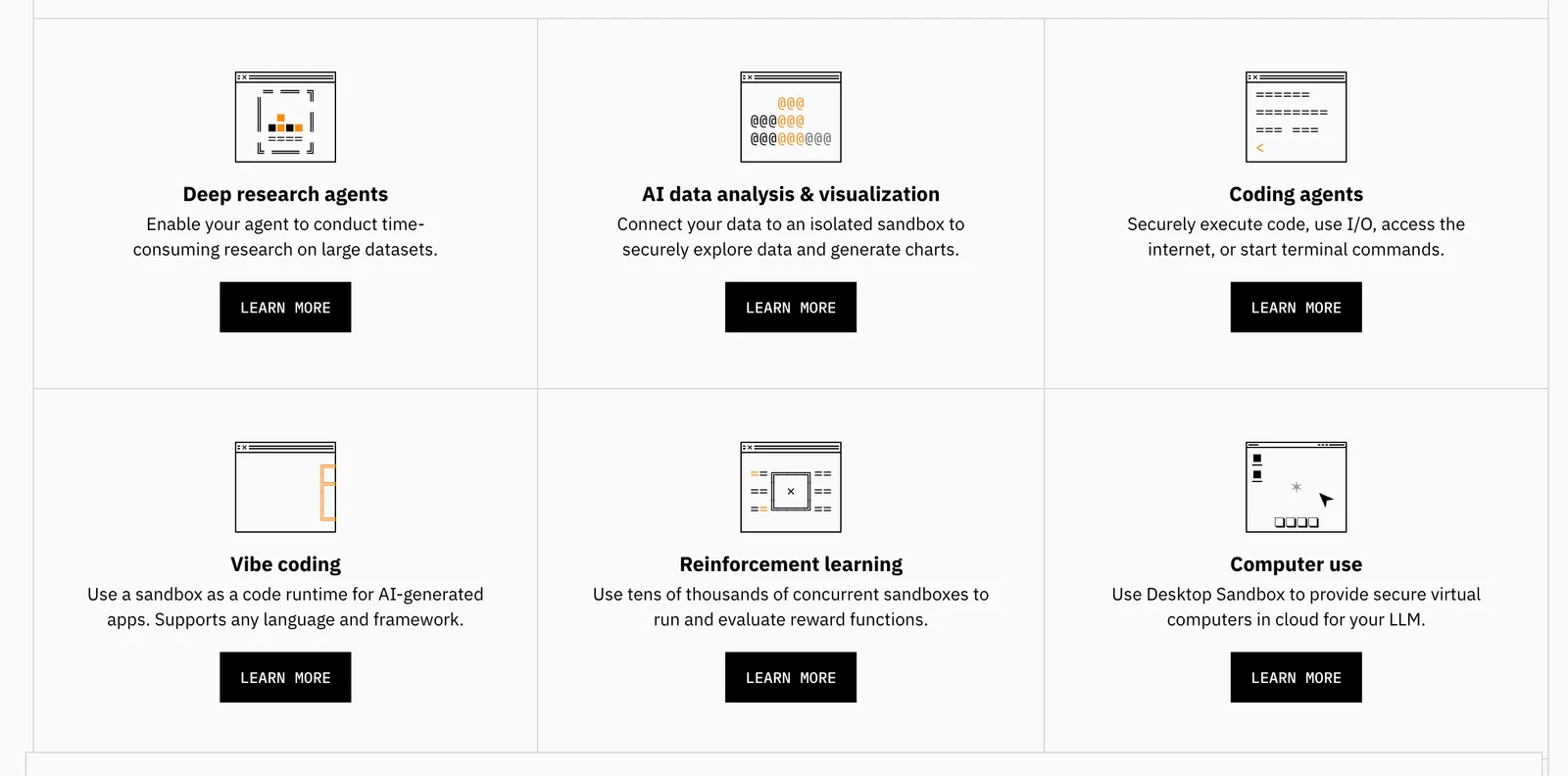
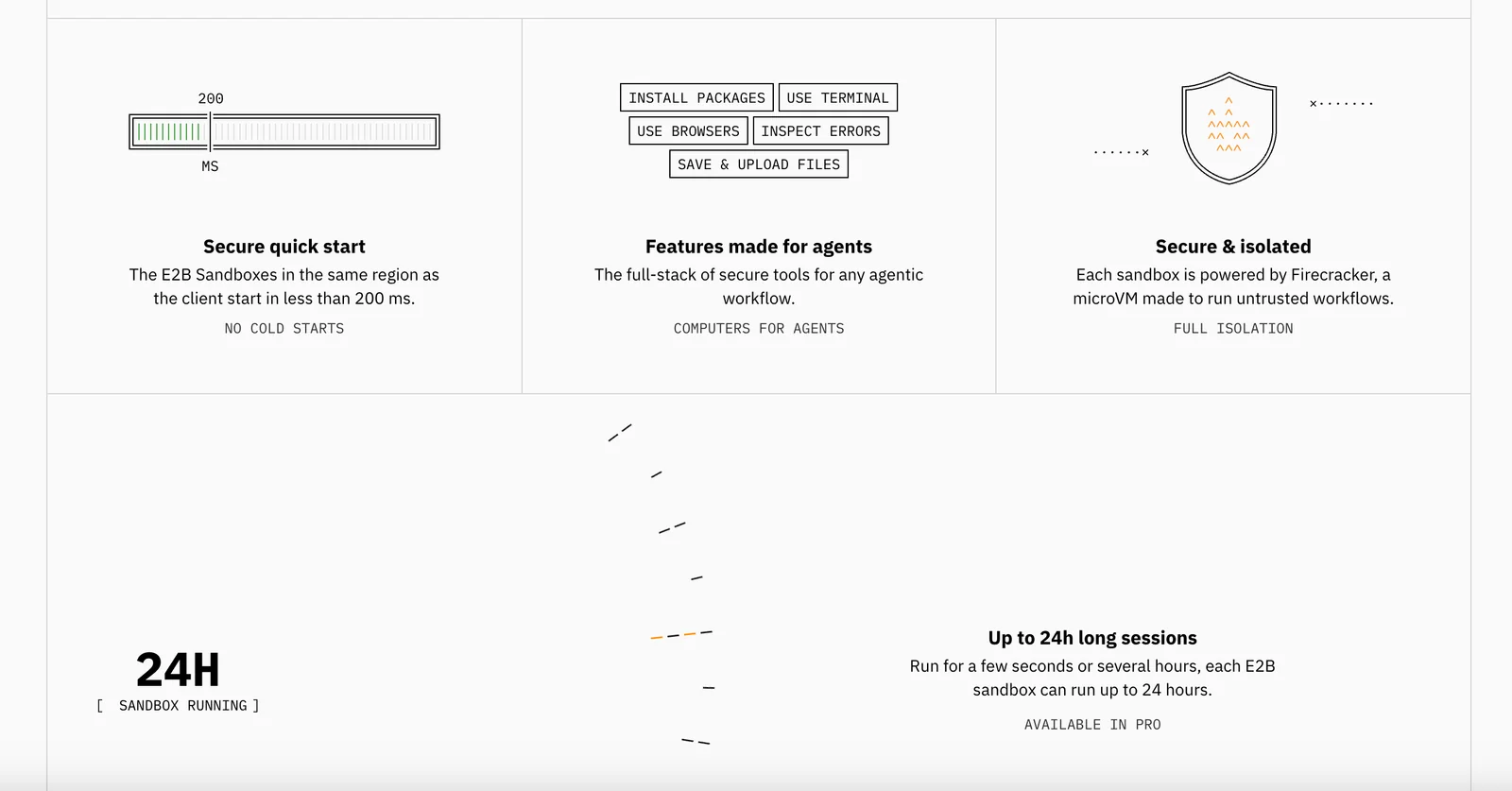
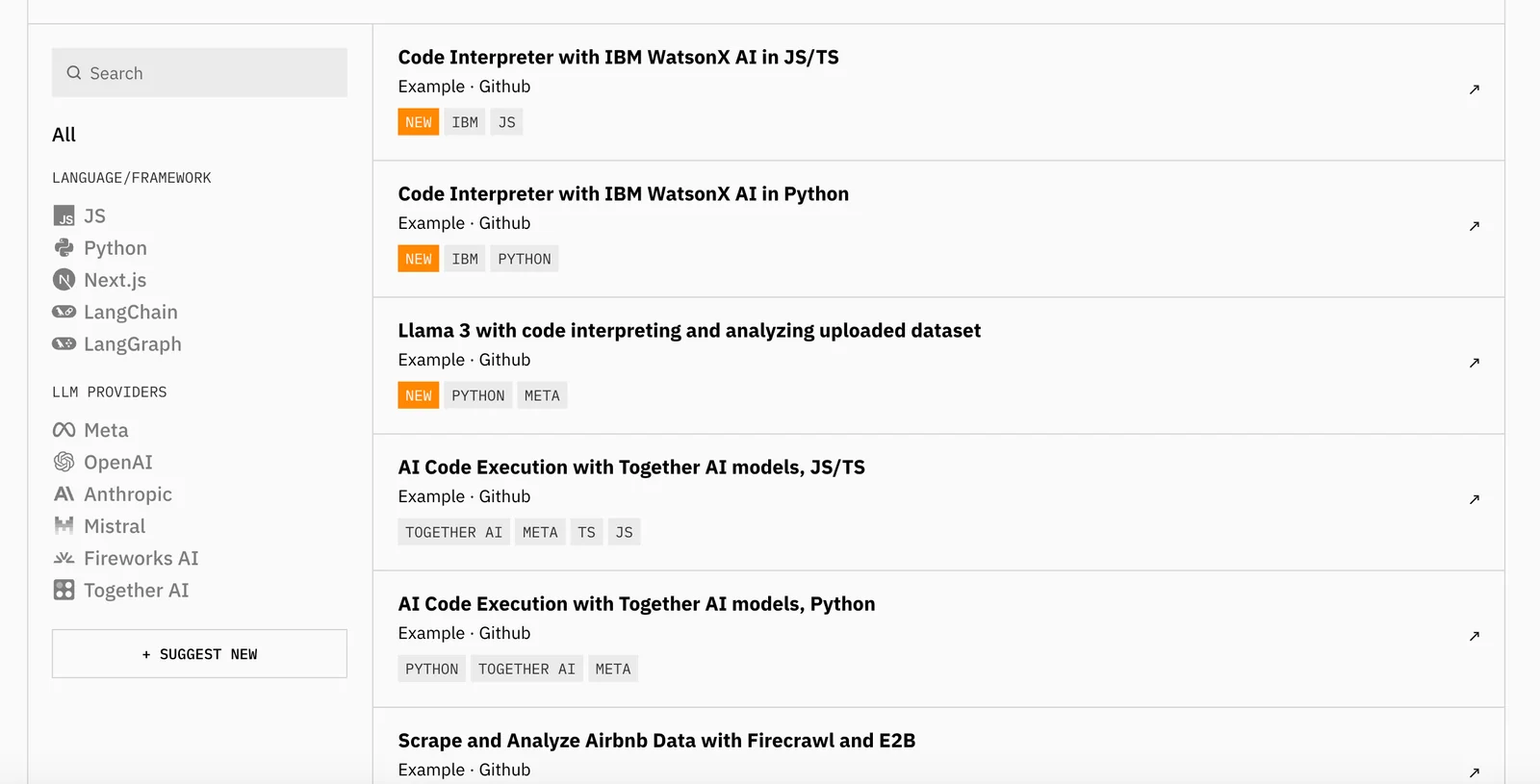
E2B provides an open-source infrastructure and managed cloud for running AI-generated code and agentic workflows in secure, isolated sandboxes. It offers Python and JavaScript/TypeScript SDKs, a virtual desktop sandbox (Desktop Sandbox) for computer-use style agents, a dashboard for managing sandboxes and API keys, and streaming APIs for real-time agent interactions. E2B is designed for enterprise-grade deployments — enabling safe execution of model-generated code, integrations with LLM providers, and developer tooling for building agentic applications while maintaining security and auditability.
Screenshots
Key Features
Use Cases



Frequently asked questions about E2B
What are the pricing options for E2B?
E2B offers a flexible pricing model, including a freemium option. Users can access the open-source SDK for free, while the Pro tier costs $150 per month. For larger organizations, custom pricing solutions are available. For detailed inquiries, it’s best to contact E2B sales directly.
Key Points
- Freemium Model: Open-source SDK is available for free.
- Pro Tier Pricing: Costs $150 per month for premium features.
- Enterprise Solutions: Custom quotes tailored for larger organizations.
Detailed Explanation
E2B provides a versatile pricing structure that caters to various user needs. The freemium model allows users to explore the open-source SDK at no cost, making it an attractive option for developers and small businesses looking to test the software without financial commitment.
The Pro tier, priced at $150 per month, unlocks advanced features and support, ideal for businesses needing enhanced functionality and reliability. This option is particularly beneficial for teams that require additional tools or resources to maximize their productivity.
For larger enterprises, E2B offers custom pricing solutions. These packages are tailored to fit the specific requirements of organizations, accommodating unique needs such as higher user volumes or specialized support. Interested businesses should reach out to E2B sales to discuss their requirements and obtain a personalized quote.
Best Practices / Tips
- Evaluate Your Needs: Before choosing a plan, assess your team's size and required features to ensure you select the most suitable option.
- Utilize the Free SDK: Take advantage of the open-source SDK to familiarize yourself with the platform before committing to a paid plan.
- Contact Sales for Custom Solutions: If your organization has unique needs, don’t hesitate to reach out to E2B sales for tailored pricing options.
Additional Resources
- E2B Official Pricing Page
- E2B Documentation for Open-Source SDK
- Contact E2B Sales for inquiries regarding enterprise solutions.
What features does E2B provide for AI development?
E2B provides robust features for AI development, including secure cloud sandboxes, multi-language SDKs, and a virtual desktop environment. It enables real-time interactions and seamless integration with various large language models (LLMs), making it ideal for safe code execution and efficient agent workflows.
Key Points
- Secure Cloud Sandboxes: Offers a safe environment for testing and developing AI applications.
- Multi-Language SDKs: Supports various programming languages, enhancing accessibility for developers.
- Real-Time Interactions: Facilitates immediate feedback and iterative development in AI projects.
Detailed Explanation
E2B's secure cloud sandboxes allow developers to test their AI models in an isolated environment, ensuring that no unintended changes affect the main system. This feature is crucial for maintaining integrity during AI development, especially when dealing with sensitive data or operations.
The multi-language SDKs provided by E2B support languages such as Python, Java, and C++, which broadens the platform's usability. Developers can leverage their existing skills without needing to learn a new programming language. This flexibility enhances collaboration across teams that may have diverse technical backgrounds.
With real-time interactions, E2B enables developers to see the immediate impact of their changes, accelerating the development cycle. For example, when tweaking an AI model's parameters, developers can instantly assess performance and make adjustments as needed, leading to faster iterations and improved outcomes.
Furthermore, E2B's ability to integrate with various large language models (LLMs) allows developers to harness cutting-edge AI capabilities. This integration supports the development of advanced applications, such as chatbots or virtual assistants, that require natural language understanding and generation.
Best Practices / Tips
- Utilize Sandboxes for Testing: Always use the cloud sandbox environment for testing new features and updates to your AI models. This practice minimizes risks associated with deploying untested code.
- Leverage Multi-Language Support: Take advantage of the multi-language SDKs to collaborate with team members proficient in different programming languages. This can lead to more innovative solutions.
- Iterate Quickly with Real-Time Feedback: Make small, incremental changes and utilize real-time feedback to refine your AI models. This approach can lead to more significant improvements over time.
Additional Resources
How do I get started with E2B?
To get started with E2B, visit the official website and select the appropriate SDK based on your project requirements. Follow the provided documentation for installation and integration to set up your development environment efficiently and effectively.
Key Points
- Visit the official E2B website.
- Choose the suitable SDK for your needs.
- Follow documentation for installation and integration.
Detailed Explanation
E2B, or "Enterprise to Business," provides a robust platform for developers looking to integrate business functionalities into their applications. Here’s how to begin effectively:
-
Visit the Official Website: Navigate to the E2B official website. This is where you can access all the necessary resources.
-
Select the Right SDK: E2B offers various SDKs tailored for different programming languages and platforms, such as Java, Python, and .NET. Assess your project requirements to choose the most compatible SDK.
-
Installation Process: Once you’ve selected your SDK, download it from the official site. The documentation typically includes detailed installation instructions. For example, if you are using Python, you might need to install the SDK using pip with a command like
pip install e2b-sdk. -
Integration Guidance: The documentation will also provide integration guides, which often include code snippets, configuration settings, and troubleshooting tips. A practical approach is to start with a sample project offered in the documentation to understand the SDK's functionalities.
Best Practices / Tips
- Read the Documentation Thoroughly: Take time to understand the documentation. It contains valuable information regarding capabilities, best practices, and limitations of the SDK.
- Use Sample Code: Utilize sample projects to familiarize yourself with the E2B SDK. This can significantly reduce your learning curve.
- Stay Updated: Regularly check for updates to the SDK and documentation. New features or bug fixes can enhance your project’s capabilities.
- Join Community Forums: Participate in developer forums and communities related to E2B. Engaging with other users can provide insights, solutions to common problems, and best practices.
Additional Resources
By following these steps and utilizing the resources available, you will be well on your way to successfully implementing E2B in your projects.
Can I integrate E2B with existing applications?
Yes, E2B can be seamlessly integrated with existing applications through its APIs and SDKs. Developers can utilize the Python or JavaScript SDKs to manage sandbox environments and execute code securely, facilitating an efficient workflow and enhanced functionality within their applications.
Key Points
- Robust APIs and SDKs: E2B offers comprehensive APIs and SDKs for integration.
- Supported Languages: Integration is possible using Python and JavaScript.
- Sandbox Environments: Control sandbox environments for safe code execution.
Detailed Explanation
Integrating E2B with existing applications enhances their capabilities by leveraging powerful features and functionalities. E2B provides robust APIs and Software Development Kits (SDKs) that allow developers to connect their applications seamlessly.
Steps for Integration:
- Obtain API Keys: Start by registering for an E2B account to obtain the necessary API keys for authentication.
- Choose SDK: Decide whether to use the Python or JavaScript SDK based on your application’s architecture.
- Install SDK: For Python, install the SDK via pip:
For JavaScript, you can use npm:pip install e2b-sdknpm install e2b-sdk - Setting Up the Environment: Configure your development environment to use the SDK. This may include setting environment variables for the API keys.
- Code Integration: Write code to implement the desired functionalities. For example, using Python:
from e2b import E2B e2b_instance = E2B(api_key='your_api_key') response = e2b_instance.run_code('print("Hello, E2B!")') - Testing in Sandbox: Use the sandbox environment provided by E2B to test your integration safely before deploying it to production.
Use Cases:
- Data Processing: Integrate E2B for data analysis applications where you can run complex algorithms without risking production data.
- Web Applications: Enhance user experiences in web applications by integrating E2B for backend processing tasks.
Best Practices / Tips
- Secure Your API Keys: Always keep your API keys confidential to prevent unauthorized access.
- Thoroughly Test: Use the sandbox environment to test all functionalities thoroughly before going live.
- Monitor Usage: Keep track of API usage to optimize performance and avoid hitting rate limits.
- Documentation Reference: Regularly consult E2B documentation for updates or changes to API functionalities.
Additional Resources
How does E2B compare to other AI sandbox tools?
E2B distinguishes itself from other AI sandbox tools through its open-source model, providing secure, isolated environments for development. It supports multiple programming languages and boasts a strong, active community, making it a versatile option for developers seeking flexibility and support in their projects.
Key Points
- Open-source model: E2B allows for customization and transparency.
- Secure, isolated sandboxes: Ensures safe experimentation without affecting other projects.
- Multi-language support: Compatible with numerous programming languages for broader applicability.
Detailed Explanation
E2B, or "Experiment to Build," serves as a robust AI sandbox tool that enables developers to experiment with AI models securely. Its open-source nature permits modifications and enhancements, which fosters a collaborative environment where developers can contribute and improve the tool.
Comparison to Competitors
Unlike proprietary AI sandbox tools, E2B's open-source model appeals to developers who prefer flexibility. Competitors may charge significant licensing fees or limit functionality based on subscription tiers. In contrast, E2B offers an all-inclusive experience without hidden costs, making it more accessible for startups and independent developers.
Security Features
The isolated sandboxes provided by E2B ensure that experiments do not interfere with one another, which is crucial for testing AI models safely. This feature is particularly beneficial for projects requiring rigorous testing phases before deployment. For instance, a developer could test various algorithms in parallel without risking any corruptions or performance issues in their main application.
Multi-language Support
E2B supports multiple programming languages such as Python, Java, and R, allowing developers to work in their preferred environment. This flexibility enables teams to leverage existing skills and frameworks, enhancing productivity.
Best Practices / Tips
- Utilize the Community: Engage with the E2B community through forums and GitHub. Many users share valuable insights and troubleshooting tips.
- Regular Updates: Keep your E2B installation updated to access the latest features and security patches.
- Experiment Safely: Always test new algorithms in isolated sandboxes to avoid impacting your primary development environment.
Additional Resources
These resources provide valuable insights and support for developers looking to maximize their use of E2B in AI projects.
Explore more AI Ai Agents tools
Browse all Ai Agents tools →Browse by use case: Automation & Productivity
Compare E2B: vs Playad · vs Concierge by Juniors AI · vs Scout by Fini · vs Ruflo