

Durable
AIAI website builder that creates a website in 30 seconds and includes integrated marketing, invoicing, and CRM tools for small businesses.
Durable
AI website builder that creates a website in 30 seconds and includes integrated marketing, invoicing, and CRM tools for small businesses.
About Durable
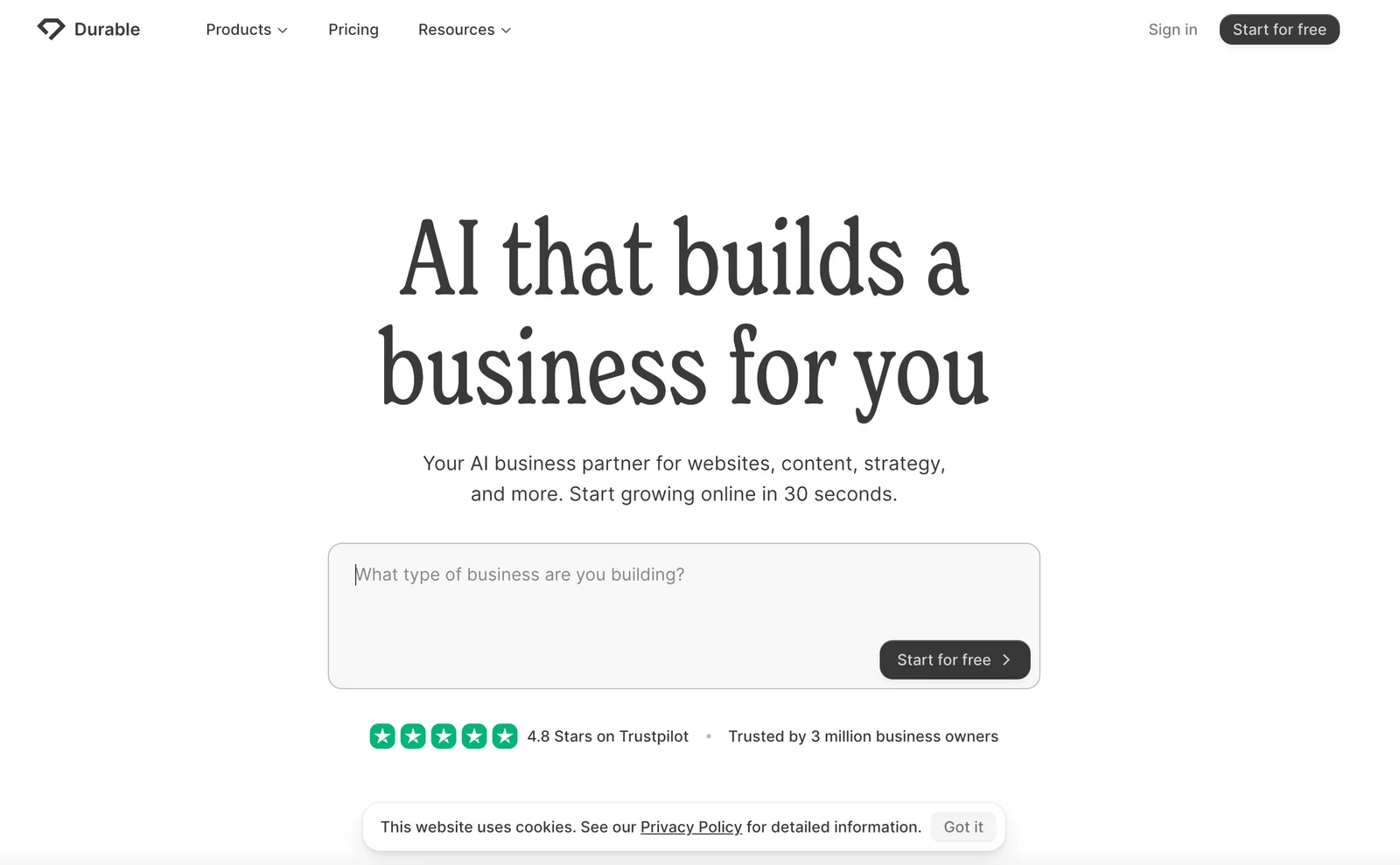
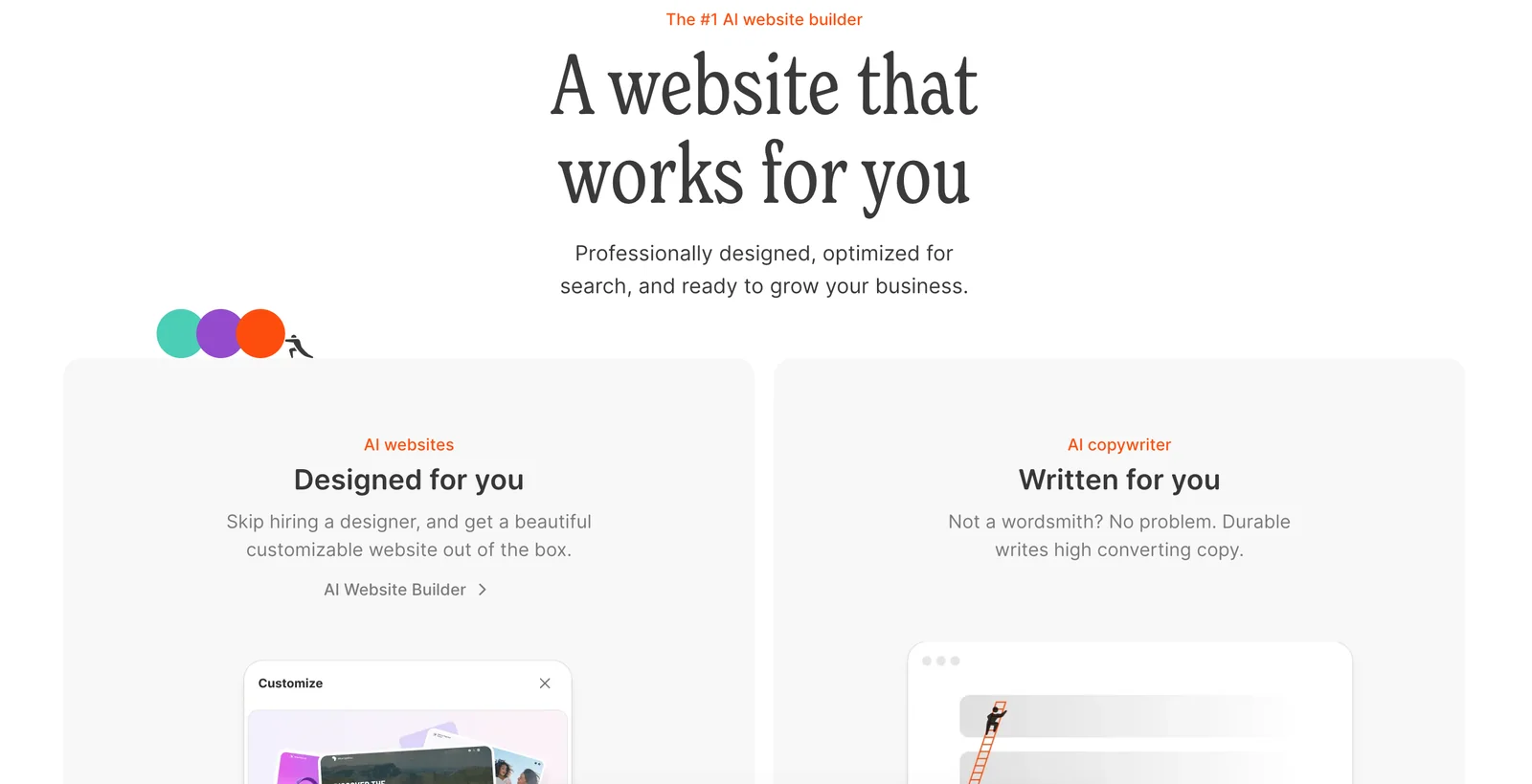
Durable is an all-in-one small-business platform that generates a functional website in seconds and pairs it with built-in business tools. The product combines rapid AI-driven site generation (templates, copy, and structure) with integrated marketing features, invoicing, and a lightweight CRM so business owners can launch and run an online presence and client workflows from a single app. Durable's value is speed and consolidation: it reduces the time and complexity of starting and operating a small business online by automating website creation and common operational tasks.
Screenshots
Key Features
Use Cases


Frequently asked questions about Durable
What are the pricing options for Durable?
Durable offers a variety of pricing plans tailored to different user needs. These include a free plan with limited features, a Starter plan priced between $12 and $15 per month, a Business plan at $20 to $25 per month, and a Mogul plan for $95 per month. Custom pricing is available for enterprise users.
Key Points
- Free Plan: Limited features suitable for basic users.
- Starter Plan: Affordable option for individuals or small teams.
- Business & Mogul Plans: Advanced features for growing companies and enterprises.
Detailed Explanation
Durable's pricing model is designed to cater to various user requirements, ensuring that individuals and businesses can find a suitable plan:
-
Free Plan: Ideal for users wanting to test the platform without financial commitment. It includes essential features for basic project management but may lack advanced functionalities.
-
Starter Plan: Priced between $12 and $15 per month, this plan is perfect for freelancers and small teams. It offers additional features like enhanced collaboration tools and project templates that streamline workflow.
-
Business Plan: Ranging from $20 to $25 per month, this plan is designed for growing teams needing more robust project management solutions. It includes advanced analytics, integrations, and priority support.
-
Mogul Plan: At $95 per month, this plan is tailored for larger organizations requiring comprehensive features and dedicated support. It includes custom workflows and scalability options to accommodate larger teams.
-
Custom Pricing: For enterprise users, Durable provides custom pricing plans to fit specific business needs, ensuring they have access to tailored solutions and dedicated customer support.
Best Practices / Tips
- Evaluate Your Needs: Before selecting a plan, assess your project management requirements to choose the most cost-effective option.
- Utilize the Free Plan: Take advantage of the free plan to familiarize yourself with Durable's features before committing financially.
- Plan for Growth: If you anticipate growth, consider starting with the Business or Mogul plans for scalability and advanced features.
Additional Resources
- Durable Pricing Page - For the most current pricing information.
- Durable Features Overview - Explore the features included in each plan.
- Customer Support - Access help and resources for any questions or issues.
How do I use Durable to create my website?
To create your website using Durable, sign up for an account, choose a template, and customize it with the visual editor. You can generate a complete website in approximately 30 seconds and publish it on a subdomain or your custom domain.
Key Points
- Quick Setup: Generate a website in about 30 seconds.
- Template Selection: Choose from various customizable templates.
- Publishing Options: Publish on a subdomain or use your custom domain.
Detailed Explanation
Creating a website with Durable involves a few simple steps:
-
Sign Up: Visit the Durable website and create an account. You’ll need to provide basic information like your email and password.
-
Choose a Template: Once logged in, browse through the available templates. Durable offers a variety of designs tailored for different industries, such as portfolios, blogs, and business sites. Selecting the right template is crucial as it sets the foundation for your website's look and feel.
-
Customize Your Site: Use the visual editor to personalize your website. You can modify text, images, colors, and layouts with a user-friendly drag-and-drop interface. This flexibility allows you to create a unique site without any coding knowledge.
-
Preview Your Website: Before publishing, take advantage of the preview feature to see how your site will appear on both desktop and mobile devices. Ensure that all elements are aligned and functioning as expected.
-
Publish Your Website: After finalizing your changes, you can publish your site. Durable allows you to choose between a free subdomain (e.g., yoursite.durable.co) or connecting a custom domain that you own for a more professional appearance.
Best Practices / Tips
- Select the Right Template: Ensure the template aligns with your brand and purpose. A well-suited design enhances user experience.
- Optimize for SEO: Use relevant keywords in your content, including headings and image alt texts, to improve search engine visibility.
- Regular Updates: Keep your site content fresh by regularly updating information, blogs, or portfolio pieces to engage visitors and enhance SEO.
- Mobile Optimization: Test your website on various devices to ensure a responsive design. Most users browse on mobile, so a mobile-friendly site is essential.
- Connect Analytics: Integrate tools like Google Analytics to monitor traffic and user behavior, helping you make informed adjustments.
Additional Resources
What features does Durable offer for small businesses?
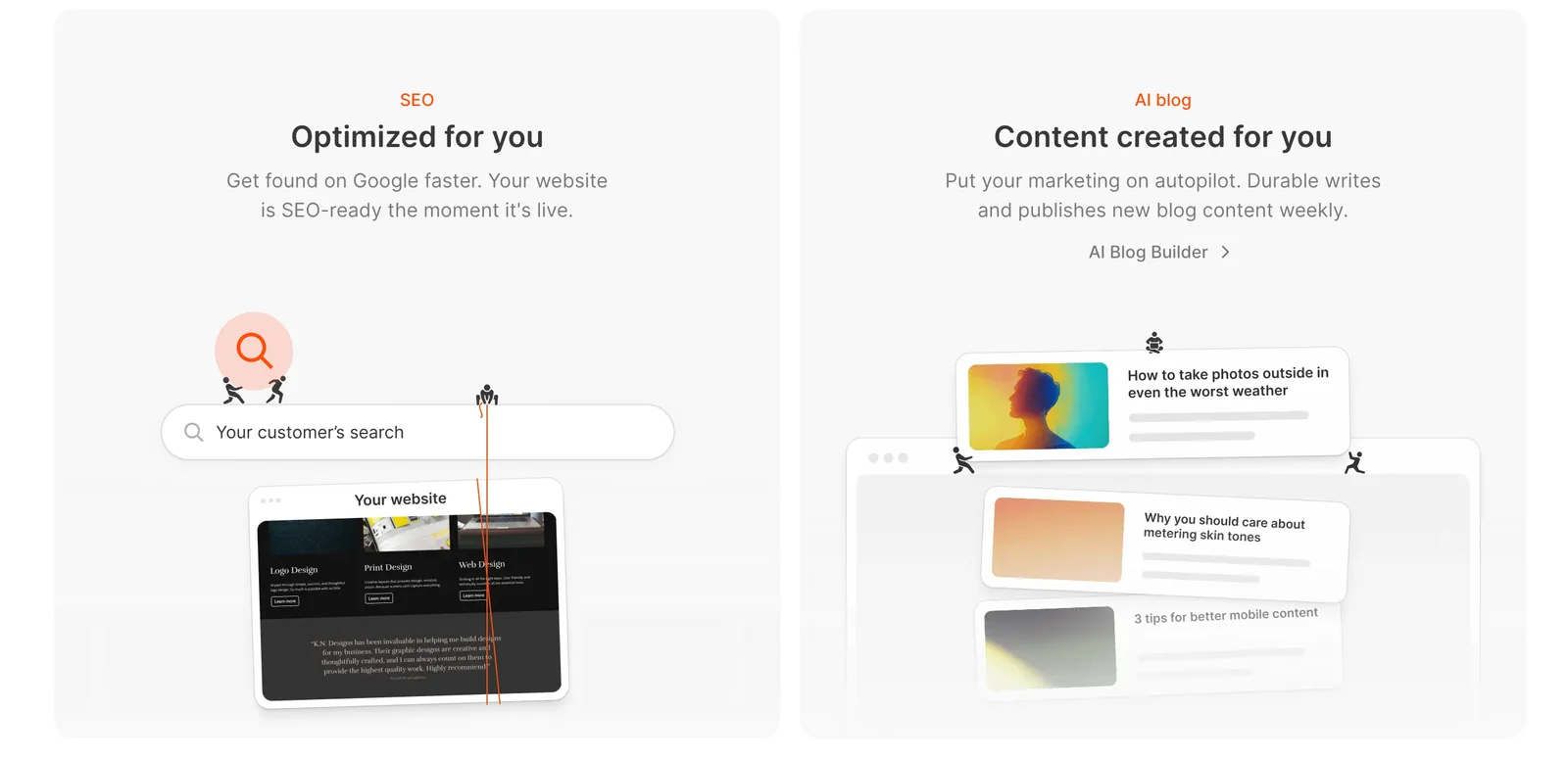
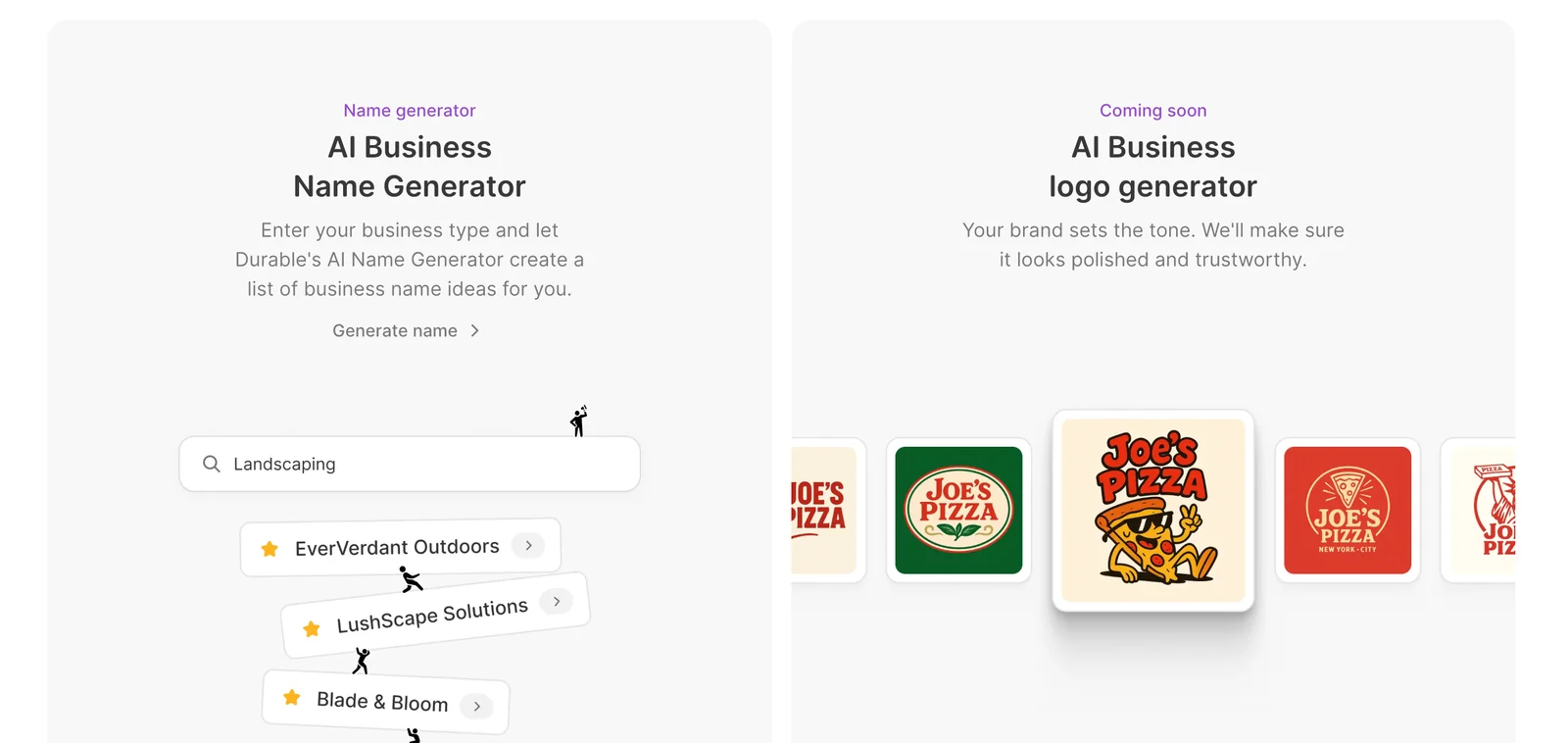
Durable offers small businesses a robust suite of features, including an AI website generator, integrated marketing tools, invoicing capabilities, and a lightweight CRM for managing leads. Additionally, it supports blog creation and SEO optimization, enhancing online visibility and driving customer engagement.
Key Points
- AI Website Generator: Quickly creates professional websites.
- Integrated Marketing Tools: Streamlines marketing campaigns.
- Invoicing and CRM: Efficiently manages finances and customer relationships.
Detailed Explanation
Durable's AI website generator allows small businesses to build custom websites in minutes, leveraging artificial intelligence to suggest layouts, content, and design elements tailored to the brand’s identity. This feature is particularly beneficial for small business owners without technical expertise, saving both time and costs associated with hiring web developers.
The integrated marketing tools offered by Durable facilitate email marketing, social media management, and campaign tracking—all in one platform. For instance, users can design email newsletters and track their performance to optimize engagement. This comprehensive approach ensures that small businesses can effectively reach their target audience and convert leads into customers.
Durable's invoicing capabilities simplify financial management, allowing businesses to create and send invoices directly through the platform. Users can customize invoices, track payments, and manage overdue accounts effortlessly. The lightweight CRM included in Durable helps businesses keep track of leads and customer interactions, ensuring timely follow-ups and fostering stronger relationships.
Moreover, Durable supports blog creation and SEO optimization, which are crucial for increasing online visibility. With built-in SEO tools, businesses can optimize their content for search engines, driving organic traffic to their websites. For instance, users can easily add meta tags, optimize images, and improve site speed—factors that significantly enhance search rankings.
Best Practices / Tips
- Utilize Templates: Take advantage of Durable’s pre-designed templates for websites and emails to save time.
- Regularly Update Content: Keep your blog fresh and relevant by posting consistently; this improves SEO and keeps customers engaged.
- Monitor Analytics: Use the analytics tools within Durable to track marketing campaign performance and make data-driven decisions.
Additional Resources
How does Durable compare to other website builders?
Durable distinguishes itself from other website builders by offering a rapid 30-second website generation feature alongside integrated invoicing and customer relationship management (CRM) tools. This combination provides a more efficient, all-in-one solution tailored for small businesses, unlike traditional builders that often necessitate multiple services.
Key Points
- Rapid Website Creation: Generate a website in just 30 seconds.
- Integrated Tools: Combines invoicing and CRM features in one platform.
- Small Business Focus: Tailored solutions that cater specifically to the needs of small businesses.
Detailed Explanation
Durable's unique selling proposition lies in its speed and efficiency. The 30-second website creation means that users can have a functional site live in less than a minute, which is a game-changer for entrepreneurs who need to launch quickly. This is particularly beneficial for small businesses that may not have extensive technical skills or resources.
-
User-Friendly Interface: Durable employs an intuitive drag-and-drop interface, making it easy for anyone to customize their website without needing coding knowledge. Users can select from various templates and personalize them to fit their brand.
-
Integrated Business Tools: Unlike many traditional website builders that focus solely on design, Durable integrates essential business tools. Users can manage invoicing, track client interactions, and maintain customer relationships—all from a single platform. This eliminates the need to juggle multiple applications, thereby streamlining operations.
-
Cost-Effective Solution: Durable often offers competitive pricing compared to other builders, which may require additional costs for third-party integrations. This all-in-one approach not only saves time but also reduces operational costs for small businesses.
-
SEO-Friendly Features: Durable includes built-in SEO tools, allowing users to optimize their website for search engines easily. This feature is crucial as it helps small businesses improve their online visibility without needing extensive SEO knowledge.
Best Practices / Tips
- Take Advantage of Templates: Use Durable’s pre-built templates to create a professional-looking site quickly.
- Utilize Integrated Tools: Leverage the invoicing and CRM features fully to enhance your customer management processes.
- Optimize for SEO: Regularly update your content and utilize Durable's SEO tools to improve your ranking in search engine results.
- Regular Backups: Ensure you regularly back up your website to prevent data loss.
Additional Resources
Does Durable have an API for integrations?
Durable does not have a publicly available API for integrations, but it does offer custom integrations tailored for enterprise clients. For specific integration requirements, it is advisable to contact Durable directly to explore available options and solutions that meet your business needs.
Key Points
- Durable lacks a public API for general use.
- Custom integrations are available for enterprise clients.
- Direct communication with Durable is recommended for specific integration inquiries.
Detailed Explanation
Durable's approach to integrations focuses primarily on customized solutions rather than a standard API. This means that while individual users or small businesses may not have access to a public API, larger enterprises can negotiate specific integration options tailored to their operational needs.
For businesses looking to integrate Durable into their existing systems, reaching out to Durable's customer support or sales team is essential. They can provide information on how to initiate the process, the types of integrations available, and any associated costs. It’s also worth discussing the specific platforms or systems you wish to integrate with Durable, as this will help them provide the best solutions.
Use Cases
- E-commerce Platforms: An enterprise might want to integrate Durable with their e-commerce system to automate order processing.
- CRM Systems: Companies may seek to link Durable with their CRM software for seamless client management.
- Marketing Tools: Integrating Durable with marketing automation platforms can enhance campaign effectiveness.
Best Practices / Tips
- Contact Support: Always reach out to Durable's support for personalized integration options.
- Define Your Needs: Before contacting Durable, clearly outline your integration requirements to facilitate better communication.
- Explore Alternatives: If the custom integration does not meet your needs, consider looking into other AI tools that offer open APIs for broader compatibility.
Additional Resources
Explore more AI Ai Agents tools
Browse all Ai Agents tools →Browse by use case: Automation & Productivity
Compare Durable: vs Scout by Fini · vs Ruflo · vs Harness² · vs The New Beings