

DeeVid AI
AIGenerate professional-quality videos from text, image, or video prompts in about one minute.
DeeVid AI
Generate professional-quality videos from text, image, or video prompts in about one minute.
About DeeVid AI
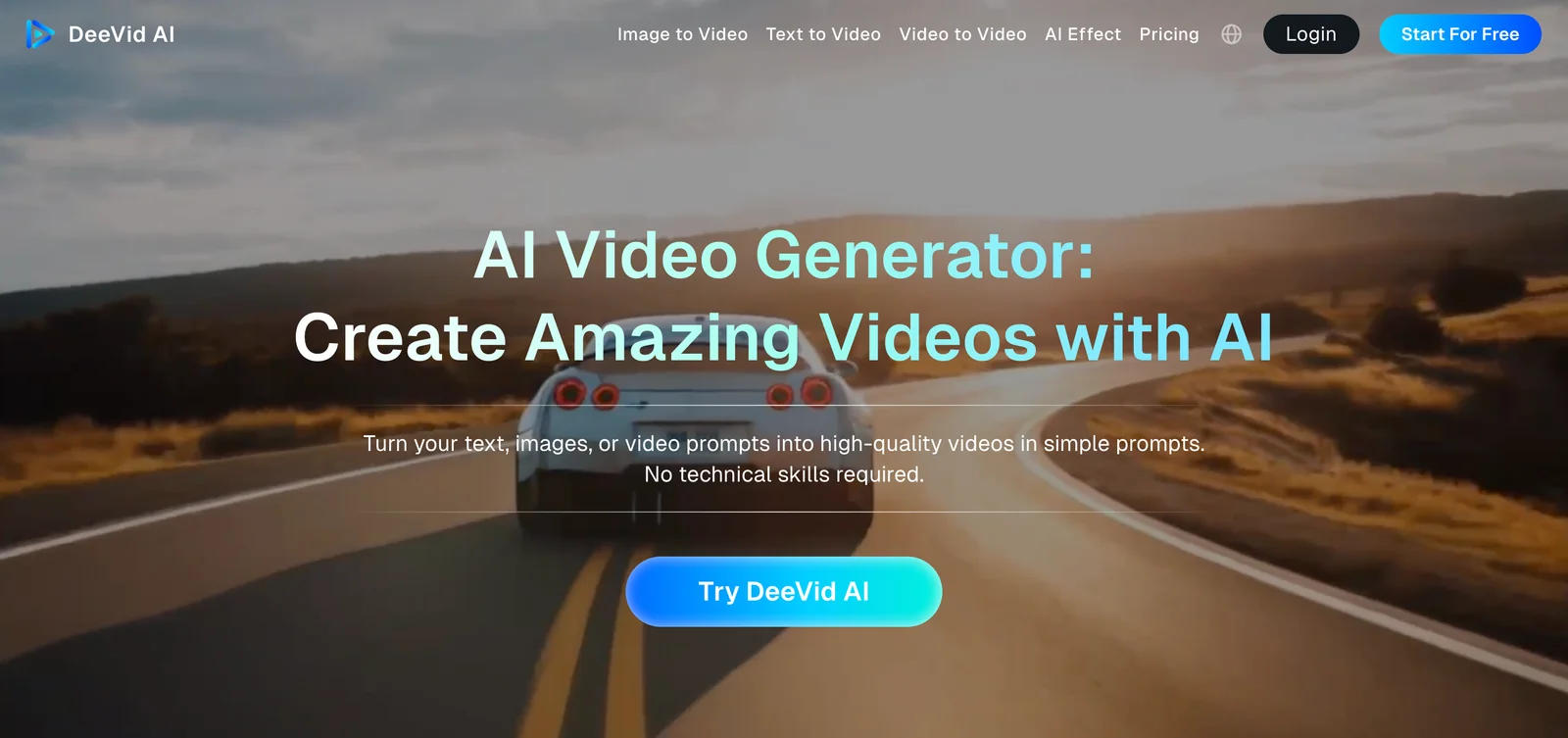
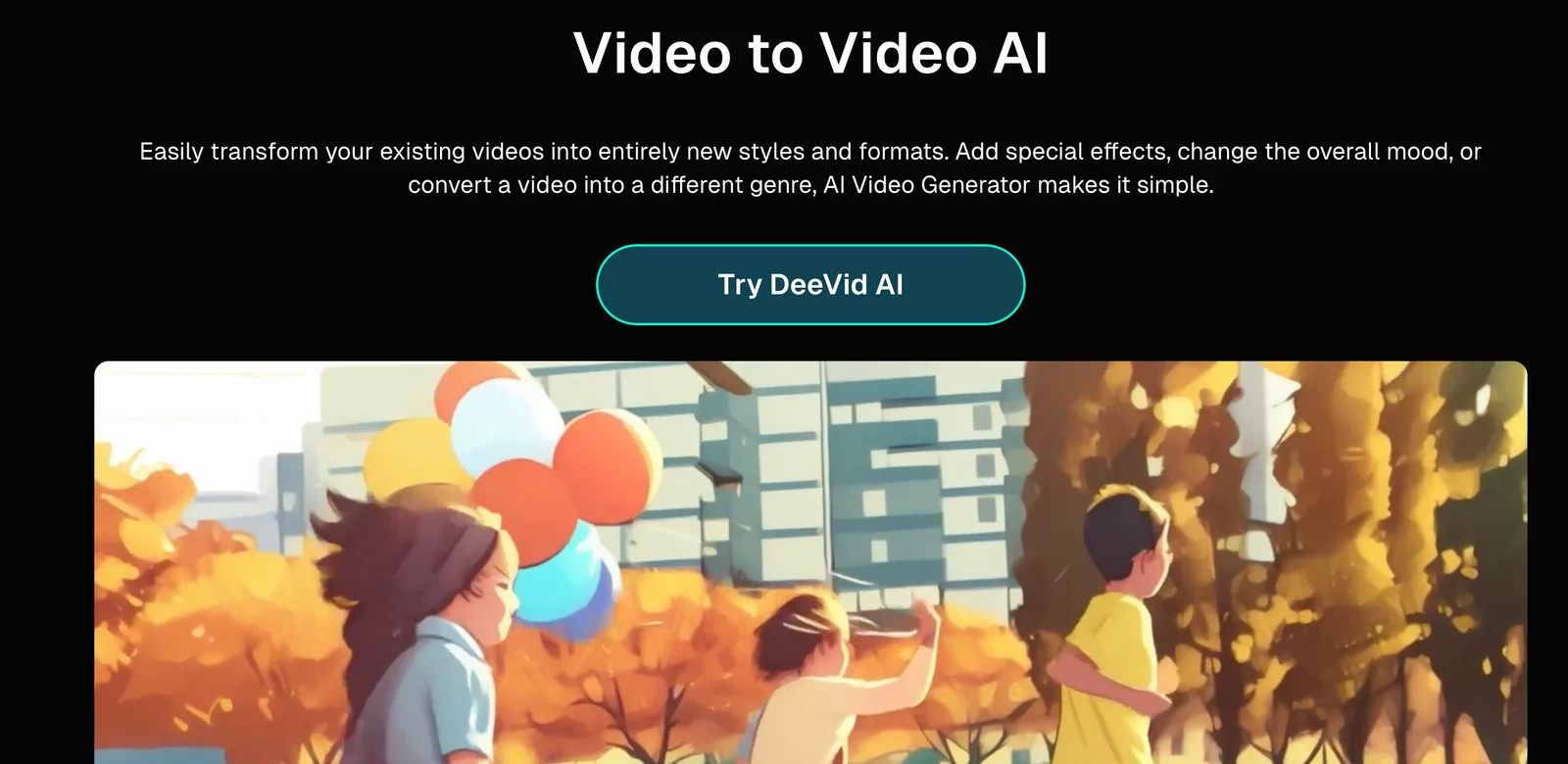
DeeVid AI is a web-based video generation platform that transforms text, image, or existing video prompts into finished video content quickly. It emphasizes fast production — claiming minute-scale generation — while offering advanced animation and motion controls such as smooth transitions and dynamic camera movement. The tool targets creators and marketers who need rapid, professional-looking videos from simple prompts and provides presets and editing controls to refine style and motion.
Screenshots

Key Features
Use Cases



Frequently asked questions about DeeVid AI
What are the pricing options for DeeVid AI?
DeeVid AI offers three main pricing tiers: Standard at $10–$14 per month, Pro at $35 per month, and Premium at $159 per month. Additionally, a trial option is available for users to test the service with limited credits before committing to a subscription.
Key Points
- Standard Plan: $10–$14/month
- Pro Plan: $35/month
- Premium Plan: $159/month
- Trial Option: Limited credits for testing
Detailed Explanation
DeeVid AI's pricing is designed to cater to various user needs, from casual users to professional content creators.
-
Standard Plan ($10–$14/month): Ideal for individuals or small businesses, this plan provides essential features for video creation and editing. Users can expect basic editing tools and a limited number of video renders.
-
Pro Plan ($35/month): This tier is tailored for more serious content creators who need advanced features. It includes unlimited video renders, additional editing tools, and priority customer support, making it suitable for professionals looking to enhance their workflow.
-
Premium Plan ($159/month): Targeted at enterprises or high-volume users, this plan offers all features from the Pro Plan, plus additional benefits such as team collaboration tools and advanced analytics to track video performance.
-
Trial Option: DeeVid AI also provides a trial period, allowing potential customers to explore the platform's capabilities with limited credits. This is a great way to evaluate whether the service meets your needs before committing to a paid plan.
Best Practices / Tips
- Choose the Right Plan: Assess your needs carefully to select the plan that fits your requirements. If you are just starting, the Standard Plan might be sufficient.
- Utilize the Trial Option: Make the most of the trial period to familiarize yourself with the interface and features. Experiment with different tools to see what works best for your projects.
- Monitor Usage: Keep track of your usage, especially if you're on the Standard Plan, to avoid any unexpected charges or limits.
Additional Resources
How can I generate videos using DeeVid AI?
To generate videos using DeeVid AI, input your text, images, or video prompts into the web-based interface. The platform quickly produces a professional-quality video in approximately one minute, making it an efficient tool for content creators and marketers seeking quick video solutions.
Key Points
- User-Friendly Interface: DeeVid AI's web-based platform is intuitive, requiring no technical expertise.
- Fast Video Production: Generate high-quality videos in about one minute.
- Diverse Input Options: Use text, images, or video prompts to create customized content.
Detailed Explanation
DeeVid AI is designed to streamline the video creation process, catering primarily to content creators, marketers, and businesses wanting to enhance their digital presence. Here’s how to generate videos using DeeVid AI:
- Access the Platform: Go to the DeeVid AI website and create an account or log in if you already have one.
- Input Your Prompts: Choose your video format and enter your text, upload images, or provide existing video clips. The platform supports various multimedia inputs which allow for flexibility in video creation.
- Customize Your Video: Utilize the editing features to adjust elements like text overlays, transitions, and audio. This customization helps align the video with your brand's identity.
- Preview and Finalize: Before finalizing, preview your video to ensure it meets your expectations. Make any necessary adjustments.
- Download or Share: Once satisfied, download your video in high quality or share it directly to social media platforms.
For example, a marketing team could input promotional text along with product images to create an engaging advertisement video suitable for social media campaigns.
Best Practices / Tips
- Keep Text Concise: Use brief and impactful text prompts to maintain viewer engagement.
- High-Quality Images: Upload clear and high-resolution images to enhance video quality.
- Utilize Keywords: Incorporate relevant keywords in your text prompts to boost SEO and visibility when sharing videos online.
- Test Different Formats: Experiment with various input combinations to discover which produces the most effective video content.
Additional Resources
What features does DeeVid AI offer compared to other video generation tools?
DeeVid AI stands out from other video generation tools with its unique features such as advanced text-to-video conversion, seamless image animation, and an impressive one-minute rendering time. These capabilities enhance both production speed and video quality, making DeeVid AI an efficient choice for creators and marketers alike.
Key Points
- Text-to-Video Conversion: Transforms written scripts into engaging videos automatically.
- Image Animation: Enhances static images by adding motion, making videos more dynamic.
- One-Minute Rendering: Allows rapid video production, significantly reducing project turnaround time.
Detailed Explanation
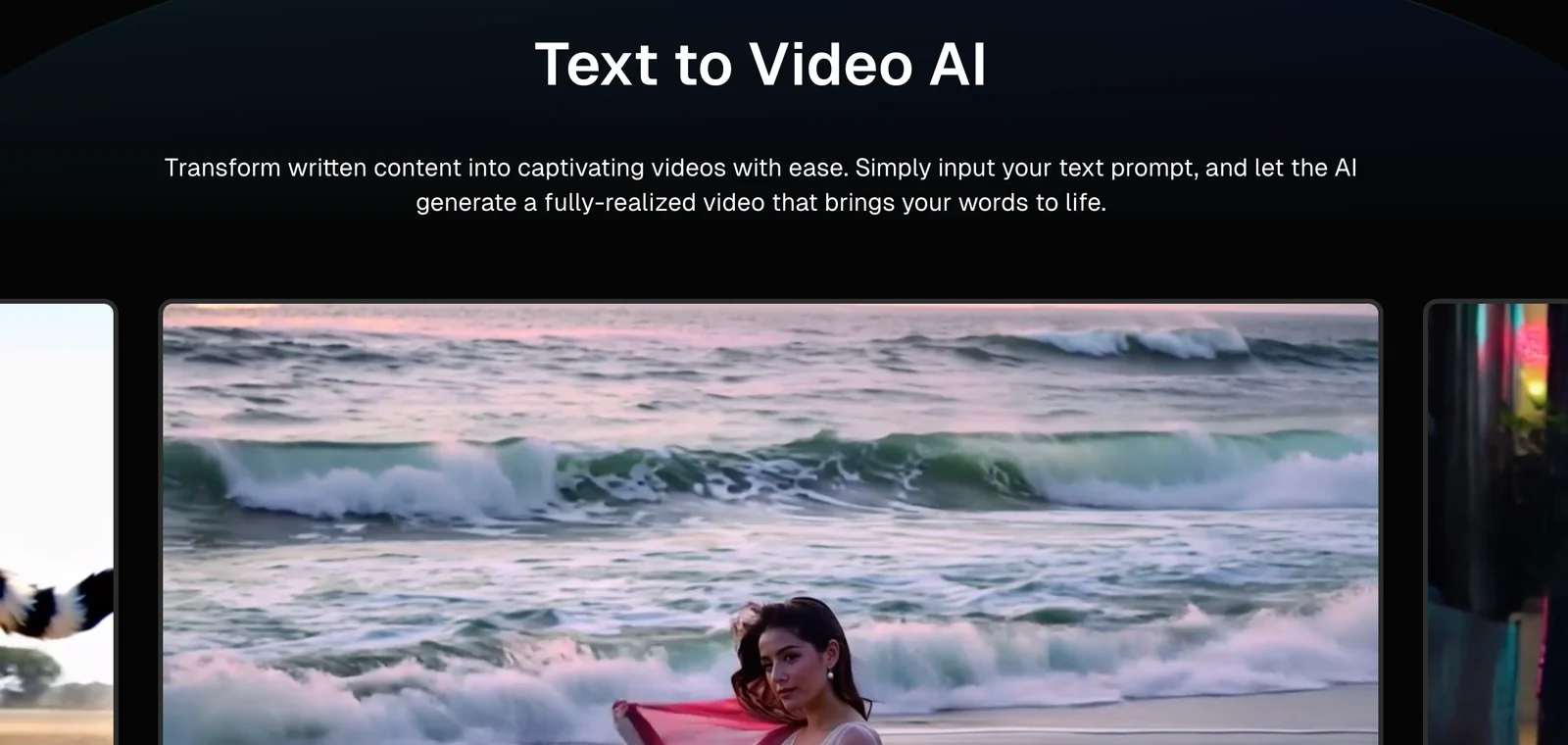
DeeVid AI's text-to-video conversion feature enables users to input scripts or narratives, which the tool then transforms into visually appealing videos. This is particularly useful for marketers creating promotional content or educators developing instructional materials. For example, a blog post can be converted into a video summary, maximizing reach and engagement.
The image animation feature takes your static visuals and animates them, providing an eye-catching element to your videos. This is ideal for businesses looking to create compelling visual content, such as product showcases or social media clips. By incorporating animations, you can significantly enhance your storytelling and captivate your audience.
Additionally, DeeVid AI's rapid one-minute rendering capability means you can produce high-quality videos in a fraction of the time it might take with other tools. This is especially beneficial for those working under tight deadlines or needing to produce multiple videos quickly, such as during a marketing campaign.
Best Practices / Tips
- Script Optimization: Ensure your scripts are concise and engaging to maximize the effectiveness of the text-to-video conversion.
- Utilize Image Animation: Incorporate relevant images and use the animation feature to keep viewers engaged. Animated images can help explain complex topics more clearly.
- Plan Ahead: Take advantage of the one-minute rendering time by planning your video content in advance. This will help you streamline your production process.
Additional Resources
By leveraging these features effectively, DeeVid AI allows users to create high-quality video content efficiently and creatively.
Does DeeVid AI provide an API for integration?
Currently, DeeVid AI does not provide an API for integration, as there are no explicit mentions of such on their official website. For the most accurate and detailed technical information, it is advisable to check their support page directly.
Key Points
- DeeVid AI lacks an official API for integration.
- No documented API features on the website.
- Users can find support resources for further inquiries.
Detailed Explanation
DeeVid AI, known for its advanced video editing capabilities powered by artificial intelligence, currently does not offer an Application Programming Interface (API). An API is a set of protocols that allows different software applications to communicate with each other, enabling seamless integration. Unfortunately, as of now, there are no resources or documentation available on the DeeVid AI website that indicates the existence of such a feature.
If you are looking for integration options, it may be worthwhile to explore other tools that complement DeeVid AI’s functionalities. For instance, many users seek to integrate video editing software with content management systems (CMS) or social media platforms for enhanced workflow efficiency.
Use Cases
- Workflow Automation: If you use other video editing tools that provide APIs, consider how they can work alongside DeeVid AI to streamline your video production process.
- Enhanced User Experience: For businesses, integrating analytics tools can help assess the effectiveness of video content created via DeeVid AI.
Best Practices / Tips
- Stay Updated: Regularly check DeeVid AI’s official website or support channels for any updates regarding API availability.
- Explore Alternatives: If API integration is crucial for your business, consider exploring other AI video editing platforms that do offer robust APIs.
- Community Engagement: Join forums or user groups focused on DeeVid AI to exchange insights with other users about potential integration solutions.
Additional Resources
- DeeVid AI Support Page - For the latest updates and technical support.
- AI Video Editing Tools Comparison - A resource for comparing different video editing applications and their features.
What is the maximum resolution I can export videos from DeeVid AI?
DeeVid AI allows users to export videos in a maximum resolution of 1080p, depending on the chosen subscription plan. The Premium plan provides the highest quality and fastest export speeds, making it ideal for professional video creators seeking optimal performance and features.
Key Points
- Maximum export resolution is 1080p.
- Premium plan offers the best features and speeds.
- Resolution may vary based on subscription level.
Detailed Explanation
DeeVid AI is designed to cater to a variety of users, from casual creators to professional videographers. The maximum resolution for video exports is 1080p, which provides excellent quality suitable for online platforms like YouTube and social media.
Subscription Plans
- Free Plan: Offers basic features with limited export options, typically at lower resolutions.
- Standard Plan: Increases the export capabilities, allowing for 720p resolution, ideal for personal projects.
- Premium Plan: Unlocks the full potential of DeeVid AI, allowing for 1080p exports. This plan is perfect for those who need high-quality videos for marketing, presentations, or professional content creation.
Use Cases
For instance, a social media marketer may choose the Premium plan to ensure their promotional videos are crisp and clear, enhancing viewer engagement. Similarly, educators creating online courses can utilize 1080p exports to provide their students with high-quality instructional videos.
Best Practices / Tips
- Choose the Right Plan: Assess your video quality needs before selecting a subscription. If high-resolution exports are crucial, the Premium plan is worth the investment.
- Check Internet Speed: Higher resolution exports can take longer to render, so ensure you have a stable and fast internet connection for efficient uploads.
- Optimize Video Content: Focus on good lighting and sound quality during recording, as high resolution alone won’t compensate for poor production quality.
Additional Resources
Explore more AI Ai Models tools
Browse all Ai Models tools →Browse by use case: Video Generation · Automation & Productivity
Compare DeeVid AI: vs SWE-2 · vs Desert Ant Labs · vs Hy4 preview · vs Soup CLI