

DALL·E 3
AIState-of-the-art text-to-image generation model that creates high-fidelity images from prompts with ChatGPT integration and safety mitigations.
DALL·E 3
State-of-the-art text-to-image generation model that creates high-fidelity images from prompts with ChatGPT integration and safety mitigations.
About DALL·E 3
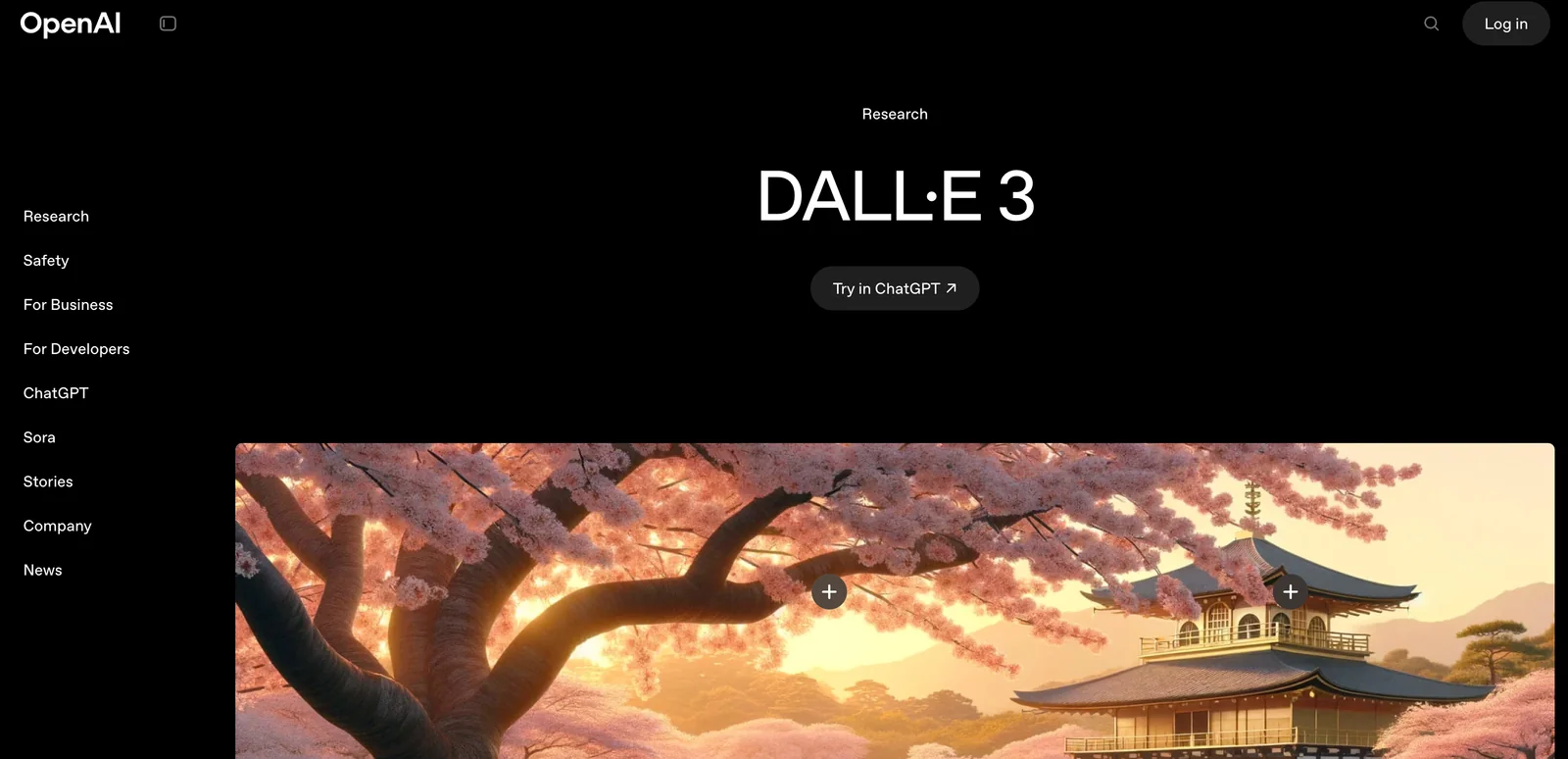
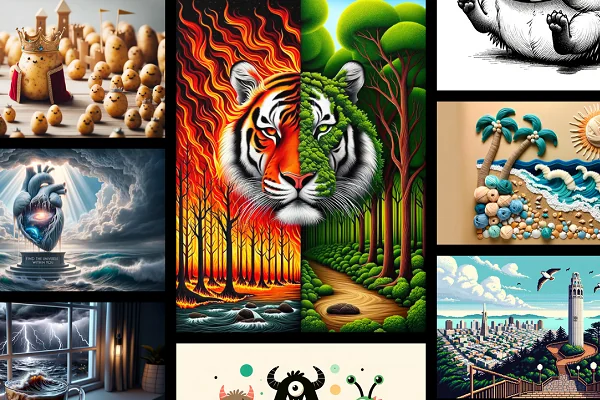
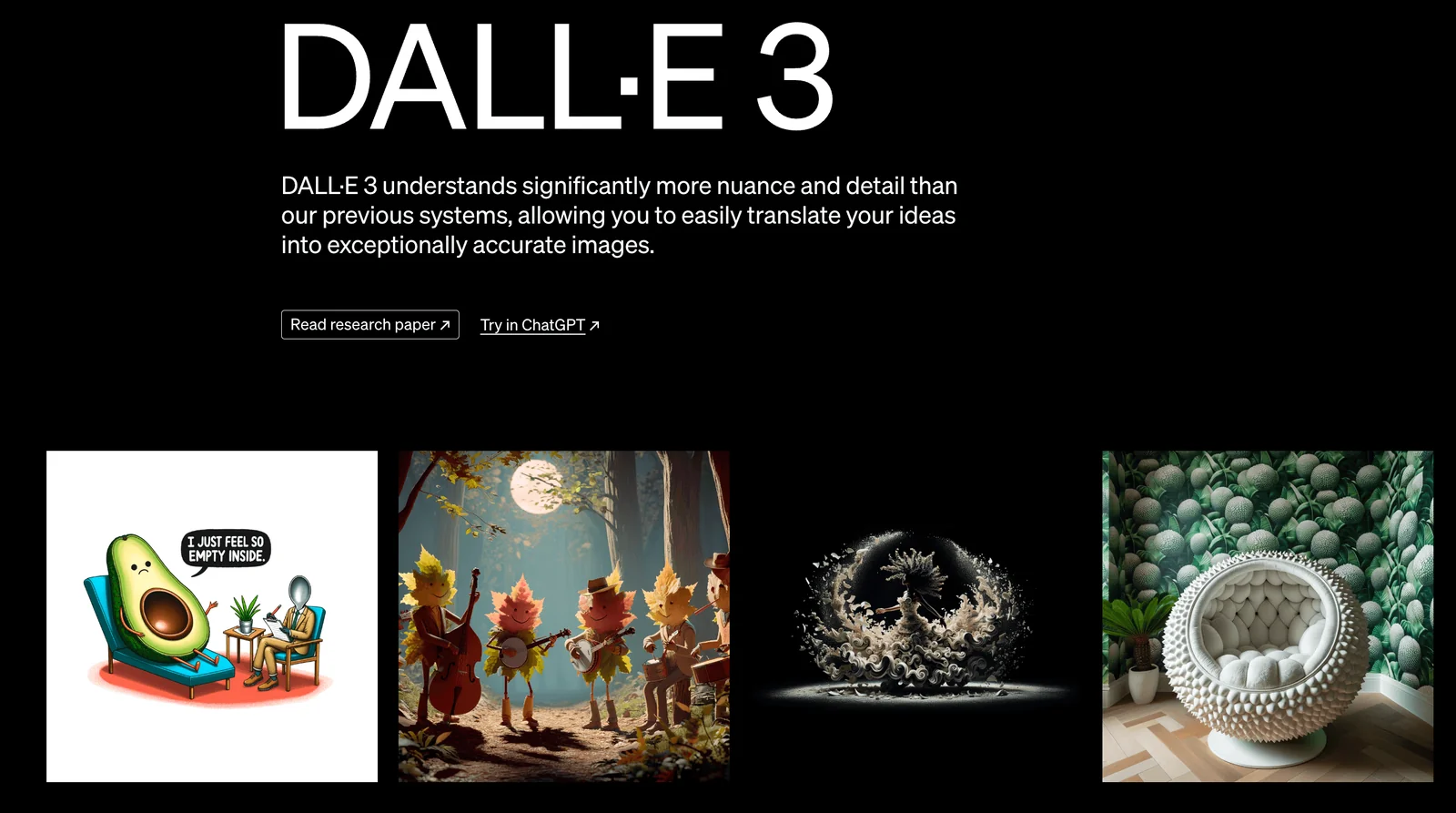
DALL·E 3 is OpenAI's latest text-to-image generation model that converts natural-language prompts into detailed, high-quality images. It tightly integrates with ChatGPT to rewrite and expand user prompts for more coherent and expressive results, and supports iterative conversational edits. DALL·E 3 introduces multiple visual styles (notably "vivid" and "natural") and expanded aspect ratios and sizes to better match use cases such as phone photos, landscapes, and cinematic renders. The model includes safety mitigations to decline problematic requests (for example direct requests naming public figures) and aims to reduce harmful biases. Images generated with DALL·E 3 are released to the creator for reuse, sale, and merchandising without needing further permission from OpenAI.
Screenshots
Key Features
Use Cases



Frequently asked questions about DALL·E 3
What are the pricing options for DALL·E 3?
DALL·E 3 features a freemium pricing model that includes a subscription option for $20/month with ChatGPT Plus, API access costing between $0.04 and $0.12 per image, and free limited use through Microsoft Bing Image Creator.
Key Points
- Subscription Model: $20/month for ChatGPT Plus.
- API Access: $0.04 to $0.12 per image.
- Free Access: Limited usage via Microsoft Bing Image Creator.
Detailed Explanation
DALL·E 3, OpenAI's advanced image generation tool, offers flexible pricing to cater to different user needs.
-
Subscription Model: For consistent access to DALL·E 3’s features, users can subscribe to ChatGPT Plus at $20 per month. This subscription provides enhanced performance, prioritized access, and the ability to generate high-quality images without additional costs per image.
-
API Access: Developers and businesses can integrate DALL·E 3 into their applications through API access. The pricing for this service ranges from $0.04 to $0.12 per image, depending on the complexity and resolution of the images generated. This tiered pricing allows users to control costs based on their specific usage requirements.
-
Free Limited Access: Users can also access DALL·E 3 for free via Microsoft Bing Image Creator. This option is ideal for casual users or those wanting to explore the tool's capabilities without committing to a subscription or incurring costs.
Best Practices / Tips
- Evaluate Your Needs: Choose the subscription or API model based on your frequency of use. If you're a casual user, the free access may suffice.
- Monitor Usage: If using the API, keep track of the number of images generated to avoid unexpected charges.
- Explore Features: Utilize the full capabilities of DALL·E 3 by experimenting with different prompts and styles to maximize your subscription benefits.
Additional Resources
How do I use DALL·E 3 for image generation?
To use DALL·E 3 for image generation, sign up for ChatGPT Plus or access the OpenAI API. You can create images by inputting natural language prompts, and refine outputs through interactive adjustments in your prompts for better results.
Key Points
- Access Requirements: Sign up for ChatGPT Plus or use OpenAI API.
- Input Method: Use natural language prompts for image generation.
- Refinement Process: Adjust prompts conversationally to improve image quality.
Detailed Explanation
DALL·E 3 is an advanced AI image generator that allows users to create images from text descriptions. To begin:
-
Sign Up: Choose either the ChatGPT Plus subscription, which includes access to DALL·E 3, or use the OpenAI API. The subscription costs $20/month as of October 2023.
-
Craft Your Prompt: Start with a clear and descriptive prompt. For example, instead of saying "dog," you might say "a fluffy golden retriever playing in a sunny park." The more specific your prompt, the better the generated image will align with your vision.
-
Generate the Image: After entering your prompt, DALL·E 3 will produce several image options based on your description. This can take a few seconds.
-
Refine Your Prompt: If the initial images aren't satisfactory, interactively refine your prompt. For instance, you might specify colors, styles, or additional elements to include in the image, such as "a fluffy golden retriever with a red ball in a sunny park."
-
Download or Share: Once you're satisfied with an image, you can download it directly or share it via social media.
Best Practices / Tips
- Be Specific: Use detailed descriptions to enhance image quality. Instead of simple adjectives like "nice," opt for vivid imagery, such as "a serene mountain landscape at sunrise."
- Experiment with Styles: Incorporate artistic styles or influences in your prompts, such as "in the style of Van Gogh" or "as a pixel art character."
- Review and Iterate: Don’t hesitate to tweak your prompts multiple times until you achieve the desired result. The iterative process is key to unlocking DALL·E 3's full potential.
- Check Usage Restrictions: Be aware of the usage policies related to generated images, especially if you plan to use them commercially.
Additional Resources
What are the main features of DALL·E 3?
DALL·E 3 offers high-fidelity image generation, supports various styles and aspect ratios, allows for iterative editing through ChatGPT, and includes safety measures to minimize harmful outputs. These features enhance creativity and usability while ensuring responsible AI deployment.
Key Points
- High-Fidelity Image Generation: Produces detailed and realistic images.
- Multiple Styles and Aspect Ratios: Accommodates diverse artistic preferences and formats.
- Iterative Editing via ChatGPT: Enables users to refine images interactively.
Detailed Explanation
DALL·E 3 leverages advanced AI algorithms to generate images that are not only high in quality but also rich in detail. This capability allows users to create stunning visuals for various applications, from marketing materials to social media content.
High-Fidelity Image Generation
One of the standout features of DALL·E 3 is its ability to produce high-fidelity images. This means that images generated are crisp, clear, and visually appealing, making them suitable for professional use. For instance, a graphic designer can create a product mock-up that looks realistic enough for client presentations.
Multiple Styles and Aspect Ratios
DALL·E 3 supports a variety of artistic styles—ranging from photorealism to abstract art—allowing users to express their creativity freely. Moreover, it accommodates different aspect ratios, such as 16:9 for videos or 1:1 for social media posts, ensuring versatility in output.
Iterative Editing via ChatGPT
With the integration of ChatGPT, users can engage in iterative editing. This means that after the initial image is generated, users can provide feedback or suggest modifications—such as changing colors, adding elements, or adjusting the composition—leading to a more tailored final product. For instance, a user might start with a landscape image and request adjustments to the sky or foreground.
Safety Mitigations
DALL·E 3 incorporates safety mechanisms designed to reduce harmful outputs. This is crucial in preventing the generation of inappropriate or biased images. By implementing these safety features, OpenAI aims to foster responsible AI use, making DALL·E 3 a safer choice for creators and businesses alike.
Best Practices / Tips
- Experiment with Prompts: Use descriptive prompts to guide the AI towards your desired output. The more specific you are, the better the results.
- Utilize Iterative Feedback: Take advantage of the iterative editing feature to refine images step by step, ensuring they meet your expectations.
- Stay Informed on Safety Features: Familiarize yourself with the safety mitigations in place to understand how to use the tool responsibly.
Additional Resources
How does DALL·E 3 compare to other AI image generators?
DALL·E 3 stands out among AI image generators due to its ability to produce high-fidelity images and facilitate conversational editing. While it offers advanced features, users may encounter limitations regarding free access and the number of images generated compared to other platforms.
Key Points
- High-Fidelity Outputs: DALL·E 3 creates remarkably detailed and realistic images.
- Conversational Editing: Users can interactively refine images through natural language commands.
- Access Limitations: Free usage and image generation capacity may be restricted compared to competitors.
Detailed Explanation
DALL·E 3, developed by OpenAI, is a significant advancement in AI image generation. It leverages advanced neural networks to generate images from textual descriptions, producing outputs that often exceed the quality of its predecessors and competitors.
High-Fidelity Outputs
DALL·E 3 is designed to generate images with intricate details and a high level of realism. For instance, if you ask for "a serene beach at sunset with palm trees," the output will feature vivid colors, realistic shadows, and accurate representations of the requested elements. This level of detail makes it suitable for professional use in marketing, design, and entertainment.
Conversational Editing
One of the standout features of DALL·E 3 is its conversational editing capability. Users can iterate on images by providing feedback in natural language. For example, after generating an image, you can say, “Make the ocean more turbulent,” and DALL·E 3 will adjust the image accordingly. This interactive approach simplifies the creative process and allows for more personalized results.
Access Limitations
Despite its advantages, DALL·E 3 also faces certain limitations. Free access may be restricted, meaning users might need to subscribe or pay for additional features or higher image generation capacity. Competitors like Midjourney and Stable Diffusion often offer more accessible pricing models or free tiers with fewer restrictions, which could be a significant consideration for casual users.
Best Practices / Tips
- Experiment with Prompts: To get the best results, use descriptive and specific prompts. The more detail you provide, the better the output will be.
- Iterate: Don’t hesitate to refine your images through conversational editing. This feature enhances creativity and accuracy.
- Check Usage Limits: Be aware of the limits on free usage and plan your projects accordingly to avoid unexpected costs.
Additional Resources
What are the technical requirements for integrating DALL·E 3 API?
Integrating the DALL·E 3 API requires an OpenAI account, access to the API endpoints, and familiarity with programming languages such as Python, JavaScript, or Ruby. It is also compatible with Azure OpenAI Service for scalable deployments and robust performance.
Key Points
- OpenAI Account: You need to create an OpenAI account to access the DALL·E 3 API.
- API Endpoints: Familiarity with the API endpoints is essential for integration.
- Programming Language Support: Supports multiple programming languages for versatility.
Detailed Explanation
To successfully integrate the DALL·E 3 API, follow these steps:
-
Create an OpenAI Account: Go to the OpenAI website and register for an account. You will need to verify your email and possibly provide payment information if you opt for a paid plan.
-
Obtain API Keys: Once your account is active, navigate to the API section in your account dashboard. Here, you can generate API keys that are necessary for authentication when making requests to the DALL·E 3 API.
-
Choose Your Programming Language: The DALL·E 3 API supports several programming languages. Python is highly recommended due to its extensive libraries and community support. However, you can also use JavaScript or Ruby based on your project requirements.
Example code snippet for Python integration:
import openai openai.api_key = 'your-api-key' response = openai.Image.create( prompt="A futuristic city skyline", n=1, size="1024x1024" ) image_url = response['data'][0]['url'] print(image_url) -
Understand the API Endpoints: Familiarize yourself with the available endpoints. The most commonly used endpoint for DALL·E 3 is the
/images/generationsendpoint, which allows you to generate images based on text prompts. -
Deploy on Azure (Optional): If you're looking for scalability, you can deploy your application on Azure using the Azure OpenAI Service. This setup can enhance performance and provide additional features like monitoring and analytics.
Best Practices / Tips
- Rate Limits: Be aware of the API rate limits set by OpenAI to avoid service disruptions. Check the documentation for specifics.
- Error Handling: Implement robust error handling in your code to manage API errors gracefully.
- Optimize Prompts: Crafting effective prompts is crucial for generating high-quality images. Experiment with different styles and descriptors to achieve the desired results.
- Secure Your API Key: Keep your API key secure and do not expose it in public repositories.
Additional Resources
Explore more AI Ai Models tools
Browse all Ai Models tools →Browse by use case: Image Generation
Compare DALL·E 3: vs Mouse-1 · vs Milliseconds.ai · vs SWE-2 · vs Desert Ant Labs