

Cutout.pro
AIAll-in-one visual design platform for AI-powered photo and video editing, background removal, restoration, and content generation.
Cutout.pro
All-in-one visual design platform for AI-powered photo and video editing, background removal, restoration, and content generation.
About Cutout.pro
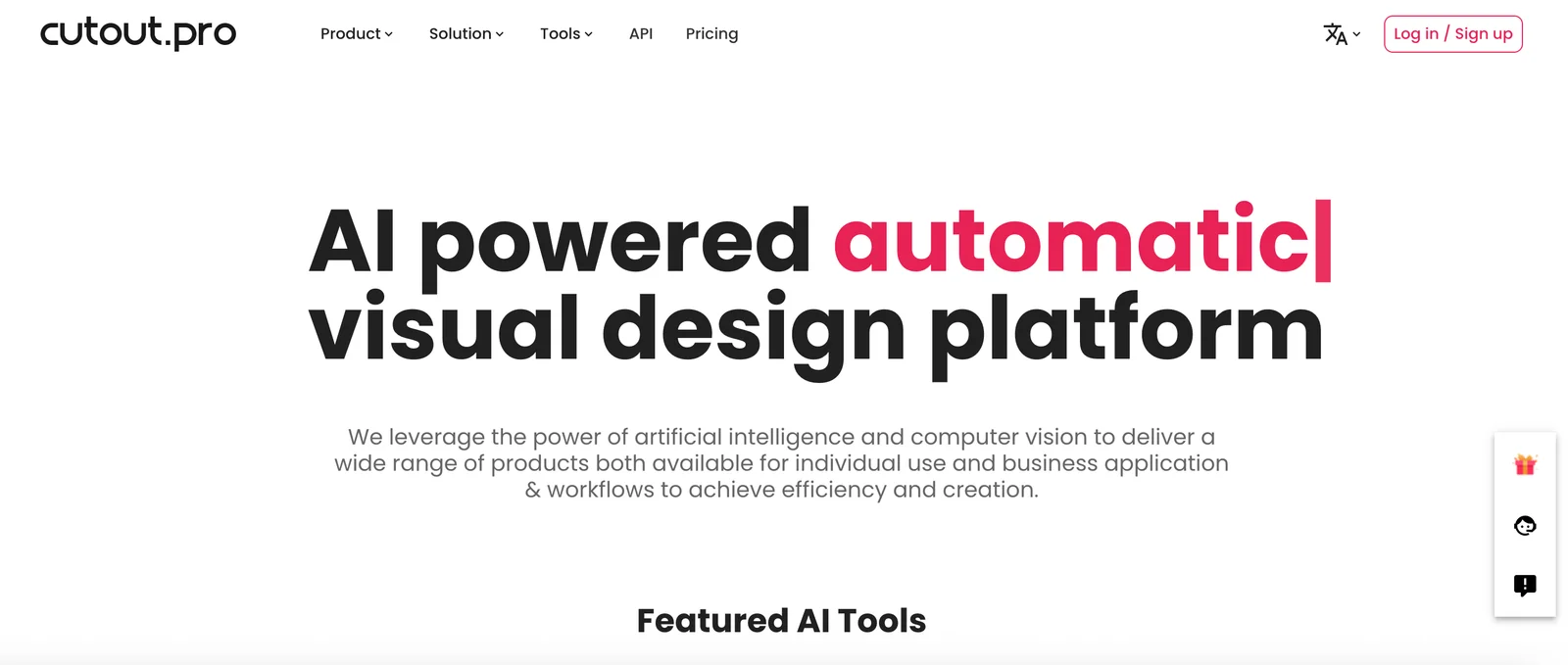
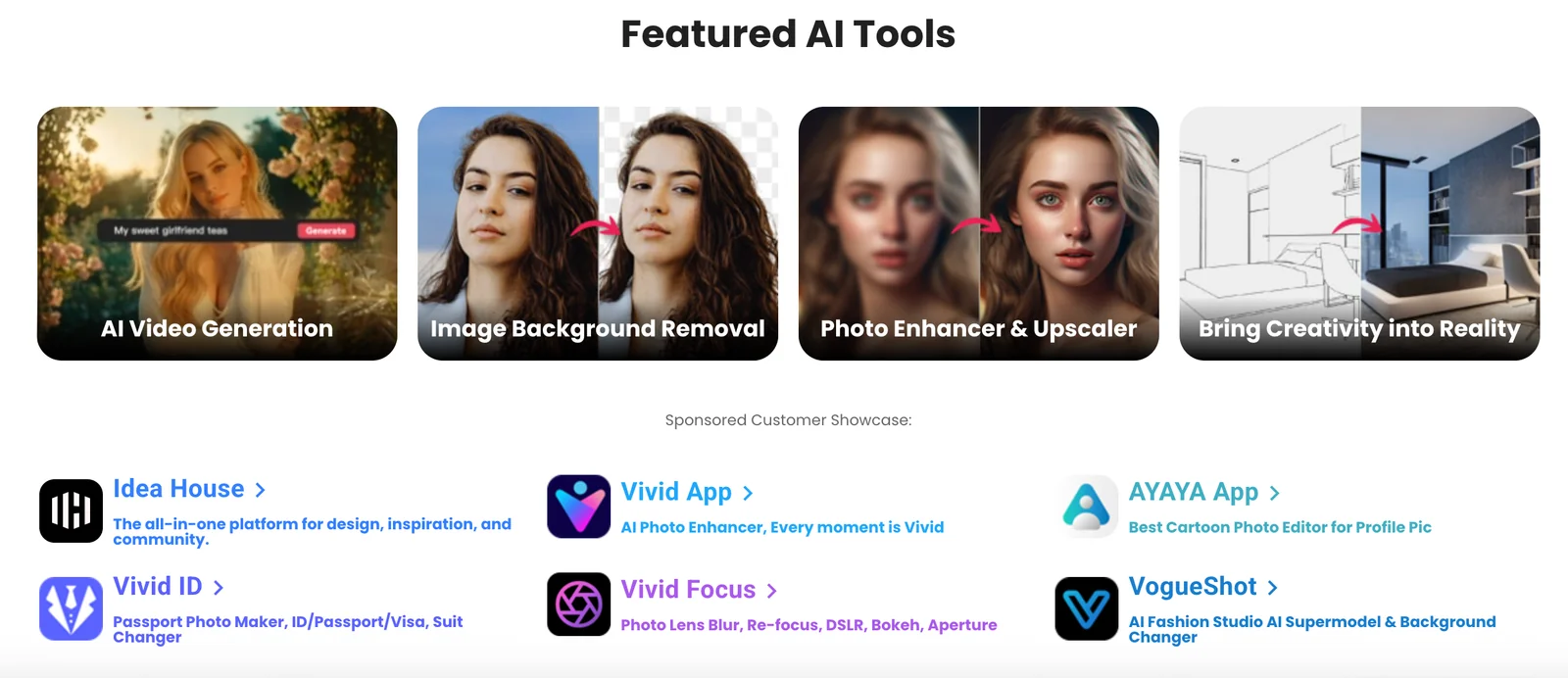
Cutout.pro is a visual content platform that leverages computer vision and machine learning to automate photo and video editing workflows. It provides one-click background removal, image restoration, upscaling, and graphic/content generation through both a web interface and developer APIs, plus downloadable desktop tools. The platform targets creators, marketers, and developers by combining automated batch processing, editable templates, and integration endpoints to accelerate production of marketing assets, product photos, and restored media while minimizing manual retouching.
Screenshots
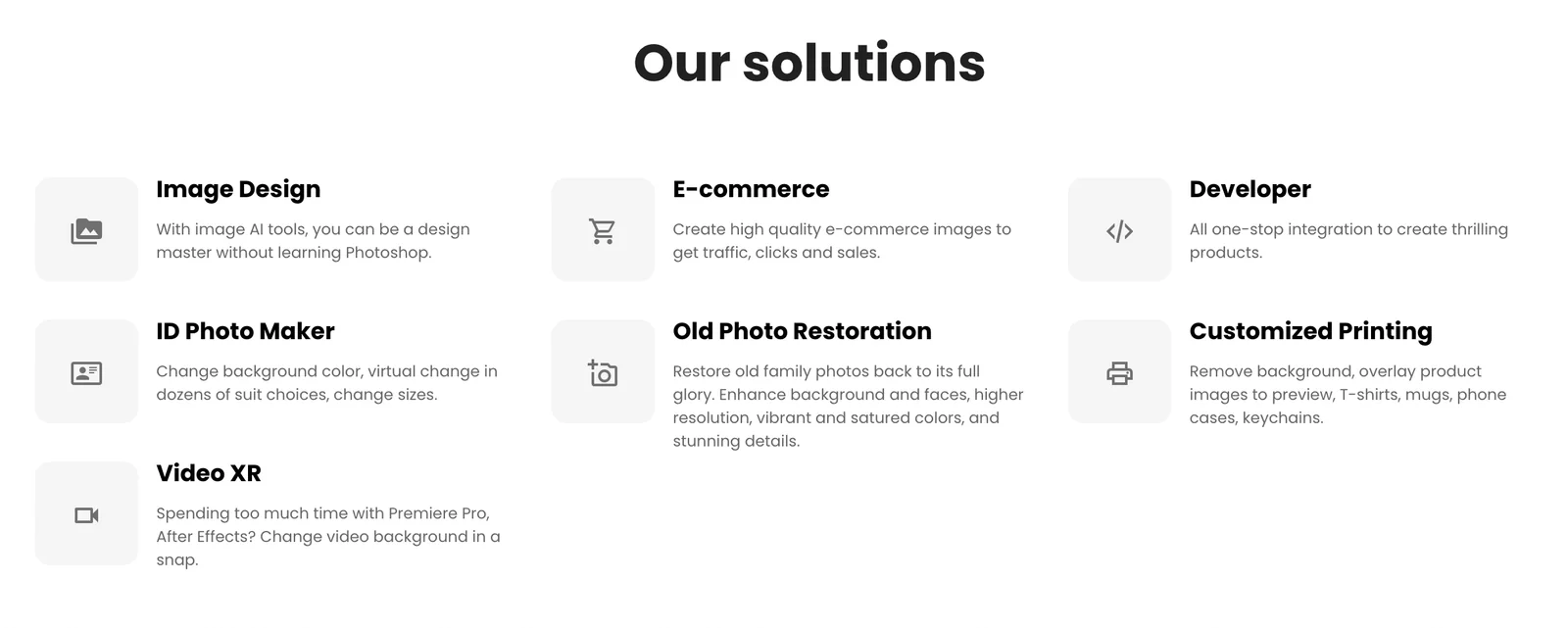
Key Features
Use Cases



Frequently asked questions about Cutout.pro
What are the pricing options for Cutout.pro?
Cutout.pro offers a freemium model with a free tier that provides 5 trial credits. For paid options, users can purchase credits for image and video processing, with pricing details available on their website. This flexible credit-based system caters to various user needs and budgets.
Key Points
- Freemium Model: Access to 5 trial credits for free.
- Credit-Based System: Purchase credits for processing images and videos.
- Transparent Pricing: Detailed pricing information is readily available online.
Detailed Explanation
Cutout.pro provides a user-friendly platform for image and video editing, particularly in background removal and enhancement tasks.
-
Freemium Model: New users can explore the platform without any financial commitment by utilizing the 5 trial credits. This allows for hands-on experience with various features.
-
Credit-Based System: After the trial, users can opt to buy credits. The credits can be applied to various services, including:
- Image Processing: Removing backgrounds or enhancing images.
- Video Editing: Editing videos, which may require more credits due to their complexity.
-
Pricing Structure: While exact prices fluctuate, credits are typically available in packages, making it easier for users to choose the amount that fits their needs. Users can find the current pricing on the official Cutout.pro website, ensuring transparency and informed decision-making.
Best Practices / Tips
- Start with Free Credits: Test the platform using the free credits to determine if it meets your needs before purchasing.
- Bulk Credit Purchases: Consider buying credits in bulk to save money, as larger packages often come with discounts.
- Regularly Check Pricing: Prices and promotions may change; regularly check the website for the best deals.
- Monitor Credit Usage: Keep track of how many credits are consumed during projects to manage your budget effectively.
Additional Resources
How can I use Cutout.pro for background removal?
To use Cutout.pro for background removal, sign up for a free account, log in, and access the web editor or desktop application. Upload your image and use the background removal feature for quick and automated processing, making it ideal for both personal and professional use.
Key Points
- User-Friendly Interface: Easy navigation for all skill levels.
- Automated Processing: Fast and efficient background removal.
- Multi-Platform Access: Available on both web and desktop.
Detailed Explanation
Cutout.pro is a powerful AI-driven tool designed for seamless background removal. Here’s how to leverage its features effectively:
-
Create an Account: Visit the Cutout.pro website and sign up for a free account. This grants you access to both the web editor and the desktop application.
-
Log In: After signing up, log in to your account. This ensures that your uploads are saved and can be accessed later.
-
Upload Your Image: Click on the upload button to select the image you want to edit. The platform supports various formats, including JPG, PNG, and more.
-
Select Background Removal: Once your image is uploaded, navigate to the background removal feature. This tool uses advanced AI algorithms to automatically detect and remove backgrounds, providing a transparent or solid color background based on your preference.
-
Review and Edit: After processing, review the results. You can make additional adjustments manually if needed, ensuring a perfect cutout.
-
Download the Final Image: Once satisfied with the edits, download your image. You can choose from different resolutions, depending on your requirements.
Best Practices / Tips
- High-Quality Images: Use high-resolution images for better results. The clearer the image, the more accurately the AI can detect edges.
- Use the Manual Adjustment Feature: If the automatic removal isn’t perfect, utilize the manual tools to refine edges or restore parts of the background.
- Explore Additional Features: Cutout.pro offers other features like image enhancement and background replacement, which can enhance your final images.
- Regularly Update Your Account: Keep your account updated to access the latest features and improvements.
Additional Resources
Utilizing Cutout.pro for background removal is a straightforward process, enabling users of all skill levels to create professional-quality images quickly and efficiently.
What are the main features of Cutout.pro?
Cutout.pro is a powerful tool that features automatic background removal, image restoration, AI-driven upscaling, video editing, and graphic content generation. These capabilities make it an ideal solution for businesses and individuals seeking to enhance their visual design projects efficiently.
Key Points
- Automatic Background Removal: Effortlessly remove backgrounds from images.
- Image Restoration: Restore old or damaged photos with ease.
- AI-Driven Upscaling: Enhance image quality through AI technology.
Detailed Explanation
Cutout.pro stands out in the competitive landscape of visual design tools due to its rich feature set.
-
Automatic Background Removal: This feature allows users to easily isolate subjects in images, making it perfect for e-commerce product photos. With just a few clicks, you can remove unwanted backgrounds and replace them with a solid color or a custom design, enhancing the overall presentation.
-
Image Restoration: For users with vintage photos needing a facelift, Cutout.pro offers advanced image restoration tools. It can repair color fading, remove scratches, and restore overall image clarity, bringing cherished memories back to life.
-
AI-Driven Upscaling: This feature intelligently increases image resolution without losing quality. It is particularly beneficial for graphic designers looking to upscale images for print or web use, ensuring that details remain sharp and clear.
-
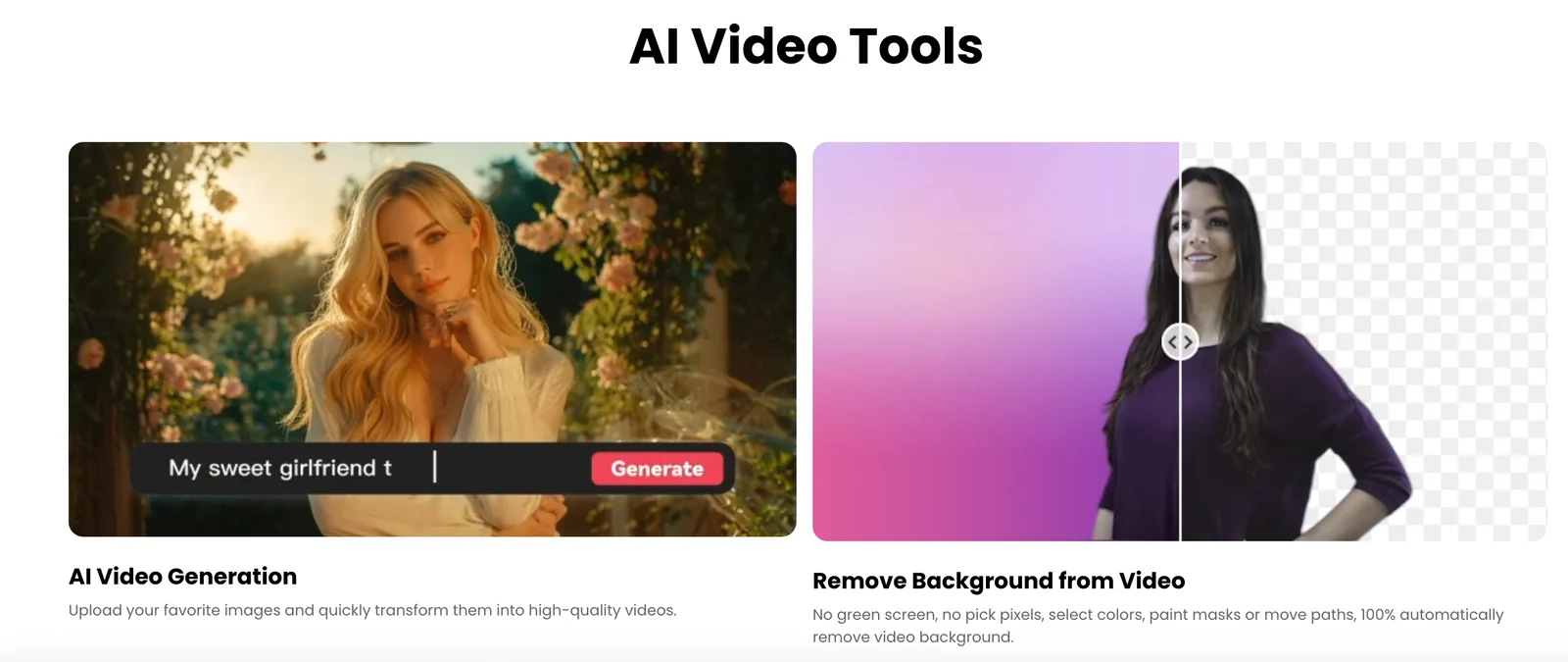
Video Editing Tools: Cutout.pro also includes essential video editing features, allowing users to trim, merge, and enhance video content. This comprehensive approach makes it a one-stop solution for both image and video needs.
-
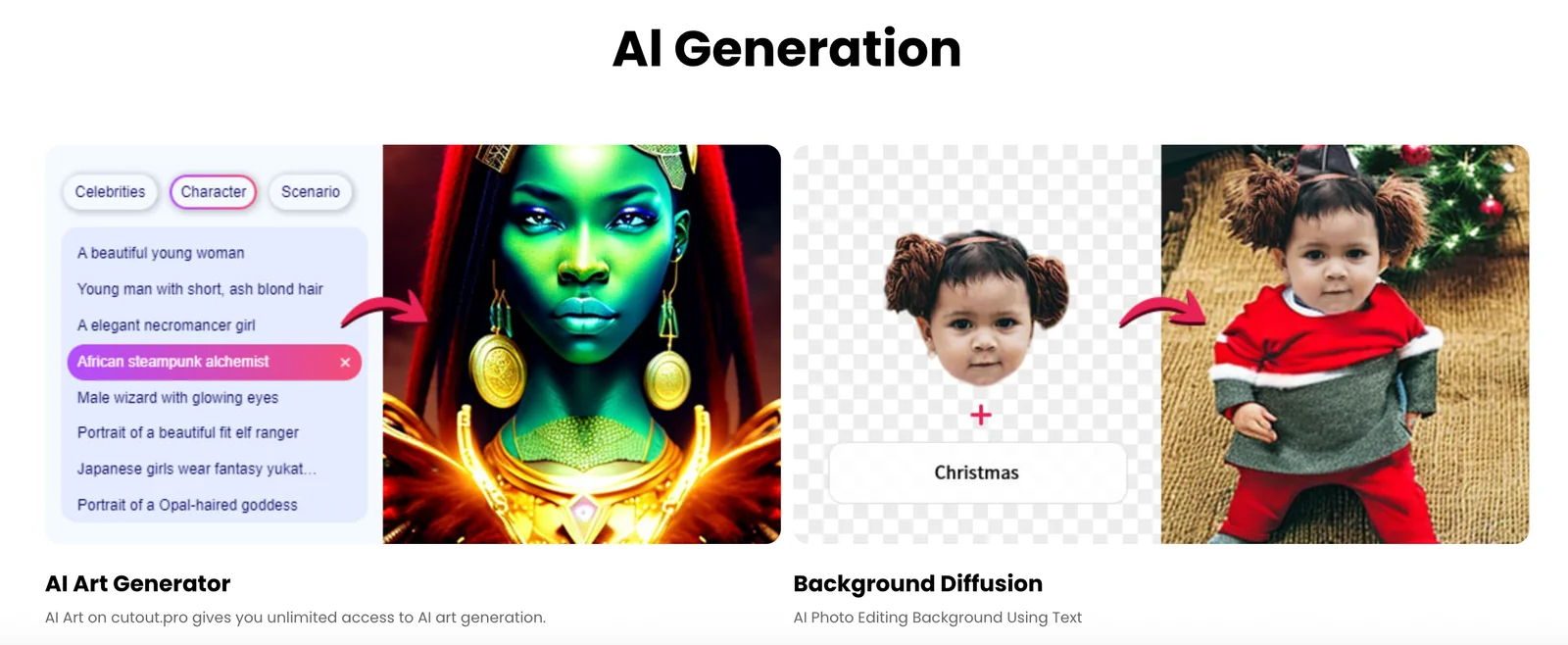
Graphic Content Generation: Users can create stunning graphics and promotional materials in minutes. The platform provides templates and design elements that simplify the graphic design process, catering to both novice and experienced designers.
Best Practices / Tips
- Maximize Background Removal: Utilize the automatic background removal feature for all product images to create a consistent look across your e-commerce site.
- Experiment with Upscaling: Test the AI-driven upscaling tool on various image types to see how it enhances quality without pixelation.
- Utilize Templates: Take advantage of the graphic content generation features by using pre-designed templates to save time and maintain a professional appearance.
Additional Resources
By leveraging these features and following best practices, users can significantly enhance their visual content and streamline their design processes with Cutout.pro.
How can I integrate Cutout.pro API into my application?
You can integrate the Cutout.pro API into your application by signing up for an account and following the developer documentation available on their website. The API enables seamless background removal and image enhancement features that can enhance your application’s functionality.
Key Points
- Sign up for a Cutout.pro account to access API features.
- Review the comprehensive developer documentation for integration steps.
- Utilize the API for tasks such as background removal and image enhancement.
Detailed Explanation
Integrating the Cutout.pro API is a straightforward process that enhances your application's image processing capabilities. Here’s how you can do it:
-
Create an Account: Visit the Cutout.pro website and sign up for a developer account. This will provide you with access to your unique API key, which is essential for authentication.
-
Access Developer Documentation: Once registered, navigate to the developer documentation section. This resource includes detailed guidelines on API endpoints, request formats, and response structures. Familiarize yourself with the available functionalities, such as:
- Background Removal: This feature allows you to remove backgrounds from images automatically, making it ideal for e-commerce platforms and graphic design tools.
- Image Enhancement: Improve image quality through features like brightness adjustment, contrast enhancement, and color correction.
-
Implement API Calls: Use the provided API endpoints in your application code. For example, to remove a background from an image, you would typically send a POST request to the designated endpoint with the necessary parameters, including your API key and the image file.
-
Test and Debug: After implementing the API calls, rigorously test the integration in various scenarios to ensure it meets your application’s needs. Pay attention to the response times and error handling as you refine your implementation.
Best Practices / Tips
- Read the Rate Limits: Be aware of any usage limitations to avoid throttling. Cutout.pro may have specific limits on the number of API calls you can make per minute or day.
- Optimize Image Size: Smaller image files can lead to faster processing times. Consider resizing images before sending them to the API.
- Handle Errors Gracefully: Implement error handling in your application to manage potential failures, such as invalid API keys or exceeding rate limits, ensuring a smooth user experience.
- Monitor API Usage: Keep track of your API usage to manage costs effectively, especially if you are on a paid plan based on usage.
Additional Resources
How does Cutout.pro compare to other photo editing tools?
Cutout.pro stands out among photo editing tools due to its advanced automated background removal capabilities and efficient batch processing, making it ideal for e-commerce. It features an intuitive user interface and a flexible credit-based pricing model, which enhances user experience compared to other platforms.
Key Points
- Automated Background Removal: Cutout.pro offers quick and precise background removal, saving time for users.
- Batch Processing: This feature allows users to edit multiple images simultaneously, increasing productivity.
- User-Friendly Interface: The intuitive design simplifies the editing process, catering to both beginners and professionals.
Detailed Explanation
Cutout.pro is particularly effective for e-commerce businesses that require high-quality images with transparent or customized backgrounds. Its automated background removal utilizes AI technology, ensuring fast and accurate results. For example, a user can upload hundreds of product images and have them processed in minutes, which is a significant advantage over manual editing.
In comparison to competitors like Adobe Photoshop or Canva, Cutout.pro's credit-based pricing model offers flexibility. Users can purchase credits as needed rather than committing to a subscription, which is preferable for those with varying editing requirements. The user interface is designed to minimize the learning curve, allowing users to achieve professional results without extensive editing experience.
Best Practices / Tips
- Maximize Batch Processing: To save time, always use the batch processing feature for large numbers of images.
- Utilize Preview Options: Before finalizing edits, use the preview feature to ensure that the background removal meets your expectations.
- Monitor Credit Usage: Keep track of your credit consumption to manage costs effectively, especially if you have fluctuating project needs.
Additional Resources
Explore more AI Ai Models tools
Browse all Ai Models tools →Browse by use case: Image Generation · Video Generation · Automation & Productivity
Compare Cutout.pro: vs Mouse-1 · vs Milliseconds.ai · vs SWE-2 · vs Desert Ant Labs