

Construct Computer
AIAn AI employee with its own cloud Linux computer that runs workflows, builds internal tools, and finishes scheduled work for small teams.
Construct Computer
An AI employee with its own cloud Linux computer that runs workflows, builds internal tools, and finishes scheduled work for small teams.
About Construct Computer
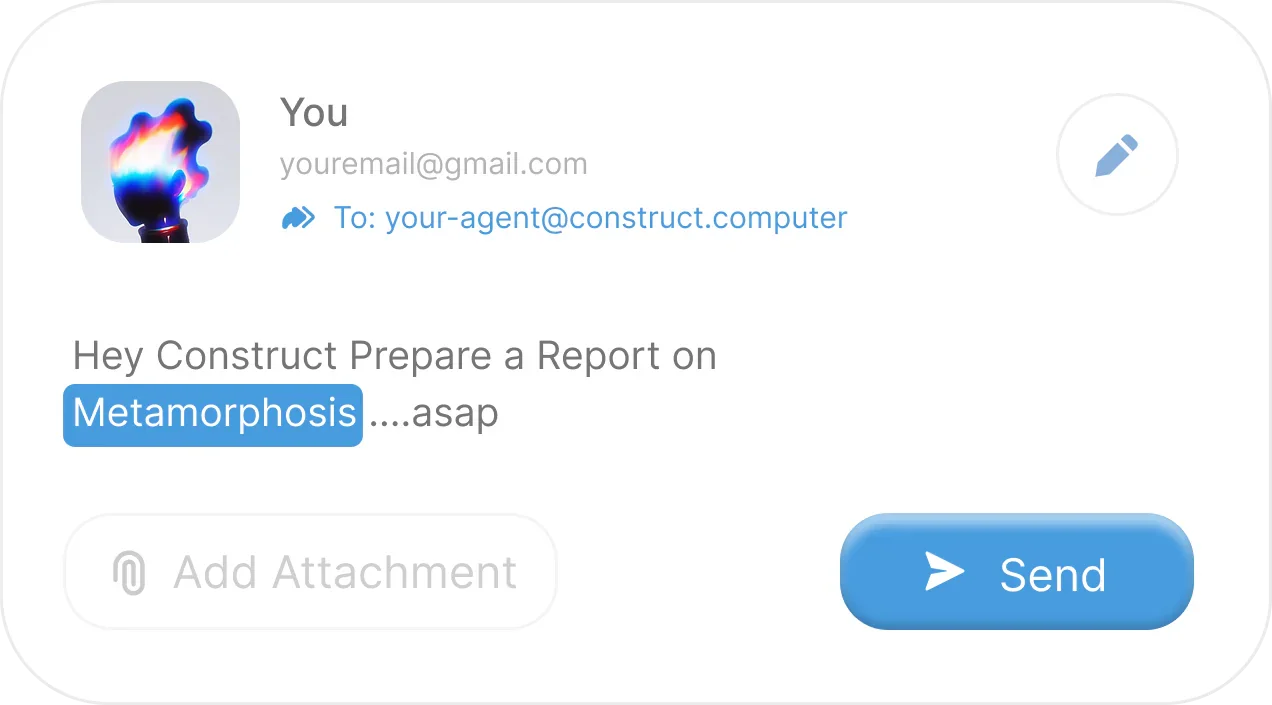
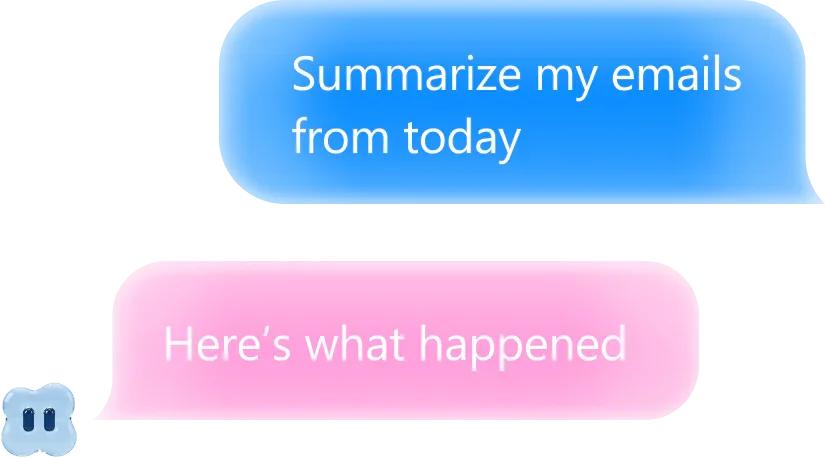
Construct Computer is an AI employee for solo founders, startups, and small teams that gives each agent a real cloud computer rather than just a chat window. You encode a process once as a workflow of agent steps, connected apps, and notifications, then version it, schedule it, and let anyone on the team re-run it — Construct keeps a full history of every run. Beyond running tasks, it can write, validate, and publish working internal apps directly into your cloud desktop from a plain-language description, and it schedules outcomes rather than reminders by executing agent prompts, connected-app actions, or entire workflows once or on a repeat. Its memory is inspectable: preferences, decisions, and project context are stored with evidence and history, and you can review, correct, or delete anything it has learned. A shared workspace brings people, the agent, files, apps, and conversations together with invitations, roles, and access controls, and you can reach Construct from the web, Slack, Telegram, Discord slash commands, or its own email inbox. The team explicitly designs around long-run reliability — their own writing notes that a 95% reliable agent completes a 48-step job only 8.5% of the time, so runs are made resumable instead of restarted.
Screenshots

Key Features
Use Cases



Frequently asked questions about Construct Computer
What is Construct Computer?
An AI employee with its own cloud Linux computer that runs workflows, builds internal tools, and finishes scheduled work for small teams.
How does Construct Computer work?
Construct Computer works by combining Dedicated Cloud Computer: Each user's agent gets a real Linux cloud desktop, so it can run software and produce files rather than only generating text., Reusable Workflows: Encode a process once as agent steps, connected apps, and notifications, then version, schedule, and let any teammate re-run it., Internal Tool Builder: Describe the tool your team needs and Construct writes, validates, and publishes a working internal app straight into your cloud desktop., Scheduled Jobs with History: Schedule an agent prompt, a connected-app action, or a whole workflow to run once or repeatedly, with a full record of results., Inspectable Memory: Preferences, decisions, and project context are stored with supporting evidence and history, and can be reviewed, corrected, or forgotten. to help users with Process Automation: Turning a recurring manual business process into a versioned workflow anyone on the team can trigger., Internal Tooling: Shipping a small internal app for a team need without pulling in engineering time., Inbox and CRM Follow-Through: Letting an agent read, reply, and close the loop across connected tools instead of leaving half-finished automations., Market and Topic Research: Producing cited research reports on a subject for review or client delivery., Scheduled Reporting: Running a recurring report or data pull on a schedule and keeping the result history in one place..
What are the main features of Construct Computer?
Key features include Dedicated Cloud Computer: Each user's agent gets a real Linux cloud desktop, so it can run software and produce files rather than only generating text., Reusable Workflows: Encode a process once as agent steps, connected apps, and notifications, then version, schedule, and let any teammate re-run it., Internal Tool Builder: Describe the tool your team needs and Construct writes, validates, and publishes a working internal app straight into your cloud desktop., Scheduled Jobs with History: Schedule an agent prompt, a connected-app action, or a whole workflow to run once or repeatedly, with a full record of results., Inspectable Memory: Preferences, decisions, and project context are stored with supporting evidence and history, and can be reviewed, corrected, or forgotten..
Who is Construct Computer for?
Construct Computer is useful for anyone interested in Process Automation: Turning a recurring manual business process into a versioned workflow anyone on the team can trigger., Internal Tooling: Shipping a small internal app for a team need without pulling in engineering time., Inbox and CRM Follow-Through: Letting an agent read, reply, and close the loop across connected tools instead of leaving half-finished automations., Market and Topic Research: Producing cited research reports on a subject for review or client delivery., Scheduled Reporting: Running a recurring report or data pull on a schedule and keeping the result history in one place..
How much does Construct Computer cost?
Construct Computer is a paid product. Check the official site for current pricing.
How do I get started with Construct Computer?
Visit https://construct.computer/ to sign up and explore Construct Computer.
Explore more AI Ai Agents tools
Browse all Ai Agents tools →Browse by use case: Automation & Productivity
Compare Construct Computer: vs Playad · vs Concierge by Juniors AI · vs Scout by Fini · vs Ruflo