

Cohere
AIEnterprise-grade language models, SDKs, and tooling for building private, secure, and customizable NLP applications and RAG systems.
Cohere
Enterprise-grade language models, SDKs, and tooling for building private, secure, and customizable NLP applications and RAG systems.
About Cohere
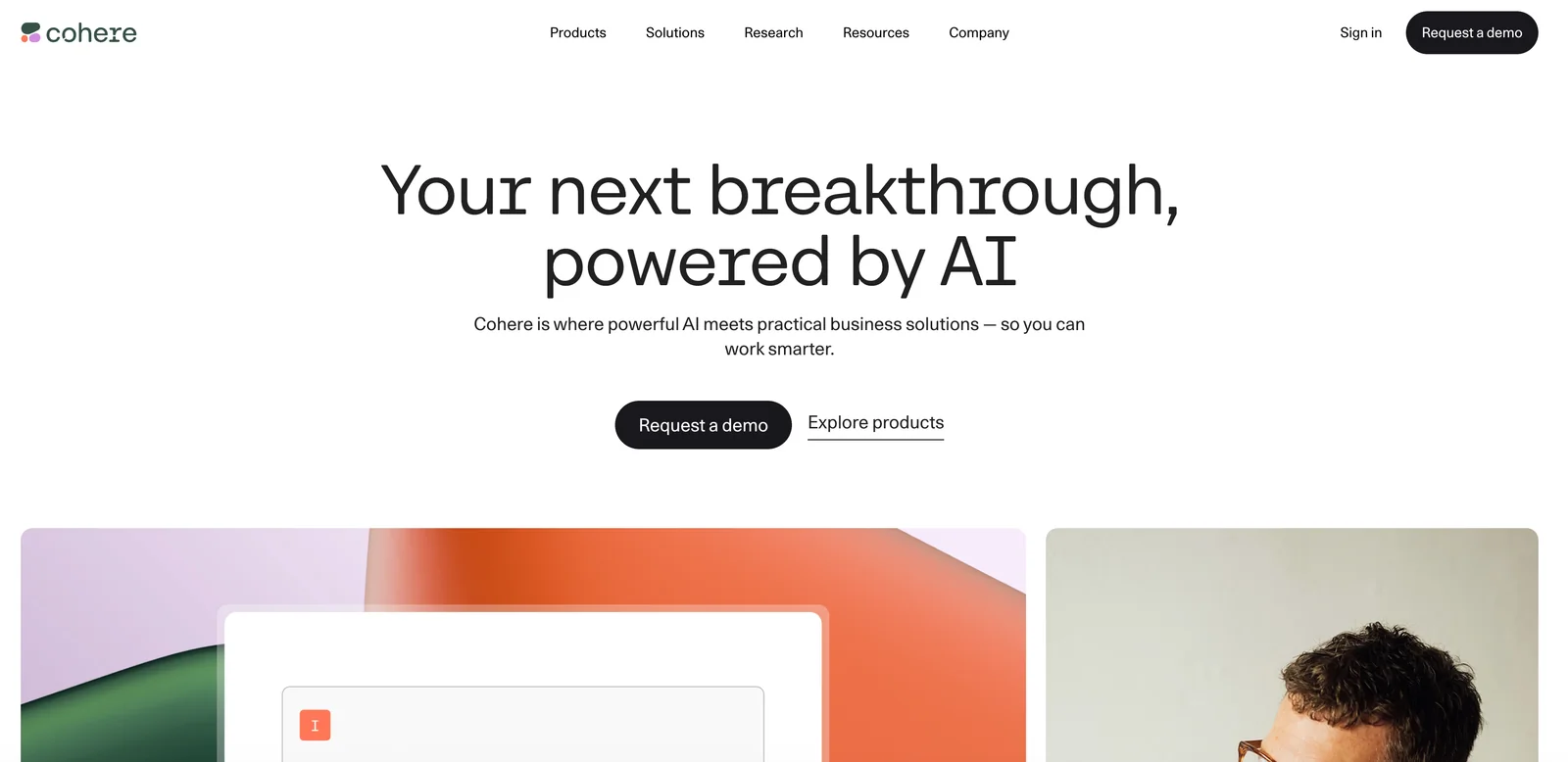
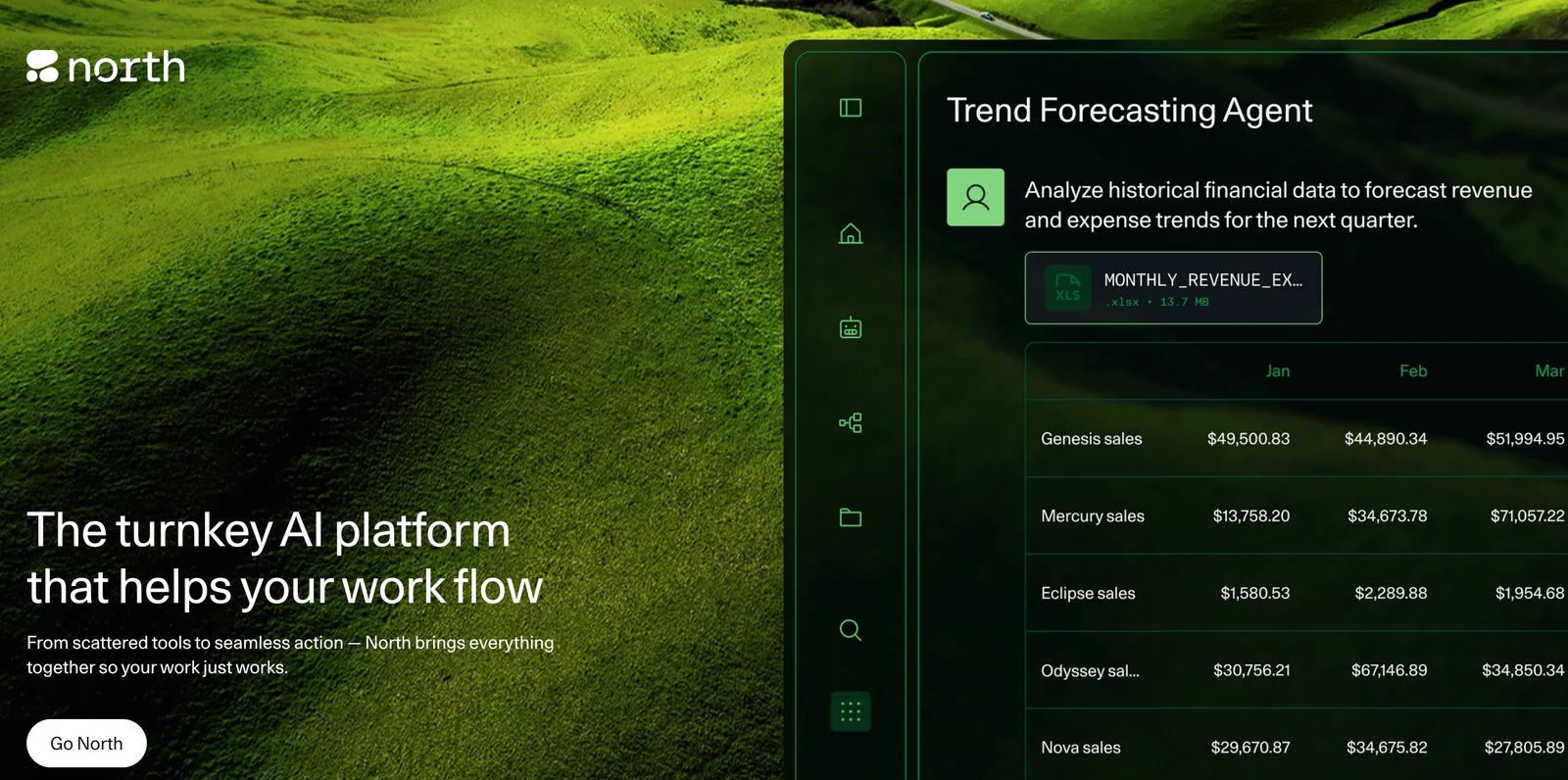
Cohere provides enterprise-focused large language models, developer SDKs, and prebuilt components to help organizations build, deploy, and operate natural language applications. The platform offers generation and chat endpoints, embeddings for semantic search and retrieval-augmented generation (RAG), and toolkits to accelerate building grounded chatbots and RAG pipelines. Cohere emphasizes privacy, security, and deployability across cloud providers, and supplies extensive developer resources (SDKs, connectors, examples) to integrate models into production systems. Cohere Labs supports research and advanced model development alongside the commercial product offerings.
Screenshots
Key Features
Use Cases



Frequently asked questions about Cohere
What are the pricing options for Cohere?
Cohere offers a FREEMIUM pricing model that includes a free trial tier and pay-as-you-go options based on token usage. The free tier provides limited access, while production costs depend on the specific model used, allowing users to choose a plan that fits their needs.
Key Points
- FREEMIUM Model: Access to a free trial tier with limited features.
- Pay-As-You-Go: Charges based on token usage for scalability.
- Model Variability: Costs vary depending on the AI model selected.
Detailed Explanation
Cohere's pricing structure is designed to accommodate a wide range of users, from hobbyists to enterprises. The FREEMIUM model allows new users to explore the platform without financial commitment, offering basic functionalities for free. Once users are ready to scale up, they can transition to a pay-as-you-go plan, which charges based on the number of tokens consumed during their usage.
Free Tier
The free tier is an excellent way for users to experiment with Cohere's capabilities, allowing access to basic features and limited token usage. This tier is ideal for developers looking to prototype or test applications without incurring costs.
Pay-As-You-Go Pricing
For production use, the pay-as-you-go model offers more flexibility. Pricing depends on the AI model selected, as different models may require varying amounts of computational resources. Users are charged based on how many tokens they utilize, which are units of text processed by the model. This means that costs can scale according to needs, making it a cost-effective option for businesses.
For instance, if a business uses 1,000 tokens and the cost per token is $0.01, the total charge would be $10. Users can monitor their token usage through the Cohere dashboard to keep track of expenses efficiently.
Best Practices / Tips
- Monitor Token Usage: Regularly check your token consumption to avoid unexpected charges.
- Start with the Free Tier: Utilize the free tier to familiarize yourself with the platform before committing to a paid plan.
- Choose the Right Model: Evaluate the available models carefully to select one that aligns with your project requirements and budget.
Additional Resources
- Cohere Pricing Page for detailed pricing information.
- Cohere Documentation for guidance on using the API and understanding token usage.
- Cohere Community Forum for user discussions and tips.
How do I use Cohere to build a chatbot?
To build a chatbot with Cohere, sign up for a free trial and utilize the SDKs and prebuilt components in the Cohere Toolkit. This enables you to seamlessly integrate Retrieval-Augmented Generation (RAG) workflows and create sophisticated conversational agents tailored to your needs.
Key Points
- Sign up for a free trial to access Cohere's features.
- Utilize SDKs and prebuilt components for efficient development.
- Implement RAG workflows to enhance chatbot capabilities.
Detailed Explanation
Building a chatbot with Cohere involves several key steps. First, create an account on the Cohere platform and take advantage of the free trial that includes access to all essential features. This trial allows you to explore Cohere’s capabilities without any initial investment.
Once registered, download the Cohere SDK, which provides a set of tools and libraries essential for integrating Cohere's AI into your chatbot. The SDK is designed to work seamlessly with various programming languages, making it accessible for developers with different backgrounds.
Next, utilize the prebuilt components available in the Cohere Toolkit. These components simplify the development process by providing ready-to-use templates for common chatbot functionalities, such as user authentication, message handling, and context management. By leveraging these prebuilt components, you can focus on customizing the chatbot’s personality and responses.
To create a more intelligent and responsive chatbot, implement Retrieval-Augmented Generation (RAG) workflows. This technique allows your chatbot to pull in relevant information from external data sources, enhancing its ability to answer complex queries and provide personalized user experiences. For instance, if your chatbot is designed for customer support, it can access product databases or FAQs to offer accurate information.
Best Practices / Tips
- Define Clear Objectives: Before starting development, outline the specific goals of your chatbot, such as customer support, lead generation, or user engagement.
- Iterate and Test: Regularly test your chatbot with real users to gather feedback and make necessary adjustments. This helps improve its performance and user satisfaction.
- Monitor Analytics: Utilize analytics tools to track user interactions and identify common questions or issues. This data can guide further enhancements.
- Optimize Responses: Ensure that your chatbot’s responses are clear, concise, and relevant. Avoid jargon and aim for a friendly, approachable tone.
Additional Resources
By following these structured steps and best practices, you can effectively build a robust chatbot with Cohere that meets your specific needs and enhances user engagement.
What are the key features of Cohere's AI models?
Cohere's AI models feature multi-language SDKs, managed embeddings for semantic search, streaming chat capabilities, and robust enterprise-grade privacy controls. These functionalities enable developers to create customizable natural language processing (NLP) applications efficiently while ensuring user data security.
Key Points
- Multi-Language SDKs: Support for various languages simplifies integration.
- Managed Embeddings: Enhances semantic search capabilities for better user experiences.
- Enterprise-Grade Privacy Controls: Ensures compliance and security for sensitive data.
Detailed Explanation
Cohere offers a range of advanced features tailored for developers and businesses looking to implement natural language processing solutions.
Multi-Language SDKs
Cohere's software development kits (SDKs) allow developers to build applications that can understand and process multiple languages. This feature is crucial for businesses operating in diverse markets, enabling seamless communication across different linguistic backgrounds. For instance, a customer support chatbot can engage users in their preferred language, improving user satisfaction.
Managed Embeddings for Semantic Search
Cohere provides managed embeddings, which are vector representations of text that capture semantic meaning. This feature enhances search functionalities by allowing applications to retrieve results based on context rather than keywords alone. For example, an e-commerce platform could leverage these embeddings to suggest products based on user queries that do not match exact terms, thus increasing conversion rates.
Streaming Chat Capabilities
With streaming chat support, Cohere enables real-time communication in applications. This feature is particularly beneficial for customer service and support applications, allowing businesses to engage with customers instantly. Companies can implement live chat functionalities that adapt to user inputs dynamically, enhancing the user experience.
Enterprise-Grade Privacy Controls
Cohere prioritizes data security through its enterprise-grade privacy controls. These controls ensure that sensitive information is handled securely, thus complying with regulations like GDPR and CCPA. Businesses can customize privacy settings based on their needs, providing peace of mind for both users and organizations.
Best Practices / Tips
- Evaluate Language Support: When using multi-language SDKs, assess the languages relevant to your audience to maximize engagement.
- Utilize Managed Embeddings: Invest time in training your embeddings for specific contexts to improve search accuracy.
- Implement Privacy Measures: Regularly review and update privacy settings to align with changing regulations and best practices.
Additional Resources
How does Cohere's API integrate with other platforms?
Cohere's API integrates seamlessly with various platforms using HTTP/REST protocols and offers official SDKs for Python, TypeScript, Java, and Go. This versatility allows developers to build applications across different cloud environments, enhancing accessibility and functionality for machine learning tasks.
Key Points
- Versatile Integration: Supports multiple programming languages and environments.
- HTTP/REST Protocol: Facilitates easy communication between applications and the API.
- Robust SDKs: Official SDKs streamline development processes for various platforms.
Detailed Explanation
Cohere's API is designed to be flexible and user-friendly, making it an ideal choice for developers looking to integrate advanced natural language processing capabilities into their applications. The API supports HTTP/REST, a widely used protocol that allows for straightforward communication over the web. This means that any application capable of sending HTTP requests can interact with the Cohere API.
SDKs for Multiple Languages
Cohere provides official SDKs for popular programming languages such as Python, TypeScript, Java, and Go. These SDKs simplify the integration process, allowing developers to write less code while maintaining high functionality. For instance, using the Python SDK, you can easily call the API to generate text or analyze language data with just a few lines of code.
Use Cases
- Chatbots: Integrate Cohere’s API into a chatbot application to enhance conversational capabilities, providing users with more contextually relevant responses.
- Content Generation: Use the API to automate content creation for blogs or marketing materials, saving time while maintaining quality.
- Sentiment Analysis: Implement sentiment analysis in customer feedback applications to gauge public opinion on products or services.
Best Practices / Tips
- Start Small: When integrating Cohere's API, begin with a simple use case to familiarize yourself with the SDK and API functionality.
- Monitor API Usage: Keep an eye on your API usage limits to avoid unexpected costs; Cohere offers tiered pricing based on usage.
- Error Handling: Implement robust error handling in your application to manage any API errors gracefully, ensuring a better user experience.
Additional Resources
By leveraging Cohere's API and its SDKs, developers can create powerful applications that utilize advanced AI capabilities across different platforms and environments efficiently.
How does Cohere compare to other AI tools?
Cohere distinguishes itself from other AI tools with its flexible pay-as-you-go pricing model and enterprise-grade features, which cater to both prototyping and production workloads. This flexibility offers a significant advantage over competitors that often rely on fixed subscription models.
Key Points
- Flexible Pricing: Pay-as-you-go model adapts to usage needs.
- Enterprise-Grade Features: Robust capabilities suitable for scale.
- Versatile Use Cases: Ideal for both prototypes and production.
Detailed Explanation
Cohere offers a unique pay-as-you-go pricing structure that allows businesses to only pay for the resources they use. This is particularly beneficial for startups or small businesses that may not have the budget for fixed subscription fees. In contrast, many competitors require annual or monthly subscriptions, which can be a financial burden for those just starting.
The platform provides enterprise-grade features, including advanced natural language processing capabilities, making it suitable for complex applications like customer support automation, content generation, and data analysis. For instance, a company can use Cohere’s API to implement AI-driven chatbots that improve customer engagement without incurring high upfront costs.
Moreover, Cohere is designed for versatility, accommodating both prototypes and full-scale production workloads. This means that businesses can pilot their AI projects with minimal investment and seamlessly transition to a larger deployment when they’re ready.
Best Practices / Tips
- Assess Your Needs: Before choosing an AI tool, evaluate your project requirements. Consider the scale, budget, and specific features needed.
- Start Small: Use the flexible pricing to pilot projects. Start with small-scale implementations and gauge performance before scaling up.
- Monitor Usage: Keep track of your usage to avoid unexpected costs. Cohere’s model allows for easy adjustments based on demand.
Additional Resources
Explore more AI Ai Models tools
Browse all Ai Models tools →Browse by use case: Chatbots & Assistants
Compare Cohere: vs SWE-2 · vs Desert Ant Labs · vs Hy4 preview · vs Soup CLI