

CogniMemo
AIPersistent, context-aware memory layer that connects data and apps to AI for smarter, human-like reasoning.
CogniMemo
Persistent, context-aware memory layer that connects data and apps to AI for smarter, human-like reasoning.
About CogniMemo
CogniMemo provides a persistent, context-aware memory layer that lets AI systems store, index, and recall important information across sessions. It centralizes knowledge from connected apps and data sources, enabling agents and chatbots to access long-term context for more coherent and personalized behavior. The platform exposes integration points (APIs/SDKs) and organizational primitives (links, tags, metadata) so developers can embed memory-driven reasoning into applications while managing retention and access controls.
Screenshots
Key Features
Use Cases



Frequently asked questions about CogniMemo
What is CogniMemo?
CogniMemo is a persistent, context-aware memory layer that integrates data and applications with AI, enabling more intelligent, human-like reasoning. By storing and recalling information, it enhances decision-making processes, improves user interactions, and streamlines workflows across various platforms.
Key Points
- Context-Aware Memory: Remembers user interactions and preferences.
- Data Integration: Connects multiple data sources and applications seamlessly.
- Enhanced Reasoning: Facilitates smarter, more intuitive decision-making.
Detailed Explanation
CogniMemo operates as an advanced memory layer that enables AI systems to process and utilize information more effectively. Here’s how it works:
-
Context Awareness: CogniMemo continuously learns from user interactions. For example, if a user frequently queries about project deadlines, it can prioritize those reminders in future interactions. This context-aware memory helps in providing personalized responses, making the AI system feel more intuitive.
-
Data Integration: It connects various data sources, such as databases, applications, and APIs, allowing AI systems to pull relevant information quickly. For instance, in a customer relationship management (CRM) tool, CogniMemo can automatically track customer interactions and preferences, leading to improved customer service.
-
Enhanced Reasoning: By storing historical data and understanding user behavior patterns, CogniMemo enables AI systems to make informed decisions. An example could be an AI assistant suggesting optimal times for meetings based on past scheduling data.
Best Practices / Tips
- Regular Updates: Ensure that the data connected to CogniMemo is regularly updated to maintain relevance.
- User Feedback: Actively seek feedback from users to improve the memory system's accuracy and responsiveness.
- Integration Testing: Test the integration of CogniMemo with existing applications to avoid data silos and ensure seamless user experiences.
Additional Resources
By understanding and implementing CogniMemo effectively, businesses can significantly enhance their AI capabilities, leading to improved efficiency and user satisfaction.
How does CogniMemo work?
CogniMemo functions by utilizing advanced AI technologies to streamline everyday workflows, enhancing productivity and efficiency for users. It integrates machine learning, natural language processing, and automation to assist in tasks such as note-taking, summarization, and information retrieval, making routine processes more manageable.
Key Points
- AI-Powered Workflow Automation: CogniMemo automates repetitive tasks, saving users time and effort.
- Natural Language Processing: The tool understands user queries and generates relevant responses effectively.
- Customizable User Experience: Users can tailor CogniMemo's features to suit their specific needs and preferences.
Detailed Explanation
CogniMemo operates on a foundation of several core AI capabilities, allowing it to assist users in various day-to-day tasks. Here's a breakdown of how it works:
-
Workflow Automation: CogniMemo simplifies processes by automating repetitive tasks. For instance, it can schedule reminders, generate reports, and organize information without manual input, allowing users to focus on more critical tasks.
-
Natural Language Processing (NLP): This feature enables CogniMemo to interpret user commands and queries effectively. Users can ask questions in natural language, and CogniMemo will provide precise answers or perform tasks accordingly. For example, asking, "Summarize my meeting notes," will prompt CogniMemo to extract key points from the notes automatically.
-
Integration with Other Tools: CogniMemo can integrate with various applications like calendars, email clients, and project management software. This connectivity allows for seamless information flow and enhances overall productivity. Users can sync tasks and reminders across platforms, ensuring they never miss important deadlines.
-
Customizable Features: Users can personalize their experience by adjusting settings according to their preferences. Whether it’s setting up preferred templates for notes or configuring notification settings, CogniMemo adapts to individual user needs.
Best Practices / Tips
- Utilize Templates: Take advantage of customizable templates for recurring tasks, such as meeting notes or project briefs, to save time and maintain consistency.
- Regular Updates: Keep the application updated to benefit from the latest features and improvements, ensuring optimal functionality.
- Explore Integrations: Maximize productivity by integrating CogniMemo with other tools you frequently use, such as Google Calendar or Slack, for a more cohesive workflow.
- Experiment with Commands: Familiarize yourself with various commands and functionalities to leverage CogniMemo's full potential effectively.
Additional Resources
What are the main features of CogniMemo?
CogniMemo offers several key features, including advanced AI-driven note-taking, seamless collaboration tools, and personalized learning paths. These capabilities enhance productivity and streamline information management for users, making it an ideal choice for students, professionals, and teams looking to improve their organizational skills.
Key Points
- AI-Driven Note-Taking: Utilizes machine learning for smart summarization.
- Collaboration Tools: Enables real-time sharing and editing of notes.
- Personalized Learning Paths: Adapts content based on user preferences and performance.
Detailed Explanation
CogniMemo stands out in the market with its AI-driven note-taking feature that uses advanced algorithms to summarize lengthy texts, highlight key points, and extract essential information. For example, students can input lecture notes, and CogniMemo will automatically condense them into digestible summaries, making study sessions more efficient.
Another significant feature is its collaboration tools, which allow multiple users to work on the same notes simultaneously. This is particularly beneficial for teams working on projects, as it fosters real-time communication and reduces the chances of miscommunication. Users can leave comments, suggest edits, and monitor changes, ensuring everyone is on the same page.
Additionally, CogniMemo offers personalized learning paths. The tool analyzes user interactions and preferences to tailor content, making it more relevant and engaging. For instance, if a user frequently revisits topics on data science, the platform will suggest resources, notes, and exercises related to that subject, enhancing their learning experience.
Best Practices / Tips
- Utilize AI Features: Regularly engage with the summarization tools to maximize efficiency in note-taking.
- Leverage Collaboration: Encourage team members to participate in shared notes to enhance collective knowledge and productivity.
- Customize Learning Paths: Take advantage of the personalized features by actively using the platform to track your learning progress and adjust your study materials accordingly.
Additional Resources
Who is CogniMemo for?
CogniMemo is designed for a diverse audience, including professionals, students, and anyone looking to streamline their daily workflows with AI assistance. It provides tools for productivity, organization, and enhanced cognitive performance, making it suitable for both personal and professional use.
Key Points
- Target Audience: Professionals, students, and tech enthusiasts.
- Use Cases: Workflow optimization, task management, and learning enhancement.
- Benefits: Increased productivity, better organization, and cognitive support.
Detailed Explanation
CogniMemo caters to various user groups, making it a versatile tool in the realm of AI. Here are some specific use cases:
-
Professionals: For individuals in fast-paced work environments, CogniMemo can streamline tasks such as scheduling, project management, and note-taking. By integrating AI workflows, professionals can save time and reduce manual effort in their daily routines.
-
Students: Learners can utilize CogniMemo for organizing study materials, tracking assignments, and enhancing memory retention. The AI features help in creating summaries and flashcards, making study sessions more effective and efficient.
-
Tech Enthusiasts: Those interested in exploring AI capabilities will find CogniMemo a valuable tool for experimentation. It allows users to implement AI-driven solutions in various applications, promoting an understanding of AI in practical scenarios.
Best Practices / Tips
- Customize Workflows: Tailor CogniMemo to your specific needs by setting up personalized templates and workflows. This maximizes its utility and aligns it with your daily routines.
- Integrate with Other Tools: Use CogniMemo alongside project management software, calendars, and note-taking apps for a holistic approach to productivity.
- Regular Updates: Keep the app updated to benefit from the latest features and improvements. This ensures you are using the most efficient version of the tool.
Additional Resources
How much does CogniMemo cost?
CogniMemo offers a free tier for users to explore its features, while advanced functionalities are available through paid plans starting at $10 per month. The pricing structure caters to various needs, making it accessible for individuals and organizations looking to enhance their memory training.
Key Points
- Free tier available for basic usage
- Paid plans start at $10 per month
- Advanced features include personalized training and analytics
Detailed Explanation
CogniMemo is designed to enhance memory and cognitive skills through tailored exercises and training programs. The free tier allows users to experience fundamental features, including basic memory exercises and tracking progress. This introductory option is perfect for those new to cognitive training or those wanting to test the platform's effectiveness.
For users seeking more advanced capabilities, CogniMemo's paid plans offer additional features. Starting at just $10 per month, subscribers gain access to personalized training programs, detailed analytics, and enhanced tracking of their progress over time. These features are particularly beneficial for students, professionals, or anyone aiming to improve their memory performance systematically.
CogniMemo also provides flexible pricing tiers that cater to different user needs. For instance, families and educational institutions may benefit from group subscriptions, which often come at a discounted rate. This can make the platform more cost-effective for larger groups looking to enhance their collective memory and learning capabilities.
Best Practices / Tips
- Start with the Free Tier: Before committing to a paid plan, utilize the free tier to assess whether CogniMemo aligns with your memory training goals.
- Consider Your Needs: Evaluate the advanced features carefully. If personalized training and analytics are crucial to your objectives, the paid plan may be worth the investment.
- Look for Discounts: Keep an eye out for promotional offers or discounts for longer subscription commitments, which can provide additional savings.
- Involve Others: If you’re part of a group (like a family or classroom), consider a group subscription to maximize benefits and reduce costs per person.
Additional Resources
How do I get started with CogniMemo?
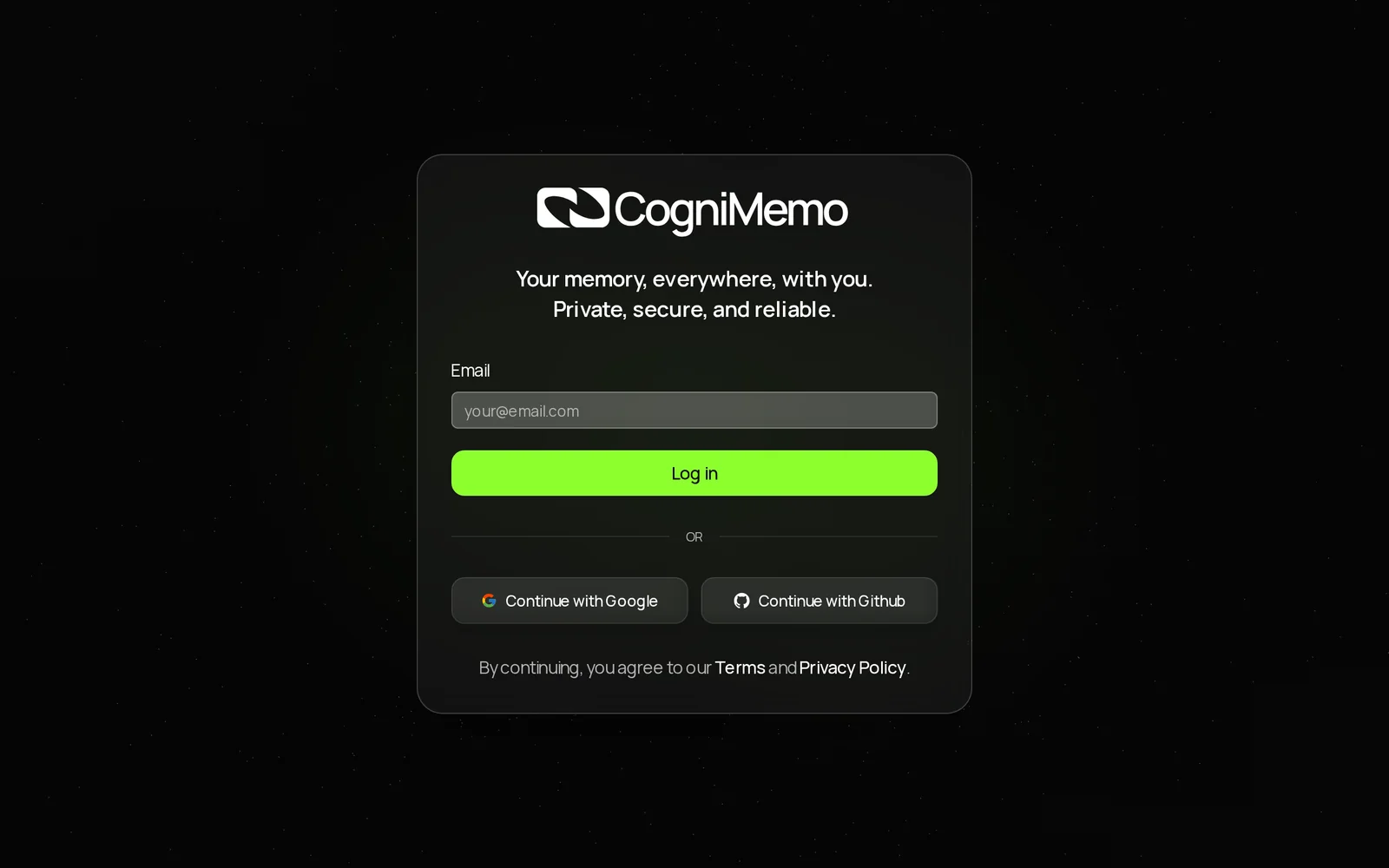
To get started with CogniMemo, visit https://app.cognimemo.com/ to sign up for an account. Once registered, you can explore its features, such as memory enhancement tools, personalized learning experiences, and AI-driven insights to boost your cognitive abilities.
Key Points
- Easy registration process
- User-friendly interface for exploration
- Advanced features for cognitive enhancement
Detailed Explanation
CogniMemo is an innovative AI tool designed to enhance memory and learning through personalized techniques. To begin, simply navigate to CogniMemo's signup page. The registration process is straightforward: provide your email address, create a password, and confirm your account through a verification link sent to your email.
Once registered, you’ll gain access to a user-friendly dashboard that showcases various features. These include:
- Memory Training Modules: Engage in interactive sessions that adapt to your learning style.
- Personalized Content: Based on your performance, CogniMemo curates materials that target your weak areas, ensuring efficient learning.
- Progress Tracking: Monitor your improvement over time with detailed analytics that help you identify trends and areas for further enhancement.
Example Use Case
Imagine you are preparing for an exam. By using CogniMemo, you can schedule daily training sessions that focus on the specific subjects you find challenging. The AI system will adjust the complexity of the tasks based on your performance, ensuring that you are continuously challenged yet not overwhelmed.
Best Practices / Tips
- Set Clear Goals: Before starting, define what you want to achieve with CogniMemo, be it improving your memory for studies or enhancing cognitive skills for professional purposes.
- Utilize Progress Reports: Regularly check your analytics to adjust your learning strategy. Pay attention to patterns in your performance.
- Engage Regularly: Daily practice can significantly improve retention and cognitive performance. Aim for at least 20-30 minutes of focused training each day.
Common Pitfalls to Avoid
- Neglecting Consistency: Sporadic use of CogniMemo may lead to insufficient progress. Make a habit of using the tool regularly.
- Ignoring Feedback: The platform provides feedback and recommendations—failing to act on these can limit your learning potential.
- Overlooking Features: Take the time to explore all features CogniMemo offers; many users may miss out on valuable tools that can enhance their experience.
Additional Resources
By following these guidelines, you can maximize your experience with CogniMemo and significantly enhance your cognitive abilities.
Explore more AI Ai Tools tools
Browse all Ai Tools tools →Browse by use case: Automation & Productivity
Compare CogniMemo: vs Humanizer · vs Worktrunk · vs Mise · vs BiBimba