

CodeRabbit
AIContext-aware AI code review platform that provides line-by-line feedback, suggests fixes, and speeds up PR reviews.
CodeRabbit
Context-aware AI code review platform that provides line-by-line feedback, suggests fixes, and speeds up PR reviews.
About CodeRabbit
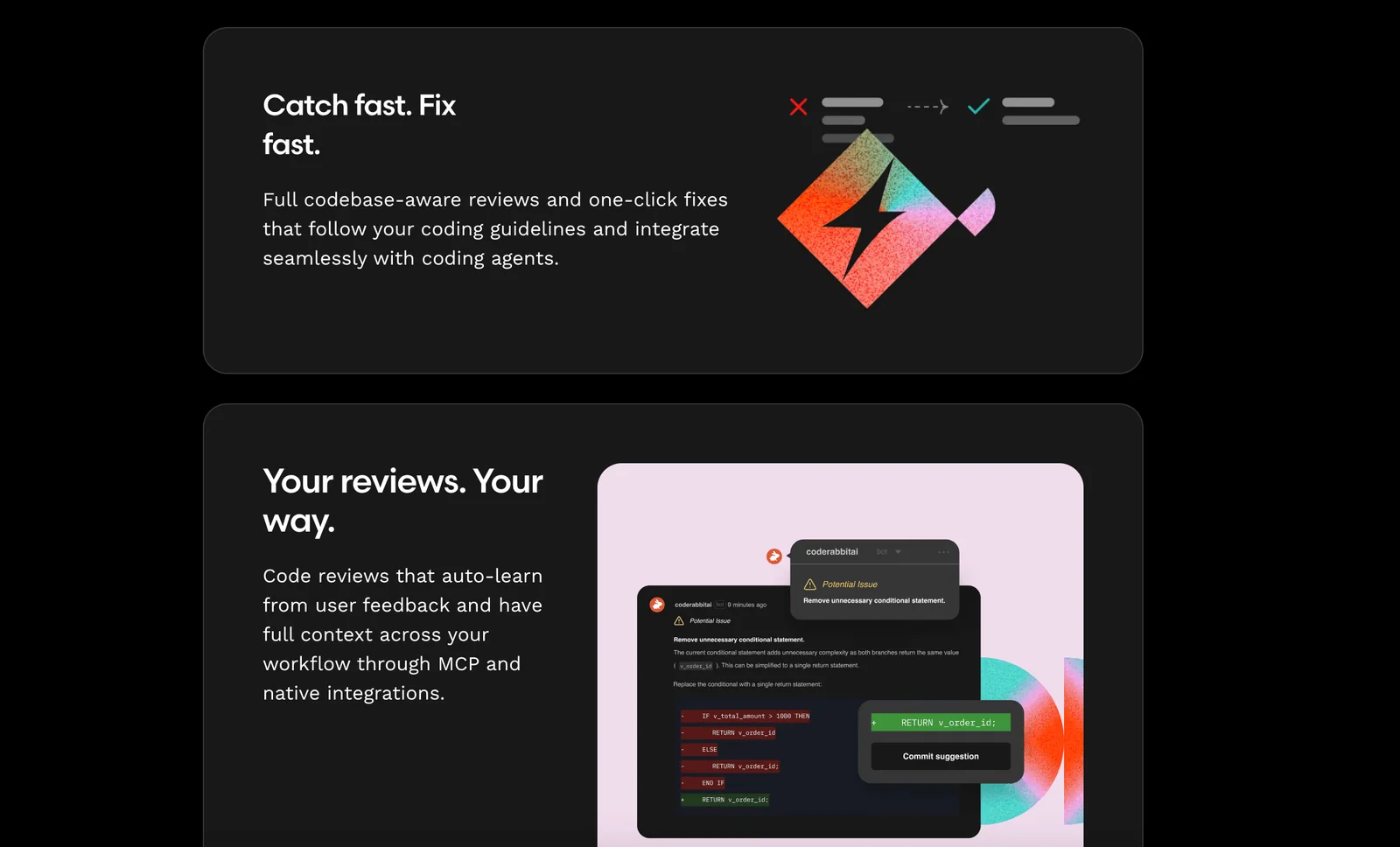
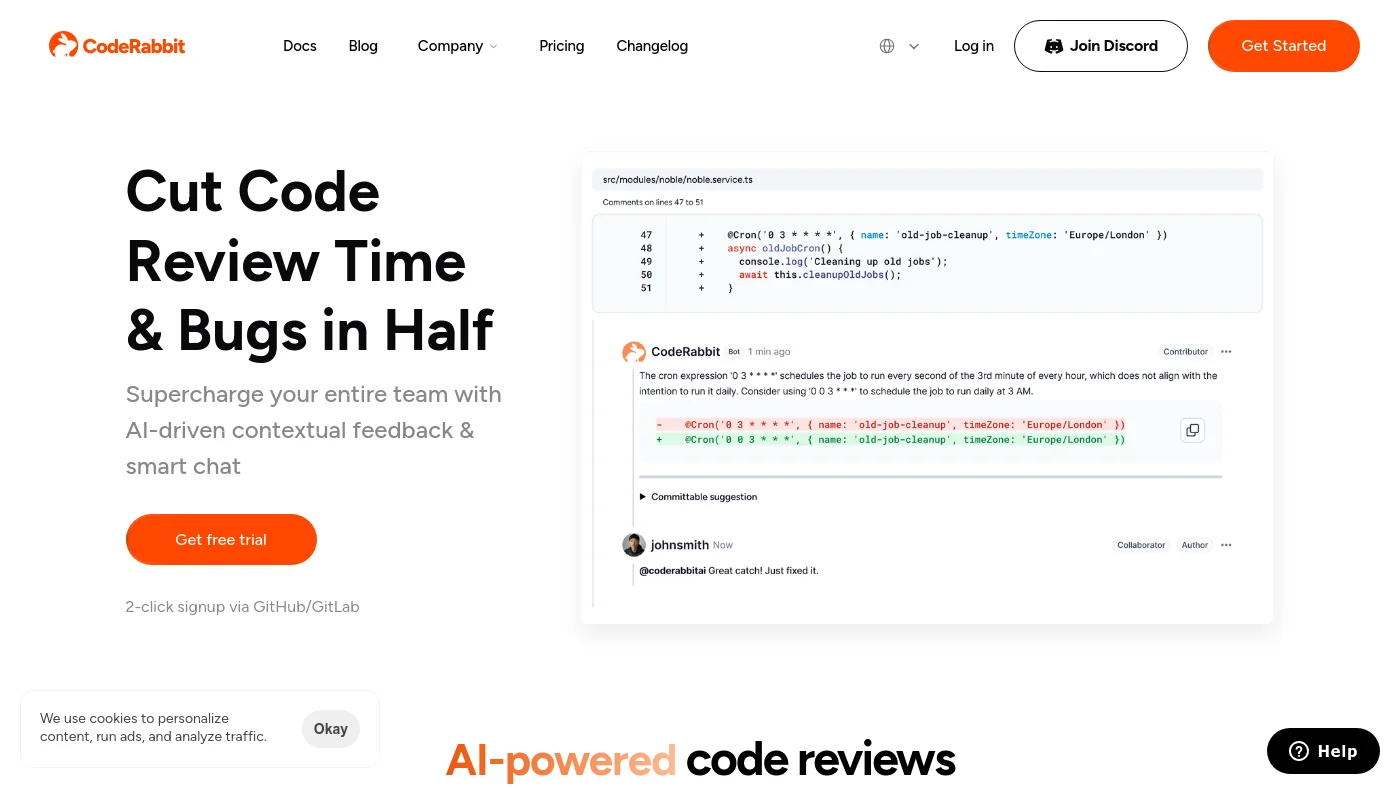
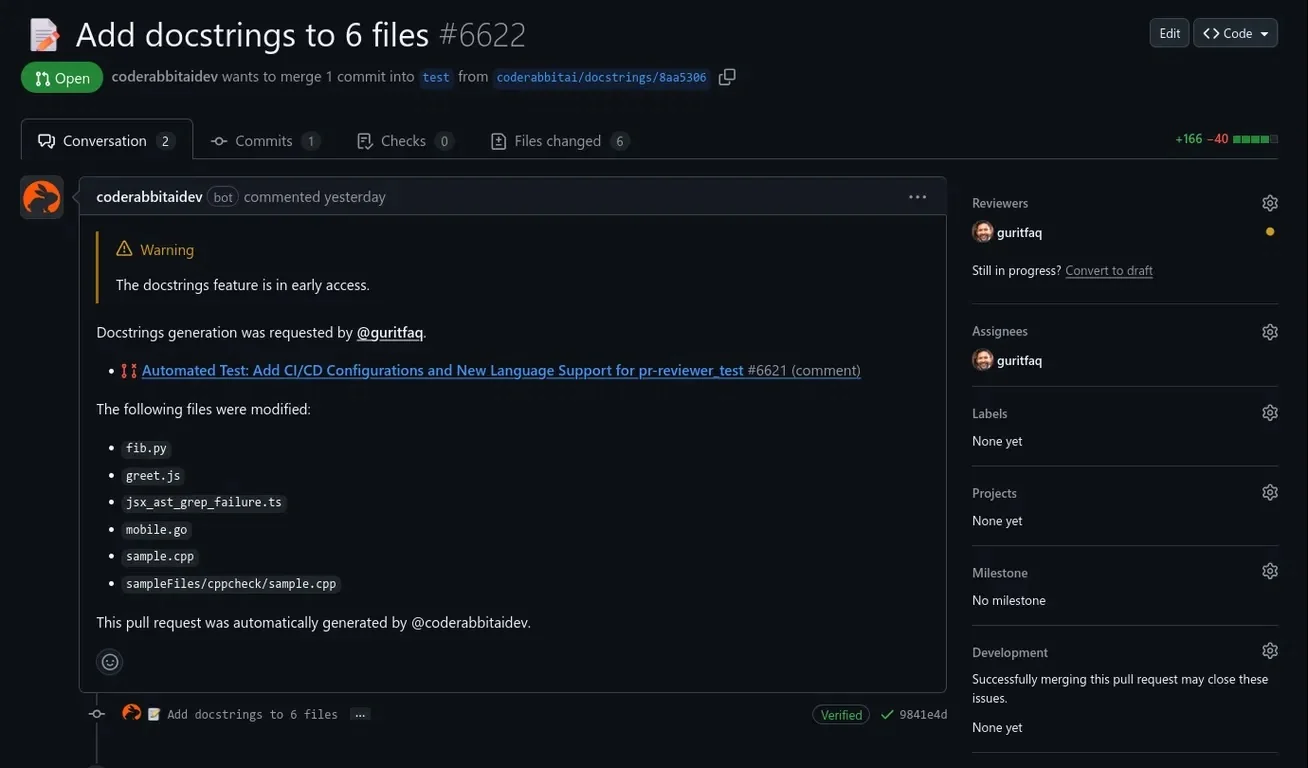
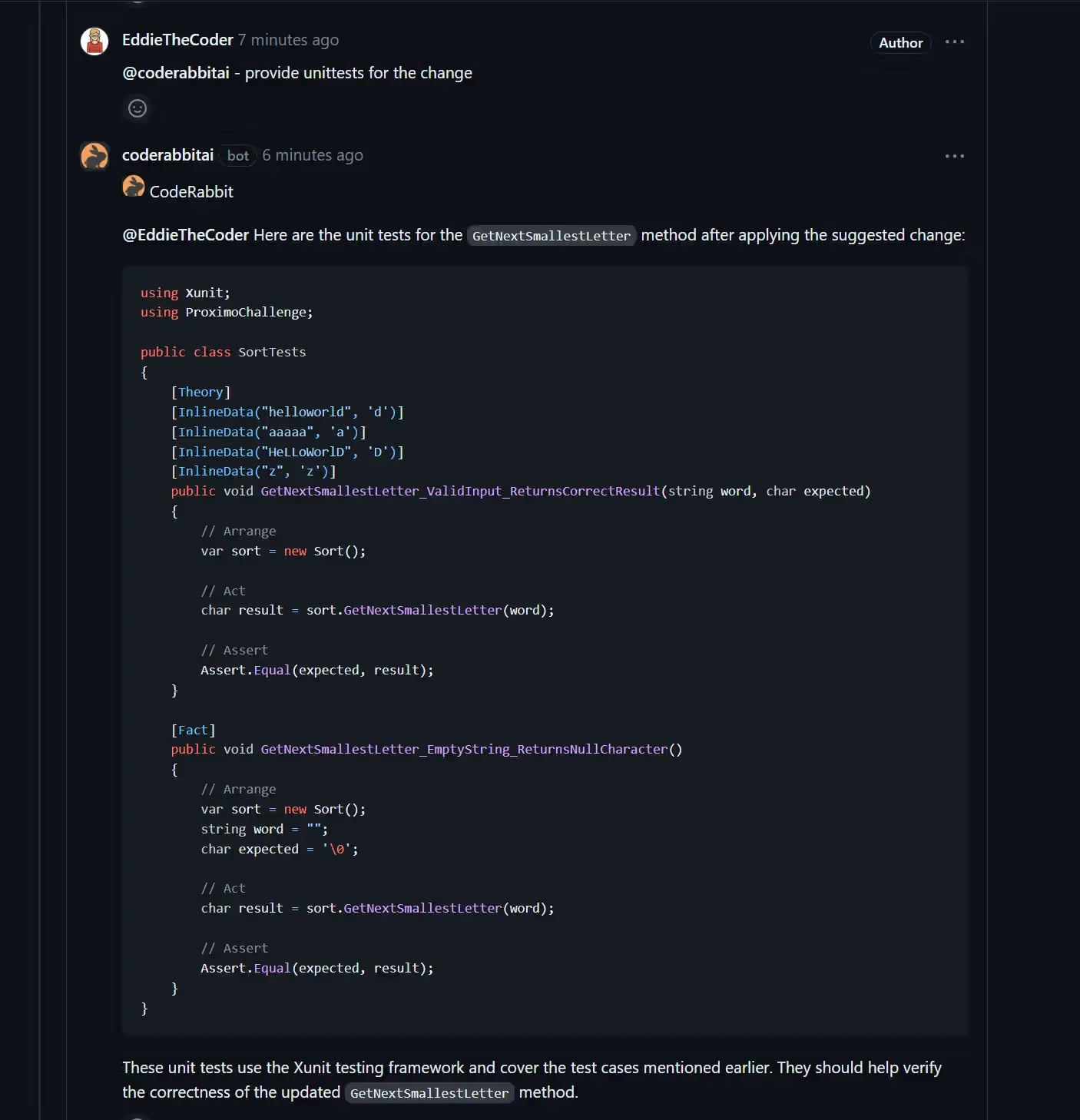
CodeRabbit is an AI-driven code review platform that delivers context-aware, line-by-line feedback on pull requests to help teams catch bugs and ship code faster. It integrates with Git-based workflows (notably GitHub) to automatically review changes, summarize PRs, surface critical edits, and enable interactive conversations with a review bot. Users can commit suggested fixes directly from their GitHub interface; the Pro product learns from usage to improve review quality over time. CodeRabbit also leverages modern LLMs (including OpenAI models) to increase review accuracy and reduce manual review effort, and offers free options for open-source projects as well as time-limited trials for new users.
Screenshots

Key Features
Use Cases



Frequently asked questions about CodeRabbit
What is the pricing structure for CodeRabbit?
CodeRabbit operates on a freemium pricing model, offering a 15-day free trial, open-source support, and several paid tiers: Lite at $12/month and Pro at $24/month per developer. For larger teams, custom pricing options are available, ensuring flexibility for enterprises.
Key Points
- Freemium Model: Includes a free trial and open-source support.
- Tiered Pricing: Lite ($12/month) and Pro ($24/month) per developer.
- Custom Solutions: Tailored pricing for enterprise needs.
Detailed Explanation
CodeRabbit's pricing structure caters to various user needs. The freemium model allows users to explore the software's capabilities without initial investment through a 15-day free trial. This is ideal for developers wanting to test features before committing.
The Lite tier is priced at $12 per month, making it accessible for individuals or small teams. It includes basic functionalities necessary for everyday coding tasks. The Pro tier at $24 per month per developer unlocks advanced features like enhanced project management tools, collaboration capabilities, and priority customer support.
For larger organizations, CodeRabbit offers custom pricing. This option is designed for enterprises that require additional features or support, ensuring that every team can tailor the software to their specific demands. Interested companies should contact CodeRabbit directly for a personalized quote.
Best Practices / Tips
- Utilize the Free Trial: Take full advantage of the 15-day free trial to assess if CodeRabbit meets your needs.
- Compare Tiers: Review both the Lite and Pro features to determine which best fits your team’s workflow.
- Inquire About Custom Pricing: If you have a larger team, reach out for custom pricing options to maximize your investment.
Additional Resources
How does CodeRabbit improve code review efficiency?
CodeRabbit enhances code review efficiency through features like line-by-line contextual feedback, automated triaging of pull requests (PRs), comprehensive PR summarization, and interactive suggestions. These capabilities expedite the review process, allowing teams to quickly pinpoint bugs and style inconsistencies in their codebases.
Key Points
- Line-by-Line Contextual Feedback: Provides detailed suggestions for each line of code.
- Automated Triaging: Streamlines the review process by prioritizing PRs based on urgency.
- Interactive Suggestions: Engages developers with actionable insights directly within the code.
Detailed Explanation
CodeRabbit's line-by-line contextual feedback allows developers to receive specific comments and suggestions tailored to each piece of code. This targeted approach eliminates ambiguity and ensures that reviewers can focus on the most pressing issues. For example, if a developer uses a deprecated function, CodeRabbit highlights this and suggests a modern alternative, making it easier for teams to maintain best practices.
Automated triaging is another game-changer. CodeRabbit assesses each PR and assigns priorities based on factors such as the size of the changes and the potential impact on the project. This means that high-priority reviews are addressed first, optimizing workflow and ensuring that critical bugs are fixed sooner.
The PR summarization feature condenses extensive code changes into digestible summaries, allowing reviewers to quickly grasp the essence of a PR without digging through lines of code. This is especially beneficial in larger teams where multiple PRs may be submitted simultaneously, as it enhances collaboration and reduces time spent on each review.
Finally, interactive suggestions encourage developers to engage with the feedback actively. Rather than simply pointing out issues, CodeRabbit provides actionable steps that can be taken to resolve them. This interactive element helps in building a culture of continuous improvement within development teams.
Best Practices / Tips
- Utilize Contextual Feedback: Encourage developers to leverage CodeRabbit’s feedback to learn and adapt their coding practices.
- Prioritize PRs Effectively: Use the automated triaging to focus on high-impact changes first, ensuring critical issues are resolved quickly.
- Review Summaries: Always read the PR summaries before diving into the code to save time and increase productivity.
- Encourage Team Collaboration: Foster an environment where team members discuss suggestions and feedback to enhance learning.
Additional Resources
How can I start using CodeRabbit for my project?
To start using CodeRabbit for your project, sign up for a free trial on their website. After creating an account, you can easily integrate CodeRabbit with platforms like GitHub or GitLab, enabling you to review your pull requests instantly and enhance your development workflow.
Key Points
- Free Trial: Sign up to explore CodeRabbit's features.
- Integration: Compatible with GitHub and GitLab for seamless use.
- Instant Feedback: Start reviewing pull requests immediately.
Detailed Explanation
To begin with CodeRabbit, head over to the CodeRabbit official website and click on the "Start Free Trial" button. You will be prompted to create an account by providing your email and setting up a password. Once registered, verify your email address to unlock your trial.
Integration Steps:
- Connect to GitHub or GitLab: After logging in, navigate to the integration settings. Here, you can choose to link your CodeRabbit account to either GitHub or GitLab. Follow the prompts to authorize access.
- Selecting Repositories: Once integrated, select the repositories you wish to utilize CodeRabbit with. This allows the tool to access your pull requests and provide tailored feedback.
- Reviewing Pull Requests: With everything set up, you can start reviewing pull requests immediately. CodeRabbit will analyze the code and provide suggestions or highlight potential issues.
This streamlined process helps developers maintain code quality and efficiency from the onset.
Best Practices / Tips
- Frequent Use: Regularly check CodeRabbit for feedback on pull requests to improve code quality consistently.
- Collaborate with Team: Encourage your team to use CodeRabbit together for a standardized code review process.
- Explore Settings: Take time to explore the settings and customize notifications and analysis preferences to suit your workflow.
Common pitfalls to avoid include neglecting to regularly update the integration settings or overlooking the feedback provided by CodeRabbit. Staying engaged with the tool ensures that you benefit from all its features.
Additional Resources
What integrations does CodeRabbit support?
CodeRabbit supports integrations with GitHub, functioning as an Action, and can be seamlessly incorporated into Continuous Integration (CI) pipelines. Additionally, it connects with project management tools like Jira and Linear, enhancing collaboration and workflow efficiency for development teams.
Key Points
- GitHub Integration: Works as an Action for CI/CD.
- Project Management Tools: Supports Jira and Linear.
- Enhanced Collaboration: Facilitates workflow efficiency across teams.
Detailed Explanation
CodeRabbit’s integration capabilities are designed to streamline development processes.
GitHub Integration
By integrating with GitHub as an Action, CodeRabbit allows developers to automate workflows directly within their GitHub repositories. For instance, you can set up CodeRabbit to trigger automatically upon specific events, such as pull requests or commits, ensuring that your code is tested and deployed consistently without manual intervention. This integration is crucial for teams aiming for a robust Continuous Integration/Continuous Deployment (CI/CD) pipeline.
Project Management Tools
In addition to GitHub, CodeRabbit integrates with popular project management tools like Jira and Linear. These integrations allow you to link your coding efforts directly with project management tasks, enabling better tracking of issues and features. For example, you can create Jira issues directly from CodeRabbit, ensuring that your development aligns closely with project milestones and deadlines. This connection improves visibility and accountability within teams.
Best Practices / Tips
- Utilize Webhooks: Set up webhooks in GitHub to trigger CodeRabbit actions based on specific repository events, optimizing your CI/CD process.
- Automate Issue Creation: Use the integration with Jira to automate the creation of issues based on CodeRabbit activity, ensuring that relevant tasks are always up to date.
- Regular Updates: Keep your integrations updated to leverage new features and maintain compatibility with the latest versions of GitHub, Jira, and Linear.
Additional Resources
How does CodeRabbit compare to other code review tools?
CodeRabbit stands out among code review tools due to its AI-driven, context-aware reviews. With features like in-pull-request (PR) suggestions and automated triaging, it enhances speed and accuracy, making it a more efficient choice compared to traditional code review tools that lack these advanced capabilities.
Key Points
- AI-Driven Insights: CodeRabbit utilizes artificial intelligence to provide smart recommendations.
- Context-Aware Reviews: The tool understands the code context, leading to relevant suggestions.
- Automated Triaging: Quickly identifies issues and prioritizes them, streamlining the review process.
Detailed Explanation
CodeRabbit distinguishes itself from traditional code review tools through its innovative use of AI. Unlike conventional tools that may rely on static rules or manual input, CodeRabbit analyzes code in real-time, offering tailored suggestions based on the specific context of the changes being made.
For instance, when a developer submits a pull request, CodeRabbit can automatically highlight potential issues, suggest improvements, and even prioritize tasks based on severity. This feature not only accelerates the review process but also reduces the chances of human error, ensuring that critical bugs are addressed promptly.
Additionally, CodeRabbit’s automated triaging feature intelligently categorizes issues, allowing teams to focus on the most impactful changes first. This is particularly beneficial for larger projects with numerous contributors, where manual reviews can become overwhelming.
Best Practices / Tips
- Integrate with CI/CD Pipelines: Incorporate CodeRabbit into your continuous integration and continuous deployment (CI/CD) workflows to maximize its benefits.
- Regularly Update Settings: Keep your AI settings and rules updated to ensure that CodeRabbit adapts to your coding standards and practices.
- Leverage Analytics: Use CodeRabbit’s analytics features to track common issues and improve code quality over time.
Additional Resources
Explore more AI Ai Agents tools
Browse all Ai Agents tools →Browse by use case: Code Generation · Automation & Productivity
Compare CodeRabbit: vs Playad · vs Concierge by Juniors AI · vs Scout by Fini · vs Ruflo