
Cockpit AI
AIAn operating system for autonomous AI agents with a native file system, persistent memory, and cloud orchestration.
Cockpit AI
An operating system for autonomous AI agents with a native file system, persistent memory, and cloud orchestration.
About Cockpit AI
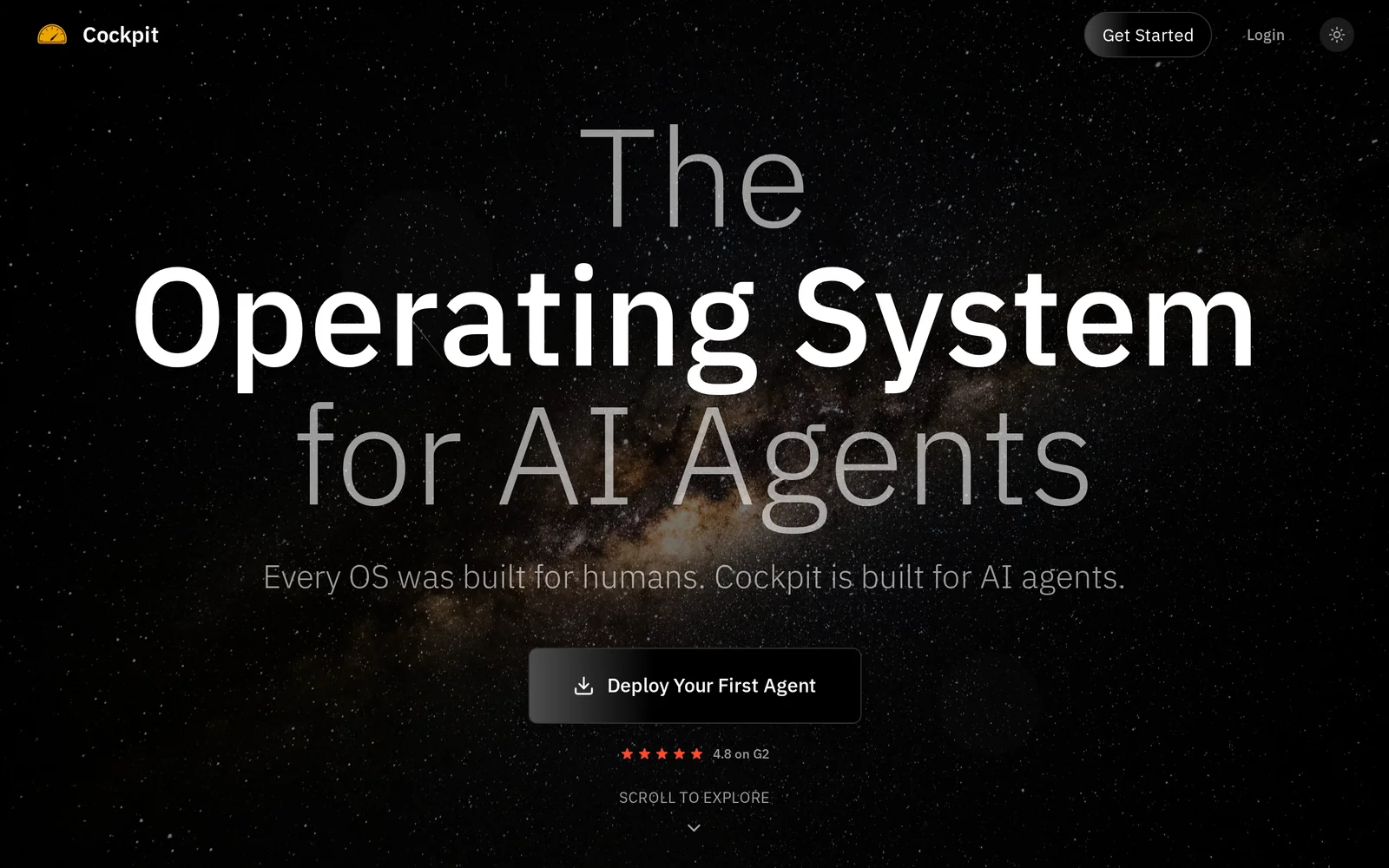
Cockpit AI is an operating system designed to run and coordinate autonomous AI agents. It provides a native file system and persistent (infinite) memory so agents can retain long-term context, plus cloud orchestration to run, scale, and schedule agent tasks. Agents can perform end-to-end workflows such as researching topics, drafting and sending outreach, and managing follow-ups while the platform keeps humans in control through oversight and intervention capabilities.
Screenshots
Key Features
Use Cases



Frequently asked questions about Cockpit AI
What is Cockpit AI?
Cockpit AI is an advanced operating system designed for autonomous AI agents, featuring a native file system, persistent memory, and cloud orchestration capabilities. This innovative platform enables seamless management and deployment of AI applications, enhancing their efficiency and adaptability in various environments.
Key Points
- Autonomous AI Agents: Cockpit AI empowers AI agents to operate independently.
- Native File System: It includes a built-in file system for efficient data management.
- Cloud Orchestration: Cockpit AI facilitates the coordination of AI resources in the cloud.
Detailed Explanation
Cockpit AI serves as a robust ecosystem for deploying and managing autonomous AI agents. Its architecture supports the creation of highly functional AI applications that can learn, adapt, and operate with minimal human intervention. Here’s a closer look at its key features:
-
Autonomous AI Agents:
- Cockpit AI allows for the development of agents capable of performing complex tasks autonomously. For instance, businesses can deploy these agents to analyze data, make decisions, or even interact with customers without needing continuous oversight.
-
Native File System:
- The integrated native file system simplifies data handling, allowing AI agents to store and retrieve information efficiently. This feature is crucial for applications in sectors like healthcare and finance, where data integrity and accessibility are paramount.
-
Cloud Orchestration:
- Cockpit AI’s cloud orchestration enables users to manage multiple AI agents and resources across various cloud environments. This capability is particularly beneficial for organizations looking to scale their AI initiatives quickly.
Best Practices / Tips
- Leverage the Native File System: Ensure that you utilize the file system for structured data storage to enhance retrieval speed and efficiency.
- Monitor Performance: Regularly assess the performance of your autonomous agents to identify areas for improvement and optimization.
- Integrate with Existing Tools: Combine Cockpit AI with other cloud-based tools to maximize its orchestration capabilities and streamline workflows.
Additional Resources
- Cockpit AI Official Documentation
- Understanding Autonomous AI Agents
- Cloud Orchestration Best Practices
By utilizing Cockpit AI, businesses can harness the power of autonomous AI, driving efficiency and innovation in their operations.
How does Cockpit AI work?
Cockpit AI operates by integrating advanced artificial intelligence technologies to streamline and automate everyday workflows for users. This platform enhances productivity by providing tools for data analysis, task automation, and decision-making support, making it easier for businesses and individuals to manage their daily operations effectively.
Key Points
- Integrated AI Technologies: Cockpit AI uses various AI methods, such as machine learning and natural language processing.
- Automation of Workflows: The platform automates repetitive tasks to save time and reduce human error.
- User-Friendly Interface: Designed for ease of use, allowing users to quickly adapt and maximize productivity.
Detailed Explanation
Cockpit AI combines several artificial intelligence capabilities to transform how users handle their daily tasks. Here are some key functions and features:
-
Machine Learning: Cockpit AI utilizes machine learning algorithms to analyze data patterns. For instance, it can predict customer behavior based on historical data, helping businesses tailor their marketing strategies effectively.
-
Natural Language Processing (NLP): With NLP, Cockpit AI can process and understand human language. This feature allows users to interact with the system through voice commands or text queries, making it accessible for individuals who may not be tech-savvy.
-
Task Automation: One of the standout features of Cockpit AI is its ability to automate mundane tasks. For example, it can schedule meetings, send reminders, or generate reports automatically, freeing up valuable time for users to focus on strategic initiatives.
-
Data Visualization: The platform provides tools for data visualization, enabling users to create insightful dashboards and reports easily. This helps in making informed decisions quickly.
-
Integration Capabilities: Cockpit AI can be integrated with various third-party applications, allowing users to connect their existing tools and enhance functionality without starting from scratch.
Best Practices / Tips
- Define Clear Objectives: Before implementing Cockpit AI, identify specific workflows or tasks you want to automate to maximize its effectiveness.
- Regularly Update Data: Ensure that the data fed into Cockpit AI is current and accurate to improve the quality of insights and predictions.
- Train Users: Provide training for team members on how to use Cockpit AI effectively, including its features and best practices for automation.
- Monitor Performance: Continuously assess the performance of the AI tools to identify areas for improvement or adjustment.
Additional Resources
What are the main features of Cockpit AI?
Cockpit AI offers a range of advanced features, including natural language processing, predictive analytics, and automated data visualization. These capabilities empower businesses to enhance decision-making, streamline operations, and improve customer engagement through intelligent insights and automation.
Key Points
- Natural Language Processing (NLP): Enables intuitive interaction.
- Predictive Analytics: Provides data-driven forecasts.
- Automated Data Visualization: Simplifies complex data representation.
Detailed Explanation
Cockpit AI excels in harnessing cutting-edge technologies to provide businesses with actionable insights. Its Natural Language Processing (NLP) allows users to interact with data using everyday language, making it accessible for non-technical users. For example, users can query databases simply by asking questions, significantly reducing the learning curve.
Predictive Analytics is another standout feature, leveraging historical data to forecast trends and outcomes. This is particularly beneficial in industries such as finance and marketing, where anticipating customer behavior can drive strategic decisions. For instance, retailers can analyze shopping patterns to optimize inventory and boost sales.
The platform’s Automated Data Visualization feature transforms complex datasets into easy-to-understand visual formats like charts and graphs. This functionality ensures that stakeholders can quickly grasp insights without getting lost in spreadsheets. By automating this process, teams can save time and focus on strategic initiatives.
Best Practices / Tips
- Leverage NLP for User Engagement: Encourage teams to use conversational queries to pull insights, enhancing user engagement with data.
- Monitor Predictive Models: Regularly review and adjust predictive analytics models to ensure they remain accurate as business conditions change.
- Optimize Visualizations: Customize data visualizations to suit different audiences, ensuring clarity and relevance in presentations.
Additional Resources
Who is Cockpit AI for?
Cockpit AI is designed for individuals and organizations seeking to streamline their AI workflows. It caters to professionals in various sectors, such as marketing, finance, and operations, as well as developers and data scientists looking to enhance productivity and decision-making with AI tools.
Key Points
- Target Audience: Professionals across industries including marketing, finance, and tech.
- Use Cases: Supports day-to-day AI tasks, data analysis, and automation.
- Accessibility: User-friendly for both technical and non-technical users.
Detailed Explanation
Cockpit AI serves a diverse range of users. Marketing professionals can leverage it for automating social media posts, analyzing customer data, and optimizing campaigns, while finance teams can use it for predictive analytics and risk assessment. Developers and data scientists benefit from its integration capabilities, allowing them to build and deploy AI models efficiently.
For instance, a marketing team can utilize Cockpit AI to analyze trends from customer interactions and adjust their strategies in real-time. A finance analyst might use the platform to run simulations on market behavior, helping to inform investment decisions.
Furthermore, Cockpit AI's intuitive interface means that even those without extensive technical knowledge can harness its power. This democratization of AI tools makes it an invaluable resource for small businesses and large enterprises alike.
Best Practices / Tips
- Identify Relevant Use Cases: Start by pinpointing specific tasks that can be automated or enhanced using Cockpit AI, such as data entry or report generation.
- Integrate with Existing Tools: Leverage Cockpit AI’s compatibility with popular software like CRM systems or project management tools to maximize efficiency.
- Regularly Update Workflows: Continuously refine your AI workflows based on performance metrics and feedback to ensure optimal results.
- Train Your Team: Invest time in training sessions for team members to fully utilize the platform’s features and capabilities.
Additional Resources
How much does Cockpit AI cost?
Cockpit AI is a subscription-based software tool, with pricing that varies depending on the plan selected. As of October 2023, users should visit the official Cockpit AI website for the most accurate and updated pricing information, as costs can change based on features and usage.
Key Points
- Cockpit AI offers multiple subscription plans.
- Pricing may vary based on selected features and usage.
- Checking the official website ensures you get the latest information.
Detailed Explanation
Cockpit AI provides various subscription tiers tailored to different user needs, such as individual users, teams, and enterprises. For instance, typical plans may range from a basic tier for individuals at approximately $10 per month to advanced options for larger teams that can exceed $100 per month. Each plan often includes different features like AI capabilities, integrations, customer support, and usage limits.
To maximize your understanding of Cockpit AI's pricing, consider the following steps:
- Visit the Official Website: Navigate to Cockpit AI's pricing page to view the latest offers and discounts.
- Compare Plans: Evaluate what features are included in each subscription to determine which best fits your needs.
- Check for Promotions: Sometimes, Cockpit AI may offer promotional discounts for new users or seasonal offers, which can significantly reduce costs.
Best Practices / Tips
- Evaluate Your Needs: Before selecting a plan, assess your specific requirements to avoid overpaying for unnecessary features.
- Utilize Free Trials: If available, take advantage of free trials to explore the platform and its capabilities before committing to a paid plan.
- Stay Updated: Regularly check for updates on pricing and features, as companies often revise their offerings based on user feedback and market trends.
Additional Resources
How do I get started with Cockpit AI?
To get started with Cockpit AI, visit oncockpit.ai to sign up for an account. Once registered, you can explore its features, integrate your data, and begin leveraging AI tools for your projects, enhancing productivity and decision-making.
Key Points
- Easy Registration: Sign up for a free or paid account.
- Explore Features: Familiarize yourself with the dashboard and tools.
- Integration: Connect data sources for optimal use of AI functionalities.
Detailed Explanation
Getting started with Cockpit AI is straightforward. First, navigate to oncockpit.ai. You will find options for both free and premium accounts. The registration process is user-friendly; simply fill out your details and confirm your email address.
Once logged in, take time to explore the intuitive dashboard. Familiarize yourself with the various features such as data analysis, machine learning models, and reporting tools. Cockpit AI is designed to be user-friendly, making it accessible even for those new to AI technologies.
After exploring the dashboard, the next step is to integrate your existing data sources. Cockpit AI supports various integrations, including CSV uploads, API connections, and direct data imports from popular platforms. This allows you to utilize AI capabilities to enhance your data analysis and decision-making processes effectively.
Best Practices / Tips
- Start with the Free Plan: If uncertain, begin with the free tier to understand the platform.
- Utilize Tutorials: Check out available tutorials and documentation to maximize your understanding.
- Prioritize Data Quality: Ensure the data you import is clean and structured to achieve better AI outputs.
- Engage with the Community: Join forums or user groups to share experiences and learn from others.
Additional Resources
By following these steps and utilizing the resources provided, you can effectively harness Cockpit AI's capabilities to enhance your projects and drive better results.
Explore more AI Ai Agents tools
Browse all Ai Agents tools →Browse by use case: Automation & Productivity
Compare Cockpit AI: vs Apache Maka · vs Construct Computer · vs ShogunAI · vs fx