

Cloudflare
AIGlobal network platform delivering CDN, DDoS protection, DNS, WAF, and edge serverless compute to secure and accelerate internet properties.
Cloudflare
Global network platform delivering CDN, DDoS protection, DNS, WAF, and edge serverless compute to secure and accelerate internet properties.
About Cloudflare
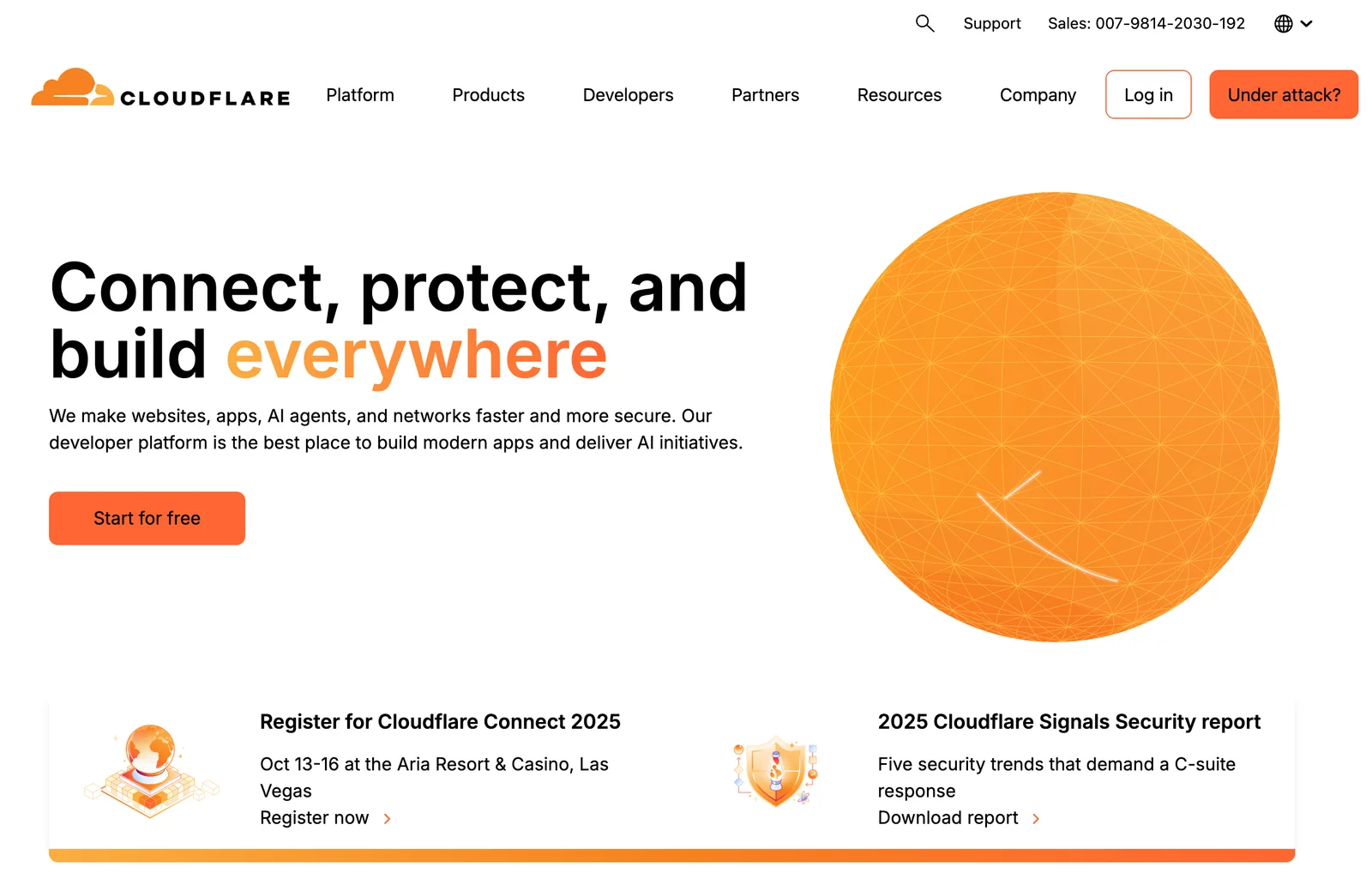
Cloudflare is a global edge network that connects, protects, and accelerates websites, APIs, and applications by sitting between visitors and origin servers. It provides a suite of integrated services including a content delivery network (CDN), DDoS mitigation, authoritative DNS, web application firewall (WAF), bot management, and edge serverless compute (Workers). Traffic is routed across Cloudflare's Anycast network to cache content at the edge, apply security policies, and reduce latency while reducing origin load and simplifying operations. Cloudflare's unique value lies in combining performance, security, and a developer-friendly edge platform into a single global network with tiered pricing and a free entry-level plan.
Screenshots
Key Features
Use Cases



Frequently asked questions about Cloudflare
What are the pricing options for Cloudflare?
Cloudflare offers four pricing plans: Free ($0/month), Pro ($20/month), Business ($200/month), and Enterprise (custom pricing). Each plan provides a unique set of features tailored to different needs, making it suitable for personal websites, small businesses, and large enterprises.
Key Points
- Free Plan: Basic security and performance features.
- Pro Plan: Advanced features for professional websites.
- Business Plan: Enhanced support and performance for businesses.
- Enterprise Plan: Customized solutions for large organizations.
Detailed Explanation
Cloudflare's pricing structure is designed to cater to a wide range of users, from individual bloggers to large corporations.
-
Free Plan: Ideal for personal websites and blogs, the Free plan includes basic DDoS protection, a global content delivery network (CDN), and shared SSL. It is a great starting point for users unfamiliar with web performance and security tools.
-
Pro Plan ($20/month): The Pro plan is suited for professional websites needing enhanced performance. It includes features like Web Application Firewall (WAF), image optimization with Polish, and additional security with Bot Management. This plan is excellent for small businesses looking to improve site speed and security without a significant investment.
-
Business Plan ($200/month): Designed for growing businesses, the Business plan offers all Pro features, along with additional benefits like custom SSL certificates, more advanced WAF rules, and prioritized support. This plan is perfect for e-commerce sites that require higher performance and reliability.
-
Enterprise Plan: For large organizations with specific needs, the Enterprise plan features custom pricing and tailored solutions. This plan includes dedicated account management, additional security features, and custom solutions for performance optimization. It's best for businesses with complex requirements and high traffic.
Best Practices / Tips
- Evaluate Your Needs: Before selecting a plan, assess your website’s traffic, security requirements, and performance goals. This will help you choose the most cost-effective option.
- Consider Growth: If you anticipate growth in traffic or business operations, consider starting with a higher plan for scalability.
- Take Advantage of Free Trials: Many features, especially in higher-tier plans, may have trial periods. Use these to test their effectiveness before committing.
Additional Resources
How do I get started with Cloudflare?
To get started with Cloudflare, visit their website, create a free account, and follow the setup wizard to configure your domain. You'll be able to select from a variety of features tailored to your needs, and comprehensive guides are available to assist you throughout the process.
Key Points
- Create a free Cloudflare account.
- Follow the setup wizard to add your domain.
- Customize Cloudflare features based on your requirements.
Detailed Explanation
Starting with Cloudflare involves several simple steps:
-
Visit the Cloudflare Website: Access the Cloudflare homepage where you can find information about their services.
-
Sign Up for an Account: Click on the "Sign Up" button. You can create a free account by providing your email address and a password. Cloudflare offers multiple pricing tiers, but the free plan is an excellent way to begin.
-
Add Your Domain: After signing up, you will be prompted to enter your domain name. This is the website you want to protect or accelerate. Cloudflare will scan your existing DNS records to help you set up your domain correctly.
-
Review DNS Records: Once your domain is added, Cloudflare will display your DNS records. Review these records for accuracy, ensuring that they point to the correct IP addresses for your web services.
-
Choose a Plan: Select a plan that meets your needs. The free plan offers basic security and performance features, while paid plans provide additional functionalities like advanced security, load balancing, and more.
-
Change Your Nameservers: Cloudflare will provide nameservers for you to update in your domain registrar account. This step is crucial as it directs traffic through Cloudflare's network.
-
Configure Features: Use the Cloudflare dashboard to enable features such as SSL/TLS encryption, caching, and firewall rules. Tailor these settings based on your website's specific requirements.
-
Monitor Performance: Once set up, you can monitor your website's performance and security metrics through Cloudflare's dashboard.
Best Practices / Tips
- Utilize the Free Plan: Start with the free plan to familiarize yourself with Cloudflare's features before upgrading.
- Enable SSL: Activate SSL/TLS encryption for secure data transmission, which is essential for SEO and user trust.
- Regularly Review Settings: Periodically check your Cloudflare settings and DNS records to ensure everything is running smoothly.
- Take Advantage of Support: Use Cloudflare’s extensive documentation and community forums for troubleshooting and optimizing your setup.
Additional Resources
What are the key features of Cloudflare?
Cloudflare offers a robust suite of features including a global Content Delivery Network (CDN), DDoS protection, DNS management, a Web Application Firewall (WAF), and serverless edge computing through Cloudflare Workers. These tools significantly enhance the performance, reliability, and security of websites and applications.
Key Points
- Global CDN: Distributes content efficiently across the globe.
- DDoS Protection: Safeguards against distributed denial-of-service attacks.
- DNS Management: Provides fast and reliable DNS services.
Detailed Explanation
Cloudflare's global CDN ensures that your website loads quickly for users no matter where they are located. By caching content at various locations worldwide, it reduces latency and improves load times. This is particularly beneficial for e-commerce sites and media platforms that require fast access to large files.
The DDoS protection feature is critical for maintaining uptime during malicious attacks. Cloudflare can absorb large amounts of traffic, filtering out attack traffic while allowing legitimate requests through. For instance, during a DDoS attack, Cloudflare can automatically detect and mitigate threats, ensuring your site remains accessible.
With DNS management, Cloudflare offers rapid DNS resolution, which is vital for maintaining website performance. Their DNS service is not only fast but also secure, providing features like DNSSEC to protect against DNS spoofing. Additionally, Cloudflare's DNS analytics allow businesses to monitor traffic patterns and anomalies.
The Web Application Firewall (WAF) protects your site from a variety of threats by filtering and monitoring HTTP traffic. It comes with pre-configured rules to defend against common vulnerabilities, such as SQL injection and cross-site scripting (XSS). You can customize the WAF to suit your specific application needs.
Finally, Cloudflare Workers enable serverless edge computing, allowing developers to run JavaScript code at the edge. This reduces latency and enhances performance by executing requests closer to the user. For example, you can create custom APIs or modify requests and responses in real-time, all without the need for provisioning servers.
Best Practices / Tips
- Leverage Caching: Optimize your cache settings in the CDN to improve load times further.
- Regularly Update Firewall Rules: Ensure that your WAF rules are up-to-date to protect against the latest vulnerabilities.
- Utilize Analytics: Use Cloudflare's analytics tools to monitor traffic and adjust your security settings accordingly.
Additional Resources
How does Cloudflare compare to other CDN services?
Cloudflare differentiates itself from other CDN services with its freemium pricing model, extensive DDoS protection, and integrated security features. It offers strong performance enhancements, a wide array of add-ons, and user-friendly management tools, making it an appealing choice for businesses of all sizes.
Key Points
- Freemium Model: Cloudflare offers a no-cost tier, allowing users to access essential features without upfront costs.
- DDoS Protection: It provides robust DDoS mitigation, safeguarding websites against malicious attacks.
- Performance Optimization: Cloudflare enhances loading speeds through its global network of data centers.
Detailed Explanation
Cloudflare is more than just a Content Delivery Network (CDN); it integrates various security and performance features that set it apart.
-
Freemium Model: Unlike many CDNs that require a subscription for basic services, Cloudflare's freemium model allows users to start with a free plan. This plan includes essential features like CDN service, shared SSL, and global caching, making it accessible for small businesses and startups.
-
DDoS Protection: Cloudflare's advanced DDoS protection is one of its standout features. It can absorb and mitigate large-scale attacks, ensuring that your website remains operational even during significant threats. This is particularly advantageous for high-traffic sites that are more likely to be targeted.
-
Performance Optimization: Cloudflare operates a network of over 250 data centers worldwide, which minimizes latency by routing user requests to the nearest server. They employ a variety of technologies, including intelligent caching, image optimization (Polish), and automatic minification of CSS and JavaScript, significantly enhancing website loading speeds.
-
User-Friendly Management: Cloudflare's dashboard is designed for ease of use, allowing users to manage settings, monitor analytics, and configure security features without advanced technical knowledge.
Best Practices / Tips
- Choose the Right Plan: Start with the free tier to evaluate Cloudflare's offerings. As your needs grow, consider upgrading to paid plans that provide additional features like advanced security and performance analytics.
- Leverage Security Features: Take full advantage of Cloudflare's built-in security features, including Web Application Firewall (WAF) and bot management, to further protect your website.
- Optimize for Performance: Regularly review your caching settings and compression options to ensure your website is loading as quickly as possible. Utilize features like Rocket Loader to prioritize loading of critical resources.
Additional Resources
Does Cloudflare provide an API for integration?
Yes, Cloudflare provides a comprehensive API that enables developers to automate configurations, integrate services, and efficiently manage DNS records. The API is well-documented on Cloudflare's official website, facilitating seamless integration with various applications and workflows.
Key Points
- Extensive Functionality: The API supports a wide range of features, including DNS management, firewall rules, and performance settings.
- Automated Workflows: Developers can streamline operations by automating routine tasks and configurations.
- User-Friendly Documentation: Cloudflare offers detailed documentation, including examples and SDKs for various programming languages.
Detailed Explanation
Cloudflare's API is designed to empower developers with the ability to manage their Cloudflare accounts programmatically. It covers several key areas:
-
DNS Management: You can create, update, or delete DNS records through the API, allowing for dynamic updates based on application needs. For instance, if your application scales and requires changes to DNS settings, you can automate this process.
-
Security Features: The API allows you to configure firewall rules, manage IP whitelisting, and enforce SSL settings. This is crucial for maintaining security in real-time without manual intervention.
-
Performance Optimization: You can adjust performance settings, such as caching rules and minification options, directly through the API. This helps in optimizing content delivery without needing to access the Cloudflare dashboard.
-
Integration with Other Services: The Cloudflare API can be integrated with CI/CD pipelines, third-party applications, and custom dashboards, enhancing overall operational efficiency.
Example Use Case
Suppose you are running an e-commerce website that experiences fluctuating traffic. Using Cloudflare’s API, you can automate DNS updates to redirect traffic to different servers based on load. Additionally, you can set up automated alerts for unusual traffic patterns or potential security threats.
Best Practices / Tips
- API Rate Limits: Be aware of Cloudflare's API rate limits to avoid service interruptions. Typically, it's advisable to batch requests when possible.
- Use API Keys: Always use API tokens to authenticate your requests securely. This minimizes risks associated with unauthorized access.
- Monitor API Usage: Regularly review your API usage to ensure you are not exceeding limits and to optimize performance.
- Leverage Webhooks: For real-time updates, consider using webhooks in conjunction with the API to listen for changes in your Cloudflare account.
Additional Resources
- Cloudflare API Documentation
- Getting Started with Cloudflare’s API
- Cloudflare Community Forums for support and advice from other developers.
Explore more AI Ai Models tools
Browse all Ai Models tools →Compare Cloudflare: vs SWE-2 · vs Desert Ant Labs · vs Hy4 preview · vs Soup CLI