
Clawdbot
AIOpen SourceFreeClawdbot is an open-source, locally-running personal AI assistant that runs on any OS and is extended via installable skills.
Clawdbot
Clawdbot is an open-source, locally-running personal AI assistant that runs on any OS and is extended via installable skills.
About Clawdbot
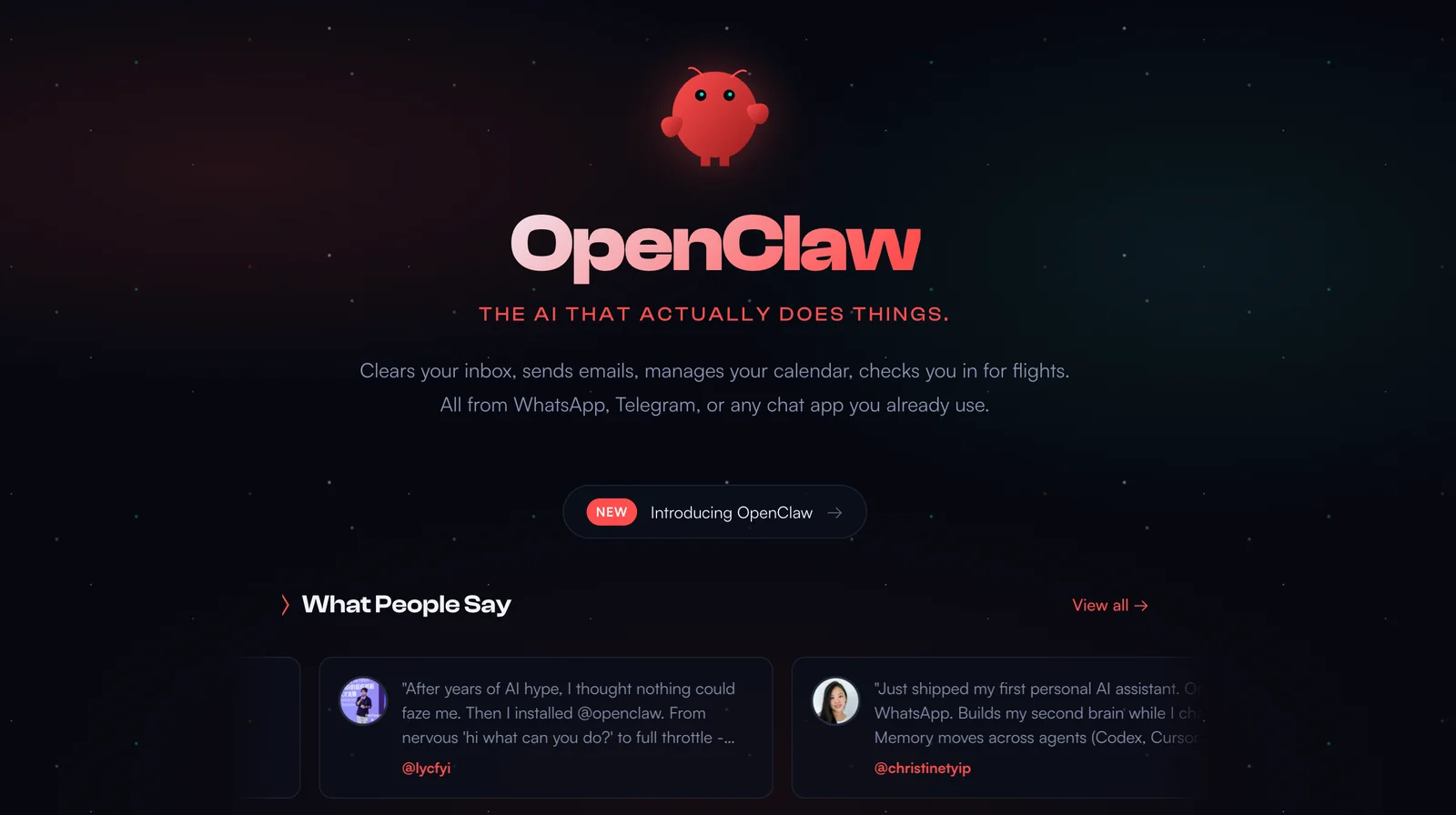
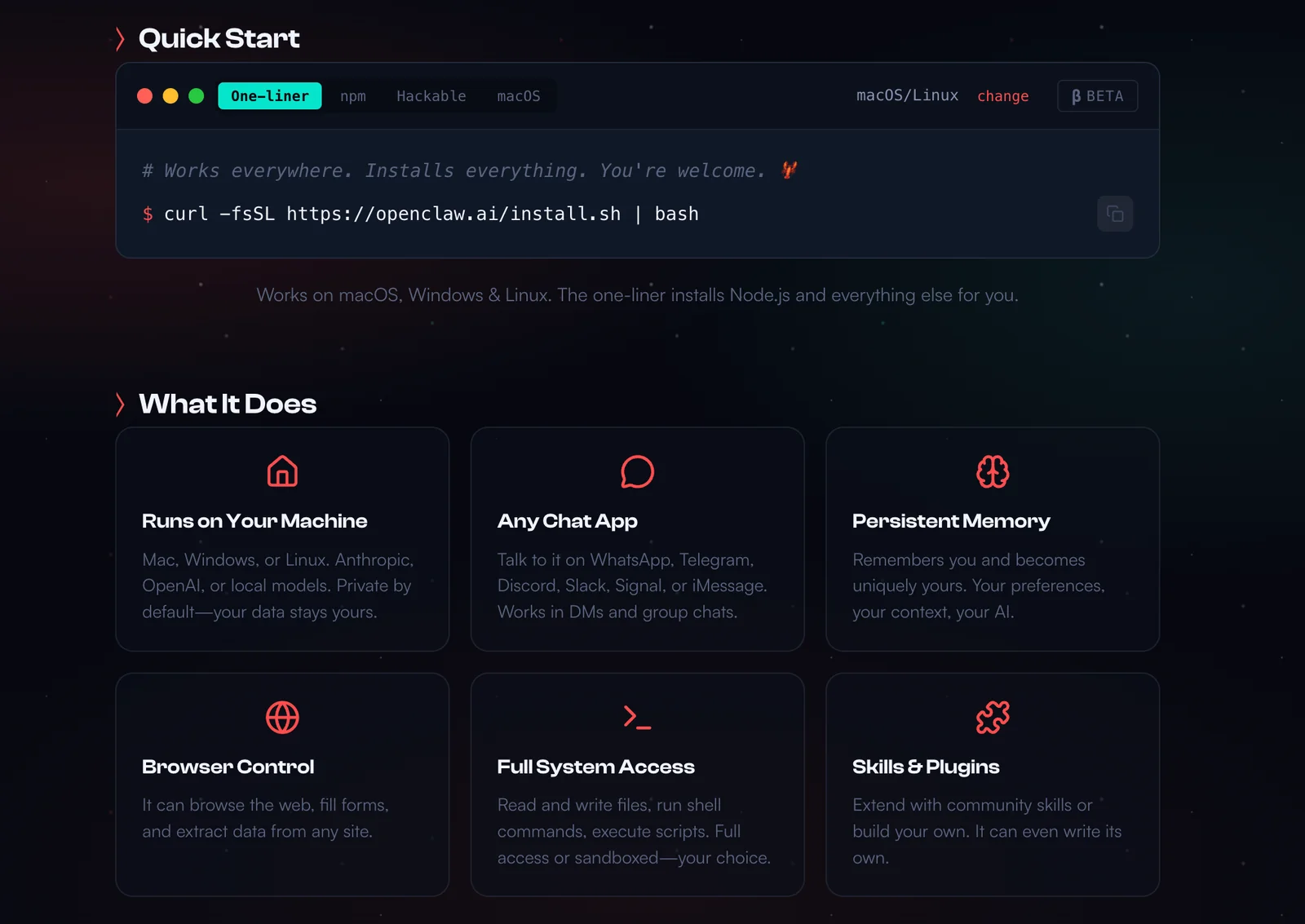
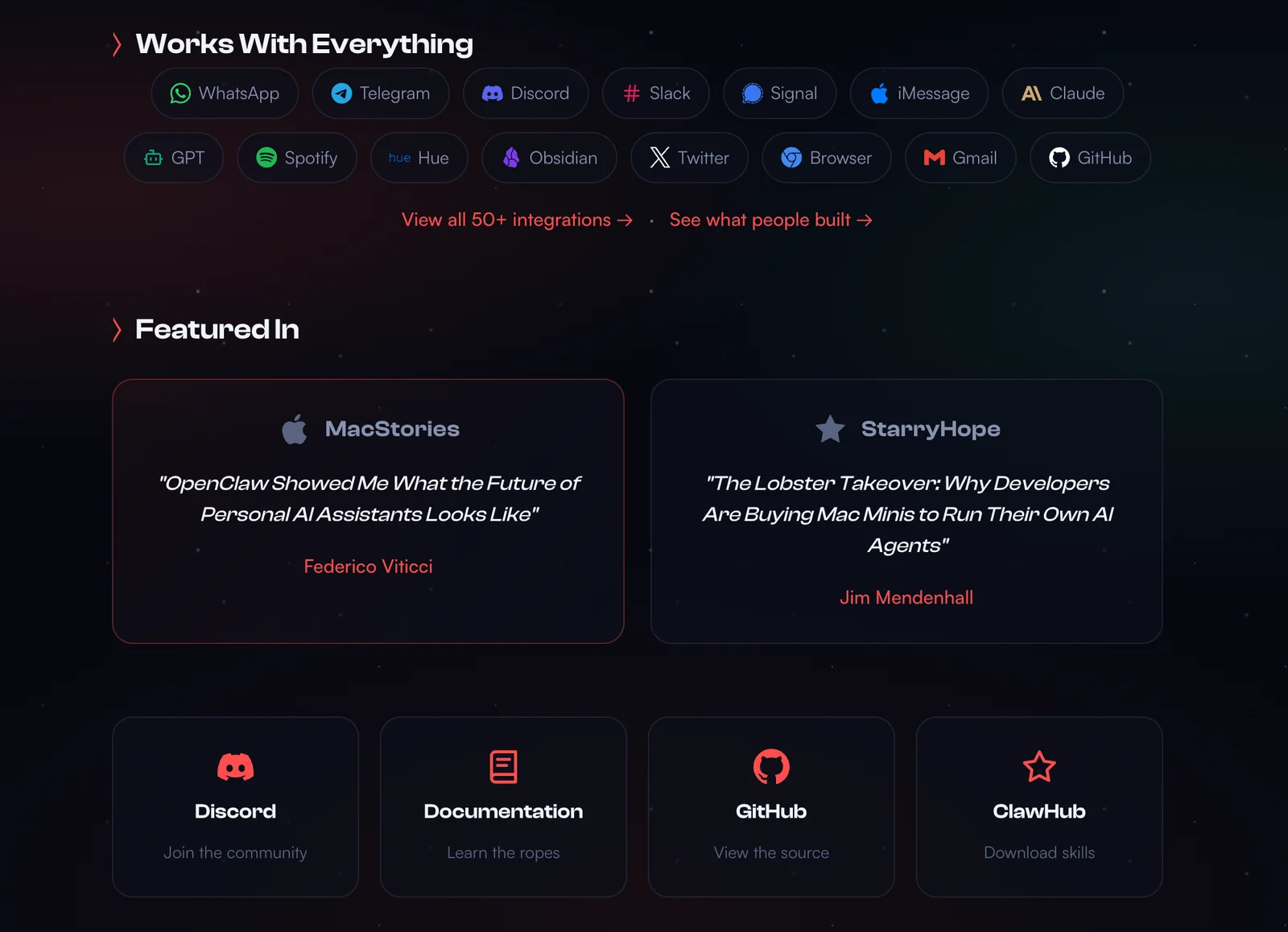
Clawdbot is a local-first, open-source personal AI assistant that runs on your machine and can be extended with modular "skills" to interact with external services, automate workflows, and perform specialized tasks. It provides cross-platform installer scripts and a CLI/TUI for onboarding, configuration, and running agent workflows. Skills are published and discovered through ClawdHub (a public registry) and follow the Agent Skill convention; community-contributed skills enable browser automation, model connectors (e.g., Claude), secure messaging between instances, automatic updates, and security auditing. The project emphasizes extensibility, privacy (local execution), and a developer-friendly ecosystem with a large GitHub codebase and active releases.
Screenshots
Key Features
Use Cases



Frequently asked questions about Clawdbot
Is Clawdbot really free to use?
Yes, Clawdbot is entirely free to use as an open-source personal AI assistant. You can easily download and install it on any operating system without encountering any hidden fees or subscriptions.
Key Points
- Open-source Access: Clawdbot is available for anyone to use and modify.
- No Hidden Fees: Users can utilize all features without costs.
- Multi-Platform Compatibility: Supports installation on various operating systems.
Detailed Explanation
Clawdbot is a versatile open-source personal AI assistant designed to enhance productivity and streamline tasks. Being open-source means that anyone can contribute to its code, ensuring continuous improvement and innovation. You can download Clawdbot from its official repository, typically hosted on platforms like GitHub.
Installation Process
- Download: Visit the Clawdbot official website or GitHub repository.
- Choose Your OS: Ensure compatibility with your operating system (Windows, macOS, Linux).
- Follow Installation Instructions: Each OS will have specific installation guidelines; follow these to set up Clawdbot on your machine.
Once installed, users have access to a wide range of features, including task management, scheduling, and even basic conversational capabilities. Since it operates locally, your data remains private and secure.
Best Practices / Tips
- Stay Updated: Regularly check for updates on the Clawdbot repository to access new features and security patches.
- Explore Community Contributions: Engage with the Clawdbot community for tips and customizations that could enhance your user experience.
- Utilize Documentation: Familiarize yourself with the official documentation to understand all available commands and functionalities.
Additional Resources
- Clawdbot GitHub Repository - For downloads, updates, and community support.
- Clawdbot Documentation - Comprehensive guides and user manuals.
- Open-source AI Assistants - Learn about other open-source AI tools available.
What features does Clawdbot offer for personal productivity?
Clawdbot offers a powerful suite of features for personal productivity, including task automation, calendar management, and note-taking capabilities. Users can enhance Clawdbot's functionality with modular skills from the ClawdHub registry, tailoring it to their specific needs for improved efficiency and organization.
Key Points
- Task Automation: Streamline repetitive tasks effortlessly.
- Calendar Management: Organize schedules and set reminders.
- Note-Taking: Capture ideas and information easily.
Detailed Explanation
Clawdbot is designed to boost personal productivity by automating mundane tasks, helping users focus on more significant projects. With its task automation feature, users can set up workflows that trigger actions based on specific commands or schedules, significantly reducing time spent on repetitive activities. For example, you can automate email responses or data entry, allowing you to allocate time to more strategic initiatives.
The calendar management capabilities of Clawdbot enable users to synchronize their calendars across platforms, set alerts for meetings, and manage appointments efficiently. This feature helps ensure that you never miss an important meeting, and you can easily adjust your schedule with voice commands or simple clicks.
Additionally, Clawdbot's note-taking functionality allows users to jot down thoughts, ideas, or meeting notes quickly. You can create organized notebooks, categorize notes by project or priority, and even set reminders to revisit them later. This feature can be crucial for maintaining clarity and organization in both personal and professional settings.
Users can extend Clawdbot's capabilities through the ClawdHub registry, which offers a variety of modular skills. This registry allows users to customize their Clawdbot experience by integrating third-party applications or adding new functionalities that can further enhance productivity. For instance, you can integrate with project management tools like Trello or Asana to streamline project tracking.
Best Practices / Tips
- Maximize Automation: Identify repetitive tasks in your daily routine and automate them using Clawdbot to save time.
- Regularly Update Skills: Explore and install new skills from ClawdHub regularly to keep your Clawdbot optimized for your changing needs.
- Sync Calendars: Ensure all your calendars are synced with Clawdbot to avoid scheduling conflicts and manage time efficiently.
Additional Resources
How do I get started with Clawdbot?
To get started with Clawdbot, download it from the official website, selecting the version compatible with your operating system. Follow the provided installation instructions, and after installation, you can explore and enhance Clawdbot's functionality by installing additional skills from ClawdHub.
Key Points
- Download Clawdbot from the official website.
- Follow installation instructions specific to your OS.
- Explore and install additional skills from ClawdHub.
Detailed Explanation
Clawdbot is a versatile AI tool designed to enhance your workflow through various skills and features. To begin using Clawdbot:
-
Download: Visit the Clawdbot official website and choose the appropriate version for your operating system: Windows, macOS, or Linux.
-
Installation: After downloading, locate the installation file in your downloads folder:
- Windows: Double-click the
.exefile and follow the prompts. - macOS: Open the
.dmgfile, drag Clawdbot to your Applications folder, and launch it. - Linux: Use the terminal to run the installation commands provided on the website.
- Windows: Double-click the
-
Set Up: Once installed, launch Clawdbot and complete any initial setup configurations, such as creating an account or setting preferences.
-
Explore ClawdHub: After setup, visit ClawdHub to browse and install additional skills that can enhance Clawdbot’s capabilities. Skills may include task automation, integration with other apps, and custom workflows tailored to your needs.
Best Practices / Tips
- Regular Updates: Keep Clawdbot updated to benefit from the latest features and security improvements.
- Skill Management: Periodically review installed skills to ensure they are up-to-date and relevant to your current needs.
- Community Engagement: Join forums or support groups to share experiences and learn from other Clawdbot users, which can help troubleshoot issues and discover new skills.
Additional Resources
- Clawdbot Documentation - Comprehensive guides on installation, features, and troubleshooting.
- ClawdHub - A repository of additional skills and extensions for Clawdbot.
- User Community Forum - Connect with other users for tips, tricks, and support.
What are the technical requirements for running Clawdbot?
Clawdbot requires Node.js version 22 or higher and is compatible with all major operating systems, including Windows, macOS, and Linux. Users can install Clawdbot locally using built-in scripts that automatically manage all necessary dependencies, ensuring a smooth setup process.
Key Points
- Node.js Requirement: Version 22 or higher.
- Cross-Platform Compatibility: Works on Windows, macOS, and Linux.
- Automated Installation: Scripts handle dependencies.
Detailed Explanation
Clawdbot is designed to be highly accessible for developers and users alike. The primary technical requirement is Node.js, which is a JavaScript runtime used for building scalable network applications. To get started, you need to ensure that you have Node.js version 22 or higher installed on your system.
Installation Steps:
-
Check Node.js Version: Open your terminal or command prompt and run:
node -vThis command will display the current version of Node.js installed on your machine.
-
Download and Install Node.js: If your version is below 22, visit the Node.js official website to download the latest version compatible with your operating system.
-
Clone the Clawdbot Repository: Use Git to clone the repository:
git clone https://github.com/yourusername/clawdbot.git -
Navigate to the Directory: Change to the directory where Clawdbot is located:
cd clawdbot -
Install Dependencies: Run the provided script to install all required dependencies:
npm install
Use Cases:
Clawdbot is particularly useful for developers looking to integrate AI functionalities into their applications. It can be utilized in chatbots, automated customer service solutions, and data analysis tools.
Best Practices / Tips
- Keep Node.js Updated: Always ensure you are running the latest stable version of Node.js to take advantage of performance improvements and security updates.
- Monitor Dependencies: Regularly check for updates to your dependencies to avoid compatibility issues.
- Test in a Local Environment: Before deploying Clawdbot to production, thoroughly test it in a local environment to catch any potential issues early.
Additional Resources
How does Clawdbot compare to other AI assistants?
Clawdbot distinguishes itself from other AI assistants by operating locally, giving users complete control over their data. Unlike many cloud-based alternatives, it avoids recurring fees and supports extensive customization through a versatile skill system, making it ideal for privacy-conscious users and those seeking tailored functionality.
Key Points
- Local Operation: Clawdbot runs on your device, ensuring data privacy.
- No Recurring Fees: Users avoid ongoing costs associated with cloud services.
- Extensive Customization: The skill system allows users to tailor functionalities to their needs.
Detailed Explanation
Clawdbot's local operation means that all data processing occurs on the user's device rather than in the cloud. This approach enhances security and privacy, making it an attractive option for individuals and businesses concerned about data breaches or misuse. Unlike cloud-based AI assistants, which often require monthly subscriptions or hidden fees, Clawdbot is a one-time purchase, allowing users to save money in the long run.
The customization aspect of Clawdbot is particularly noteworthy. Users can develop or download various skills tailored to specific tasks, ranging from personal finance management to home automation. This feature empowers users to create a personalized experience that aligns with their unique requirements, unlike other AI assistants that may offer limited customization options.
For instance, if a user wants to integrate Clawdbot with their smart home devices, they can easily add relevant skills to control lighting, temperature, and security systems directly through voice commands or scripts. This flexibility makes Clawdbot suitable for both tech enthusiasts and everyday users seeking ease of use.
Best Practices / Tips
- Explore the Skill System: Take time to research and implement various skills that can enhance Clawdbot's functionality according to your daily needs.
- Prioritize Security: Regularly update your device and Clawdbot software to ensure you benefit from the latest security features.
- Utilize Community Resources: Engage with the Clawdbot community to share skills and learn from others' experiences.
Additional Resources
- Clawdbot Official Documentation - For in-depth guidance on setup and customization.
- Privacy and Security Best Practices - Tips on maximizing data protection while using Clawdbot.
- Skill Development Guides - Resources for creating and sharing new skills for Clawdbot.
Explore more AI Ai Agents tools
Browse all Ai Agents tools →Browse by use case: Chatbots & Assistants · Automation & Productivity
Compare Clawdbot: vs Proto-Mind · vs Ami · vs Duvi · vs AskDeck