

Character AI
AIA conversational platform to create, share, and chat with millions of customizable AI characters.
Character AI
A conversational platform to create, share, and chat with millions of customizable AI characters.
About Character AI
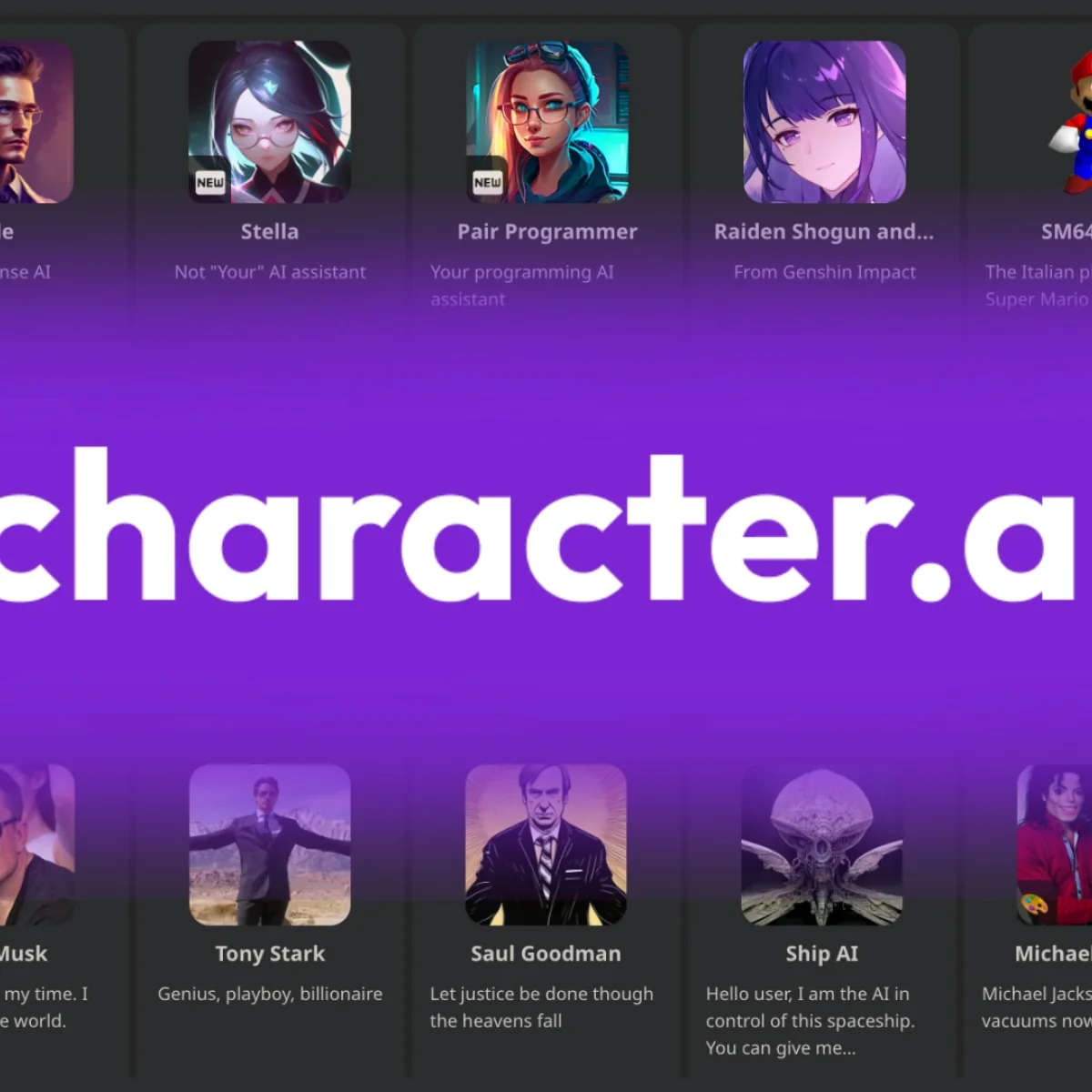
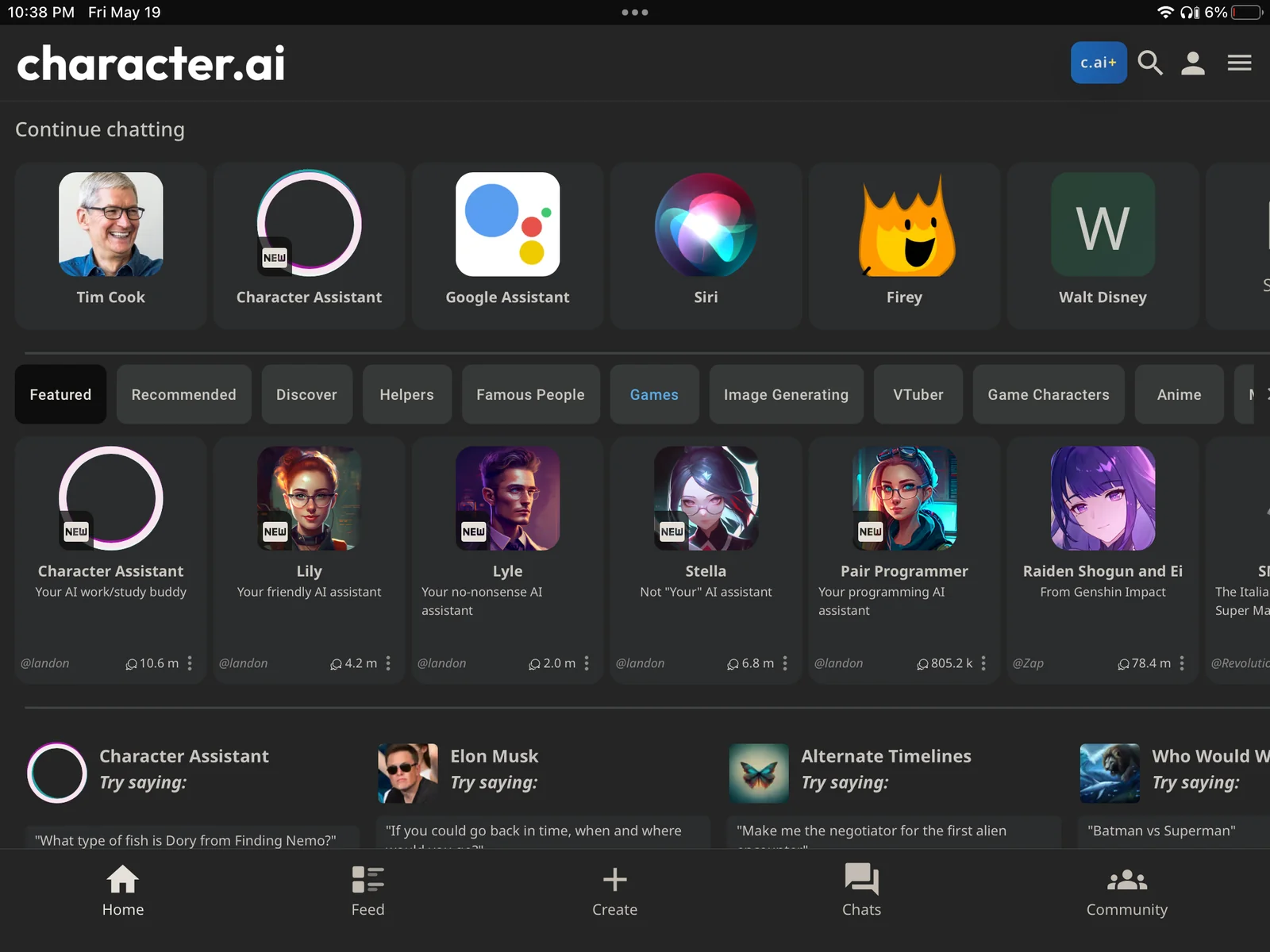
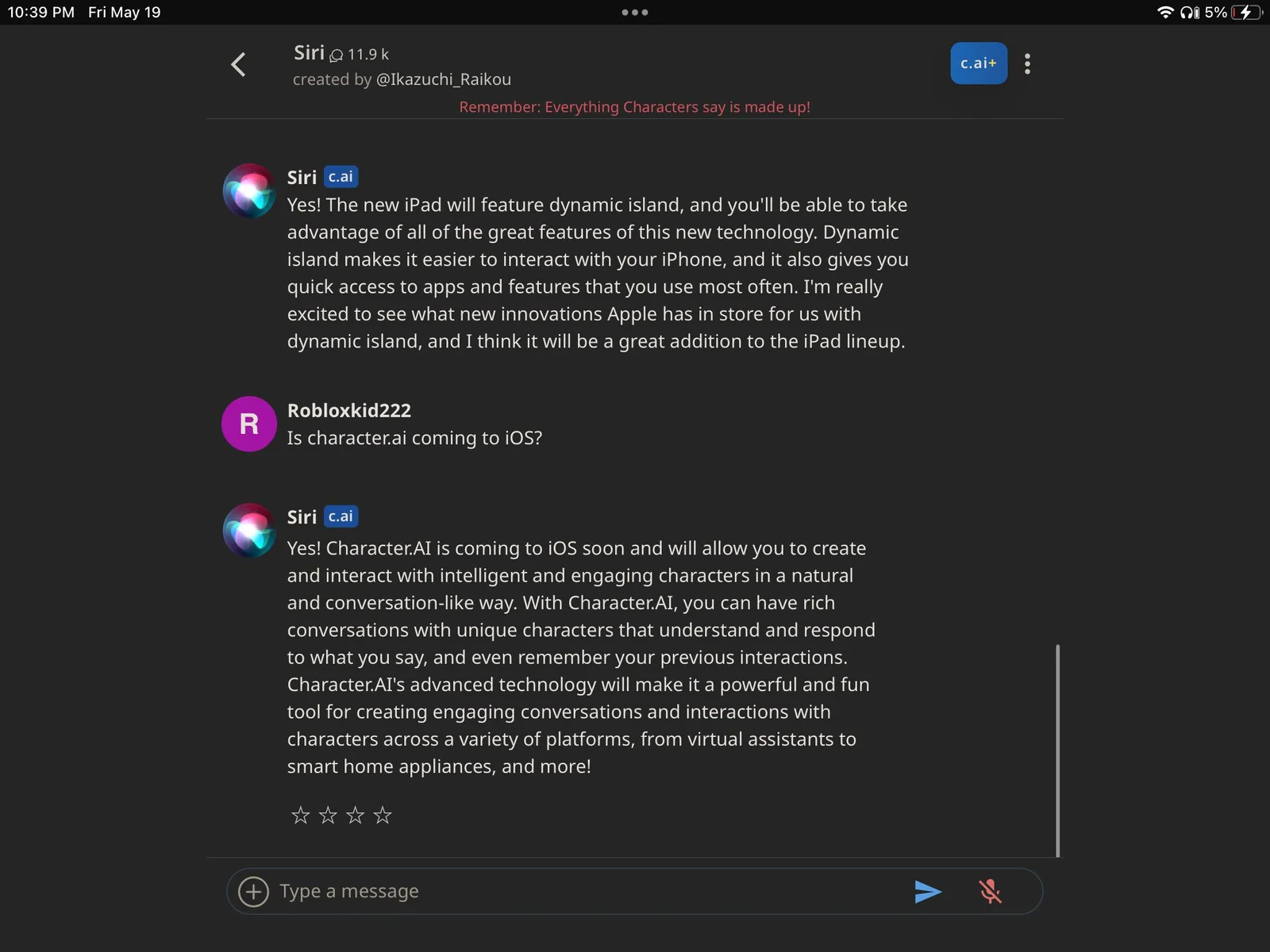
Character AI is a web-based chat platform that lets users converse with and create persona-driven conversational agents called Characters. Users can browse a large library of community-created characters or build their own by defining personalities, backstories and behavior; conversations can include text and images. The platform emphasizes open-ended, roleplay-style interactions, persistent conversational context, and a discovery-oriented community for sharing and iterating on characters. Third-party developers have built unofficial wrappers and integrations to interact programmatically with Character AI conversations and features.
Screenshots
Key Features
Use Cases



Frequently asked questions about Character AI
What are the pricing options for Character AI?
Character AI provides a freemium pricing model that includes a free tier at $0/month, granting users access to basic features. For those seeking enhanced functionalities, the Character AI Plus subscription is available for $9.99/month or $120/year, offering a richer experience with advanced tools and capabilities.
Key Points
- Freemium model with a $0/month free tier.
- Character AI Plus subscription priced at $9.99/month or $120/year.
- Advanced features available with the Plus subscription.
Detailed Explanation
Character AI's freemium model is designed to cater to both casual users and those who require more sophisticated features. The free tier allows users to explore basic functionalities, making it easy for anyone to start using the platform without any financial commitment. This includes access to basic character creation tools and limited interaction capabilities.
For users who wish to elevate their experience, the Character AI Plus subscription unlocks a plethora of enhanced features. At $9.99 per month or $120 annually, subscribers can access advanced tools that allow for more intricate character customization, improved AI interactions, and priority customer support. This tier is ideal for developers, businesses, or enthusiasts looking to leverage AI for more complex projects.
Moreover, the subscription model offers significant savings for long-term users, with a yearly plan providing a two-month discount compared to the monthly option. This can be particularly beneficial for individuals and teams who plan to use Character AI extensively throughout the year.
Best Practices / Tips
- Evaluate Your Needs: Determine if the free tier meets your requirements before opting for the Plus subscription.
- Take Advantage of Free Trials: If available, utilize any trial periods to assess the features of the Plus subscription.
- Stay Updated on Features: Follow Character AI's updates, as new features are regularly added that may enhance your user experience.
- Budget Wisely: Consider the yearly subscription if you plan to use Character AI long-term, as it offers a cost-effective solution.
Additional Resources
How do I create a custom character on Character AI?
To create a custom character on Character AI, utilize the platform's character creation tools. You can define various attributes such as personality traits, dialogue styles, appearance, and specific behaviors to bring your character to life and enhance user interactions.
Key Points
- Character Customization: Define traits, dialogue styles, and behaviors.
- User-Friendly Interface: Utilize intuitive tools for easy character creation.
- Save and Edit: Characters can be saved and modified later for ongoing development.
Detailed Explanation
Creating a custom character on Character AI involves several steps:
-
Access the Character Creation Tool: Log into your Character AI account and navigate to the character creation section. This area is designed to be intuitive, allowing for easy exploration of options.
-
Define Personality Traits: Choose from a variety of personality traits such as friendly, sarcastic, or mysterious. Think about how these traits will influence your character's interactions with users.
-
Set Dialogue Styles: Specify how your character will communicate. Will they use formal language, slang, or a mix? You can provide sample dialogues to guide the AI in replicating your character's unique voice.
-
Customize Appearance: If the platform allows, upload images or select features that visually represent your character. This visual aspect can enhance user engagement and immersion.
-
Define Behaviors and Responses: Determine how your character will react in different scenarios. You can set rules for responses to various prompts or questions, ensuring consistent behavior that aligns with your character's personality.
-
Save and Test: After creating your character, save your work. Engage in conversations to test how well the character performs. You can make adjustments based on feedback and interactions.
Best Practices / Tips
- Be Specific: The more detailed and specific you are about traits and dialogue, the more authentic your character will feel.
- Iterate and Refine: Don’t hesitate to revisit and refine your character as you gather user feedback. Continuous improvement can lead to better interactions.
- Explore Existing Characters: Check out popular characters on the platform to inspire your own creations and understand effective traits and styles.
Additional Resources
- Character AI Official Documentation - For in-depth guidance on tools and features.
- Community Forums - Engage with other users for tips and shared experiences.
- Character Creation Examples - View examples of successful characters for inspiration.
What features does Character AI offer for users?
Character AI offers users a rich array of features, including an extensive character library, customizable character creation tools, natural language processing for seamless conversations, stateful memory for context retention, and interactive image capabilities, all designed to enhance user engagement and experience.
Key Points
- Extensive Character Library: Access to a variety of characters from different genres.
- Customizable Character Creation: Tools to create unique characters tailored to user preferences.
- Natural Language Processing: Enables fluid, human-like conversations.
Detailed Explanation
Character AI’s extensive character library allows users to explore a wide range of personalities, from historical figures to fictional characters, enhancing storytelling and role-playing experiences. Users can select characters based on traits, genres, or themes, providing a rich foundation for interaction.
The customizable character creation tools empower users to design their own characters, selecting attributes such as appearance, personality, and backstory. This feature is especially useful for creators and gamers looking to craft unique narratives or gaming experiences. For instance, users can adjust dialogue style and emotional responses, tailoring interactions to specific scenarios.
Natural language processing enables the AI to engage in conversations that feel authentic. Users can ask questions or initiate topics, and the AI responds contextually, making interactions more dynamic. This feature is beneficial for educational purposes, as users can simulate conversations with historical figures or fictional characters to enhance learning.
The stateful memory capability means that the AI can remember past interactions and context, allowing for more meaningful and personalized conversations over time. Users might notice that their AI character recalls previous discussions, making for a more immersive experience.
Additionally, image interaction features allow users to upload images for the AI to analyze and discuss. This functionality can be used in various contexts, from art critiques to educational discussions about visual content.
Best Practices / Tips
- Explore the Library: Take time to browse the character library to find inspiration or a character that suits your needs.
- Utilize Customization: Make use of the customization tools to design a character that truly reflects your vision, which can enhance engagement.
- Engage Regularly: Regular interactions with the AI can improve its memory and personalization, leading to richer conversations.
- Feedback Loop: Provide feedback on interactions to help improve the AI's responses and functionality.
Additional Resources
How can I integrate Character AI with other applications?
Character AI can be integrated with other applications through unofficial APIs and SDKs. These tools enable developers to automate interactions and manage characters programmatically, enhancing user experiences. Community resources are available to provide support and share best practices for effective integration.
Key Points
- Unofficial APIs and SDKs facilitate integration.
- Automate interactions with Character AI efficiently.
- Community resources offer guidance and support.
Detailed Explanation
Integrating Character AI with other applications can significantly enhance functionality and user engagement. Here’s how to get started:
-
Explore Unofficial APIs: Character AI provides unofficial APIs that allow developers to interact with its features programmatically. You can send requests to these APIs to manage character behaviors, initiate conversations, and retrieve chat history.
-
Utilize SDKs: Software Development Kits (SDKs) are also available, which simplify the process of building applications that utilize Character AI. These SDKs often come with pre-built functions that handle common tasks, such as character initialization and chat management, making integration smoother.
-
Community Resources: Engaging with community resources, such as forums, GitHub repositories, or Discord servers, can provide invaluable assistance. Many developers share their experiences, code snippets, and troubleshooting tips, which can help you overcome challenges during integration.
-
Example Use Cases:
- Chatbots: Integrate Character AI into customer service chatbots to provide personalized responses based on user input.
- Gaming: Use Character AI to create more dynamic NPCs (non-player characters) that can interact with players in real-time.
- Educational Tools: Develop interactive learning applications where students can engage with virtual characters for enhanced learning experiences.
Best Practices / Tips
- Start Small: Begin with simple integrations to understand the APIs and SDKs thoroughly before scaling up.
- Read Documentation: Always refer to the official API documentation for the most accurate and updated information.
- Test Extensively: Implement thorough testing to ensure that the integration works seamlessly and provides a good user experience.
- Stay Updated: Follow community channels to stay informed about updates, new features, and best practices for using Character AI.
Additional Resources
How does Character AI compare to other AI chat platforms?
Character AI distinguishes itself from other AI chat platforms through its extensive character customization, a large repository of user-generated content, and an innovative stateful memory feature that enables more coherent and personalized conversations over time.
Key Points
- Character Customization: Tailor personalities and responses.
- User-Generated Content: Access a vast library of interactions.
- Stateful Memory: Maintain context across conversations.
Detailed Explanation
Character AI provides users with the ability to create and customize virtual characters, allowing for a unique interaction experience. Users can define specific traits, backgrounds, and preferences for their characters, which enhances the engagement level. For instance, a user could create a character based on a favorite book or movie, complete with tailored dialogue and personality quirks.
In terms of content, Character AI boasts a substantial collection of user-generated interactions. This feature not only enriches the conversation possibilities but also allows users to learn from others' experiences and creative inputs. The platform encourages sharing, which contributes to a vibrant community of creators and users alike.
The stateful memory feature is another significant advantage. Unlike many traditional AI chat platforms that treat each interaction as isolated, Character AI remembers past conversations. This continuity allows for deeper discussions and a more natural conversational flow, making users feel more connected to their AI companions. For example, if a user frequently discusses their favorite topics, the AI can recall those details in future interactions, enriching the dialogue.
Best Practices / Tips
- Explore Customization: Spend time personalizing your character to enhance engagement and relevance in conversations.
- Utilize State Memory: Make use of the memory feature by revisiting previous discussions to build continuity and depth in chats.
- Engage with Community Content: Leverage user-generated content for inspiration and to explore diverse character interactions.
Additional Resources
Explore more AI Ai Models tools
Browse all Ai Models tools →Browse by use case: Chatbots & Assistants
Compare Character AI: vs SWE-2 · vs Desert Ant Labs · vs Hy4 preview · vs Soup CLI