

CastReader
AIText-to-speech reader that visualizes characters, matches voices, and creates animated scenes and character maps for immersive reading.
CastReader
Text-to-speech reader that visualizes characters, matches voices, and creates animated scenes and character maps for immersive reading.
About CastReader
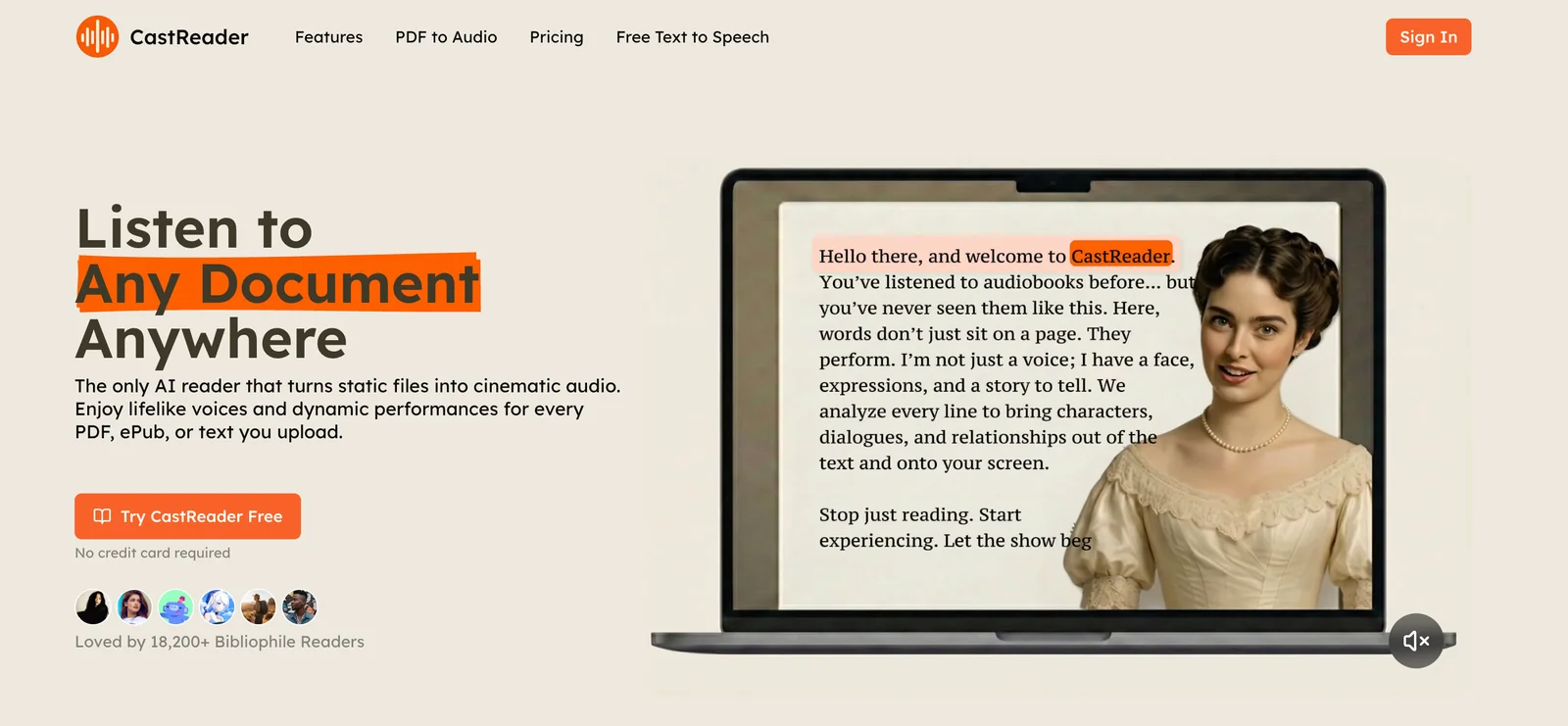
CastReader is an AI-driven text-to-speech reader that visualizes characters and dialogue to produce immersive, narrated readings. The service matches distinct voices to characters, generates animated scenes synchronized with speech, and produces character maps to help readers follow dialogue and relationships. CastReader is designed to turn scripts, stories, and dialogue-heavy text into a more engaging audio-visual experience for listeners, creators, and accessibility use cases.
Screenshots
Key Features
Use Cases


Frequently asked questions about CastReader
What is the pricing structure for CastReader?
CastReader utilizes a freemium pricing model, offering a free tier that allows users to access essential features without needing a credit card. For those requiring advanced functionalities, paid plans are customized, but specific pricing details are not publicly disclosed.
Key Points
- Freemium Model: Access core features for free.
- Custom Pricing: Paid plans tailored to user needs.
- Lack of Public Pricing: Specific costs not openly shared.
Detailed Explanation
CastReader's pricing structure is designed to cater to a diverse range of users. The freemium model allows individuals or teams to explore the platform without any financial commitment. Users can enjoy fundamental features such as basic cast management and access to select AI-powered tools, providing a hands-on experience to understand the software's capabilities.
For those looking to leverage more advanced tools, like enhanced analytics, additional storage, or expanded usage limits, CastReader offers custom-priced paid plans. This flexibility is particularly beneficial for businesses or professional users who require tailored solutions. However, it's important to note that specific pricing details for these plans are not publicly available, which means potential users must contact CastReader directly for a personalized quote.
Best Practices / Tips
- Explore Free Features: Take full advantage of the free tier to assess if CastReader meets your needs before considering paid options.
- Contact for Custom Plans: If you need more information on pricing, reach out to CastReader's support team for a detailed discussion on your requirements.
- Stay Updated: Pricing structures can change, so regularly check their website or subscribe to newsletters for the latest updates.
Additional Resources
What are the key features of CastReader?
CastReader features advanced AI-driven text-to-speech conversion, character voice matching, animated scene generation, character maps, and immersive reading experiences. These tools enhance storytelling by seamlessly integrating audio and visuals, making it easier for users to create and engage with dynamic narratives.
Key Points
- AI-Driven Text-to-Speech Conversion: Converts written text into natural-sounding speech.
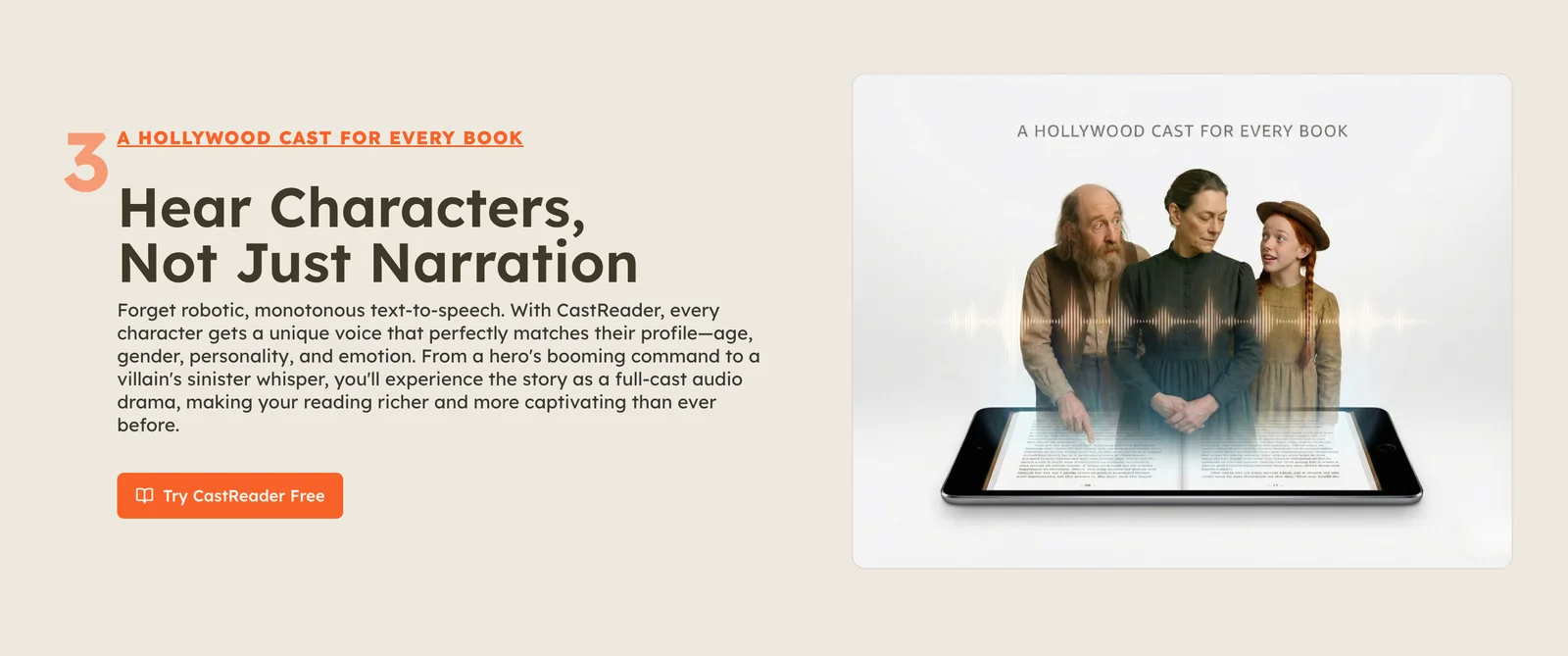
- Character Voice Matching: Assigns unique voices to different characters for better storytelling.
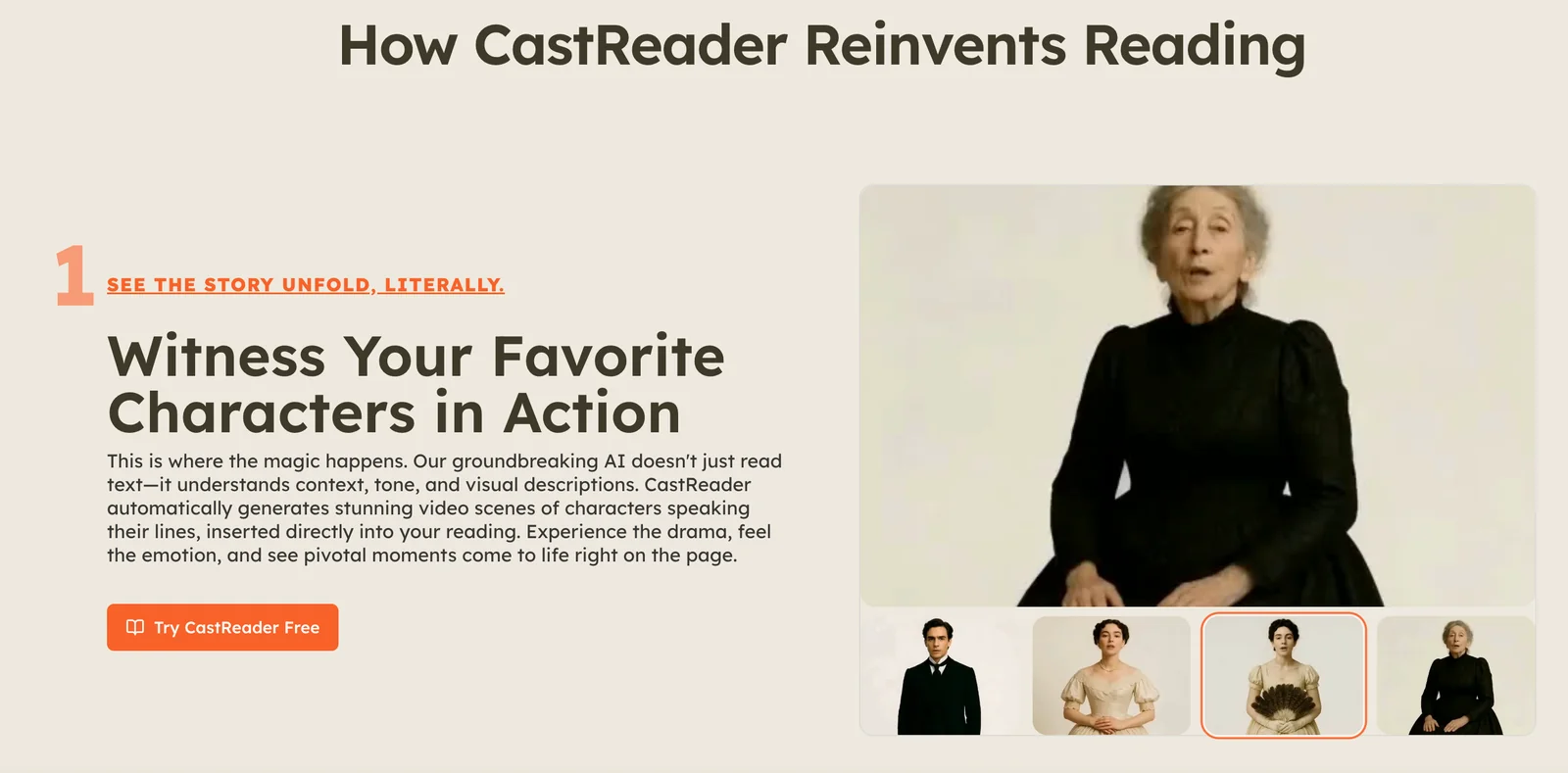
- Animated Scene Generation: Creates visually engaging animated scenes to complement the narrative.
Detailed Explanation
CastReader stands out with its AI-driven text-to-speech conversion, allowing users to input text that is then transformed into high-quality audio. This feature is particularly beneficial for content creators, educators, and storytellers looking to reach diverse audiences, including those with visual impairments.
The character voice matching capability enables users to assign specific voices to characters, enhancing the listening experience. For example, a children's story can feature a whimsical tone for a fairy and a deep voice for a dragon, making it more engaging for young listeners.
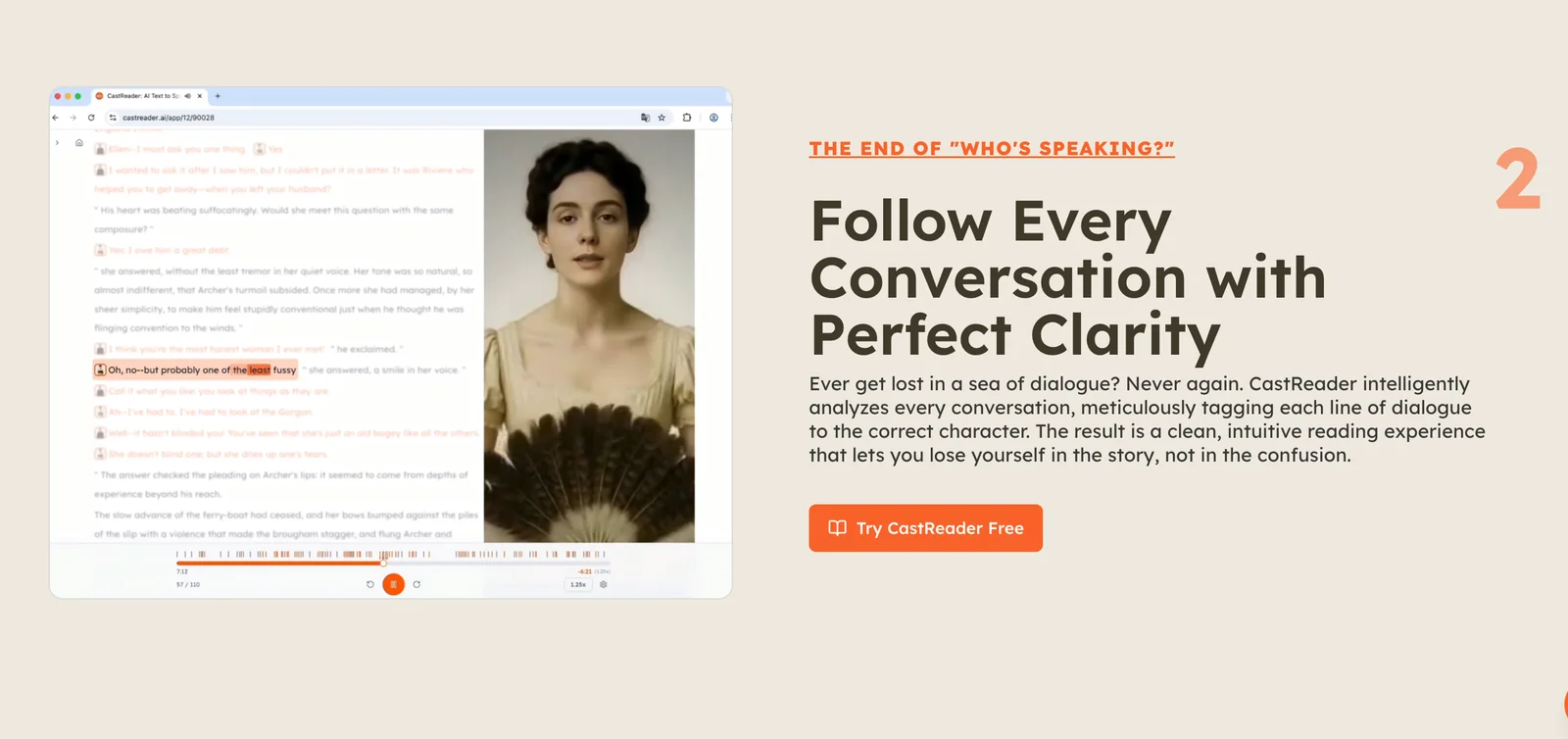
Additionally, animated scene generation allows users to visualize their stories through animated graphics. This feature is valuable for educators, as it helps bring lessons to life, and for authors looking to create multimedia content that stands out in a crowded marketplace. Users can easily create character maps, showing relationships and traits, which is particularly useful for complex narratives.
Best Practices / Tips
- Use Clear Text: Ensure your input text is clear and well-structured to improve the quality of the AI-generated speech.
- Test Different Voices: Experiment with various character voices to find the best match for your narrative style.
- Leverage Animation: Use animated scenes to break up long passages of text, making the content visually appealing and easier to digest.
Additional Resources
How can I start using CastReader effectively?
To start using CastReader effectively, visit the official website to sign up for the free tier. Familiarize yourself with its features by uploading text for narrated readings, exploring character maps, and experimenting with voice matching to create a more engaging experience.
Key Points
- Sign up for the free tier on the CastReader website.
- Upload text and utilize narrated readings for various formats.
- Explore character maps and voice matching for personalized experiences.
Detailed Explanation
Getting started with CastReader involves a few simple steps. First, navigate to the CastReader website and create an account by selecting the free tier. This tier is an excellent way to explore the platform without any financial commitment.
Once registered, you can upload text files in various formats, such as PDF, Word, or plain text. CastReader will then generate narrated readings. This feature is particularly useful for students, educators, and content creators looking to convert written material into audio format for better accessibility or engagement.
Next, explore the character maps feature. This tool allows you to define different voices for various characters in your text, which can be especially beneficial for storytelling, creating audiobooks, or enhancing presentations. Additionally, try the voice matching feature, which lets you choose voices that match the tone and style of your content, providing a more immersive experience for your listeners.
Best Practices / Tips
- Start Small: Begin with short texts to understand how the platform works before moving on to longer documents.
- Experiment with Settings: Play around with voice options and character maps to find the right combination that suits your narrative style.
- Use Feedback: After generating readings, listen to the output and adjust the settings accordingly to improve clarity and engagement.
- Stay Updated: Keep an eye on new features and updates from CastReader to enhance your user experience.
Additional Resources
By following these steps and tips, you can effectively leverage CastReader to enhance your content creation and storytelling efforts.
Can CastReader integrate with other platforms or APIs?
Yes, CastReader can integrate with various platforms and APIs, enhancing functionality for content creators. While specific integration details aren't publicly available, contacting their support team will provide tailored information regarding compatibility with your desired applications and workflows.
Key Points
- Potential compatibility with multiple platforms
- Ideal for audio-visual project enhancement
- Direct support for specific integration inquiries
Detailed Explanation
CastReader's integration capabilities are designed to support content creators in optimizing their audio-visual projects. While exact details about which platforms and APIs are compatible are not specified, CastReader's versatility suggests that it can work with popular content management systems (CMS), social media platforms, and editing software.
For instance, a content creator using CastReader might want to integrate it with Adobe Premiere Pro or Final Cut Pro to streamline audio processing within their video editing workflow. This could allow them to import CastReader's audio outputs directly into their video projects, enhancing both the efficiency and quality of their work.
To explore the available integration options, users should reach out to CastReader’s customer support. They can provide valuable insights and assistance regarding which third-party tools can be paired with CastReader, ensuring a seamless workflow for your specific needs.
Best Practices / Tips
- Contact Support: Always reach out to CastReader’s support team for the most accurate and up-to-date information about integrations.
- Explore API Documentation: If available, review CastReader’s API documentation to understand its capabilities and how to leverage them effectively.
- Test Compatibility: Before committing to an integration, perform a test to ensure that the platforms work together as expected.
- Stay Updated: Keep an eye on CastReader’s updates or release notes for new integrations and features that may enhance your projects.
Additional Resources
How does CastReader compare to other text-to-speech tools?
CastReader stands out among text-to-speech tools by integrating animated scene generation and character voice matching. These features significantly enhance storytelling engagement, making it more immersive compared to conventional text-to-speech solutions that often lack visual dynamics and character-driven narration.
Key Points
- Animated Scene Generation: Dynamic visuals to accompany narration.
- Character Voice Matching: Unique voice profiles for different characters.
- Enhanced User Engagement: Immersive storytelling experience compared to standard tools.
Detailed Explanation
CastReader leverages advanced AI technology to provide a unique storytelling experience. Unlike traditional text-to-speech tools, which primarily focus on converting text to audio, CastReader enhances this process with animated visuals and character-specific voices.
Animated Scene Generation
This feature allows users to create animated backgrounds that change in sync with the narration. For example, if the story describes a forest, the animated scene will visually depict trees swaying and animals moving, creating a captivating backdrop that keeps the audience engaged. This is particularly beneficial for educators and content creators looking to maintain attention during presentations or storytelling sessions.
Character Voice Matching
CastReader's ability to match different character voices adds a layer of depth to storytelling. Users can assign distinct voices to each character, making dialogues more relatable and engaging. For instance, a story with a heroic knight can have a deep, commanding voice, while a mischievous sidekick can be portrayed with a light, playful tone. This feature is especially useful for audiobooks, educational content, and interactive storytelling applications.
Enhanced User Engagement
By combining visuals with character voices, CastReader transforms passive listening into an interactive experience. This is a game-changer for educators, marketers, and content creators who aim to capture and retain their audience's attention. The immersive quality of CastReader can lead to better comprehension and retention of information, making it an ideal tool for learning environments.
Best Practices / Tips
- Utilize Character Profiles: Take advantage of the character voice matching feature by creating profiles for each character in your story. This adds depth and makes the narrative more engaging.
- Experiment with Animated Scenes: Use the animated scene generation feature to complement your text. Adjust the visuals to match the mood of the story for heightened emotional impact.
- Test Different Narratives: Experiment with various story types and genres to see which combinations of voice and visuals resonate most with your audience.
Additional Resources
- CastReader Official Documentation
- Comparison of Text-to-Speech Tools
- Tips for Effective Storytelling with TTS
By leveraging the unique features of CastReader, users can create engaging, immersive storytelling experiences that stand out in today's digital landscape.
Explore more AI Ai Services tools
Browse all Ai Services tools →Browse by use case: Voice & Audio
Compare CastReader: vs BAND for Developers · vs NitroStack · vs GBrain · vs MentionBird