

Brainly
AICommunity-driven learning platform offering homework Q&A, study resources, and peer help across subjects.
Brainly
Community-driven learning platform offering homework Q&A, study resources, and peer help across subjects.
About Brainly
Brainly is a crowd-sourced education platform where students ask academic questions and receive answers from peers, volunteers, and subject experts. The service organizes content by subject and grade, uses reputation and moderation to surface reliable responses, and is available on web and mobile. Brainly's ecosystem also includes third-party developer activity (API clients and community projects) and extensions that interact with the site, enabling integrations and automated workflows built by the community.
Screenshots
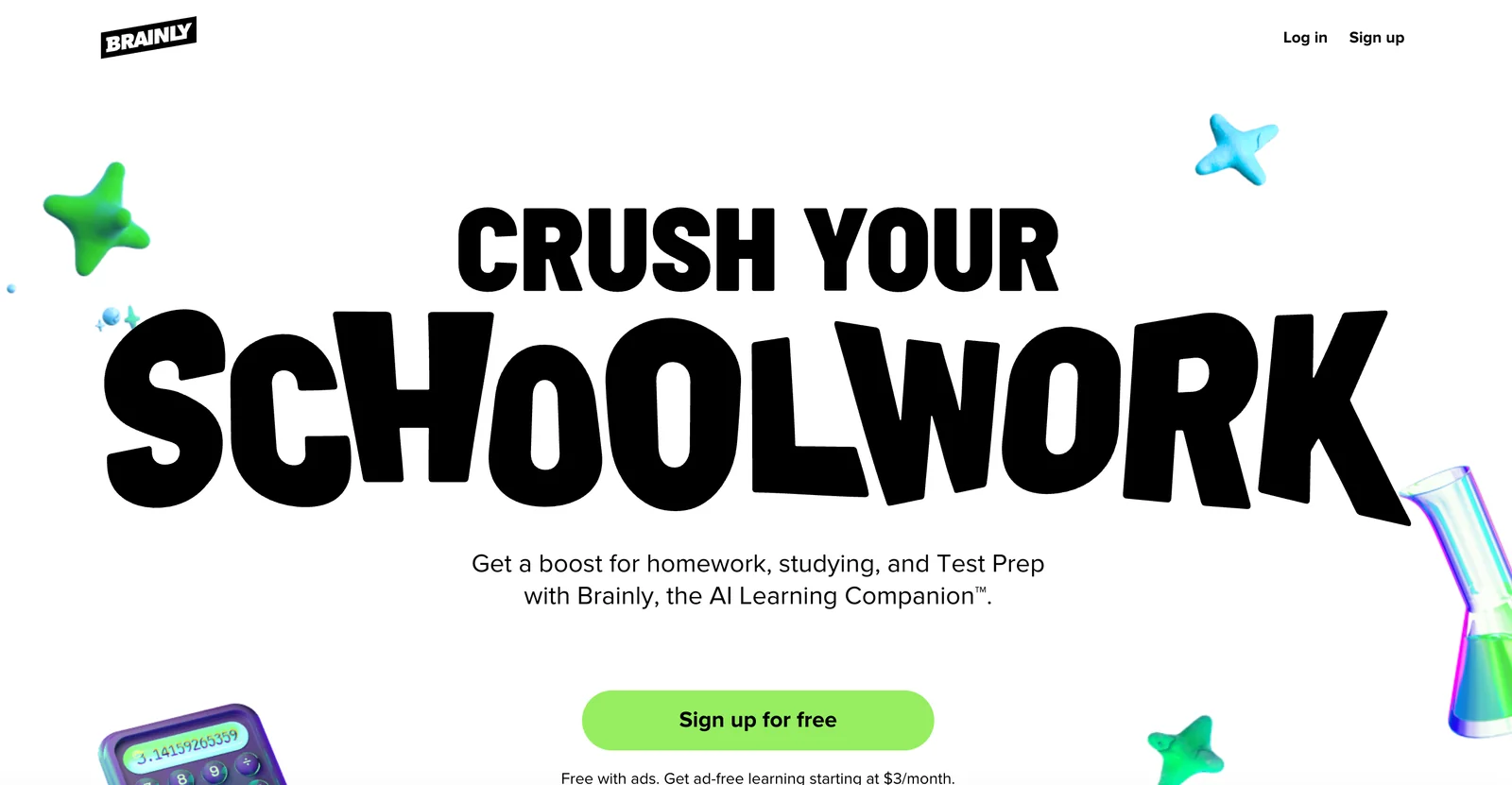

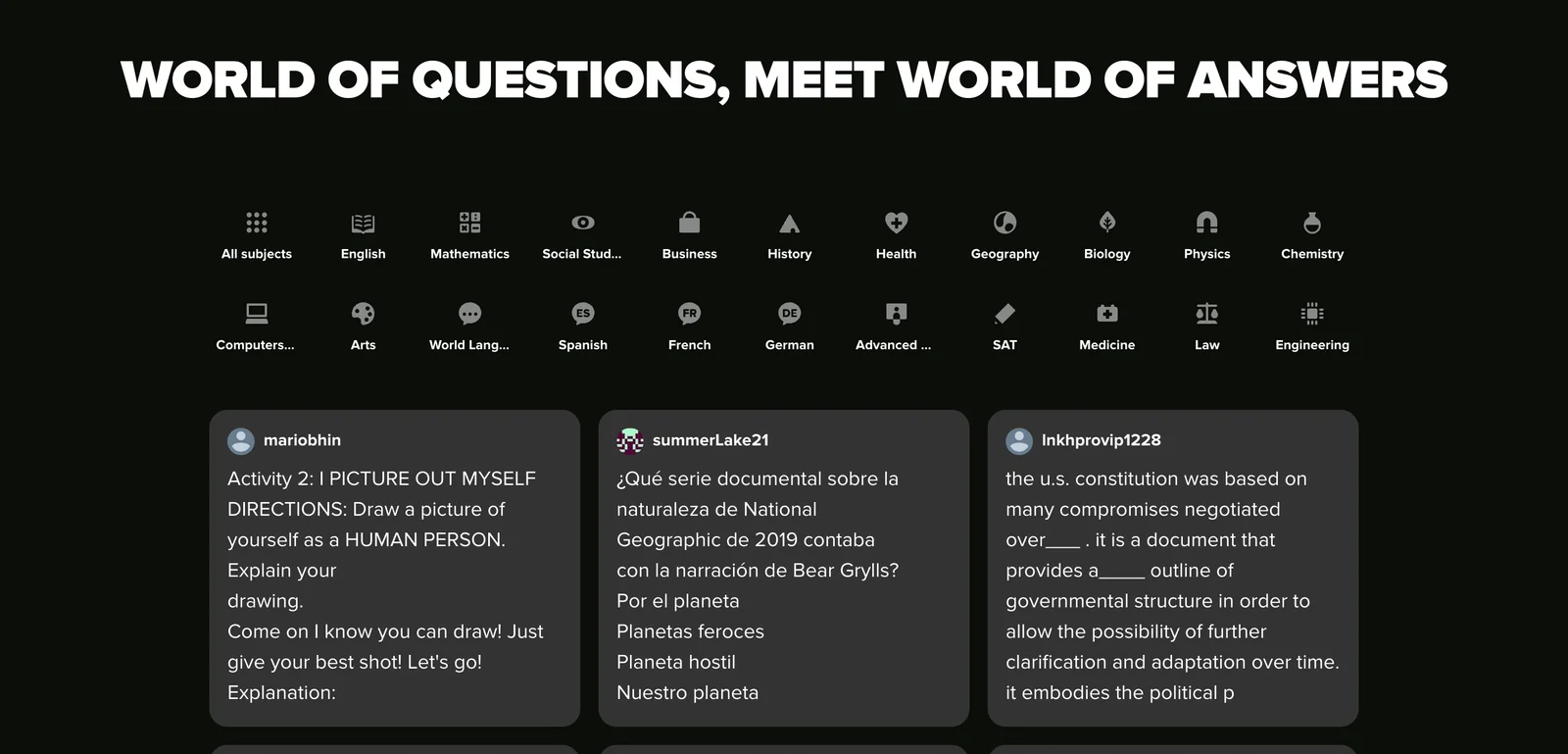
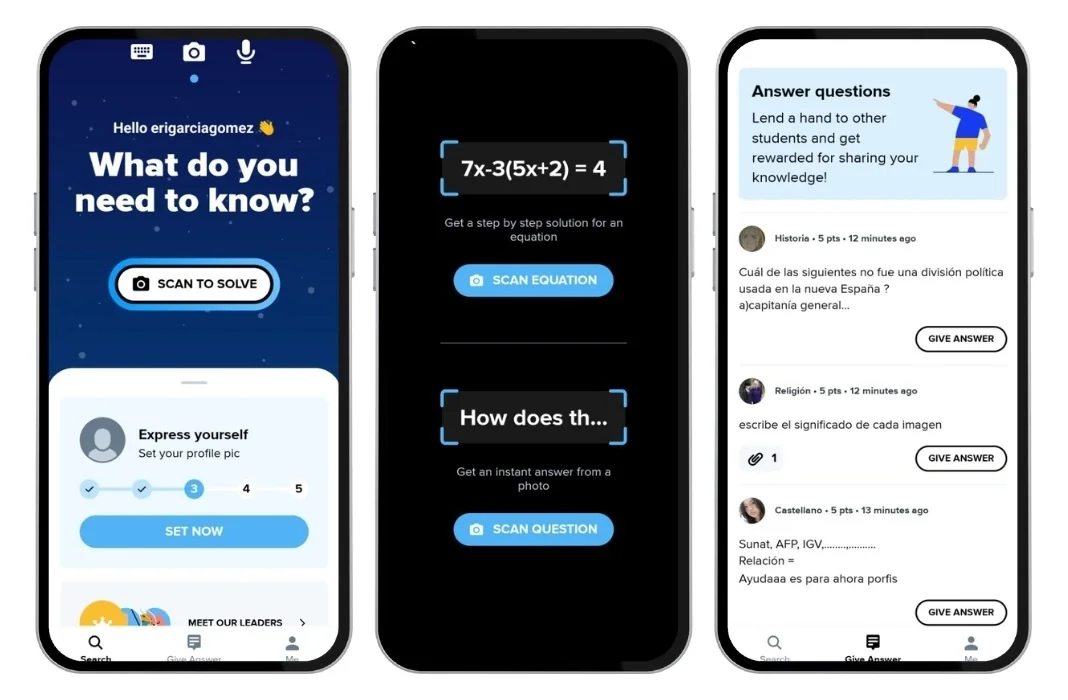
Key Features
Use Cases



Frequently asked questions about Brainly
What is the pricing structure for Brainly?
Brainly operates on a freemium model, offering a free tier with limited access and two paid plans: Brainly Plus for $18 every six months and a monthly plan starting at $3.99. Premium plans provide an ad-free experience and expanded access to answers, enhancing user engagement.
Key Points
- Freemium Model: Free access with limited features.
- Paid Plans: Brainly Plus at $18 every 6 months and monthly options starting at $3.99.
- Premium Benefits: Ad-free experience and broader access to answers.
Detailed Explanation
Brainly's pricing structure allows users to select the plan that best suits their needs. The free tier enables access to a vast database of questions and answers but is limited in functionality, such as the number of questions users can ask or the speed of response.
Paid Plans:
- Brainly Plus: For $18 every six months, this subscription unlocks features such as an ad-free interface, priority response to questions, and unlimited access to answers across various subjects.
- Monthly Plan: This plan is priced at approximately $3.99 per month, providing similar benefits to Brainly Plus but with a shorter commitment.
Example Use Case:
A student struggling with math homework can use the free version to find basic answers. However, if they require more in-depth assistance, subscribing to Brainly Plus allows them to ask an unlimited number of questions and receive faster responses from experts.
Best Practices / Tips
- Evaluate Your Needs: Consider how often you use the platform to determine if the free version suffices or if a paid plan would provide better support.
- Watch for Promotions: Brainly occasionally runs promotions for new users, offering discounted rates for the first subscription period.
- Utilize Community Features: Engage with the community to get answers from peers, which can complement the premium features.
Additional Resources
How does Brainly help with homework assistance?
Brainly provides homework assistance by allowing students to pose specific questions and receive detailed, step-by-step answers from a vast community of peers and experts. This collaborative platform enhances learning through shared knowledge, fostering a deeper understanding of challenging subjects.
Key Points
- Community Support: Access answers from a global network of students and experts.
- Step-by-Step Solutions: Detailed explanations help clarify complex topics.
- User-Friendly Interface: Easy to navigate and engage with content.
Detailed Explanation
Brainly is a dynamic online platform that connects students seeking homework help with a large community of peers and knowledgeable experts. Users can ask questions on a wide range of subjects, including math, science, literature, and social studies.
When a student submits a question, other users can respond with detailed answers, often breaking down the steps involved to solve a problem. This step-by-step approach not only provides immediate answers but also helps students learn the underlying concepts, enabling them to tackle similar problems in the future.
For example, if a student struggles with a math equation, they can post the question on Brainly. Within minutes, they may receive multiple responses that include not just the answer but also a clear explanation of each step taken to arrive at that answer. This collaborative learning environment encourages knowledge sharing and reinforces academic skills.
Best Practices / Tips
- Be Specific: When asking questions, provide as much detail as possible to receive the most relevant answers.
- Engage with Answers: Follow up with clarifying questions to deepen your understanding.
- Use the Search Feature: Before posting, search for similar questions that may already have answers.
- Participate Actively: Contribute to the community by answering questions to reinforce your own knowledge.
Additional Resources
How do I start using Brainly for studying?
To start using Brainly for studying, visit their website at brainly.com, create a free account, and begin asking questions or browsing existing answers. Brainly covers a wide range of subjects, making it a valuable resource for students seeking help with homework and study materials.
Key Points
- Create a Free Account: Sign up easily with your email or social media.
- Explore Subjects: Browse categories like Math, Science, and History.
- Engage with Community: Ask questions and answer others to enhance learning.
Detailed Explanation
Brainly is an interactive online learning platform designed for students to seek help with their studies. To start, follow these steps:
- Visit Brainly: Go to brainly.com.
- Sign Up: Click on the "Sign Up" button. You can register using your email address or connect through Facebook or Google.
- Complete Your Profile: Fill in your educational details to tailor your experience.
- Browse or Ask Questions: Use the search bar to find answers or explore categories by clicking on subjects. You can ask specific questions by clicking "Ask your question".
Brainly’s community of students and educators provides answers, explanations, and resources for a multitude of academic subjects. It’s a collaborative environment where you can learn from each other.
Best Practices / Tips
- Be Specific: When asking questions, provide as much context as possible to receive accurate answers.
- Engage with Others: Answer questions when you can; it helps reinforce your own knowledge while contributing to the community.
- Use Mobile App: Download the Brainly app for on-the-go studying; it's available for both Android and iOS.
Additional Resources
- Brainly Official Website
- Brainly Help Center for tips on using the platform.
- Explore Brainly’s community guidelines to understand how to interact effectively and respectfully.
Does Brainly have an API for developers?
Yes, Brainly offers an API for developers, with community-created API clients and libraries available on GitHub. This allows developers to access Brainly's content, enabling the creation of various integrations and automated workflows that enhance user interactions with the platform.
Key Points
- API Availability: Brainly supports community-driven API libraries.
- Integration Potential: Developers can create custom applications and workflows.
- Open Source: Resources are available on GitHub for collaborative development.
Detailed Explanation
Brainly's API provides a gateway for developers to interact with the platform's extensive educational resources. By utilizing community-driven API clients available on GitHub, developers can access data such as questions, answers, and user interactions. This opens up opportunities for creating tailored applications, such as study aids, educational games, or content analysis tools.
Use Cases:
- Educational Apps: Developers can build applications that help students find answers to their homework questions or study topics based on Brainly's vast database.
- Automated Workflows: By integrating Brainly's API, users can set up automated notifications for new answers in specific subjects or topics of interest.
- Data Analysis Tools: Researchers can utilize the API to gather data for analysis on educational trends or user engagement.
Example Workflow:
- Accessing the API: Start by exploring the available API documentation on GitHub.
- Integrating the Library: Choose a suitable API client from GitHub and include it in your project.
- Making API Calls: Use the client to pull data from Brainly, process it, and display it within your application.
Best Practices / Tips
- Understand API Limits: Familiarize yourself with any rate limits or usage policies to avoid service disruptions.
- Stay Updated: Follow updates on GitHub to ensure your API integration is compatible with the latest Brainly changes.
- Community Engagement: Participate in forums or discussions about Brainly's API for insights and troubleshooting.
Additional Resources
How does Brainly compare to other homework help tools?
Brainly differentiates itself from other homework help tools by leveraging a community-driven approach, where students can ask questions and receive peer-to-peer support. Its unique features, such as detailed, step-by-step explanations and a reputation system, provide a more interactive and engaging learning experience compared to traditional tutoring services.
Key Points
- Community-Driven Learning: Brainly fosters an interactive environment where students help each other.
- Step-by-Step Explanations: Answers often include detailed breakdowns for better understanding.
- Reputation System: Users gain credibility and recognition for quality contributions.
Detailed Explanation
Brainly operates as a social learning platform, emphasizing collaboration among students rather than traditional one-on-one tutoring. This model not only enhances engagement but also allows for diverse perspectives on problem-solving.
For example, when a student posts a math problem, multiple peers can provide solutions, each explaining their reasoning. This variety enriches the learning experience, as users can compare different methods and choose the one that resonates most with them. Furthermore, Brainly’s reputation system rewards contributors with points and ranks, encouraging quality answers and fostering a supportive community.
In contrast, traditional tutoring services may offer structured lessons but often lack the interactive element that Brainly provides. These services can also be cost-prohibitive, with rates typically ranging from $25 to $100 per hour, whereas Brainly operates on a freemium model, allowing users to access a wealth of knowledge for free, with optional premium features.
Best Practices / Tips
- Engage Actively: To benefit fully from Brainly, participate by asking questions and providing answers.
- Be Specific: When posting a question, include relevant details to attract more precise answers.
- Utilize the App: Download the Brainly app for on-the-go access to homework help and community support.
Additional Resources
Explore more AI Ai Agents tools
Browse all Ai Agents tools →Compare Brainly: vs Playad · vs Concierge by Juniors AI · vs Scout by Fini · vs Ruflo