

Alloy
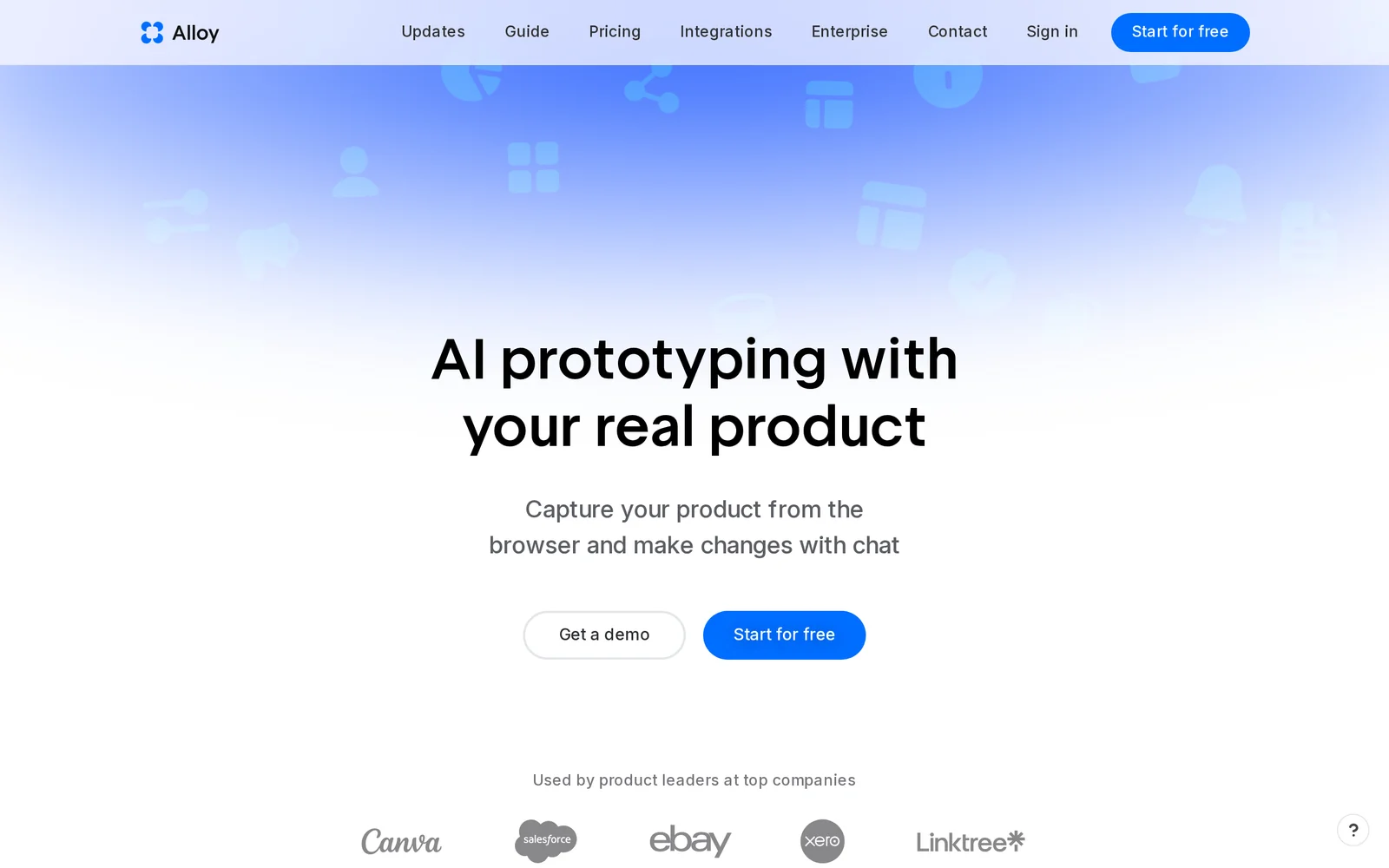
AICreate pixel-perfect, interactive prototypes by capturing your real product pages across desktop and mobile.
Alloy
Create pixel-perfect, interactive prototypes by capturing your real product pages across desktop and mobile.
About Alloy
Alloy captures live product pages from the browser and converts them into lifelike, interactive prototypes that look and behave like the real product. It provides a browser extension and cross-platform apps (macOS, Windows, web, iOS, Android) to instantly capture UI, build pixel-perfect prototypes, and share them with teammates and customers. Alloy emphasizes realistic interaction fidelity and rapid iteration, with guided quick-start resources and AI-assisted prototyping to accelerate prototype creation. Mobile apps include real-time device communication features to support field collaboration and testing.
Screenshots
Key Features
Use Cases



Frequently asked questions about Alloy
What is Alloy?
Alloy is an advanced design tool that enables users to create pixel-perfect, interactive prototypes by capturing real product pages for both desktop and mobile. This tool streamlines the design process, allowing designers to visualize and test applications effectively, ensuring they meet user expectations.
Key Points
- Realistic Prototyping: Capture actual product pages to create accurate representations.
- Cross-Device Functionality: Design for both desktop and mobile seamlessly.
- User-Centric Design: Focus on enhancing user experience through interactive features.
Detailed Explanation
Alloy is designed for designers and developers who want to improve their workflow by creating high-fidelity prototypes that closely mimic final products. By using Alloy, you can:
-
Capture Real Pages: Import existing webpages or applications directly into Alloy, which allows for more authentic prototyping compared to traditional methods. This feature is especially useful for teams working on redesigns or updates.
-
Interactive Elements: The platform supports interactive elements like buttons, animations, and transitions, which can be easily implemented. This interactivity helps stakeholders understand how the final product will function in real-world scenarios.
-
Responsive Design: Alloy enables users to create prototypes that adapt to various screen sizes. This is crucial for testing usability across devices, ensuring that the user experience remains consistent and engaging.
Use Cases
- User Testing: Designers can use Alloy prototypes to conduct user testing sessions, gathering feedback on usability and design before development begins.
- Stakeholder Presentations: Presenting interactive prototypes to stakeholders can enhance buy-in, as they can see and interact with the design rather than viewing static images.
- Agile Development: In agile environments, quick iterations of prototypes allow for faster development cycles and more effective collaboration among teams.
Best Practices / Tips
- Leverage Feedback: Use the feedback gathered during user testing to refine your prototypes. This iterative process helps create a more user-friendly product.
- Keep It Simple: While Alloy allows for complex designs, starting with simpler prototypes can help clarify the core functionality without overwhelming stakeholders.
- Utilize Templates: Take advantage of Alloy’s templates to speed up your prototyping process, especially if you’re working on similar projects.
Additional Resources
- Alloy Official Documentation
- Alloy Blog - Explore design tips and case studies.
- Video Tutorials - Visual guides on how to maximize Alloy’s features.
How does Alloy work?
Alloy operates by integrating advanced artificial intelligence capabilities to streamline user workflows in various tasks. It combines data processing, machine learning, and automation to enhance productivity and efficiency in everyday operations, making it a valuable tool for businesses and individuals alike.
Key Points
- AI Integration: Alloy utilizes cutting-edge AI technologies to enhance functionality.
- Workflow Automation: It automates repetitive tasks, saving users time and effort.
- Data-Driven Insights: Alloy provides valuable insights by analyzing data patterns.
Detailed Explanation
Alloy functions by leveraging multiple AI technologies, including natural language processing (NLP), machine learning, and data analytics.
-
AI Integration: By combining these core technologies, Alloy can interpret user commands and perform a variety of tasks, from data entry to complex analyses. For instance, users can ask Alloy to generate reports, and it will automatically gather relevant data and present it in a clear format.
-
Workflow Automation: Alloy is designed to automate repetitive processes. For example, if a user frequently compiles sales reports, Alloy can be set up to pull data from various sources and compile the report automatically at scheduled intervals. This not only reduces manual effort but also minimizes the risk of human error.
-
Data-Driven Insights: Alloy analyzes data to provide actionable insights. Businesses can use these insights to make informed decisions. For instance, if a retail company uses Alloy, it can analyze sales trends and suggest inventory adjustments to optimize stock levels.
Overall, Alloy enhances productivity by allowing users to focus on strategic tasks rather than mundane ones.
Best Practices / Tips
- Define Clear Workflows: Establish clear workflows to maximize Alloy's automation capabilities. This helps in setting up the tool effectively.
- Regularly Update Data Sources: Ensure the data sources connected to Alloy are regularly updated for accurate insights.
- Leverage Customization: Utilize Alloy's customization features to tailor its functions to your specific needs, improving efficiency.
- Monitor Performance: Regularly review Alloy's performance and the accuracy of generated outputs to ensure optimal functionality.
Additional Resources
What are the main features of Alloy?
Alloy offers a range of key features, including advanced data integration, real-time analytics, and customizable workflows. These core AI capabilities empower businesses to streamline operations, enhance decision-making, and improve customer experiences through intelligent automation and insights.
Key Points
- Advanced Data Integration: Seamlessly connect various data sources.
- Real-Time Analytics: Monitor performance and insights instantly.
- Customizable Workflows: Tailor processes to fit specific business needs.
Detailed Explanation
Alloy's advanced data integration allows organizations to connect disparate data sources, such as CRM systems, databases, and third-party applications. This feature supports a unified view of customer interactions and operational metrics, enabling businesses to make informed decisions quickly.
Real-time analytics is another standout feature. Alloy provides instant insights into key performance indicators (KPIs), allowing teams to track their goals and pivot strategies as needed. For instance, marketing teams can evaluate campaign performance and make adjustments on the fly, ensuring optimal engagement.
Customizable workflows enable businesses to design processes that meet their unique requirements. Users can automate repetitive tasks, such as data entry and report generation, freeing up valuable time for strategic initiatives. This flexibility is crucial for companies looking to enhance productivity and reduce operational costs.
Best Practices / Tips
- Leverage Data Integration: Start by identifying key data sources that can enhance your decision-making. Ensure all relevant data is connected for a comprehensive view.
- Utilize Real-Time Analytics: Regularly monitor your analytics dashboard. Set alerts for significant changes in KPIs to react quickly to emerging trends or issues.
- Customize Workflows: Take time to map out your existing processes before customizing workflows in Alloy. Identify bottlenecks that automation can alleviate.
Additional Resources
Who is Alloy for?
Alloy is designed for businesses, marketers, and developers seeking to enhance their daily AI workflows. It simplifies automation and streamlines processes, making it ideal for anyone looking to integrate AI into their operations, improve productivity, and leverage advanced analytics for better decision-making.
Key Points
- Target Audience: Businesses, marketers, and developers.
- Use Cases: Enhancing workflows, automating tasks, and improving productivity.
- Integration: Seamlessly integrates with existing tools and platforms.
Detailed Explanation
Alloy is a versatile AI tool tailored for a wide range of users. Businesses can utilize Alloy to automate repetitive tasks, saving time and reducing human error. For example, marketing teams can automate social media postings and analyze engagement metrics in real-time. Developers can leverage Alloy’s API to integrate AI functionalities into their applications, enhancing user experience with personalized content and recommendations.
Use Cases:
- Marketing Automation: Schedule and manage campaigns efficiently, analyze customer data, and optimize ad spend based on real-time analytics.
- Customer Support: Implement chatbots powered by Alloy to provide instant responses to customer inquiries, improving satisfaction and reducing response times.
- Data Analysis: Use Alloy’s analytical tools to derive insights from large datasets, allowing businesses to make informed strategic decisions.
Best Practices / Tips
- Define Your Goals: Clearly outline what you want to achieve with Alloy. This could be improving customer engagement, automating processes, or gaining insights from data.
- Start Small: Begin with one or two workflows before scaling up. This allows you to understand the tool's capabilities and how it integrates into your existing systems.
- Monitor Performance: Regularly analyze the effectiveness of the workflows you implement. Use the insights gained to make adjustments and optimize further.
Additional Resources
How much does Alloy cost?
Alloy offers a free tier with limited features, while paid plans start at approximately $100 per month, providing access to advanced functionalities tailored for businesses. Pricing may vary based on specific needs and the scale of usage, ensuring flexibility for different users.
Key Points
- Free Tier: Allows basic usage without cost.
- Paid Plans: Start around $100/month for advanced features.
- Custom Pricing: Available based on specific business needs.
Detailed Explanation
Alloy provides a tiered pricing structure designed to accommodate various users, from startups to established enterprises. The free tier allows users to experiment with the platform’s basic functionalities, making it an excellent choice for individuals or small businesses looking to test Alloy’s capabilities without financial commitment.
For those requiring more advanced features, paid plans begin at approximately $100 per month. These plans include enhanced customer support, additional integrations, and advanced analytics tools that can significantly benefit larger teams or businesses with specific operational needs. The pricing is structured to allow users to select a plan that fits their budget and requirements effectively.
Custom pricing options are also available for businesses with unique needs or high-volume usage. This flexibility ensures that Alloy can cater to a broad spectrum of clients, from startups needing basic functionalities to larger enterprises looking for comprehensive solutions.
Best Practices / Tips
- Evaluate Your Needs: Before committing to a paid plan, assess your business requirements to choose the most suitable option.
- Utilize the Free Tier: Take full advantage of the free tier to familiarize yourself with Alloy’s interface and features.
- Contact Sales for Custom Quotes: If your business has specific needs, don't hesitate to reach out to Alloy's sales team for tailored pricing and plans.
Additional Resources
By understanding Alloy's pricing structure and evaluating your specific needs, you can make an informed decision that aligns with your business goals.
How do I get started with Alloy?
To get started with Alloy, visit Alloy's website and sign up for an account. Once registered, you can explore the platform’s features, including its user-friendly interface and various tools designed to streamline your workflows and enhance productivity.
Key Points
- User-friendly sign-up process.
- Explore various features and tools.
- Ideal for enhancing productivity.
Detailed Explanation
Alloy is a versatile platform designed to simplify various workflows, making it ideal for both individual users and teams. To begin, follow these steps:
-
Sign Up: Navigate to Alloy's website and click on the "Sign Up" button. Fill in your personal information, including your email and a secure password. You may also be prompted to verify your email address.
-
Explore Features: Once your account is created, take time to familiarize yourself with the dashboard. Alloy offers tools for project management, collaboration, and data analytics. Make sure to review the "Getting Started" guide available on the platform to understand the basic functionalities.
-
Customize Your Experience: After exploring the initial features, customize your settings. Adjust notifications, user preferences, and integrate Alloy with other tools you use, such as Slack or Google Drive, to enhance your productivity.
-
Utilize Resources: Check out the Alloy Help Center for tutorials, FAQs, and community forums. These resources can provide additional insights and help troubleshoot any issues you may encounter.
Best Practices / Tips
- Start Small: Begin with a few features and gradually incorporate more tools as you become comfortable with the platform.
- Engage with Support: Use Alloy’s customer support for assistance; they can provide guidance and answer any questions you may have.
- Regular Updates: Keep your account updated with the latest features and security settings to ensure a seamless experience.
Additional Resources
By following these steps and utilizing available resources, you can effectively get started with Alloy and maximize its potential for your projects.
Explore more AI Ai Models tools
Browse all Ai Models tools →Compare Alloy: vs Mouse-1 · vs Milliseconds.ai · vs SWE-2 · vs Desert Ant Labs