
Weaviate
AIOpen SourceOpen-source, cloud-native vector database that combines vector similarity search with structured filtering for scalable semantic search.
Weaviate
Open-source, cloud-native vector database that combines vector similarity search with structured filtering for scalable semantic search.
About Weaviate
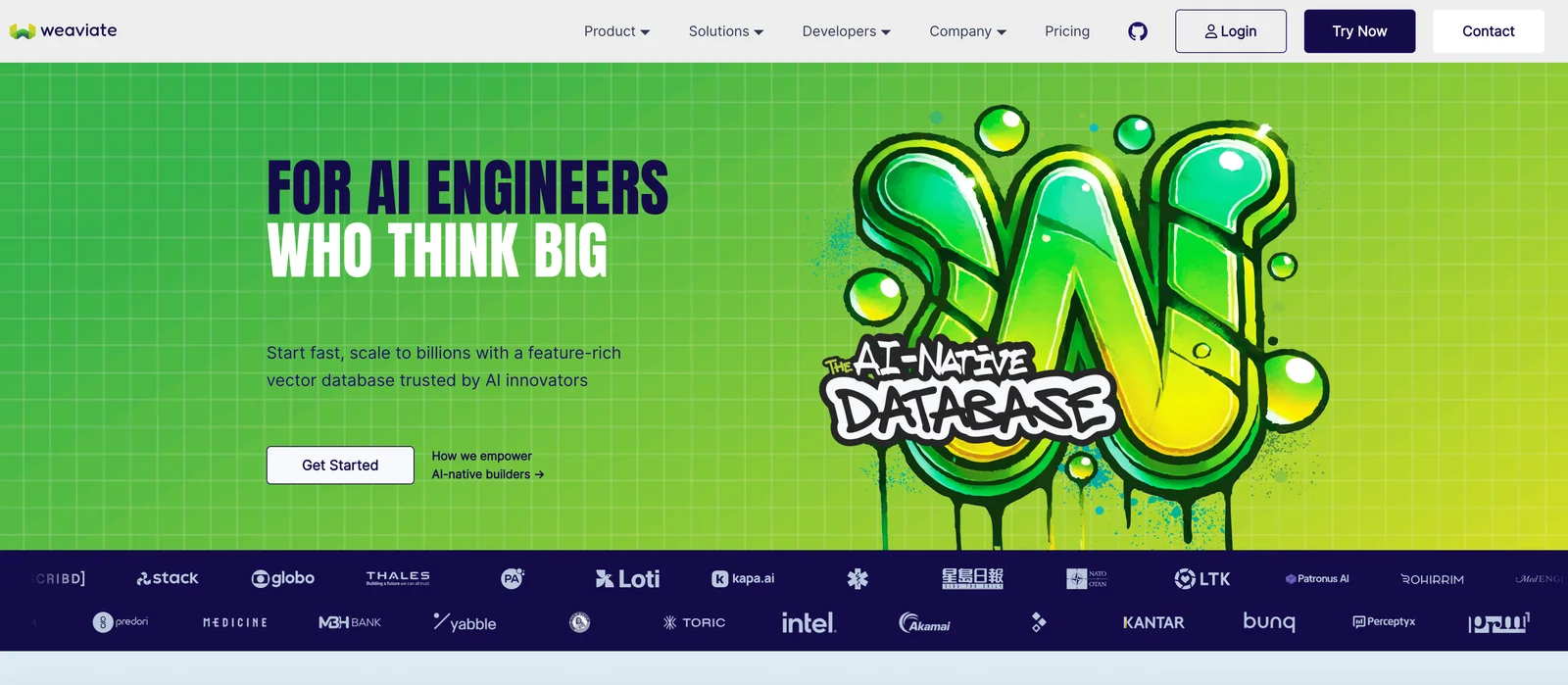
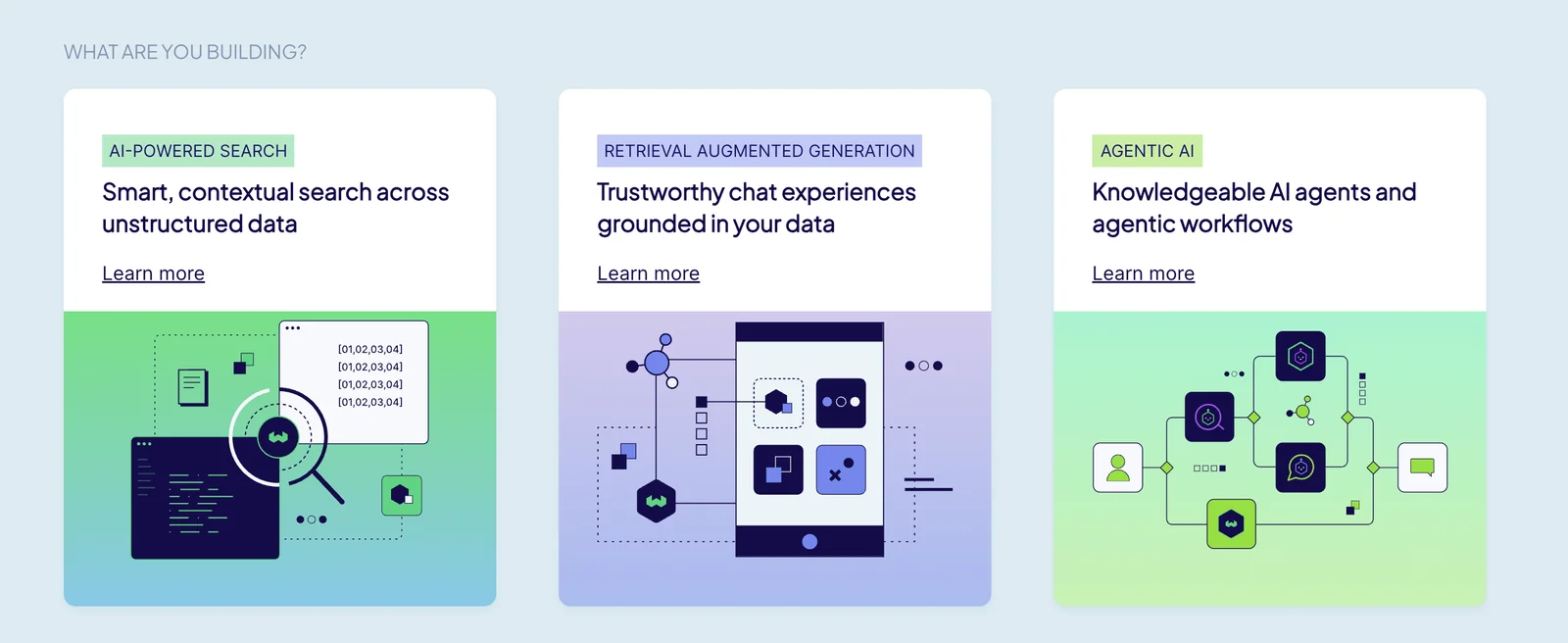
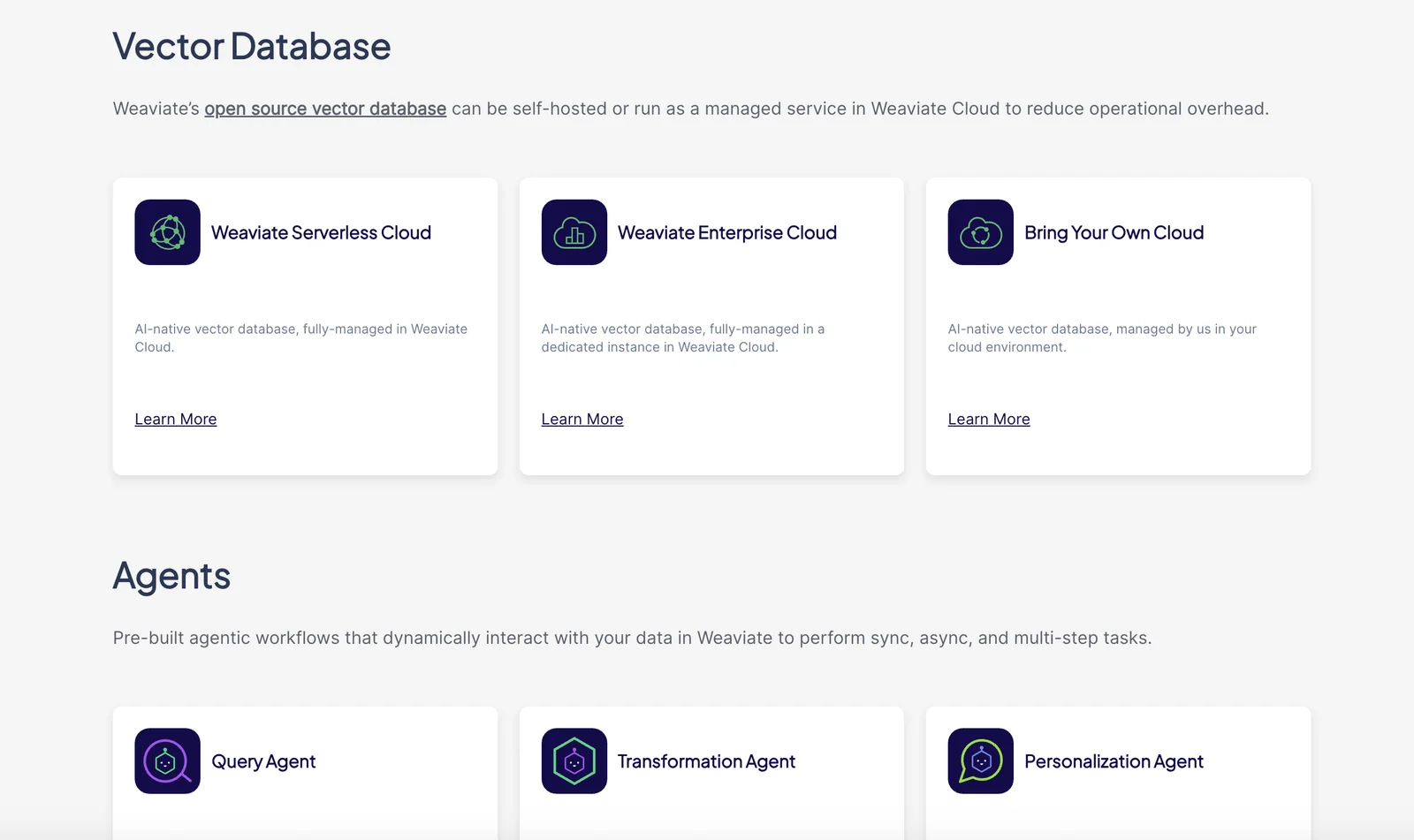
Weaviate is an open-source, cloud-native vector database that stores both objects and vectors and enables semantic search at scale. It converts text, images and other data into embeddings, then provides fast nearest-neighbor vector search combined with keyword/structured filtering, retrieval-augmented generation (RAG) and reranking within a single query interface. Weaviate exposes GraphQL and REST APIs (and gRPC in newer versions) and offers official client libraries so applications can integrate semantic search, recommender systems, chatbots and other retrieval-driven workflows. Its design emphasizes low-latency nearest-neighbor queries, extensibility via modular vectorizers and rerankers, and deployment flexibility (self-hosted, Docker, embedded or cloud deployments).
Screenshots
Key Features
Use Cases



Frequently asked questions about Weaviate
What are the pricing options for Weaviate?
Weaviate offers a variety of pricing options, including a free self-hosted version, managed cloud plans starting at $25 per month, and customizable enterprise solutions based on specific usage and features. This flexibility allows businesses of all sizes to leverage Weaviate’s capabilities according to their needs.
Key Points
- Free Self-Hosted Version: Ideal for individuals or small projects.
- Managed Cloud Plans: Starting at $25/month for ease of use.
- Custom Enterprise Solutions: Tailored pricing based on specific requirements.
Detailed Explanation
Weaviate provides multiple pricing tiers to accommodate diverse user needs.
-
Free Self-Hosted Version: This option allows users to install and run Weaviate on their own infrastructure without any cost. It is perfect for developers and small businesses wanting to test the platform's capabilities without financial commitment. However, this option requires technical expertise for installation and maintenance.
-
Managed Cloud Plans: Starting at $25 per month, these plans enable users to access Weaviate’s features without the overhead of managing infrastructure. The cloud service includes automatic updates, scaling, and support, making it an attractive choice for startups and companies that prefer a hands-off approach. Customers can choose from various resource allocations based on their anticipated usage.
-
Custom Enterprise Solutions: For larger organizations with specific needs, Weaviate offers tailored enterprise plans. These pricing options are based on usage, including factors such as data storage, query volumes, and additional features. This flexibility ensures that companies can optimize their investment based on their unique requirements.
Best Practices / Tips
- Evaluate Your Needs: Before selecting a pricing tier, assess your project’s scale and requirements. The free version is great for experimentation, while the managed plans are suitable for production environments.
- Consider Future Growth: If you anticipate scaling your operations, opt for a managed plan that allows easy upgrades or transition to an enterprise solution.
- Utilize Documentation: Familiarize yourself with Weaviate’s official documentation for detailed installation and management guidelines, especially if using the self-hosted version.
Additional Resources
By understanding Weaviate's pricing options, you can make an informed decision that aligns with your business goals and technical capabilities.
How do I get started using Weaviate?
To get started using Weaviate, visit the official website at weaviate.io, choose either the open-source version or managed cloud services, and follow the detailed installation or setup guides tailored for your selected option. This will enable you to quickly deploy and utilize Weaviate's capabilities.
Key Points
- Choose between open-source and managed cloud services.
- Follow the installation or setup guide specific to your choice.
- Familiarize yourself with Weaviate's features and functionalities.
Detailed Explanation
Weaviate is a powerful vector search engine that utilizes machine learning for efficient data retrieval. Here’s how to get started:
-
Visit the Official Website: Go to weaviate.io. The site provides extensive resources, including documentation and community support.
-
Select Your Version: Decide whether you want the open-source version, which you can host on your own servers, or the managed cloud service that offers a hands-off approach with scalable resources.
-
Installation Guides: Each option has specific setup instructions:
- Open-Source Version: Follow the instructions on the GitHub repository to install Weaviate on your local machine or server. You can use Docker for easy setup.
- Managed Cloud Service: Sign up for a plan according to your needs. The cloud service provides a user-friendly interface, automatic updates, and maintenance.
-
Explore Features: Once installed, take time to explore Weaviate's features, such as its GraphQL interface, schema management, and integration capabilities with various machine learning models.
Use Case Example
For instance, if you are building a recommendation system, you can use Weaviate to store user preferences and product features, enabling fast and relevant search results based on vector similarity.
Best Practices / Tips
- Start Small: If you’re new to Weaviate, begin with a small dataset to familiarize yourself with its functionalities before scaling up.
- Utilize the Community: Engage with the Weaviate community for support and to share experiences. The community forums and the GitHub issues page are great places to ask questions.
- Optimize Your Schema: Carefully design your data schema to improve search performance and retrieval times.
- Monitor Performance: Regularly check the performance metrics provided by Weaviate to ensure your setup is running smoothly and efficiently.
Additional Resources
By following these steps and practices, you will be well on your way to effectively utilizing Weaviate for your data needs.
What are the key features of Weaviate?
Weaviate's key features include advanced vector similarity search with structured filtering, high-performance nearest-neighbor search, and modular vectorization. It supports multiple APIs such as GraphQL and REST, making it versatile for various applications in AI and machine learning.
Key Points
- Vector Similarity Search: Enables efficient retrieval of similar data points.
- High-Performance Nearest-Neighbor Search: Optimizes data queries for speed and accuracy.
- Modular Vectorization: Allows customization of data processing pipelines.
Detailed Explanation
Weaviate is a powerful open-source vector search engine designed for handling large volumes of data efficiently. Its vector similarity search combines traditional filtering techniques with cutting-edge AI, allowing users to find relevant information not just through keywords but by the semantic meaning of the data.
The high-performance nearest-neighbor search feature utilizes sophisticated algorithms to ensure quick retrieval of items that are closest to a specified vector, making it ideal for applications such as recommendation engines, image recognition, and natural language processing.
Modular vectorization is another standout feature, allowing users to plug in various vectorization models depending on their data needs. This flexibility enables organizations to tailor their data processing methodologies, accommodating different types of datasets such as text, images, and audio.
Additionally, Weaviate supports GraphQL and REST APIs, making integration into existing workflows seamless. This versatility means developers can easily connect Weaviate to various front-end applications, ensuring that businesses can leverage their data effectively.
Best Practices / Tips
- Choose the Right Vectorization Model: Depending on your data type, select a vectorization model that best suits your needs to maximize performance.
- Optimize Filter Parameters: Utilize structured filtering wisely to narrow down search results and improve the relevance of the data retrieved.
- Monitor Performance Metrics: Regularly check the speed and accuracy of your nearest-neighbor searches to ensure optimal performance.
- Leverage API Documentation: Familiarize yourself with the Weaviate API documentation for best practices on integration and usage.
Additional Resources
How does Weaviate compare to other vector databases?
Weaviate distinguishes itself from other vector databases through its unique combination of vector similarity search, structured filtering, cloud-native scalability, and open-source architecture. This versatility makes it suitable for a wide range of applications, including machine learning, natural language processing, and recommendation systems.
Key Points
- Vector Similarity Search: Weaviate efficiently retrieves similar data points.
- Structured Filtering: Allows for precise querying alongside vector searches.
- Cloud-Native Scalability: Easily scales to handle large datasets.
Detailed Explanation
Weaviate provides an advanced vector similarity search that enables users to find related items based on their vector representations. This functionality is essential for applications such as image recognition, where finding similar images quickly is critical.
In contrast to other databases like Pinecone or Milvus, Weaviate supports structured filtering, allowing users to apply specific constraints to their searches. For example, a user could find similar products within a certain price range, which is not typically available in traditional vector databases.
Weaviate's cloud-native architecture means that it can effortlessly scale up or down based on the application's needs. This feature is particularly valuable for businesses that experience fluctuating workloads. In practical terms, if a company starts with a small dataset but anticipates growth, Weaviate can accommodate this without a complete redesign or migration.
Use Cases
- Recommendation Systems: Businesses can use Weaviate to recommend products based on customer preferences.
- Natural Language Processing: Developers can implement Weaviate to enhance chatbots with better context understanding.
- Image Search: E-commerce platforms can utilize Weaviate to enable users to search for visually similar products.
Best Practices / Tips
- Utilize Structured Filtering: Always combine vector searches with structured queries for more effective results.
- Monitor Performance: Regularly analyze query performance to optimize search efficiency.
- Stay Updated: Engage with Weaviate's community and documentation for updates on new features and best practices.
Additional Resources
Does Weaviate provide API integration options?
Yes, Weaviate provides robust API integration options, including GraphQL, REST, and gRPC interfaces. Additionally, it offers official client libraries in popular programming languages, making it easy to embed Weaviate's capabilities into applications seamlessly.
Key Points
- Multiple API options: Weaviate supports GraphQL, REST, and gRPC.
- Client libraries: Official libraries available for Python, JavaScript, Go, and more.
- Seamless integration: Facilitates easy embedding into existing applications.
Detailed Explanation
Weaviate is a powerful vector search engine that enables developers to effectively manage and query large datasets. It provides multiple API integration options:
-
GraphQL: This API allows developers to query their data using a flexible and intuitive syntax. It is particularly beneficial for applications requiring complex data retrieval with nested structures.
-
REST: The RESTful API is ideal for developers familiar with conventional web services. It allows for straightforward CRUD (Create, Read, Update, Delete) operations and is widely supported across various platforms.
-
gRPC: For applications requiring high performance and low latency, gRPC is an excellent choice. It uses HTTP/2 to deliver efficient communication, making it suitable for real-time applications.
In addition to these APIs, Weaviate offers official client libraries that simplify integration with popular programming languages such as Python, JavaScript, Go, and Java. This means you can easily interact with your Weaviate instance, perform data operations, and leverage its capabilities within your existing applications.
Use Cases
- E-commerce: Integrate Weaviate’s APIs to enhance product search functionalities with semantic understanding, improving user experience.
- Content Management: Use the GraphQL API to manage complex data structures in a headless CMS, enabling flexible content delivery.
- Real-time Analytics: Leverage the gRPC API for applications requiring real-time data processing and low-latency responses.
Best Practices / Tips
- Choose the right API: Select GraphQL for complex queries, REST for conventional applications, and gRPC for performance-critical scenarios.
- Utilize client libraries: Take advantage of Weaviate’s official client libraries to reduce development time and avoid common integration pitfalls.
- Monitor performance: Regularly assess the performance of your API calls and optimize queries for efficiency, especially when handling large datasets.
Additional Resources
Explore more AI Ai Tools tools
Browse all Ai Tools tools →Compare Weaviate: vs Agents Never Sleep · vs Port Radar for macOS · vs SubtitleGenerator · vs Zero