

Unstructured
AIOpen-source ETL platform that converts complex documents into structured data for LLMs and GenAI workflows.
Unstructured
Open-source ETL platform that converts complex documents into structured data for LLMs and GenAI workflows.
About Unstructured
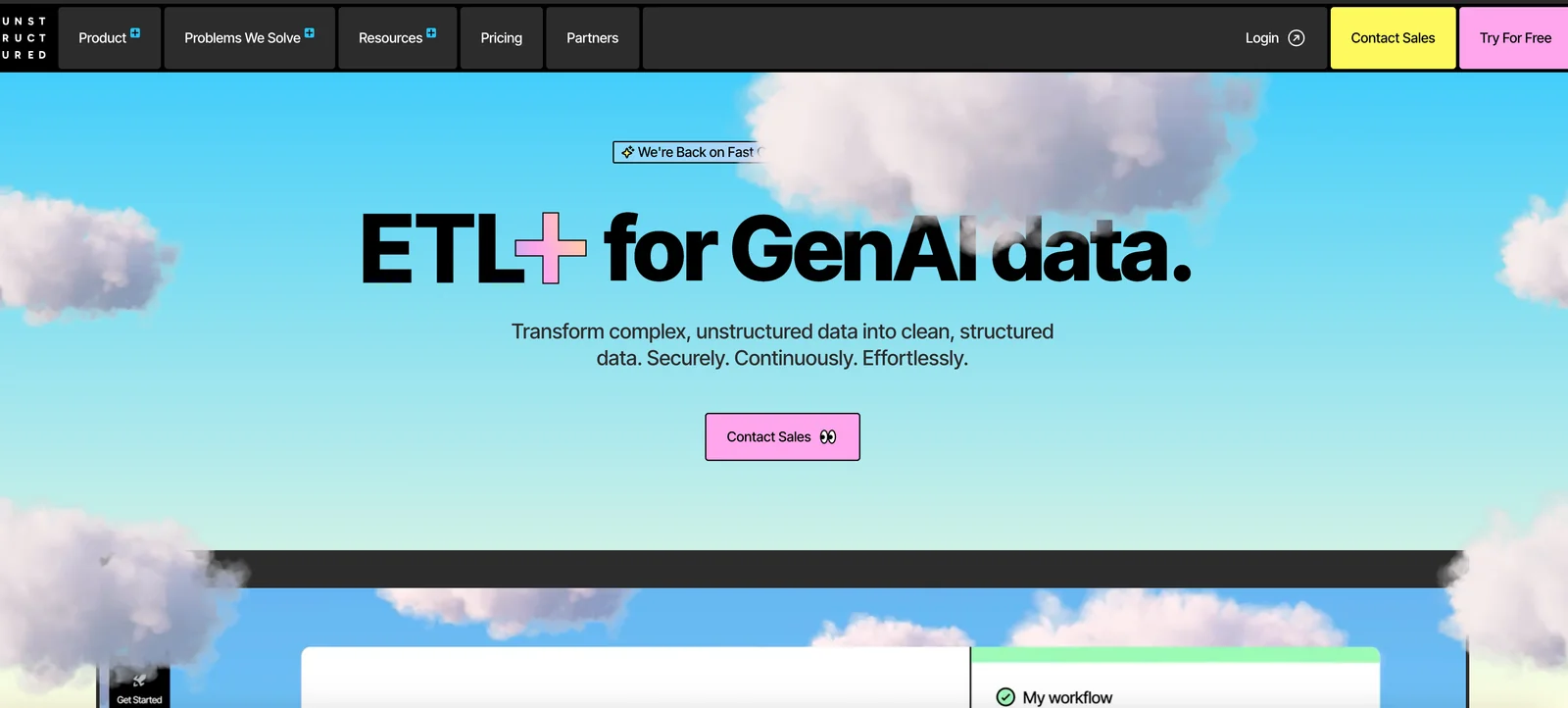
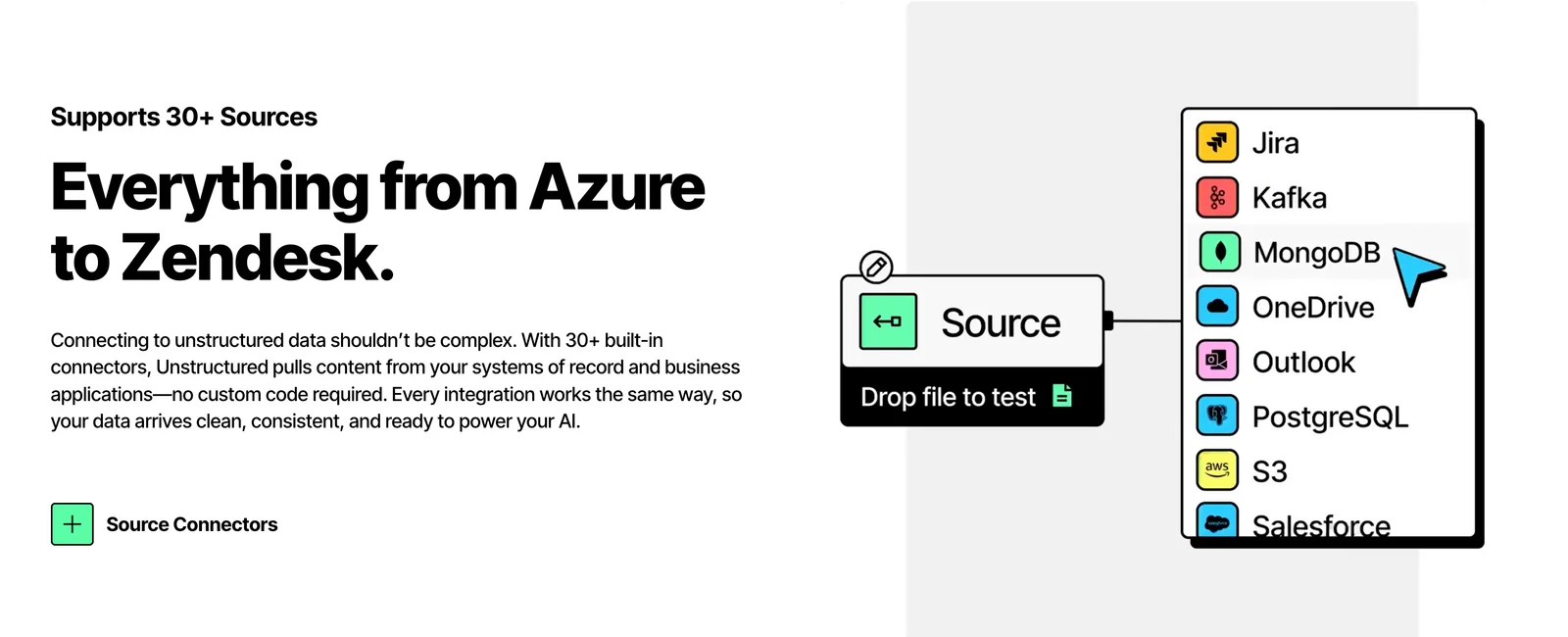
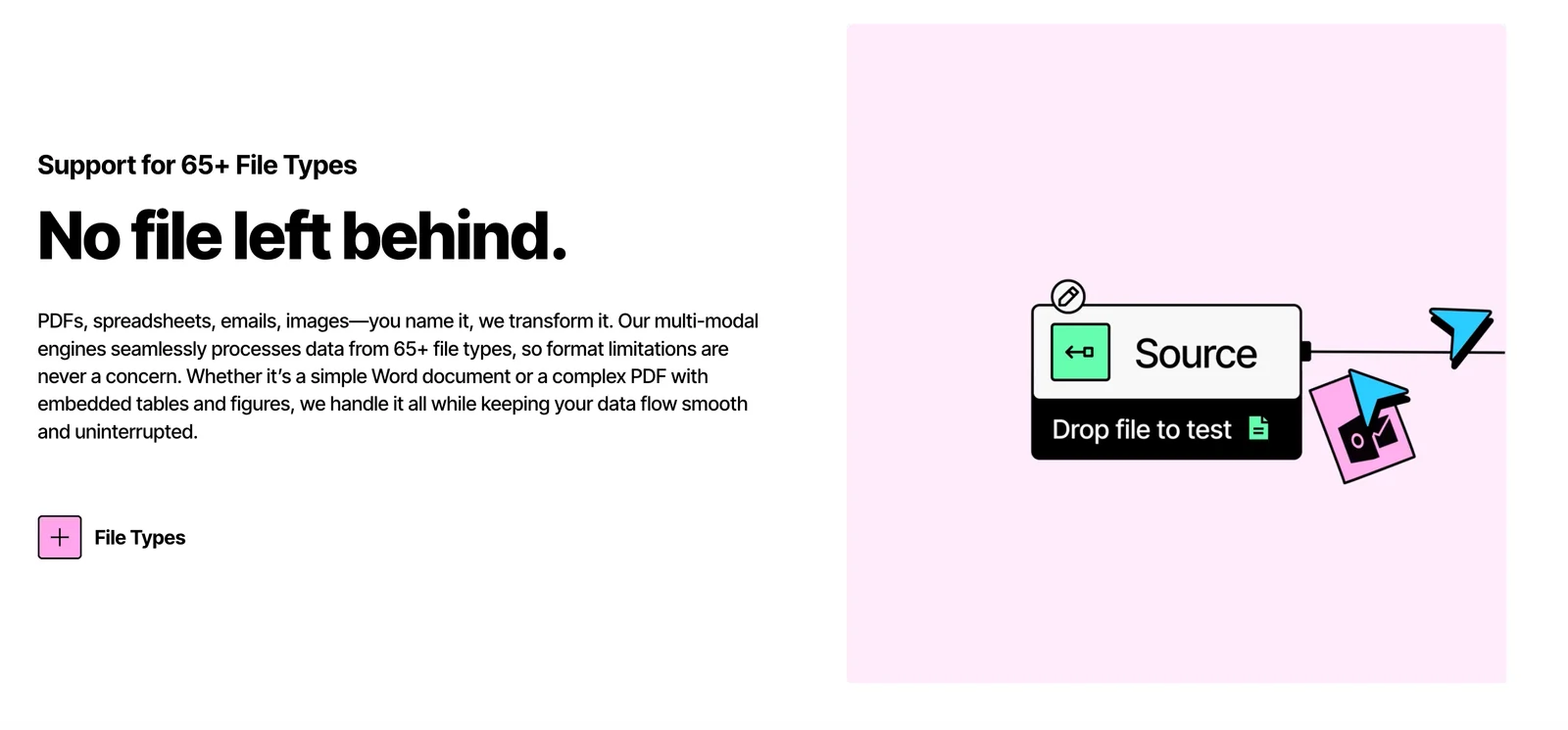
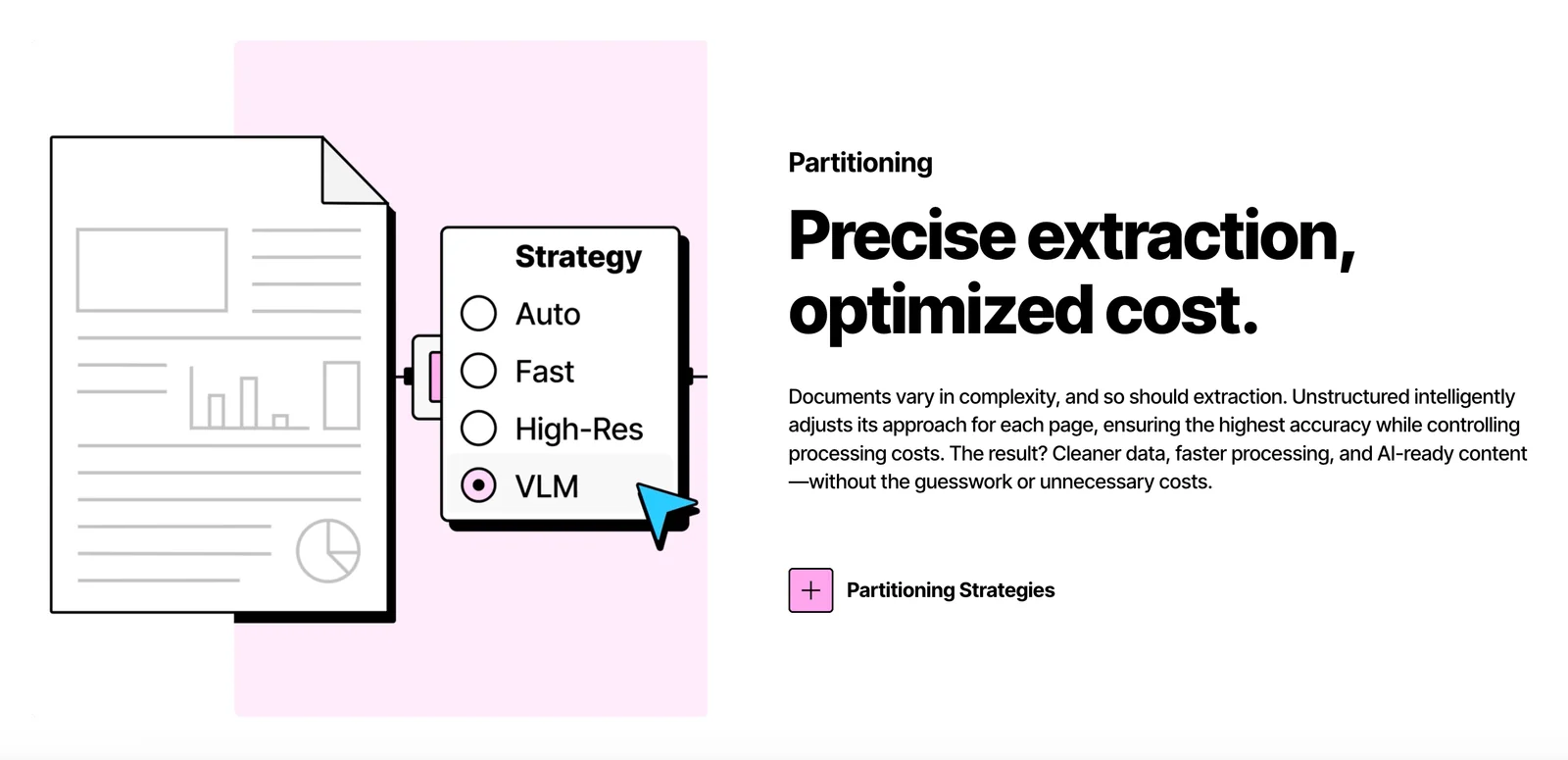
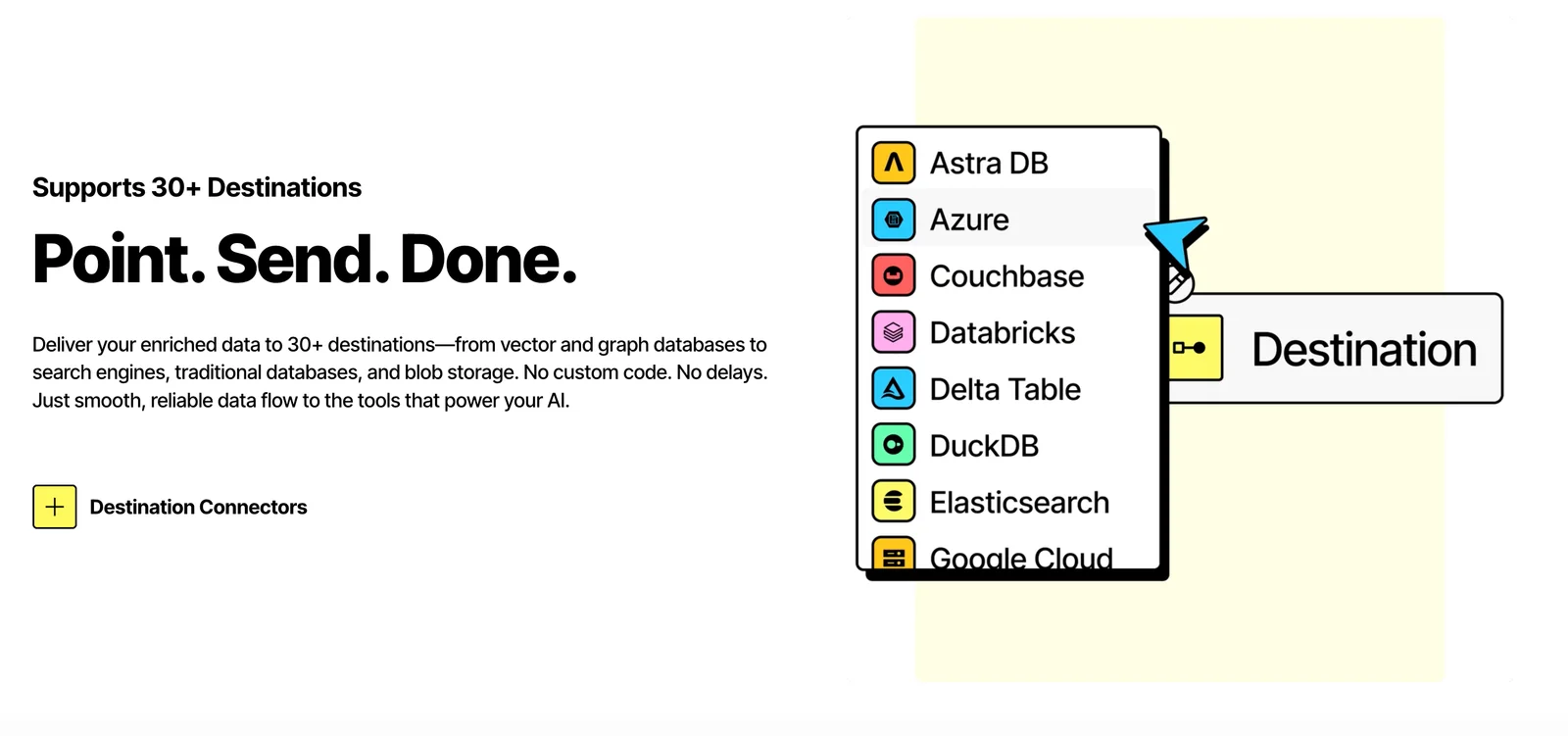
Unstructured provides an open-source library and hosted platform to ingest, parse, enrich, chunk, and embed documents so they are ready for large language models and GenAI applications. It supports a wide range of document formats (PDF, HTML, Word, images, spreadsheets, email formats, etc.) and exposes modular building blocks (bricks) and SDKs to assemble transformation pipelines. The project includes both local libraries for preprocessing and a hosted Unstructured API; the company also offers an enterprise Platform for production-grade continuous workflows with partitioning, enrichments, and monitoring. Its value lies in automating complex document ETL to deliver higher-quality, LLM-ready structured outputs at scale.
Screenshots
Key Features
Use Cases



Frequently asked questions about Unstructured
What are the pricing options for Unstructured?
Unstructured offers a variety of pricing options, including a free open-source library, a free hosted API for developers, and custom pricing plans tailored for enterprise-level solutions. For specific pricing details, it is best to visit their official website for the most accurate and up-to-date information.
Key Points
- Free Open-Source Library: Ideal for developers and researchers.
- Free Hosted API: Accessible for initial testing and small projects.
- Custom Enterprise Solutions: Tailored pricing for larger organizations.
Detailed Explanation
Unstructured caters to a wide range of users, from individual developers to large enterprises. Here's a breakdown of their pricing options:
-
Free Open-Source Library:
- This option allows developers to access Unstructured's powerful tools without any cost. The library can be integrated into various projects, making it suitable for prototyping and academic purposes. Developers can customize and modify the library to fit their specific needs.
-
Free Hosted API:
- The hosted API offers a cost-effective way for users to experiment with Unstructured's capabilities. This service is ideal for small-scale projects or initial testing phases, allowing developers to interact with the API without upfront costs. However, usage limits may apply, so checking the documentation for specific restrictions is advisable.
-
Custom Enterprise Solutions:
- For businesses requiring extensive features, security, or support, Unstructured provides customized pricing. This option includes tailored solutions to meet unique organizational needs, such as advanced analytics, dedicated support, and integrations with existing systems. Interested enterprises can contact Unstructured directly for a quote based on their requirements.
Best Practices / Tips
- Evaluate Your Needs: Determine whether the open-source library or free API suffices for your projects before considering a custom plan.
- Check Usage Limits: If using the free hosted API, be aware of any limitations to avoid unexpected disruptions.
- Contact Sales for Custom Solutions: For enterprise solutions, directly reach out to Unstructured's sales team to discuss your specific needs and get a personalized quote.
Additional Resources
How do I get started with Unstructured?
To get started with Unstructured, sign up for a free Starter account on their website. This account provides access to basic functionality and lets you explore their open-source library, enabling you to effectively utilize AI tools for unstructured data processing.
Key Points
- Free Starter Account: Access basic features at no cost.
- Open-Source Library: Explore various tools and functionalities.
- User-Friendly Interface: Easy navigation for beginners.
Detailed Explanation
Unstructured is a powerful platform designed for handling unstructured data, utilizing AI and machine learning tools. To begin your journey, visit the official Unstructured website and register for a free Starter account. This account is perfect for individuals and small teams who wish to familiarize themselves with the platform's capabilities without any initial investment.
Once registered, you gain access to the open-source library, which includes a variety of tools specifically designed for tasks such as text extraction, data classification, and content analysis. These tools can be invaluable for developers, data scientists, and businesses looking to derive insights from large volumes of unstructured data.
Step-by-Step Guide to Getting Started:
- Visit the Unstructured Website: Navigate to Unstructured.com.
- Sign Up for a Free Account: Click on “Get Started” and complete the registration process.
- Explore the Open-Source Library: Once logged in, access the library and start experimenting with different tools.
- Utilize Documentation: Refer to the detailed guides and tutorials available in the documentation section to enhance your understanding.
Best Practices / Tips
- Explore Tutorials: Take advantage of available tutorials to maximize your understanding of the tools.
- Join Community Forums: Engage with other users in forums to share experiences and troubleshoot challenges.
- Keep Updated: Regularly check for updates and new features that can enhance your data processing capabilities.
Additional Resources
- Unstructured Official Documentation
- GitHub Repository for Open-Source Tools
- Community Forums and User Groups
By following these steps and utilizing the resources provided, you can successfully start using Unstructured and harness its capabilities for your data processing needs.
What are the key features of Unstructured?
Unstructured is a powerful AI tool that facilitates multi-format data ingestion, provides modular SDKs for creating custom data pipelines, and features advanced capabilities such as layout parsing and chunking tailored for large language models (LLMs), making it ideal for diverse applications in data processing and analysis.
Key Points
- Multi-format ingestion for varied data types
- Modular SDKs enable custom pipeline development
- Advanced features like layout parsing and chunking
Detailed Explanation
Unstructured stands out with its multi-format ingestion capability, allowing users to seamlessly process data from various sources such as PDFs, JSON, and plain text. This flexibility is essential for organizations dealing with diverse data types, ensuring that all content can be analyzed and transformed effectively.
The modular SDKs offered by Unstructured empower developers to create tailored data pipelines. By using these SDKs, users can integrate specific functionalities that meet their unique requirements, whether for text analysis, data extraction, or machine learning applications. For example, a financial institution can utilize a custom pipeline to extract insights from multiple reports and documents, streamlining data processing.
Furthermore, Unstructured includes advanced features like layout parsing and chunking. Layout parsing helps in understanding the structural elements of documents, enabling better extraction of relevant information. Chunking, particularly useful for LLMs, divides large text bodies into manageable segments, enhancing processing efficiency and response accuracy in AI applications. For instance, in a legal setting, chunking can allow AI models to focus on specific clauses within lengthy contracts, improving both analysis and review processes.
Best Practices / Tips
- Choose the Right Format: When ingesting data, ensure that you select formats compatible with your analysis needs. Experiment with different types to see which yields the best results.
- Customize SDKs Wisely: Leverage Unstructured’s modular SDKs to build specific tools that directly address your organization's goals. Avoid unnecessary complexity by focusing on essential features.
- Utilize Advanced Features: Take full advantage of layout parsing and chunking to improve the accuracy of your AI outputs. Regularly review the configurations to optimize performance based on your data.
Additional Resources
How does Unstructured's API integration work?
Unstructured's API integration enables seamless document parsing and processing through a hosted API that requires an API key for access. It can be easily incorporated into existing workflows, allowing businesses to automate data extraction and enhance their document management processes.
Key Points
- Hosted API Access: Requires an API key for secure integration.
- Seamless Workflows: Easily integrates with existing business systems.
- Document Parsing: Efficiently extracts data from various document formats.
Detailed Explanation
Unstructured's API is designed for developers seeking to streamline their document processing workflows. The integration process begins with obtaining an API key from Unstructured, which ensures secure access to the API endpoints. Once you have the key, follow these steps:
- Setup and Authentication: Use the API key in your requests to authenticate. This step secures your connection and ensures that only authorized users can access the service.
- Document Submission: Send documents to the API for parsing in various formats, such as PDFs, Word documents, and images. The API processes these documents and extracts relevant data, such as text, tables, and images.
- Response Handling: After processing, the API returns structured data in JSON format, which can easily be integrated into your applications or databases for further analysis or storage.
Example Use Case
Imagine a legal firm that receives numerous case files in PDF format. By integrating Unstructured's API, they can automatically parse these files to extract key information like case numbers, client names, and dates. This automation reduces manual entry errors and saves significant time.
Best Practices / Tips
- Optimize API Requests: Only send necessary data to reduce processing time and improve efficiency.
- Monitor API Usage: Keep track of your API calls to avoid exceeding usage limits, which could incur additional costs.
- Error Handling: Implement robust error handling in your application to manage potential issues with document parsing effectively.
Additional Resources
How does Unstructured compare to other ETL tools?
Unstructured stands out among ETL tools due to its open-source model and advanced document processing capabilities, offering unique features that traditional ETL solutions often lack. This makes it particularly advantageous for organizations dealing with unstructured data like text, images, and PDFs.
Key Points
- Open-source flexibility: Unstructured's open-source nature allows customization and community-driven enhancements.
- Advanced document processing: It specializes in extracting information from various document types, making it ideal for unstructured data.
- Cost-effective solution: Being open-source, it reduces licensing costs compared to many traditional ETL tools.
Detailed Explanation
Unstructured is designed to handle unstructured data, which is often overlooked by traditional ETL tools like Talend or Informatica. Traditional ETL tools focus on structured data, making them less effective for processing documents, emails, and images. Unstructured’s capabilities include:
- Natural Language Processing (NLP): This allows the extraction of meaningful information from text-heavy documents, offering insights that traditional ETL tools might miss.
- Data Enrichment: It can integrate with machine learning models to enhance data quality and provide deeper analytics.
- User-Friendly Interface: Unstructured provides a more intuitive interface for users who may not be data engineers, ensuring ease of use across teams.
For example, a legal firm could use Unstructured to automatically extract key clauses from contracts, streamlining their document review process, which would be cumbersome with standard ETL tools.
Best Practices / Tips
- Assess Your Needs: Determine if your organization primarily deals with unstructured data. If so, Unstructured can provide a significant advantage.
- Leverage Community Support: Engage with the open-source community for troubleshooting and enhancements.
- Stay Updated: Regularly check for updates and new features, as open-source tools continuously evolve.
Additional Resources
Explore more AI Ai Tools tools
Browse all Ai Tools tools →Browse by use case: Automation & Productivity
Compare Unstructured: vs Agents Never Sleep · vs Port Radar for macOS · vs SubtitleGenerator · vs Zero