

AskCodi
AIOpenAI-compatible coding assistant and API offering custom models, baked-in prompts, and task-specific Codi Apps for code generation and refactoring.
AskCodi
OpenAI-compatible coding assistant and API offering custom models, baked-in prompts, and task-specific Codi Apps for code generation and refactoring.
About AskCodi
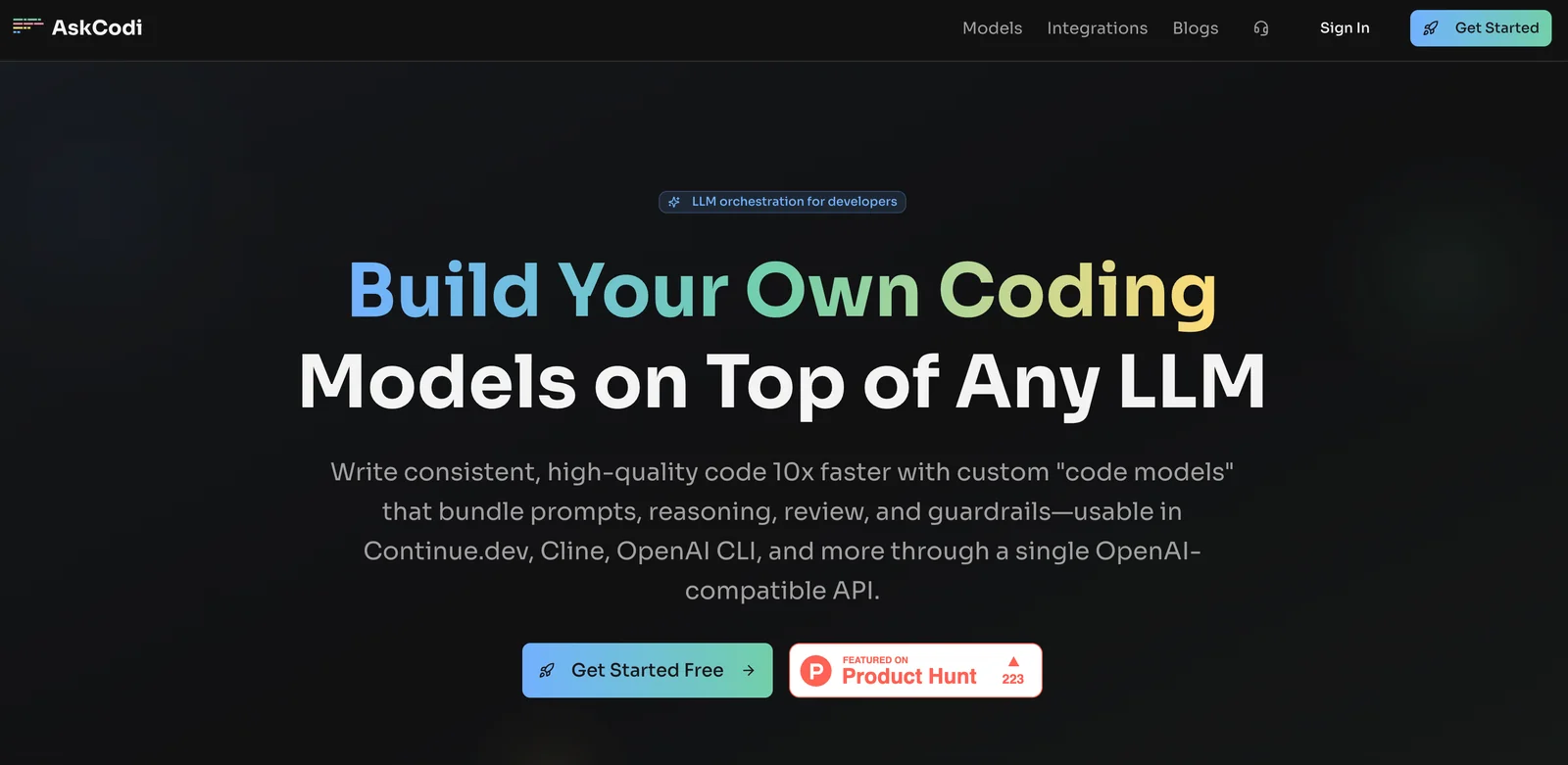
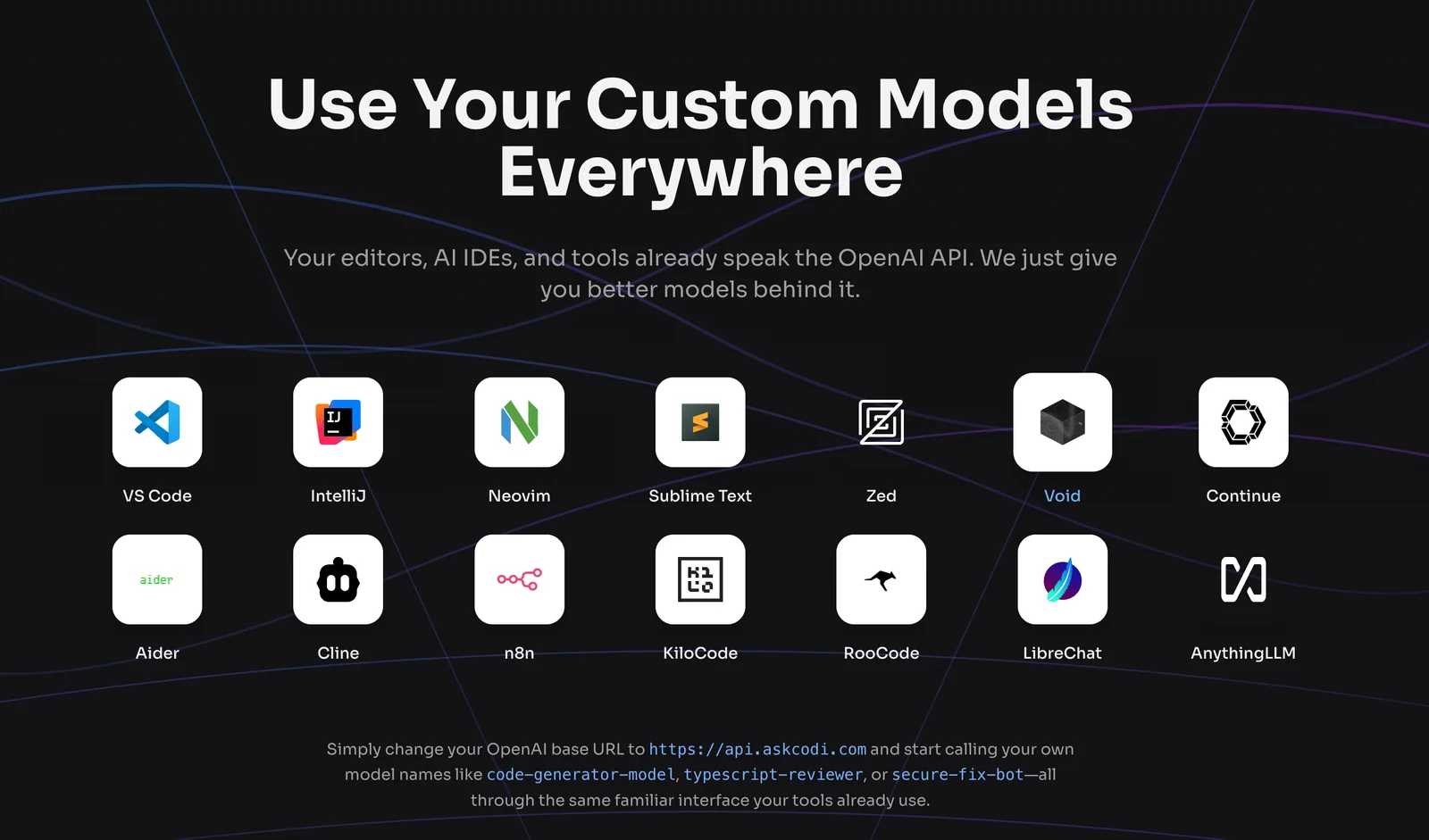
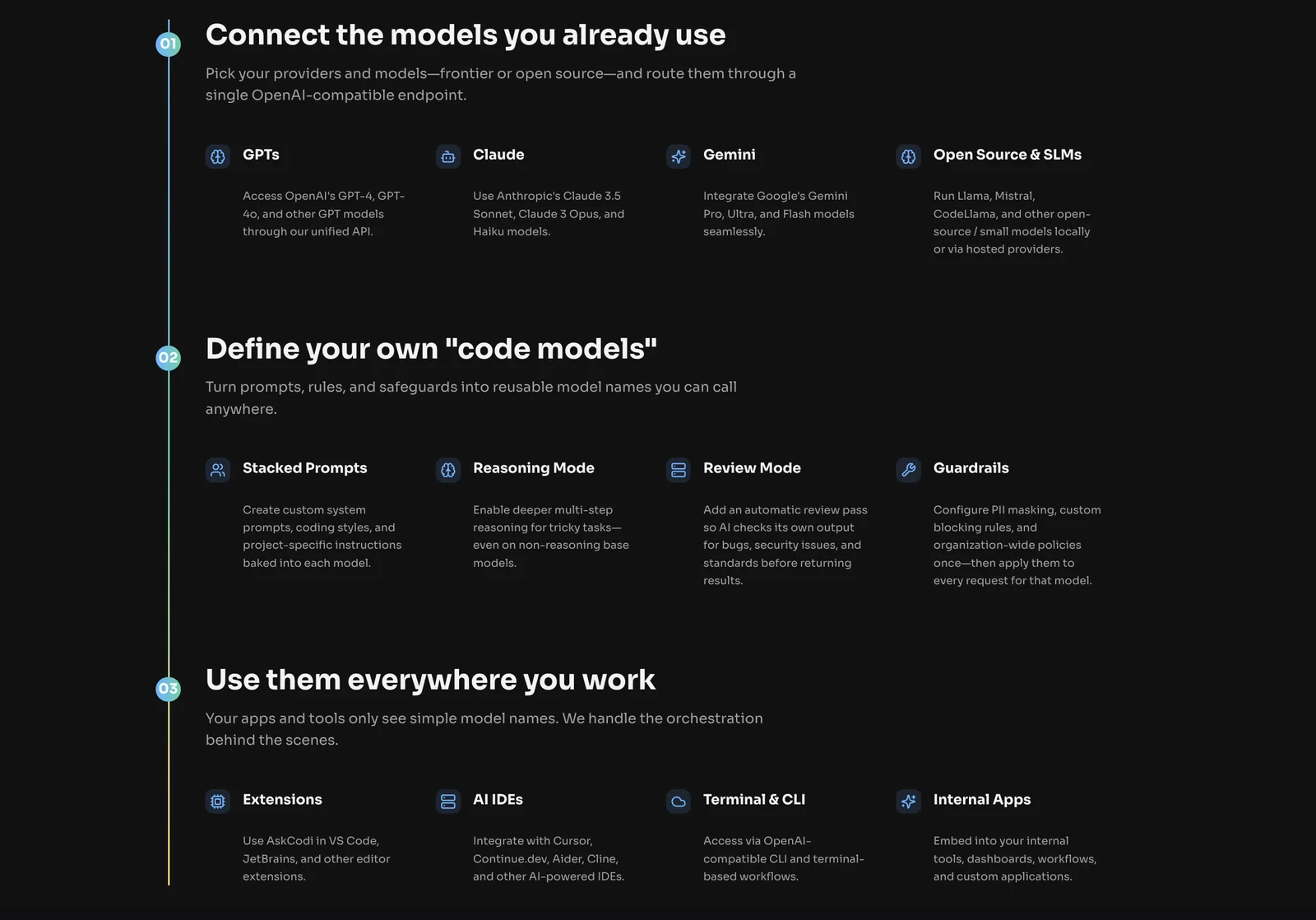
AskCodi is an OpenAI-compatible coding assistant and API that provides custom models with baked-in prompts and task-specific Codi Apps to streamline developer workflows. It supports 25+ capabilities including code generation, bug detection, refactoring, documentation, and testing, and integrates with IDEs and web platforms such as Continue.dev and Cline. AskCodi emphasizes quick setup, consistent prompt behavior via custom models, and the ability to switch between multiple LLM backends to reduce vendor lock-in. The platform is designed to embed coding automation into developer tools and workflows through an API and ready-made app templates.
Screenshots
Key Features
Use Cases



Frequently asked questions about AskCodi
What are the pricing tiers for AskCodi and what features do they include?
AskCodi offers five pricing tiers: Free ($0), Pro ($10-$19 per month), Premium ($14.99 per month), Ultimate ($34.99 per month), and custom Enterprise pricing. Each tier includes different features and usage limits, with enhanced inference capabilities available in the higher tiers.
Key Points
- Free Tier: Basic access with limited features.
- Pro Tier: Enhanced functionalities at an affordable rate.
- Premium and Ultimate Tiers: Offer advanced features for professional users.
Detailed Explanation
AskCodi's pricing structure is designed to cater to a wide range of users, from casual individuals to large enterprises.
-
Free Tier: This entry-level tier is ideal for users who want to explore AskCodi without any financial commitment. It includes basic features but has restrictions on usage and capabilities.
-
Pro Tier ($10-$19/month): This tier is perfect for freelancers and small businesses. It provides additional features such as improved inference capabilities, higher usage limits, and customer support, making it a cost-effective choice for users needing more advanced tools.
-
Premium Tier ($14.99/month): This option is tailored for professionals and teams who require comprehensive tools for more intensive projects. It includes all features from the Pro tier plus additional capabilities, such as collaborative tools and priority support.
-
Ultimate Tier ($34.99/month): The Ultimate tier is designed for organizations that need extensive usage and support. It offers the most advanced features, including custom integrations and analytics tools, making it ideal for businesses that rely heavily on AI functionality.
-
Enterprise Pricing: For large organizations or those with specific needs, AskCodi offers custom pricing plans. These plans are tailored to accommodate unique user requirements, ensuring that businesses have the exact features and support they need.
Best Practices / Tips
- Evaluate Your Needs: Before selecting a tier, assess your usage requirements and the features you need. This helps avoid overpaying for unneeded capabilities.
- Start with Free Trial: Utilize the Free tier to familiarize yourself with AskCodi’s features. This will help you make an informed decision when upgrading.
- Monitor Usage: If you opt for a paid tier, regularly check your usage limits to ensure you are getting the most value from your subscription.
- Upgrade When Necessary: If you find that your needs are growing, consider upgrading to a higher tier to take advantage of enhanced features and capabilities.
Additional Resources
What makes AskCodi different from other coding assistants?
AskCodi differentiates itself from other coding assistants through its OpenAI-compatible API, customizable models with integrated prompts, and specific Codi Apps designed for various tasks. This unique combination allows developers to achieve tailored code generation and efficient refactoring that many other tools do not offer.
Key Points
- OpenAI-Compatible API: Seamlessly integrates with OpenAI's technology.
- Custom Models: Baked-in prompts enhance user experience and output quality.
- Task-Specific Codi Apps: Specialized applications for distinct coding tasks.
Detailed Explanation
AskCodi leverages an OpenAI-compatible API, which allows for seamless integration with existing tools and workflows. This compatibility ensures that developers can harness advanced AI capabilities without the need for extensive setup. For instance, users can easily connect AskCodi to their development environments, enhancing productivity through automated coding assistance.
One of the standout features of AskCodi is its custom models. Unlike other coding assistants that provide generic responses, AskCodi’s models include baked-in prompts tailored to specific coding scenarios. This means that when you need help with a particular programming language or framework, AskCodi can generate code snippets or refactor existing code more effectively. For example, if you're working on a Python project, AskCodi can optimize code based on best practices for Python developers.
Additionally, the task-specific Codi Apps cater to various coding needs, such as debugging, code review, or even documentation generation. This level of specialization enables users to select the exact tool that fits their immediate requirements, streamlining the coding process. For example, a developer can use a Codi App specifically designed for JavaScript to receive instant feedback on their code, significantly reducing debugging time.
Best Practices / Tips
- Utilize Custom Models: Take advantage of AskCodi’s custom models by specifying your needs clearly. This will yield better code outputs.
- Explore Codi Apps: Familiarize yourself with different Codi Apps available, as they are designed for specific tasks to enhance productivity.
- Integrate with Workflows: Incorporate AskCodi into your existing coding workflow. Use it alongside your IDE for real-time assistance.
- Regular Updates: Stay updated with new features and improvements. AskCodi frequently rolls out enhancements that can further improve user experience.
Additional Resources
How can I get started using AskCodi effectively?
To get started using AskCodi effectively, sign up for a free account on their website, which takes just two minutes. Once registered, you can immediately explore powerful features like code generation, refactoring, and comprehensive tutorials to maximize your coding efficiency.
Key Points
- Easy Sign-Up: Create your account in under two minutes.
- Feature Exploration: Access code generation and refactoring tools right away.
- Tutorials and Best Practices: Utilize available resources to enhance your skills.
Detailed Explanation
Starting with AskCodi is straightforward. After signing up, you'll gain access to a user-friendly dashboard where you can start generating code snippets. AskCodi utilizes advanced AI algorithms to help you write and refactor code more efficiently.
Step-by-Step Guidance:
- Create an Account: Visit the AskCodi website and click on the "Sign Up" button. Fill in the required information and confirm your email.
- Dashboard Overview: Once logged in, familiarize yourself with the dashboard layout, which includes options for code generation, refactoring, and accessing tutorials.
- Explore Features:
- Code Generation: Enter your coding requirements, and AskCodi will generate the appropriate code snippets.
- Refactoring Tools: Utilize the refactoring feature to optimize existing code for better performance and readability.
- Engage with Tutorials: Check out the tutorials section to learn best practices and tips on using the features effectively, making your coding workflow smoother.
Best Practices / Tips
- Regularly Check for Updates: Keep an eye on new features and updates from AskCodi to stay ahead.
- Experiment with Examples: Use the provided examples in tutorials to practice and understand different functionalities.
- Join the Community: Participate in forums or community groups to share experiences and learn from other users.
Additional Resources
- AskCodi Documentation - Official documentation for detailed guides.
- AskCodi Tutorials - Explore tutorials for various coding scenarios.
- AskCodi Community Forum - Connect with other users and share insights.
Is there an API available for integrating AskCodi into my existing workflows?
Yes, AskCodi offers an OpenAI-compatible API, enabling seamless integration into your existing workflows and tools. This flexibility allows developers to leverage AskCodi's capabilities to enhance productivity and tailor solutions to meet specific project requirements.
Key Points
- OpenAI-compatible API: Easily integrates with various tools.
- Customizable Features: Tailor AskCodi's functionalities to fit specific needs.
- Enhanced Productivity: Streamline workflows with automation and smart assistance.
Detailed Explanation
The AskCodi API is designed for easy integration, supporting developers in connecting AskCodi's AI capabilities with their existing systems. This API leverages OpenAI's architecture, ensuring compatibility and robustness. By utilizing RESTful design principles, developers can send requests and receive responses using standard HTTP methods like GET and POST.
Use Cases
- Automated Code Reviews: Integrate AskCodi into your CI/CD pipeline to automatically review code quality and suggest improvements.
- Enhanced Documentation: Use the API to generate documentation directly from your codebase, saving time and improving accuracy.
- Custom Chatbots: Build tailored chatbots that use AskCodi for real-time code assistance, streamlining developer support.
Step-by-Step Guidance
- Obtain API Key: Sign up on the AskCodi platform to receive your unique API key.
- Set Up Your Environment: Choose your preferred programming language and install necessary libraries (e.g.,
requestsfor Python). - Make API Calls: Construct your API requests using the provided endpoints, specifying the desired functionality, such as code suggestions or documentation generation.
- Handle Responses: Parse the responses to integrate the results into your application seamlessly.
Best Practices / Tips
- Rate Limiting: Be aware of the API's usage limits to avoid service interruptions.
- Error Handling: Implement robust error handling to manage potential API errors gracefully.
- Optimize Requests: Minimize the amount of data sent in requests to enhance performance and reduce latency.
Additional Resources
- AskCodi API Documentation for detailed technical guidance.
- OpenAI API Overview for understanding integration possibilities.
- Developer Community Forum to connect with other users and share integration tips.
What are the limitations of the free version of AskCodi?
The free version of AskCodi limits users to approximately 50 chat interactions per month and about 5 agent invocations. These restrictions can hinder extensive usage, making it less suitable for larger projects or teams that require more frequent access to the AI's capabilities.
Key Points
- Limited Interactions: Users can only engage in around 50 chat sessions monthly.
- Agent Invocation Cap: The free version allows for approximately 5 agent invocations.
- Not Ideal for Larger Teams: These limitations can restrict collaborative efforts and larger projects.
Detailed Explanation
The free version of AskCodi is designed primarily for individual users or small-scale projects, offering a basic introduction to its features. Here are the specific limitations:
-
Chat Interactions: Users are restricted to about 50 chat interactions each month. This means that anyone relying on AskCodi for regular queries or support might find themselves reaching this limit quickly. For example, if a user engages in a daily chat, they would exhaust their quota in less than two weeks.
-
Agent Invocations: With only around 5 agent invocations allowed, the free version limits the ability to access specialized features or deeper functionalities. This restriction means that users cannot frequently test or utilize advanced capabilities, which may be necessary for complex tasks.
-
Impact on Larger Projects: For teams or businesses managing larger projects, these limits can become a significant barrier. Collaborative efforts often require continuous interaction and multiple agent calls, making the free version impractical for dynamic team environments that need consistent access to AI tools.
Best Practices / Tips
- Evaluate Your Needs: Before starting with the free version, assess whether the limitations align with your project requirements. If you anticipate needing more interactions or agent invocations, consider upgrading to a paid plan.
- Track Usage: Keep a log of your interactions and invocations to avoid reaching your limits unexpectedly. This can help you plan your usage more effectively.
- Leverage the Community: Engage with the AskCodi community forums or support channels to find tips from other users on maximizing the free version's potential.
Additional Resources
Explore more AI Ai Agents tools
Browse all Ai Agents tools →Browse by use case: Code Generation
Compare AskCodi: vs Hacktron · vs Ninjō AI · vs Phoenix.vu · vs Dropstone