

Replit
AICloud IDE and platform for building, collaborating, and deploying apps and websites with integrated AI assistance.
Replit
Cloud IDE and platform for building, collaborating, and deploying apps and websites with integrated AI assistance.
About Replit
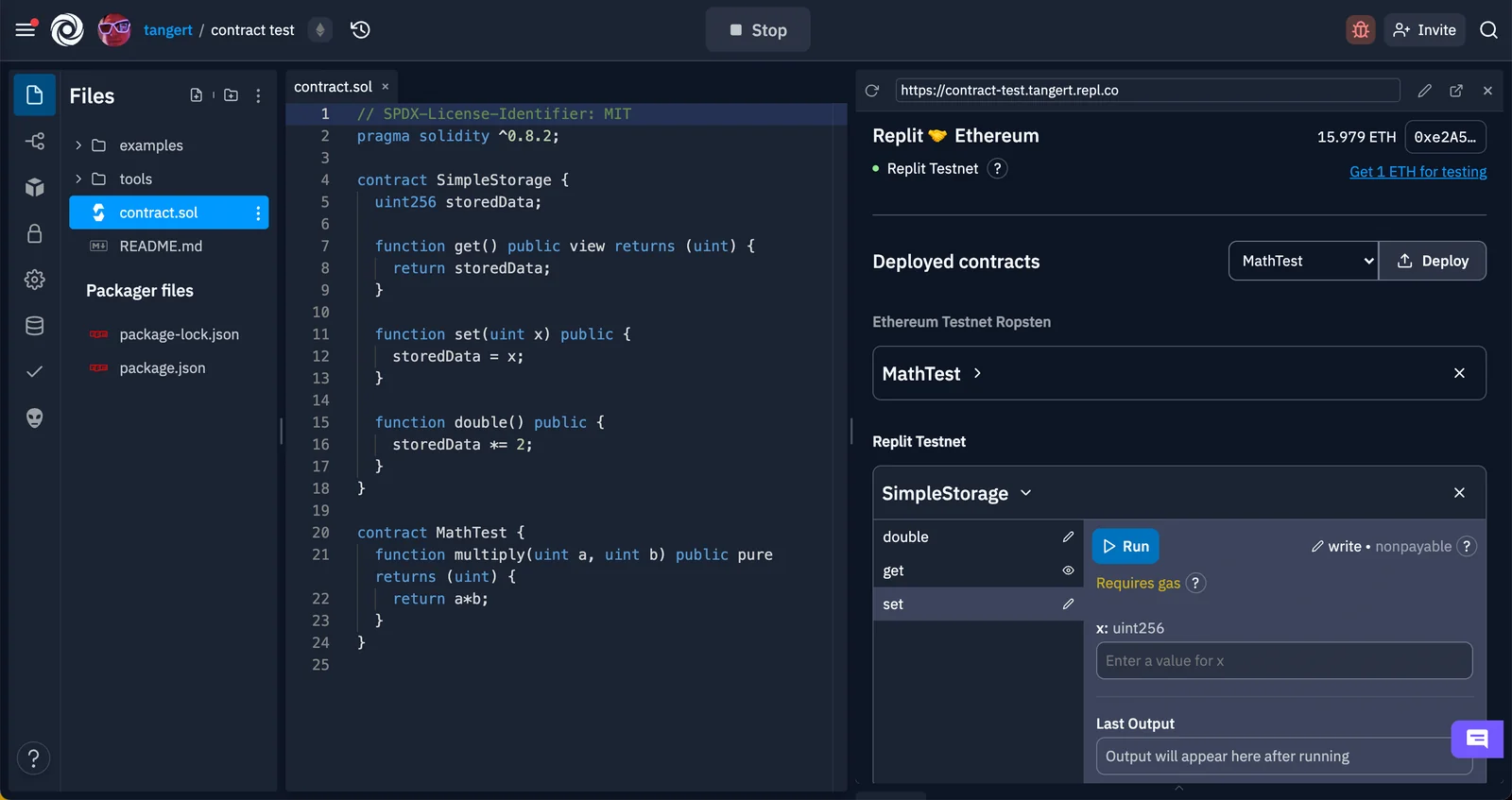
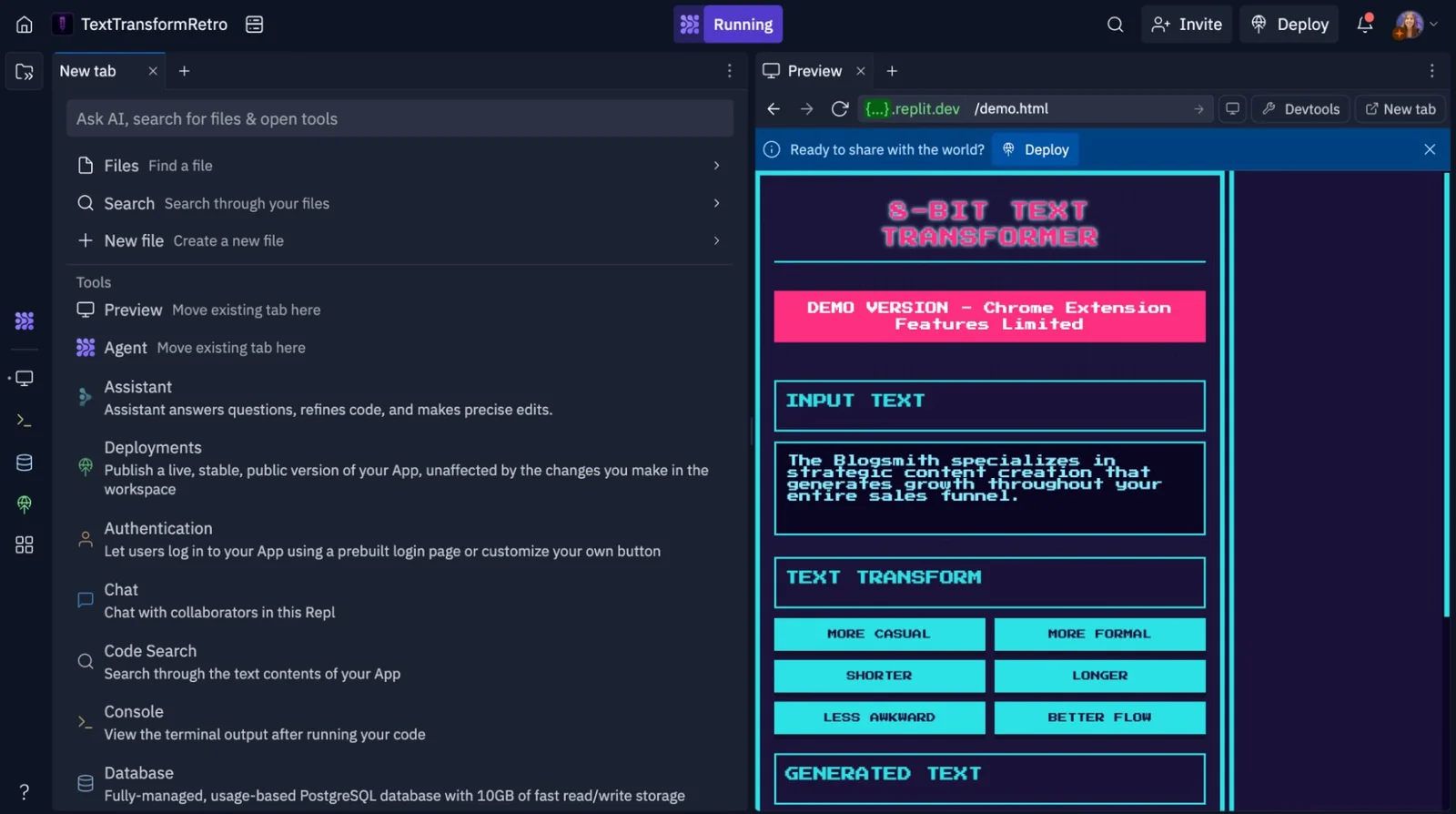
Replit is a cloud-based development platform that provides instant, browser-accessible development environments (Repls), collaborative editing, and built-in deployment for web apps and sites. It integrates AI capabilities — including Replit's code models — to assist with code completion, generation, and refactoring, and offers SDKs, extensions, and auth tooling to connect projects to external services. Replit emphasizes zero-setup development on any device, real-time collaboration, and extensibility via official libraries, VSCode integration, and a desktop app.
Screenshots

Key Features
Use Cases



Frequently asked questions about Replit
What are the pricing options for Replit?
Replit offers a freemium model with four pricing tiers: Starter ($0/month), Core ($20-$25/month), Teams ($35/user/month), and Enterprise (custom pricing). Each tier includes different features tailored to various user needs, from individual developers to large organizations.
Key Points
- Starter Tier: Free access to basic features.
- Core Tier: Enhanced capabilities for individual developers.
- Teams Tier: Collaborative tools for teams and organizations.
- Enterprise Tier: Custom solutions for large-scale needs.
Detailed Explanation
Replit’s pricing structure accommodates a wide range of users, from beginners to professional developers and organizations.
-
Starter Tier ($0/month): This free tier is perfect for hobbyists and learners. Users can access basic IDE features, collaborate in real-time, and run small applications. This tier allows newcomers to familiarize themselves with coding and development without financial commitment.
-
Core Tier ($20-$25/month): Ideal for serious developers, this tier offers additional features such as increased storage, enhanced performance, and priority support. Users can access advanced tools like private workspaces and more powerful computing resources, making it suitable for personal projects and freelance work.
-
Teams Tier ($35/user/month): Aimed at small to medium-sized teams, this plan includes collaborative features such as team management tools and shared workspaces. It enhances productivity by allowing multiple users to work on projects simultaneously, making it perfect for startups and remote teams.
-
Enterprise Tier (custom pricing): Tailored for large organizations, this plan offers bespoke solutions, including dedicated support, enhanced security features, and integration capabilities with other enterprise tools. Organizations can negotiate pricing based on their specific needs and usage levels.
Best Practices / Tips
- Evaluate Needs: Before selecting a plan, assess your specific development needs, team size, and collaboration requirements.
- Utilize Free Trials: Consider testing the Core and Teams tiers through any available free trials to gauge their suitability for your projects.
- Stay Updated: Regularly check Replit’s official website for any changes in pricing or new features that may be introduced.
Additional Resources
How do I start using Replit?
To start using Replit, visit the official website at replit.com, create a free account, and select a suitable pricing tier. You can then instantly create a Repl in your browser, which allows you to code with integrated AI assistance and collaborate in real-time.
Key Points
- Free and Paid Tiers: Replit offers a free account with limited features and several paid plans for advanced capabilities.
- Instant Coding Environment: You can start coding immediately without any installations.
- Collaboration Features: Work with others in real-time on your coding projects.
Detailed Explanation
Starting with Replit is straightforward and user-friendly. Here’s how you can get started:
-
Visit the Website: Go to replit.com. The homepage provides an overview of the platform's features, including its collaborative coding environment and integrated AI tools.
-
Create an Account: Click on the "Sign Up" button. You can register using your email, or opt for social logins like Google or GitHub. Once you fill in the required information and agree to the terms, you’ll have your account set up.
-
Choose a Pricing Tier: Replit offers a free plan with essential features, along with Pro and Hacker tiers for more advanced functionalities. The Pro plan, for instance, starts at around $20 per month and includes features like private Repls and increased storage.
-
Create Your First Repl: Once logged in, click the “+” button to create a new Repl. You can choose from various programming languages like Python, JavaScript, or HTML/CSS. Select a template that suits your project needs.
-
Utilize Integrated AI: Replit provides AI features called Ghostwriter, which assists you in coding by suggesting code completions and debugging tips. This is especially helpful for beginners or those looking to improve their coding efficiency.
-
Collaborate with Others: You can invite others to join your Repl by sharing a link, allowing for real-time collaboration. This is ideal for coding teams or educational purposes.
Best Practices / Tips
- Explore the Community: Engage with the Replit community to learn from others, find projects to collaborate on, and share your work.
- Take Advantage of Tutorials: Replit offers tutorials and documentation that are invaluable for beginners. Use these resources to enhance your skills.
- Keep Your Code Organized: Utilize folders and comments in your code to maintain clarity, especially when working on larger projects or collaborating with others.
Additional Resources
By following these steps and tips, you'll be well on your way to effectively using Replit for your coding projects.
What are the main features of Replit?
Replit offers powerful features such as instant cloud workspaces, AI-driven code assistance, real-time collaboration tools, built-in hosting and deployment options, along with a wide range of SDKs and integrations. These capabilities streamline the development process and enhance productivity for individual developers and teams alike.
Key Points
- Instant Cloud Workspaces: Access your projects from anywhere.
- AI-Powered Code Models: Get intelligent coding assistance.
- Real-Time Collaboration: Work together seamlessly with others.
Detailed Explanation
Replit is a versatile online coding platform that allows users to write, run, and debug code in various programming languages directly in the browser.
-
Instant Cloud Workspaces: With Replit, developers can create projects instantly without needing to set up local environments. This cloud-based solution supports over 50 programming languages, enabling users to code on any device with internet access. For example, you can start a Python project on your laptop and continue on your tablet.
-
AI-Powered Code Models: Replit incorporates AI tools like Ghostwriter, which assists users by suggesting code snippets, fixing bugs, and providing explanations for complex coding concepts. This feature is particularly useful for beginners who may need additional guidance while learning to code.
-
Real-Time Collaboration: Replit allows multiple users to work on the same project simultaneously. This is an excellent feature for team projects or educational settings where instructors can provide live feedback. Users can see changes in real-time, enhancing communication and minimizing errors.
-
Built-In Hosting and Deployment: Users can deploy web applications directly from Replit with just a few clicks. This feature simplifies the process of sharing projects and makes it easy for developers to showcase their work.
-
SDKs and Integrations: Replit supports various software development kits (SDKs) and third-party integrations, allowing users to enhance their development workflows. For instance, you can integrate with GitHub for version control, making collaboration and project management more efficient.
Best Practices / Tips
- Explore Templates: Utilize Replit’s extensive template library to jumpstart new projects. This saves time and provides inspiration for developers.
- Leverage AI Tools: Make the most of AI-powered suggestions by experimenting with different coding styles and techniques. This can help improve your coding skills.
- Engage in Collaboration: Use the real-time collaboration feature to work with peers or seek mentorship from more experienced developers. This not only enhances learning but also fosters a sense of community.
Additional Resources
How does Replit compare to other IDEs?
Replit is a cloud-based integrated development environment (IDE) that excels in real-time collaboration and AI-driven code assistance. Unlike traditional IDEs, it simplifies deployment and setup, making it more accessible for beginners and efficient for experienced developers alike.
Key Points
- Cloud-Based Environment: Replit runs entirely in the cloud, eliminating the need for local installations.
- Collaboration Features: Enables multiple users to code together in real-time.
- AI-Powered Assistance: Offers smart code suggestions and error detection.
Detailed Explanation
Replit's cloud-based architecture allows developers to write, run, and share code directly from their web browsers, making it convenient for users who may not have powerful local machines. This is particularly beneficial for educational settings, where students can easily access projects without worrying about software installations.
Collaboration
One of Replit's standout features is its collaborative capabilities, akin to Google Docs for coding. Multiple users can work on the same project simultaneously, making it ideal for team projects or coding bootcamps. This feature enhances learning and productivity, as users can receive instant feedback and share ideas in real-time.
AI-Powered Code Assistance
Replit integrates AI-driven tools that assist users by suggesting code snippets, identifying errors, and even explaining complex code logic. This can significantly reduce debugging time, especially for newcomers who might struggle with syntax or logic errors. For instance, if a user encounters a syntax error, Replit can highlight it and suggest corrections.
Deployment and Accessibility
Deployment on Replit is straightforward. Users can instantly run their code without any complex configurations, making it suitable for rapid prototyping and testing. Additionally, projects can be shared via simple URLs, allowing for easy access and feedback from peers or instructors.
Best Practices / Tips
- Utilize the Collaboration Tools: Use Replit's collaborative features for group projects to enhance learning and productivity.
- Leverage AI Assistance: Take advantage of AI-driven suggestions to improve coding efficiency and reduce errors.
- Explore Templates: Start with existing templates to save time and learn from pre-written code.
Additional Resources
Does Replit provide an API for integration?
Yes, Replit provides a robust API for integration, including official SDKs and libraries for Node.js and Python. These resources empower developers to seamlessly incorporate Replit's functionalities into their applications or workflows, enhancing automation and development efficiency.
Key Points
- Official SDKs available for Node.js and Python.
- Enables smooth integration of Replit features into applications.
- Supports enhanced automation and collaborative development practices.
Detailed Explanation
Replit's API allows developers to leverage its cloud-based development environment programmatically. By using the official SDKs for Node.js and Python, you can perform various operations such as creating and managing Repls, accessing user data, and executing code in real-time.
Example Use Cases
- Automated Development Workflows: You can design scripts that automatically create or update Repls, making it easier to manage multiple projects.
- Collaboration Tools: Integrate Replit with your team’s project management tools, allowing for real-time collaboration and sharing of code snippets directly within your preferred platform.
- Educational Applications: Use the API to build custom learning tools that provide students with instant feedback on coding tasks within the Replit environment.
Step-by-Step Integration Guide
- Set Up Your Environment: Install the Replit SDK for your preferred language (Node.js or Python).
- Authentication: Authenticate using API keys to ensure secure access.
- API Calls: Use the provided methods to interact with Replit’s services, such as creating a new Repl or executing code.
- Error Handling: Implement error handling to manage potential API issues gracefully.
Best Practices / Tips
- Read the Documentation: Familiarize yourself with the Replit API documentation to understand all available endpoints and their functionalities.
- Start Small: Begin with simple API calls to ensure your integration works as expected before scaling up.
- Testing: Use a staging environment to test your integrations without affecting production workflows.
- Monitor Usage: Keep an eye on API usage to avoid hitting rate limits and ensure smooth operation.
Additional Resources
Explore more AI Ai Agents tools
Browse all Ai Agents tools →Browse by use case: Code Generation · Automation & Productivity
Compare Replit: vs Hacktron · vs Ninjō AI · vs Phoenix.vu · vs Dropstone