

Fireworks AI
AIHigh-performance serverless inference and deployment platform for open-source LLMs and image models with fast inference and built-in fine-tuning.
Fireworks AI
High-performance serverless inference and deployment platform for open-source LLMs and image models with fast inference and built-in fine-tuning.
About Fireworks AI
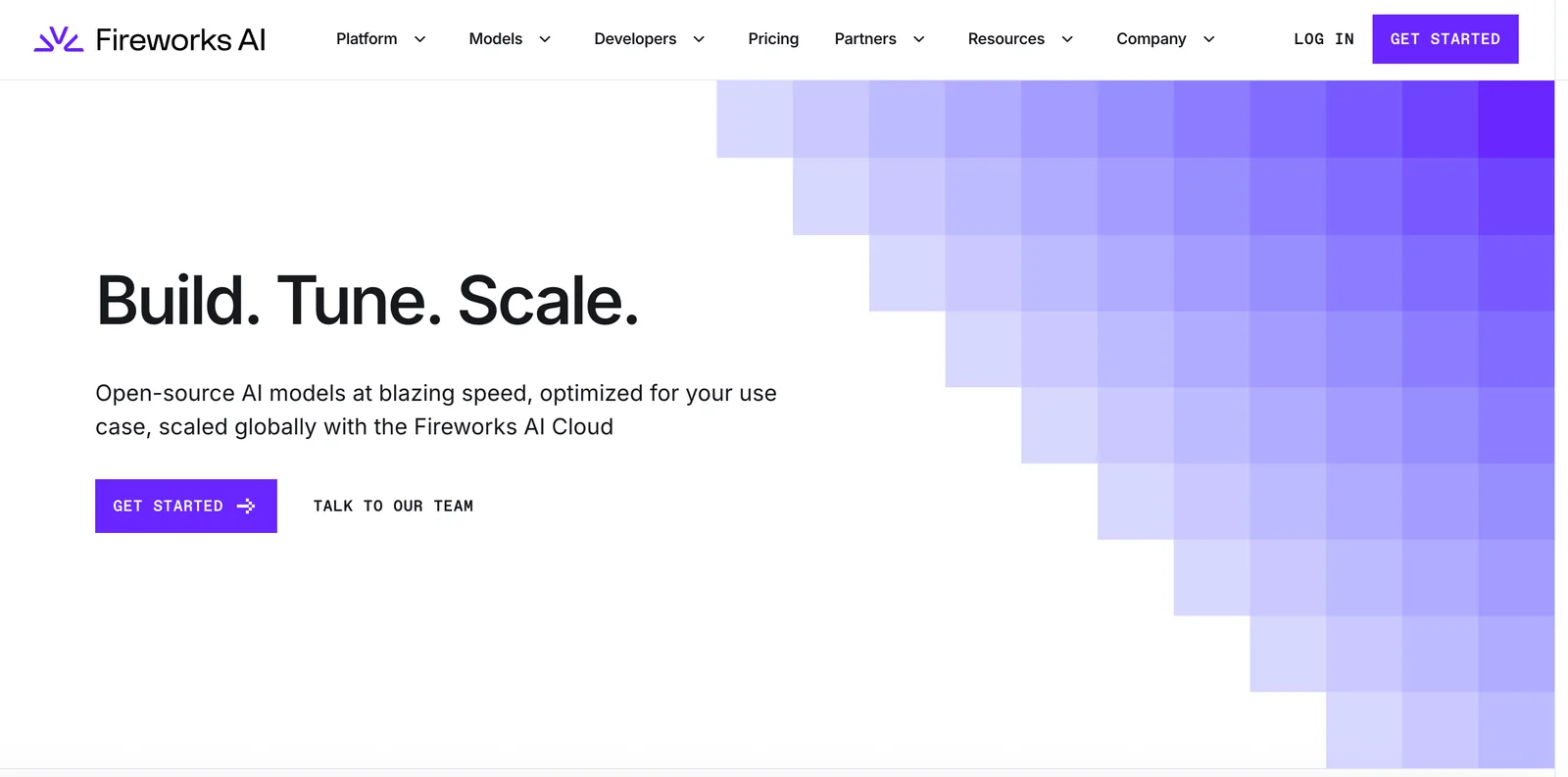
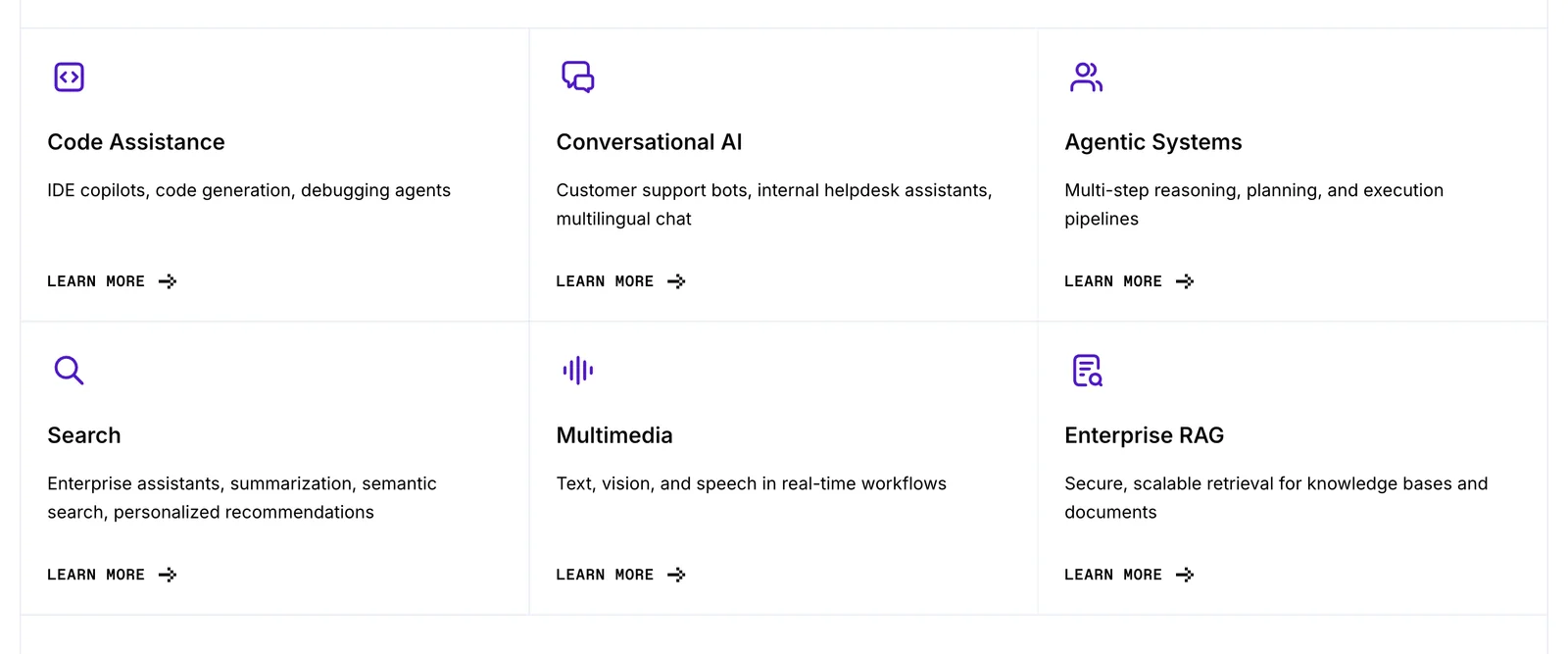
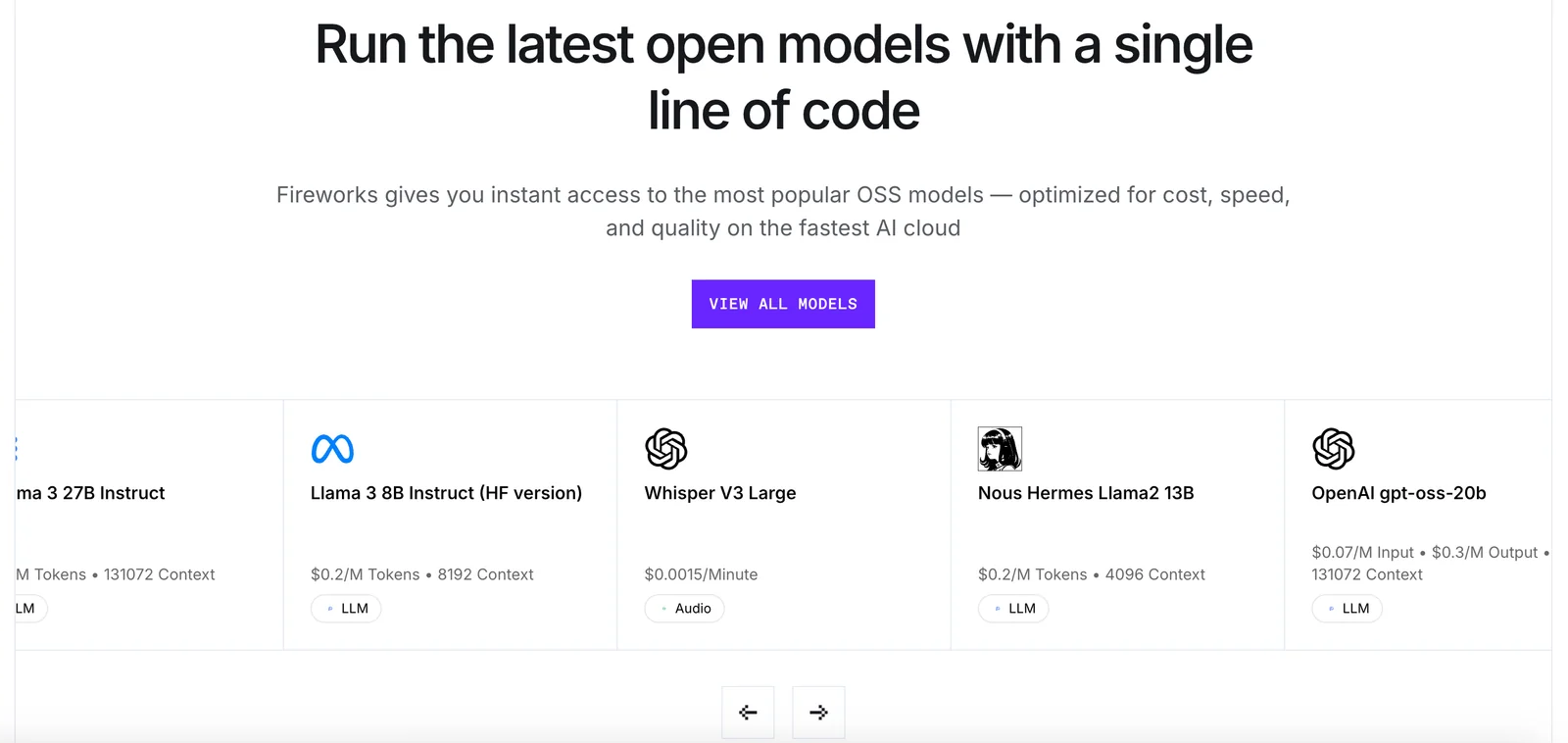
Fireworks AI is a developer-focused platform that provides blazing-fast, serverless inference and hosting for open-source large language models and image models. It enables teams to fine-tune and deploy models through a cloud API without managing infrastructure, and integrates directly with model hubs (e.g., Hugging Face) to run inference on model pages. Fireworks emphasizes low-latency performance, developer tooling (SDKs, plugins, and cookbooks), and resources for productionizing generative AI workflows and agentic systems.
Screenshots
Key Features
Use Cases


Frequently asked questions about Fireworks AI
What are the pricing options for Fireworks AI?
Fireworks AI offers a flexible pricing structure that includes a freemium model with usage-based pricing. New users can start with free credits, allowing them to explore features without commitment. For the most accurate and detailed pricing information, visit their official website or contact their sales team directly.
Key Points
- Freemium model allows free initial usage.
- Usage-based pricing caters to varying needs.
- Direct communication with sales for tailored pricing.
Detailed Explanation
Fireworks AI's pricing model is designed to accommodate a variety of users, from individuals to large enterprises. The freemium model enables new users to sign up and receive a set amount of free credits. This allows potential customers to test the platform's capabilities without financial commitment.
Usage-Based Pricing
Beyond the initial free credits, Fireworks AI employs a usage-based pricing structure. This means that users only pay for the features and services they utilize, making it a cost-effective solution for businesses with fluctuating needs. Specific pricing details may vary based on the features accessed, such as the complexity of AI tasks or data volume processed.
Pricing Tiers
Although exact figures may change, Fireworks AI typically provides several tiers of service. Users can upgrade to premium plans for enhanced features and higher credit limits. For example, businesses needing advanced analytics or larger processing capabilities can anticipate higher costs but also greater benefits.
Best Practices / Tips
- Start with Free Credits: Take full advantage of the free credits to understand what features you will use most.
- Assess Your Needs: Consider your typical usage patterns before committing to a paid plan to ensure you're selecting the right pricing tier.
- Stay Informed: Regularly check the Fireworks AI website for any updates or changes to their pricing structure or promotional offers.
Additional Resources
Utilizing these resources will help you navigate Fireworks AI's offerings more effectively and ensure you are making informed decisions based on your specific use case.
How to use Fireworks AI for model deployment?
To use Fireworks AI for model deployment, first sign up for an account and obtain free credits. Then, follow the detailed cookbook and examples provided on their website to deploy your models via the cloud API effectively.
Key Points
- Sign up for an account and receive free credits.
- Utilize the cookbook and examples for guidance.
- Deploy models using the cloud API.
Detailed Explanation
Fireworks AI simplifies the model deployment process by offering a user-friendly interface and robust cloud API. Here’s a step-by-step guide to get you started:
-
Create an Account: Visit the Fireworks AI website and register for a new account. This process is straightforward and only requires basic information.
-
Free Credits: Upon registration, you will receive free credits that allow you to explore their services without initial investment. This is particularly beneficial for testing and development purposes.
-
Access the Cookbook: Once you have your account set up, navigate to the 'Cookbook' section on the Fireworks AI platform. This resource is invaluable as it contains a variety of deployment examples and templates tailored for different machine learning models.
-
Follow Examples: Review the provided examples that demonstrate how to deploy various types of models (e.g., TensorFlow, PyTorch). Choose an example that closely matches your model type.
-
Use the Cloud API: Fireworks AI’s cloud API facilitates seamless model deployment. You’ll find detailed API documentation that explains the endpoints, request formats, and response structures. Make sure to familiarize yourself with the authentication process to ensure smooth interactions.
-
Deploy Your Model: With everything in place, use the API to deploy your model. You can test your deployment through the platform and monitor performance metrics directly from your dashboard.
-
Iterate and Optimize: After deploying your model, gather feedback and performance data. Use this information to make necessary adjustments and improve your model's efficiency.
Best Practices / Tips
- Start Small: If you're new to model deployment, begin with simpler models before scaling up to more complex ones.
- Monitor Usage: Keep track of your credit usage while testing to avoid unexpected charges.
- Leverage Community Support: Engage with the Fireworks AI community forums for troubleshooting and optimization tips.
- Documentation: Regularly refer to the official documentation for updates, new features, and best practices.
Additional Resources
What features does Fireworks AI offer for fast inference?
Fireworks AI offers rapid inference capabilities through its optimized serverless runtime, enhanced fine-tuning support, and effortless integration with Hugging Face for model hosting and management. These features collectively ensure that users can deploy and utilize AI models efficiently and effectively.
Key Points
- Optimized Serverless Runtime: Achieves high-speed processing without server management.
- Fine-Tuning Support: Allows for tailored model adjustments to meet specific needs.
- Integration with Hugging Face: Simplifies model hosting and enhances accessibility.
Detailed Explanation
Fireworks AI stands out for its optimized serverless runtime, which allows for quick deployment and execution of AI models without the overhead of managing servers. This feature is crucial for applications requiring real-time data processing, such as chatbots or recommendation engines. By leveraging a serverless architecture, Fireworks AI can automatically scale resources based on demand, ensuring consistent performance during peak loads.
The fine-tuning support is another significant feature. This capability enables users to customize pre-trained models to better fit their specific datasets and use cases. For instance, businesses can adjust language models to align with their brand's voice or optimize image recognition models for niche products. This adaptability enhances the accuracy and relevance of AI outputs.
Integration with Hugging Face further enriches Fireworks AI’s offering, providing users with access to a vast library of pre-trained models and datasets. This seamless connection allows for straightforward model hosting and management, making it easier for developers to implement and iterate on their AI solutions. With Hugging Face's user-friendly interface, even those with limited technical expertise can deploy sophisticated AI models.
Best Practices / Tips
- Choose the Right Model: Start with a pre-trained model that closely aligns with your objectives to minimize fine-tuning efforts.
- Monitor Performance: Regularly evaluate the model's inference speed and accuracy to identify areas for improvement.
- Leverage Serverless Features: Take advantage of the serverless architecture to scale based on your user demands, optimizing both costs and performance.
Additional Resources
How does Fireworks AI compare to other AI model deployment tools?
Fireworks AI differentiates itself from other AI model deployment tools through its serverless architecture, which eliminates the need for server management, offers low-latency inference, and provides built-in fine-tuning options. This combination simplifies deployment and enhances efficiency, making it ideal for developers looking to streamline their workflows.
Key Points
- Serverless Architecture: Eliminates server management complexities.
- Low-Latency Inference: Ensures fast model response times for applications.
- Built-in Fine-Tuning Options: Allows users to optimize models easily for specific tasks.
Detailed Explanation
Fireworks AI's serverless architecture is a significant advantage over traditional AI deployment tools like TensorFlow Serving or AWS SageMaker. By removing the need for users to manage servers, developers can focus more on model performance rather than infrastructure challenges. For instance, a company deploying a real-time recommendation system can launch their model without worrying about underlying server configurations.
Another standout feature is its low-latency inference, which is crucial for applications requiring immediate responses, such as chatbots or real-time data analytics. Fireworks AI is designed to minimize delays, ensuring that users receive instant feedback, enhancing user experience significantly.
Additionally, Fireworks AI offers built-in fine-tuning options that allow developers to adjust models according to specific requirements quickly. This feature is particularly beneficial for businesses that need to customize AI functionalities based on unique datasets or user behaviors. For example, a healthcare application can fine-tune a model to better predict patient outcomes based on local health statistics.
Best Practices / Tips
- Utilize Built-in Fine-Tuning: Take advantage of Fireworks AI’s built-in options to customize models for your specific domain, increasing accuracy and relevance.
- Monitor Performance Metrics: Regularly evaluate model performance using analytics tools to ensure low-latency inference is maintained.
- Stay Updated with Features: Follow the official Fireworks AI roadmap for updates on new features that could enhance deployment processes.
Additional Resources
What API integrations are available with Fireworks AI?
Fireworks AI provides a REST/HTTP API for seamless integration, enabling users to manage model lifecycle operations such as hosting and inference. It also supports third-party plugins like llm-fireworks, enhancing functionality and allowing for customized solutions tailored to specific needs.
Key Points
- REST/HTTP API: Facilitates model lifecycle operations effectively.
- Third-Party Plugins: Supports additional integrations like llm-fireworks.
- Custom Solutions: Allows for tailored enhancements to meet specific project requirements.
Detailed Explanation
Fireworks AI's REST/HTTP API empowers developers to perform critical operations related to the lifecycle of their AI models. This includes:
-
Model Hosting: Users can host their models on Fireworks AI's platform, making them accessible for various applications. This feature is crucial for organizations looking to deploy machine learning solutions quickly.
-
Inference Operations: The API allows for real-time inference, enabling applications to make predictions based on the hosted models. This capability is essential for businesses needing instant data insights.
-
Third-Party Plugins: Integrating with plugins like llm-fireworks enhances the core functionality of Fireworks AI. For instance, llm-fireworks can facilitate advanced language model applications, allowing businesses to leverage state-of-the-art NLP capabilities seamlessly.
Use Cases
- E-commerce: An online retailer could use the API to integrate predictive analytics directly into their website, personalizing user experiences based on AI-driven insights.
- Healthcare: A hospital might implement the API for real-time patient data analysis, improving decision-making processes and patient outcomes.
- Finance: Financial institutions could utilize the inference capabilities to predict market trends, enabling proactive investment strategies.
Best Practices / Tips
- API Documentation: Always refer to the official Fireworks AI API documentation for the latest updates and best practices.
- Security Measures: Implement robust authentication methods to secure API endpoints and protect sensitive data.
- Rate Limiting: Be mindful of API rate limits to avoid service disruptions. Optimize your requests to stay within these limits.
- Testing: Regularly test API integrations in a staging environment before deploying them to production to ensure functionality and performance.
Additional Resources
Explore more AI Ai Models tools
Browse all Ai Models tools →- Soup CLI
- VibeVoice
- Laguna by Poolside
- Arena AI: The Official AI Ranking & LLM Leaderboard
- PromptLayer
- PHBench
Compare Fireworks AI: vs Soup CLI · vs VibeVoice · vs Laguna by Poolside · vs Arena AI: The Official AI Ranking & LLM Leaderboard