

Lensmor
AIEvent intelligence platform that profiles trade-show exhibitors and attendees, delivering verified contacts and real-time intent signals for B2B teams.
Lensmor
Event intelligence platform that profiles trade-show exhibitors and attendees, delivering verified contacts and real-time intent signals for B2B teams.
About Lensmor
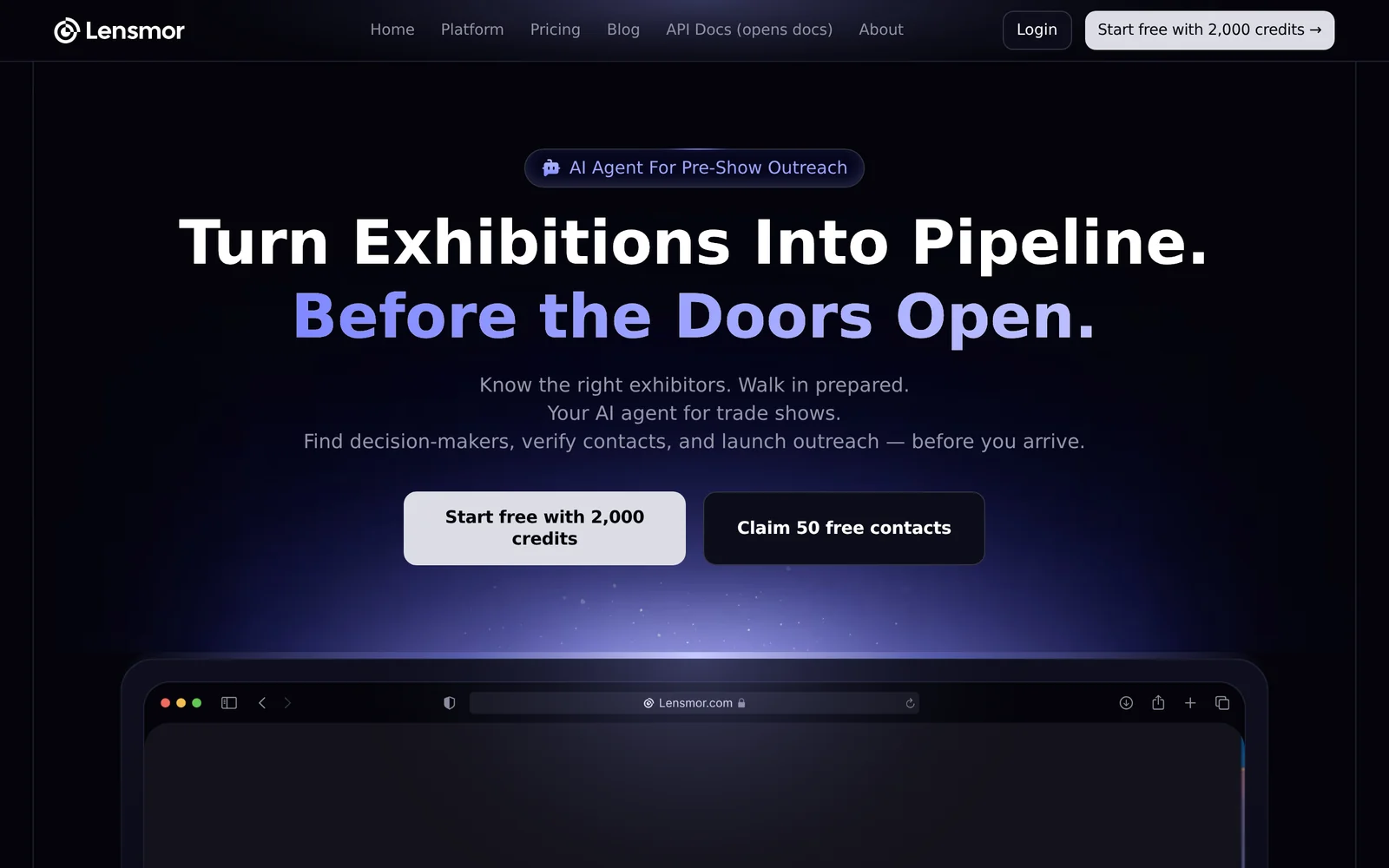
Lensmor is an AI-native event intelligence platform for B2B trade shows that helps teams discover relevant events, analyze exhibitors, and generate qualified leads before shows start. It decodes the "Who", "Where", and "Why" behind attendees by providing exhibitor profiles, verified contact emails, and real-time budget and intent signals to prioritize outreach. Lensmor offers developer-focused resources (API docs and open-source repos) plus a set of free tools and playbooks — from ROI calculators and ICP matchers to email and LinkedIn templates — to operationalize pre-show research and on-site conversion. Its value lies in combining structured exhibitor datasets, contact verification, and intent scoring to shorten prospecting cycles and improve trade-show ROI.
Screenshots
Key Features
Use Cases


Frequently asked questions about Lensmor
What is Lensmor?
Lensmor is an advanced event intelligence platform designed to enhance B2B marketing efforts. It profiles trade-show exhibitors and attendees, providing verified contacts and real-time intent signals, enabling teams to make informed decisions and maximize their engagement during events.
Key Points
- Comprehensive profiling of trade-show participants.
- Real-time intent signals to gauge interest and engagement.
- Verified contact information for effective B2B outreach.
Detailed Explanation
Lensmor operates as a sophisticated tool for businesses participating in trade shows and events, focusing on creating a strategic advantage for B2B teams. The platform collects and analyzes data from various events, profiling both exhibitors and attendees. This data includes information such as job titles, companies, and areas of interest, allowing teams to identify potential leads and tailor their marketing strategies effectively.
For example, Lensmor can help a tech company attending a trade show by identifying key decision-makers from relevant industries. The platform provides real-time intent signals, indicating when a contact is actively seeking information, which can guide follow-up strategies and timing.
Additionally, Lensmor offers integrations with popular CRM systems, making it easier for businesses to manage their leads and track engagement. This seamless integration streamlines the process of converting leads into customers, enhancing overall efficiency.
Best Practices / Tips
- Leverage Real-Time Data: Use Lensmor's real-time intent signals to prioritize follow-ups with contacts showing immediate interest.
- Segment Your Audience: Utilize the profiling features to segment attendees based on industry or job role for targeted marketing campaigns.
- Sync with CRM: Ensure your CRM is integrated with Lensmor to maintain updated records of interactions and leads.
Common pitfalls include neglecting to follow up promptly after identifying leads, which can result in lost opportunities. Always ensure your outreach aligns with the interests indicated by the intent signals.
Additional Resources
How does Lensmor work?
Lensmor operates by utilizing advanced artificial intelligence algorithms to streamline daily workflows, enabling users to automate repetitive tasks, enhance productivity, and optimize decision-making processes. By integrating various AI functionalities, Lensmor simplifies complex tasks, making technology accessible for everyday use.
Key Points
- AI-Powered Automation: Automates repetitive processes to save time.
- User-Friendly Interface: Designed for ease of use, requiring minimal technical knowledge.
- Integration Capabilities: Works seamlessly with existing tools and platforms.
Detailed Explanation
Lensmor harnesses the power of AI to transform how users manage their daily tasks. It employs machine learning algorithms to analyze workflow inefficiencies and suggest automation opportunities. For instance, if a user frequently processes data from multiple sources, Lensmor can automate data extraction and aggregation, significantly reducing manual effort.
Example Use Cases
- Data Management: Lensmor can automatically pull data from various databases, organize it, and present it in an easily digestible format.
- Email Automation: The tool can help draft and send routine emails based on user preferences, allowing teams to focus on more strategic activities.
- Project Management: Lensmor integrates with project management software to track progress, set reminders, and allocate resources efficiently.
By providing a centralized platform for these activities, Lensmor enhances productivity and ensures users can focus on higher-value tasks.
Best Practices / Tips
- Start Small: Implement Lensmor for simple tasks first, gradually scaling up automation as you become more familiar with its capabilities.
- Regular Updates: Keep the software updated to leverage new features and improvements continuously.
- Gather Feedback: Involve team members in the automation process to identify additional opportunities and refine workflows.
Common Pitfalls to Avoid
- Over-Automation: Not every task should be automated; assess which processes genuinely benefit from AI intervention.
- Neglecting Training: Ensure that all users are trained to maximize Lensmor's potential and utilize its features effectively.
Additional Resources
What are the main features of Lensmor?
Lensmor offers advanced AI capabilities, including intelligent image recognition, automated tagging, and seamless integration with various platforms. These features enable users to enhance their visual content management efficiently, optimize workflows, and improve user engagement through personalized experiences.
Key Points
- Intelligent Image Recognition: Automatically identifies and categorizes images.
- Automated Tagging: Saves time by generating relevant tags for content.
- Seamless Integration: Works with multiple platforms for enhanced usability.
Detailed Explanation
Lensmor leverages cutting-edge artificial intelligence to enhance the management of digital assets. The intelligent image recognition feature is designed to analyze and categorize images based on their content. For example, if you upload a photo of a beach, Lensmor can automatically identify it and categorize it appropriately, making it easier to find and use later.
The automated tagging functionality is another standout feature. Lensmor generates tags based on image content, saving users valuable time that would otherwise be spent on manual tagging. This feature is particularly beneficial for e-commerce businesses that need to manage large inventories of images efficiently, ensuring that products are easily searchable.
Furthermore, Lensmor offers seamless integration with popular platforms like WordPress, Shopify, and various social media sites. This feature allows users to manage their visual content without the need to switch between different applications, streamlining their workflow and improving productivity.
Best Practices / Tips
- Optimize Image Quality: Ensure that the images you upload are of high quality for better recognition accuracy.
- Utilize Automated Tagging Wisely: Regularly review the tags generated by Lensmor to ensure they align with your content strategy.
- Leverage Integration Features: Take full advantage of Lensmor's integrations to create a unified content management system.
Additional Resources
Who is Lensmor for?
Lensmor is designed for individuals and businesses seeking to enhance daily AI workflows, including marketers, content creators, data analysts, and tech enthusiasts. Its user-friendly interface and versatile features make it suitable for anyone looking to streamline tasks through artificial intelligence.
Key Points
- Target Audience: Ideal for marketers, content creators, and data analysts.
- Versatile Applications: Useful for automating tasks, generating insights, and improving productivity.
- User-Friendly: Accessible for both beginners and experienced users in AI.
Detailed Explanation
Lensmor caters to a diverse audience by providing tools that simplify daily tasks through artificial intelligence.
Who Can Benefit from Lensmor?
-
Marketers: Lensmor helps in creating targeted ad campaigns and analyzing consumer behavior. For example, marketers can automate social media postings and generate engaging content using AI, saving time and resources.
-
Content Creators: Writers and bloggers can utilize Lensmor to brainstorm topics, enhance SEO strategies, and generate outlines for their articles. This results in higher-quality content produced in less time.
-
Data Analysts: Lensmor assists data professionals by automating data collection and analysis, allowing for more accurate reporting and insights. It can analyze large datasets quickly, identifying trends and patterns that would take much longer to extract manually.
Use Cases:
- Automating email marketing campaigns, leading to improved open rates and engagement.
- Generating SEO-optimized blog content in minutes instead of hours.
- Creating engaging social media posts that resonate with target audiences.
Best Practices / Tips
- Start Small: If you’re new to AI, begin with a few simple tasks. Gradually integrate more complex workflows as you become comfortable.
- Explore Features: Take advantage of Lensmor’s tutorials and user guides to fully utilize its capabilities.
- Monitor Results: Regularly analyze the outcomes of tasks performed using Lensmor to identify areas for improvement and optimization.
Additional Resources
How much does Lensmor cost?
Lensmor offers a free tier that includes basic features, while paid plans start at $10 per month for advanced functionalities. Pricing varies based on the level of features and user requirements, making it accessible for both casual users and businesses seeking comprehensive solutions.
Key Points
- Free Tier Available: Users can access essential features at no cost.
- Paid Plans: Starting at $10 per month for enhanced capabilities.
- Customization Options: Pricing scales with additional features and user needs.
Detailed Explanation
Lensmor provides a flexible pricing model designed to cater to a wide range of users, from individuals to large enterprises. The free tier allows users to get started without financial commitment, making it ideal for those testing the platform or using it for personal projects.
For users looking for more advanced features, Lensmor's paid plans begin at $10 per month. These plans typically include functionalities such as enhanced analytics, priority support, and additional storage options. For example, a small business might opt for a plan that costs $25 per month, which could include advanced reporting tools and team collaboration features.
Lensmor also offers customization options for larger organizations, where pricing is tailored based on specific needs and features. This ensures that businesses can invest in the tools that will yield the best return on investment.
Best Practices / Tips
- Start with the Free Tier: Test the free version to understand your needs before committing to a paid plan.
- Assess Your Needs: Evaluate which features are essential for your use case; this will help you choose the most cost-effective plan.
- Monitor Usage: Keep track of how often you utilize the features to determine if you need to upgrade or adjust your plan accordingly.
Additional Resources
- Lensmor Pricing Page
- User Guide for Lensmor Features
- Lensmor Community Forum for user discussions and support.
How do I get started with Lensmor?
To get started with Lensmor, visit Lensmor's official website and sign up for an account. Once registered, you can explore the platform's features, including AI-driven insights and customizable tools tailored for your needs.
Key Points
- Sign Up Process: Easy registration for new users.
- Feature Exploration: Access to diverse tools and insights.
- User Support: Comprehensive resources available to assist you.
Detailed Explanation
Step 1: Create an Account
Begin by navigating to Lensmor's website. Click on the “Sign Up” button, where you will be prompted to enter your email address and create a password. Ensure to use a strong password for security.
Step 2: Explore Features
After signing up, take a tour of Lensmor's features. The platform offers several AI-driven tools designed for various applications, such as content creation, data analysis, and market research. Familiarize yourself with the dashboard and explore available modules.
Step 3: Utilize Resources
Lensmor provides extensive resources, including tutorial videos and user guides. Check the help section for FAQs and community forums to connect with other users. Engaging with these resources can enhance your understanding and usage of the platform.
Use Cases
- Content Creators: Utilize Lensmor’s AI features to enhance writing efficiency and creativity.
- Marketers: Leverage market insights to optimize campaigns.
- Businesses: Analyze data trends for informed decision-making.
Best Practices / Tips
- Keep Learning: Regularly check for updates on new features and improvements.
- Engage with Support: If you encounter issues, reach out to Lensmor’s support team for assistance.
- Utilize Tutorials: Take advantage of available tutorials to maximize your understanding of the platform.
Additional Resources
- Lensmor Help Center
- Lensmor Community Forum
- Lensmor Blog for the latest tips and updates on using the platform effectively.
Explore more AI Ai Services tools
Browse all Ai Services tools →Compare Lensmor: vs Velane · vs OpenComputer · vs Fluree AI · vs Freesolo Flash