

QuillBot
AIParaphrasing and writing assistant that rewrites, summarizes, checks grammar, and adjusts tone to improve clarity and originality.
QuillBot
Paraphrasing and writing assistant that rewrites, summarizes, checks grammar, and adjusts tone to improve clarity and originality.
About QuillBot
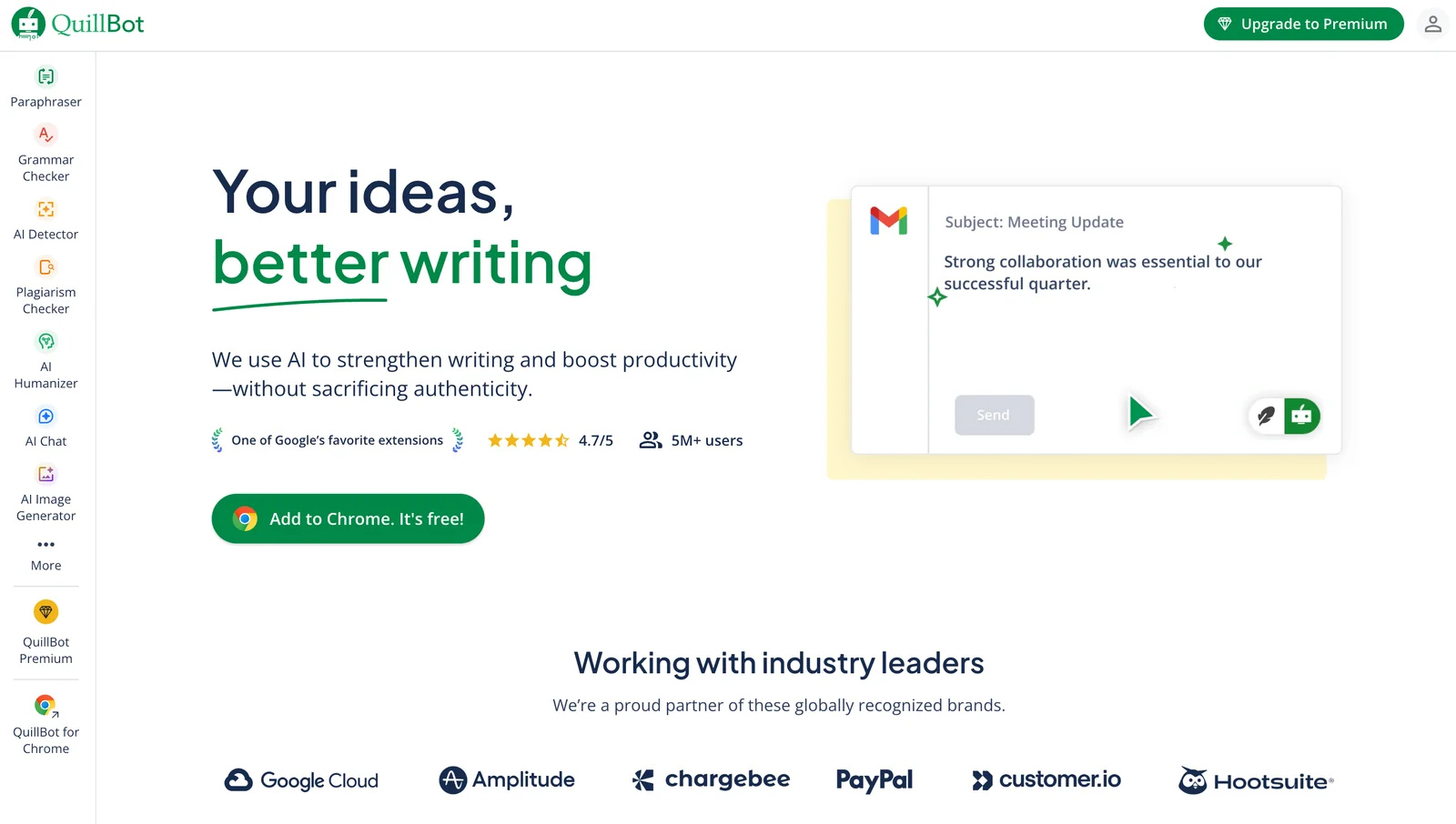
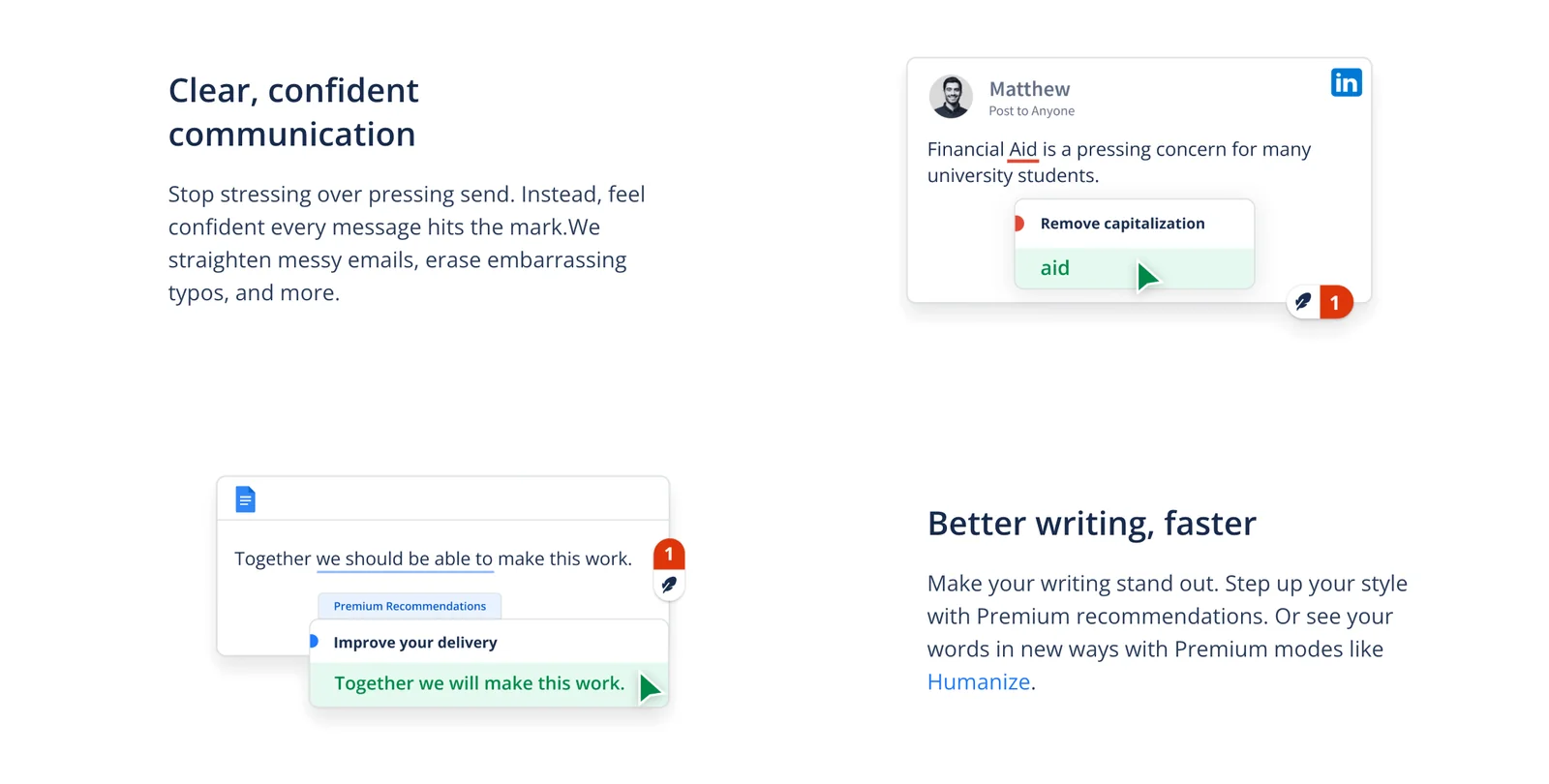
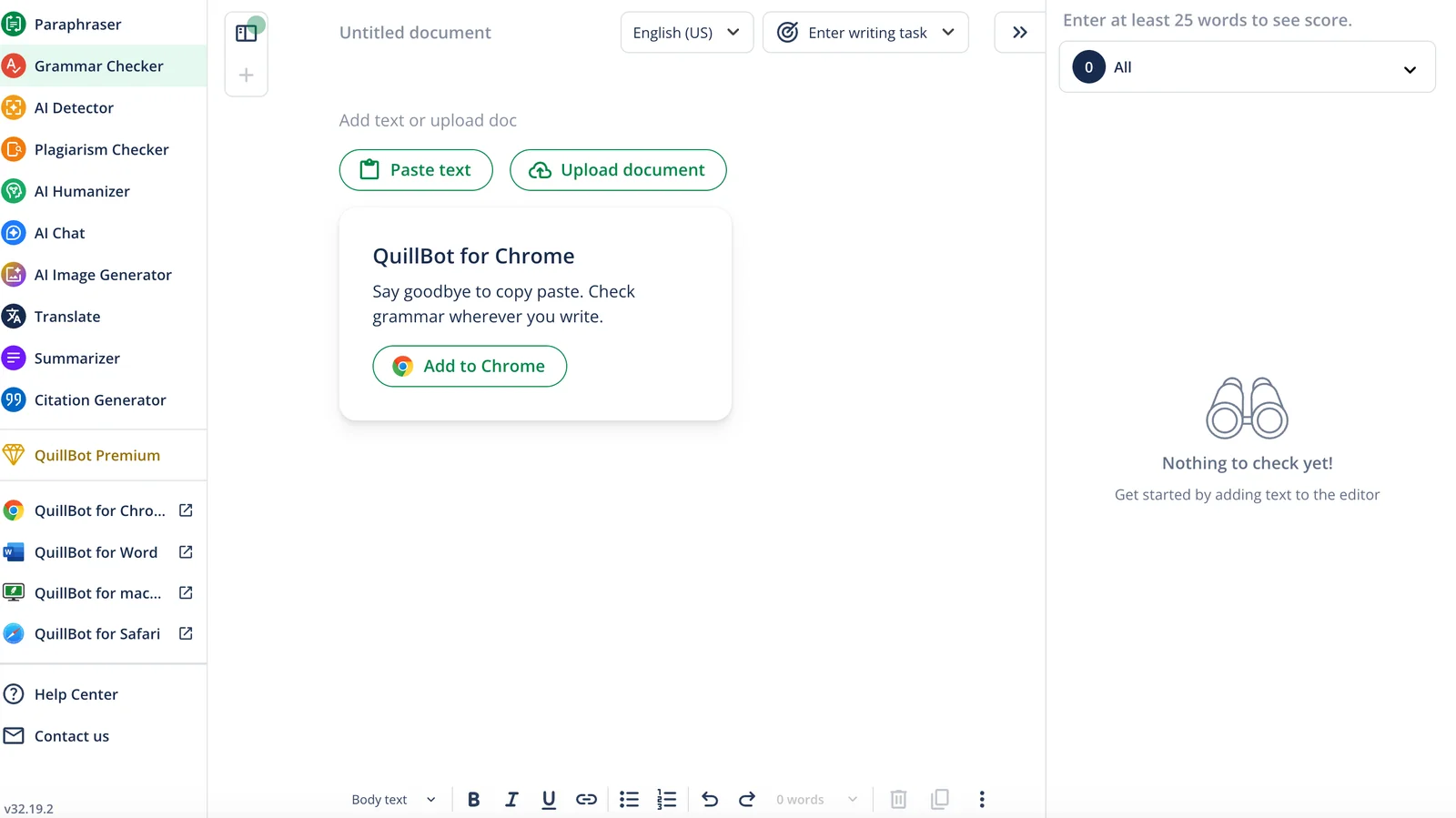
QuillBot is a web-based writing assistant focused on paraphrasing, rewriting, summarization, grammar correction, and tone adjustment. It uses advanced language algorithms to rephrase sentences while preserving meaning, offers multiple writing modes and synonyms levels to control rewriting intensity, and provides an integrated summarizer and grammar checker to refine content. QuillBot also includes translation capabilities across multiple languages and features such as freeze words, synonyms control, and different paraphrase styles to help users maintain key terms while refreshing phrasing. The tool is aimed at students, professionals, and content creators who need faster editing, plagiarism avoidance, and clearer, more readable text.
Screenshots
Key Features
Use Cases



Frequently asked questions about QuillBot
What are the pricing options for QuillBot?
QuillBot offers a freemium pricing model with three options: a Free plan at $0/month, a Premium plan starting at $19.95/month, and team plans beginning at $7.50 per user/month. The Premium plans provide advanced features, enhanced usage limits, and improved functionality for users seeking more from the tool.
Key Points
- Free Plan: No cost, basic features.
- Premium Plan: Starts at $19.95/month, includes advanced features.
- Team Plans: From $7.50 per user/month, ideal for collaborative environments.
Detailed Explanation
QuillBot's pricing structure is designed to cater to a variety of users, from students to professionals.
-
Free Plan: This plan is completely free and allows users to access basic paraphrasing tools. It’s perfect for casual users who want to try out QuillBot's capabilities without any financial commitment. However, it has limitations in terms of word count and features.
-
Premium Plan: For $19.95/month, users can unlock a range of advanced features that enhance the writing experience. These include:
- Unlimited Modes: Access to all seven paraphrasing modes.
- Increased Character Limit: A significantly higher character limit per input.
- Plagiarism Checker: Integrated tools to ensure originality in writing.
- Faster Processing: QuillBot Premium users experience quicker paraphrasing and summarizing.
-
Team Plans: Starting at $7.50 per user/month, these plans are designed for businesses and educational institutions. They include all the Premium features while allowing multiple users to collaborate effectively. This plan is beneficial for teams that regularly produce content and require consistent access to premium tools.
Best Practices / Tips
- Evaluate Your Needs: Before selecting a plan, assess your writing needs. If you require frequent paraphrasing, the Premium plan is likely worth the investment.
- Utilize Free Trials: QuillBot often offers trials for Premium features. Take advantage of these to determine if the upgrade is right for you.
- Group Plans: If you're part of a team, consider the Team Plan to save costs while providing everyone with the necessary tools for productivity.
Additional Resources
This structured approach ensures you choose the right QuillBot plan while maximizing your writing efficiency and collaboration potential.
How do I use QuillBot for paraphrasing?
To use QuillBot for paraphrasing, enter your text into the input box on the QuillBot website, choose a writing mode, and click 'Paraphrase.' The tool generates alternative phrasing, enhancing clarity and originality while maintaining the original meaning of your content.
Key Points
- Input Text: Enter your desired text into QuillBot's input field.
- Select Writing Mode: Choose from various modes like Standard, Fluency, or Creative.
- Paraphrase Output: Click 'Paraphrase' to receive rephrased suggestions.
Detailed Explanation
QuillBot is a powerful AI-driven paraphrasing tool that helps users rewrite text efficiently. Here's how to make the most of it:
- Access QuillBot: Visit QuillBot's official website.
- Input Text: Copy and paste your text into the input box. Ensure that the text is clear and coherent for the best results.
- Choose a Writing Mode: QuillBot offers several modes:
- Standard: Provides balanced paraphrasing.
- Fluency: Focuses on grammatical correctness and flow.
- Creative: Encourages more innovative rephrasing with unique vocabulary.
- Click 'Paraphrase': After selecting a mode, click the button to generate paraphrased text. QuillBot will present multiple suggestions, allowing you to choose the best fit.
- Review Output: Read through the generated text and ensure it maintains the original intent while improving clarity and originality.
Use Cases
- Academic Writing: Rephrase sentences to avoid plagiarism and improve readability in essays and research papers.
- Content Creation: Bloggers and marketers can use QuillBot to generate fresh content ideas and optimize existing articles.
- Business Communication: Enhance emails and reports by rephrasing for clarity and professionalism.
Best Practices / Tips
- Use Short Texts: For optimal results, input shorter paragraphs or sentences to maintain coherence in paraphrasing.
- Review the Output: Always check the paraphrased text for accuracy and context to ensure it aligns with your original message.
- Experiment with Modes: Try different writing modes to see which one best suits your style and purpose.
- Limit Overuse: While QuillBot is a helpful tool, relying solely on it may dilute your unique voice. Use it as an aid, not a crutch.
Additional Resources
- QuillBot Help Center: For in-depth FAQs and tutorials.
- QuillBot Blog: Tips on writing, SEO, and using QuillBot effectively.
- QuillBot Chrome Extension: Enhance your writing experience directly in your browser.
What features does QuillBot offer?
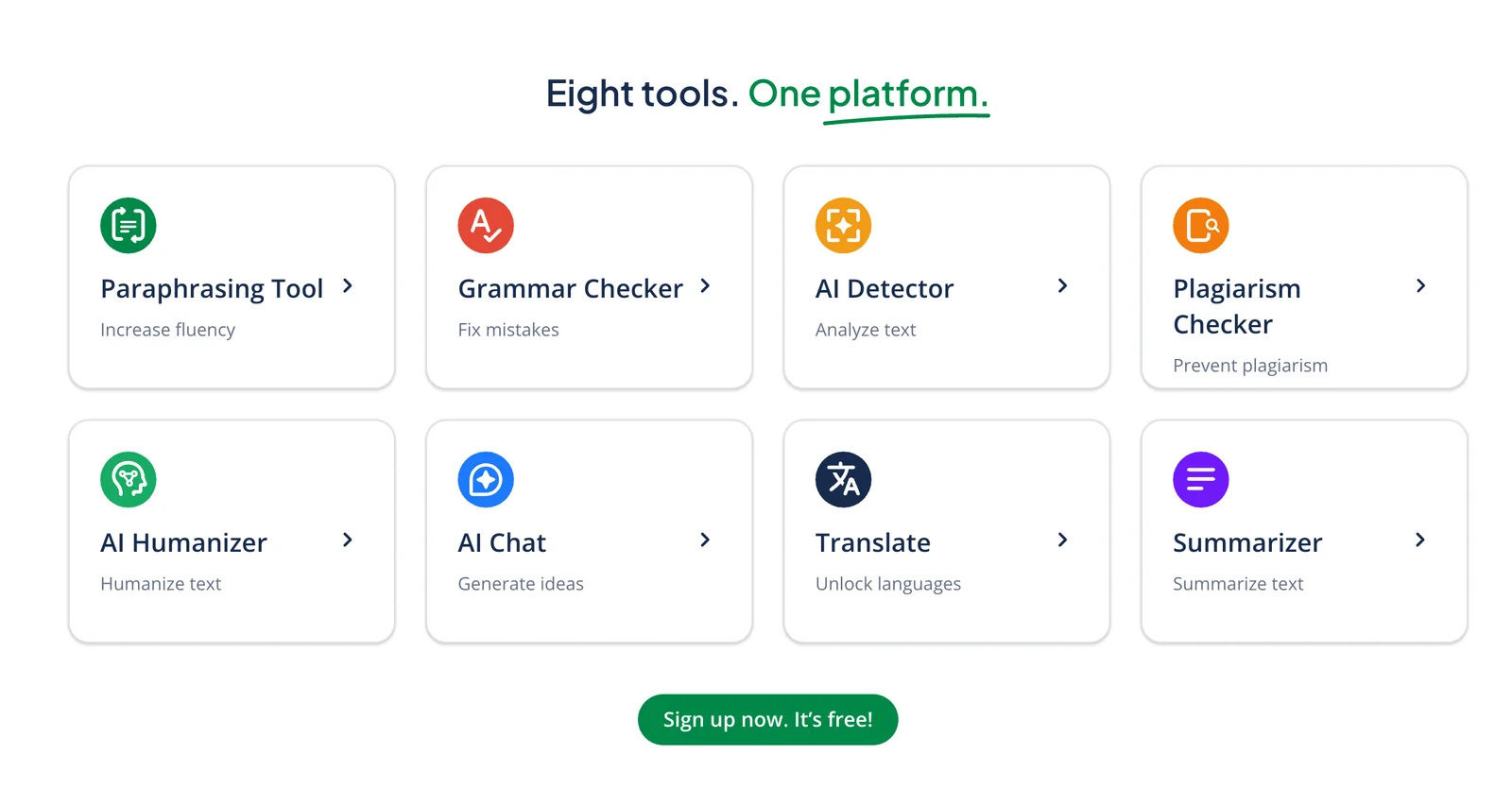
QuillBot offers a suite of features including advanced paraphrasing, various writing modes, grammar checks, tone adjustments, a summarizer, and plagiarism detection for Premium users. It also supports translation across multiple languages, making it a versatile tool for writers and students alike.
Key Points
- Advanced Paraphrasing: Rewrite content effectively.
- Multiple Writing Modes: Tailor your writing style.
- Grammar and Plagiarism Checks: Ensure quality and originality.
Detailed Explanation
QuillBot is an AI-powered writing assistant designed to enhance your writing experience.
-
Advanced Paraphrasing: QuillBot’s paraphrasing tool allows users to rewrite sentences and paragraphs while retaining the original meaning. This feature is particularly beneficial for students, content creators, and professionals seeking to avoid plagiarism or improve clarity.
-
Multiple Writing Modes: QuillBot offers different writing modes, including Standard, Fluency, and Creative modes. Each mode caters to specific writing needs—Standard focuses on general paraphrasing, Fluency improves readability, and Creative encourages more unique expressions.
-
Grammar Checks: QuillBot includes a grammar checker that identifies and corrects grammatical errors in real-time. This feature helps users polish their writing, ensuring professional quality.
-
Tone Adjustments: Users can adjust the tone of their text to match the intended audience, whether formal, casual, or persuasive. This flexibility is crucial for effective communication.
-
Summarizer: QuillBot’s summarizer condenses long articles or papers into concise summaries, saving users time while retaining essential information. It’s useful for students and researchers who need quick overviews.
-
Plagiarism Detection: Available for Premium users, this feature scans your writing against a vast database to ensure originality. It’s an essential tool for academic integrity and professional writing.
-
Translation: QuillBot supports translation in multiple languages, making it a valuable resource for non-native English speakers or anyone working in multilingual environments.
Best Practices / Tips
- Utilize Different Modes: Experiment with various writing modes to discover which best suits your style and needs.
- Regular Grammar Checks: Always run your text through the grammar checker before finalizing your work to catch overlooked mistakes.
- Leverage Summarization: Use the summarizer to quickly condense research materials before diving into detailed reading.
- Stay Updated: Check for updates and new features regularly, as QuillBot continuously enhances its capabilities.
Additional Resources
Does QuillBot have an API for integration?
QuillBot does not currently offer an official public API for integration. However, users can still incorporate QuillBot into their workflows through community-developed solutions, such as Puppeteer, which automates interactions with the QuillBot interface for projects lacking direct API access.
Key Points
- QuillBot lacks an official public API.
- Community-built solutions like Puppeteer enable integration.
- Automation tools can enhance productivity without API access.
Detailed Explanation
QuillBot is a powerful paraphrasing and writing tool primarily used for improving writing quality and enhancing productivity. While it does not provide an official API, users can still harness its capabilities through creative workarounds. One popular method is utilizing Puppeteer, a Node library that allows developers to control headless Chrome browsers for automation.
Example Use Case:
-
Setting Up Puppeteer: First, you need to install Puppeteer through npm:
npm install puppeteer -
Automating QuillBot: You can create a script to open QuillBot, input text, and retrieve the output. This can be done by navigating to the QuillBot site, filling in the input text area, and then capturing the paraphrased text from the results section.
-
Integration into Workflows: For instance, if you have a content creation tool, you can automate the process of sending text to QuillBot for paraphrasing, then pulling the output back into your application. This significantly enhances efficiency, especially for large-scale content generation.
Best Practices / Tips
- Test Your Automation: Ensure your Puppeteer scripts are robust and can handle different scenarios, such as slow loading times or unexpected changes to the QuillBot interface.
- Stay Updated: Since QuillBot may change its interface or functionality, regularly check for any updates that could affect your automation scripts.
- Respect Usage Policies: Be mindful of QuillBot's terms of use to avoid any potential violations, especially when automating requests.
Additional Resources
- Puppeteer Documentation
- QuillBot Official Website
- Community Forums and GitHub Repositories for shared automation scripts and solutions.
How does QuillBot compare to other paraphrasing tools?
QuillBot excels among paraphrasing tools due to its sophisticated features, including multiple writing modes and integrated plagiarism detection. While simpler alternatives exist, QuillBot’s comprehensive suite is tailored for both casual writers and academic researchers, making it a preferred choice for effective content rewriting.
Key Points
- Advanced Paraphrasing Capabilities: QuillBot offers nuanced rewriting that preserves original meanings.
- Multiple Writing Modes: Users can select from various modes, including Standard, Fluency, and Creative.
- Plagiarism Detection: Integrated tools help ensure content originality, which is crucial for academic and professional writing.
Detailed Explanation
QuillBot stands out because of its advanced algorithms that provide high-quality paraphrasing. Users can choose from different writing modes, such as:
- Standard Mode: This mode rewrites sentences while maintaining their original context and tone, making it ideal for general writing tasks.
- Fluency Mode: This focuses on grammatical correctness and readability, which is perfect for non-native speakers.
- Creative Mode: This allows for more flexibility, encouraging users to experiment with different styles and tones.
Additionally, QuillBot includes a plagiarism detection feature that scans your text against billions of sources, ensuring your content is unique. This is particularly beneficial for students and professionals who require original material for essays, reports, or articles.
Use Cases
- Academic Writing: Students can use QuillBot to rephrase essays while avoiding plagiarism.
- Content Creation: Bloggers and marketers can generate fresh content ideas and variations.
- Language Learning: Non-native speakers can enhance their writing skills by comparing QuillBot suggestions with their original text.
Best Practices / Tips
- Utilize All Modes: Experiment with different modes to find the best fit for your writing style and objectives.
- Review Suggestions: Always double-check QuillBot’s output to ensure it aligns with your intended message.
- Leverage Plagiarism Check: Use the plagiarism detection tool to verify the originality of your work before submission or publishing.
Additional Resources
Explore more AI Ai Agents tools
Browse all Ai Agents tools →Compare QuillBot: vs Hacktron · vs Ninjō AI · vs Phoenix.vu · vs Dropstone