
Thordata
AIHigh-quality residential and datacenter proxy service for web data scraping with large IP pools and user-friendly management tools.
Thordata
High-quality residential and datacenter proxy service for web data scraping with large IP pools and user-friendly management tools.
About Thordata
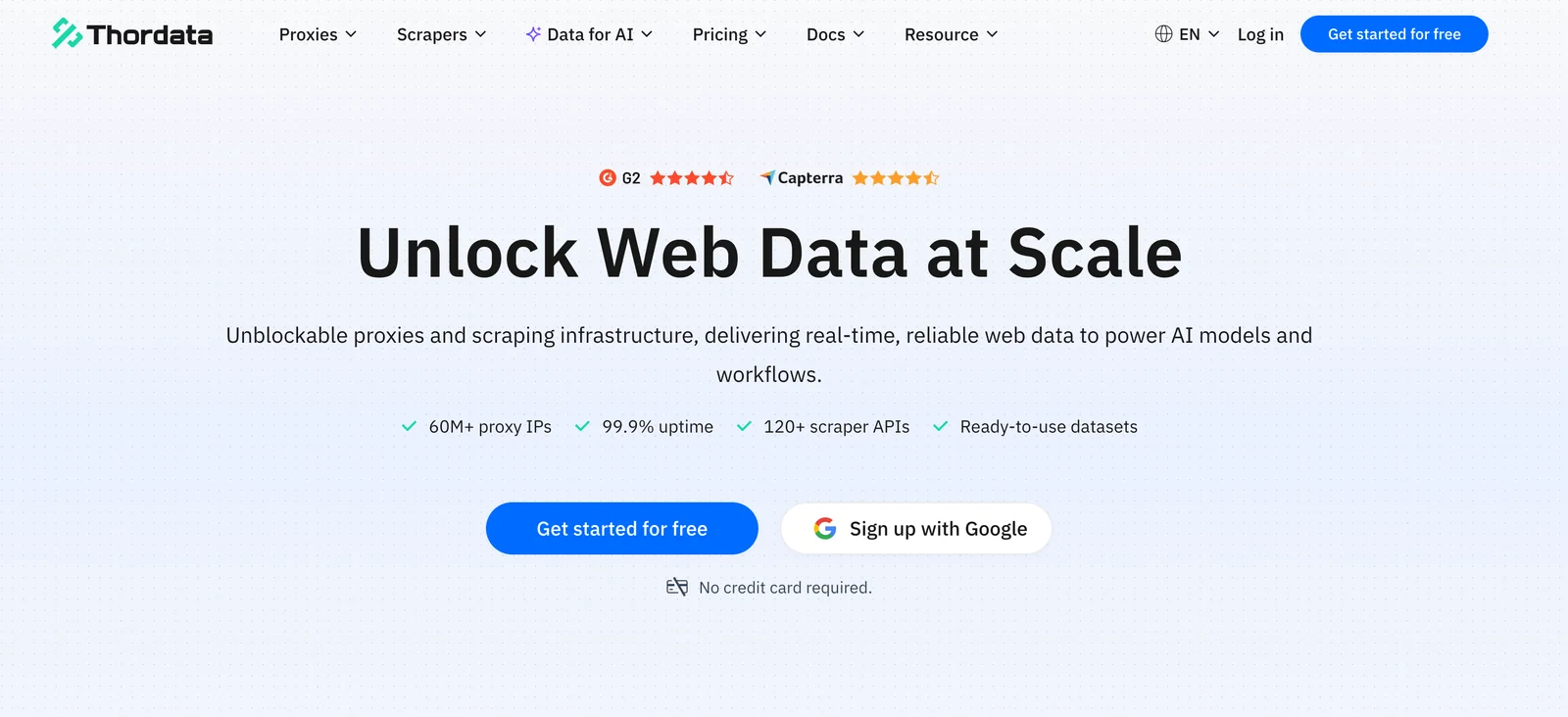
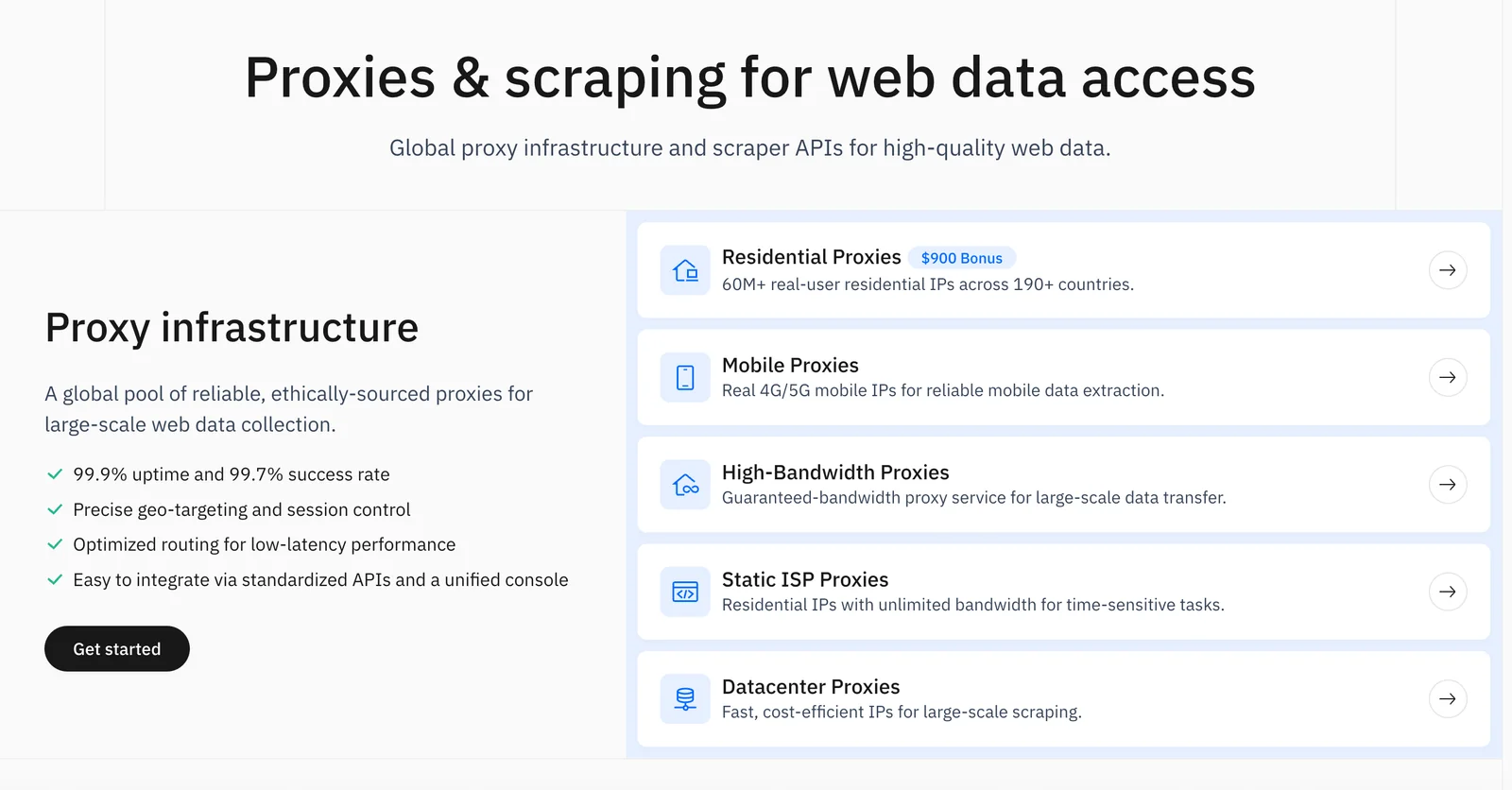
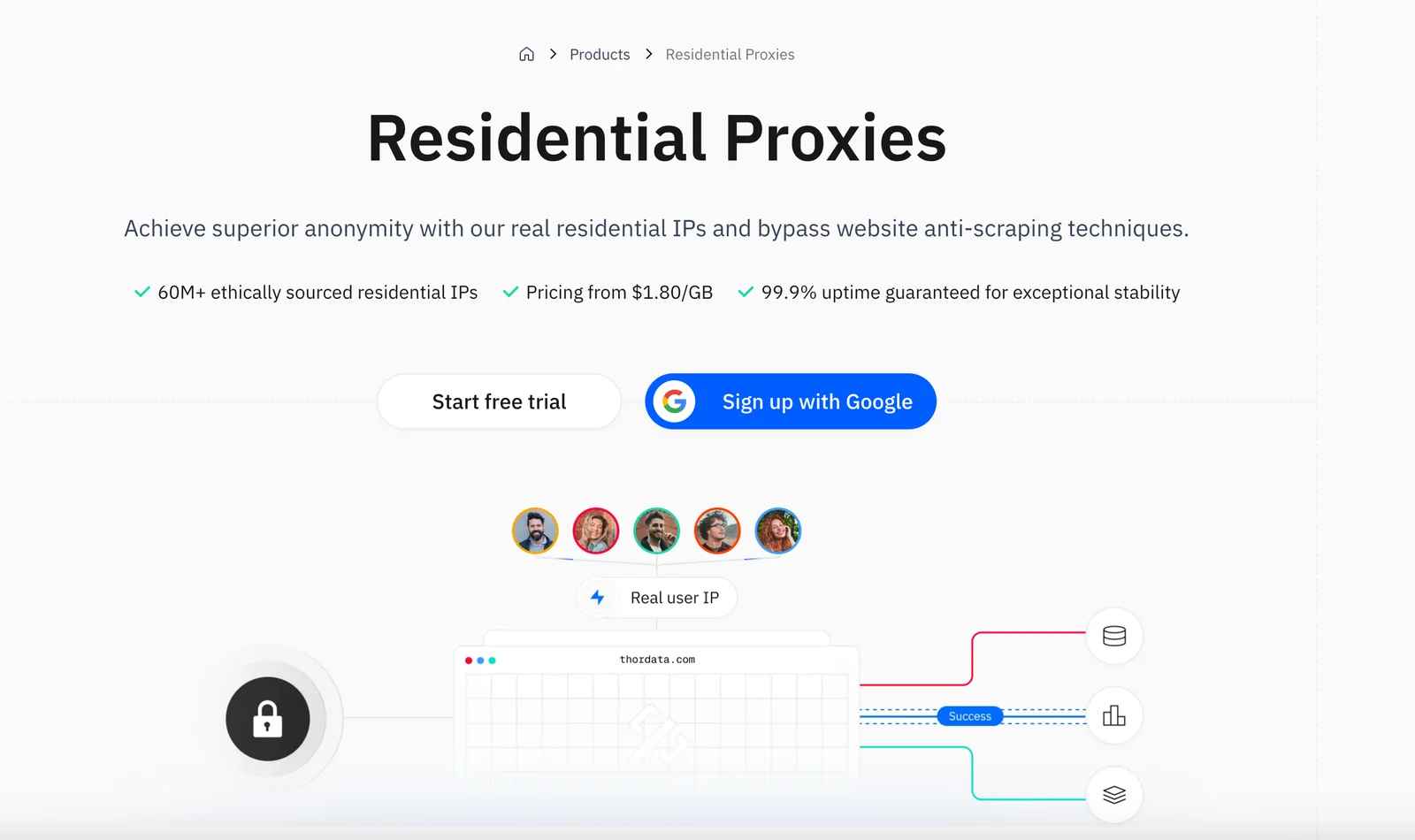
Thordata provides precision proxy solutions designed to enable reliable web data scraping and automated browsing at scale. The service offers large global proxy pools and a zero-code management dashboard that simplifies provisioning, profile management, and switching between proxy endpoints. Thordata also supplies a Chrome proxy extension for creating unlimited browser profiles and rapid profile switching, alongside competitive subscription plans and customer-focused pricing. Customers cite stable, fast connections and an easy-to-use dashboard, making Thordata suitable for large-scale scraping, monitoring, and automation workflows.
Screenshots
Key Features
Use Cases



Frequently asked questions about Thordata
What is the pricing structure for Thordata's residential proxy services?
Thordata's residential proxy services start at $0.65 per GB with flexible pay-as-you-go billing options. New users can also take advantage of a free trial to evaluate the service before committing to a plan, making it an accessible choice for various needs.
Key Points
- Starting Price: Plans begin at $0.65 per GB.
- Billing Flexibility: Flexible pay-as-you-go options available.
- Free Trial: A free trial is offered for new users.
Detailed Explanation
Thordata provides a competitive pricing structure for its residential proxy services, making it an attractive option for businesses and individuals needing reliable internet access through proxies. The starting rate of $0.65 per GB allows users to scale their usage based on their specific needs, whether for web scraping, social media management, or bypassing geo-restrictions.
For users who are uncertain about committing to a paid plan, Thordata offers a free trial. This trial enables potential customers to test the service's capabilities, assess performance, and determine if it meets their requirements without incurring any costs.
The pay-as-you-go billing model ensures that customers only pay for what they use, which can lead to significant savings, especially for those with fluctuating usage patterns. Users can easily monitor their data consumption and adjust their plans accordingly.
Best Practices / Tips
- Evaluate Usage Needs: Before selecting a plan, estimate your data needs to choose the most cost-effective option.
- Utilize the Free Trial: Take full advantage of the free trial to understand the service’s features and reliability.
- Monitor Consumption: Regularly check your data usage to avoid unexpected charges and optimize your spending efficiently.
Additional Resources
- Thordata Pricing Page - For the latest pricing details and plan comparisons.
- Thordata Documentation - Comprehensive guides and FAQs about using Thordata’s services.
- Blog on Proxy Use Cases - Insights and tips on how to effectively utilize residential proxies.
What key features does Thordata provide for effective web scraping?
Thordata provides essential features for effective web scraping, including a vast global IP pool, a user-friendly zero-code management dashboard, and a convenient Chrome extension for profile management. These tools facilitate stable connections and efficient session management, making scraping tasks seamless and effective.
Key Points
- Global IP Pool: Access to a diverse range of IP addresses.
- Zero-Code Management Dashboard: Simplifies the scraping process for users without coding skills.
- Chrome Extension: Enhances profile management and usability.
Detailed Explanation
Thordata’s global IP pool consists of thousands of residential and data center IPs across multiple countries. This geographical diversity helps avoid IP bans and ensures that scraping tasks can be performed reliably, no matter the target website’s restrictions.
The zero-code management dashboard is designed for users of all technical backgrounds. It offers a straightforward interface where users can set up scraping tasks without needing any programming knowledge. This feature is particularly beneficial for businesses and individuals who want to extract data efficiently without investing time in learning coding languages or complex frameworks.
The Chrome extension further enhances user experience by allowing easy profile management directly from the browser. Users can switch between profiles, manage scraping sessions, and monitor performance in real-time, making the process more intuitive and efficient.
For example, a digital marketing agency can utilize Thordata’s tools to scrape competitor pricing data regularly. By leveraging the global IP pool, they can gather data without getting blocked, while the user-friendly dashboard allows team members to configure scraping tasks with minimal training.
Best Practices / Tips
- Rotate IPs Frequently: To avoid detection and bans, regularly switch IPs during scraping sessions.
- Schedule Scraping Tasks: Use the dashboard to set timed scraping tasks during off-peak hours when websites are less likely to be monitored.
- Test Scraping Configurations: Before deploying a large-scale scrape, run smaller test configurations to ensure data accuracy and connection stability.
Additional Resources
How can I get started with Thordata's proxy services?
To get started with Thordata's proxy services, visit their website to sign up, select a suitable pricing plan, and install the free Chrome extension for proxy management. A free trial is also available, allowing you to explore features before committing to a subscription.
Key Points
- Sign Up: Create an account on Thordata's website.
- Choose a Plan: Select a pricing plan that fits your needs.
- Install Chrome Extension: Download the free extension for easy management.
Detailed Explanation
-
Sign Up: Begin by navigating to Thordata's official website. Click on the "Sign Up" button, where you’ll be prompted to enter your email address and create a secure password. Ensure that you use a valid email, as you will receive a confirmation link to activate your account.
-
Choose a Pricing Plan: Thordata offers various pricing tiers tailored to different user needs, including individual, business, and enterprise plans. Review the features of each plan to decide which one aligns with your proxy requirements. For instance, if you only need basic proxy services, the entry-level plan suffices. Businesses requiring advanced features may opt for higher-tier subscriptions.
-
Install Chrome Extension: After selecting your plan, download the free Thordata Chrome extension. This tool simplifies proxy management, allowing you to switch between proxies seamlessly while browsing. To install, go to the Chrome Web Store, search for Thordata, and click “Add to Chrome.” Follow the prompts to complete the installation.
-
Explore the Free Trial: Thordata offers a free trial, enabling you to test their services risk-free. Take advantage of this period to familiarize yourself with the interface, proxy switching, and other functionalities before making a financial commitment.
Best Practices / Tips
- Test Different Plans: Utilize the free trial to compare different plans and find the best fit for your needs.
- Familiarize with Features: Spend time exploring all features offered by Thordata, such as rotating IPs and geolocation options, to maximize your experience.
- Stay Updated: Regularly check for updates on Thordata’s website, as they may introduce new features or enhancements that could benefit your proxy usage.
Additional Resources
Can Thordata integrate with other data collection tools?
Yes, Thordata can seamlessly integrate with various data collection tools using its robust API. This capability allows users to enhance their data scraping processes and streamline management operations, making it a versatile choice for businesses seeking efficient data solutions.
Key Points
- Versatile API Integration: Thordata supports multiple data collection platforms.
- Enhanced Data Management: Facilitates smooth scraping and processing of diverse datasets.
- User-Friendly Setup: Easy to configure for both technical and non-technical users.
Detailed Explanation
Thordata's API is designed for flexibility, allowing you to connect with popular data collection tools like Google Sheets, Zapier, and various CRM systems. This integration enables businesses to automate data flow, reducing manual entry and minimizing errors.
For instance, if your organization uses Google Forms for data collection, you can integrate Thordata to automatically pull responses into your database. This saves time and ensures that your data is always up-to-date.
Example Use Cases:
- Market Research: Integrate Thordata with survey tools to analyze customer feedback in real-time.
- Sales Automation: Connect with CRM platforms to automate lead tracking and data updates.
- E-commerce Analytics: Use Thordata alongside e-commerce platforms to gather and analyze sales data.
Best Practices / Tips
- Start Simple: Begin with basic integrations and gradually add functionalities as needed.
- Documentation Review: Familiarize yourself with Thordata's API documentation to understand its capabilities fully.
- Monitor Performance: Regularly check the performance of your integrations to ensure they are functioning correctly and efficiently.
Additional Resources
How does Thordata compare to other proxy services in the market?
Thordata excels in the proxy services market by offering a vast residential IP pool, competitive pricing, and intuitive management tools. These features make it particularly suitable for large-scale web scraping, positioning it as a superior choice compared to many other alternatives available today.
Key Points
- Extensive Residential IP Pool: Thordata provides access to millions of residential IP addresses, ensuring anonymity and reliability.
- Competitive Pricing: Users benefit from flexible pricing plans that cater to different needs, making it cost-effective for businesses.
- User-Friendly Management Tools: The platform offers intuitive dashboards and APIs, simplifying the proxy management process.
Detailed Explanation
Thordata's extensive residential IP pool is one of its most significant advantages. With over 10 million IP addresses across various geographic locations, users can easily perform web scraping without getting blocked or flagged. This vast assortment allows for greater flexibility in targeting specific regions or demographics, which is crucial for businesses seeking accurate data collection.
In terms of pricing, Thordata offers competitive packages starting as low as $0.50 per GB with options for pay-as-you-go plans or monthly subscriptions. This flexibility is beneficial for both small startups and large enterprises, allowing them to scale their usage according to their data needs.
The user-friendly management tools provided by Thordata enhance the overall experience. The platform features a robust dashboard that enables users to monitor their usage, track performance statistics, and manage their IP pools effectively. Additionally, the API integration allows for seamless automation, making it easier to implement scraping tasks without extensive coding knowledge.
Best Practices / Tips
- Select the Right Plan: Analyze your data needs and choose a pricing plan that aligns with your expected usage to maximize cost efficiency.
- Utilize Geolocation Targeting: Take advantage of Thordata’s global IP pool to target specific regions, ensuring more relevant data collection.
- Monitor Usage Regularly: Use the management tools to track your data consumption and adjust your strategies accordingly to avoid unexpected charges.
Additional Resources
Explore more AI Ai Tools tools
Browse all Ai Tools tools →Browse by use case: Automation & Productivity
Compare Thordata: vs Helicon · vs PostNitro · vs CLI Manager · vs diagram-design